Pershing County Transfer on Death Revocation Form
Last validated September 22, 2026 by our Forms Development TeamFormatted for recording in Pershing County, for property anywhere in the county or independent city: rural and unincorporated areas as well as Imlay, Lovelock.
- 3 documents included
- Immediate PDF download
- Formatting guarantee
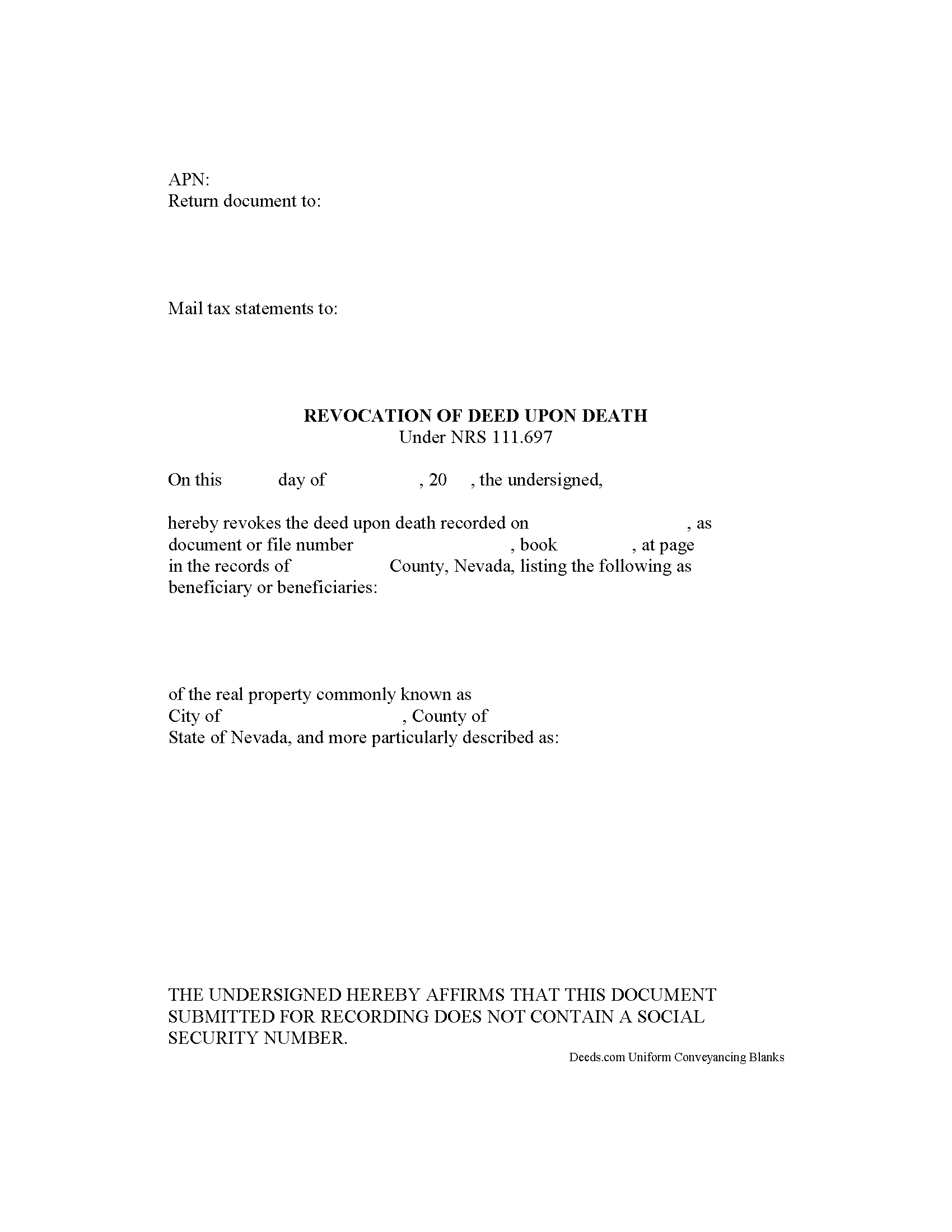
Pershing County Transfer on Death Revocation Form
Fill in the blank form formatted to comply with all recording and content requirements.
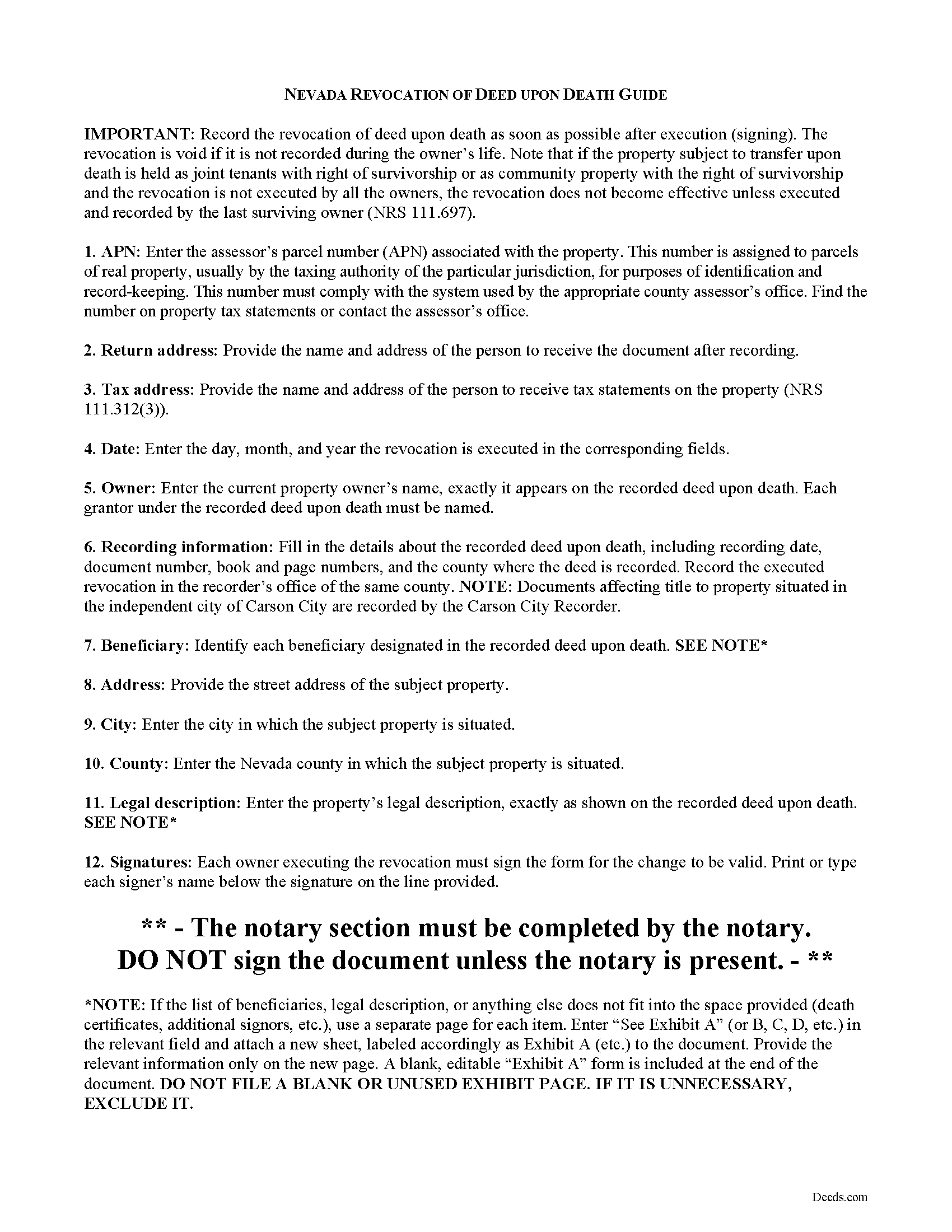
Pershing County Transfer on Death Revocation Guide
Line by line guide explaining every blank on the form.
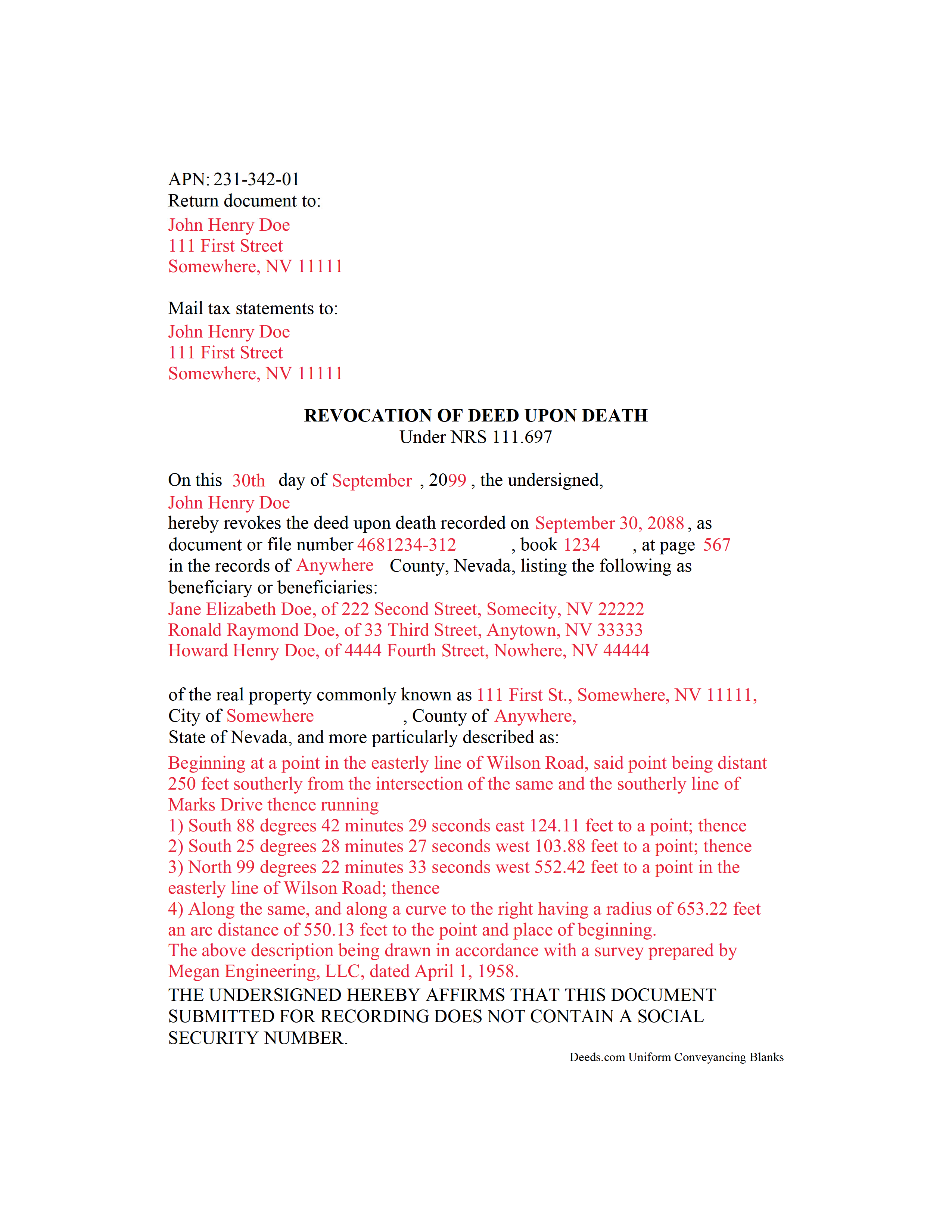
Pershing County Completed Example of the Transfer on Death Revocation Document
Example of a properly completed form for reference.
All 3 documents above included • One-time purchase • No recurring fees
Immediate Download • Secure Checkout
Additional Nevada and Pershing County documents included at no extra charge:
Where to Record Your Documents
Pershing County Recorder/Auditor
Lovelock, Nevada 89419-0736
Hours: 8:00 to 5:00 M-F; Recording: 8:30 to 4:30
Phone: (775) 273-2408
Recording Tips for Pershing County:
- Bring your driver's license or state-issued photo ID
- Ensure all signatures are in blue or black ink
- Check that your notary's commission hasn't expired
- Documents must be on 8.5 x 11 inch white paper
- Double-check legal descriptions match your existing deed
Cities and Jurisdictions in Pershing County
Properties in any of these areas use Pershing County forms:
- Imlay
- Lovelock
Hours, fees, requirements, and more for Pershing County
How do I get my forms?
Forms are available for immediate download after payment. The Pershing County forms will be in your account ready to download to your computer. An account is created for you during checkout if you don't have one. Forms are NOT emailed.
Are these forms guaranteed to be recordable in Pershing County?
Yes. Our form blanks are guaranteed to meet or exceed the applicable formatting requirements used for recording in Pershing County, including margin requirements, font requirements, and other layout standards. This guarantee applies to formatting, not to the legal sufficiency of information entered by the user or the suitability of a form for a particular transaction.
Can I reuse these forms?
Yes. You can reuse the forms for your personal use. For example, if you have multiple properties in Pershing County you only need to order once.
What do I need to use these forms?
The forms are PDFs that you fill out on your computer. The free Adobe Acrobat Reader is recommended, and most PDF apps also work. You do NOT enter your property information online - you download the blank forms and complete them privately on your own computer.
Are there any recurring fees?
No. This is a one-time purchase. Nothing to cancel, no memberships, no recurring fees.
How much does it cost to record in Pershing County?
Recording fees in Pershing County vary. Contact the recorder's office at (775) 273-2408 for current fees.
Questions answered? Let's get started!
Revoking a Nevada Deed upon Death
Nevada's statutory transfer on death instrument for real property is called a deed upon death. It is governed by NRS 111.655-111.699 (2013), inclusive, and incorporates the Uniform Real Property Transfer on Death Act into its text. THE EXECUTED REVOCATION MUST BE RECORDED IN THE COUNTY WHERE THE LAND IS LOCATED, DURING THE OWNER'S NATURAL LIFE.
Deeds upon death offer many unique features, but one of the more unusual is their revocability. While these deeds are not affected by directions contained in a will, the statutes provide two primary ways to revoke the potential future interest.
The first option deals with re-deeding the property to someone else. Because the deed only conveys the owner's current interest at the time of death, if there is no interest, there is nothing to convey. The owner might also record several transfer on death deeds for the same property. In that case, "the deed upon death that is last recorded before the death of the owner is the effective deed." See 111.677.
The second option involves executing and recording a statutory revocation document, formally cancelling the recorded deed upon death. Owners may record a revocation form prior to selling the property to another or including it in a different deed upon death. This method is useful because it clearly sets forth the owner's intentions. See 111.697. It also reduces the potential for confusion caused by executing multiple deeds upon death.
As with other estate planning documents, please carefully consider the benefits and drawbacks associated with revoking a recorded deed upon death. Each situation is different, so contact a local attorney with specific questions or for complex circumstances.
(Nevada Revocation of TOD Package includes form, guidelines, and completed example)
Important: Your property must be located in Pershing County to use these forms. Documents should be recorded at the county or independent city recording office listed above.
This Transfer on Death Revocation meets all recording requirements specific to Pershing County.
Our Promise
The documents you receive here are guaranteed to meet or exceed the applicable Pershing County recording format requirements. If there is a rejection caused by our formatting, we will correct the issue or refund your payment. This guarantee applies to document formatting only and does not extend to information entered by the user, the selection of the form, or the legal effect of the completed document.
Save Time and Money
Get your Pershing County Transfer on Death Revocation form done right the first time with Deeds.com Uniform Conveyancing Blanks. At Deeds.com, we understand that your time and money are valuable resources, and we don't want you to face a penalty fee or rejection imposed by a county recorder for submitting nonstandard documents. We constantly review and update our forms to meet rapidly changing state and county recording requirements for roughly 3,500 counties and local jurisdictions.
4.8 out of 5 - ( 4,837 Reviews )
Marjorie D. 5 out of 5 stars
Makes recording fast and easy. Great service!
Knowing our customers are happy is our top priority. Thank you for the wonderful feedback!
Erika H. 5 out of 5 stars
The service was fast and efficient. So glad I stumbled upon this website!
Thank you for your feedback. We really appreciate it. Have a great day!
Earl L. 5 out of 5 stars
Fair!
Thank you!
Kevin B. 4 out of 5 stars
It looks like it can be a huge time saver. I did a deed and appeared very professional.
Thank you for your feedback. We really appreciate it. Have a great day!
Danna F. 5 out of 5 stars
VERY INFORMATIVE
Thank you!
Nicole w. 5 out of 5 stars
Awesome and very fast service!!!
Thank you!
Sylvia S. 5 out of 5 stars
Thank you for making my life easier!!
Thank you for your feedback. We really appreciate it. Have a great day!
Mark S. 5 out of 5 stars
Had the forms i needed for illinois. More than i expected. Most companies would charge per form.
Thank you!
Shawn S. 5 out of 5 stars
Listen, I love your services. It's been such a convenience utilizing it.
We appreciate your business and value your feedback. Thank you. Have a wonderful day!
Melody P. 5 out of 5 stars
Thanks again for such excellent service, and always a pleasure!
Thank you!
Desmond L. 5 out of 5 stars
Easy access
We appreciate your business and value your feedback. Thank you. Have a wonderful day!
Sherry F. 5 out of 5 stars
Good product and service.
Thank you!
Robert H. 5 out of 5 stars
Easy to use and understand. I am glad to have found this resource.
Your appreciative words mean the world to us. Thank you and we look forward to serving you again!
Dr. Rev. Cheryl T. 5 out of 5 stars
five stars thanks so m,uch so easy to use and save. Good Job... Peace & many Blessings Sincerely, dr. Rev. Cheryl israel tibbrine
Thank you for your feedback. We really appreciate it. Have a great day!
Calida S. 5 out of 5 stars
I was so happy I found a way to register my deed electronically! The county I live in only does e-file through vendors who service law firms and large volume documents. I had everything done electronically only to hit a brick wall doing warp speed when it came to this last part. So far everything is going super smooth and very easy. The price is worth it to be able to get this deed done because I'm doing a life estate deed to my late boyfriends daughter. She's getting married soon and this is my gift to her since her daddy can't be here. Thanks Deeds.com This means a lot, and I plan on bringing my business back provided everything finishes well. I will definitely follow up soon!
Thank you, Calida. We’re glad we could help make the electronic recording step easier, especially for something so meaningful. We appreciate your trust in Deeds.com and look forward to helping whenever you need us again.