Cheshire County Partial Lien Waiver Form
Last validated September 15, 2026 by our Forms Development TeamFormatted for recording in Cheshire County, for property anywhere in the county: rural and unincorporated areas as well as Alstead, Ashuelot, Chesterfield, Drewsville, Dublin, Fitzwilliam, Gilsum, Harrisville and 18 more.
- 3 documents included
- Immediate PDF download
- Formatting guarantee
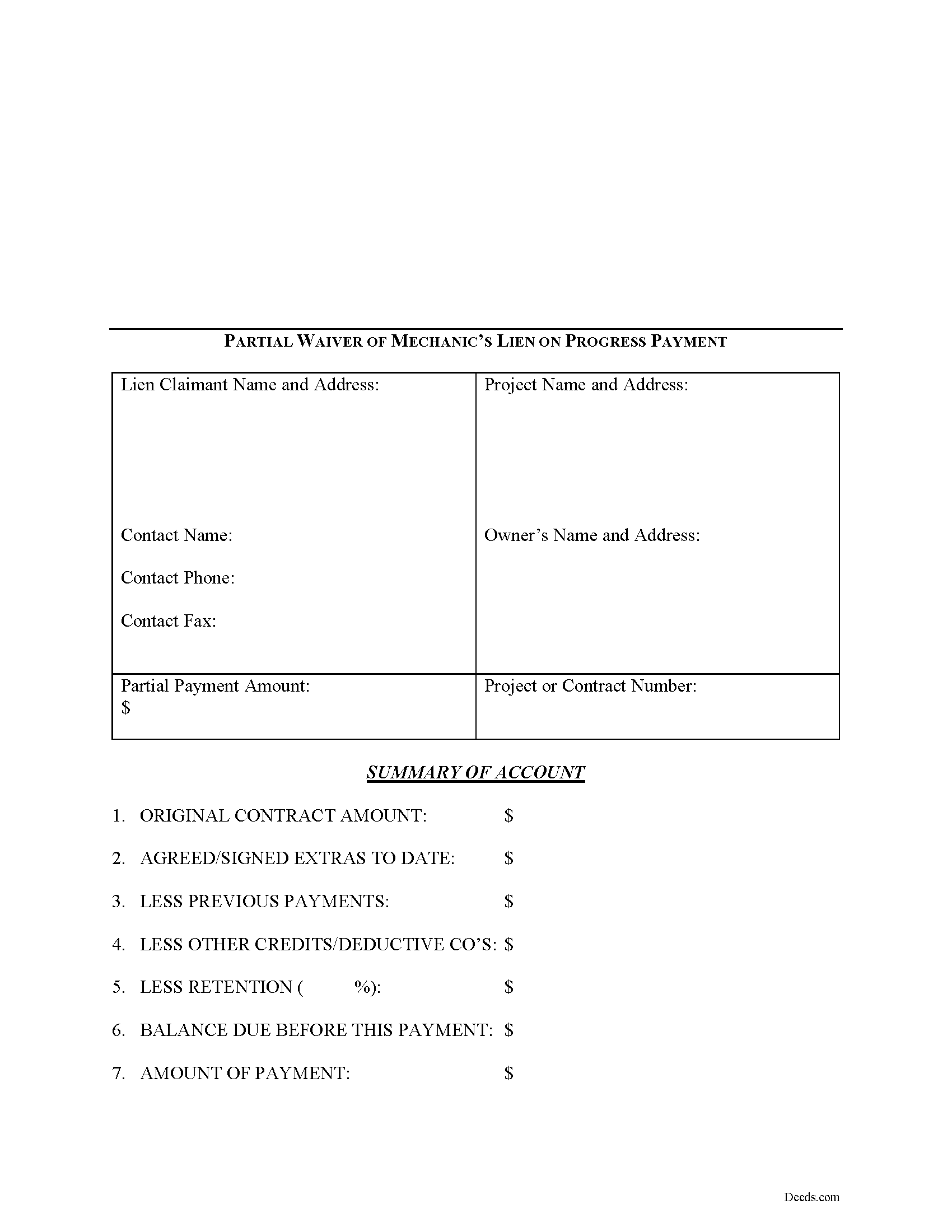
Cheshire County Partial Lien Waiver Form
Fill in the blank Partial Lien Waiver form formatted to comply with all New Hampshire recording and content requirements.
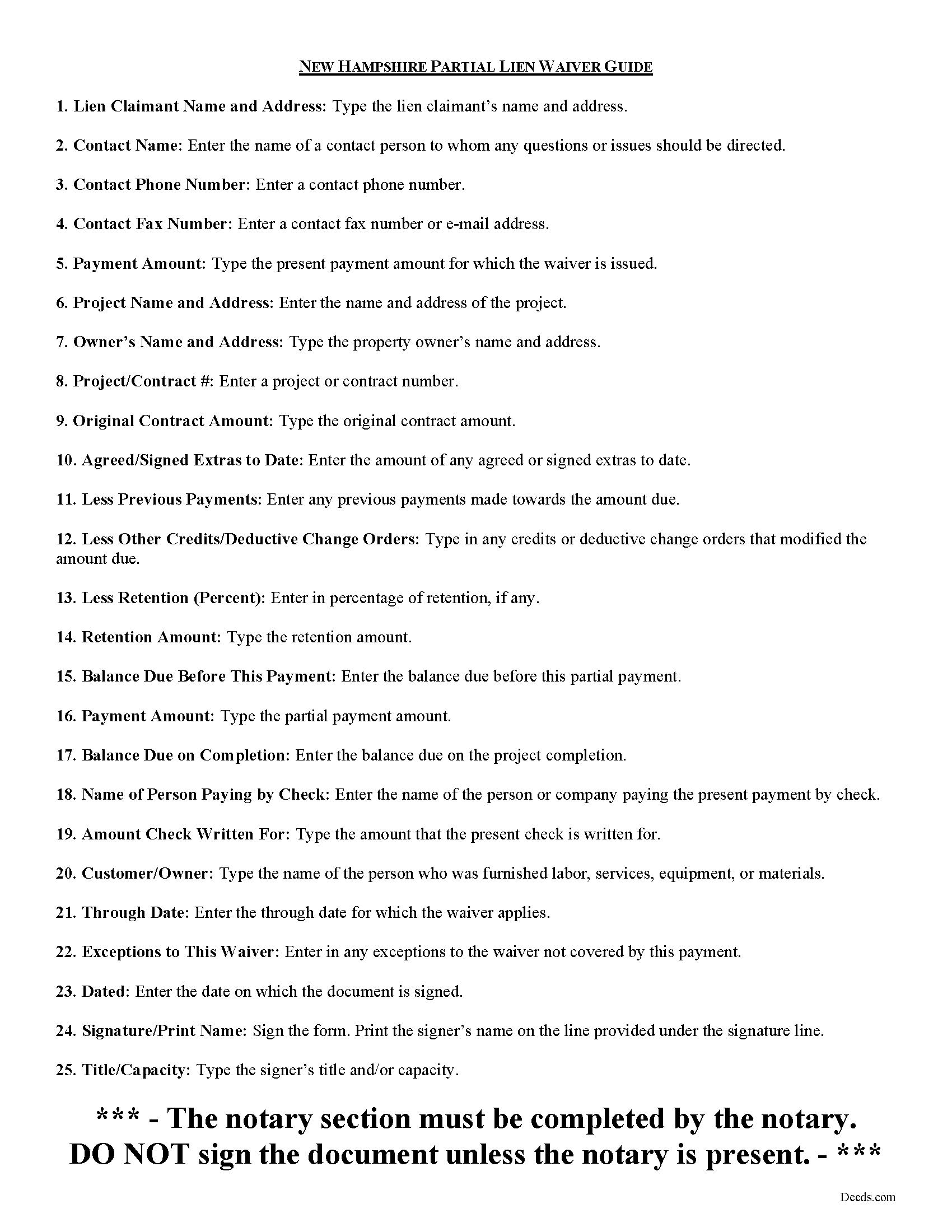
Cheshire County Partial Lien Waiver Guide
Line by line guide explaining every blank on the form.
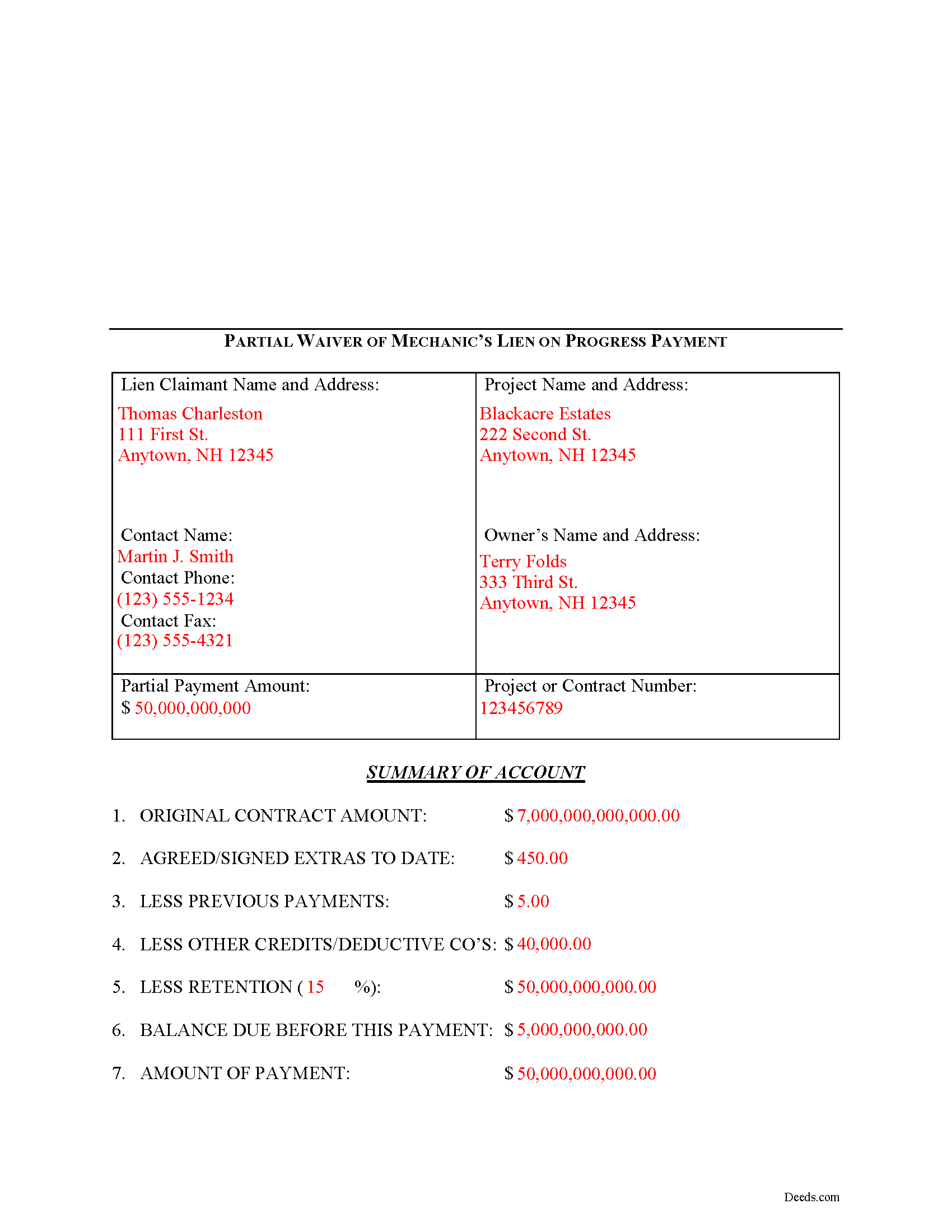
Cheshire County Completed Example of the Partial Lien Waiver Document
Example of a properly completed form for reference.
All 3 documents above included • One-time purchase • No recurring fees
Immediate Download • Secure Checkout
Additional New Hampshire and Cheshire County documents included at no extra charge:
Where to Record Your Documents
Registry of Deeds
Keene, New Hampshire 03431
Hours: 8:00 to 4:00 M-F / In-Office Recording Stops at 3:45 pm.
Phone: (603) 352-0403
Recording Tips for Cheshire County:
- Bring your driver's license or state-issued photo ID
- Ensure all signatures are in blue or black ink
- Ask about their eRecording option for future transactions
- Avoid the last business day of the month when possible
- Both spouses typically need to sign if property is jointly owned
Cities and Jurisdictions in Cheshire County
Properties in any of these areas use Cheshire County forms:
- Alstead
- Ashuelot
- Chesterfield
- Drewsville
- Dublin
- Fitzwilliam
- Gilsum
- Harrisville
- Hinsdale
- Jaffrey
- Keene
- Marlborough
- Marlow
- Nelson
- North Walpole
- Rindge
- Spofford
- Stoddard
- Sullivan
- Swanzey
- Troy
- Walpole
- West Chesterfield
- West Swanzey
- Westmoreland
- Winchester
Hours, fees, requirements, and more for Cheshire County
How do I get my forms?
Forms are available for immediate download after payment. The Cheshire County forms will be in your account ready to download to your computer. An account is created for you during checkout if you don't have one. Forms are NOT emailed.
Are these forms guaranteed to be recordable in Cheshire County?
Yes. Our form blanks are guaranteed to meet or exceed the applicable formatting requirements used for recording in Cheshire County, including margin requirements, font requirements, and other layout standards. This guarantee applies to formatting, not to the legal sufficiency of information entered by the user or the suitability of a form for a particular transaction.
Can I reuse these forms?
Yes. You can reuse the forms for your personal use. For example, if you have multiple properties in Cheshire County you only need to order once.
What do I need to use these forms?
The forms are PDFs that you fill out on your computer. The free Adobe Acrobat Reader is recommended, and most PDF apps also work. You do NOT enter your property information online - you download the blank forms and complete them privately on your own computer.
Are there any recurring fees?
No. This is a one-time purchase. Nothing to cancel, no memberships, no recurring fees.
How much does it cost to record in Cheshire County?
Recording fees in Cheshire County vary. Contact the recorder's office at (603) 352-0403 for current fees.
Questions answered? Let's get started!
Mechanic's liens are governed under Chapter 447 of New Hampshire Statutes.
A waiver is a knowing relinquishment of a right. In this case, the person granting the waiver is relinquishing the right to seek a mechanic's lien for part of the amount due. This assurance is usually enough to induce the other party to pay toward the outstanding balance.
Use the Partial Lien Waiver when a partial or progress payment has been made and the potential lien claimant has no valid reason to maintain a right to a lien for the partial amount. The document identifies the parties, the location of the work or improvement, relevant dates, amounts due and paid, and any limitations or restrictions. Give the completed form to the owner in exchange for the partial payment.
This article is provided for informational purposes only and is not legal advice. Please contact an attorney with questions about lien waivers or any other issues relation to New Hampshire mechanic's lien laws.
Important: Your property must be located in Cheshire County to use these forms. Documents should be recorded at the county recording office listed above.
This Partial Lien Waiver meets all recording requirements specific to Cheshire County.
Our Promise
The documents you receive here are guaranteed to meet or exceed the applicable Cheshire County recording format requirements. If there is a rejection caused by our formatting, we will correct the issue or refund your payment. This guarantee applies to document formatting only and does not extend to information entered by the user, the selection of the form, or the legal effect of the completed document.
Save Time and Money
Get your Cheshire County Partial Lien Waiver form done right the first time with Deeds.com Uniform Conveyancing Blanks. At Deeds.com, we understand that your time and money are valuable resources, and we don't want you to face a penalty fee or rejection imposed by a county recorder for submitting nonstandard documents. We constantly review and update our forms to meet rapidly changing state and county recording requirements for roughly 3,500 counties and local jurisdictions.
4.8 out of 5 - ( 4,831 Reviews )
Christopher M. 5 out of 5 stars
Awesome company. Fast, friendly, professional.
We are delighted to have been of service. Thank you for the positive review!
Michael M. 5 out of 5 stars
This company gets it right! All the forms you need for your jurisdiction along with guides, and more
Thank you for your feedback. We really appreciate it. Have a great day!
Susan K. 5 out of 5 stars
First time using DEEDS.COM and very helpful with documents to fill out. I highly recommend this company for all your needs .Thank you.
We appreciate your business and value your feedback. Thank you. Have a wonderful day!
Marck G. 5 out of 5 stars
This is an excellent service..thank you
Thank you!
Wilburn R. 5 out of 5 stars
absolutely great
Thank you!
Jack B. 5 out of 5 stars
All worked out well.
Thank you!
Janet J. 5 out of 5 stars
These forms were very easy to both download and print, as well as fill out on the site and then print. The instructions are clear and concise. We have not yet been to the County to file them, but we are expecting no issues.
We appreciate your business and value your feedback. Thank you. Have a wonderful day!
Madeleine W. 5 out of 5 stars
I was dubious at first that clicking on Deeds.com would lead to a phoney website to get personal info. I was very pleased that this is a legitimate & well-organized website with a large database of forms. Very easy to select forms, pay for them, & download them. No hassle, no pushing you to make additional purchases. Very straightforward & professional.
Thank you!
Sherry G. 5 out of 5 stars
This site was perfect in a time when travel is almost impossible. They asked a few questions to make sure everything would work out and once submitted took less than 24 hours. Less than 48 hours total time. Absolutely would use them again to submit documents even once can travel again!
Thank you for your feedback. We really appreciate it. Have a great day!
Barbara G. 5 out of 5 stars
Easy to use. I especially am thankful for the guide.
Your feedback is greatly appreciated. Thank you for taking the time to share your experience!
Melody P. 5 out of 5 stars
Thanks again for such great service!
Thank you!
Anna L W. 5 out of 5 stars
Was insecure about being able to access the information but pleasantly found that the site was easy to use. Seems that I can use it repeatedly to go back and reprint the forms once I paid.
We appreciate your business and value your feedback. Thank you. Have a wonderful day!
Mark S. 5 out of 5 stars
Had the forms i needed for illinois. More than i expected. Most companies would charge per form.
Thank you!
jack b. 5 out of 5 stars
good form, reasonable fee
Thank you Jack. We really appreciate you taking the time to leave your feedback. Have a great day!
Mark M. 5 out of 5 stars
Quick, easy everything that i was looking for and then some.
Thank you for your feedback. We really appreciate it. Have a great day!