Salem County Mortgage Secured and Promissory Note Form
Last validated October 20, 2026 by our Forms Development TeamFormatted for recording in Salem County, for property anywhere in the county: rural and unincorporated areas as well as Alloway, Deepwater, Elmer, Hancocks Bridge, Monroeville, Norma, Pedricktown, Penns Grove and 4 more.
- 7 documents included
- Immediate PDF download
- Formatting guarantee
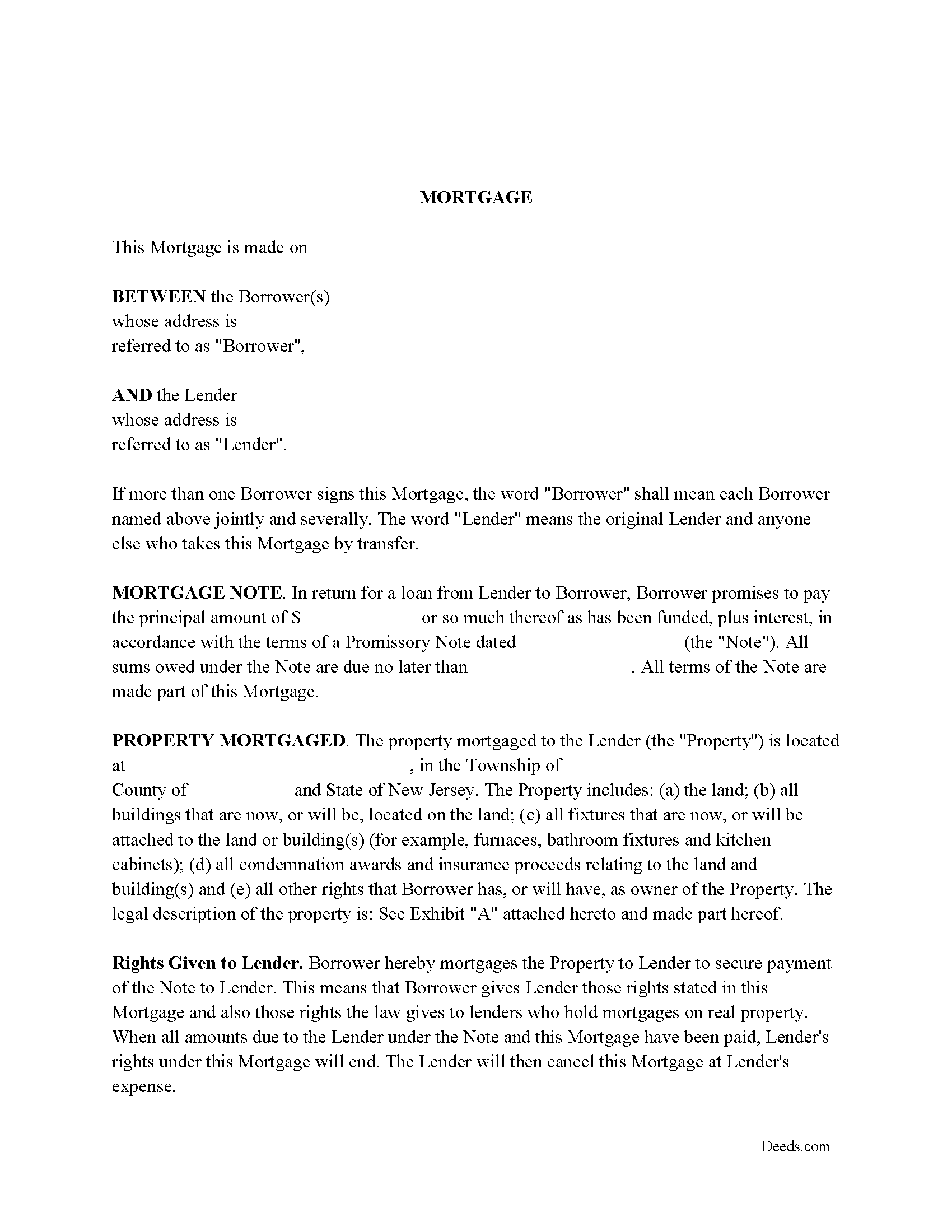
Salem County Mortgage Form
Fill in the blank form formatted to comply with all recording and content requirements.
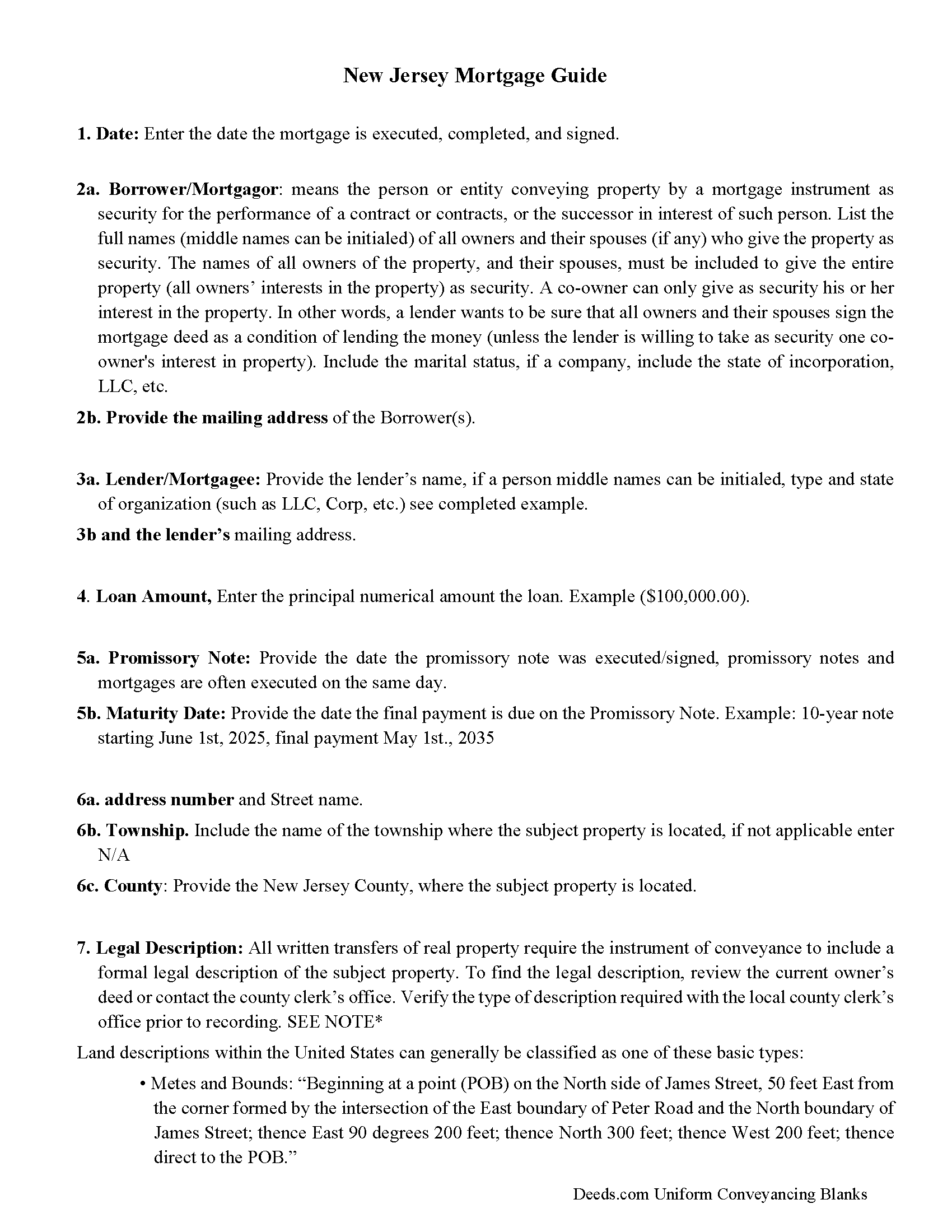
Salem County Mortgage Guidelines
Line by line guide explaining every blank on the form.
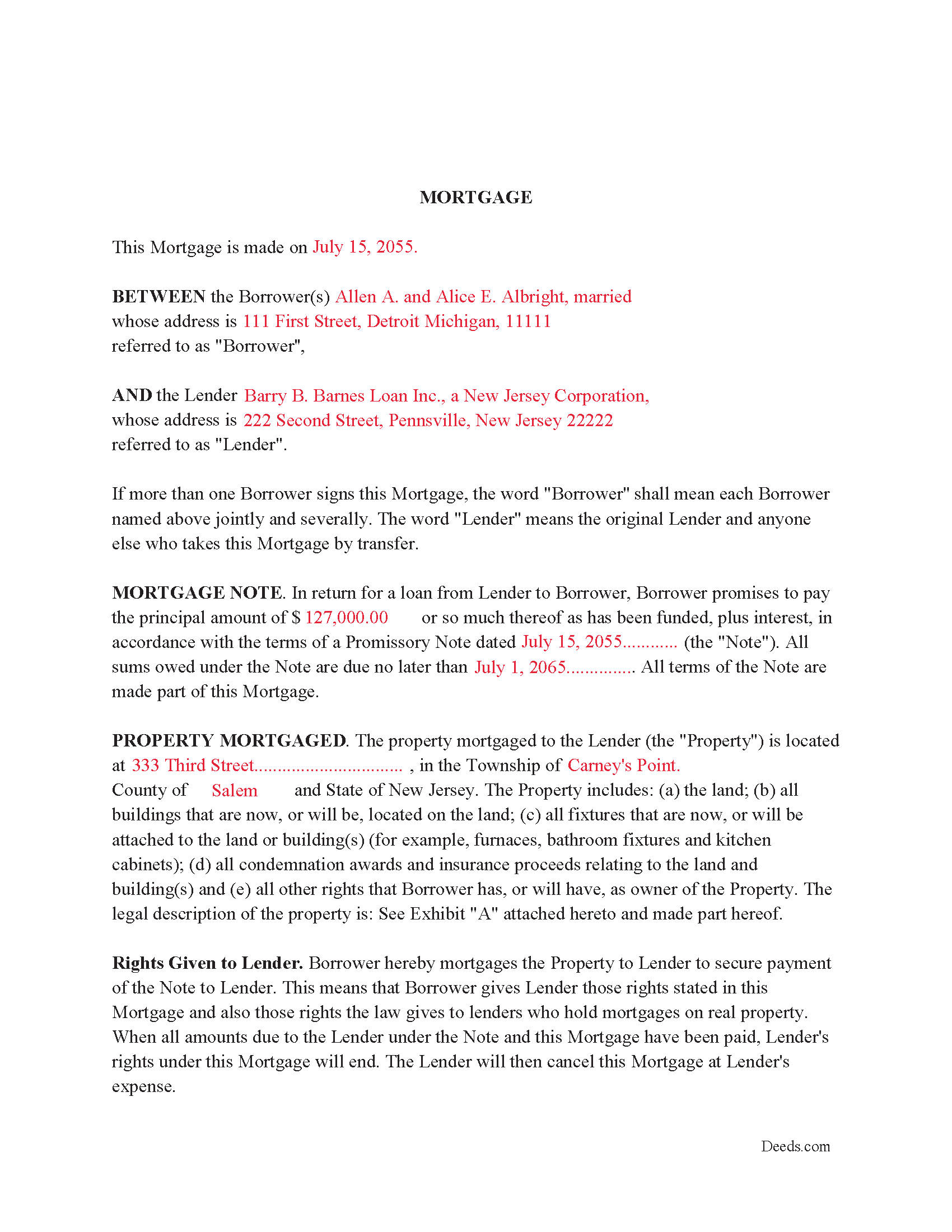
Salem County Completed Example of the Morgage Document
Example of a properly completed form for reference.
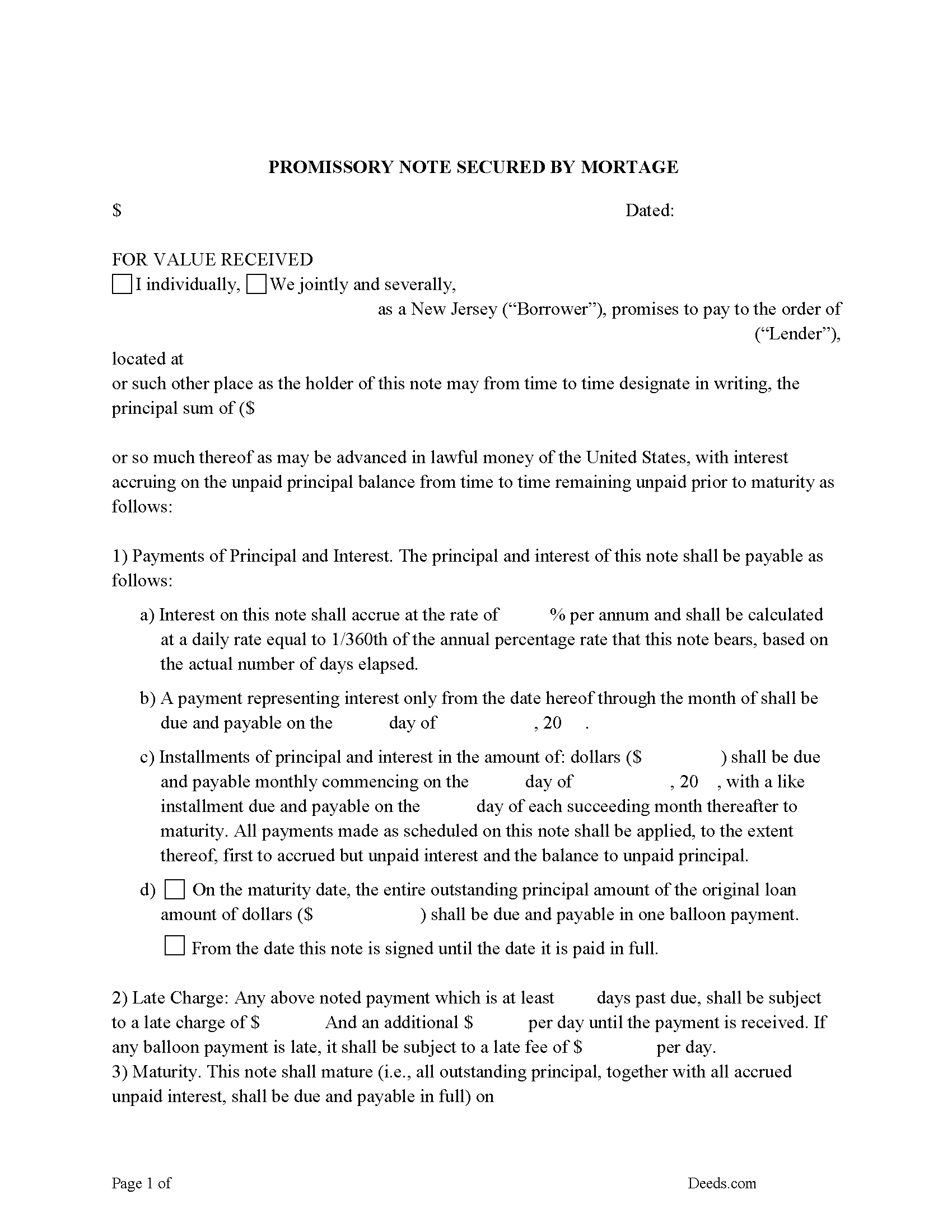
Salem County Promissory Note Form
Can be used for traditional installment or balloon payment.
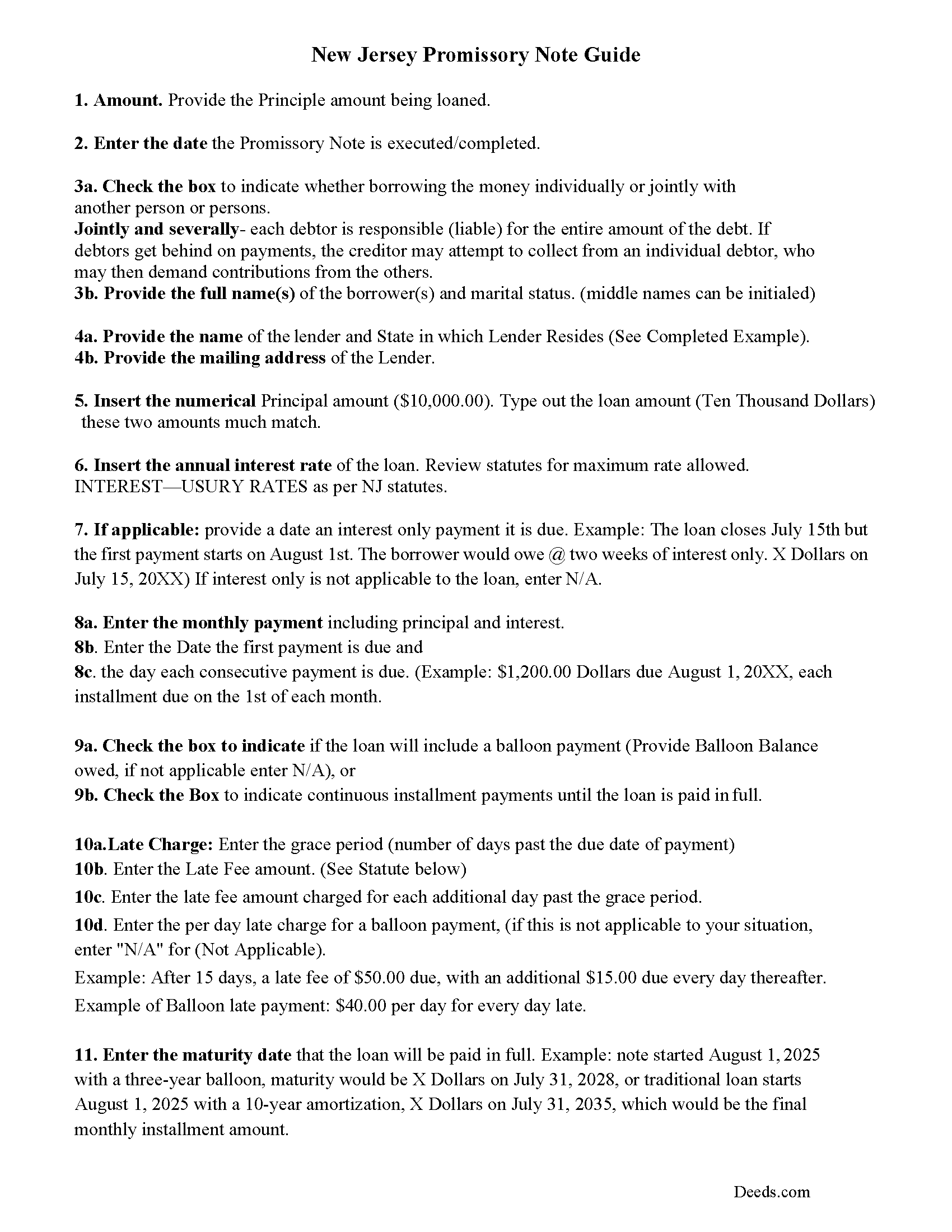
Salem County Promissory Note Guidelines
Line by line guide explaining every blank on the form.
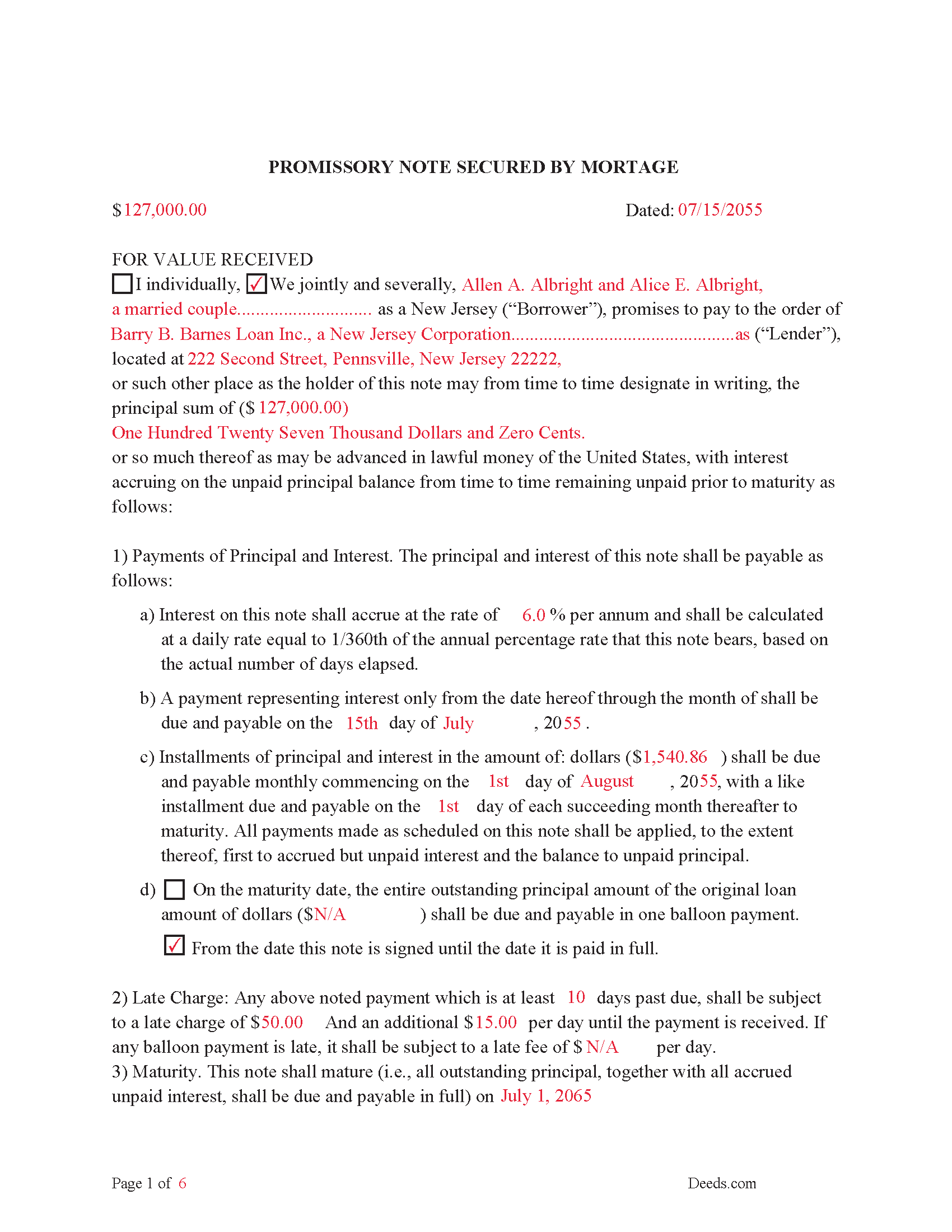
Salem County Completed Example of the Promissory Note Document
This Promissory Note is filled in and highlighted, showing how the guideline information, can be interpreted into the document.
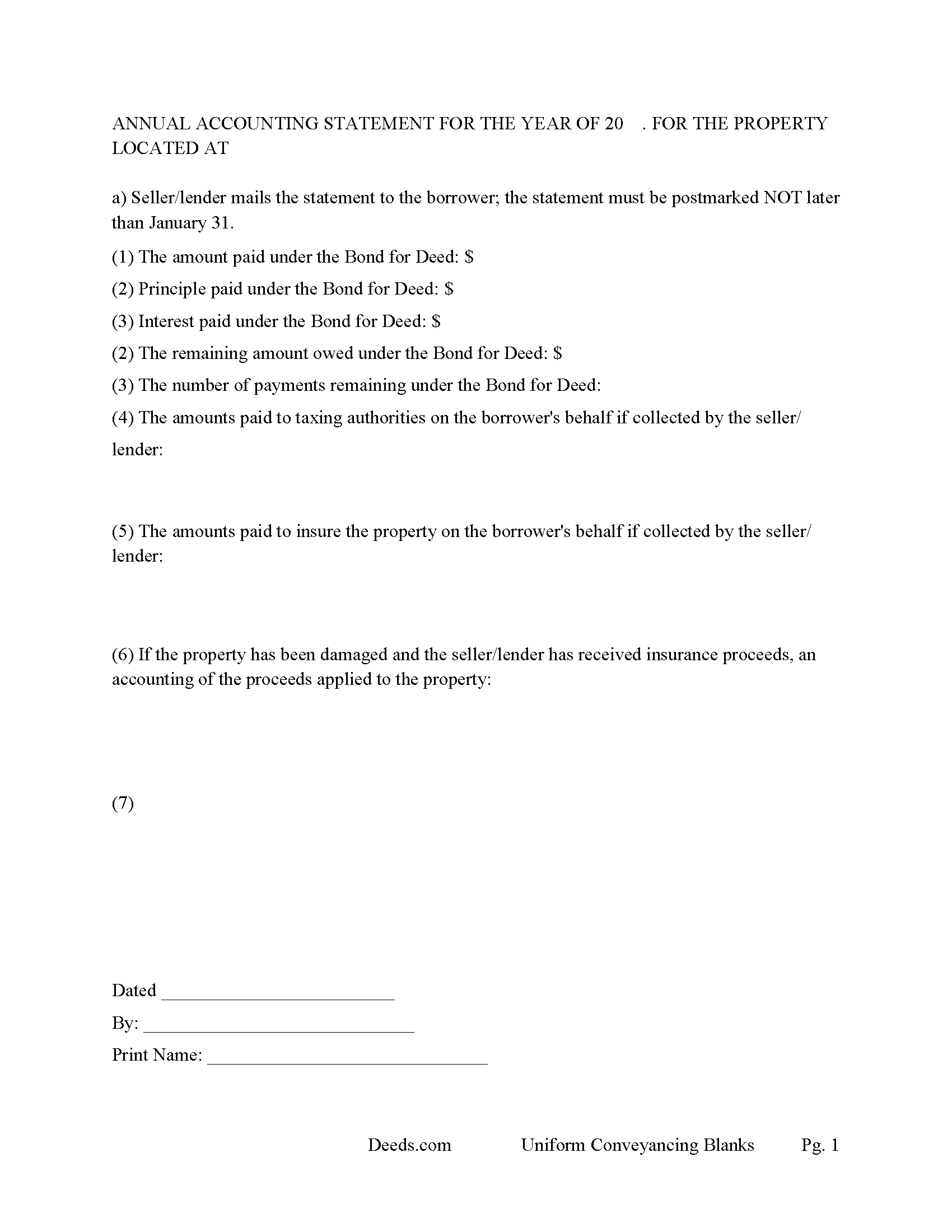
Salem County Annual Accounting Statement Form
Issued to buyer for fiscal year reporting of principal, interest, etc.
All 7 documents above included • One-time purchase • No recurring fees
Immediate Download • Secure Checkout
Additional New Jersey and Salem County documents included at no extra charge:
Where to Record Your Documents
Salem County Clerk
Salem, New Jersey 08079
Hours: 8:30 to 4:30 M-F / Transactions until 4:00
Phone: (856) 935-7510 x8219
Recording Tips for Salem County:
- Bring your driver's license or state-issued photo ID
- Ensure all signatures are in blue or black ink
- Recorded documents become public record - avoid including SSNs
- Recording fees may differ from what's posted online - verify current rates
- Request a receipt showing your recording numbers
Cities and Jurisdictions in Salem County
Properties in any of these areas use Salem County forms:
- Alloway
- Deepwater
- Elmer
- Hancocks Bridge
- Monroeville
- Norma
- Pedricktown
- Penns Grove
- Pennsville
- Quinton
- Salem
- Woodstown
Hours, fees, requirements, and more for Salem County
How do I get my forms?
Forms are available for immediate download after payment. The Salem County forms will be in your account ready to download to your computer. An account is created for you during checkout if you don't have one. Forms are NOT emailed.
Are these forms guaranteed to be recordable in Salem County?
Yes. Our form blanks are guaranteed to meet or exceed the applicable formatting requirements used for recording in Salem County, including margin requirements, font requirements, and other layout standards. This guarantee applies to formatting, not to the legal sufficiency of information entered by the user or the suitability of a form for a particular transaction.
Can I reuse these forms?
Yes. You can reuse the forms for your personal use. For example, if you have multiple properties in Salem County you only need to order once.
What do I need to use these forms?
The forms are PDFs that you fill out on your computer. The free Adobe Acrobat Reader is recommended, and most PDF apps also work. You do NOT enter your property information online - you download the blank forms and complete them privately on your own computer.
Are there any recurring fees?
No. This is a one-time purchase. Nothing to cancel, no memberships, no recurring fees.
How much does it cost to record in Salem County?
Recording fees in Salem County vary. Contact the recorder's office at (856) 935-7510 x8219 for current fees.
Questions answered? Let's get started!
This Mortgage and Promissory Note have stringent default provisions that are typically suited for owner financing or private lender when financing residential property, small commercial property, rental property (up to 4 units), Condominiums, planned unit developments and vacant land.
DEFAULT. The Lender may declare that Borrower is in default on the Note and this Mortgage if:
(a) Borrower fails to make any payment required by the Note and this Mortgage within fifteen (15) days after its due date;
(b) Borrower fails to keep any other promise in this Mortgage;
(c) The ownership of the Property is changed for any reason;
(d) The holder of any lien on the Property starts foreclosure proceedings;
(e) Bankruptcy, insolvency or receivership proceedings are started by or against Borrower; or
(f) Borrower defaults with respect to any other loan from Lender to an affiliate of Borrower.
PAYMENTS DUE UPON DEFAULT. If the Lender declares that Borrower is in default, Borrower must immediately pay the full amount of all unpaid principal, interest, other amounts due on the Note and this Mortgage and the Lender's costs of collection and reasonable attorney fees.
The Promissory Note can be used for installment or balloon payments. Includes default rates (interest rate that occurs when borrower is in default)
In addition to any other remedies available to Lender if this Note is not paid in full at the Maturity Date, Borrowers shall pay to Lender an Overdue Loan Fee, which fee shall be due at the time this Note is otherwise paid in full. The "Overdue Loan Fee" shall be determined based upon the outstanding principal balance of this Note as of the Maturity Date and shall be:
(a)one percent (1.0%) Of such principal balance if the Note is paid in full on or after thirty(30)days after the Maturity Date but less than sixty (60) days after the Maturity Date, or
(b)two percent (2.0%) of such principal balance if the Note is paid in full on or after sixty(60)days after the Maturity Date.
Late Payment Fees. Any payment which is at least ___ days past due, shall be subject to a late charge of $___ And an additional $___ per day until the payment is received. If any balloon payment is late, it shall be subject to a late fee of $___ per day.
(New Jersey Mortgage Package includes forms, guidelines, and completed examples) For use in New Jersey only.
Important: Your property must be located in Salem County to use these forms. Documents should be recorded at the county recording office listed above.
This Mortgage Secured and Promissory Note meets all recording requirements specific to Salem County.
Our Promise
The documents you receive here are guaranteed to meet or exceed the applicable Salem County recording format requirements. If there is a rejection caused by our formatting, we will correct the issue or refund your payment. This guarantee applies to document formatting only and does not extend to information entered by the user, the selection of the form, or the legal effect of the completed document.
Save Time and Money
Get your Salem County Mortgage Secured and Promissory Note form done right the first time with Deeds.com Uniform Conveyancing Blanks. At Deeds.com, we understand that your time and money are valuable resources, and we don't want you to face a penalty fee or rejection imposed by a county recorder for submitting nonstandard documents. We constantly review and update our forms to meet rapidly changing state and county recording requirements for roughly 3,500 counties and local jurisdictions.
4.8 out of 5 - ( 4,842 Reviews )
Scott H. 5 out of 5 stars
Good experience, good service too - thanks.
Your feedback is appreciated. Thank you for letting us know how we did.
Vickie M. 5 out of 5 stars
The website was easy to use even for me with little computer knowledge.
We appreciate your business and value your feedback. Thank you. Have a wonderful day!
Alain L. 5 out of 5 stars
deeds.com was able to turnaround my document in a matter of hours. I was also surprised at how easy their website was to navigate, considering other websites that offered the same service were so convoluted. Thank you again for the quick turnaround.
Thank you!
Anna S. 5 out of 5 stars
You guys are awesome, The service, expertise and quick communication were amazing. I think you guys are charging to little, but you didn't hear that from me. Thank you for making this process quick and easy.
Thank you for your feedback. We really appreciate it. Have a great day!
Tammy B. 5 out of 5 stars
I am so happy that I was able to get these forms. So simple to get and seems like will be easy to fill out . Thank you
We appreciate your business and value your feedback. Thank you. Have a wonderful day!
Ruby C. 5 out of 5 stars
very easy to use this site as I live out of state.
Tanks Ruby, glad we could help.
Nathan M. 5 out of 5 stars
It had the info, but when I would type into the document the items I needed in adobe all that would print out was the info I typed and none of the document information.
Thank you!
Paula P. 2 out of 5 stars
Important: Click Download to save each PDF to your device. Open and complete the PDFs using Adobe Acrobat Reader (free). Get Adobe Acrobat Reader Browser PDF viewers (Chrome, Edge, Firefox, Mac Preview) may display fillable fields incorrectly. This information should be shared with the potential buyer BEFORE purchase. Messy formatting and a deeds.com advertisement on each page. I will not purchase from deeds.com again.
Paula, thank you for taking the time to leave feedback. As the product wasn’t a good fit for you, we’ve canceled your order and provided a full refund so there’s no need for you to use the documents.
LeAnne A. 5 out of 5 stars
Documents are helpful and much appreciated. Grateful for this service when an attorney is not required.
We appreciate your business and value your feedback. Thank you. Have a wonderful day!
George R. 5 out of 5 stars
Your website worked but I am waiting for answers for two questions.
Thank you for your feedback. We really appreciate it. Have a great day!
Robert E B. 5 out of 5 stars
Easy to use!
Thank you!
Carlin L. 5 out of 5 stars
I have yet to have my Certification of Trust notarized nor have I gone to my bank to see if it's acceptable I hope it will be it was rather easy to do thank you so much.
Thank you for your feedback Carlin.
Clarence H. 5 out of 5 stars
Deeds.com had exactly the forms I needed! One of the easiest sites to navigate. Well worth the money, and I didn't have to fill out the form first in order to get it delivered. Free isn't always best! Thanks Deeds.com for a flawless transaction!
Clarence, thank you for the great review. We’re glad you found the forms you needed, had an easy time navigating the site, and were happy with the transaction. We appreciate your business.
Sarah N. 1 out of 5 stars
This is not at all the form that I needed. I am trying to disclaim my interest in a property, but this form is much too rigid to work for my case. It would have been nice to know some of the more specific details before purchasing the document.
Thank you for your feedback. Sorry hear of your confusion. We have canceled your order and payment. We do hope that you are able to find something more suitable to your needs. Have a wonderful day.
Esther R. 5 out of 5 stars
Very easy to follow and complete.
Thank you for your feedback. We really appreciate it. Have a great day!