Salem County Trustee Deed Form
Last validated September 4, 2026 by our Forms Development TeamFormatted for recording in Salem County, for property anywhere in the county: rural and unincorporated areas as well as Alloway, Deepwater, Elmer, Hancocks Bridge, Monroeville, Norma, Pedricktown, Penns Grove and 4 more.
- 3 documents included
- Immediate PDF download
- Formatting guarantee
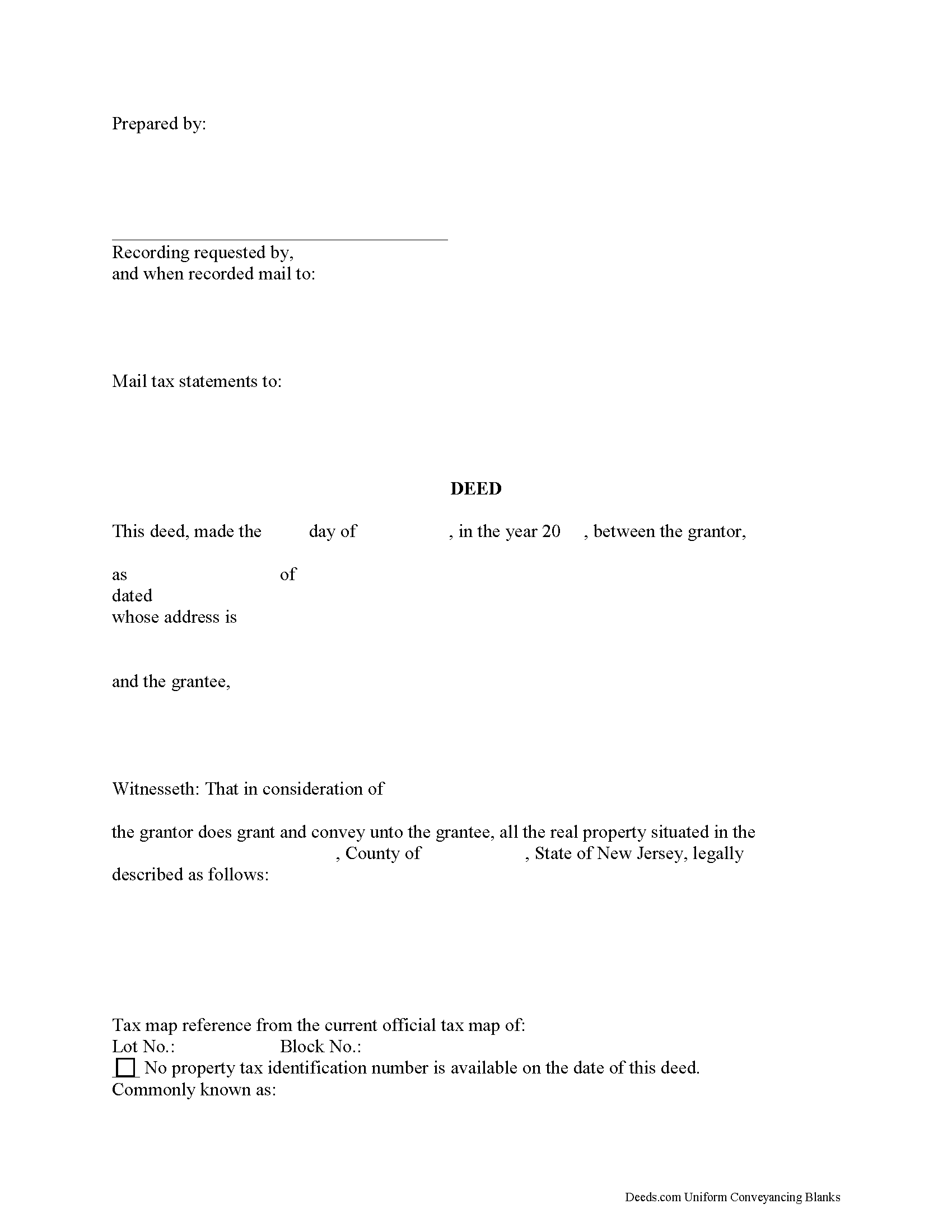
Salem County Trustee Deed Form
Fill in the blank form formatted to comply with all recording and content requirements.
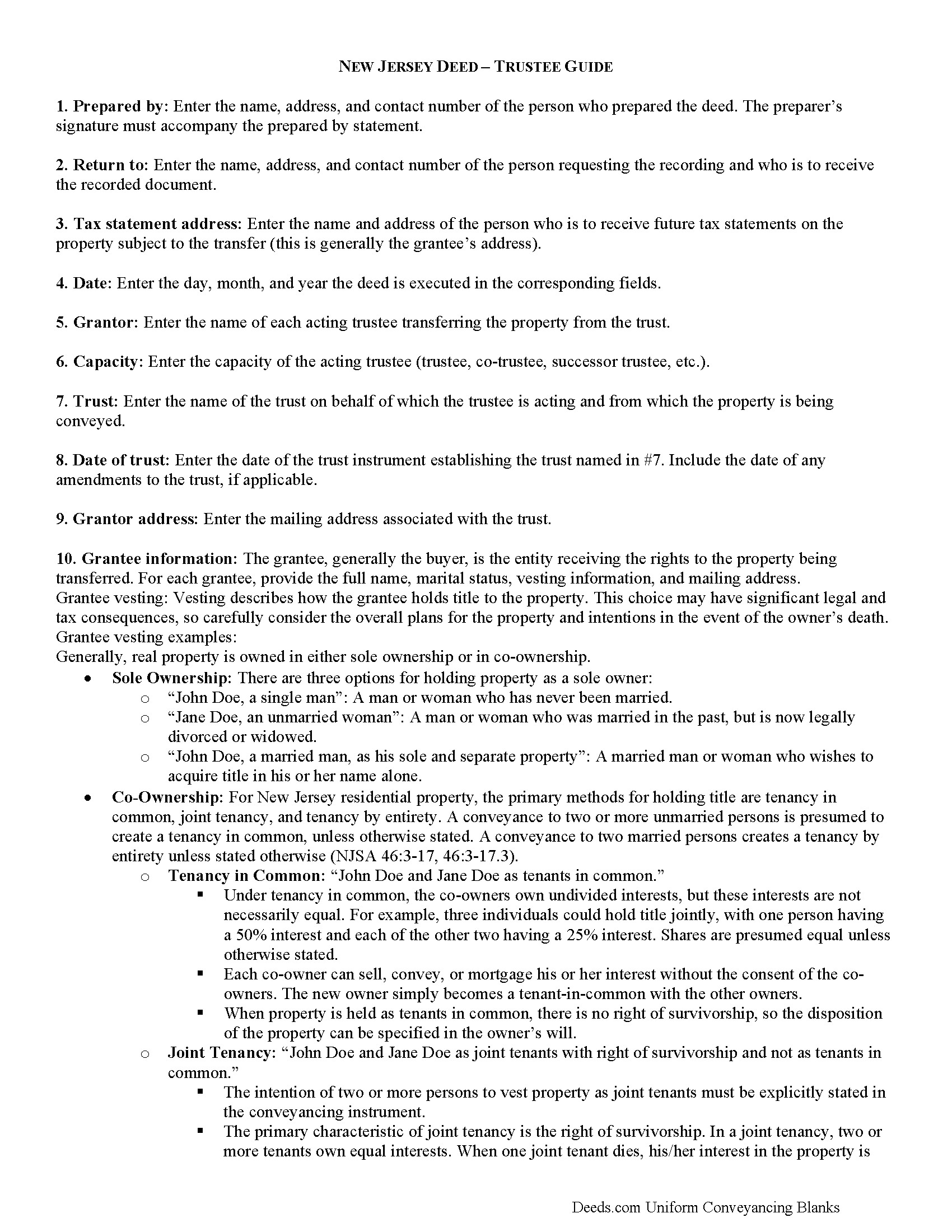
Salem County Trustee Deed Guide
Line by line guide explaining every blank on the form.
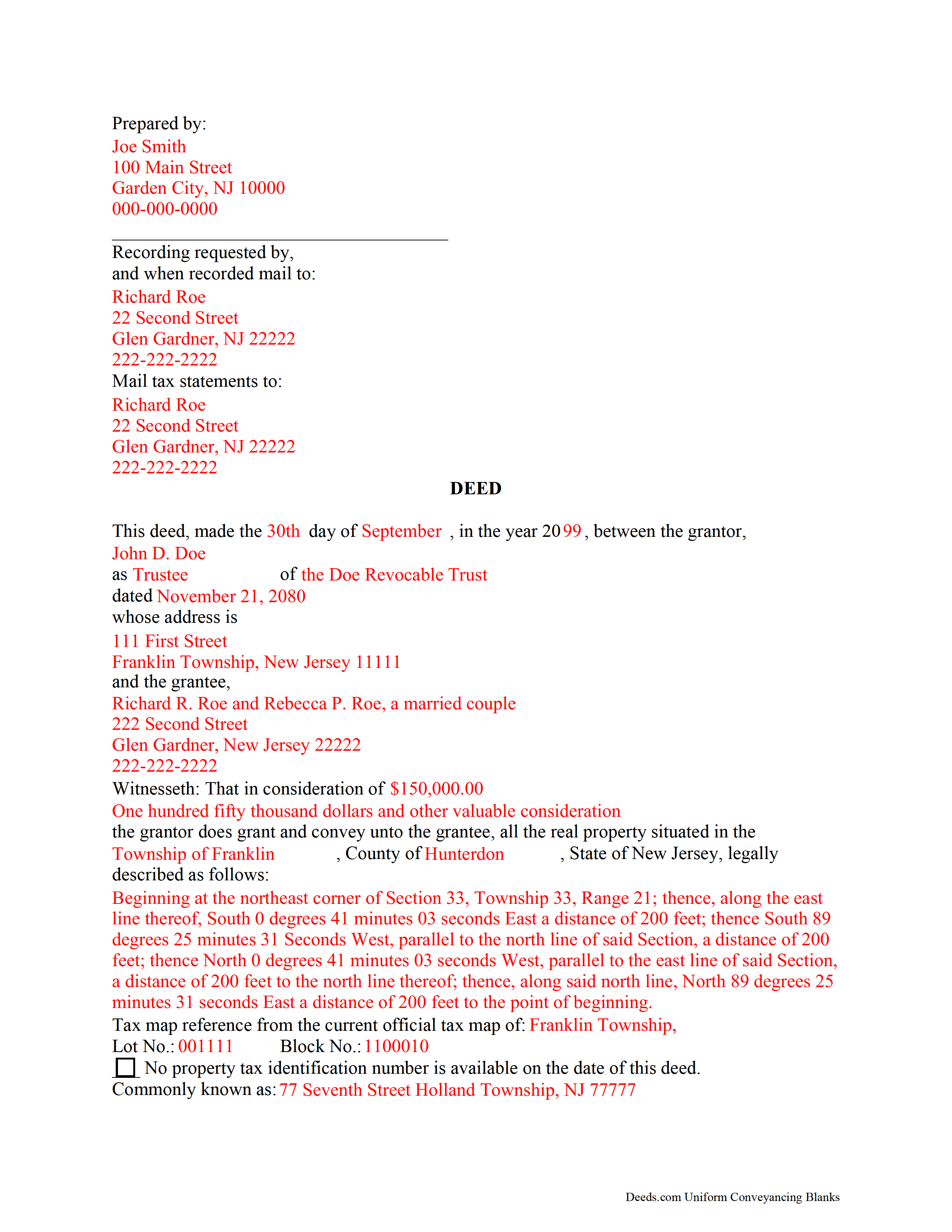
Salem County Completed Example of the Trustee Deed Document
Example of a properly completed form for reference.
All 3 documents above included • One-time purchase • No recurring fees
Immediate Download • Secure Checkout
Additional New Jersey and Salem County documents included at no extra charge:
Where to Record Your Documents
Salem County Clerk
Salem, New Jersey 08079
Hours: 8:30 to 4:30 M-F / Transactions until 4:00
Phone: (856) 935-7510 x8219
Recording Tips for Salem County:
- Bring your driver's license or state-issued photo ID
- Ensure all signatures are in blue or black ink
- Ask about accepted payment methods when you call ahead
- Ask for certified copies if you need them for other transactions
- Ask if they accept credit cards - many offices are cash/check only
Cities and Jurisdictions in Salem County
Properties in any of these areas use Salem County forms:
- Alloway
- Deepwater
- Elmer
- Hancocks Bridge
- Monroeville
- Norma
- Pedricktown
- Penns Grove
- Pennsville
- Quinton
- Salem
- Woodstown
Hours, fees, requirements, and more for Salem County
How do I get my forms?
Forms are available for immediate download after payment. The Salem County forms will be in your account ready to download to your computer. An account is created for you during checkout if you don't have one. Forms are NOT emailed.
Are these forms guaranteed to be recordable in Salem County?
Yes. Our form blanks are guaranteed to meet or exceed the applicable formatting requirements used for recording in Salem County, including margin requirements, font requirements, and other layout standards. This guarantee applies to formatting, not to the legal sufficiency of information entered by the user or the suitability of a form for a particular transaction.
Can I reuse these forms?
Yes. You can reuse the forms for your personal use. For example, if you have multiple properties in Salem County you only need to order once.
What do I need to use these forms?
The forms are PDFs that you fill out on your computer. The free Adobe Acrobat Reader is recommended, and most PDF apps also work. You do NOT enter your property information online - you download the blank forms and complete them privately on your own computer.
Are there any recurring fees?
No. This is a one-time purchase. Nothing to cancel, no memberships, no recurring fees.
How much does it cost to record in Salem County?
Recording fees in Salem County vary. Contact the recorder's office at (856) 935-7510 x8219 for current fees.
Questions answered? Let's get started!
Transferring Living Trust Property in New Jersey
A trust is an arrangement whereby a settlor transfers his property to another person (trustee) for the benefit of another (beneficiary). Trusts containing real property are estate planning tools governed by the terms of the trust instrument, an unrecorded document executed by the settlor. In a living trust, the settlor generally serves as the trustee or co-trustee of the trust. Living trusts take effect during the settlor's lifetime, and also allow the settlor to determine how his assets will be administered in the event of his death. The settlor conveys real property to the trust by executing and recording a deed.
As of July 2016, New Jersey is among 31 states, together with the District of Columbia, to have enacted some version of the Uniform Trust Code, which "provides a comprehensive model for codifying the law on trusts" on a national scale [1]. The New Jersey Uniform Trust Code is codified at Title 3B, Chapter 31 of the New Jersey Statutes.
Under the Trust Code, trustees are authorized to exercise powers conferred by the terms of the trust, except where the terms of the trust limit powers and where there are express restrictions by statute (NJS 3B:31-69). Trusts may include the trustee's power to sell real property. When transferring real property from a living trust, the trustee -- who holds legal title to the property in trust -- executes a deed as the trust's representative.
In New Jersey, grantors may execute a deed with or without warranties or covenants of title. Statutory grantor's covenants for deeds in New Jersey include assurances that the grantor holds an absolute estate in fee simple at the time of the deed; that the grantor has authority to convey the land; that the grantee will possess and enjoy the land without interruption by the grantor; that the grantor has not done anything or executed any deed to encumber title to the land; and/or that the grantor will, at the grantee's reasonable request, take action to convey the land "more perfectly or absolutely" (46:4-2 et seq).
Trustees conveying real estate from a living trust in New Jersey generally execute a bargain and sale deed with covenant as to grantor's acts, but other covenants might be appropriate, depending on the circumstances. Contact a lawyer with questions about this important decision. Conveying property with a warranty deed, for example, opens the trustee to a high degree of liability, even if he has no knowledge of the quality of title prior to his appointment.
Conveyances of real property executed by a trustee must meet the same requirements for form and content for deeds in the State of New Jersey, including a legal description of the subject property and tax map reference. The deed should name the each granting trustee, as well as the name, date, and address of the trust on behalf of which the trustee(s) is/are acting. Each trustee should sign the deed in the presence of a notary public before recording the deed, along with any appropriate affidavits and a seller's residency form, in the county in which the real property is situated.
Each case is unique, so please consult an attorney for more information about transferring real property from living trusts in New Jersey.
[1] http://www.uniformlaws.org/LegislativeFactSheet.aspx?title=Trust%20Code
(New Jersey TD Package includes form, guidelines, and completed example)
Important: Your property must be located in Salem County to use these forms. Documents should be recorded at the county recording office listed above.
This Trustee Deed meets all recording requirements specific to Salem County.
Our Promise
The documents you receive here are guaranteed to meet or exceed the applicable Salem County recording format requirements. If there is a rejection caused by our formatting, we will correct the issue or refund your payment. This guarantee applies to document formatting only and does not extend to information entered by the user, the selection of the form, or the legal effect of the completed document.
Save Time and Money
Get your Salem County Trustee Deed form done right the first time with Deeds.com Uniform Conveyancing Blanks. At Deeds.com, we understand that your time and money are valuable resources, and we don't want you to face a penalty fee or rejection imposed by a county recorder for submitting nonstandard documents. We constantly review and update our forms to meet rapidly changing state and county recording requirements for roughly 3,500 counties and local jurisdictions.
4.8 out of 5 - ( 4,819 Reviews )
Nancy H. 5 out of 5 stars
Site was excellent and saved a trip to the County office to pick up forms.
Thank you Nancy. Glad we could help. Have a great day!
David W. 5 out of 5 stars
Great examples on how to fill out the quitclaim deed, but no info on how to fill out the cover sheet.
Your feedback is valuable to us and helps us improve. Thank you for sharing your thoughts!
Cathleen H. 5 out of 5 stars
The pdf form is good; however, the input boxes merge into the line above so the text is hard to read when complete. I added a return before entering my data and this solved the problem.
Thank you for your feedback Cathleen. We will have staff take a look at the document for issues with the text fields. Have a great day!
Jan H. 5 out of 5 stars
This is a great service. It was easy to find and the instructions were complete and easy to follow.
Thank you!
Andrew M. 5 out of 5 stars
Very easy to find the Quitclaim Deed form I needed. It was correct format and was accepted by my bank.
We appreciate your business and value your feedback. Thank you. Have a wonderful day!
Jodi W. 1 out of 5 stars
Absolutely horrible service and experience. Would not recommend to anyone. If there was an option to select a zero star rating I would have. I am sure this review will not be posted.
Thank you for your feedback Jodi.
April L. 5 out of 5 stars
It was easy and I will use it again.
We appreciate your business and value your feedback. Thank you. Have a wonderful day!
SHERRILL B. 5 out of 5 stars
I received prompt attention to the package I submitted. It was submitted promptly the recorders office with a quick turn around for the recorded document. Overall a very pleasant experience.
We are sincerely grateful for your feedback and are committed to providing the highest quality service. Thank you for your trust in us.
Jules S. 5 out of 5 stars
I can't believe I haven't been using this service since inception. The only thing I would recommend is to allow us to delete an erroneous upload. I accidentally uploaded the same document twice but I saw no way for me to correct my mistake other than to send an email.
Thank you for your feedback. We really appreciate it. Have a great day!
Darrell J. 5 out of 5 stars
Easy to use, rapid response, excellent service.
Thank you for your feedback. We really appreciate it. Have a great day!
Charles F. 5 out of 5 stars
I found the information easy to understand, and the forms to be correct for my needs.
Your insights are invaluable to us and help us strive for better service. Thank you for taking the time to share your thoughts.
Kevin R. 5 out of 5 stars
So far so good. Had an issue and customer service responded very fast by email.
Thank you for your feedback. We really appreciate it. Have a great day!
Peter F. 5 out of 5 stars
It was outstanding, seriously, I had 3 e mail correspondences asking for information and providing feedback within 2 hours and was ready for submission at that point. I paid the invoice online and by the end of the day I had electronic verification that Registry of Deeds had processed my documents. That work is good stuff ! Pete
Glad we could be of assistance Peter, thank you for the kinds words. Have an amazing day!
Tim T. 5 out of 5 stars
Straightforward and handy. Spacing of the spaces I filled out was not pretty, but it all worked.
We are motivated by your feedback to continue delivering excellence. Thank you!
Paul B. 5 out of 5 stars
Very efficient and easy to use process
Paul, we’re glad to hear you had a smooth and efficient experience! Making things easy for our customers is always our goal.