Sussex County Trustee Deed Form
Last validated September 4, 2026 by our Forms Development TeamFormatted for recording in Sussex County, for property anywhere in the county: rural and unincorporated areas as well as Andover, Augusta, Branchville, Franklin, Glasser, Glenwood, Greendell, Hamburg and 18 more.
- 3 documents included
- Immediate PDF download
- Formatting guarantee
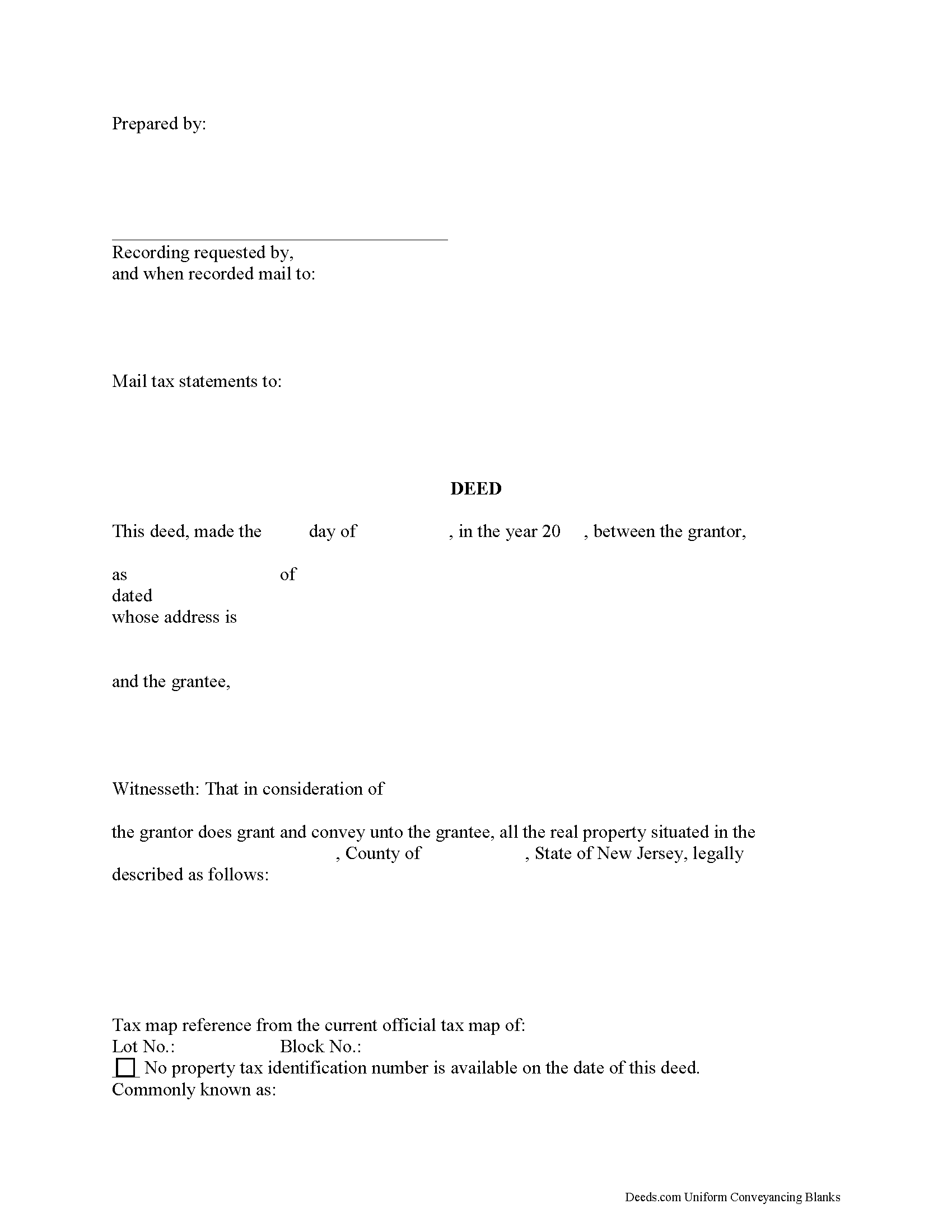
Sussex County Trustee Deed Form
Fill in the blank form formatted to comply with all recording and content requirements.
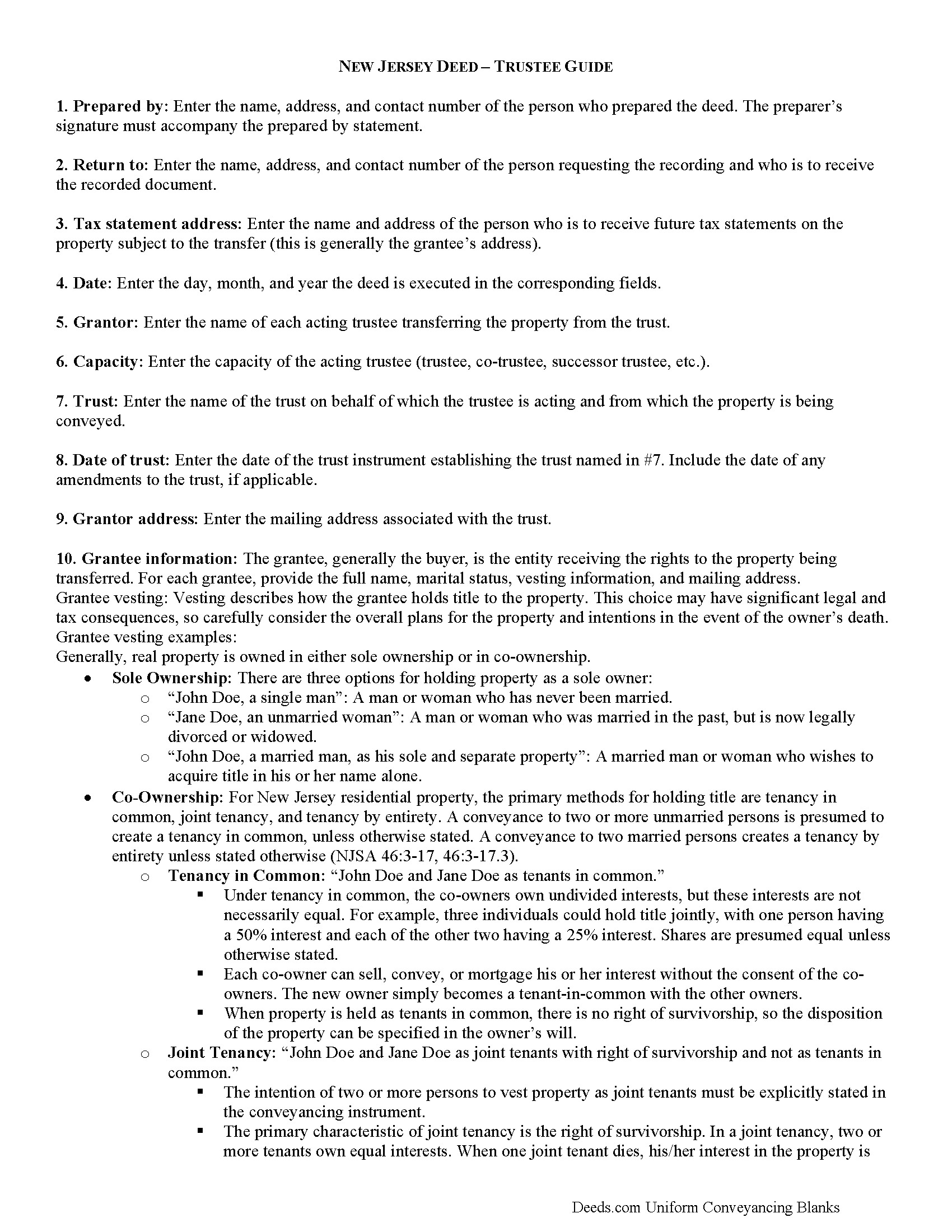
Sussex County Trustee Deed Guide
Line by line guide explaining every blank on the form.
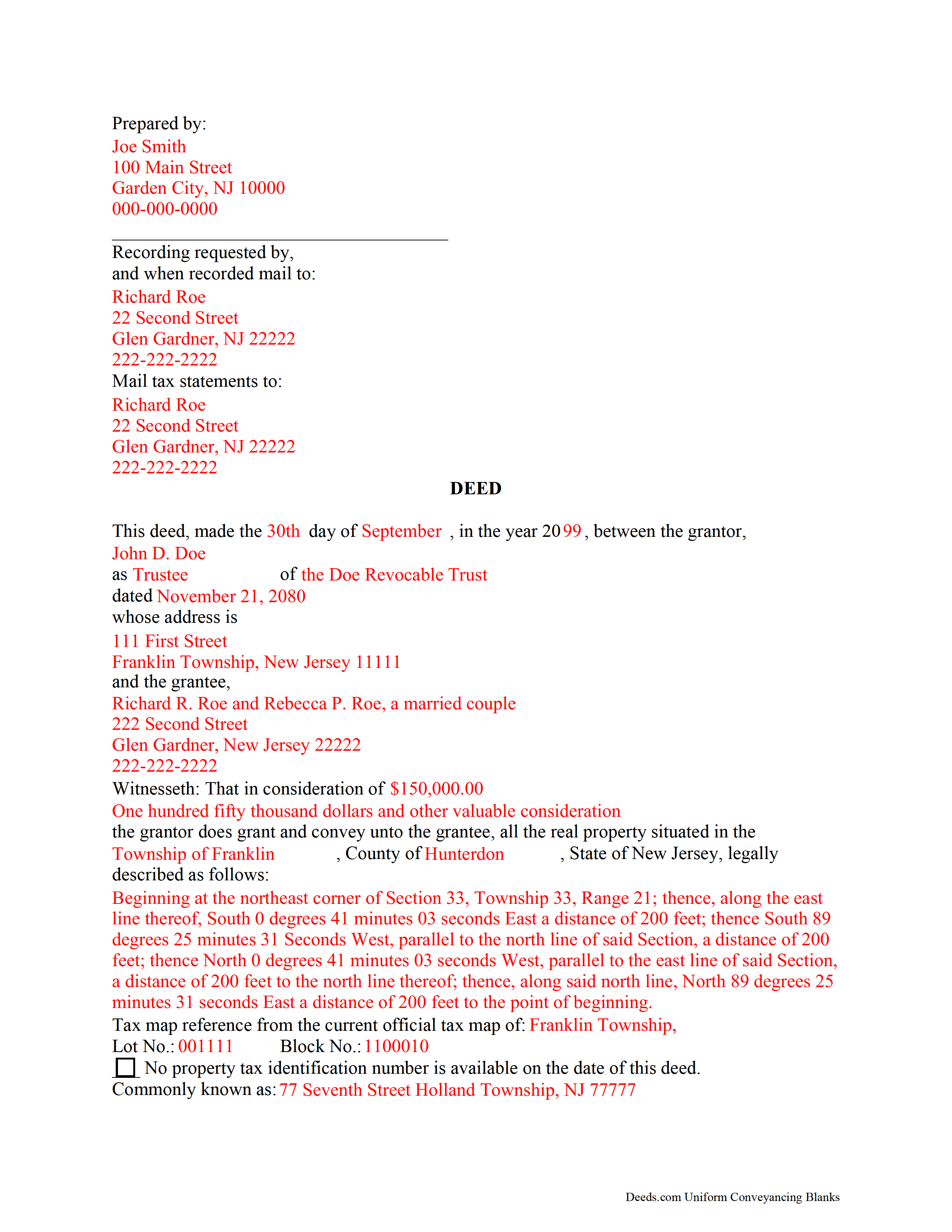
Sussex County Completed Example of the Trustee Deed Document
Example of a properly completed form for reference.
All 3 documents above included • One-time purchase • No recurring fees
Immediate Download • Secure Checkout
Additional New Jersey and Sussex County documents included at no extra charge:
Where to Record Your Documents
Sussex County Clerk
Newton, New Jersey 07860
Hours: 8:00 to 4:00 M-F / first Monday of month until 6:00
Phone: (973) 579-0900
Recording Tips for Sussex County:
- Bring your driver's license or state-issued photo ID
- Ensure all signatures are in blue or black ink
- Request a receipt showing your recording numbers
- Ask about accepted payment methods when you call ahead
- Ask for certified copies if you need them for other transactions
Cities and Jurisdictions in Sussex County
Properties in any of these areas use Sussex County forms:
- Andover
- Augusta
- Branchville
- Franklin
- Glasser
- Glenwood
- Greendell
- Hamburg
- Highland Lakes
- Hopatcong
- Lafayette
- Layton
- Mc Afee
- Middleville
- Montague
- Newton
- Ogdensburg
- Sparta
- Stanhope
- Stillwater
- Stockholm
- Sussex
- Swartswood
- Tranquility
- Vernon
- Wallpack Center
Hours, fees, requirements, and more for Sussex County
How do I get my forms?
Forms are available for immediate download after payment. The Sussex County forms will be in your account ready to download to your computer. An account is created for you during checkout if you don't have one. Forms are NOT emailed.
Are these forms guaranteed to be recordable in Sussex County?
Yes. Our form blanks are guaranteed to meet or exceed the applicable formatting requirements used for recording in Sussex County, including margin requirements, font requirements, and other layout standards. This guarantee applies to formatting, not to the legal sufficiency of information entered by the user or the suitability of a form for a particular transaction.
Can I reuse these forms?
Yes. You can reuse the forms for your personal use. For example, if you have multiple properties in Sussex County you only need to order once.
What do I need to use these forms?
The forms are PDFs that you fill out on your computer. The free Adobe Acrobat Reader is recommended, and most PDF apps also work. You do NOT enter your property information online - you download the blank forms and complete them privately on your own computer.
Are there any recurring fees?
No. This is a one-time purchase. Nothing to cancel, no memberships, no recurring fees.
How much does it cost to record in Sussex County?
Recording fees in Sussex County vary. Contact the recorder's office at (973) 579-0900 for current fees.
Questions answered? Let's get started!
Transferring Living Trust Property in New Jersey
A trust is an arrangement whereby a settlor transfers his property to another person (trustee) for the benefit of another (beneficiary). Trusts containing real property are estate planning tools governed by the terms of the trust instrument, an unrecorded document executed by the settlor. In a living trust, the settlor generally serves as the trustee or co-trustee of the trust. Living trusts take effect during the settlor's lifetime, and also allow the settlor to determine how his assets will be administered in the event of his death. The settlor conveys real property to the trust by executing and recording a deed.
As of July 2016, New Jersey is among 31 states, together with the District of Columbia, to have enacted some version of the Uniform Trust Code, which "provides a comprehensive model for codifying the law on trusts" on a national scale [1]. The New Jersey Uniform Trust Code is codified at Title 3B, Chapter 31 of the New Jersey Statutes.
Under the Trust Code, trustees are authorized to exercise powers conferred by the terms of the trust, except where the terms of the trust limit powers and where there are express restrictions by statute (NJS 3B:31-69). Trusts may include the trustee's power to sell real property. When transferring real property from a living trust, the trustee -- who holds legal title to the property in trust -- executes a deed as the trust's representative.
In New Jersey, grantors may execute a deed with or without warranties or covenants of title. Statutory grantor's covenants for deeds in New Jersey include assurances that the grantor holds an absolute estate in fee simple at the time of the deed; that the grantor has authority to convey the land; that the grantee will possess and enjoy the land without interruption by the grantor; that the grantor has not done anything or executed any deed to encumber title to the land; and/or that the grantor will, at the grantee's reasonable request, take action to convey the land "more perfectly or absolutely" (46:4-2 et seq).
Trustees conveying real estate from a living trust in New Jersey generally execute a bargain and sale deed with covenant as to grantor's acts, but other covenants might be appropriate, depending on the circumstances. Contact a lawyer with questions about this important decision. Conveying property with a warranty deed, for example, opens the trustee to a high degree of liability, even if he has no knowledge of the quality of title prior to his appointment.
Conveyances of real property executed by a trustee must meet the same requirements for form and content for deeds in the State of New Jersey, including a legal description of the subject property and tax map reference. The deed should name the each granting trustee, as well as the name, date, and address of the trust on behalf of which the trustee(s) is/are acting. Each trustee should sign the deed in the presence of a notary public before recording the deed, along with any appropriate affidavits and a seller's residency form, in the county in which the real property is situated.
Each case is unique, so please consult an attorney for more information about transferring real property from living trusts in New Jersey.
[1] http://www.uniformlaws.org/LegislativeFactSheet.aspx?title=Trust%20Code
(New Jersey TD Package includes form, guidelines, and completed example)
Important: Your property must be located in Sussex County to use these forms. Documents should be recorded at the county recording office listed above.
This Trustee Deed meets all recording requirements specific to Sussex County.
Our Promise
The documents you receive here are guaranteed to meet or exceed the applicable Sussex County recording format requirements. If there is a rejection caused by our formatting, we will correct the issue or refund your payment. This guarantee applies to document formatting only and does not extend to information entered by the user, the selection of the form, or the legal effect of the completed document.
Save Time and Money
Get your Sussex County Trustee Deed form done right the first time with Deeds.com Uniform Conveyancing Blanks. At Deeds.com, we understand that your time and money are valuable resources, and we don't want you to face a penalty fee or rejection imposed by a county recorder for submitting nonstandard documents. We constantly review and update our forms to meet rapidly changing state and county recording requirements for roughly 3,500 counties and local jurisdictions.
4.8 out of 5 - ( 4,829 Reviews )
Elaine S. 4 out of 5 stars
Being new at this, the system was somewhat difficult to understand at first. It took a couple of tries before I got it. It seems to be somewhat slow as well. However, it's a wonderful idea to have documents recorded from the comfort of your home, especially in the times that we are in with COVID19. I definitely don't mind paying the fee which I thought was reasonable.
Thank you!
Neil S. 5 out of 5 stars
Very impressive. The only change I would suggest is a smaller font on the title.
Thank you for your feedback. We really appreciate it. Have a great day!
Pansie H. 5 out of 5 stars
Quick and Easy
Thank you!
Krissyn S. 5 out of 5 stars
It was so easy to find, download, and use the form I needed. Literally took about 5 minutes and I was ready to go. I loved that the download included a sample form and a guide to help fill out the form properly.
Thank you for your feedback. We really appreciate it. Have a great day!
Thomas A. 5 out of 5 stars
Deeds.com is an easy-to-use resource for the busy real estate practitioner .
We appreciate your business and value your feedback. Thank you. Have a wonderful day!
Robert S. 4 out of 5 stars
Process was easy to follow and worked as advertised. Thought the price was a little high.
Thank you!
Vicki J. 5 out of 5 stars
Reasonably priced and Extremely easy to use.
We appreciate your business and value your feedback. Thank you. Have a wonderful day!
Nancy B. 5 out of 5 stars
Deeds.com is a godsend! Being able to download the pertinent state and county specific forms reassured me of having the correct t forms in which to proceed. The cost was most reasonable. Thanks for this service.
Thank you!
Michele J. 5 out of 5 stars
I found a typo. It would be good to list the documents an individual needs to fill out the form.
Thank you!
Eileen S. 5 out of 5 stars
It seems fast.
Thank you!
Steven B. 5 out of 5 stars
Easy peazy to find the right forms and they come with instructions and a sample.
Your feedback is appreciated. Thank you for letting us know how we did.
Tracy H. 5 out of 5 stars
Deeds.com was an amazing experience. They made it so easy and stress free. The agent I worked with was fantastic and communicated quickly to make it a very positive experience. I will be using them from now on. Thank you!
We appreciate your business and value your feedback. Thank you. Have a wonderful day!
alex b. 5 out of 5 stars
I appreciate the very quick response that I received and I am very impressed with the access that you provide to records. I'm still in the process of trying to find out what's there but that will take a bit of time. All in all, you are to be commended for a first class operation.
Thank you!
Joyce B. 5 out of 5 stars
Very easy to purchase and download.
Thank you!
Joyce S. 5 out of 5 stars
So happy, great forms made everything a breeze.
Thank you for your feedback. We really appreciate it. Have a great day!