Johnston County Cancellation of Lis Pendens Notice Form
Last validated October 15, 2026 by our Forms Development TeamFormatted for recording in Johnston County, for property anywhere in the county: rural and unincorporated areas as well as Benson, Clayton, Four Oaks, Kenly, Micro, Pine Level, Princeton, Selma and 2 more.
- 3 documents included
- Immediate PDF download
- Formatting guarantee
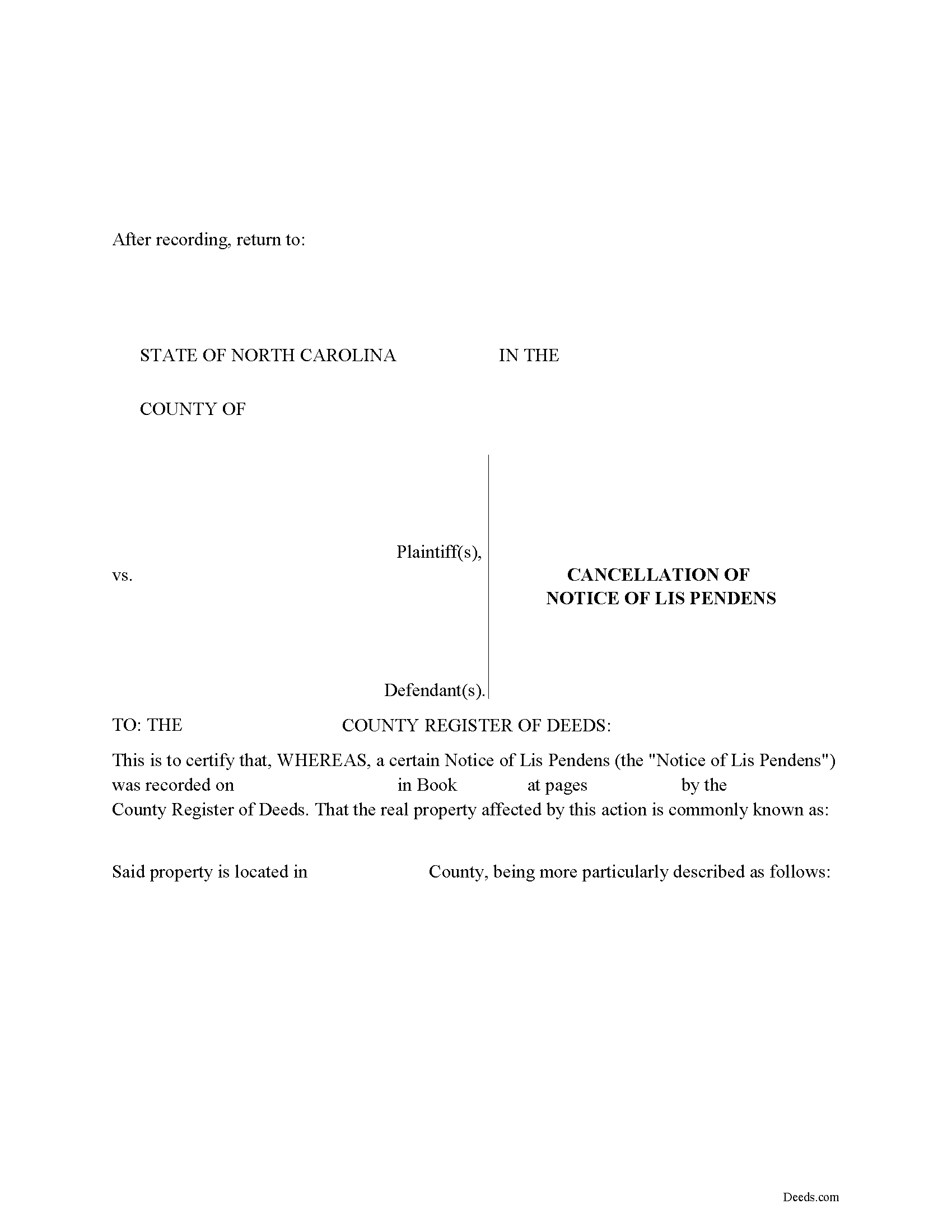
Johnston County Cancellation of Lis Pendens Form
Fill in the blank form formatted to comply with all recording and content requirements.
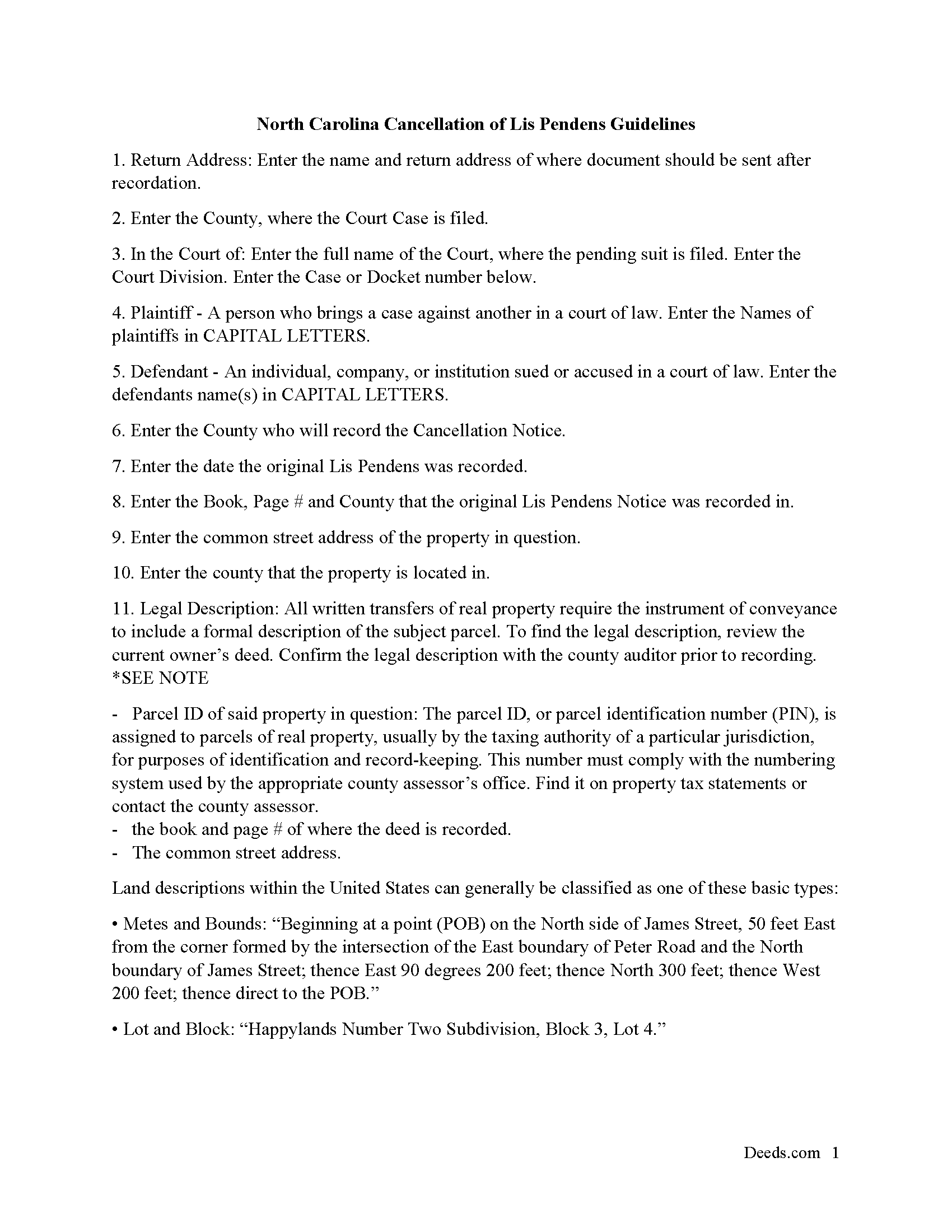
Johnston County Cancellation of Lis Pendens Guide
Line by line guide explaining every blank on the form
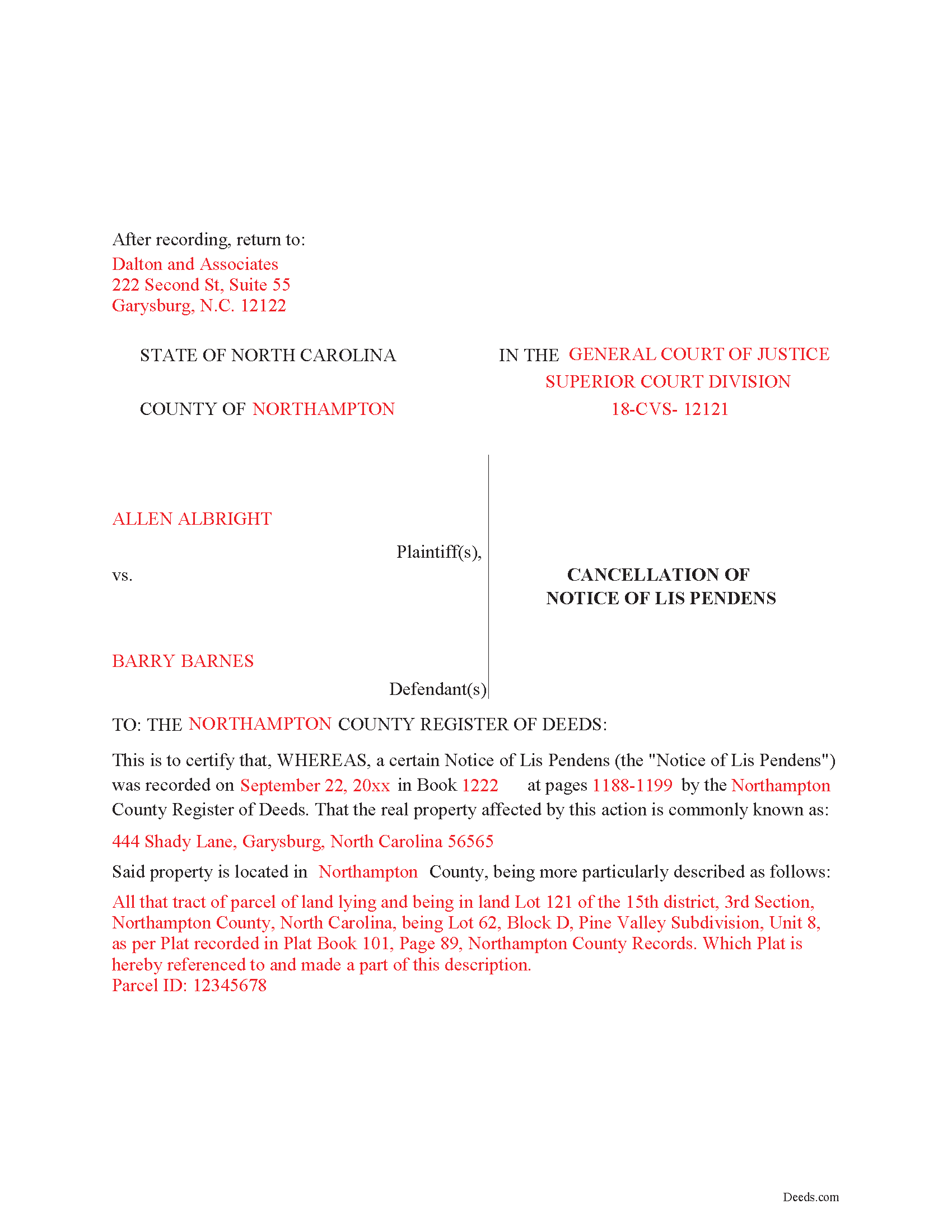
Johnston County Completed Example of the Lis Pendens Cancellation Document
Example of a properly completed form for reference.
All 3 documents above included • One-time purchase • No recurring fees
Immediate Download • Secure Checkout
Additional North Carolina and Johnston County documents included at no extra charge:
Where to Record Your Documents
Johnston County Register of Deeds
Smithfield, North Carolina 27577
Hours: 8:00 to 5:00 M-F
Phone: (919) 989-5160
Recording Tips for Johnston County:
- Bring your driver's license or state-issued photo ID
- Ensure all signatures are in blue or black ink
- Ask if they accept credit cards - many offices are cash/check only
- Check that your notary's commission hasn't expired
- Documents must be on 8.5 x 11 inch white paper
Cities and Jurisdictions in Johnston County
Properties in any of these areas use Johnston County forms:
- Benson
- Clayton
- Four Oaks
- Kenly
- Micro
- Pine Level
- Princeton
- Selma
- Smithfield
- Wilsons Mills
Hours, fees, requirements, and more for Johnston County
How do I get my forms?
Forms are available for immediate download after payment. The Johnston County forms will be in your account ready to download to your computer. An account is created for you during checkout if you don't have one. Forms are NOT emailed.
Are these forms guaranteed to be recordable in Johnston County?
Yes. Our form blanks are guaranteed to meet or exceed the applicable formatting requirements used for recording in Johnston County, including margin requirements, font requirements, and other layout standards. This guarantee applies to formatting, not to the legal sufficiency of information entered by the user or the suitability of a form for a particular transaction.
Can I reuse these forms?
Yes. You can reuse the forms for your personal use. For example, if you have multiple properties in Johnston County you only need to order once.
What do I need to use these forms?
The forms are PDFs that you fill out on your computer. The free Adobe Acrobat Reader is recommended, and most PDF apps also work. You do NOT enter your property information online - you download the blank forms and complete them privately on your own computer.
Are there any recurring fees?
No. This is a one-time purchase. Nothing to cancel, no memberships, no recurring fees.
How much does it cost to record in Johnston County?
Recording fees in Johnston County vary. Contact the recorder's office at (919) 989-5160 for current fees.
Questions answered? Let's get started!
Use this form to cancel a Notice of Lis Pendens that was previously recorded. Cancellation Notice is formatted to meet North Carolina recording requirements, has ample space to enter multiple parties, which is common in cases involving real property.
(North Carolina COLPN Package includes form, guidelines, and completed example)
Important: Your property must be located in Johnston County to use these forms. Documents should be recorded at the county recording office listed above.
This Cancellation of Lis Pendens Notice meets all recording requirements specific to Johnston County.
Our Promise
The documents you receive here are guaranteed to meet or exceed the applicable Johnston County recording format requirements. If there is a rejection caused by our formatting, we will correct the issue or refund your payment. This guarantee applies to document formatting only and does not extend to information entered by the user, the selection of the form, or the legal effect of the completed document.
Save Time and Money
Get your Johnston County Cancellation of Lis Pendens Notice form done right the first time with Deeds.com Uniform Conveyancing Blanks. At Deeds.com, we understand that your time and money are valuable resources, and we don't want you to face a penalty fee or rejection imposed by a county recorder for submitting nonstandard documents. We constantly review and update our forms to meet rapidly changing state and county recording requirements for roughly 3,500 counties and local jurisdictions.
4.8 out of 5 - ( 4,837 Reviews )
BAHMAN B. 5 out of 5 stars
Very good experience.
Thank you!
Cindy W. 5 out of 5 stars
The site is a good idea, however, I couldn't find what I needed with just the address alone. I was looking to get the name of a former landlord, as I can't remember it.
Thank you!
Jason B. 5 out of 5 stars
You saved me $275.00 perfect! Thank you!!
We appreciate your business and value your feedback. Thank you. Have a wonderful day!
Harry W B. 5 out of 5 stars
This is a very valuable resource. It was user friendly and made transfer happen in a day!
We appreciate your business and value your feedback. Thank you. Have a wonderful day!
David M. 5 out of 5 stars
Holy cow. I was told by several people that getting a deed recorded would take 7-10 days. So I thought I'd give deeds.com a try with their e-filing service. I created my account and submitted my deed around 4:00 p.m. and it was recorded before I woke up the next morning. Awesome service! Totally worth the $19 service fee.
We appreciate your business and value your feedback. Thank you. Have a wonderful day!
Herman B. 5 out of 5 stars
Special Warranty Deed I can't seem to type all my info in the blank spaces. It won't allow me to type any more. Maybe you should consider either allowing typists to type more (leaving more space) or allowing more room to type more.
Thank you!
Joseph R. 3 out of 5 stars
The form and instructions were easy enough to follow if you had all the information.
The only drawback to the form was the length of text allowed for the name of the document (#4). The form self populates in multiple locations but when printed truncated the name if too many characters were used. I kept having to update the name of the document to allow for proper printing.
Your insights are invaluable to us and help us strive for better service. Thank you for taking the time to share your thoughts.
Barbara G. 5 out of 5 stars
High rating, great site and forms were exactly what I needed. Thanks for being there for me.
We appreciate your business and value your feedback. Thank you. Have a wonderful day!
Martha D. 5 out of 5 stars
Excellent website. I found exactly what I was looking for!
Thank you!
Michael F. 5 out of 5 stars
Very helpful and easy to use.
We deeply appreciate the trust you have placed in our services. Thank you for your valuable feedback and for choosing us.
Matthew L. 5 out of 5 stars
I would make just two suggestions. (1) Create and example showing multiple grantor(s) and (2) In the same example, show where and estate is conveyed to two or more people. It would help in knowing the correct format.
Thank you for your feedback. We really appreciate it. Have a great day!
John C N. 5 out of 5 stars
Just the website I needed. Very detailed and efficient.
Thank you for taking the time to provide your feedback John, we really appreciate it. Have an amazing day!
Paulette O. 5 out of 5 stars
I love this! I wish there was one for a simple personal will.
Thank you!
Christina H. 5 out of 5 stars
I appreciate having forms available and not having to go to a business supply or attorney. This is great. However, there are two individual quit claim deed forms and I don't know which one is appropriate.
Thank you for your feedback. We really appreciate it. Have a great day!
Tyrone L. 5 out of 5 stars
Great time saver fast service
Your satisfaction with our services is of utmost importance to us. Thank you for letting us know how we did!