Lee County Cancellation of Lis Pendens Notice Form
Last validated October 15, 2026 by our Forms Development TeamFormatted for recording in Lee County, for property anywhere in the county: rural and unincorporated areas as well as Broadway, Cumnock, Lemon Springs, Sanford.
- 3 documents included
- Immediate PDF download
- Formatting guarantee
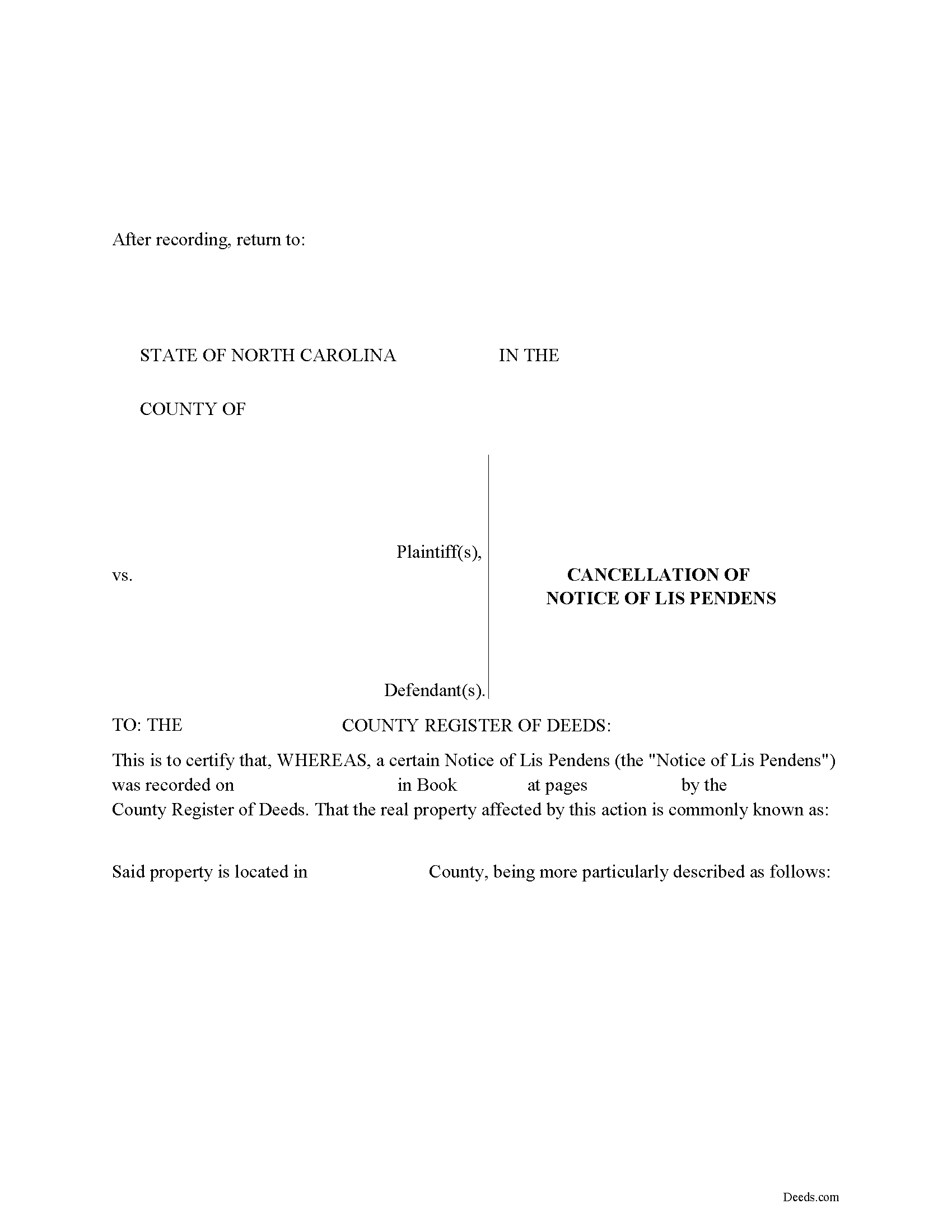
Lee County Cancellation of Lis Pendens Form
Fill in the blank form formatted to comply with all recording and content requirements.
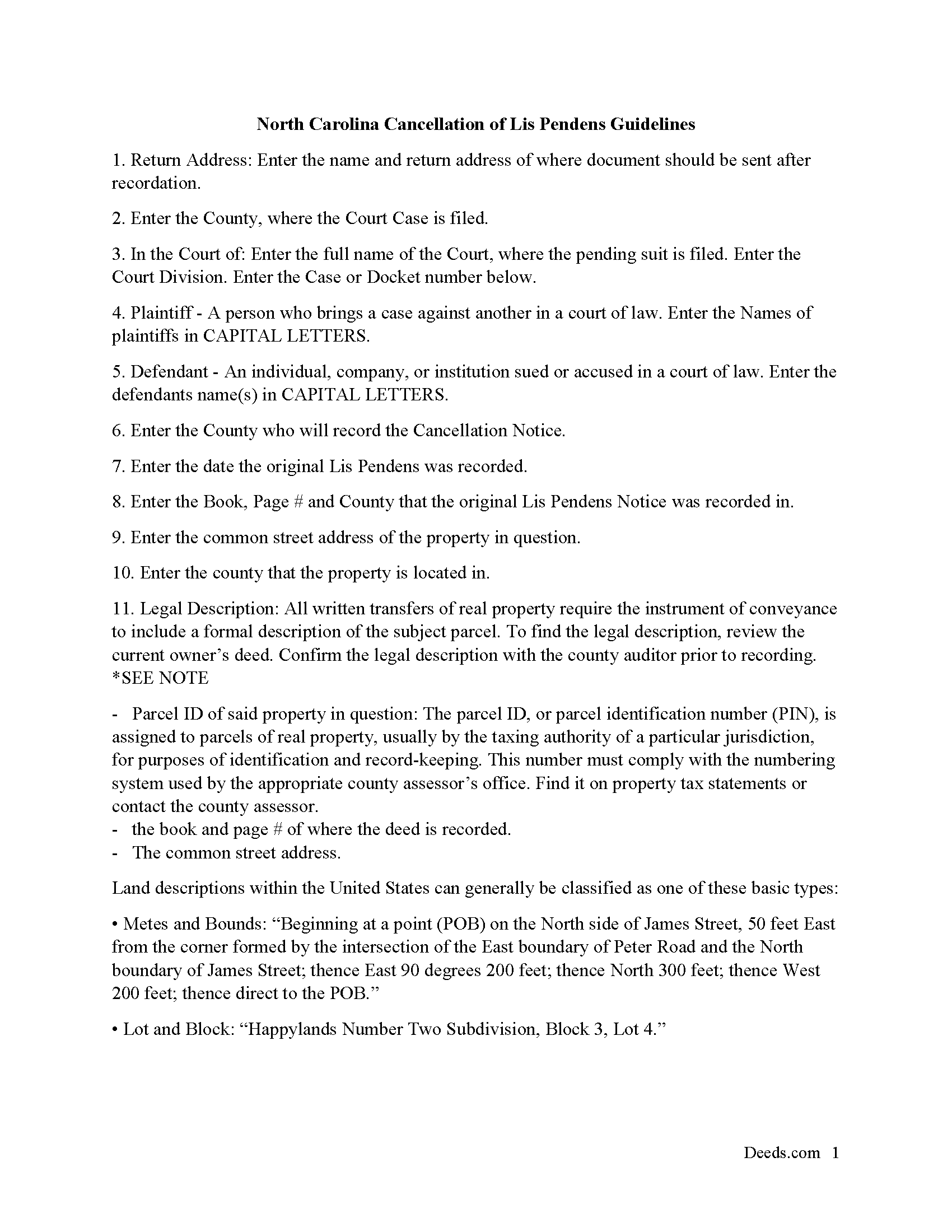
Lee County Cancellation of Lis Pendens Guide
Line by line guide explaining every blank on the form
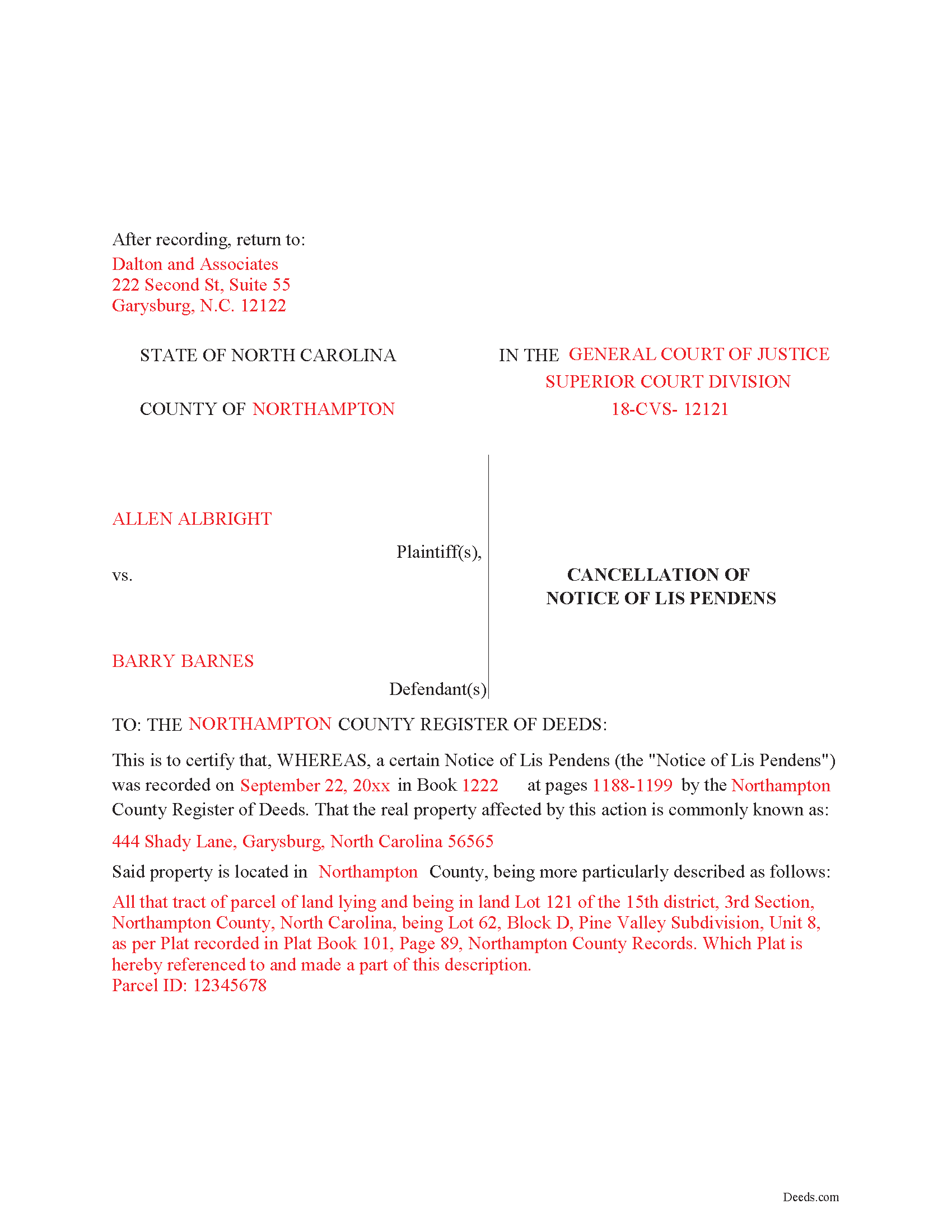
Lee County Completed Example of the Lis Pendens Cancellation Document
Example of a properly completed form for reference.
All 3 documents above included • One-time purchase • No recurring fees
Immediate Download • Secure Checkout
Additional North Carolina and Lee County documents included at no extra charge:
Where to Record Your Documents
Lee County Register of Deeds
Sanford, North Carolina 27330
Hours: 8:00 to 5:00 M-F
Phone: (919) 718-4585
Recording Tips for Lee County:
- Bring your driver's license or state-issued photo ID
- Ensure all signatures are in blue or black ink
- Make copies of your documents before recording - keep originals safe
- Recorded documents become public record - avoid including SSNs
- Recording fees may differ from what's posted online - verify current rates
Cities and Jurisdictions in Lee County
Properties in any of these areas use Lee County forms:
- Broadway
- Cumnock
- Lemon Springs
- Sanford
Hours, fees, requirements, and more for Lee County
How do I get my forms?
Forms are available for immediate download after payment. The Lee County forms will be in your account ready to download to your computer. An account is created for you during checkout if you don't have one. Forms are NOT emailed.
Are these forms guaranteed to be recordable in Lee County?
Yes. Our form blanks are guaranteed to meet or exceed the applicable formatting requirements used for recording in Lee County, including margin requirements, font requirements, and other layout standards. This guarantee applies to formatting, not to the legal sufficiency of information entered by the user or the suitability of a form for a particular transaction.
Can I reuse these forms?
Yes. You can reuse the forms for your personal use. For example, if you have multiple properties in Lee County you only need to order once.
What do I need to use these forms?
The forms are PDFs that you fill out on your computer. The free Adobe Acrobat Reader is recommended, and most PDF apps also work. You do NOT enter your property information online - you download the blank forms and complete them privately on your own computer.
Are there any recurring fees?
No. This is a one-time purchase. Nothing to cancel, no memberships, no recurring fees.
How much does it cost to record in Lee County?
Recording fees in Lee County vary. Contact the recorder's office at (919) 718-4585 for current fees.
Questions answered? Let's get started!
Use this form to cancel a Notice of Lis Pendens that was previously recorded. Cancellation Notice is formatted to meet North Carolina recording requirements, has ample space to enter multiple parties, which is common in cases involving real property.
(North Carolina COLPN Package includes form, guidelines, and completed example)
Important: Your property must be located in Lee County to use these forms. Documents should be recorded at the county recording office listed above.
This Cancellation of Lis Pendens Notice meets all recording requirements specific to Lee County.
Our Promise
The documents you receive here are guaranteed to meet or exceed the applicable Lee County recording format requirements. If there is a rejection caused by our formatting, we will correct the issue or refund your payment. This guarantee applies to document formatting only and does not extend to information entered by the user, the selection of the form, or the legal effect of the completed document.
Save Time and Money
Get your Lee County Cancellation of Lis Pendens Notice form done right the first time with Deeds.com Uniform Conveyancing Blanks. At Deeds.com, we understand that your time and money are valuable resources, and we don't want you to face a penalty fee or rejection imposed by a county recorder for submitting nonstandard documents. We constantly review and update our forms to meet rapidly changing state and county recording requirements for roughly 3,500 counties and local jurisdictions.
4.8 out of 5 - ( 4,837 Reviews )
Jana H. 5 out of 5 stars
This company has made my life so much easier. I'm not driving 25 miles twice a week to record a document. I'm almost giddy! Thank you for making my job so much faster! Jana Hamilton
We appreciate your business and value your feedback. Thank you. Have a wonderful day!
Bryan R. 5 out of 5 stars
Deeds.com was very helpful and user friendly! Their team has been very prompt to respond to my emails. I highly recommend Deeds.com to fulfill deed recording needs!
Thanks so much, Bryan! We appreciate the kind words and your recommendation.
Soledad T. 5 out of 5 stars
It's Great!!!
Thank you!
Griselle M. 5 out of 5 stars
Great service - it was my first time using the service and really recommend it. Due to COVID-19, my County Recorder's Office is closed and I was able to create the document using their vast templates, notarize it, and upload it into the system. The recording process took about 7 working days which is not bad considering that most people are working remotely. I will share this website and its many resources with my relatives and friends.
Thank you Griselle, glad we could help.
Sarah C. 5 out of 5 stars
Great, but I'd like to see the actual filings/documents in my account, PDF, not only the blank forms. Thank you.
Thank you for your feedback. We really appreciate it. Have a great day!
Sheri L. 5 out of 5 stars
Very helpful even though what I'm looking for hasnt updated yet. I'll use you again.
Thank you!
Katherin K. 4 out of 5 stars
Helpful, but some of the blanks aren't large enough, particularly when the grantor is an affiant under a small estate affidavit, and that's the reason for $0 consideration.
Thanks, Katherin — we appreciate the helpful feedback. We’re reviewing the blank sizing and ways to better support small estate affidavit situations, including explanations for $0 consideration.
Daniel R. 4 out of 5 stars
Could have had Clerk's certification of mailing form after it is recorded. Not fatal, but I did have to resort to reading the statute as well.
Thank you!
Rachel E. 5 out of 5 stars
Our firm is working remotely and a lot of court services are limited with the corona-virus shutdowns, but we needed to record a Deed at the last minute. There was no other way we'd could get it done that quick without Deeds.com (staff) helped us work out some kinks and we got it recorded in less than 1 business day! Thank you!
Thank you for your feedback, we really appreciate it. Glad we could help.
ANGELIA E. 5 out of 5 stars
Thanks for your expedite process
We appreciate your business and value your feedback. Thank you. Have a wonderful day!
Pedro M. 5 out of 5 stars
Fast and professional service.
Thank you for your positive words! We’re thrilled to hear about your experience.
Bonnee G. 5 out of 5 stars
Arrived at your site from my county's government site. Saw that all the forms I think I need were included in one package deal, hopefully its the correct package. I Although I've not looked into other aspects of the site, retrieving the forms was pretty easy. Thank you
Thank you for your feedback. We really appreciate it. Have a great day!
Lila L. 5 out of 5 stars
Everyone was very responsive and helpful. Thank you. I give you a 5!!
We appreciate your business and value your feedback. Thank you. Have a wonderful day!
Lutz P. 5 out of 5 stars
Your forms are great but I couldn’t use them with my computer and acrobats reader didn’t work. And then my thermal printer would only print 1/3 size pages with no way to fix it. I ordered a new color printer and we’ll see what happens.
Thank you, Lutz. We're glad you like the forms, and we're sorry getting them working turned into such a hassle. That shrunken page is typical of thermal printers: most use narrow receipt or label paper, so a full page gets scaled down to fit, and no setting can change that. Thermal paper also fades over time, which you don't want on a document you're recording, so the new printer is the right call. When it arrives, print on plain white paper with “Actual size” selected in the print settings so the page comes out full size with its margins intact. If Acrobat Reader gives you trouble again, save the form to your computer first and open the saved file in Acrobat Reader rather than in your web browser. Still stuck? Contact our support team and we'll walk you through it.
Vallie D. 5 out of 5 stars
Very easy to navigate website. Quick filing, great communication. Saved me hundreds of dollars vs. filing through the escrow service
Thank you for your kind words Vallie, glad we could help. Have an amazing day!