Graham County Claim of Lien Against Construction Funds Form
Last validated October 14, 2026 by our Forms Development TeamFormatted for recording in Graham County, for property anywhere in the county: rural and unincorporated areas as well as Fontana Dam, Robbinsville.
- 3 documents included
- Immediate PDF download
- Formatting guarantee
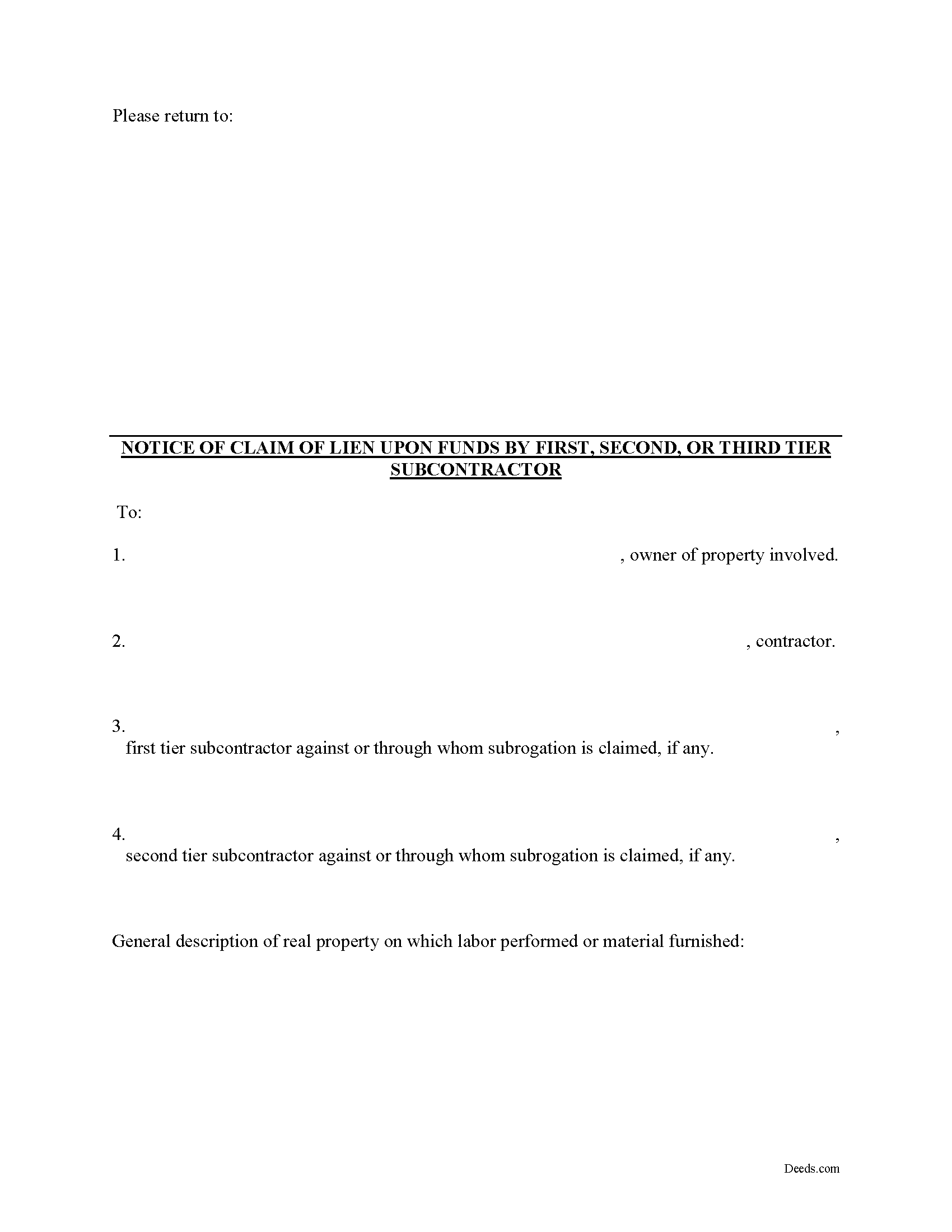
Graham County Claim of Lien Against Construction Funds Form
Fill in the blank Claim of Lien Against Construction Funds form formatted to comply with all North Carolina recording and content requirements.
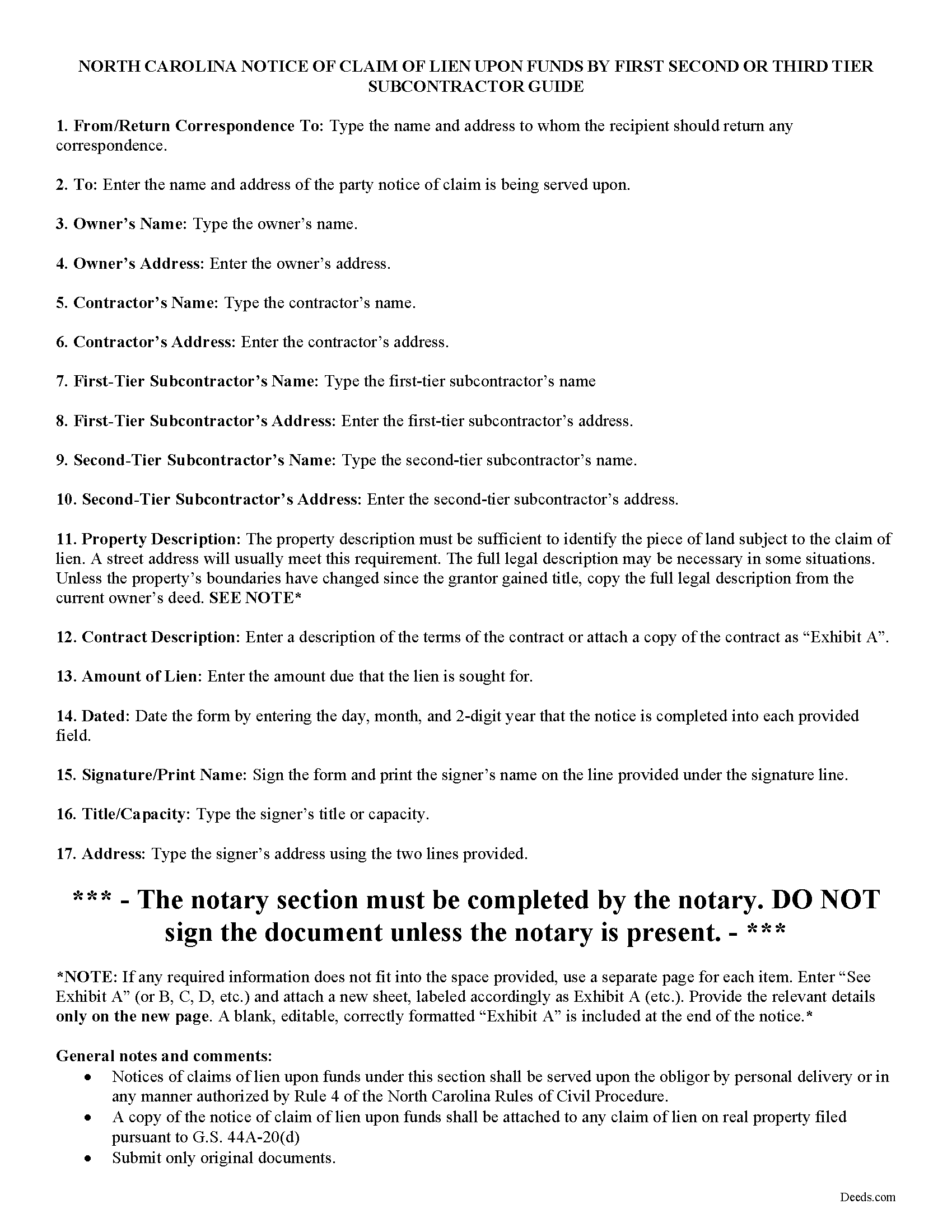
Graham County Claim of Lien Against Construction Funds Guide
Line by line guide explaining every blank on the form.
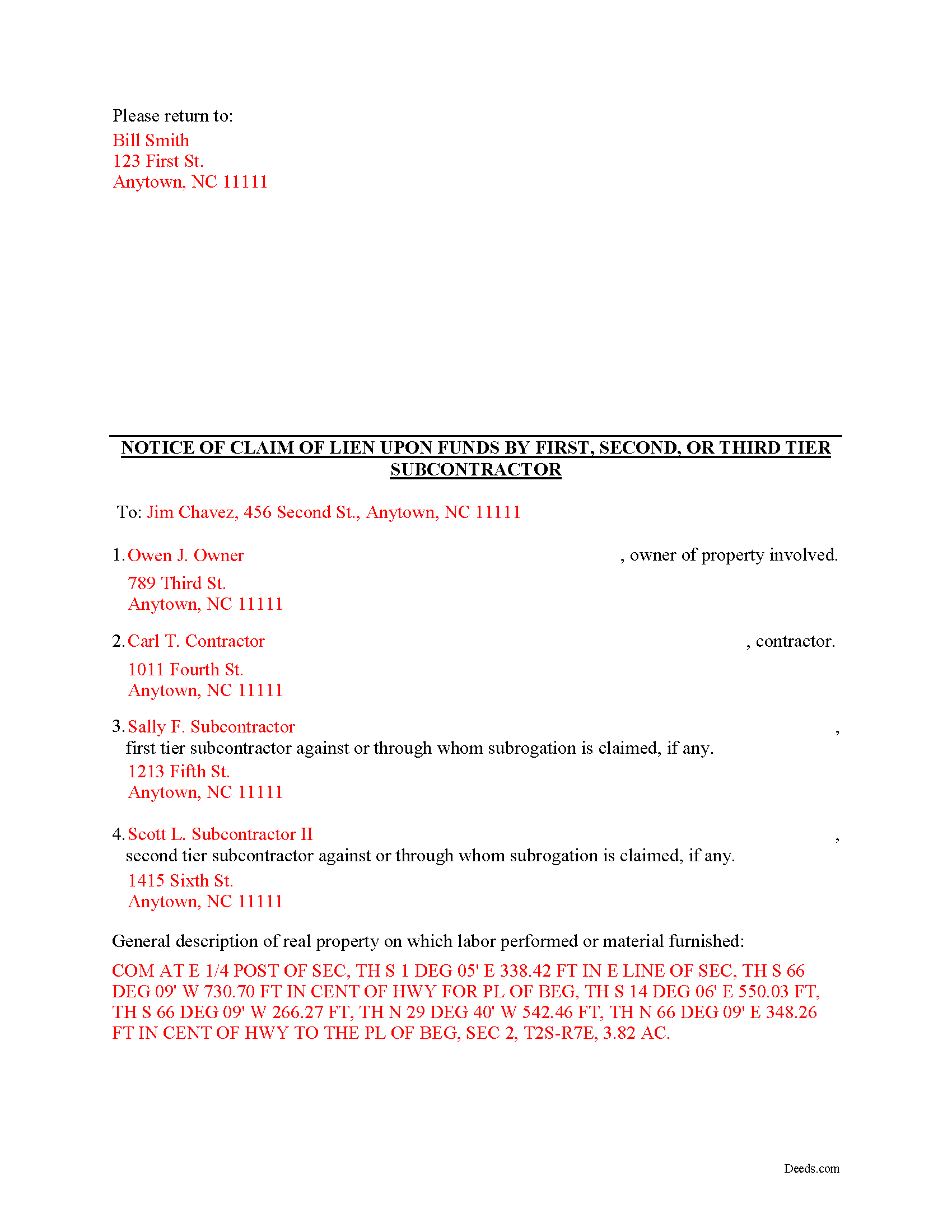
Graham County Completed Example of the Claim of Lien Against Construction Funds Document
Example of a properly completed form for reference.
All 3 documents above included • One-time purchase • No recurring fees
Immediate Download • Secure Checkout
Additional North Carolina and Graham County documents included at no extra charge:
Where to Record Your Documents
Graham County Register of Deeds
Robbinsville, North Carolina 28771
Hours: 8:30 to 5:00 M-F
Phone: (828) 479-7971
Recording Tips for Graham County:
- Bring your driver's license or state-issued photo ID
- Ensure all signatures are in blue or black ink
- Request a receipt showing your recording numbers
- Ask about accepted payment methods when you call ahead
- Ask for certified copies if you need them for other transactions
Cities and Jurisdictions in Graham County
Properties in any of these areas use Graham County forms:
- Fontana Dam
- Robbinsville
Hours, fees, requirements, and more for Graham County
How do I get my forms?
Forms are available for immediate download after payment. The Graham County forms will be in your account ready to download to your computer. An account is created for you during checkout if you don't have one. Forms are NOT emailed.
Are these forms guaranteed to be recordable in Graham County?
Yes. Our form blanks are guaranteed to meet or exceed the applicable formatting requirements used for recording in Graham County, including margin requirements, font requirements, and other layout standards. This guarantee applies to formatting, not to the legal sufficiency of information entered by the user or the suitability of a form for a particular transaction.
Can I reuse these forms?
Yes. You can reuse the forms for your personal use. For example, if you have multiple properties in Graham County you only need to order once.
What do I need to use these forms?
The forms are PDFs that you fill out on your computer. The free Adobe Acrobat Reader is recommended, and most PDF apps also work. You do NOT enter your property information online - you download the blank forms and complete them privately on your own computer.
Are there any recurring fees?
No. This is a one-time purchase. Nothing to cancel, no memberships, no recurring fees.
How much does it cost to record in Graham County?
Recording fees in Graham County vary. Contact the recorder's office at (828) 479-7971 for current fees.
Questions answered? Let's get started!
Claiming a Lien Against Construction Funds in North Carolina
In addition to claiming a lien against a real property, contractors can also lien on construction funds regardless of tier. Therefore, a subcontractor has lien rights against any funds that are owed to the party that hired the subcontractor. A lien can be claimed to the extent money is owed to the party occupying the position in the chain above the subcontractor. N.C.G.S. 44A-18.
The subcontractor's right to a lien becomes ripe as soon as labor or materials are first furnished on the job and relates back to the date the contractor or supplier first furnished labor, services, or materials on the project.
The notice of a claim of lien upon funds must set forth all of the following information: (1) the name and address of the person claiming the lien upon funds; (2) a general description of the real property improved; (3) the name and address of the person with whom the lien claimant contracted to improve real property; (4) the name and address of each person against or through whom subrogation rights are claimed; (5) a general description of the contract and the person against whose interest the lien upon funds is claimed; and (6) the amount of the lien upon funds claimed by the lien claimant under the contract. N.C.G.S. 44A-19(a).
The notice must also be served on the obligor (debtor) by personal delivery or in any manner authorized by Rule 4 of the North Carolina Rules of Civil Procedure. N.C.G.S. 44A-19(d). A copy of the notice of claim of lien upon funds shall be attached to any claim of lien on real property filed pursuant to G.S. 44A-20(d). Id.
This article is provided for informational purposes only and should not be relied upon as a substitute for the advice of a legal professional. Please contact an attorney with questions about claiming a lien on funds, or any other issues related to liens in North Carolina.
Important: Your property must be located in Graham County to use these forms. Documents should be recorded at the county recording office listed above.
This Claim of Lien Against Construction Funds meets all recording requirements specific to Graham County.
Our Promise
The documents you receive here are guaranteed to meet or exceed the applicable Graham County recording format requirements. If there is a rejection caused by our formatting, we will correct the issue or refund your payment. This guarantee applies to document formatting only and does not extend to information entered by the user, the selection of the form, or the legal effect of the completed document.
Save Time and Money
Get your Graham County Claim of Lien Against Construction Funds form done right the first time with Deeds.com Uniform Conveyancing Blanks. At Deeds.com, we understand that your time and money are valuable resources, and we don't want you to face a penalty fee or rejection imposed by a county recorder for submitting nonstandard documents. We constantly review and update our forms to meet rapidly changing state and county recording requirements for roughly 3,500 counties and local jurisdictions.
4.8 out of 5 - ( 4,842 Reviews )
James J. 5 out of 5 stars
I couldn't be more pleased or more impressed with the e-recording services I received from deeds.com and from my service representative, KVH. I was able to record documents in approximately half a dozen different counties easily and seamlessly, with a minimum of fuss. The turn around time was incredibly fast. The pricing was incredibly reasonable. I know I have alternatives because, in the past, I have used a competitor service for my recording needs. I won't do that again -- this was an exceptional experience. Thank you for your help!
We appreciate your business and value your feedback. Thank you. Have a wonderful day!
Benjamin B. 5 out of 5 stars
Your software was beneficial; facilitating preparation of a legal document and cover page in a state where I had limited legal experience.
Thank you for your feedback. We really appreciate it. Have a great day!
Theodore K. 2 out of 5 stars
This does the job but we are not able to save this in our account and if you don't pay for Adobe and only have Adobe reader, I cannot save any information on the form online in my account. I do understand why they do this because they would lose money. A huge issue is that when I got to the end of the document and was adding an Exhibit A, as I typed, the page kept jumping back up the to top and I couldn't see what I was typing. I had to type a little then scroll back down and when I would type more, it would jump up again. This was a real problem.
Thank you for your feedback. We really appreciate it. Have a great day!
Gary F. 5 out of 5 stars
5 star review. Was able to order and download what I wanted in just a few minutes without any glitches.
Thank you for your feedback. We really appreciate it. Have a great day!
Carolyn D. 5 out of 5 stars
The sight provided exactly what I needed and was easy to use. I was able to download the type of Deed I used and was completely satisfied with the website.
Thank you!
Richard R. 5 out of 5 stars
Kind of expensive for a 3 page item...but I received it pronto and it will fill the bill.
Thank you!
Nancy N. 5 out of 5 stars
Very easy to use. Appreicate the sample filled out forms and the guide book. Thank you!
Thank you for your feedback. We really appreciate it. Have a great day!
Ann K. 5 out of 5 stars
I ordered a Quit Claim Deed for my county. Once I read the detailed instructions and filled it out I submitted it to the local Register of Deeds and it was filed on the spot while I waited! Thank you, you made a difficult and expensive task easy (for a laymen with no knowledge) at little expense. Highly recommend your site!!!
Thank you for your feedback. We really appreciate it. Have a great day!
Becky B. 1 out of 5 stars
Terrible form format
Thank you for taking the time to leave your feedback Becky. We do hope that you found something more suitable to your needs elsewhere. Have a wonderful day.
Salvatore R. 5 out of 5 stars
It was fast and easy to find.
Thank you!
Sylvia H. 5 out of 5 stars
Thank you so much for making it easy and professionally trustworthy. You are the best!!!
Thank you!
Eileen B. 5 out of 5 stars
I was quoted $525 to do the exact same thing from Deeds.com for only $25. Seems like a no brainer to me!
Thank you for your feedback. We really appreciate it. Have a great day!
Mary D. 5 out of 5 stars
So far, understanding the process involved to get these forms was simple. I would like to have known or received some information as to charges for filing these documents. Or, be directed to a place that lists charges.
Thank you for your feedback. We really appreciate it. Have a great day!
Gordon J. 5 out of 5 stars
The experience was generally very satisfactory. I was able to fill out the Trust Deed and send it via email no problem. However, I was not able to send the filled out form of the Note. It always erased my fill-ins when it was sent. I found that very frustrating.
Thank you, Gordon. Glad the Trust Deed worked well. Issues like the one you reported with the Note can sometimes be related to how the file is opened or sent. Using Adobe Reader to fill, save, and send the form is recommended. We also pass along all feedback like this to our team to confirm there are no issues.
MIchelle S. 4 out of 5 stars
You had the generic document that I was looking for Yay! The "example" page was helpful and reassuring. The auto input sections of my document looked ok until i printed it and then it appeared to be out of alignment which is why my rating is lowered to 4 stars it would be nice to have the ability to correct the title (created by me) when downloading PDFs for an e-filing
Thank you for your feedback. We really appreciate it. Have a great day!