Alexander County Quitclaim Deed (Corrective) Form
Last validated October 1, 2026 by our Forms Development TeamFormatted for recording in Alexander County, for property anywhere in the county: rural and unincorporated areas as well as Hiddenite, Stony Point, Taylorsville.
- 3 documents included
- Immediate PDF download
- Formatting guarantee
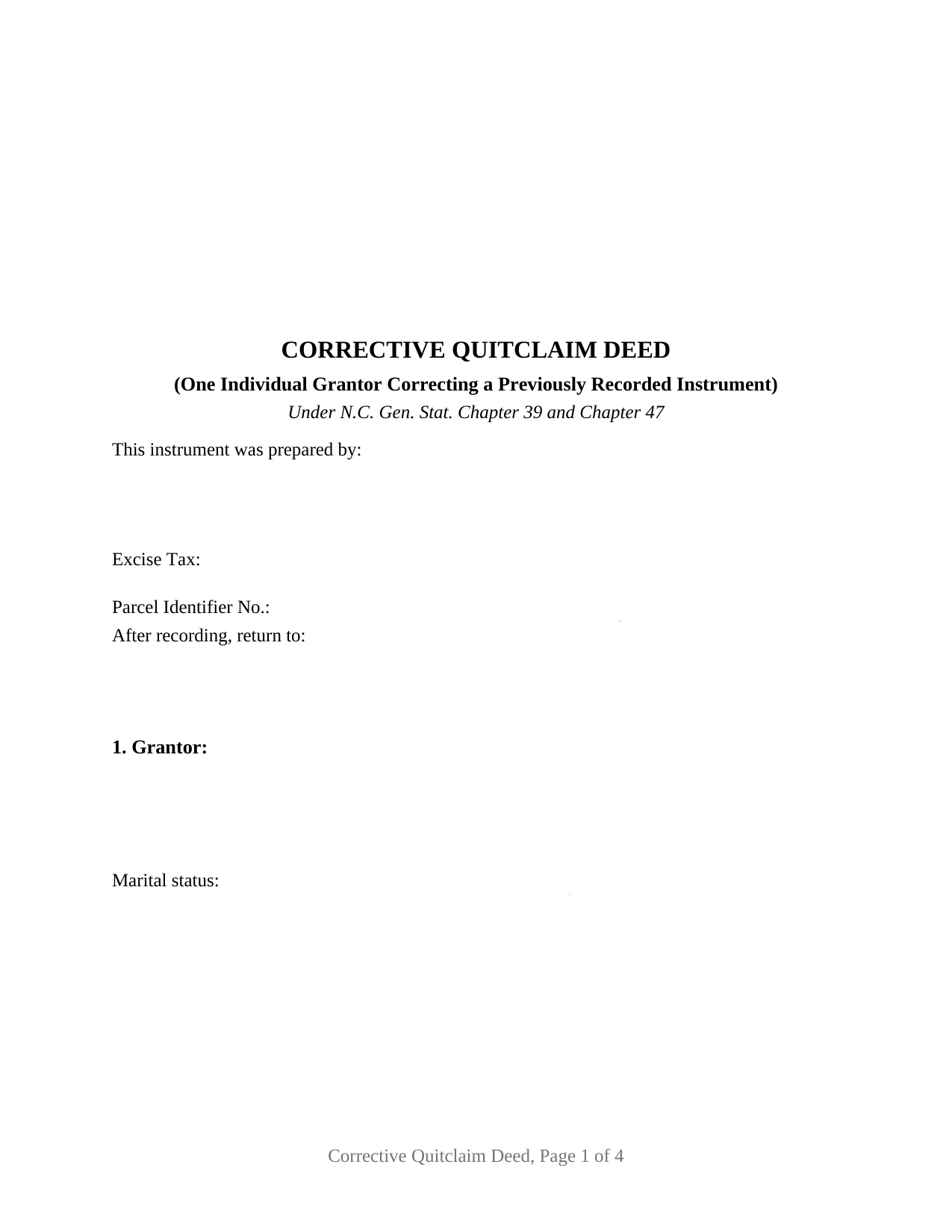
Alexander County Quitclaim Deed (Corrective) Form
Fill in the blank Quitclaim Deed (Corrective) form formatted to comply with all North Carolina recording and content requirements.
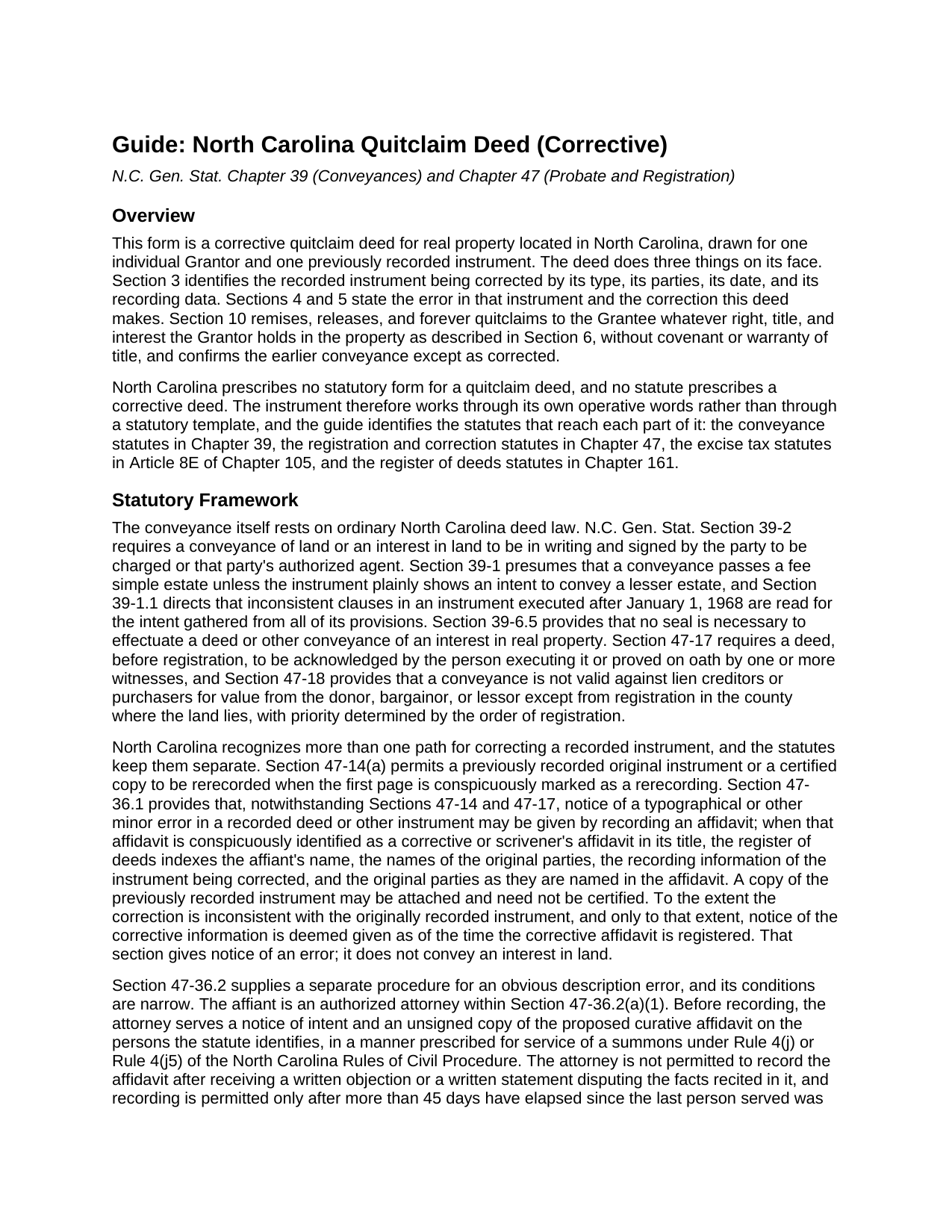
Alexander County Quitclaim Deed (Corrective) Guide
Line by line guide explaining every blank on the Quitclaim Deed (Corrective) form.
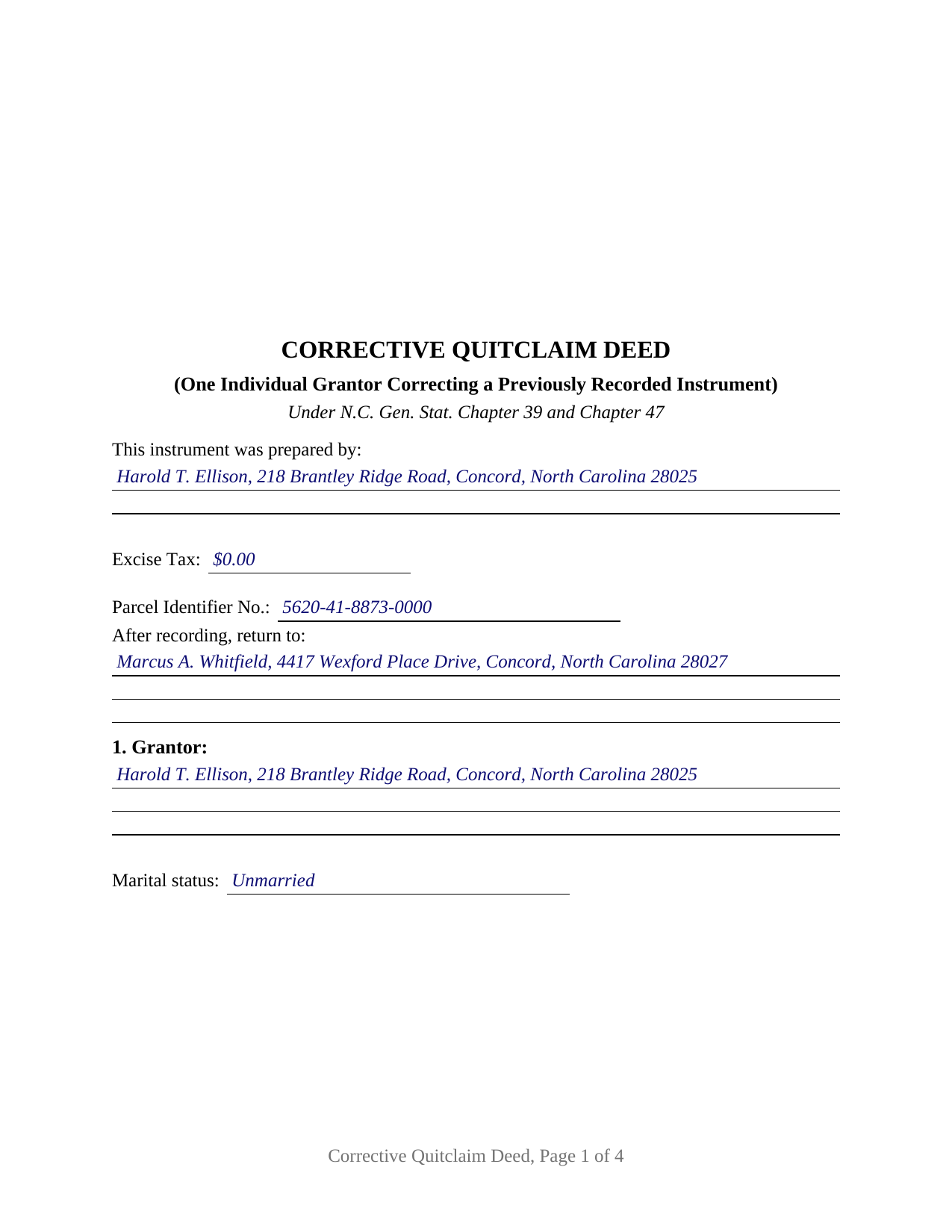
Alexander County Completed Example of the Quitclaim Deed (Corrective) Document
Example of a properly completed North Carolina Quitclaim Deed (Corrective) document for reference.
All 3 documents above included • One-time purchase • No recurring fees
Immediate Download • Secure Checkout
Additional North Carolina and Alexander County documents included at no extra charge:
Where to Record Your Documents
Register of Deeds
Taylorsville, North Carolina 28681
Hours: 8:00 to 5:00 Monday through Friday
Phone: (828) 632-3152
Recording Tips for Alexander County:
- Bring your driver's license or state-issued photo ID
- Ensure all signatures are in blue or black ink
- Verify all names are spelled correctly before recording
- White-out or correction fluid may cause rejection
- Ask about their eRecording option for future transactions
Cities and Jurisdictions in Alexander County
Properties in any of these areas use Alexander County forms:
- Hiddenite
- Stony Point
- Taylorsville
Hours, fees, requirements, and more for Alexander County
How do I get my forms?
Forms are available for immediate download after payment. The Alexander County forms will be in your account ready to download to your computer. An account is created for you during checkout if you don't have one. Forms are NOT emailed.
Are these forms guaranteed to be recordable in Alexander County?
Yes. Our form blanks are guaranteed to meet or exceed the applicable formatting requirements used for recording in Alexander County, including margin requirements, font requirements, and other layout standards. This guarantee applies to formatting, not to the legal sufficiency of information entered by the user or the suitability of a form for a particular transaction.
Can I reuse these forms?
Yes. You can reuse the forms for your personal use. For example, if you have multiple properties in Alexander County you only need to order once.
What do I need to use these forms?
The forms are PDFs that you fill out on your computer. The free Adobe Acrobat Reader is recommended, and most PDF apps also work. You do NOT enter your property information online - you download the blank forms and complete them privately on your own computer.
Are there any recurring fees?
No. This is a one-time purchase. Nothing to cancel, no memberships, no recurring fees.
How much does it cost to record in Alexander County?
Recording fees in Alexander County vary. Contact the recorder's office at (828) 632-3152 for current fees.
Questions answered? Let's get started!
A recorded North Carolina deed cannot be edited. An error in one is answered by adding a second instrument to the registry, and this fillable corrective quitclaim deed is that second instrument: one individual grantor, the person who signed the deed already of record, signs again to name it by book and page, state the error and the correction, and release and confirm the conveyance as corrected, without covenant or warranty of title.
Three correction routes, and what a deed reaches that an affidavit cannot
North Carolina writes two affidavit procedures and leaves the third route to ordinary deed law. G.S. 47-36.1 answers a typographical or other minor error: an affidavit conspicuously titled as corrective or scrivener's gives notice as of its own registration. It gives notice; it conveys nothing. G.S. 47-36.2 answers an obvious description error, hedged with conditions. Only an authorized attorney may swear it, a notice of intent goes out in the manner prescribed for serving a summons, a written objection stops the recording outright, and more than 45 days pass after the last person is served. The section fences its definition too, placing outside it missing or improper signatures or acknowledgements, any designation of the type of ownership interest or right of survivorship, and any description error operating to convey an interest the grantor owned but did not intend to convey. Past those fences a conveyance does the work.
Why the corrected instrument is named on page one
G.S. 161-14.1 governs an instrument acting on an earlier one, and draws a hard line at reading: the register need not look past the first two pages to decide whether something is a subsequent instrument, nor verify the original-instrument information it carries. Section 3 therefore sits early, stating the corrected instrument's type, date, recording data, registry, and parties. From those the register indexes this deed's parties, indexes the original parties as named here, and ties the earlier recording data to each name indexed, the thread a later title search follows back.
One grantor, one prior instrument
The form recites exactly one individual grantor with a mailing address and a marital status line, one grantee side whose blank takes the receiving names and any tenancy designation, and one previously recorded instrument. Sections 4 and 5 carry the error and the correction as separate numbered statements, Section 6 restates the legal description as corrected, and Section 10 releases whatever the grantor still holds and confirms the earlier conveyance except as corrected, for no new consideration. One signature block and one certificate follow, that certificate carrying the substance of the G.S. 10B-41 form. Errors appearing in this shape in the records include a transposed plat reference, a call dropped from a metes and bounds recital, and a grantee written without the suffix the chain carries. The form is not set up for two conveying owners, an entity or trustee grantor, an agent's signature, a joinder line for a spouse holding no record title, or several instruments corrected at once. One boundary is worth stating plainly: this deed releases and confirms, so an interest now standing of record in another owner's name moves by a conveyance from that owner.
A release, and a zero that still gets reported
No statute prescribes a North Carolina quitclaim, and none prescribes a corrective deed, so the words carry both jobs. Searchers reach it as a correction deed, a quit claim deed, a quitclaim, or a non-warranty deed; under every label it passes only what the grantor has, and liens and easements ride through untouched. On the tax line, a correction restating an earlier conveyance for nothing sits among the classes G.S. 105-228.29 leaves outside Article 8E, a transfer where no consideration is due or paid. Because G.S. 105-228.28 reaches every non-governmental conveyance in the state, a figure is reported either way, zero included. That figure shares page one with the blank band and instrument type G.S. 161-14(b) directs, the drafter name G.S. 47-17.1 requires there, a parcel number under G.S. 161-30, and a return address. Registration in the county holding the land is the moment G.S. 47-18 measures from, and priority runs in the order instruments reach the record.
What the purchase includes: this deed as a fillable PDF, a completed example worked through a Cabarrus County correction of a transposed plat reference, and a plain language guide covering each numbered section, the correction routes, the vesting menu, excise treatment, and recording. Nothing here is legal advice; it describes North Carolina law in general terms.
Important: Your property must be located in Alexander County to use these forms. Documents should be recorded at the county recording office listed above.
This Quitclaim Deed (Corrective) meets all recording requirements specific to Alexander County.
Our Promise
The documents you receive here are guaranteed to meet or exceed the applicable Alexander County recording format requirements. If there is a rejection caused by our formatting, we will correct the issue or refund your payment. This guarantee applies to document formatting only and does not extend to information entered by the user, the selection of the form, or the legal effect of the completed document.
Save Time and Money
Get your Alexander County Quitclaim Deed (Corrective) form done right the first time with Deeds.com Uniform Conveyancing Blanks. At Deeds.com, we understand that your time and money are valuable resources, and we don't want you to face a penalty fee or rejection imposed by a county recorder for submitting nonstandard documents. We constantly review and update our forms to meet rapidly changing state and county recording requirements for roughly 3,500 counties and local jurisdictions.
4.8 out of 5 - ( 4,836 Reviews )
Preston P. 5 out of 5 stars
Filled my need for the documents needed. thank you, I am sure I will return soon.
We appreciate your business and value your feedback. Thank you. Have a wonderful day!
Andrew B. 5 out of 5 stars
Very easy to use and I appreciate the fees being charged after the submission.
Thank you!
Guido d. 5 out of 5 stars
Excellent service. Easy to use, easy to upload, and very cost effective!
Thank you for your feedback. We really appreciate it. Have a great day!
Vickie G. 5 out of 5 stars
The form and instruction were perfect. Thank you.
Thank You Vickie!
Paul W. 5 out of 5 stars
Great service; document was exactly what I wanted. I highly recommend your company.
Thank you for your kind words and for choosing us.
Deborah D. 5 out of 5 stars
What I thought was gonna be a long drawn out tedious process was literally 10min tops... The help was quick and a load off. Thanks y'all.
We appreciate your business and value your feedback. Thank you. Have a wonderful day!
Lisa C. 3 out of 5 stars
Please change on the example for the warranty deed the portion that says Source of Title: They don't use book and pages anymore They only use recording numbers. Please show an example with that for Maricopa County AZ Plus your Notary certificates should have a blank part for if it is signed in another state.
Thank you for your feedback. We really appreciate it. Have a great day!
Judy W. 5 out of 5 stars
Very easy to fill out the form especially with the detailed guide and the sample. I will use deeds.com again if needed.
Thank you for your feedback. We really appreciate it. Have a great day!
Jamie P. 5 out of 5 stars
The forms are easy to download. Easy to fill out. The information on the site and on the web provided by Deeds.com have been immensely helpful.
Thank you!
Russell B. 5 out of 5 stars
complete package as promised at a very reasonable cost. Easy forms to complete. Thank you. Definitely 5 stars!!!
Thank you for your feedback. We really appreciate it. Have a great day!
EILEEN K. 5 out of 5 stars
I received my product in great condition and it works ok. Thankyou!!!
Thank you!
Sherry A L. 5 out of 5 stars
fAST AND REASONABLE.. WOULD DO IT AGAIN IF I NEED TO. THANK YOU
Thank you!
Regina S. 5 out of 5 stars
5 STARS!!! YOU WERE AWESOME!
We appreciate your business and value your feedback. Thank you. Have a wonderful day!
Mark W. 5 out of 5 stars
Great form and easy to complete. Sending a sample and instructions was very helpful. Thank you!
We appreciate your business and value your feedback. Thank you. Have a wonderful day!
Gerald M. 5 out of 5 stars
So easy to do. The examples and guides are well worth the few $$ this cost. Highly recommend!!
We appreciate your business and value your feedback. Thank you. Have a wonderful day!