Richland County Transfer on Death Affidavit Form
Last validated September 22, 2026 by our Forms Development TeamFormatted for recording in Richland County, for property anywhere in the county: rural and unincorporated areas as well as Abercrombie, Barney, Christine, Colfax, Fairmount, Hankinson, Lidgerwood, Mantador and 5 more.
- 3 documents included
- Immediate PDF download
- Formatting guarantee
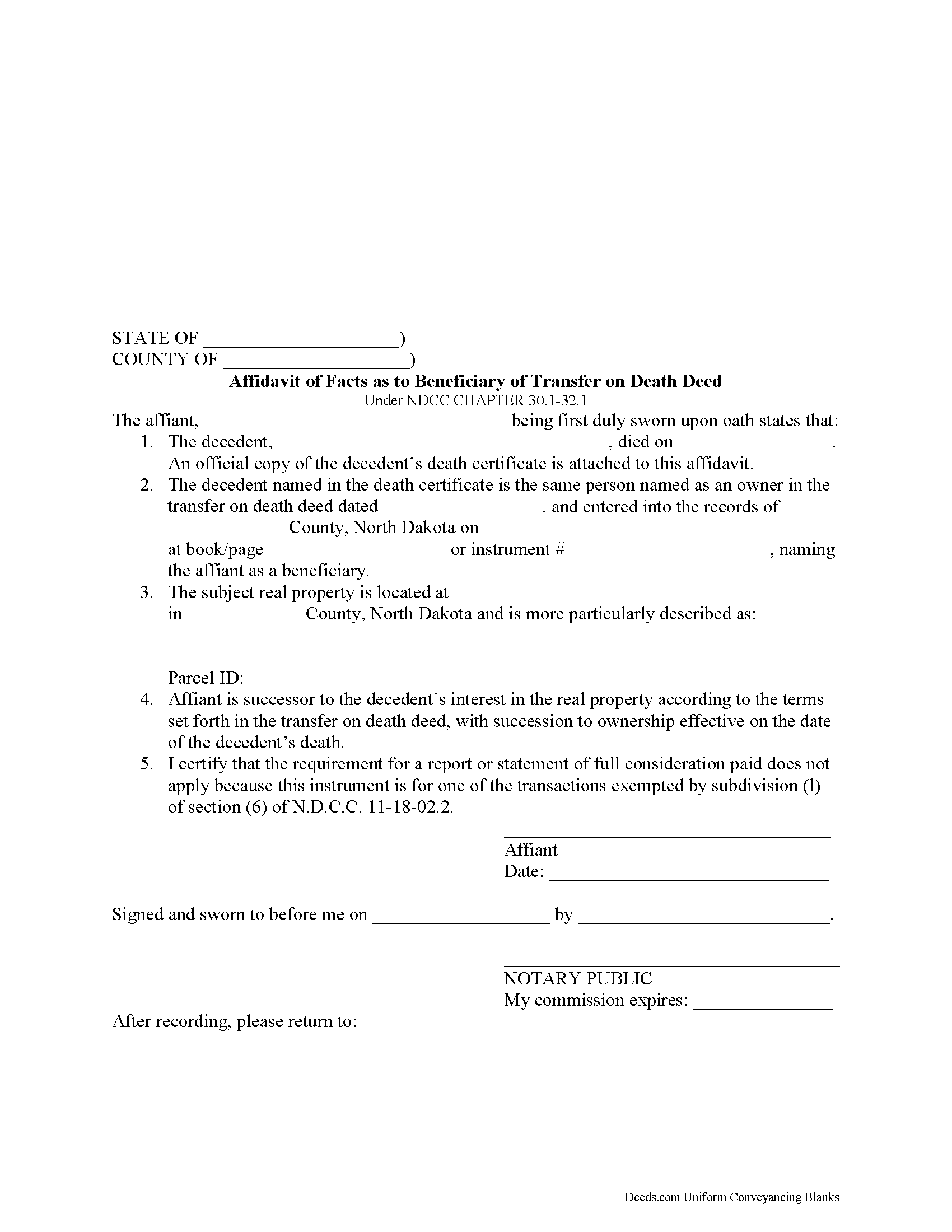
Richland County Transfer on Death Affidavit Form
Fill in the blank form formatted to comply with all recording and content requirements.
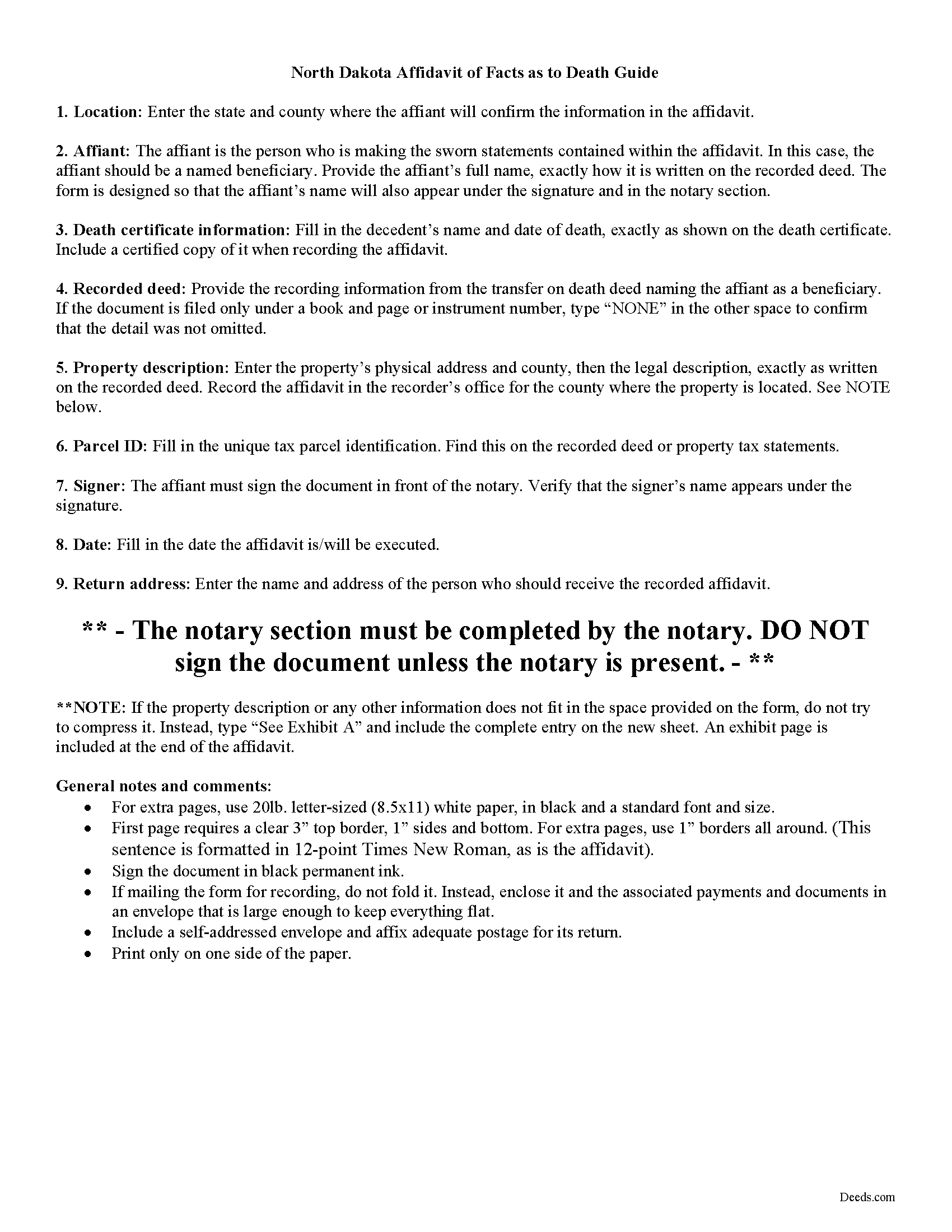
Richland County Transfer on Death Affidavit Guide
Line by line guide explaining every blank on the form.
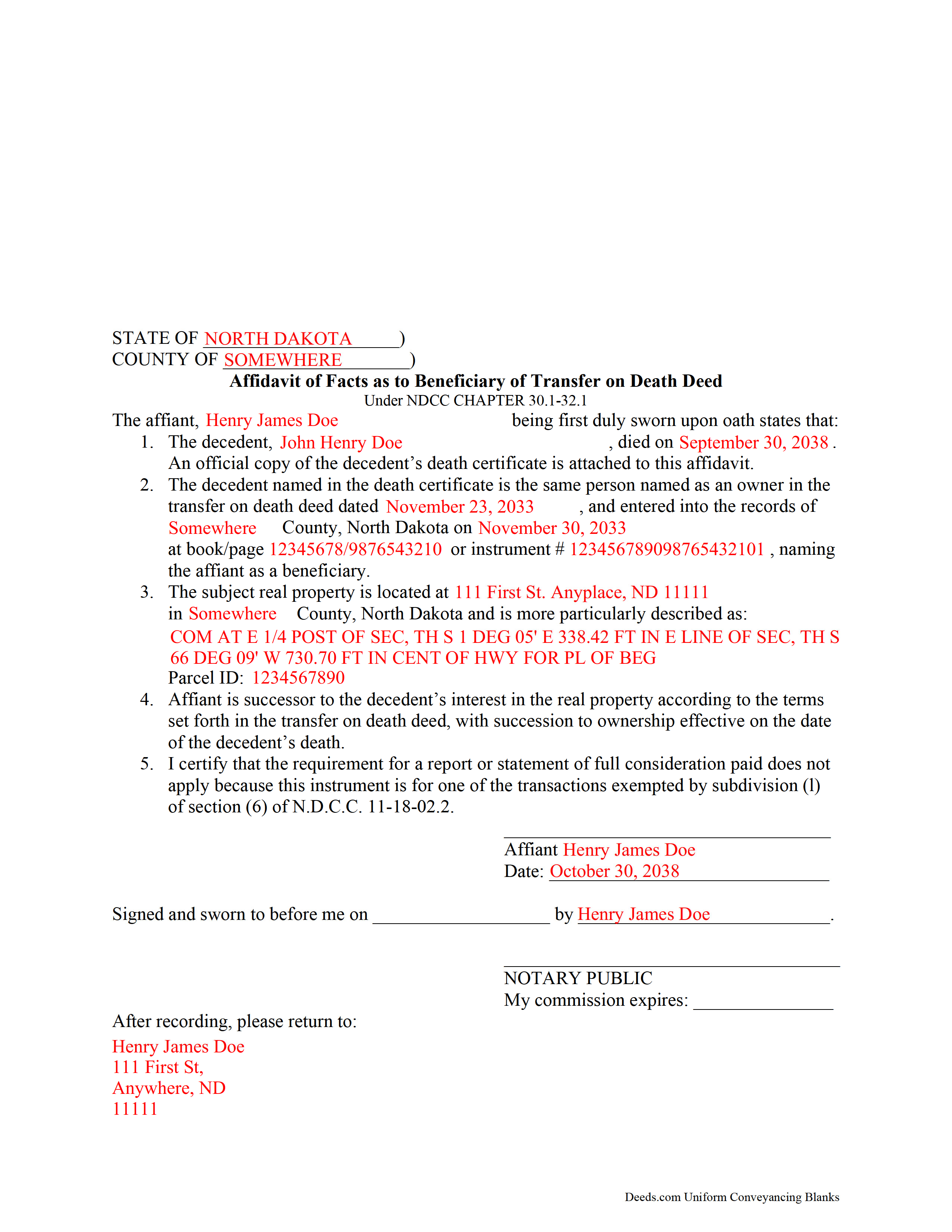
Richland County Completed Example of the Transfer on Death Affidavit Document
Example of a properly completed form for reference.
All 3 documents above included • One-time purchase • No recurring fees
Immediate Download • Secure Checkout
Additional North Dakota and Richland County documents included at no extra charge:
Where to Record Your Documents
Richland County Recorder
Wahpeton, North Dakota 58075
Hours: 8:00 to 5:00 M-F
Phone: (701) 642-7800
Recording Tips for Richland County:
- Bring your driver's license or state-issued photo ID
- Ensure all signatures are in blue or black ink
- Recording fees may differ from what's posted online - verify current rates
- Request a receipt showing your recording numbers
- Ask about accepted payment methods when you call ahead
Cities and Jurisdictions in Richland County
Properties in any of these areas use Richland County forms:
- Abercrombie
- Barney
- Christine
- Colfax
- Fairmount
- Hankinson
- Lidgerwood
- Mantador
- Mcleod
- Mooreton
- Wahpeton
- Walcott
- Wyndmere
Hours, fees, requirements, and more for Richland County
How do I get my forms?
Forms are available for immediate download after payment. The Richland County forms will be in your account ready to download to your computer. An account is created for you during checkout if you don't have one. Forms are NOT emailed.
Are these forms guaranteed to be recordable in Richland County?
Yes. Our form blanks are guaranteed to meet or exceed the applicable formatting requirements used for recording in Richland County, including margin requirements, font requirements, and other layout standards. This guarantee applies to formatting, not to the legal sufficiency of information entered by the user or the suitability of a form for a particular transaction.
Can I reuse these forms?
Yes. You can reuse the forms for your personal use. For example, if you have multiple properties in Richland County you only need to order once.
What do I need to use these forms?
The forms are PDFs that you fill out on your computer. The free Adobe Acrobat Reader is recommended, and most PDF apps also work. You do NOT enter your property information online - you download the blank forms and complete them privately on your own computer.
Are there any recurring fees?
No. This is a one-time purchase. Nothing to cancel, no memberships, no recurring fees.
How much does it cost to record in Richland County?
Recording fees in Richland County vary. Contact the recorder's office at (701) 642-7800 for current fees.
Questions answered? Let's get started!
Taking Ownership of Property from a North Dakota Transfer on Death Deed
In 2011, North Dakota enacted the Uniform Real Property Transfer on Death Act, found in the North Dakota Century Code (NDCC) at Chapter 30.1-32.1.
Under this statute, owners of North Dakota real property may transfer title to one or more beneficiaries, effective at the transferor's death, by lawfully executing and recording a transfer on death deed in the county or counties where the property is located (NDCC 32.1-02).
This transfer is nontestamentary, meaning it is not included in the owner's will (30.1-32.1-04). As a result, it does not require probate distribution. Instead, the beneficiary gains ownership of the property when the transferor dies.
To formalize the change in ownership, beneficiaries complete and record an affidavit, confirming their acceptance of the transfer. Along with the affidavit, they must submit an official copy of the deceased owner's death certificate. This process enters the new information into public records and maintains a clear chain of title (ownership history).
Contact an attorney with specific questions or for complex situations.
(North Dakota TOD Affidavit Package includes form, guidelines, and completed example)
Important: Your property must be located in Richland County to use these forms. Documents should be recorded at the county recording office listed above.
This Transfer on Death Affidavit meets all recording requirements specific to Richland County.
Our Promise
The documents you receive here are guaranteed to meet or exceed the applicable Richland County recording format requirements. If there is a rejection caused by our formatting, we will correct the issue or refund your payment. This guarantee applies to document formatting only and does not extend to information entered by the user, the selection of the form, or the legal effect of the completed document.
Save Time and Money
Get your Richland County Transfer on Death Affidavit form done right the first time with Deeds.com Uniform Conveyancing Blanks. At Deeds.com, we understand that your time and money are valuable resources, and we don't want you to face a penalty fee or rejection imposed by a county recorder for submitting nonstandard documents. We constantly review and update our forms to meet rapidly changing state and county recording requirements for roughly 3,500 counties and local jurisdictions.
4.8 out of 5 - ( 4,830 Reviews )
RONNIE C. 5 out of 5 stars
Excellent service and the time the documents send back to me was also excellent
Thank you!
Sandra T T. 5 out of 5 stars
Great website to find state documents. I do like the one-time charge also vs a recurring charge. Thank you!
Thank you, Sandra! We’re glad you found the state documents you needed and appreciate you mentioning the one-time charge option. We believe in keeping things straightforward and transparent. Thanks again for your kind words and for choosing Deeds.com!
Bohdan F. 5 out of 5 stars
Quick, efficient and the instructions were clear. Thank you
Thank you!
Jina N. 5 out of 5 stars
Awesome site!! You guys really make it simple to understand and access any Deeds that I need. I know you keep very up to date forms, as my county is hard core when it comes to the smallest of details, even compared to every other county across the state. Yet you made it simple and quick, and I never had to redo anything. Even the clerk was impressed that I had it filled out correctly the first time, as that usually never happened. Even the size of type/font and the margins were perfect. That saved a lot of time, money and most of all, frustration. I've recommended you to relatives, friends and co-workers. Thanks to the staff at deeds dot com !! I truly appreciate you. j
Thank you!
Robert J D. 5 out of 5 stars
I accidentally ordered 2 forms for the affidavit of death. I only need one.
Thanks for your feedback. Looking at your account we do not see any duplicate orders. Our system does stop duplicate orders before they are processed in many cases. Have a great day.
Judith A. 5 out of 5 stars
Excellent
Thank you!
George S. 5 out of 5 stars
Excellent product- very easy to use. Will use again...
Thank you for your feedback. We really appreciate it. Have a great day!
Johnnie R. 5 out of 5 stars
quick and easy to use
We appreciate your business and value your feedback. Thank you. Have a wonderful day!
Catherine W. 5 out of 5 stars
I appreciate your prompt and honest response. You did not find what I was looking for but You also did not charge Me. It was a pleasure working with You.
Thank you for your feedback Catherine, sorry we were unable to find what you needed. Have a wonderful day.
Rachel C. 5 out of 5 stars
Excellent information, and form source.
Thank you!
BARBARA T. 5 out of 5 stars
Love this site! So easy to use and very economical
Thank you!
george k. 5 out of 5 stars
Thank u the site helped me get the quick deed forms I needed for TN.i will use it in the furture.
Thank you for your feedback. We really appreciate it. Have a great day!
Rechantell A. 5 out of 5 stars
It was quick and easy. Trust worthy. Very satisfied and would recommend. Thank you for your services.
We appreciate your business and value your feedback. Thank you. Have a wonderful day!
Carol H. 5 out of 5 stars
Great help Quite useful
Thank you!
Boyd B. 5 out of 5 stars
I had an issue because of what I was doing, thanks to these guys. I received an email and lickety-split done no more problems.
We appreciate your business and value your feedback. Thank you. Have a wonderful day!