Hood River County Correction Deed Form
Last validated September 22, 2026 by our Forms Development TeamFormatted for recording in Hood River County, for property anywhere in the county: rural and unincorporated areas as well as Cascade Locks, Hood River, Mount Hood Parkdale, Odell.
- 3 documents included
- Immediate PDF download
- Formatting guarantee
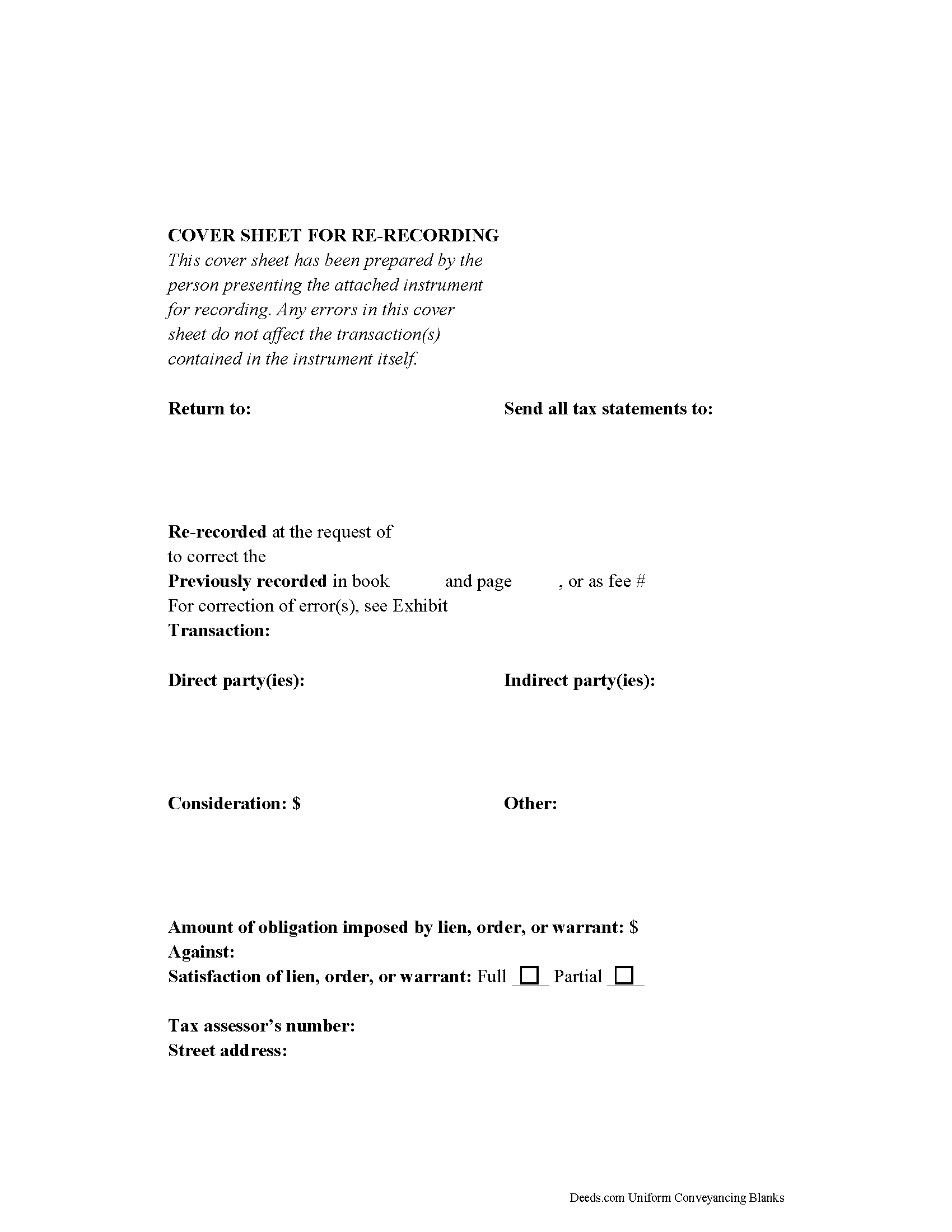
Hood River County Correction Deed Form
Fill in the blank form formatted to comply with all recording and content requirements.
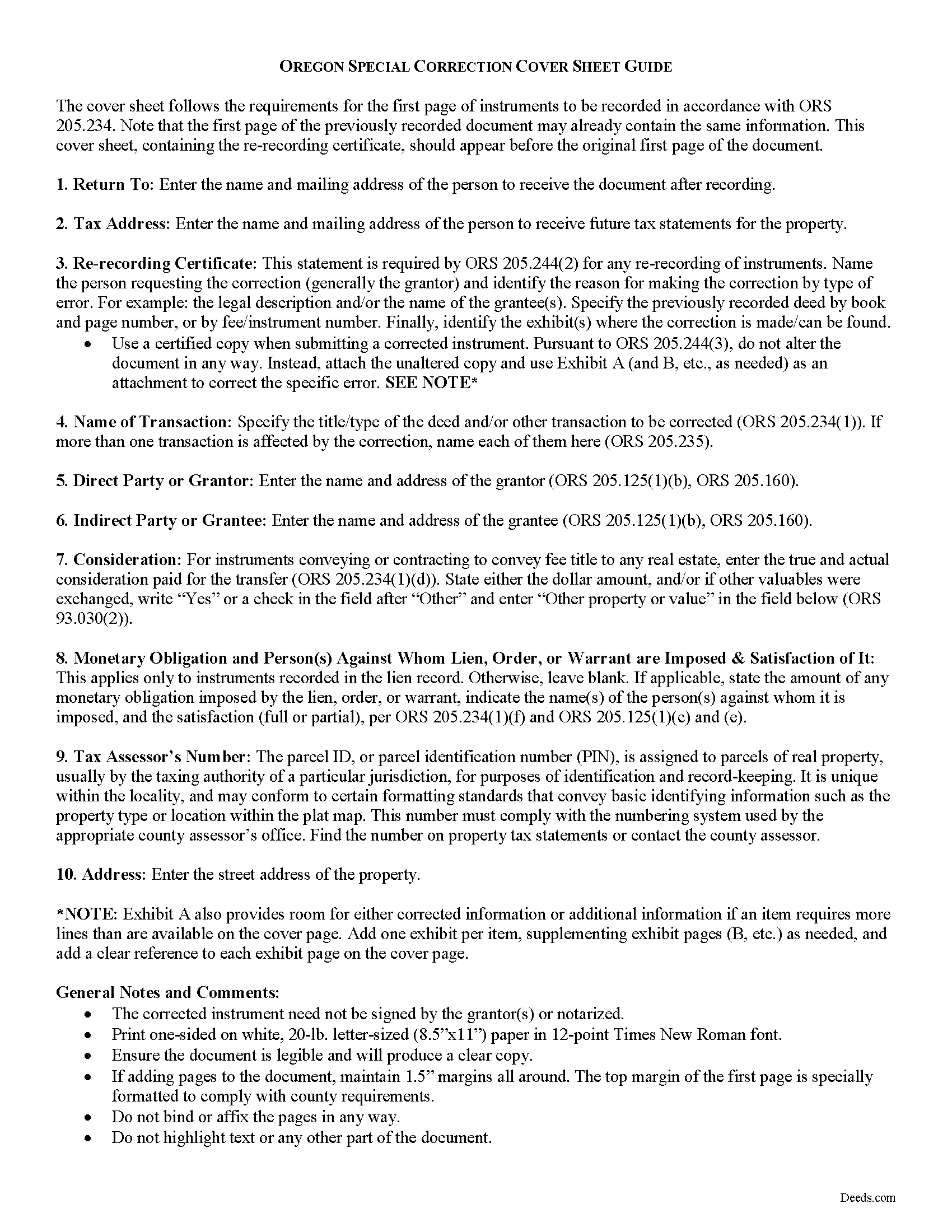
Hood River County Correction Deed Guide
Line by line guide explaining every blank on the form.
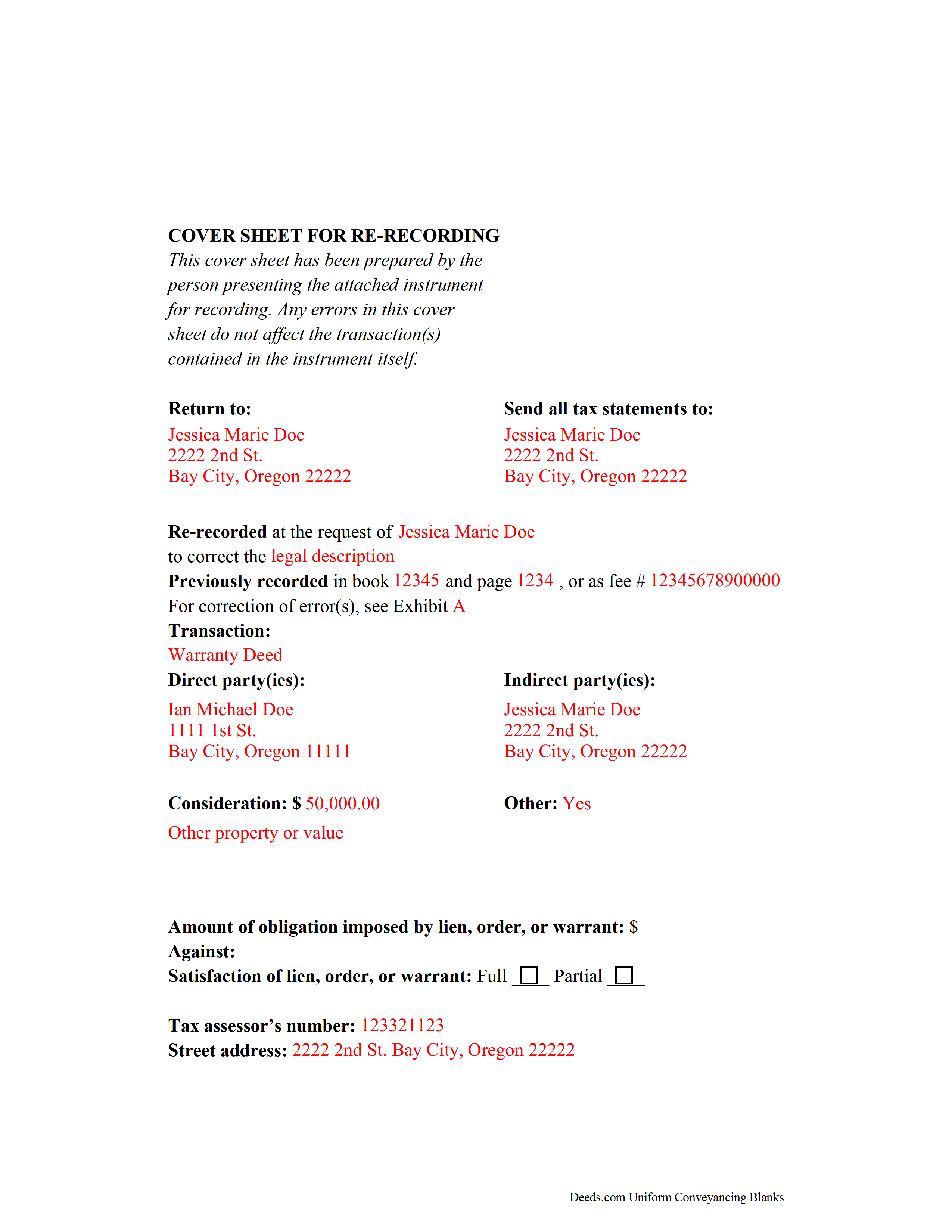
Hood River County Completed Example of the Correction Deed Document
Example of a properly completed form for reference.
All 3 documents above included • One-time purchase • No recurring fees
Immediate Download • Secure Checkout
Additional Oregon and Hood River County documents included at no extra charge:
Where to Record Your Documents
County Department of Records
Hood River, Oregon 97031
Hours: 8:00 to 5:00 M-F / Recording: 9:00 to 4:00
Phone: (541) 386-1442
Recording Tips for Hood River County:
- Bring your driver's license or state-issued photo ID
- Ensure all signatures are in blue or black ink
- Ask about their eRecording option for future transactions
- Avoid the last business day of the month when possible
- Both spouses typically need to sign if property is jointly owned
Cities and Jurisdictions in Hood River County
Properties in any of these areas use Hood River County forms:
- Cascade Locks
- Hood River
- Mount Hood Parkdale
- Odell
Hours, fees, requirements, and more for Hood River County
How do I get my forms?
Forms are available for immediate download after payment. The Hood River County forms will be in your account ready to download to your computer. An account is created for you during checkout if you don't have one. Forms are NOT emailed.
Are these forms guaranteed to be recordable in Hood River County?
Yes. Our form blanks are guaranteed to meet or exceed the applicable formatting requirements used for recording in Hood River County, including margin requirements, font requirements, and other layout standards. This guarantee applies to formatting, not to the legal sufficiency of information entered by the user or the suitability of a form for a particular transaction.
Can I reuse these forms?
Yes. You can reuse the forms for your personal use. For example, if you have multiple properties in Hood River County you only need to order once.
What do I need to use these forms?
The forms are PDFs that you fill out on your computer. The free Adobe Acrobat Reader is recommended, and most PDF apps also work. You do NOT enter your property information online - you download the blank forms and complete them privately on your own computer.
Are there any recurring fees?
No. This is a one-time purchase. Nothing to cancel, no memberships, no recurring fees.
How much does it cost to record in Hood River County?
Recording fees in Hood River County vary. Contact the recorder's office at (541) 386-1442 for current fees.
Questions answered? Let's get started!
Correcting Recorded Documents in Oregon with a Re-recording Certificate
If an instrument is recorded and later found to have missing, incomplete, or incorrect information, Oregon law requires that a statutory statement referencing the prior deed -- called a re-recording certificate -- appear either on the first page of the original document or on an attached cover sheet of a re-recorded instrument (ORS 205.244). The re-recording certificate must identify the person requesting the re-recording, the specific error corrected by the re-recording, and the location where the original deed was recorded (ORS 205.244(2)).
If the re-recording certificate appears on a newly generated cover sheet, the cover sheet must meet first-page requirements under ORS 205.234(2), which include the return address, name of transaction, grantor and grantee information, the true and actual consideration for the transfer, and, if applicable, the lien amount and satisfaction.
When re-recording a certified copy of a previously recorded instrument, no alterations may be made to correct the document (ORS 205.244(3)). Instead, make the necessary correction on an attachment and include it, along with the unaltered copy and the cover sheet, and identify these attachments on the cover sheet.
Oregon does not require reacknowledgement of the deed (ORS 205.244(2)). Contact the local county clerk's office with questions related to re-recording a specific document. Re-record the deed in the same office where the original deed was recorded.
This article is provided for informational purposes only and is not a substitute for legal advice. Contact an Oregon lawyer with any questions related to correction deeds and cover sheets.
(Oregon CD Package includes form, guidelines, and completed example)
Important: Your property must be located in Hood River County to use these forms. Documents should be recorded at the county recording office listed above.
This Correction Deed meets all recording requirements specific to Hood River County.
Our Promise
The documents you receive here are guaranteed to meet or exceed the applicable Hood River County recording format requirements. If there is a rejection caused by our formatting, we will correct the issue or refund your payment. This guarantee applies to document formatting only and does not extend to information entered by the user, the selection of the form, or the legal effect of the completed document.
Save Time and Money
Get your Hood River County Correction Deed form done right the first time with Deeds.com Uniform Conveyancing Blanks. At Deeds.com, we understand that your time and money are valuable resources, and we don't want you to face a penalty fee or rejection imposed by a county recorder for submitting nonstandard documents. We constantly review and update our forms to meet rapidly changing state and county recording requirements for roughly 3,500 counties and local jurisdictions.
4.8 out of 5 - ( 4,840 Reviews )
Peggy L. 5 out of 5 stars
Download worked exactly as portrayed - will definitely use service again when needed.
Thank you, Peggy. Glad everything worked as expected. We will be here whenever you need us again.
Remon W. 5 out of 5 stars
Excellent and fast service. I will be using this site as needed in the future.
Thank you Remon, we appreciate you.
David A. 5 out of 5 stars
Excellent service. I have been looking for a beneficiary deed for quite a wile with no success. My friend found your site and I was overjoyed. Fast, easy to use, and understand.I recommend this site to anyone.
We appreciate your business and value your feedback. Thank you. Have a wonderful day!
JUDITH-DIAN W. 5 out of 5 stars
I didn't have any problem downloading and filling out the form on my computer and printing it yesterday. I didn't know what to put for "Source of Title". I called the county recording office; they didn't know either and said to leave it blank. I got the form notarized at my bank and took it in to the recording office. They checked it, accepted it, I paid a fee, and it's done. So easy. My children will appreciate that I've done this. Added note: You do have one typo on your form--you left out 'at'. It should read: "You should carefully read all information at the end of this form."
Thank you for your feedback. We really appreciate it. Have a great day!
Daniel B. 5 out of 5 stars
The staff at Deeds.com was very patient and ensured the deed was in the correct format for recording. Had I tried to record it myself, it would have been rejected, as I did not have the home address for the 2 witnesses. I would definitely recommend deeds.com
Thanks for the kind words, Daniel. Witness address requirements catch a lot of people off guard. Glad we could get everything squared away before it hit the recorder's desk. We appreciate the recommendation.
Robby T. 4 out of 5 stars
Most people coming to this sight will not have the knowledge for deeds. Therefore, I wish there were more instructions on when the Grantor signs and when the Grantee signs and the process steps to making the transaction final. I would give it 4 out of 5 starts
Thank you for your feedback. We really appreciate it. Have a great day!
Viviana Hansen M. 5 out of 5 stars
I was thrilled that I could execute the paperwork for a lady bird deed here in Florida ! Thank you
We are grateful for your feedback and looking forward to serving you again. Thank you!
Edward Z. 5 out of 5 stars
Very easy to do. Will use them in the future.
We appreciate your business and value your feedback. Thank you. Have a wonderful day!
Danelle S. 5 out of 5 stars
So easy and fast that even I could do it, and I'm technologically challenged! Thank you Deeds.com for taking care of the technical stuff so I can live and play. Definitely speedy delivery!
Thank you!
Arthur T. 5 out of 5 stars
Thanks
Thank you!
Melissa H. 5 out of 5 stars
Amazing forms! Order the quitclaim deed forms, got the form and lots of extra forms which is good because I needed a few of them and didn't even know it. Very happy, will be back if needed.
We appreciate your business and value your feedback. Thank you. Have a wonderful day!
David C. 2 out of 5 stars
My biggest complaint is I did not know when my document was ready until I got this survey. An email should be sent to say document is ready.
Sorry about that David. We will look into better email notifications. Hope you have a great day.
Greg G. 5 out of 5 stars
Easiest Filing I've ever done, and filed in 24 hours.
Thank you!
Christina W. 5 out of 5 stars
I stand corrected. I received my report and it was exactly what I requested.
Thank you!
Dina B. 5 out of 5 stars
The web cite is very easy to navigate through making a document process simple to obtain.
Thank you!