Wallowa County Transfer on Death Revocation Form
Last validated September 11, 2026 by our Forms Development TeamFormatted for recording in Wallowa County, for property anywhere in the county: rural and unincorporated areas as well as Enterprise, Imnaha, Joseph, Lostine, Wallowa.
- 3 documents included
- Immediate PDF download
- Formatting guarantee
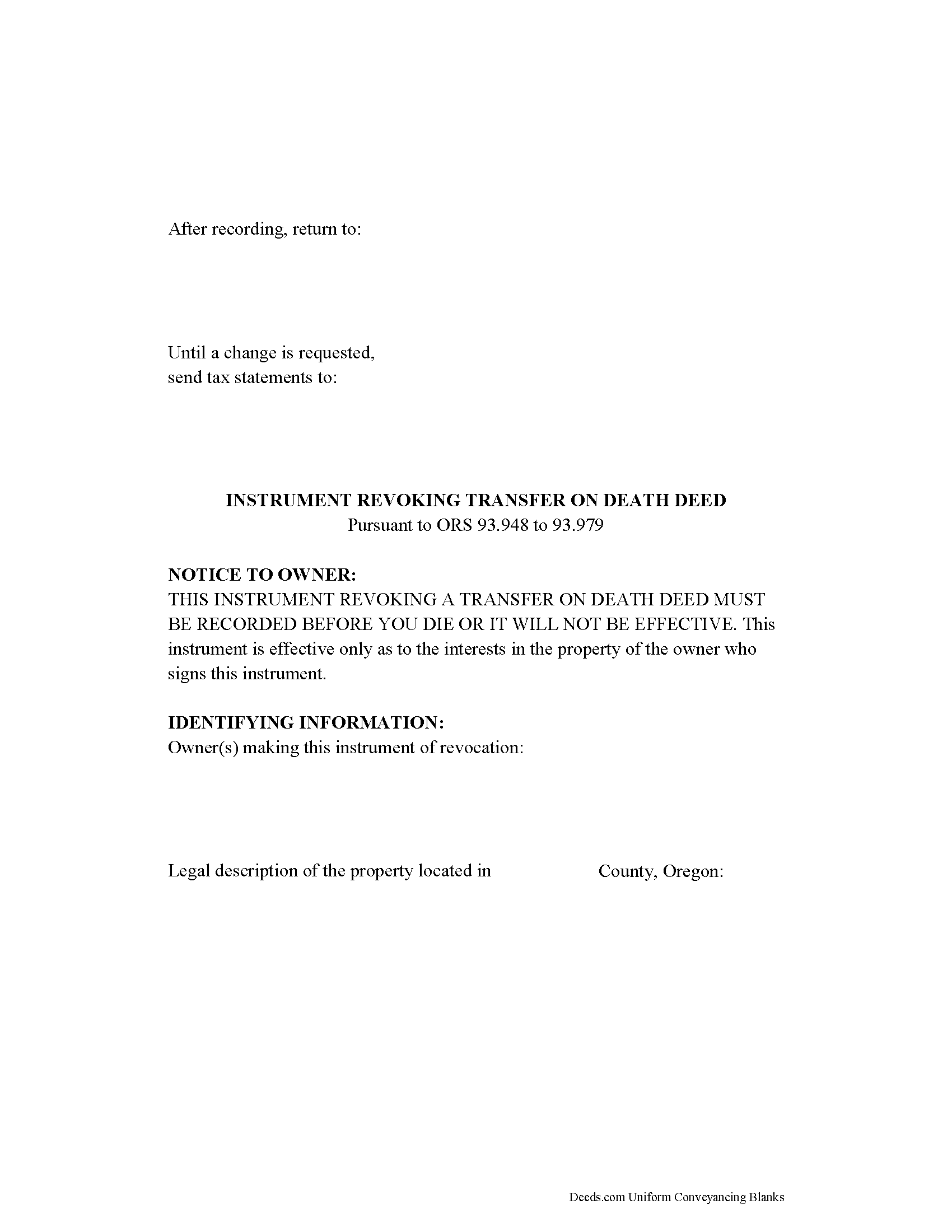
Wallowa County Transfer on Death Revocation Form
Fill in the blank form formatted to comply with all recording and content requirements.
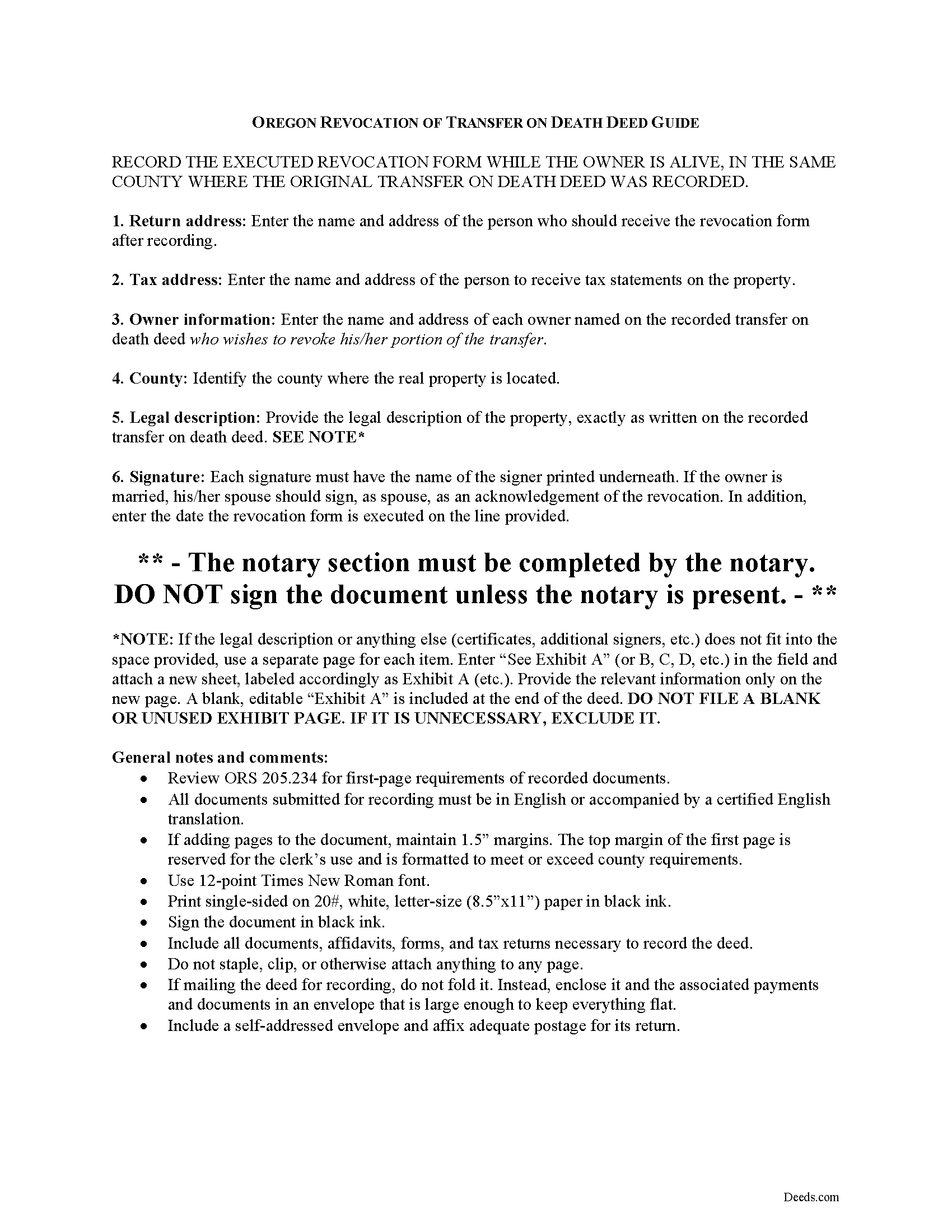
Wallowa County Transfer on Death Deed Revocation Guide
Line by line guide explaining every blank on the form.
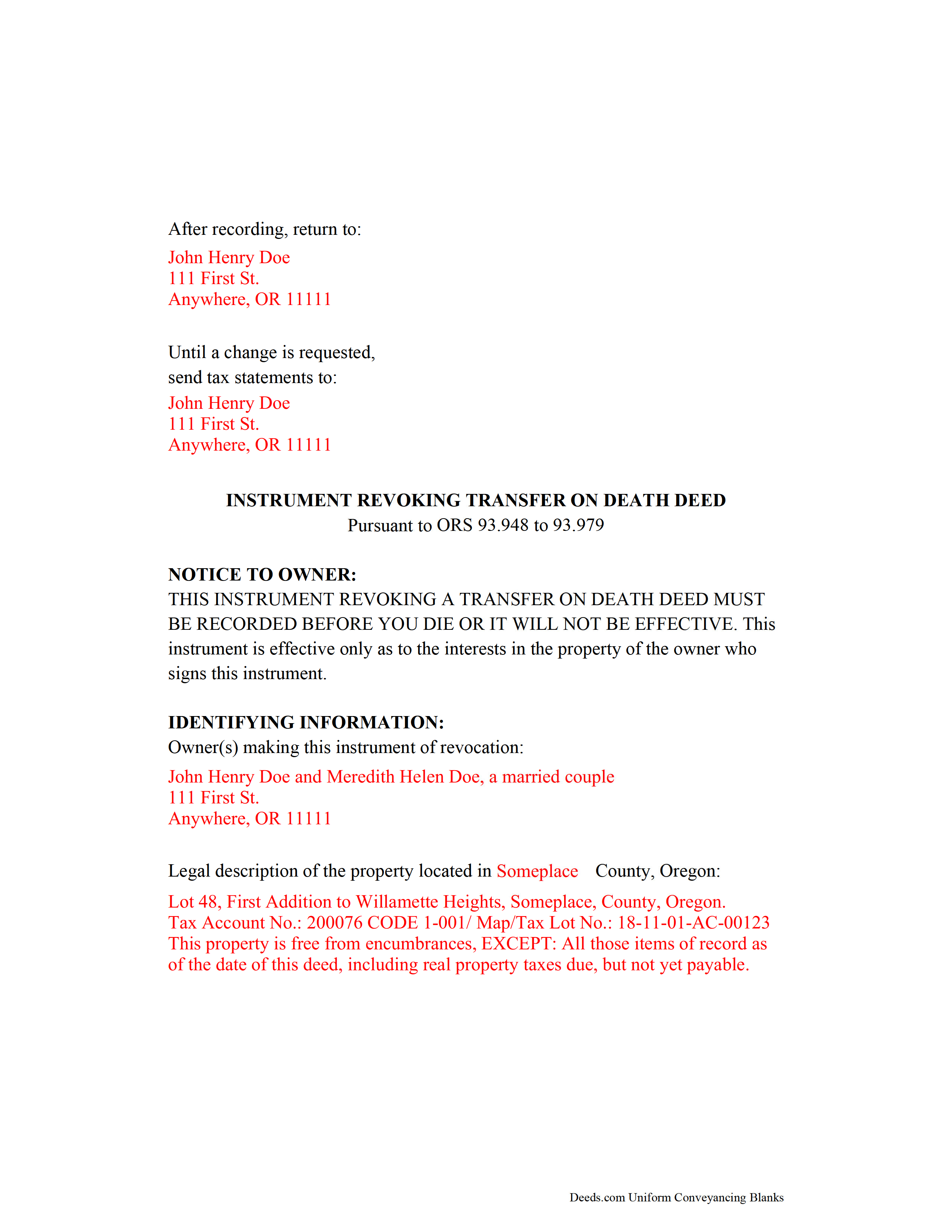
Wallowa County Completed Example of the Transfer on Death Revocation Document
Example of a properly completed form for reference.
All 3 documents above included • One-time purchase • No recurring fees
Immediate Download • Secure Checkout
Additional Oregon and Wallowa County documents included at no extra charge:
Where to Record Your Documents
Wallowa County Clerk
Enterprise, Oregon 97828
Hours: 8:30 to 5:00 M-F / Recording until 4:30
Phone: (541) 426-4543
Recording Tips for Wallowa County:
- Bring your driver's license or state-issued photo ID
- Ensure all signatures are in blue or black ink
- Double-check legal descriptions match your existing deed
- Verify all names are spelled correctly before recording
- White-out or correction fluid may cause rejection
Cities and Jurisdictions in Wallowa County
Properties in any of these areas use Wallowa County forms:
- Enterprise
- Imnaha
- Joseph
- Lostine
- Wallowa
Hours, fees, requirements, and more for Wallowa County
How do I get my forms?
Forms are available for immediate download after payment. The Wallowa County forms will be in your account ready to download to your computer. An account is created for you during checkout if you don't have one. Forms are NOT emailed.
Are these forms guaranteed to be recordable in Wallowa County?
Yes. Our form blanks are guaranteed to meet or exceed the applicable formatting requirements used for recording in Wallowa County, including margin requirements, font requirements, and other layout standards. This guarantee applies to formatting, not to the legal sufficiency of information entered by the user or the suitability of a form for a particular transaction.
Can I reuse these forms?
Yes. You can reuse the forms for your personal use. For example, if you have multiple properties in Wallowa County you only need to order once.
What do I need to use these forms?
The forms are PDFs that you fill out on your computer. The free Adobe Acrobat Reader is recommended, and most PDF apps also work. You do NOT enter your property information online - you download the blank forms and complete them privately on your own computer.
Are there any recurring fees?
No. This is a one-time purchase. Nothing to cancel, no memberships, no recurring fees.
How much does it cost to record in Wallowa County?
Recording fees in Wallowa County vary. Contact the recorder's office at (541) 426-4543 for current fees.
Questions answered? Let's get started!
Revoking a Transfer on Death Deed in Oregon
Based on the Uniform Real Property Transfer on Death Act and located at ORS 93.948-93.979 (2011), this statute governs the use and applications of TODDs in the state of Oregon.
Estate plans are most effective when they're kept up to date. Flexible tools like transfer on death deeds help real estate owners control the distribution of what is often their most significant asset. While most deeds involve permanent, immediate transfers of a present interest in real property, TODDs allow the transferor the opportunity, during life, to readjust or even revoke the potential future interest to be conveyed at death ( 93.955 ).
The statutes set forth the rules for revoking a transfer on death deed at 93.965. Just as with a TODD, the revocation MUST be recorded while the owner is still alive or it has no effect. Once recorded, any modifications must be made by instrument. There are three primary ways to change or revoke a TODD: 1) executing and recording a new TODD that changes the details of the previous deed; 2) executing and recording an inter vivos deed, such as a warranty deed or quitclaim deed, conveying the owner's interest in the property to someone else---the transferor no longer owns the property, so it cannot be conveyed at death; or 3) executing and recording an instrument of revocation, thereby cancelling the entire TODD.
Note that all documents related to revoking a transfer on death deed must be recorded in the same county where the land is located.
(Oregon TOD Revocation Package includes form, guidelines, and completed example)
Important: Your property must be located in Wallowa County to use these forms. Documents should be recorded at the county recording office listed above.
This Transfer on Death Revocation meets all recording requirements specific to Wallowa County.
Our Promise
The documents you receive here are guaranteed to meet or exceed the applicable Wallowa County recording format requirements. If there is a rejection caused by our formatting, we will correct the issue or refund your payment. This guarantee applies to document formatting only and does not extend to information entered by the user, the selection of the form, or the legal effect of the completed document.
Save Time and Money
Get your Wallowa County Transfer on Death Revocation form done right the first time with Deeds.com Uniform Conveyancing Blanks. At Deeds.com, we understand that your time and money are valuable resources, and we don't want you to face a penalty fee or rejection imposed by a county recorder for submitting nonstandard documents. We constantly review and update our forms to meet rapidly changing state and county recording requirements for roughly 3,500 counties and local jurisdictions.
4.8 out of 5 - ( 4,831 Reviews )
Erica W. 5 out of 5 stars
Very easy and convenient. I will use this service again!
Thank you!
Samy K. 5 out of 5 stars
I searched on line for the blank forms I needed, everyone that said it's free was a part m they wanted to sign me up for a monthly membership, deeds.com had the forms that I can download and fill in, I paid $24 and got more than I needed, very easy company to deal with, I highly recommend them.
Thank you for your feedback. We really appreciate it. Have a great day!
Andrew S. 5 out of 5 stars
This is fast and easy.
We appreciate your business and value your feedback. Thank you. Have a wonderful day!
janitza g. 5 out of 5 stars
It was easy!!! The example for completing a quickclaim deed form was very helpful!!
Thank you!
Glenn W. 5 out of 5 stars
I love this tool and it is easy to work with. The interface is straight forward and notifications are consistently accurate.
Thank you for your feedback. We really appreciate it. Have a great day!
Samantha B. 5 out of 5 stars
Awesome service! This took care of my needs 10x faster than I thought possible. I even bought an extra service that wasn't needed to accomplish my end goal and they refunded me without me even asking. Highly recommend!
Thank you for your feedback. We really appreciate it. Have a great day!
maria b. 5 out of 5 stars
really easy and and helpful.
Thank you!
Ginger C. 5 out of 5 stars
So far so good. Thank you for your prompt responses. Much appreciated.
Thank you!
Kyle E. 5 out of 5 stars
Works great thank you for saving us driving time!!
We appreciate your business and value your feedback. Thank you. Have a wonderful day!
Dominick D. 5 out of 5 stars
Deed.com was easy to work with, not just a website, they have real people that speak to you. They were extremely helpful with a VERY difficult Northeast county. They made the process smooth and effortless.
We appreciate your business and value your feedback. Thank you. Have a wonderful day!
vickie w. 5 out of 5 stars
easy & convenience .good service
Thank you for your feedback. We really appreciate it. Have a great day!
Eppie G. 5 out of 5 stars
Perfect
Thank you!
Clayton M. 5 out of 5 stars
Five stars from me. this is a very useful service with great results.
We appreciate your business and value your feedback. Thank you. Have a wonderful day!
HELENA M. 5 out of 5 stars
Quick, super easy and very reasonable charge!!
Thank you for your feedback. We really appreciate it. Have a great day!
Karen C. 5 out of 5 stars
Very easy site to use and reasonably priced. My document was received by the county and filed within 1/2 hour.
Thank you for your feedback. We really appreciate it. Have a great day!