Northumberland County Easement Deed Form
Last validated October 27, 2026 by our Forms Development TeamFormatted for recording in Northumberland County, for property anywhere in the county: rural and unincorporated areas as well as Coal Township, Dalmatia, Dewart, Dornsife, Elysburg, Herndon, Kulpmont, Leck Kill and 17 more.
- 4 documents included
- Immediate PDF download
- Formatting guarantee
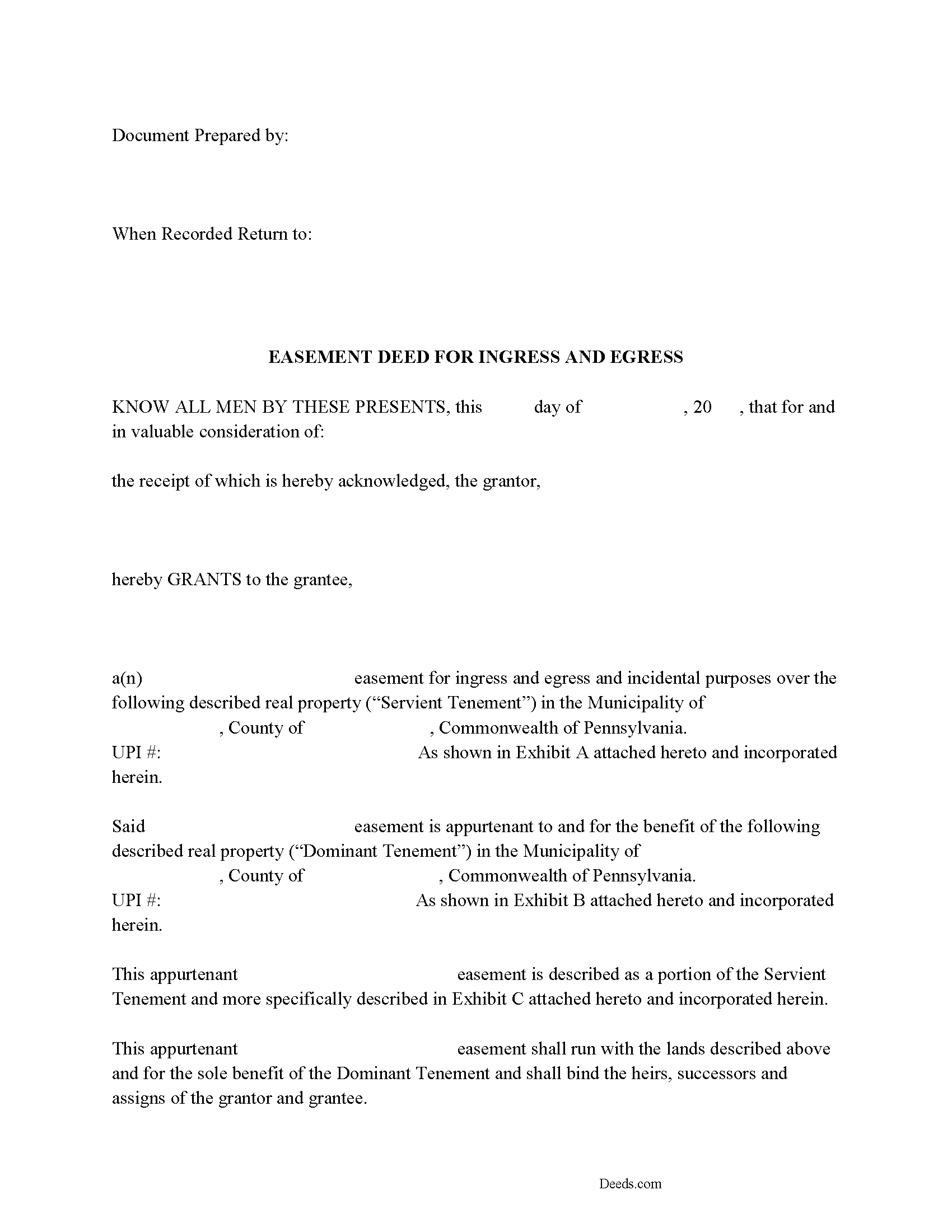
Northumberland County Easement Deed Form
Fill in the blank Easement Deed form formatted to comply with all Pennsylvania recording and content requirements.
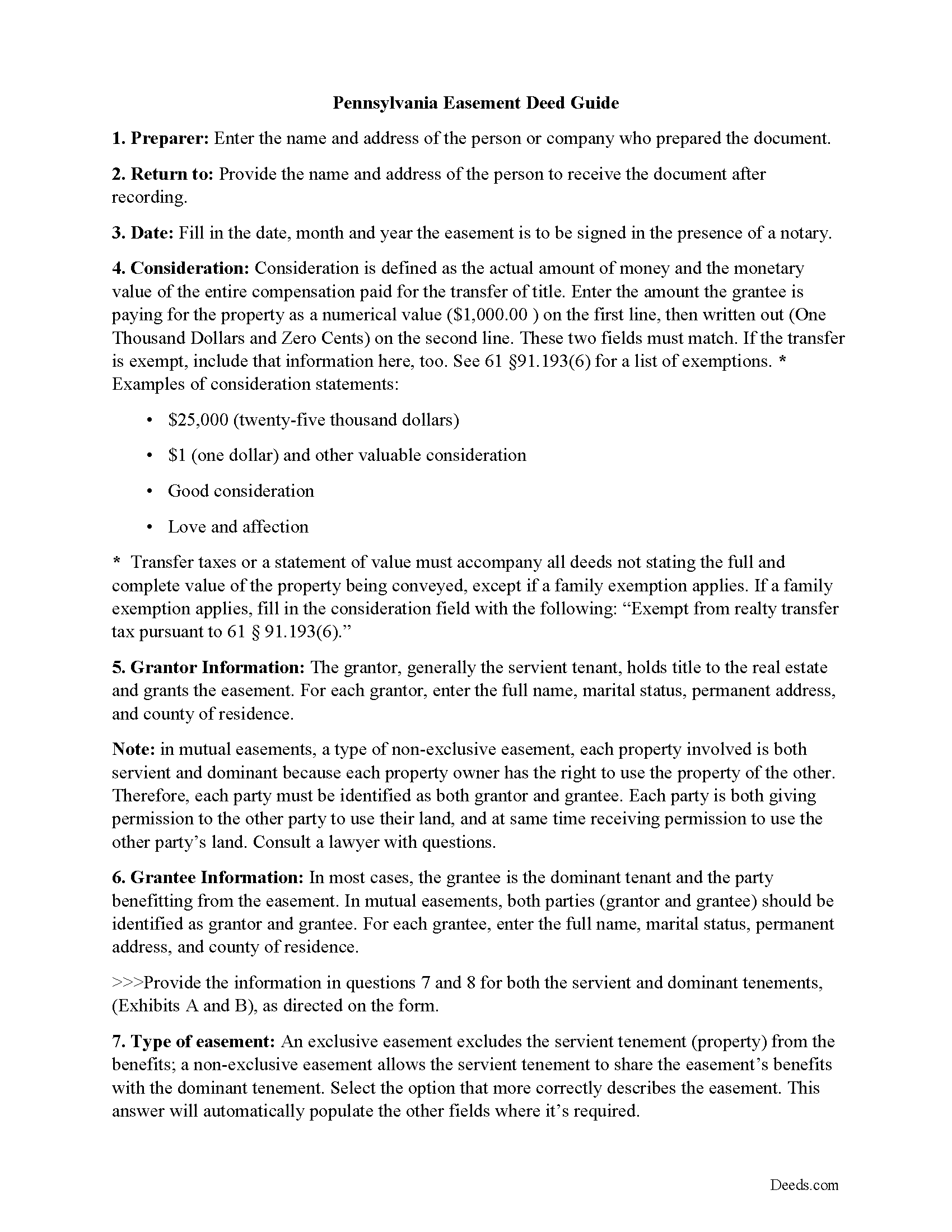
Northumberland County Easement Deed Guide
Line by line guide explaining every blank on the form.
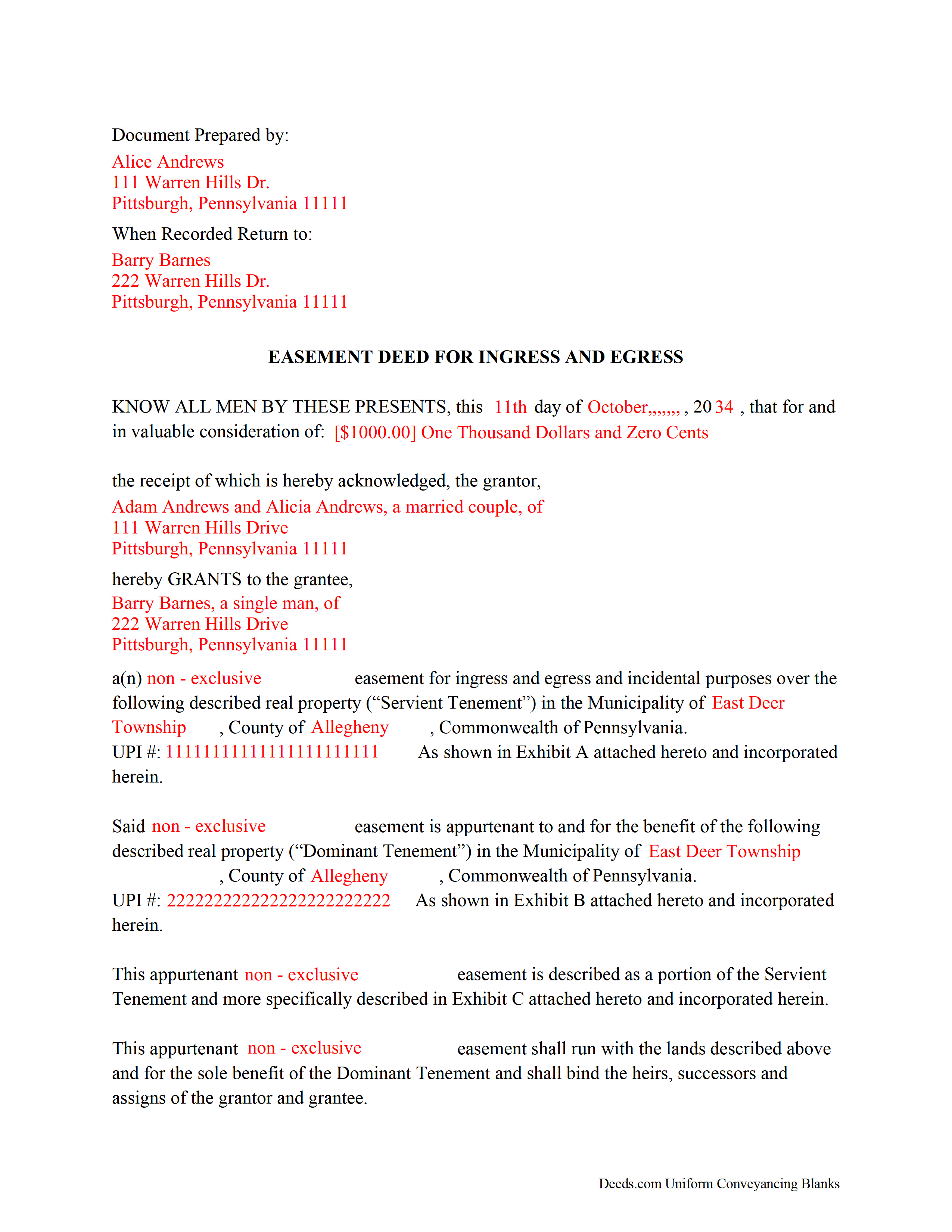
Northumberland County Completed Example of the Easement Deed
Example of a properly completed form for reference.
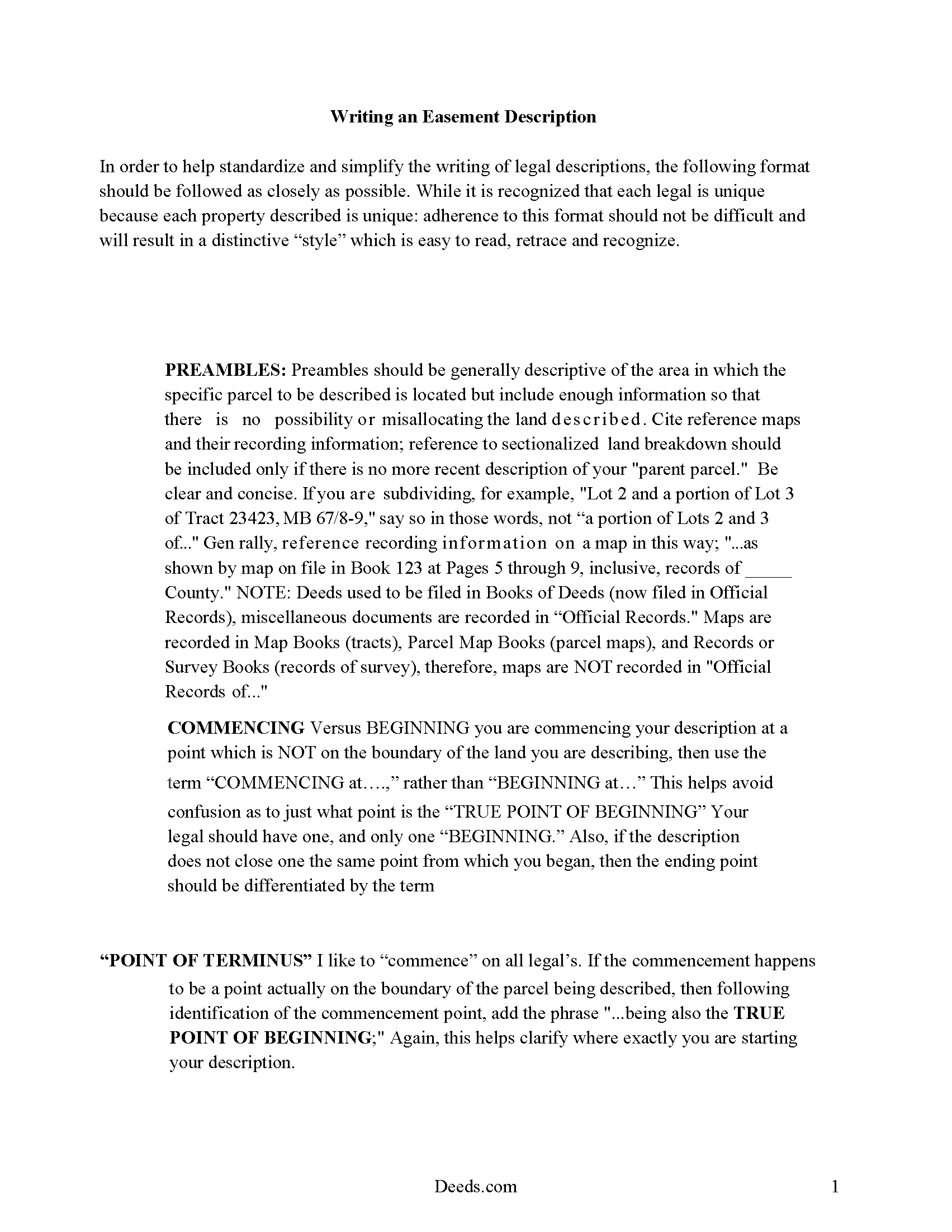
Northumberland County Guide to writing an Easement Description
A Description of the Easement will be required. This will show how to write an acceptable description for a Right of Way Easement, which gives access, to and from - point A to point B.
All 4 documents above included • One-time purchase • No recurring fees
Immediate Download • Secure Checkout
Additional Pennsylvania and Northumberland County documents included at no extra charge:
Where to Record Your Documents
Recorder of Deeds - County Courthouse
Sunbury, Pennsylvania 17801
Hours: Mon 9:00 - 4:45; Tue-Fri 9:00 - 4:15
Phone: (570) 988-4143
Recording Tips for Northumberland County:
- Bring your driver's license or state-issued photo ID
- Ensure all signatures are in blue or black ink
- Ask about their eRecording option for future transactions
- Avoid the last business day of the month when possible
- Both spouses typically need to sign if property is jointly owned
Cities and Jurisdictions in Northumberland County
Properties in any of these areas use Northumberland County forms:
- Coal Township
- Dalmatia
- Dewart
- Dornsife
- Elysburg
- Herndon
- Kulpmont
- Leck Kill
- Locust Gap
- Marion Heights
- Mc Ewensville
- Milton
- Montandon
- Mount Carmel
- Northumberland
- Paxinos
- Potts Grove
- Rebuck
- Riverside
- Shamokin
- Snydertown
- Sunbury
- Trevorton
- Turbotville
- Watsontown
Hours, fees, requirements, and more for Northumberland County
How do I get my forms?
Forms are available for immediate download after payment. The Northumberland County forms will be in your account ready to download to your computer. An account is created for you during checkout if you don't have one. Forms are NOT emailed.
Are these forms guaranteed to be recordable in Northumberland County?
Yes. Our form blanks are guaranteed to meet or exceed the applicable formatting requirements used for recording in Northumberland County, including margin requirements, font requirements, and other layout standards. This guarantee applies to formatting, not to the legal sufficiency of information entered by the user or the suitability of a form for a particular transaction.
Can I reuse these forms?
Yes. You can reuse the forms for your personal use. For example, if you have multiple properties in Northumberland County you only need to order once.
What do I need to use these forms?
The forms are PDFs that you fill out on your computer. The free Adobe Acrobat Reader is recommended, and most PDF apps also work. You do NOT enter your property information online - you download the blank forms and complete them privately on your own computer.
Are there any recurring fees?
No. This is a one-time purchase. Nothing to cancel, no memberships, no recurring fees.
How much does it cost to record in Northumberland County?
Recording fees in Northumberland County vary. Contact the recorder's office at (570) 988-4143 for current fees.
Questions answered? Let's get started!
An easement is defined as a non-possessory right to use another's land for a specific and precise purpose that is not inconsistent with the other's simultaneous right to use the same property. Often, an easement is contained in the body of a deed providing for the outright conveyance of a parcel of real estate. A Pennsylvania easement can also be created by a written and signed agreement or by a deed of easement. The easement deed should specify the terms and duration of the easement.
The Pennsylvania Statute of Frauds requires that any transfer of an interest in real estate, including a grant of easement, be in writing and duly signed in order to be binding (33 P.S. 1). Before an easement deed can be recorded it must be acknowledged by the grantor. Acknowledgments in Pennsylvania may be made before a before a judge of a court of record, a clerk or deputy clerk of a court having seal, a recorder of deeds, a notary public, or a justice of the peace (21 P.S. 291.2). An easement deed acknowledged out-of-state will be valid to record in Pennsylvania if it complies with the laws of such place where acknowledgments were taken (21 P.S. 41). A certificate of acknowledgment by an officer under seal must be included with a duly acknowledged easement deed, whether the deed has been acknowledged in this state or in another state (21 P.S. 46).
The legal effect of recording an easement deed is to give constructive notice to subsequent purchasers, mortgagees, and/or judgment creditors of the parties to said agreement (21 P.S. 357). An easement deed that has been duly acknowledged or proved should be recorded in the county where the property subject to the easement is located.
(Pennsylvania ED Package includes form, guidelines, and completed example)
Important: Your property must be located in Northumberland County to use these forms. Documents should be recorded at the county recording office listed above.
This Easement Deed meets all recording requirements specific to Northumberland County.
Our Promise
The documents you receive here are guaranteed to meet or exceed the applicable Northumberland County recording format requirements. If there is a rejection caused by our formatting, we will correct the issue or refund your payment. This guarantee applies to document formatting only and does not extend to information entered by the user, the selection of the form, or the legal effect of the completed document.
Save Time and Money
Get your Northumberland County Easement Deed form done right the first time with Deeds.com Uniform Conveyancing Blanks. At Deeds.com, we understand that your time and money are valuable resources, and we don't want you to face a penalty fee or rejection imposed by a county recorder for submitting nonstandard documents. We constantly review and update our forms to meet rapidly changing state and county recording requirements for roughly 3,500 counties and local jurisdictions.
4.8 out of 5 - ( 4,837 Reviews )
James M. 4 out of 5 stars
It would be helpful to have a joint tenant example.
Thank you!
Clarence H. 5 out of 5 stars
Deeds.com had exactly the forms I needed! One of the easiest sites to navigate. Well worth the money, and I didn't have to fill out the form first in order to get it delivered. Free isn't always best! Thanks Deeds.com for a flawless transaction!
Clarence, thank you for the great review. We’re glad you found the forms you needed, had an easy time navigating the site, and were happy with the transaction. We appreciate your business.
Gary S. 5 out of 5 stars
Thank you! Quick, timely and excellent quality document!
Thank you for your feedback. We really appreciate it. Have a great day!
Ed C. 5 out of 5 stars
I purchased the DIY quitclaim deed forms for Florida and couldn’t be happier. The forms were clear, professional, and easy to follow. I had everything filled out and recorded without a single issue. Worth every penny — the site is great, and the forms are exactly what I needed. Highly recommend!
Thanks so much, Ed! We’re thrilled to hear that the Florida quitclaim deed forms worked perfectly for you and that the recording process went smoothly. We appreciate your trust and recommendation!
Dawn L. 5 out of 5 stars
Not totally satisfied as unable to edit as needed on signature page of the deed. I want to be able to date the document and don't want the verbage "signed, sealed and delivered in the presence of" to appear and cannot remove it. The notary will make his or her own statement below as to the date executed.
Thank you for your feedback. We really appreciate it. Have a great day!
Jeffery W. 5 out of 5 stars
Great service!
Thank you!
Sandra B. 5 out of 5 stars
Easy to navigate through. Documents were in orderly fashion. Highly recommend. Step by step instructions
We appreciate your business and value your feedback. Thank you. Have a wonderful day!
Jamie B. 5 out of 5 stars
Deeds.com made the recording of our Deed in a county where we do not reside, VERY easy! Customer service was great with all my questions answered immediately via my account portal. Very user friendly service! I wish the available documents were a little less pricey, but all in all, to get the job done right, I'll probably utilize the document downloads in the future.
Thank you for your feedback. We really appreciate it. Have a great day!
Priscilla Z. 5 out of 5 stars
Very user friendly and easy. I appreciated the sample deed that was provided. Definitely recommend!
Thank you!
Barbara S. 5 out of 5 stars
I had an issue due to the fact that I had many beneficiaries. I was and still am not sure how to handle this. We do have Adobe Pro and can modify the form, if needed. But I would like to talk to your organization for more information.
While we are unable to assist you specifically with completing the document we can note that this is addressed in the guide. Information that does not fit in the available space should be included in an exhibit page.
JOHNNY M. 5 out of 5 stars
The information provided is quite thorough.I recommend this Site to anyone, in need of Material for Quit Claim Deeds.
Thank you!
Jeffrey G. 5 out of 5 stars
The documents requested were perfect! Very helpful, with instructions on how to complete and submit and unique to the county. They provided additional helpful documents that I would not have thought to ask for. Great job!
Thank you!
Jose F. 5 out of 5 stars
When I found this website, I was confused and hesitant to use this website to submit paperwork that needed to be submitted to the Clerks of Courts in Miami. I am glad I decided to go through with it. It was the easiest process I have encountered even with working with the City. Highly recommend as it is super easy to use and received that everything was approved and recorded in two working days. Thank you so much for bringing my stress level lower as many uncertainties of how to process my paperwork. Will use it again to finish my project as the City continues to not accept walk ins. Thank you so much.
So glad we were able help Jose, have a amazing day!
John D. 5 out of 5 stars
Forms were easy to complete, with the instructions that were provided. Very satisfied!
Thank you!
Norma J H. 5 out of 5 stars
Your forms have been very helpful. I thank you very much for making them easy to use.
Thank you for your feedback. We really appreciate it. Have a great day!