Northumberland County Notice to Contractor Form
Last validated September 28, 2026 by our Forms Development TeamFormatted for recording in Northumberland County, for property anywhere in the county: rural and unincorporated areas as well as Coal Township, Dalmatia, Dewart, Dornsife, Elysburg, Herndon, Kulpmont, Leck Kill and 17 more.
- 3 documents included
- Immediate PDF download
- Formatting guarantee
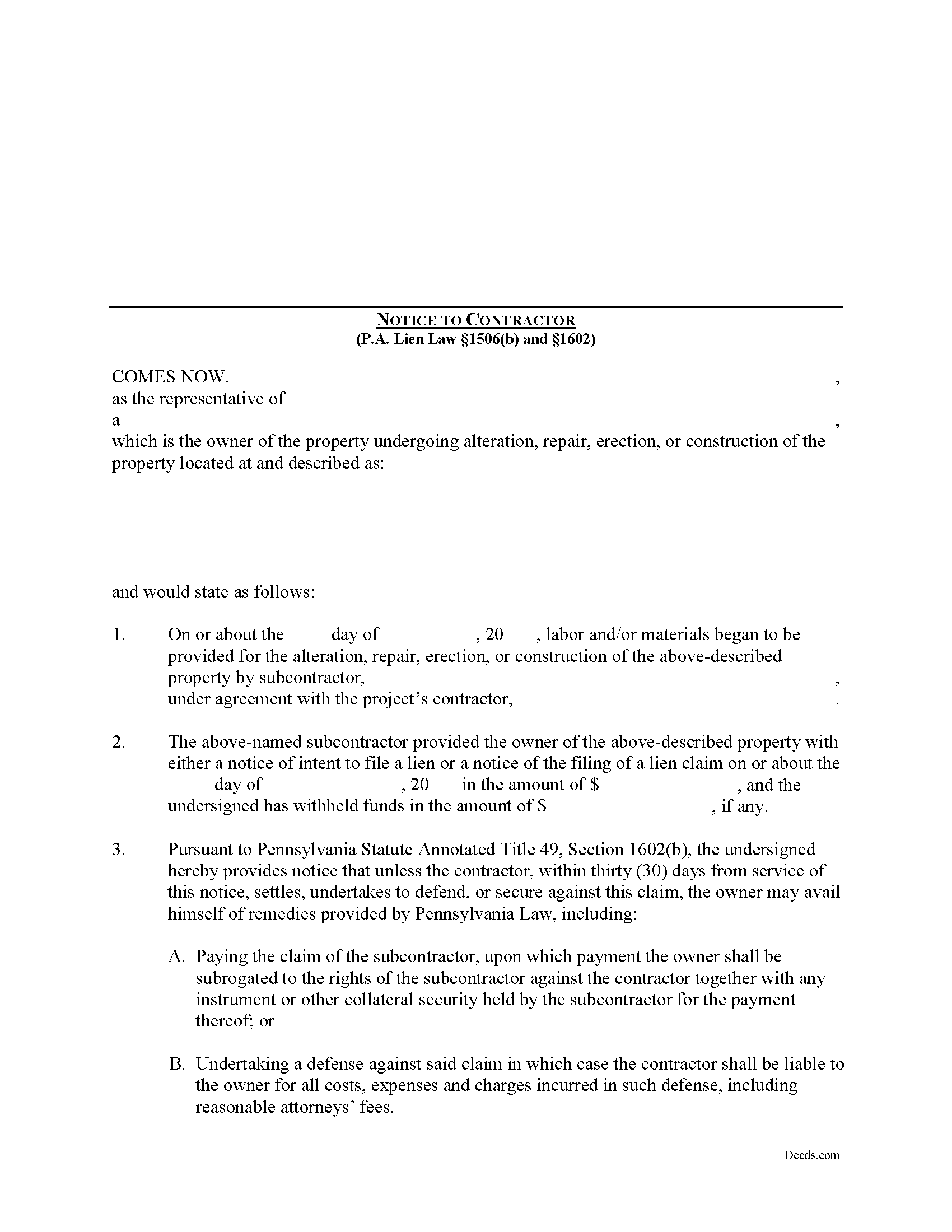
Northumberland County Notice to Contractor Form
Fill in the blank Notice to Contractor form formatted to comply with all Pennsylvania recording and content requirements.
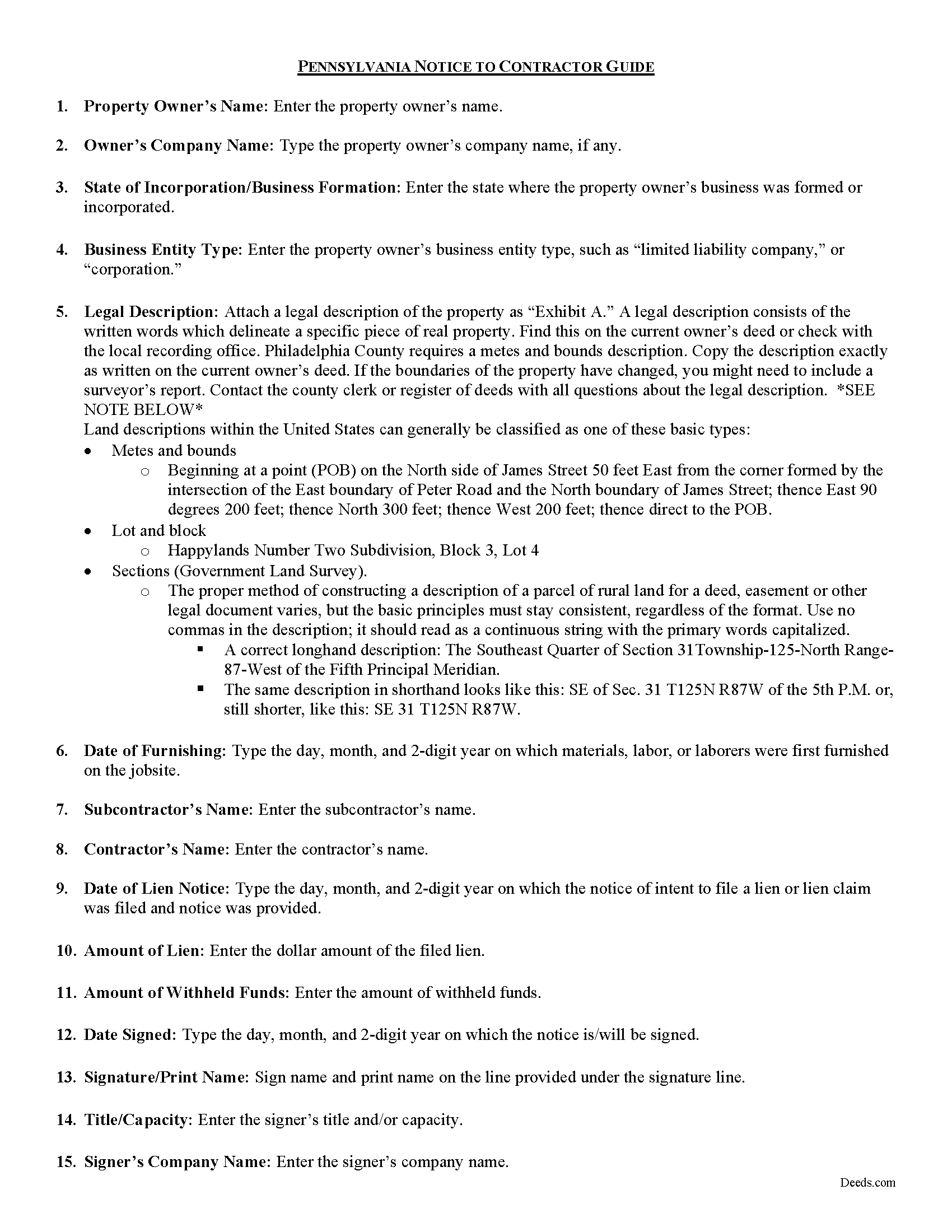
Northumberland County Notice to Contractor Guide
Line by line guide explaining every blank on the form.
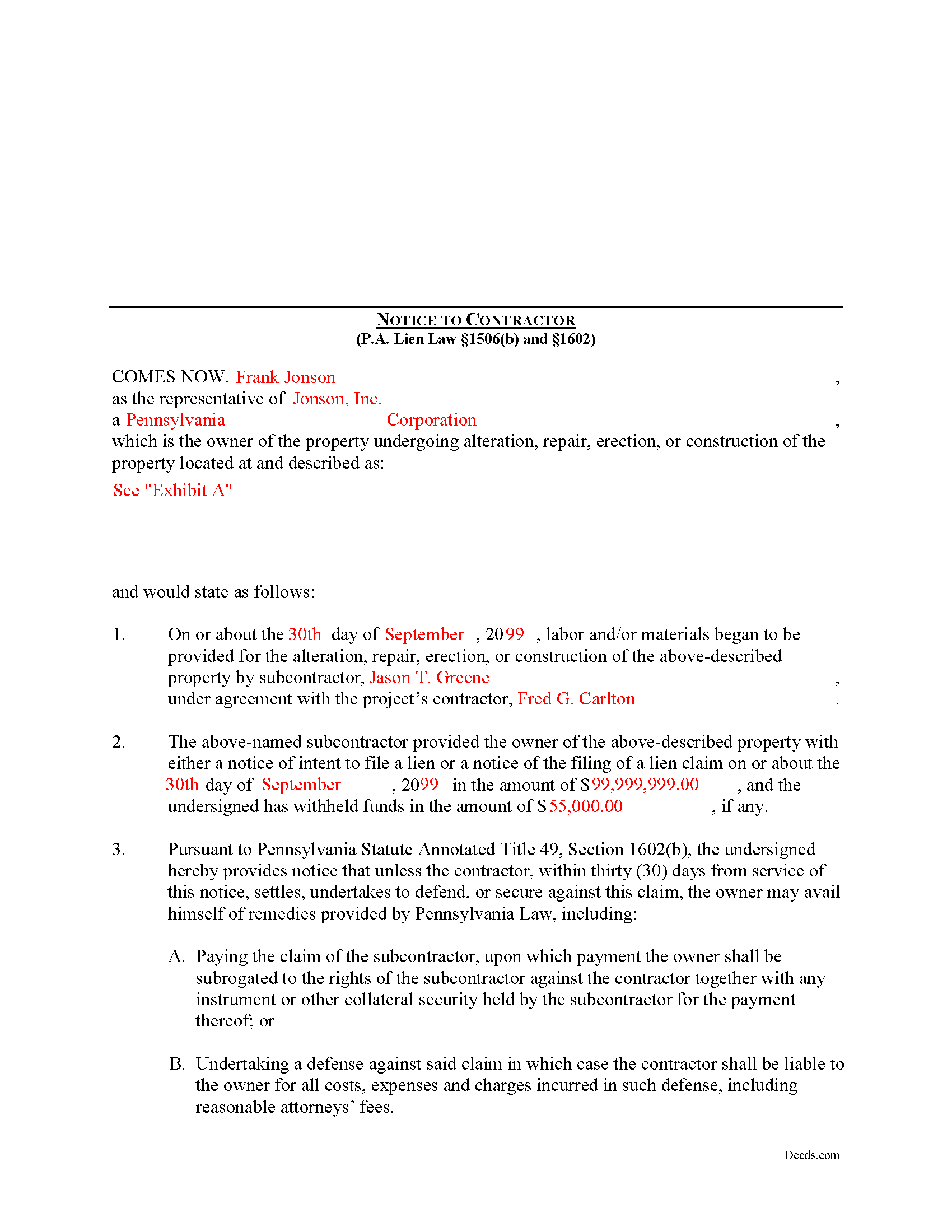
Northumberland County Completed Example of the Notice to Contractor Document
Example of a properly completed form for reference.
All 3 documents above included • One-time purchase • No recurring fees
Immediate Download • Secure Checkout
Additional Pennsylvania and Northumberland County documents included at no extra charge:
Where to Record Your Documents
Recorder of Deeds - County Courthouse
Sunbury, Pennsylvania 17801
Hours: Mon 9:00 - 4:45; Tue-Fri 9:00 - 4:15
Phone: (570) 988-4143
Recording Tips for Northumberland County:
- Bring your driver's license or state-issued photo ID
- Ensure all signatures are in blue or black ink
- Ask for certified copies if you need them for other transactions
- Ask if they accept credit cards - many offices are cash/check only
- Check that your notary's commission hasn't expired
Cities and Jurisdictions in Northumberland County
Properties in any of these areas use Northumberland County forms:
- Coal Township
- Dalmatia
- Dewart
- Dornsife
- Elysburg
- Herndon
- Kulpmont
- Leck Kill
- Locust Gap
- Marion Heights
- Mc Ewensville
- Milton
- Montandon
- Mount Carmel
- Northumberland
- Paxinos
- Potts Grove
- Rebuck
- Riverside
- Shamokin
- Snydertown
- Sunbury
- Trevorton
- Turbotville
- Watsontown
Hours, fees, requirements, and more for Northumberland County
How do I get my forms?
Forms are available for immediate download after payment. The Northumberland County forms will be in your account ready to download to your computer. An account is created for you during checkout if you don't have one. Forms are NOT emailed.
Are these forms guaranteed to be recordable in Northumberland County?
Yes. Our form blanks are guaranteed to meet or exceed the applicable formatting requirements used for recording in Northumberland County, including margin requirements, font requirements, and other layout standards. This guarantee applies to formatting, not to the legal sufficiency of information entered by the user or the suitability of a form for a particular transaction.
Can I reuse these forms?
Yes. You can reuse the forms for your personal use. For example, if you have multiple properties in Northumberland County you only need to order once.
What do I need to use these forms?
The forms are PDFs that you fill out on your computer. The free Adobe Acrobat Reader is recommended, and most PDF apps also work. You do NOT enter your property information online - you download the blank forms and complete them privately on your own computer.
Are there any recurring fees?
No. This is a one-time purchase. Nothing to cancel, no memberships, no recurring fees.
How much does it cost to record in Northumberland County?
Recording fees in Northumberland County vary. Contact the recorder's office at (570) 988-4143 for current fees.
Questions answered? Let's get started!
In Pennsylvania, the Notice to Contractor is used by property owners to defend against lien claims. The notice is especially useful when dealing with lien claims filed by a subcontractor working under a general contractor, because the owner may have no knowledge of their agreements.
Where a lien claim is filed by a subcontractor, the owner may give a written notice thereof to the contractor in the manner, and upon the giving of such notice the owner may avail himself of the remedies provided under the law. 49 P.S. 1506(b).
When the notice is served on the contractor, the undersigned is providing notice that unless the contractor, within thirty (30) days from service of the notice, settles, undertakes to defend, or secures against this claim, the owner may avail himself of remedies provided by Pennsylvania Law, including: 1) Paying the claim of the subcontractor, upon which payment the owner shall be subrogated to the rights of the subcontractor against the contractor together with any instrument or other collateral security held by the subcontractor for the payment thereof; or 2) Undertaking a defense against said claim in which case the contractor shall be liable to the owner for all costs, expenses and charges incurred in such defense, including reasonable attorneys' fees. 49 P.S. 1602.
The notice shall state: (1) the name of the subcontractor, the amount of the claim and the amount withheld, if any, by the owner; that unless the contractor within thirty (30) days from service of the notice settles, undertakes to defend, or secures against the claim as provided by section 603, and (2) the owner may avail himself of the remedies provided by section 604.3. 49 P.S. 1602(b).
The owner or his agent may deliver the notice to the contractor personally, or to the contractor's manager, executive or principal officer or other agent, or if none of these persons can be found, by sending a copy of the notice by first class, registered or certified mail to the contractor at his last known office address. 49 P.S. 1602(c).
Mechanic's Liens are governed by Title 49 of the Pennsylvania Consolidated Statutes.
This article is provided for informational purposes only and does not constitute legal advice. Contact an attorney with questions about the Notice to Contractor, or for any other issues related to mechanic's liens in Pennsylvania.
Important: Your property must be located in Northumberland County to use these forms. Documents should be recorded at the county recording office listed above.
This Notice to Contractor meets all recording requirements specific to Northumberland County.
Our Promise
The documents you receive here are guaranteed to meet or exceed the applicable Northumberland County recording format requirements. If there is a rejection caused by our formatting, we will correct the issue or refund your payment. This guarantee applies to document formatting only and does not extend to information entered by the user, the selection of the form, or the legal effect of the completed document.
Save Time and Money
Get your Northumberland County Notice to Contractor form done right the first time with Deeds.com Uniform Conveyancing Blanks. At Deeds.com, we understand that your time and money are valuable resources, and we don't want you to face a penalty fee or rejection imposed by a county recorder for submitting nonstandard documents. We constantly review and update our forms to meet rapidly changing state and county recording requirements for roughly 3,500 counties and local jurisdictions.
4.8 out of 5 - ( 4,825 Reviews )
Rox Ann S. 5 out of 5 stars
Very impressed with how fast the service was. Got what I needed within 20 to 30 minutes.
We appreciate your business and value your feedback. Thank you. Have a wonderful day!
Lisa G. 5 out of 5 stars
Rec'd downloads for quitclaim deed process in Florida. Recorded with the clerk of courts today and the form was done perfectly--she had no changes to make. Well worth the money--thanks
Glad to hear Lisa, we appreciate you taking the time to leave your feedback.
Ricky N. 5 out of 5 stars
Great service and instructions are excellent.
Thank you for your feedback. We really appreciate it. Have a great day!
John B. 5 out of 5 stars
Forms are as advertised and easy to access.
Thank you for your feedback. We really appreciate it. Have a great day!
Georgette S. 5 out of 5 stars
Very easy form to us. Instructions very good.
Thank you!
James D. 5 out of 5 stars
I had a satisfying experience very informative and easy to navigate.
Thank you!
Kathleen H. 5 out of 5 stars
EASY!!
Thank you!
john g. 4 out of 5 stars
no problems got what i needed.
Thanks John.
Ruth L. 5 out of 5 stars
Easy to use form. I filled it out and took it to the county office. Entire process took less than 20 min.
We appreciate your business and value your feedback. Thank you. Have a wonderful day!
Wilian B. 5 out of 5 stars
Top 10 experience, Easy-Fast-Affordable
Happy we could assist. Thank you for sharing your experience.
Kenneth C. 5 out of 5 stars
Great forms, easy to use if you have at least a sixth grade education.
Thank you!
Maree W. 5 out of 5 stars
I am so impress with the forms that is needed for your state. It makes your task so easy and no worries. This was a big help in taking care of business. Thank you so much.
We appreciate your business and value your feedback. Thank you. Have a wonderful day!
Clifford K. 5 out of 5 stars
got the forms we needed, and ones we did not even know we needed!
Your feedback is greatly appreciated. Thank you for taking the time to share your experience!
Deborah K. 5 out of 5 stars
great job but, I wanted to upload a document. I got it wrong, but the info was good.
Thank you!
brian p. 4 out of 5 stars
Good, easy to use, quit claim form worked as expected.
We appreciate your business and value your feedback. Thank you. Have a wonderful day!