Newberry County Contract for Deed Form
Last validated September 9, 2026 by our Forms Development TeamFormatted for recording in Newberry County, for property anywhere in the county: rural and unincorporated areas as well as Chappells, Kinards, Little Mountain, Newberry, Peak, Pomaria, Prosperity, Silverstreet and 1 more.
- 6 documents included
- Immediate PDF download
- Formatting guarantee
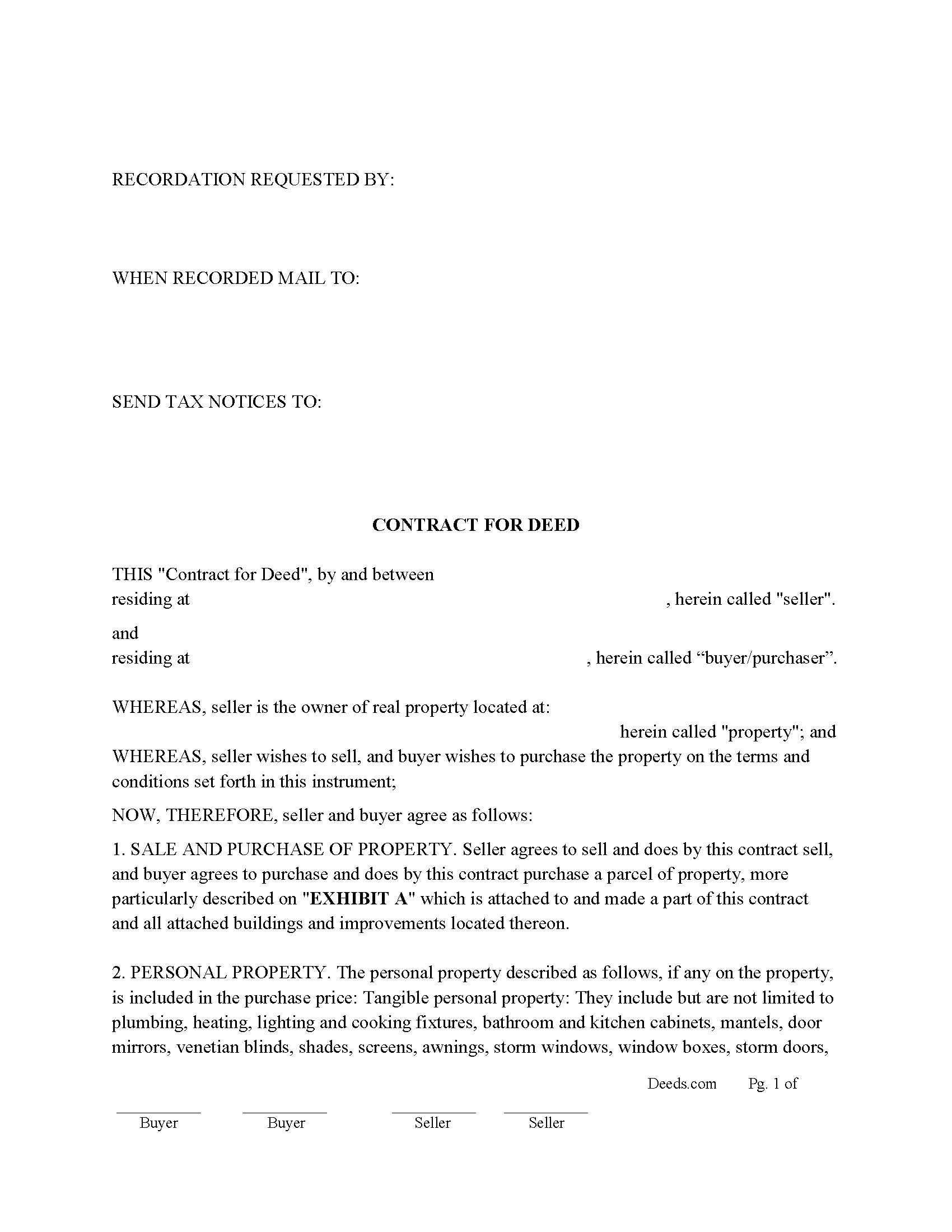
Newberry County Contract for Deed Form
Fill in the blank Contract for Deed form formatted to comply with all South Carolina recording and content requirements.
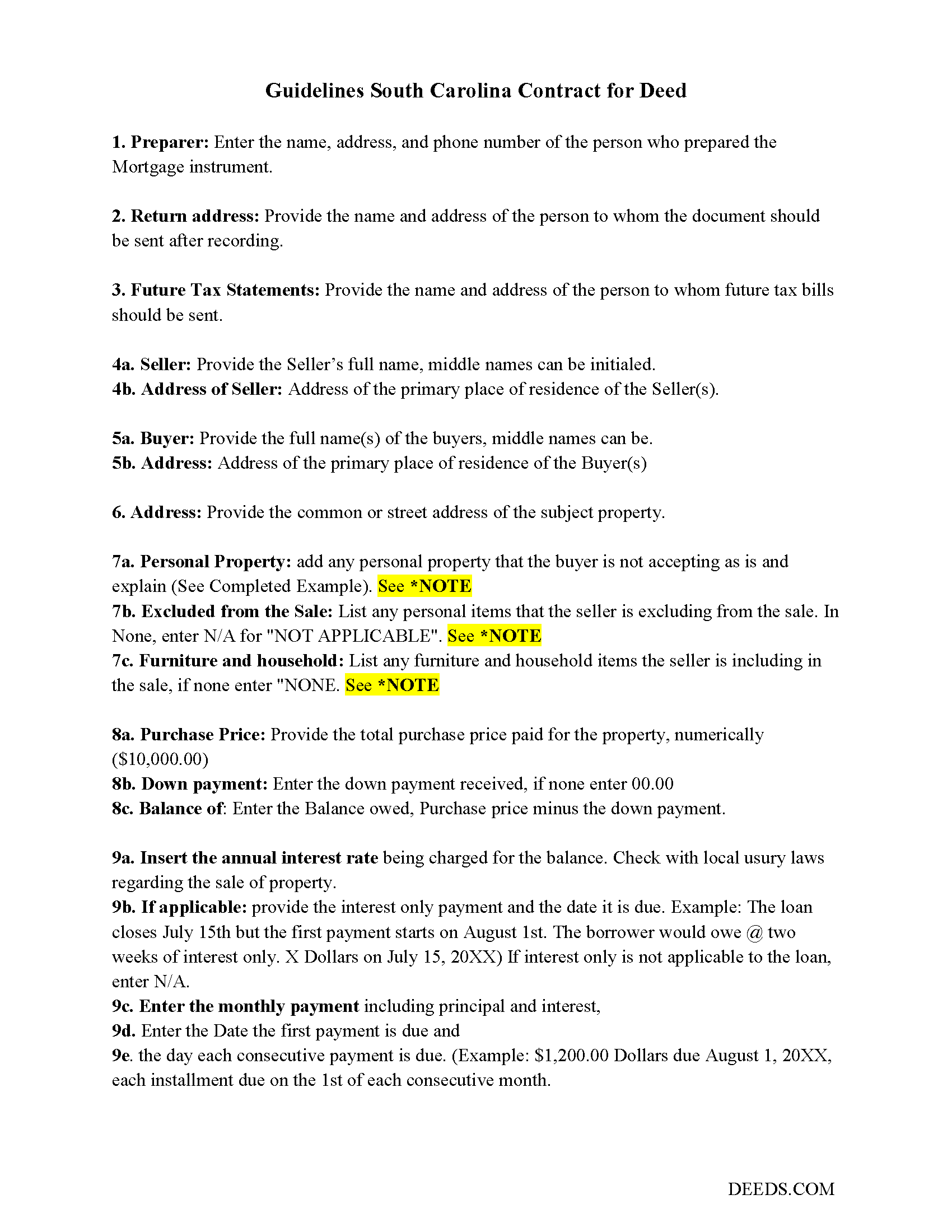
Newberry County Contract for Deed Guide
Line by line guide explaining every blank on the Contract for Deed form.
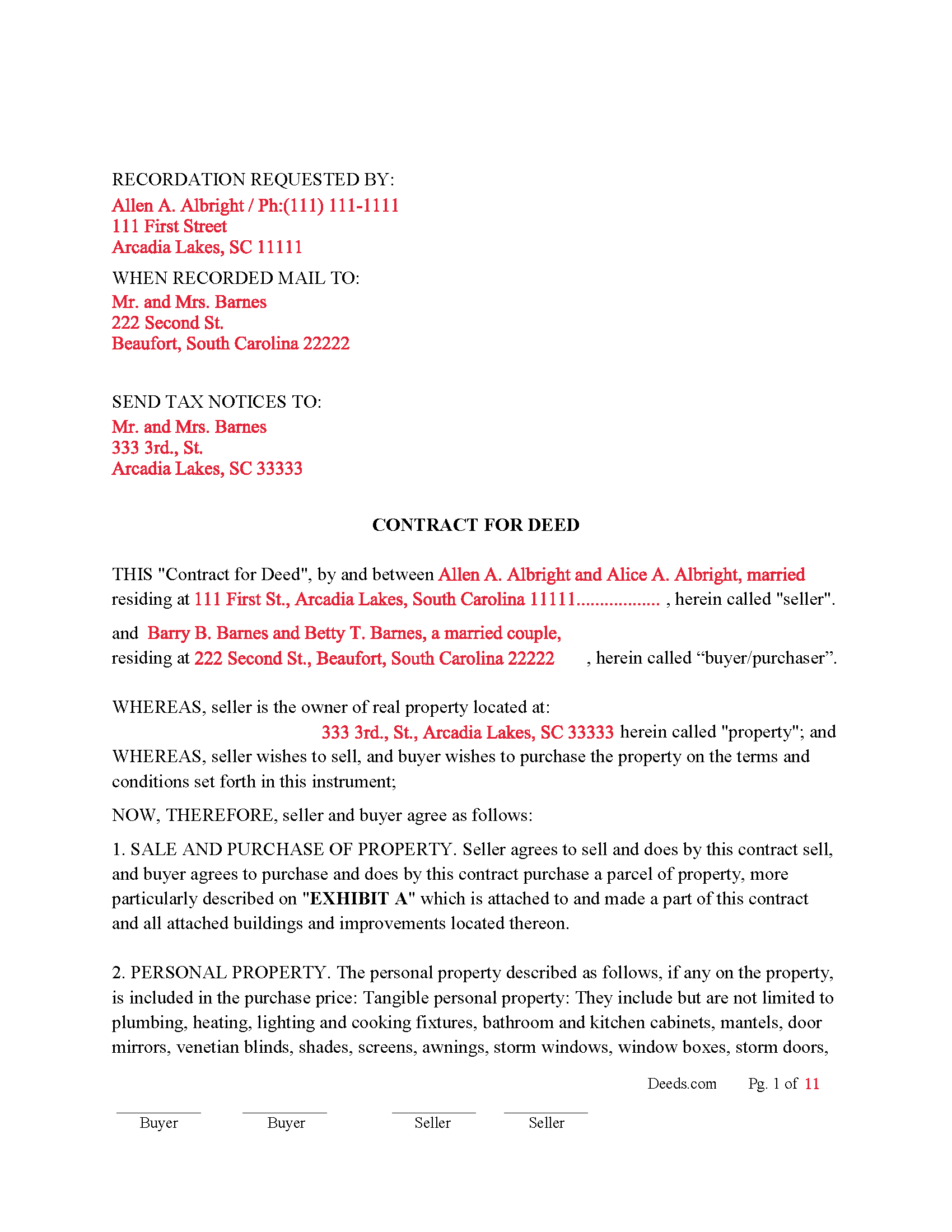
Newberry County Completed Example of the Contract for Deed Document
Example of a properly completed South Carolina Contract for Deed document for reference.
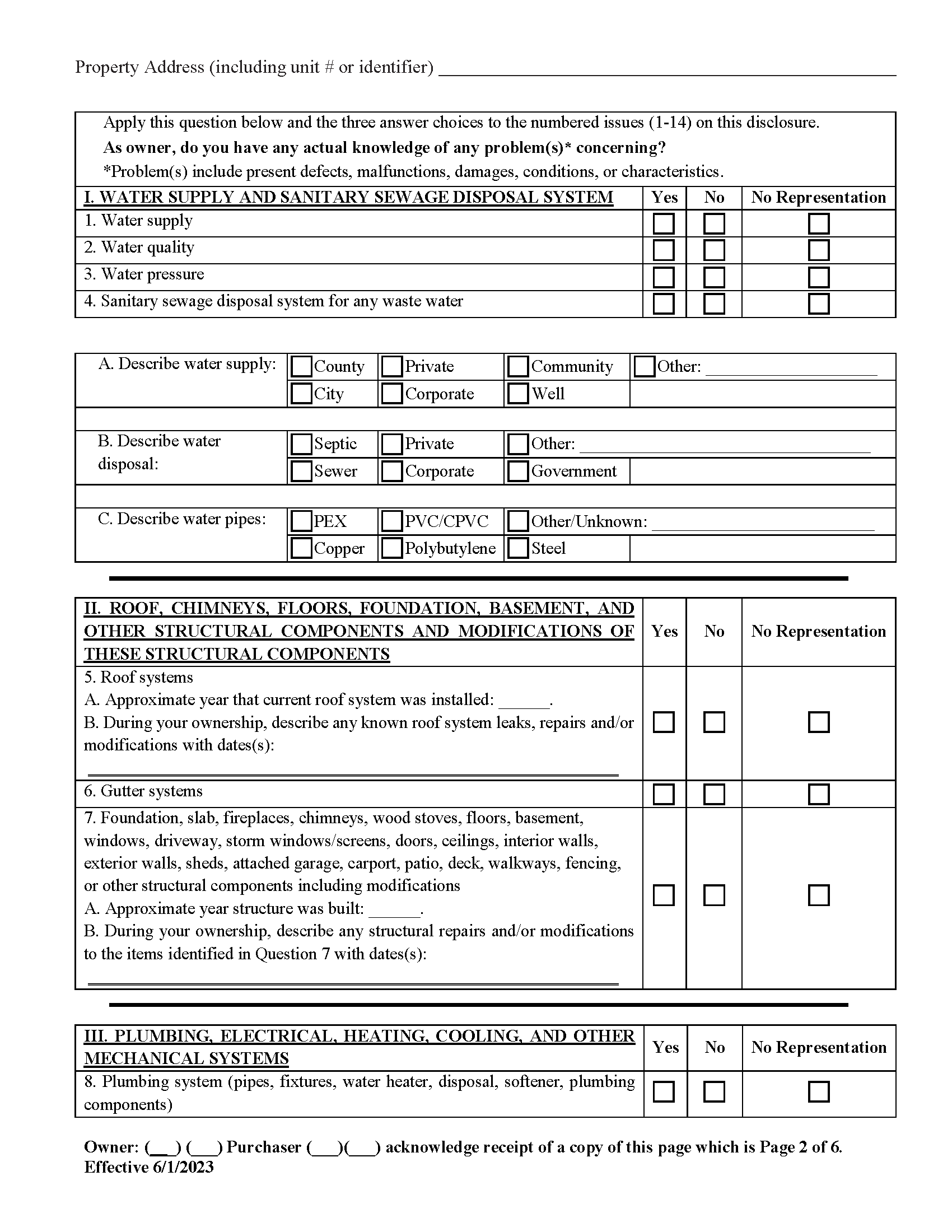
Newberry County Property Disclosure Form
Required for residential sales.
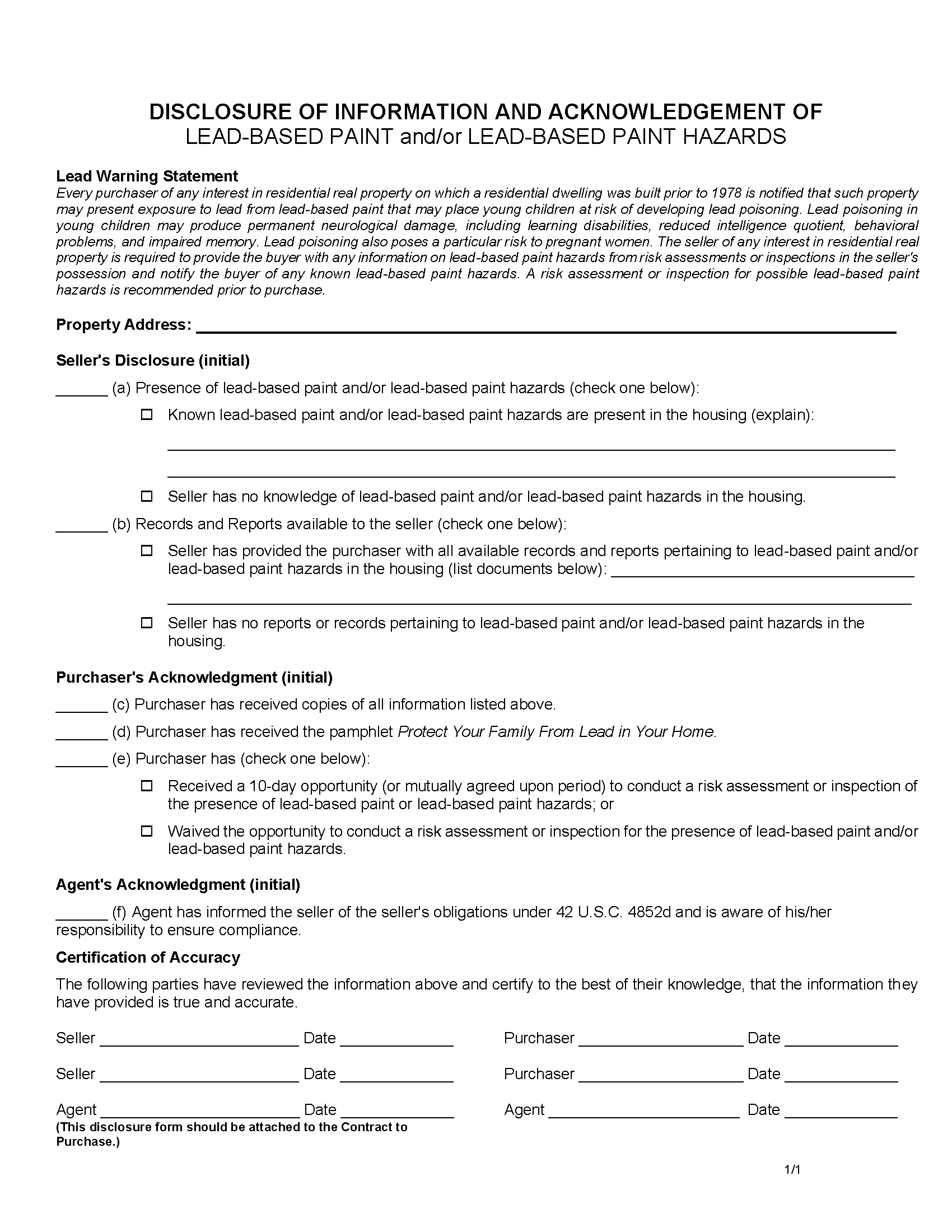
Newberry County Lead Based Paint Disclosure Form
Required for residential property built before 1978.
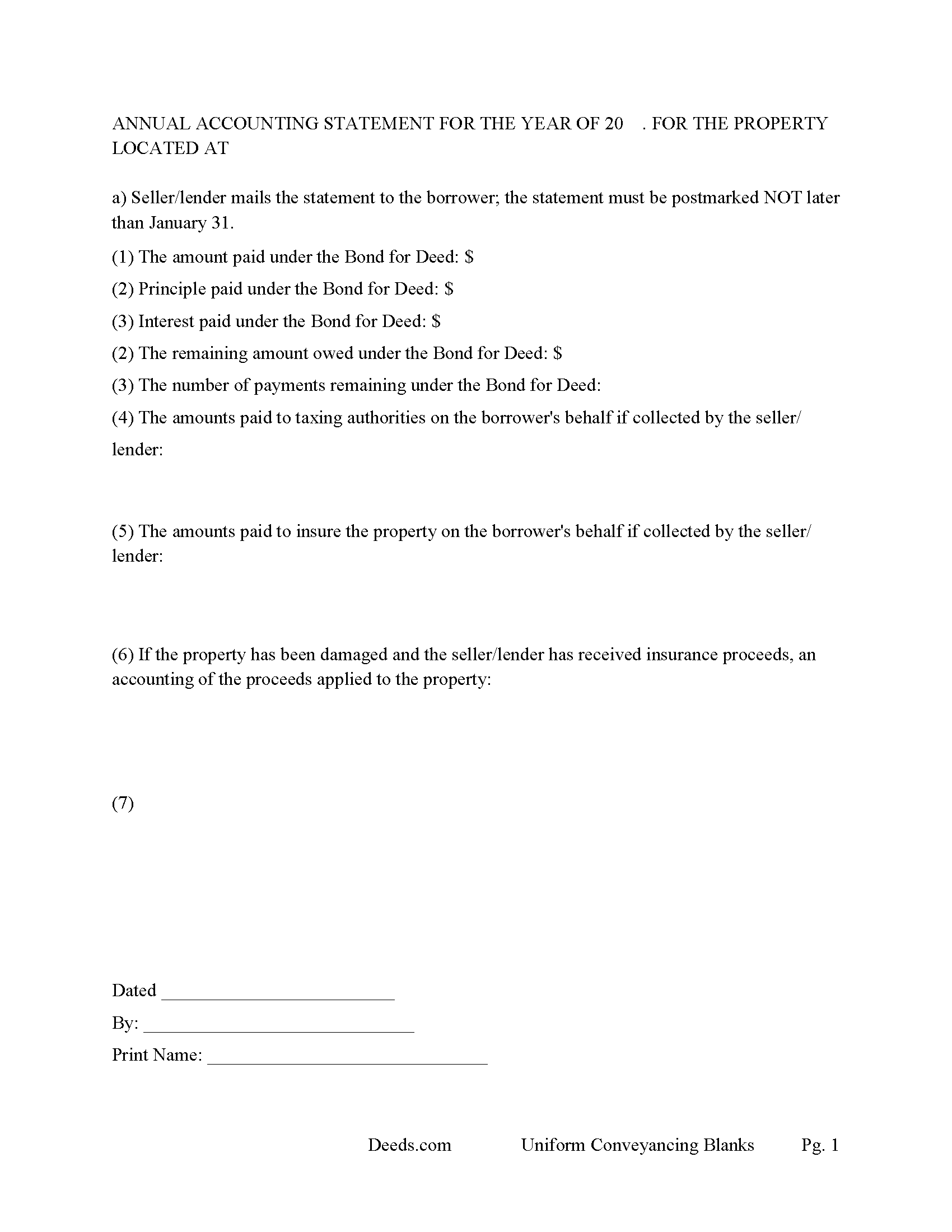
Newberry County Annual Accounting Statement Form
Send to Buyer for fiscal year reporting.
All 6 documents above included • One-time purchase • No recurring fees
Immediate Download • Secure Checkout
Additional South Carolina and Newberry County documents included at no extra charge:
Where to Record Your Documents
Newberry County Clerk of Court
Newberry, South Carolina 29108
Hours: 8:30 to 5:00 M-F
Phone: (803) 321-2110
Recording Tips for Newberry County:
- Bring your driver's license or state-issued photo ID
- Ensure all signatures are in blue or black ink
- Avoid the last business day of the month when possible
- Both spouses typically need to sign if property is jointly owned
- Bring extra funds - fees can vary by document type and page count
Cities and Jurisdictions in Newberry County
Properties in any of these areas use Newberry County forms:
- Chappells
- Kinards
- Little Mountain
- Newberry
- Peak
- Pomaria
- Prosperity
- Silverstreet
- Whitmire
Hours, fees, requirements, and more for Newberry County
How do I get my forms?
Forms are available for immediate download after payment. The Newberry County forms will be in your account ready to download to your computer. An account is created for you during checkout if you don't have one. Forms are NOT emailed.
Are these forms guaranteed to be recordable in Newberry County?
Yes. Our form blanks are guaranteed to meet or exceed the applicable formatting requirements used for recording in Newberry County, including margin requirements, font requirements, and other layout standards. This guarantee applies to formatting, not to the legal sufficiency of information entered by the user or the suitability of a form for a particular transaction.
Can I reuse these forms?
Yes. You can reuse the forms for your personal use. For example, if you have multiple properties in Newberry County you only need to order once.
What do I need to use these forms?
The forms are PDFs that you fill out on your computer. The free Adobe Acrobat Reader is recommended, and most PDF apps also work. You do NOT enter your property information online - you download the blank forms and complete them privately on your own computer.
Are there any recurring fees?
No. This is a one-time purchase. Nothing to cancel, no memberships, no recurring fees.
How much does it cost to record in Newberry County?
Recording fees in Newberry County vary. Contact the recorder's office at (803) 321-2110 for current fees.
Questions answered? Let's get started!
In South Carolina, "Contract for Deed" transactions, also known as land contracts or installment sale agreements, are governed by general property and conveyance laws. Although there is no specific statute exclusively for Contracts for Deed, several sections of Title 27 of the South Carolina Code of Laws are particularly relevant. These laws guide the recording, execution, and enforcement of such contracts, ensuring legal protection for both buyers and sellers.
Key Sections of Title 27 Relevant to Contracts for Deed:
Section 27-3-10: Execution and Acknowledgment of Deeds: This section mandates that deeds and other conveyance documents be executed and acknowledged by the grantor, witnessed by two individuals, and acknowledged before a notary public.
Section 27-7-10: Recording of Conveyances of Real Property This section specifies that deeds, mortgages, and other conveyances of real property must be recorded in the office of the register of deeds in the county where the property is located. Recording provides public notice of the buyer's interest and protects against subsequent claims.
Section 27-39-220: Residential Landlord and Tenant Act – Applicability While primarily focused on landlord-tenant relationships, some provisions may apply to Contracts for Deed, especially those involving residential properties.
Section 27-35-20: Forcible Entry and Detainer This section outlines the procedures for recovering possession of property if a buyer defaults under a Contract for Deed. The seller may need to follow these procedures to regain possession.
Section 27-50-10 et seq.: Residential Property Condition Disclosure Act Although primarily addressing the disclosure of property conditions in traditional sales, this act's principles may be applied to ensure that sellers in a Contract for Deed disclose known property defects to the buyer.
Practical Steps for Compliance: Includes essential terms such as parties' names, property description, purchase price, payment schedule, interest rate, default provisions, and remedies.
Execution and Witnessing: Both parties must sign the contract. The signatures must be witnessed by two individuals who then sign the document as witnesses.
Notarization: Have the contract notarized by a licensed notary public to verify the identities of the signatories and the voluntary nature of their signatures.
Recording the Contract: Submit the notarized and witnessed contract to the county register of deeds office where the property is located for recording.
Pay the required recording fees. Recording the contract provides public notice and helps protect the buyer's equitable interest in the property.
Disclosures: Ensure that the seller discloses any known property defects, following principles similar to those in the Residential Property Condition Disclosure Act.
Default and Remedies: Contract outlines the process for addressing defaults, including notice requirements and grace periods. Specifies remedies available to the seller, such as acceleration of payments, termination of the contract, repossession of the property, and legal actions such as ejectment or foreclosure.
Navigating Contracts for Deed in South Carolina requires careful attention to the relevant laws and proper execution of the agreement. By following these guidelines, both buyers and sellers can ensure their interests are protected and comply with state regulations.
Uses: Residential property, rental 1-4 units, condominiums and planned unit developments.
Important: Your property must be located in Newberry County to use these forms. Documents should be recorded at the county recording office listed above.
This Contract for Deed meets all recording requirements specific to Newberry County.
Our Promise
The documents you receive here are guaranteed to meet or exceed the applicable Newberry County recording format requirements. If there is a rejection caused by our formatting, we will correct the issue or refund your payment. This guarantee applies to document formatting only and does not extend to information entered by the user, the selection of the form, or the legal effect of the completed document.
Save Time and Money
Get your Newberry County Contract for Deed form done right the first time with Deeds.com Uniform Conveyancing Blanks. At Deeds.com, we understand that your time and money are valuable resources, and we don't want you to face a penalty fee or rejection imposed by a county recorder for submitting nonstandard documents. We constantly review and update our forms to meet rapidly changing state and county recording requirements for roughly 3,500 counties and local jurisdictions.
4.8 out of 5 - ( 4,828 Reviews )
Patricia E. 5 out of 5 stars
Easy to understand and download!
Thank you!
Tim T. 5 out of 5 stars
Straightforward and handy. Spacing of the spaces I filled out was not pretty, but it all worked.
We are motivated by your feedback to continue delivering excellence. Thank you!
tao a. 5 out of 5 stars
excellent. I will this service again.
Thank you!
DAVID H. 5 out of 5 stars
perfect. follow examples. no problem at court house. good deed layout.
Thank you for your feedback. We really appreciate it. Have a great day!
Marilyn J. 5 out of 5 stars
Just what I needed!
Thank you!
NATALIE A. 5 out of 5 stars
The form was very easy to use and the sample tool you had was very helpful. the only problem i had was saving the document and then trying to find it later. I finally was able to figure out how to save it. but i still cannot find the saved document on my computer. Luckily i printed it before i closed it and did not need to make any changes.
Thank you for your feedback. We really appreciate it. Have a great day!
CARMEN R J. 5 out of 5 stars
Thank you intensly
Thank you!
Eleody L. 5 out of 5 stars
I mistakenly ordered the wrong package and within 3 minutes of asking for a replacement, I was given one by the company. I am extremely impressed with the prompt response and the forms! I will use this site again if I needed other deed forms!!!!
We appreciate your business and value your feedback. Thank you. Have a wonderful day!
Cheryl B. 5 out of 5 stars
I did this on a desktop using a scanned .pdf file. Simple, straight-forward, excellent instructions, easy, fast, and well documented for each step. From account creation to proof of recording: 4 hours... from the comfort of my home. I would highly recommend this service to anyone, including - and maybe especially - those who are looking for fast recording who aren't well versed in computers and on-line processes. Well done in all ways.
We appreciate your business and value your feedback. Thank you. Have a wonderful day!
Jennifer A. 5 out of 5 stars
Great site
Thank you!
Edwin M. 5 out of 5 stars
Good marks from me. Keep up the good work !
Thank you!
Jackson J. 5 out of 5 stars
Thank you for your help the website is simple and easy to use and dealing with this county for the 1st time there were a few things i was not too sure about but your staff was prompt and responsive and anytime there was a glitch we were promptly able to resolve the issue until the deed was accepted and recorded by the county great service thanks again.
We appreciate your business and value your feedback. Thank you. Have a wonderful day!
Shannon D. 5 out of 5 stars
Extremely easy site to use. We had our document e-recorded the same day and we didn't have to make a trip downtow!
Thank you!
Emily P. 5 out of 5 stars
Amazing service, thanks for all your help!
Thank you for your feedback. We really appreciate it. Have a great day!
Cheryl W. 5 out of 5 stars
Have yet to use. Appears over whelming, we will see.
Thank you for your feedback. We really appreciate it. Have a great day!