Mccormick County Satisfaction of Mortgage or Deed of Trust Form
Last validated September 29, 2026 by our Forms Development TeamFormatted for recording in Mccormick County, for property anywhere in the county: rural and unincorporated areas as well as Clarks Hill, Mc Cormick, Modoc, Mount Carmel, Parksville, Plum Branch.
- 3 documents included
- Immediate PDF download
- Formatting guarantee
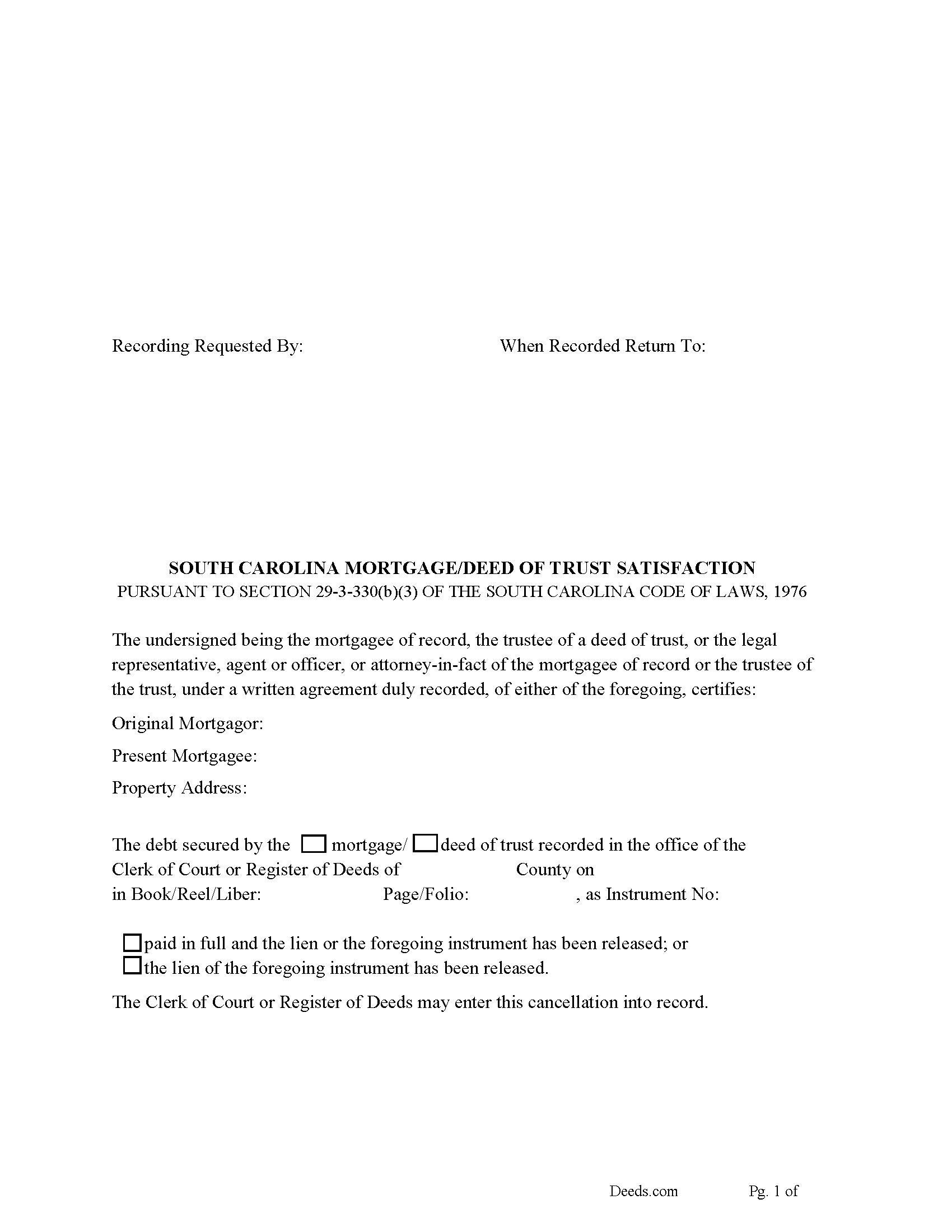
Mccormick County Satisfaction of Mortgage or Deed of Trust Form
Fill in the blank form formatted to comply with all recording and content requirements.
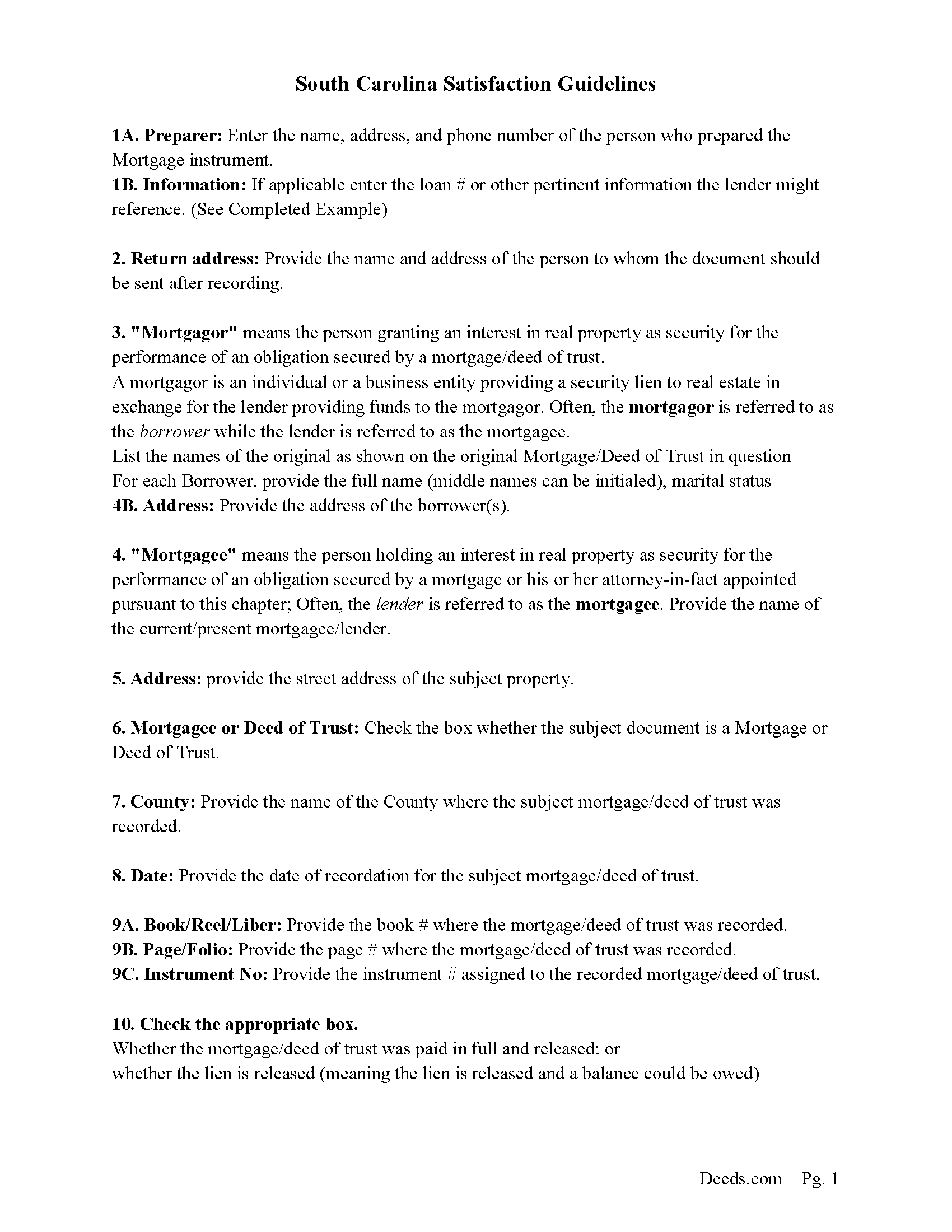
Mccormick County Guidelines for Satisfaction of Mortgage or Deed of Trust
Line by line guide explaining every blank on the form.
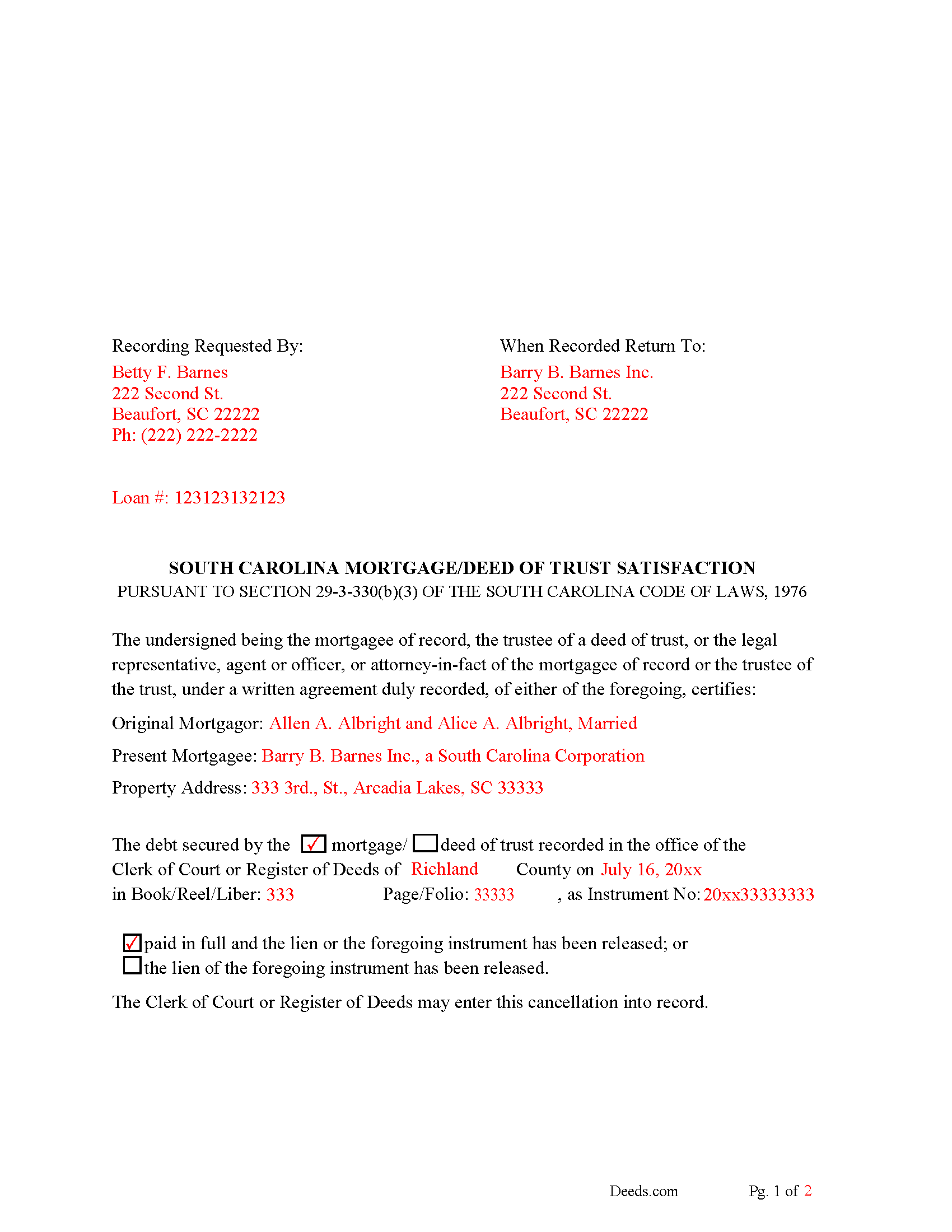
Mccormick County Completed Example of the Satisfaction of Mortgage of Deed of Trust Document
Example of a properly completed form for reference.
All 3 documents above included • One-time purchase • No recurring fees
Immediate Download • Secure Checkout
Additional South Carolina and Mccormick County documents included at no extra charge:
Where to Record Your Documents
McCormick County Clerk of Court
McCormick, South Carolina 29835
Hours: 9:00am to 5:00pm Monday through Friday
Phone: (864) 852-2195
Recording Tips for Mccormick County:
- Bring your driver's license or state-issued photo ID
- Ensure all signatures are in blue or black ink
- Check margin requirements - usually 1-2 inches at top
- Leave recording info boxes blank - the office fills these
- Make copies of your documents before recording - keep originals safe
Cities and Jurisdictions in Mccormick County
Properties in any of these areas use Mccormick County forms:
- Clarks Hill
- Mc Cormick
- Modoc
- Mount Carmel
- Parksville
- Plum Branch
Hours, fees, requirements, and more for Mccormick County
How do I get my forms?
Forms are available for immediate download after payment. The Mccormick County forms will be in your account ready to download to your computer. An account is created for you during checkout if you don't have one. Forms are NOT emailed.
Are these forms guaranteed to be recordable in Mccormick County?
Yes. Our form blanks are guaranteed to meet or exceed the applicable formatting requirements used for recording in Mccormick County, including margin requirements, font requirements, and other layout standards. This guarantee applies to formatting, not to the legal sufficiency of information entered by the user or the suitability of a form for a particular transaction.
Can I reuse these forms?
Yes. You can reuse the forms for your personal use. For example, if you have multiple properties in Mccormick County you only need to order once.
What do I need to use these forms?
The forms are PDFs that you fill out on your computer. The free Adobe Acrobat Reader is recommended, and most PDF apps also work. You do NOT enter your property information online - you download the blank forms and complete them privately on your own computer.
Are there any recurring fees?
No. This is a one-time purchase. Nothing to cancel, no memberships, no recurring fees.
How much does it cost to record in Mccormick County?
Recording fees in Mccormick County vary. Contact the recorder's office at (864) 852-2195 for current fees.
Questions answered? Let's get started!
Use this form to release a mortgage or deed of trust document. (The mortgagee of record, the trustee of a deed of trust, or an agent or officer, legal representative, or attorney-in-fact, under a written instrument duly recorded, of either of the foregoing, may execute a satisfaction or release of a mortgage or deed of trust.) Section 29-3-330(b)(3)
The mortgagee is often referred to as the lender.
(South Carolina SOM Package includes form, guidelines, and completed example) For use in South Carolina only.
Important: Your property must be located in Mccormick County to use these forms. Documents should be recorded at the county recording office listed above.
This Satisfaction of Mortgage or Deed of Trust meets all recording requirements specific to Mccormick County.
Our Promise
The documents you receive here are guaranteed to meet or exceed the applicable Mccormick County recording format requirements. If there is a rejection caused by our formatting, we will correct the issue or refund your payment. This guarantee applies to document formatting only and does not extend to information entered by the user, the selection of the form, or the legal effect of the completed document.
Save Time and Money
Get your Mccormick County Satisfaction of Mortgage or Deed of Trust form done right the first time with Deeds.com Uniform Conveyancing Blanks. At Deeds.com, we understand that your time and money are valuable resources, and we don't want you to face a penalty fee or rejection imposed by a county recorder for submitting nonstandard documents. We constantly review and update our forms to meet rapidly changing state and county recording requirements for roughly 3,500 counties and local jurisdictions.
4.8 out of 5 - ( 4,844 Reviews )
Cyrus A. 5 out of 5 stars
Easy site to work with.
We are grateful for your feedback and looking forward to serving you again. Thank you!
Paul A. 4 out of 5 stars
Promissory note guidelines instruction No. 1 has misspelled Principle [sic]. Promissory note blank form number 1(c) the formatting of the P&I payment is not correct.
Thank you for pointing this out, Paul. We appreciate the careful feedback and will review the instruction typo and the formatting issue in section 1(c) so they can be corrected where needed.
James S. 5 out of 5 stars
The affidavit guidance was a great help and helped reduce the stress that usually comes with dealing with legalese. The Preliminary Change of Ownership that CA requires is quite complex since it covers a hoard of situations. I was left with a bit of uncertainty, but I definitely wouldn't want to try it without guidance.
Thank you for your feedback. We really appreciate it. Have a great day!
Joan E S. 5 out of 5 stars
appreciate the ease of finding a group of forms without the need for a lawyer--the time and expense--for a basic transfer of joint tenancy following a death.
Thank you!
Jane E. 5 out of 5 stars
The form was incompatible with my son's new computer. I do not have a printer. We did use your form to type a copy into "word" so he could print it.
Thank you!
Johnette E. 5 out of 5 stars
Easy and quick to use!!
Thank you!
BARBARA L. 4 out of 5 stars
Fairly easy to use. I had to really search to get some info. I had to use the Exhibit feature because the description box was way too small and I ended up re-typing it. The package had good and useful links. The County Clerk looked at it and said, "I see you used an online form, and that's OK, but..." and proceeded to show me a couple of things that were left out. They recorded it with no problems.
Thank you!
Michael R. 5 out of 5 stars
This process was so easy.
We appreciate your business and value your feedback. Thank you. Have a wonderful day!
Judith H. 5 out of 5 stars
This site was so easy. Got my documents in minutes. downloaded and they work perfectly and accurately. I LOVE THIS SITE AND COMPANY!!!
Thank you for your feedback. We really appreciate it. Have a great day!
Stephanie G. 5 out of 5 stars
Wonderful. Easier to fill out this form than I thought it would be.
Thank you for your feedback. We really appreciate it. Have a great day!
Jaime S. 1 out of 5 stars
To call an affidavit of minor correction a Correction Deed in your descriptions is incorrect. They are two different products. I did not intend to purchase an affidavit. I intended to purchase a Correction Deed.
Thank you!
Betty A. 5 out of 5 stars
You've made it very easy to download the form I needed. Thank you.
Thank you!
Teresa H. 4 out of 5 stars
I loved that there was a sample with the downloads. It made it much easier to fill out the document correctly.
Thank you Teresa, have a great day!
Stephen F. 5 out of 5 stars
Easy to use. Outstanding interface.
Thank you!
John A. 5 out of 5 stars
Very easy to use. Would recommend to anyone
We appreciate your business and value your feedback. Thank you. Have a wonderful day!