Edgefield County Special Warranty Deed Form
Last validated October 27, 2026 by our Forms Development TeamFormatted for recording in Edgefield County, for property anywhere in the county: rural and unincorporated areas as well as Edgefield, Johnston, Trenton.
- 3 documents included
- Immediate PDF download
- Formatting guarantee
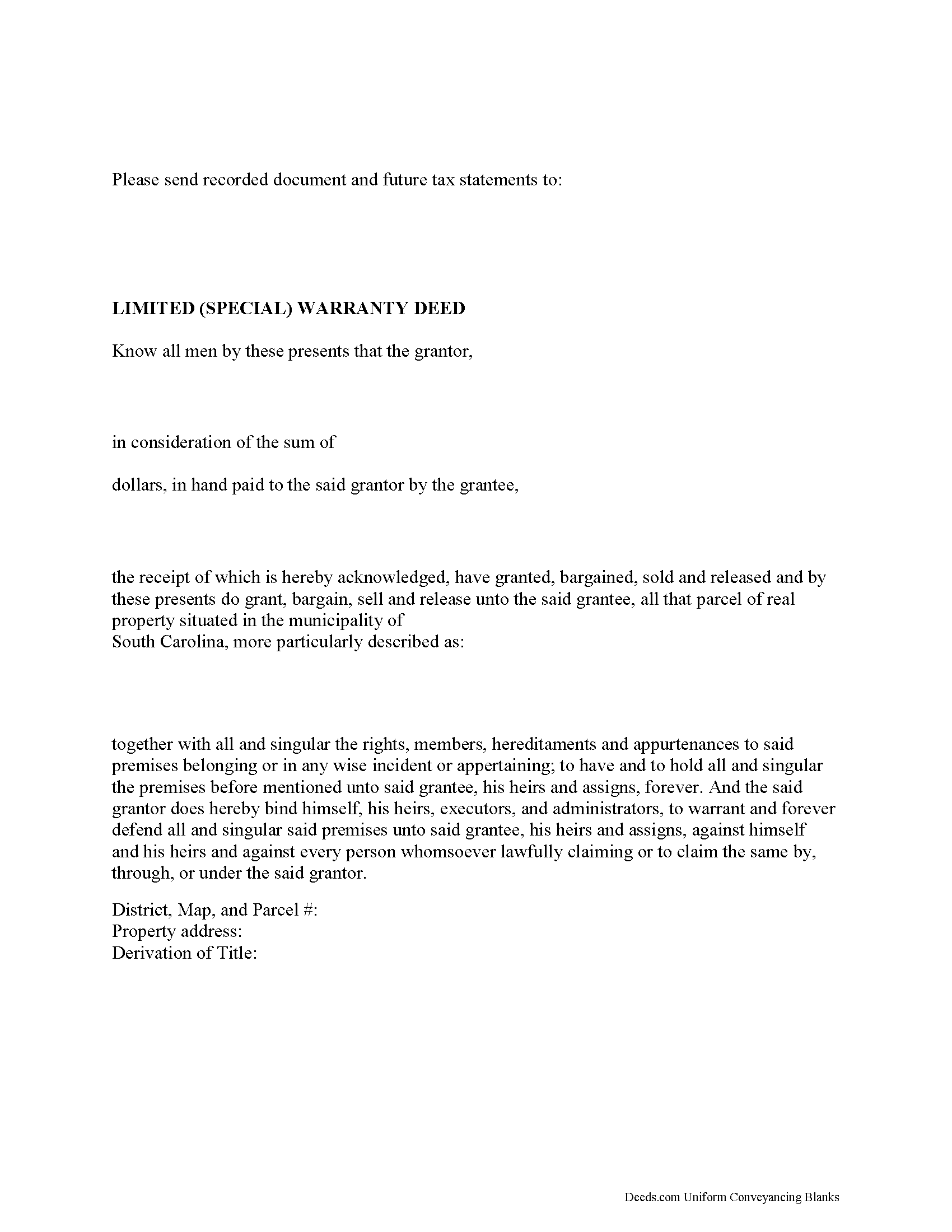
Edgefield County Special Warranty Deed Form
Fill in the blank form formatted to comply with all recording and content requirements.
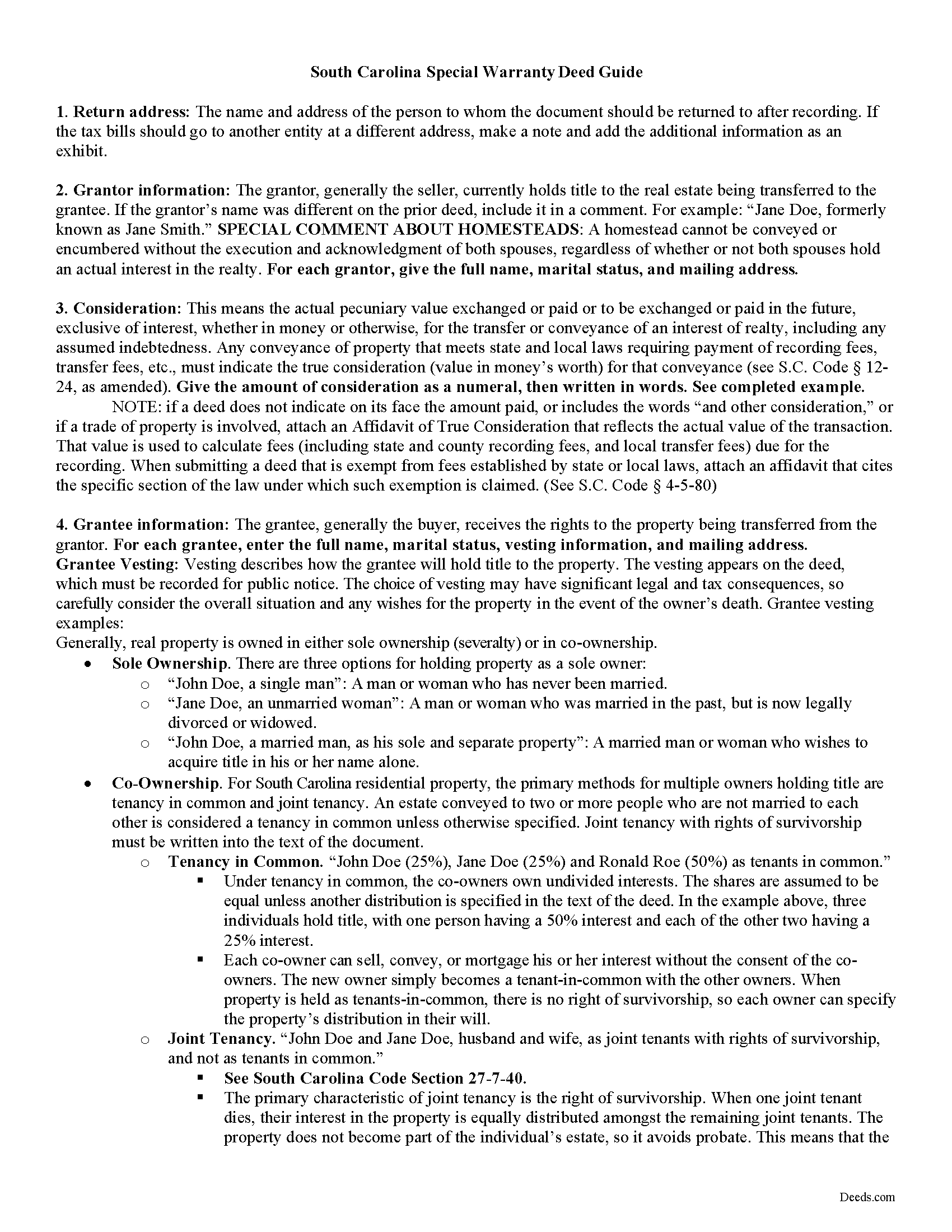
Edgefield County Special Warranty Deed Guide
Line by line guide explaining every blank on the form.
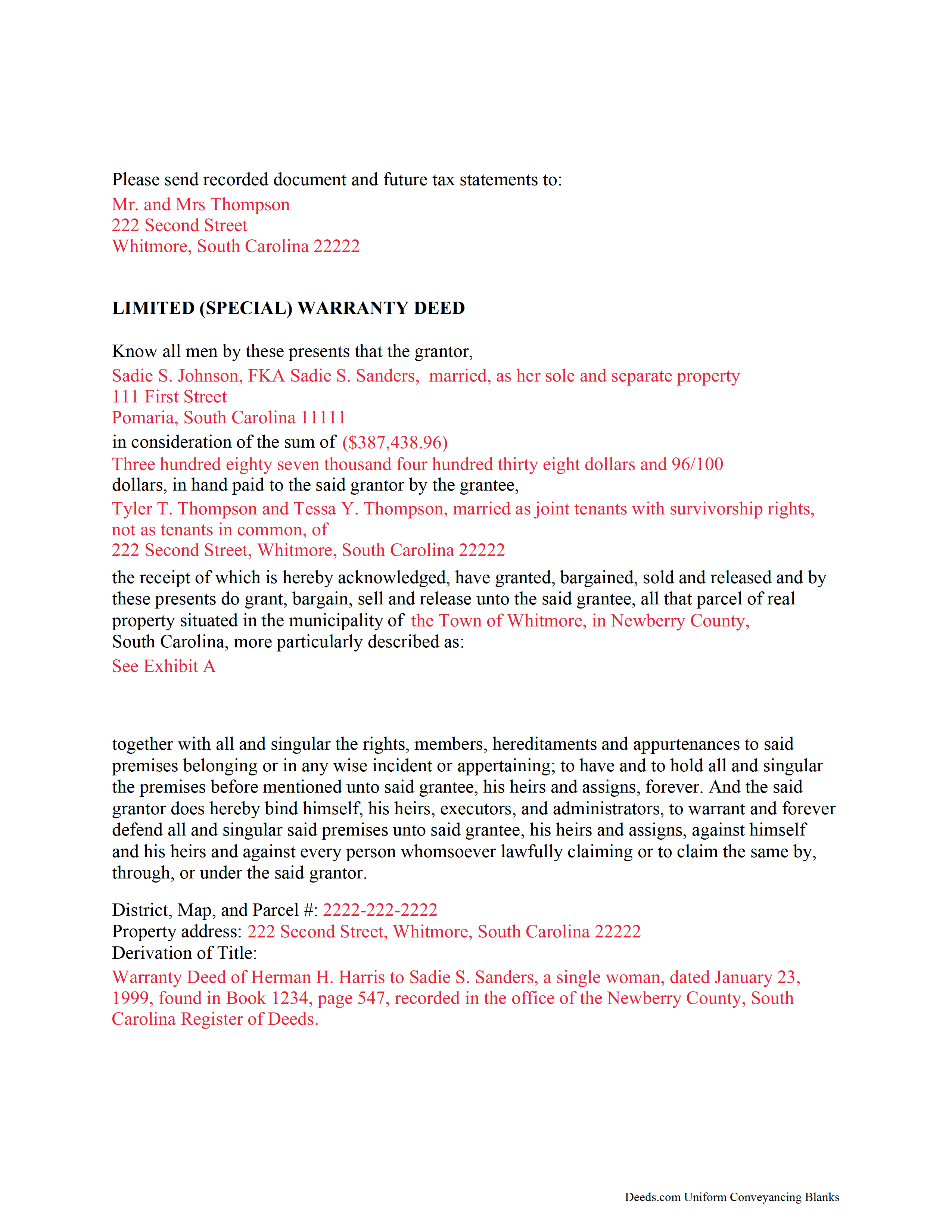
Edgefield County Completed Example of the Special Warranty Deed Document
Example of a properly completed form for reference.
All 3 documents above included • One-time purchase • No recurring fees
Immediate Download • Secure Checkout
Additional South Carolina and Edgefield County documents included at no extra charge:
Where to Record Your Documents
Edgefield County Clerk of Court
Edgefield, South Carolina 29824
Hours: 8:30 to 5:00 M-F / Recording until 4:30
Phone: (803) 637- 4049
Recording Tips for Edgefield County:
- Bring your driver's license or state-issued photo ID
- Ensure all signatures are in blue or black ink
- Make copies of your documents before recording - keep originals safe
- Recorded documents become public record - avoid including SSNs
- Recording fees may differ from what's posted online - verify current rates
Cities and Jurisdictions in Edgefield County
Properties in any of these areas use Edgefield County forms:
- Edgefield
- Johnston
- Trenton
Hours, fees, requirements, and more for Edgefield County
How do I get my forms?
Forms are available for immediate download after payment. The Edgefield County forms will be in your account ready to download to your computer. An account is created for you during checkout if you don't have one. Forms are NOT emailed.
Are these forms guaranteed to be recordable in Edgefield County?
Yes. Our form blanks are guaranteed to meet or exceed the applicable formatting requirements used for recording in Edgefield County, including margin requirements, font requirements, and other layout standards. This guarantee applies to formatting, not to the legal sufficiency of information entered by the user or the suitability of a form for a particular transaction.
Can I reuse these forms?
Yes. You can reuse the forms for your personal use. For example, if you have multiple properties in Edgefield County you only need to order once.
What do I need to use these forms?
The forms are PDFs that you fill out on your computer. The free Adobe Acrobat Reader is recommended, and most PDF apps also work. You do NOT enter your property information online - you download the blank forms and complete them privately on your own computer.
Are there any recurring fees?
No. This is a one-time purchase. Nothing to cancel, no memberships, no recurring fees.
How much does it cost to record in Edgefield County?
Recording fees in Edgefield County vary. Contact the recorder's office at (803) 637- 4049 for current fees.
Questions answered? Let's get started!
A limited warranty deed can be used to transfer title to real estate in South Carolina. A limited warranty deed may also be called a special warranty deed. This type of deed is commonly used in commercial real estate transactions in this state. A conveyance of real estate in South Carolina will pass the entire interest of the grantor in the property described to the grantee, unless a different intention is clearly expressed in the deed (27-5-130). A statutory form for a conveyance of real property in fee simple is presented in 27-7-10 of the South Carolina General Code. This form can be used for a limited warranty deed, as section 27-7-20 of the South Carolina General Code provides that the statutory form does not force anyone to insert the clause of warranty and also does not prevent a person from inserting any other clause. In a limited warranty deed, the grantor will warrant and defend the title to the property to the grantee, the grantee's heirs, successors, and assigns against the said grantor and his successors and assigns.
A limited warranty deed must be signed and acknowledged or proved in accordance with South Carolina law in order for the deed to be recorded with the register of deeds. Two witnesses are required for a limited warranty deed in this state, one of whom may be the notary public. Proof of a limited warranty deed can be evidenced by the affidavit of a subscribing witness to the instrument, taken before an officer in the state authorized to administer oaths (30-5-30A). Alternatively, the deed can be acknowledged by the grantor. The signing must be acknowledged by the grantor in the presence of two witnesses, taken before an officer in the state competent to administer oaths. Acknowledgments can also be taken out of state before any of the officers listed in 30-5-30B. A limited warranty deed is required to contain a derivation clause (30-5-35).
From the time a limited warranty deed is recorded in the register of deeds office in the county where the property is located, it will be valid so as to affect the rights of subsequent creditors or purchasers for valuable consideration without notice. Until the limited warranty deed is signed, acknowledged or proved, and recorded, it will not be valid against third parties. In the case of a subsequent purchaser or a subsequent lien creditor on real estate for valuable consideration without notice, the instrument evidencing the subsequent conveyance or lien must be filed for record in order for its holder to claim under this section of the law as a subsequent creditor or purchaser for value without notice. The priority of instruments is determined by the time they are filed for record (30-7-10). The proper recording of documents establishes a priority of claims against a specific property.
(South Carolina SWD Package includes form, guidelines, and completed example)
Important: Your property must be located in Edgefield County to use these forms. Documents should be recorded at the county recording office listed above.
This Special Warranty Deed meets all recording requirements specific to Edgefield County.
Our Promise
The documents you receive here are guaranteed to meet or exceed the applicable Edgefield County recording format requirements. If there is a rejection caused by our formatting, we will correct the issue or refund your payment. This guarantee applies to document formatting only and does not extend to information entered by the user, the selection of the form, or the legal effect of the completed document.
Save Time and Money
Get your Edgefield County Special Warranty Deed form done right the first time with Deeds.com Uniform Conveyancing Blanks. At Deeds.com, we understand that your time and money are valuable resources, and we don't want you to face a penalty fee or rejection imposed by a county recorder for submitting nonstandard documents. We constantly review and update our forms to meet rapidly changing state and county recording requirements for roughly 3,500 counties and local jurisdictions.
4.8 out of 5 - ( 4,849 Reviews )
Marilyn W. 5 out of 5 stars
The Mineral Deed transfer form was pretty good. Could have used more info in the guide about where to find legal property descriptions and source of title. Also more space on the pdf for entering return addresses - there was room for only one; I needed three. I will be sending the form to the County Courthouse soon. I hope it works.
Thank you for your feedback. We really appreciate it. Have a great day!
Larry R. 5 out of 5 stars
I appreciate the opportunity to take care of business without the hassle of parking, security checks and lines. It was all done quickly and easily.
Thank you!
Barbara K. 5 out of 5 stars
Found what I needed quickly, easy website to maneuver. Like having a sample to look at along with instructions.
Thank you for your feedback. We really appreciate it. Have a great day!
Missie R. 5 out of 5 stars
Very fast and professionally handled.
Thank you!
Kathleen Z. 5 out of 5 stars
Very simple. By creating the deed and filing it myself, I am saving a legal fee of $300!
We appreciate your business and value your feedback. Thank you. Have a wonderful day!
FREDERICK T C. 5 out of 5 stars
simple to follow and easy to use. Thanks
Thank you!
Melanie K. 5 out of 5 stars
Great service! Super easy to use! I used the service to download a deed notice to do a TOD on a property in Fairfax County, VA. Just a heads up that Fairfax County required me to add the last deed book and page # onto the deed notice but otherwise all was just as they required!
Thank you!
RICK M. 5 out of 5 stars
great
Thank you!
Cassandra C. 5 out of 5 stars
I was easy fast and easy to order and download.
We appreciate your business and value your feedback. Thank you. Have a wonderful day!
Rick H. 5 out of 5 stars
Website easy to use. Sample feed from helpful. Will know more after county reviews application.
Thank you Rick, we really appreciate your feedback.
Celeste F. 5 out of 5 stars
Great experience. No hassle. It kept me out of a government office.
Thank you for your feedback. We really appreciate it. Have a great day!
Charles C. 5 out of 5 stars
Using an I pad and cannot type on form that was downloaded. I do not have a computer Charles
Thank you for your feedback Charles. You might want to make sure you have the Adobe app on your Ipad: https://itunes.apple.com/us/app/adobe-fill-sign/id950099951?mt=8
Mark B. 3 out of 5 stars
I had to download forms one by one: would be more convenient to have a single download for all.
Thank you for your feedback. We really appreciate it. Have a great day!
Carlos T. 5 out of 5 stars
Site was easy to use and forms were exactly what I needed. Will use this in the future for other needed forms. A+
We appreciate your business and value your feedback. Thank you. Have a wonderful day!
Thomas S. 1 out of 5 stars
Not good. The blanks on the form, supposedly especially tailored for the specific county, didn't have enough space for a document name or the doc #. I had to retype the whole doc myself.
Thank you for your feedback. We’re sorry the form did not provide enough room for the prior document information you needed to enter. We have canceled the order and reversed the payment. We are also reviewing the field spacing for the prior document title and recording number so we can improve the form. No further action is needed from you.