Dillon County Trustee Deed Form
Last validated October 7, 2026 by our Forms Development TeamFormatted for recording in Dillon County, for property anywhere in the county: rural and unincorporated areas as well as Dillon, Fork, Hamer, Lake View, Latta, Little Rock, Minturn.
- 3 documents included
- Immediate PDF download
- Formatting guarantee
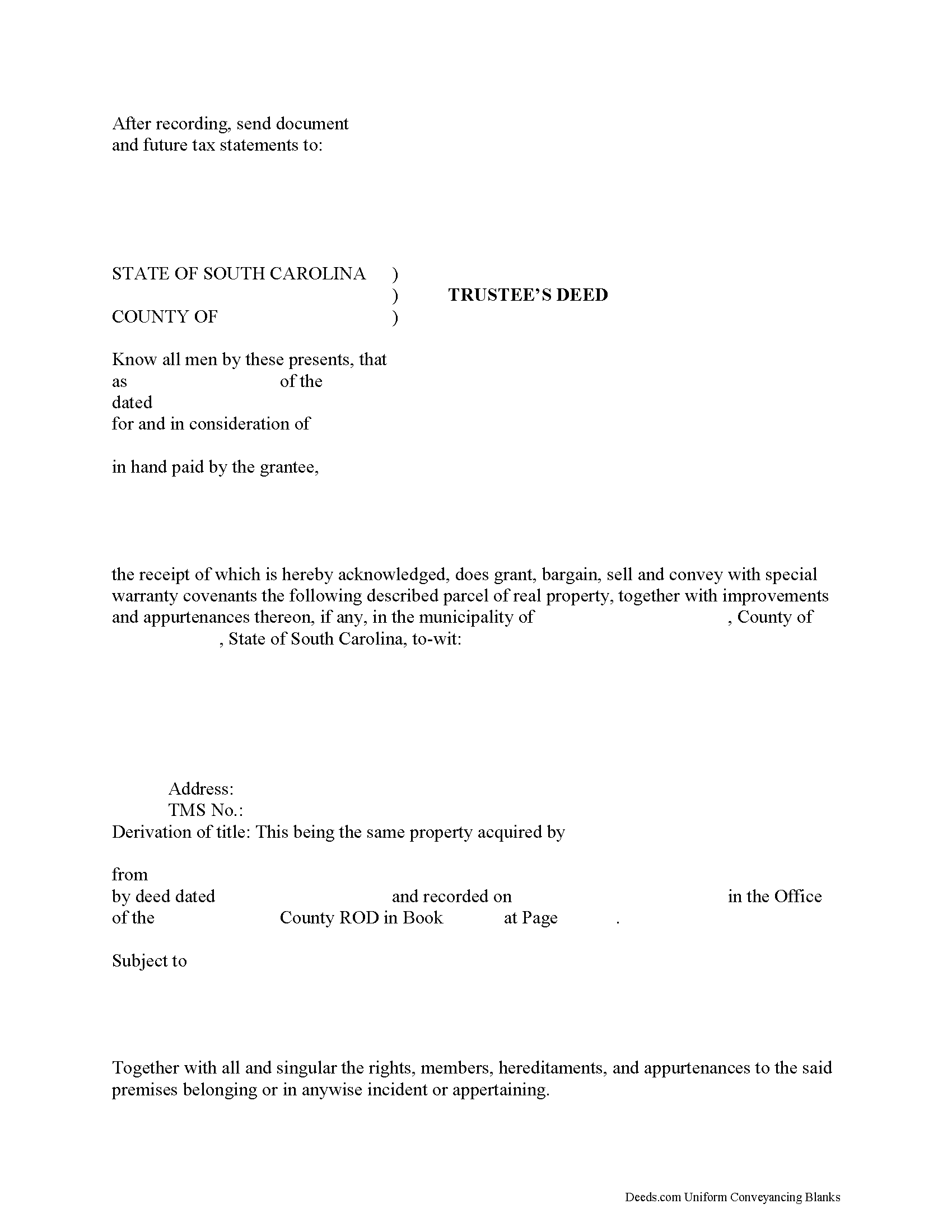
Dillon County Trustee Deed Form
Fill in the blank form formatted to comply with all recording and content requirements.
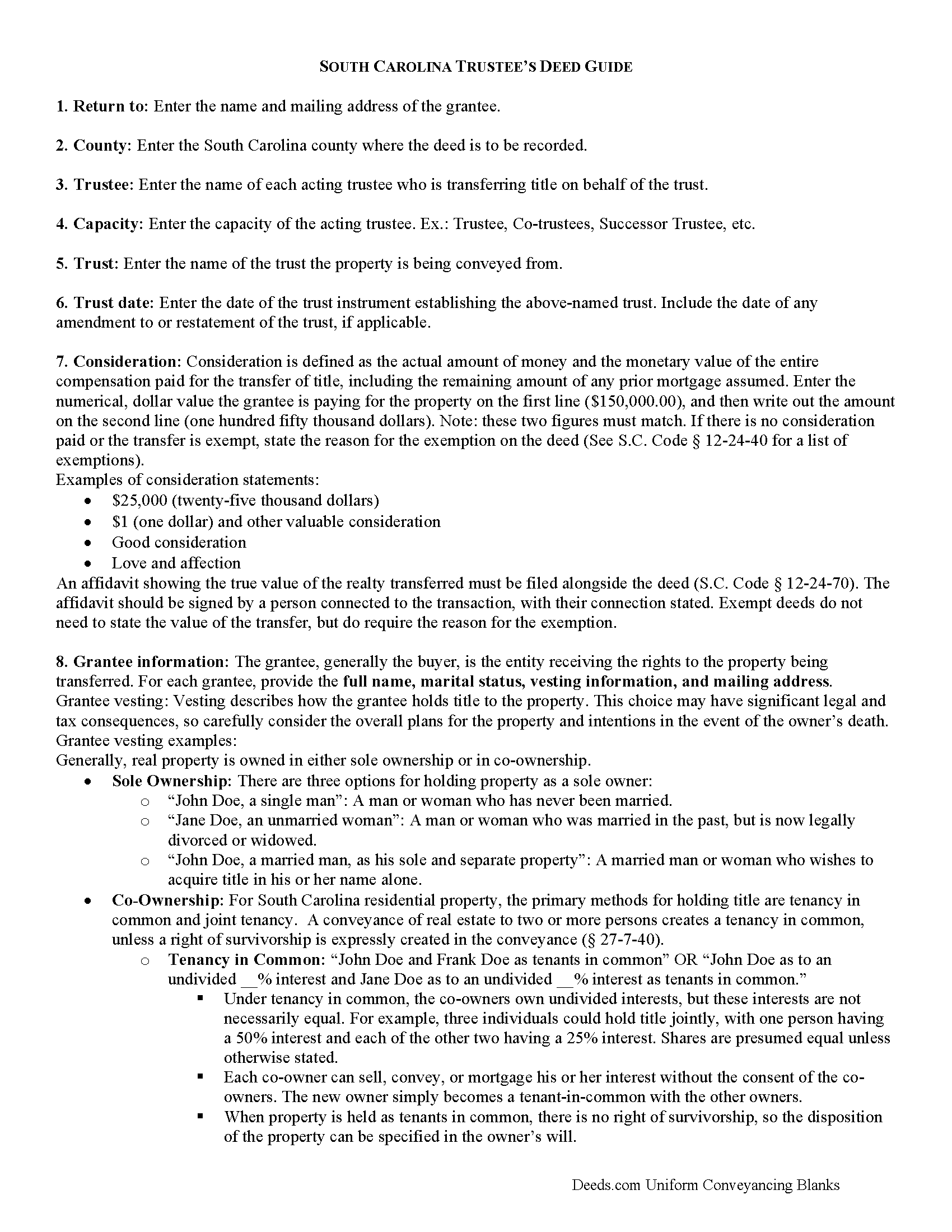
Dillon County Trustee Deed Guide
Line by line guide explaining every blank on the form.
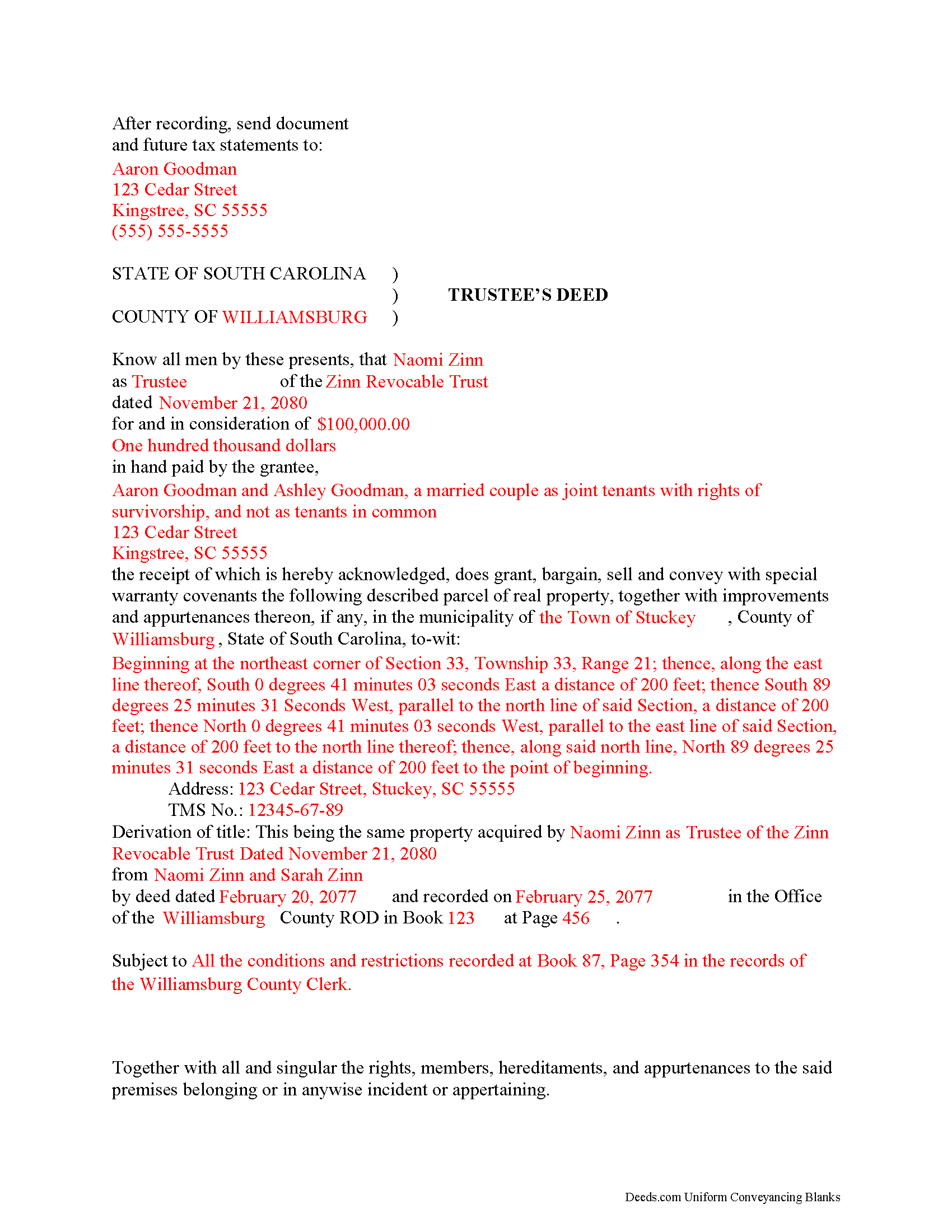
Dillon County Completed Example of the Trustee Deed Document
Example of a properly completed form for reference.
All 3 documents above included • One-time purchase • No recurring fees
Immediate Download • Secure Checkout
Additional South Carolina and Dillon County documents included at no extra charge:
Where to Record Your Documents
Dillon County Clerk of Court
Dillon, South Carolina 29536
Hours: 8:30 am-5:00 pm Monday-Friday
Phone: (843) 774-1425
Recording Tips for Dillon County:
- Bring your driver's license or state-issued photo ID
- Ensure all signatures are in blue or black ink
- Check margin requirements - usually 1-2 inches at top
- Leave recording info boxes blank - the office fills these
- Make copies of your documents before recording - keep originals safe
Cities and Jurisdictions in Dillon County
Properties in any of these areas use Dillon County forms:
- Dillon
- Fork
- Hamer
- Lake View
- Latta
- Little Rock
- Minturn
Hours, fees, requirements, and more for Dillon County
How do I get my forms?
Forms are available for immediate download after payment. The Dillon County forms will be in your account ready to download to your computer. An account is created for you during checkout if you don't have one. Forms are NOT emailed.
Are these forms guaranteed to be recordable in Dillon County?
Yes. Our form blanks are guaranteed to meet or exceed the applicable formatting requirements used for recording in Dillon County, including margin requirements, font requirements, and other layout standards. This guarantee applies to formatting, not to the legal sufficiency of information entered by the user or the suitability of a form for a particular transaction.
Can I reuse these forms?
Yes. You can reuse the forms for your personal use. For example, if you have multiple properties in Dillon County you only need to order once.
What do I need to use these forms?
The forms are PDFs that you fill out on your computer. The free Adobe Acrobat Reader is recommended, and most PDF apps also work. You do NOT enter your property information online - you download the blank forms and complete them privately on your own computer.
Are there any recurring fees?
No. This is a one-time purchase. Nothing to cancel, no memberships, no recurring fees.
How much does it cost to record in Dillon County?
Recording fees in Dillon County vary. Contact the recorder's office at (843) 774-1425 for current fees.
Questions answered? Let's get started!
A trustee's deed transfers interest in real property held in a living trust.
A living (inter vivos) trust is an estate planning tool whereby a settlor transfers property to another (the trustee) for the benefit of a third (the beneficiary). The terms of a living trust are set forth in an unrecorded document executed by the settlor called the trust instrument (for testamentary trusts, the terms are established in the decedent's will). The trust's provisions establish the nature of the trust, designate a trustee, enumerate the trustee's powers, and identify the trust's beneficiaries, among other things.
Real property is transferred into trust when the settlor executes a deed conveying title to the trustee. In order to convey the property out of trust, as through sale, the trustee must execute a trustee's deed. Named after the executing party, the trustee's deed in South Carolina is generally a special warranty deed, which carries special warranty covenants that the grantor will warrant and defend the title against any lawful claims arising under, by, or through the grantor. This type of deed is particularly appropriate for trustees, who may have no knowledge of the standing of title prior to their trusteeship (and therefore cannot offer a broader warranty).
The trustee's deed names each acting trustee as the grantor and cites the name and date of trust. It should make a reference to the previous deed conveying the parcel into the trust (or the derivation of title), in addition to meeting all other requirements of form and content for instruments affecting interest in real property in the State of South Carolina.
The trustee's deed must be executed by all each trustee and acknowledged by two witnesses. Depending on the circumstances, the trustee may also execute a certification of trust and provide it alongside the instrument of transfer.
Consult a lawyer with questions about living trusts and trustee's deeds in South Carolina.
(South Carolina TD Package includes form, guidelines, and completed example)
Important: Your property must be located in Dillon County to use these forms. Documents should be recorded at the county recording office listed above.
This Trustee Deed meets all recording requirements specific to Dillon County.
Our Promise
The documents you receive here are guaranteed to meet or exceed the applicable Dillon County recording format requirements. If there is a rejection caused by our formatting, we will correct the issue or refund your payment. This guarantee applies to document formatting only and does not extend to information entered by the user, the selection of the form, or the legal effect of the completed document.
Save Time and Money
Get your Dillon County Trustee Deed form done right the first time with Deeds.com Uniform Conveyancing Blanks. At Deeds.com, we understand that your time and money are valuable resources, and we don't want you to face a penalty fee or rejection imposed by a county recorder for submitting nonstandard documents. We constantly review and update our forms to meet rapidly changing state and county recording requirements for roughly 3,500 counties and local jurisdictions.
4.8 out of 5 - ( 4,824 Reviews )
Jean C. 5 out of 5 stars
I created an account for one particular document. It was very easy to find what I needed for my state and my county. The directions were easy to follow, the cost was reasonable and I was able to download the documents immediately. I recommend this site to anyone who needs legal documents and I will use it again when needed.
Thank you, Jean! We're so glad you had a great experience. We truly appreciate your recommendation and look forward to helping you again whenever you need us!
Viviana Hansen M. 5 out of 5 stars
I was thrilled that I could execute the paperwork for a lady bird deed here in Florida ! Thank you
We are grateful for your feedback and looking forward to serving you again. Thank you!
Charles C. 4 out of 5 stars
While most of the material is available elsewhere, this puts it all together and can save a lot of time. It included some additional information on California SB2 exemptions that was a big help.
We appreciate your business and value your feedback. Thank you. Have a wonderful day!
Johannah H. 5 out of 5 stars
Deeds.com made my experience recording a Deed in Weld County, CO so easy! The representative went above and beyond by assisting me with the preparation of a high-quality digital document for recording. Highly Recommend!
We appreciate your business and value your feedback. Thank you. Have a wonderful day!
Kevin R. 5 out of 5 stars
So far so good. Had an issue and customer service responded very fast by email.
Thank you for your feedback. We really appreciate it. Have a great day!
Vernon H. 5 out of 5 stars
Great process and very easy to complete
Thank you!
Robert G. 5 out of 5 stars
Excellent. I needed a NOC recorded immediately and you guys made it happen when all other avenues looked like they were not going to be possible. Thank you very much.
Thank you for your feedback. We really appreciate it. Have a great day!
Quinlyn H. 5 out of 5 stars
They didn't have what I was looking for so they refunded my money immediately. Very easy to work with!
Thank you!
ROBERT J. 5 out of 5 stars
Easy to order!
Thank you!
Dennis M. 1 out of 5 stars
Of little use to me. I did not feel this really help me to do a Quick Claim Deed here in Minnesota on my own. All it showed me is what a complex mess it is to fill out this deed. That, unfortunately, I am going to have to hire a professional to make sure it is done right.
Glad to hear that you are seeking assistance Dennis, that's always best when one is not completely sure of what they are doing. Have a wonderful day.
Renata L. 3 out of 5 stars
Was a bit difficult to navigate. I feel a fee to access the site and a fee to print is a bit much. I am in the real estate business and find the deeds very useful
Thank you for your feedback. We really appreciate it. Have a great day!
John W. 5 out of 5 stars
Wow, I wish that I would have found Deeds.com before! Great service!
Thank you!
Ricky P. 1 out of 5 stars
Very hard to navigate and understand. Couldn't find what I was looking for.
Sorry to hear that we failed you with our navigation Ricky. We do hope that you were able to find what you were looking for elsewhere. Have a wonderful day.
Soledad T. 5 out of 5 stars
It's Great!!!
Thank you!
Bernadette W. 5 out of 5 stars
It was very easy to use the website. I wish there was an option to pay for multiple documents at once instead of having to pay for each one individually.
We appreciate your business and value your feedback. Thank you. Have a wonderful day!