Edmunds County Certificate of Discharge of Notice of Lis Pendens Form
Last validated September 28, 2026 by our Forms Development TeamFormatted for recording in Edmunds County, for property anywhere in the county: rural and unincorporated areas as well as Bowdle, Hosmer, Ipswich, Roscoe.
- 4 documents included
- Immediate PDF download
- Formatting guarantee
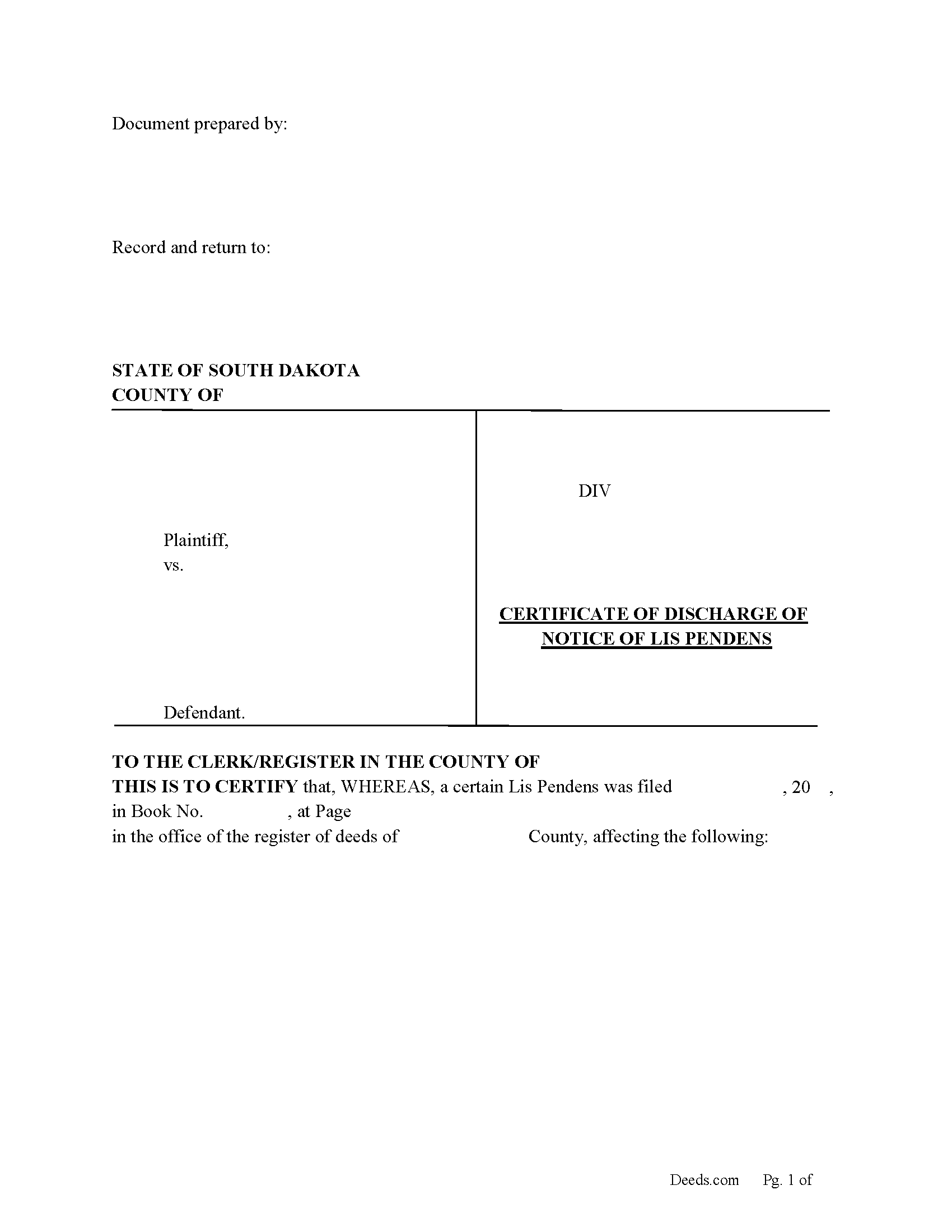
Edmunds County Certificate of Discharge of Notice of Lis Pendens Form
Fill in the blank form formatted to comply with all content requirements.
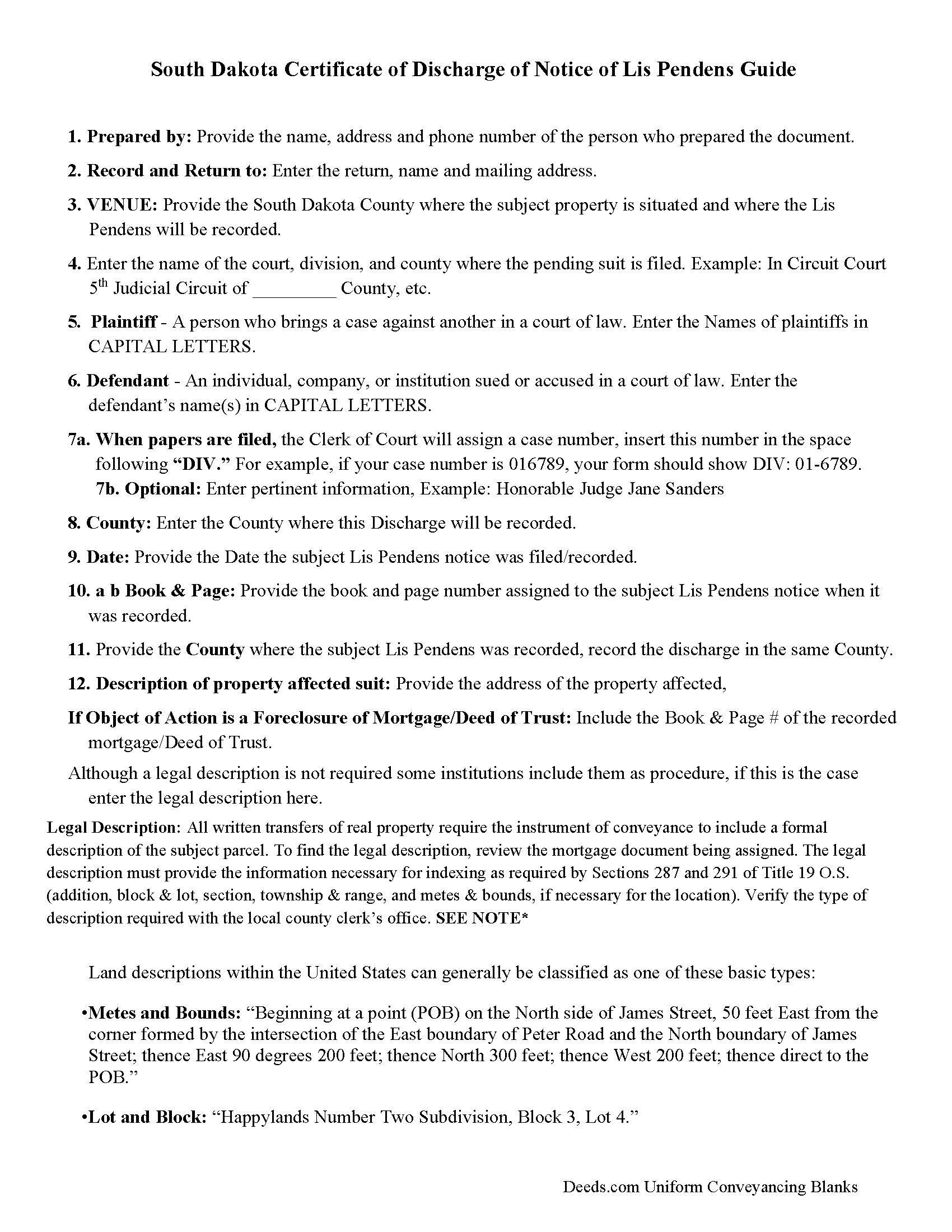
Edmunds County Guidelines for Discharge of Lis Pendens
Line by line guide explaining every blank on the form.
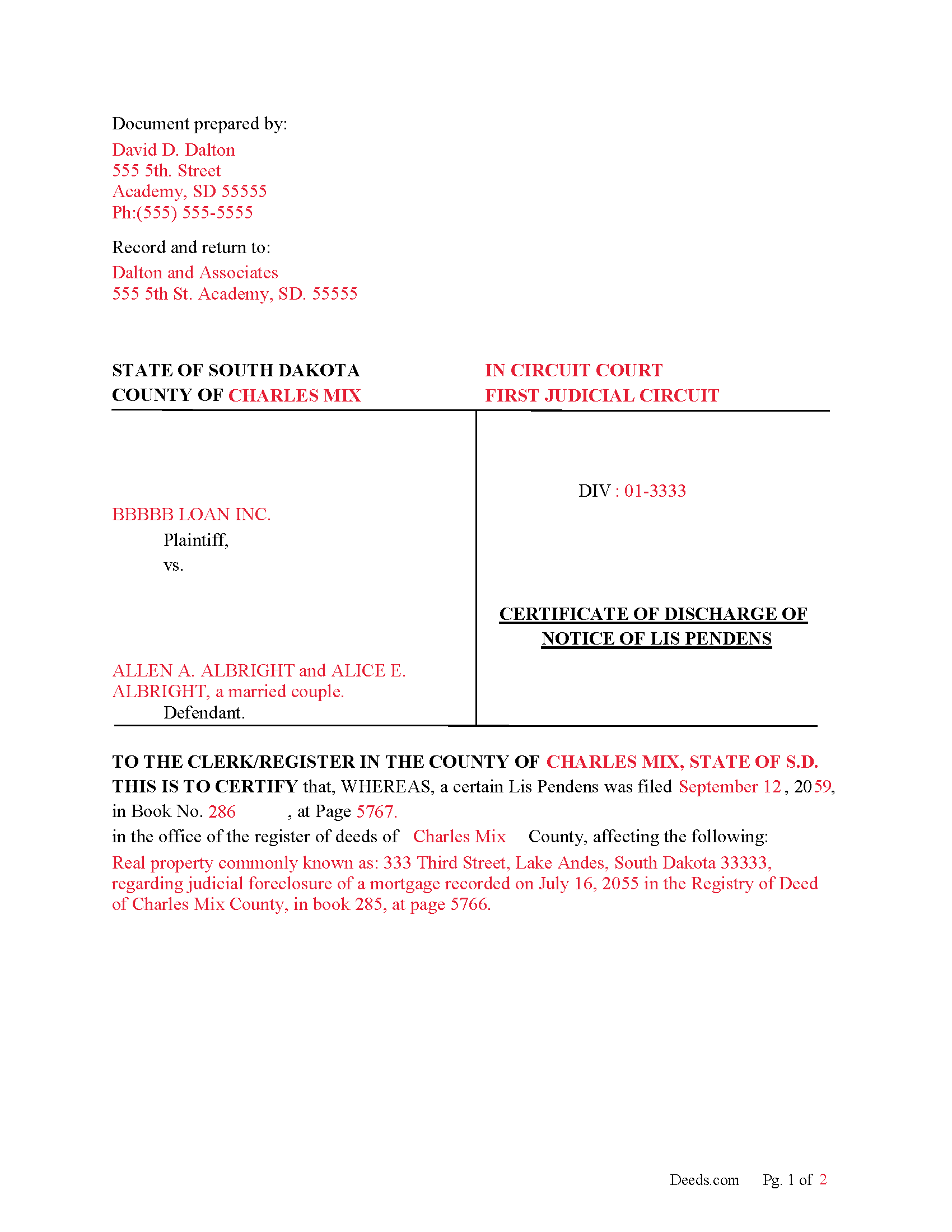
Edmunds County Completed Example of Discharge of Lis Pendens Document
Example of a properly completed form for reference.
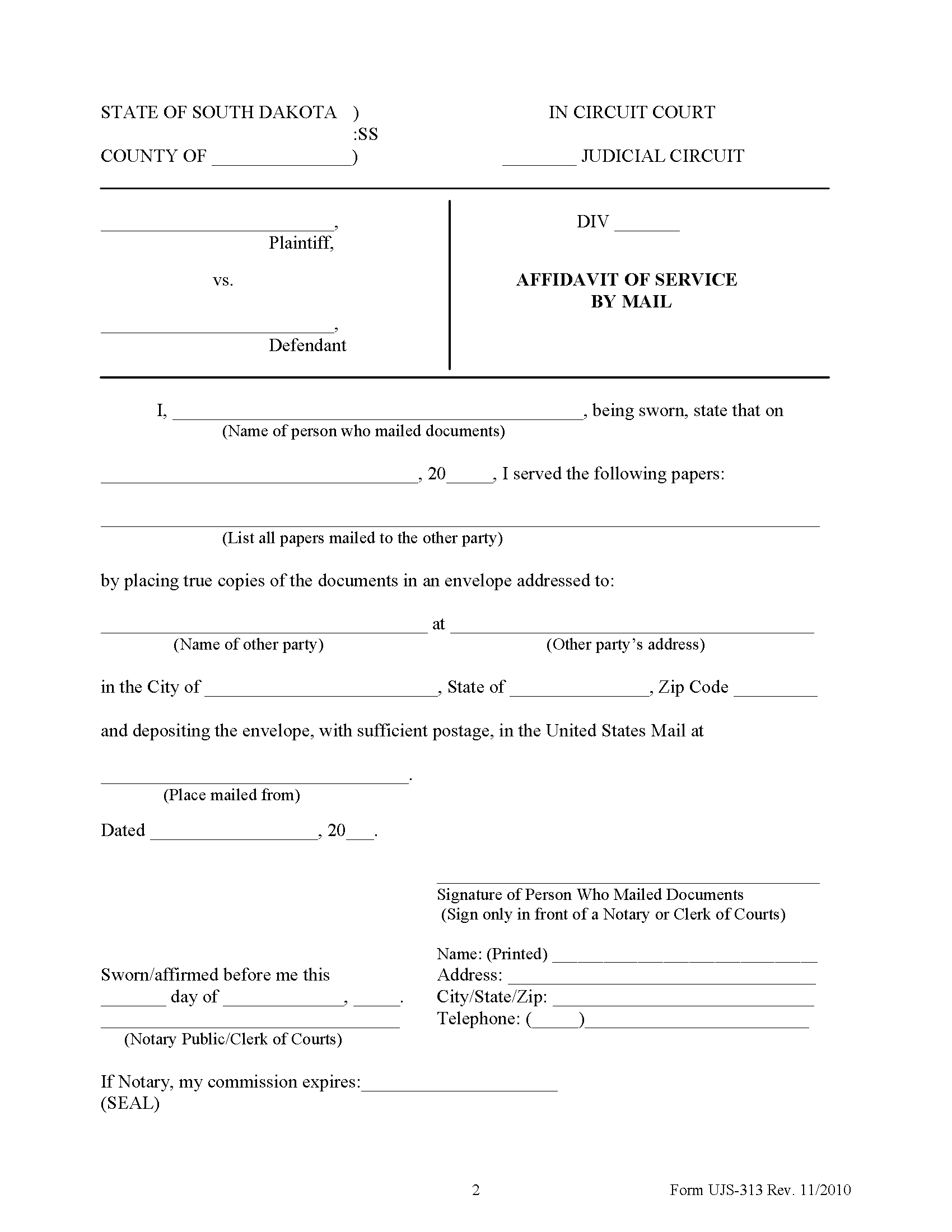
Edmunds County Affidavit of Service Form
Form notifying interested parties that a Notice of Lis Pendens has been filed.
All 4 documents above included • One-time purchase • No recurring fees
Immediate Download • Secure Checkout
Additional South Dakota and Edmunds County documents included at no extra charge:
Where to Record Your Documents
Edmunds County Register of Deeds
Ipswich, South Dakota 57451
Hours: 8:00 to 12:00 & 1:00 to 5:00 M-F
Phone: (605) 426-6431
Recording Tips for Edmunds County:
- Bring your driver's license or state-issued photo ID
- Ensure all signatures are in blue or black ink
- Leave recording info boxes blank - the office fills these
- Make copies of your documents before recording - keep originals safe
- Recorded documents become public record - avoid including SSNs
Cities and Jurisdictions in Edmunds County
Properties in any of these areas use Edmunds County forms:
- Bowdle
- Hosmer
- Ipswich
- Roscoe
Hours, fees, requirements, and more for Edmunds County
How do I get my forms?
Forms are available for immediate download after payment. The Edmunds County forms will be in your account ready to download to your computer. An account is created for you during checkout if you don't have one. Forms are NOT emailed.
Are these forms guaranteed to be recordable in Edmunds County?
Yes. Our form blanks are guaranteed to meet or exceed the applicable formatting requirements used for recording in Edmunds County, including margin requirements, font requirements, and other layout standards. This guarantee applies to formatting, not to the legal sufficiency of information entered by the user or the suitability of a form for a particular transaction.
Can I reuse these forms?
Yes. You can reuse the forms for your personal use. For example, if you have multiple properties in Edmunds County you only need to order once.
What do I need to use these forms?
The forms are PDFs that you fill out on your computer. The free Adobe Acrobat Reader is recommended, and most PDF apps also work. You do NOT enter your property information online - you download the blank forms and complete them privately on your own computer.
Are there any recurring fees?
No. This is a one-time purchase. Nothing to cancel, no memberships, no recurring fees.
How much does it cost to record in Edmunds County?
Recording fees in Edmunds County vary. Contact the recorder's office at (605) 426-6431 for current fees.
Questions answered? Let's get started!
Use this form to Discharge a previously recorded "Notice of Lis Pendens" that was filed in county's registry of deeds office.
15-10-4. Discharge of notice of pendency of action--Contents, acknowledgment and recording.
Whenever notice of the pendency of any action has been filed or recorded in the office of the register of deeds in any county, the party plaintiff or defendant filing the same or at whose instance the same was filed, or his attorney or attorneys, in whose name or names the notice is subscribed, may discharge the same of record by filing with the register of deeds in whose office the notice is filed, a certificate of the discharge of said notice, executed and acknowledged by the same persons as above provided for certificates of discharge thereof. Such certificates of discharge, when filed with the register of deeds shall be acknowledged in the same form as is provided by law for the acknowledgment of conveyances of real estate and may be recorded in like manner.
(South Dakota Discharge of LP Package includes form, guidelines, and completed example) For use in South Dakota only.
Important: Your property must be located in Edmunds County to use these forms. Documents should be recorded at the county recording office listed above.
This Certificate of Discharge of Notice of Lis Pendens meets all recording requirements specific to Edmunds County.
Our Promise
The documents you receive here are guaranteed to meet or exceed the applicable Edmunds County recording format requirements. If there is a rejection caused by our formatting, we will correct the issue or refund your payment. This guarantee applies to document formatting only and does not extend to information entered by the user, the selection of the form, or the legal effect of the completed document.
Save Time and Money
Get your Edmunds County Certificate of Discharge of Notice of Lis Pendens form done right the first time with Deeds.com Uniform Conveyancing Blanks. At Deeds.com, we understand that your time and money are valuable resources, and we don't want you to face a penalty fee or rejection imposed by a county recorder for submitting nonstandard documents. We constantly review and update our forms to meet rapidly changing state and county recording requirements for roughly 3,500 counties and local jurisdictions.
4.8 out of 5 - ( 4,821 Reviews )
Roger M. 5 out of 5 stars
EASY. WORKED WITH PROBLEMS.
Thank you!
David P. 5 out of 5 stars
Easy to use and very straight forward. Glad I used Deeds.com
We appreciate your business and value your feedback. Thank you. Have a wonderful day!
David H. 5 out of 5 stars
So So
Thank you!
Terry W. 5 out of 5 stars
Loved it no recurring fees easy to use your app
Thank you!
Judy A D. 5 out of 5 stars
It was quick and easy.
Thank you!
Valerie S. 5 out of 5 stars
The service was easy, fast, and cheap and we were able to close our sale 2 days after we downloaded the deed! Thanks!
Thank you for your feedback. We really appreciate it. Have a great day!
Kimberly F. 5 out of 5 stars
Ordered and received the quitclaim form. Exactly what I expected, perfect.
Thank you for your feedback. We really appreciate it. Have a great day!
David T. 5 out of 5 stars
Deeds.com made the experience of filing an Affidavit of Heirship in the public records of Logan County, Arkansas painless. Their process was easy to navigate, and they provided clear and immediate communication at every step. Highly recommended.
Thank you, David, for your kind words and thoughtful review! We’re so glad to hear that your experience filing an Affidavit of Heirship in Logan County, Arkansas, was smooth and stress-free. Our goal is to make these important processes as easy and transparent as possible, and it’s great to know our communication and platform met your expectations. We truly appreciate your recommendation and are here if you ever need assistance again.
Patricia W. 5 out of 5 stars
Had to have help because unable to put phone number in your format. Daughter figured a way around the problem. I am 80 years old but capable of filling out simple forms but not when the format creates problems.
Thank you for your feedback. We really appreciate it. Have a great day!
Brian R. 2 out of 5 stars
A waste of my time
We do hope that you found something more suitable to your needs elsewhere Brian. Have a wonderful day.
Reitman R. 5 out of 5 stars
Ordering, payment, and downloads went without a hitch. I appreciated the guide and examples. Than k you for hosting a good, working site.
Thank you for your feedback. We really appreciate it. Have a great day!
VICKI R. 5 out of 5 stars
Thank you for your helpful information.
Thank you!
Susan A. 5 out of 5 stars
The warranty deed form, the explanation and the example were well worth the price, as they gave me more confidence I was filling the deed out correctly. I cross referenced all of it with the county registrars website and the previous warranty deed.
We appreciate your business and value your feedback. Thank you. Have a wonderful day!
Michael S. 4 out of 5 stars
So far, I'm happy with my experience. I'm still reviewing the guide for the docs I downloaded. Including the guide for the docs is indeed a plus.
Thank you Michael, we really appreciate your feedback.
brian t. 5 out of 5 stars
The docs were precise and accurate for my specific needs. I greatly appreciated the accompanying forms and instructional guidance to help make the use of the forms direct and easy to complete. Equally important, I was not suckered in to get a great price for the docs I needed only to be led to expensive subscriptions or additional fees. Very impressive and professional site.
Thank you for your feedback. We really appreciate it. Have a great day!