Jones County Certificate of Discharge of Notice of Lis Pendens Form
Last validated September 28, 2026 by our Forms Development TeamFormatted for recording in Jones County, for property anywhere in the county: rural and unincorporated areas as well as Draper, Murdo, Okaton.
- 4 documents included
- Immediate PDF download
- Formatting guarantee
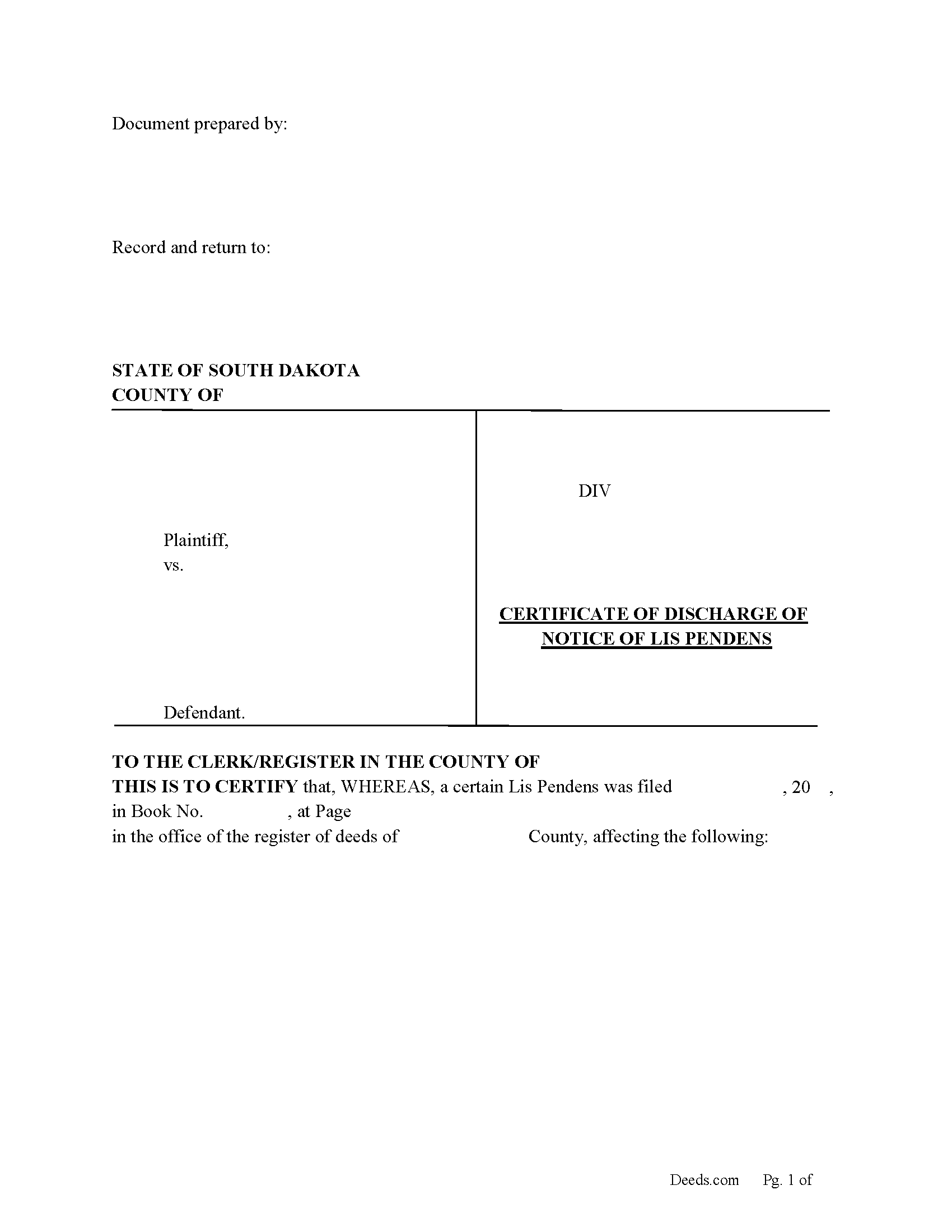
Jones County Certificate of Discharge of Notice of Lis Pendens Form
Fill in the blank form formatted to comply with all content requirements.
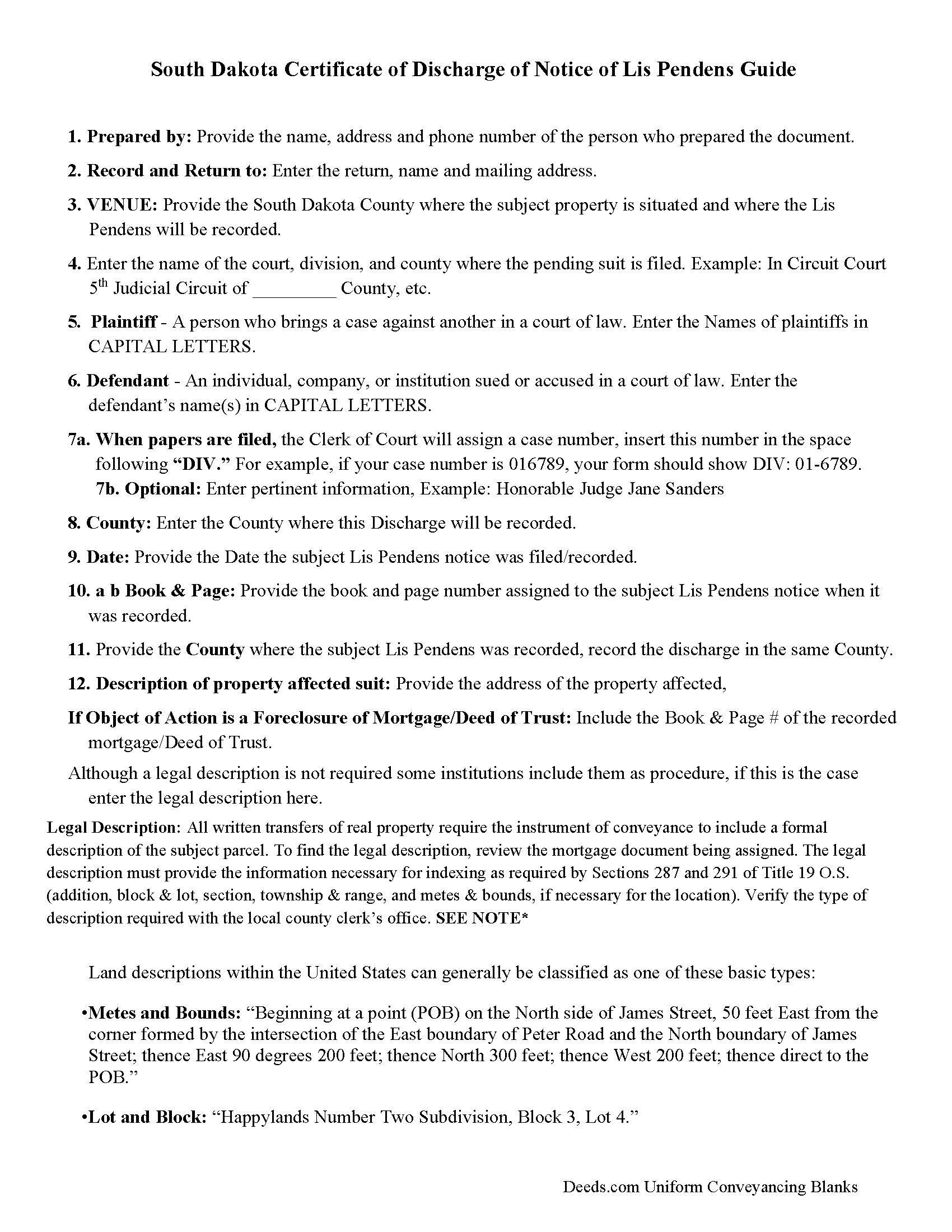
Jones County Guidelines for Discharge of Lis Pendens
Line by line guide explaining every blank on the form.
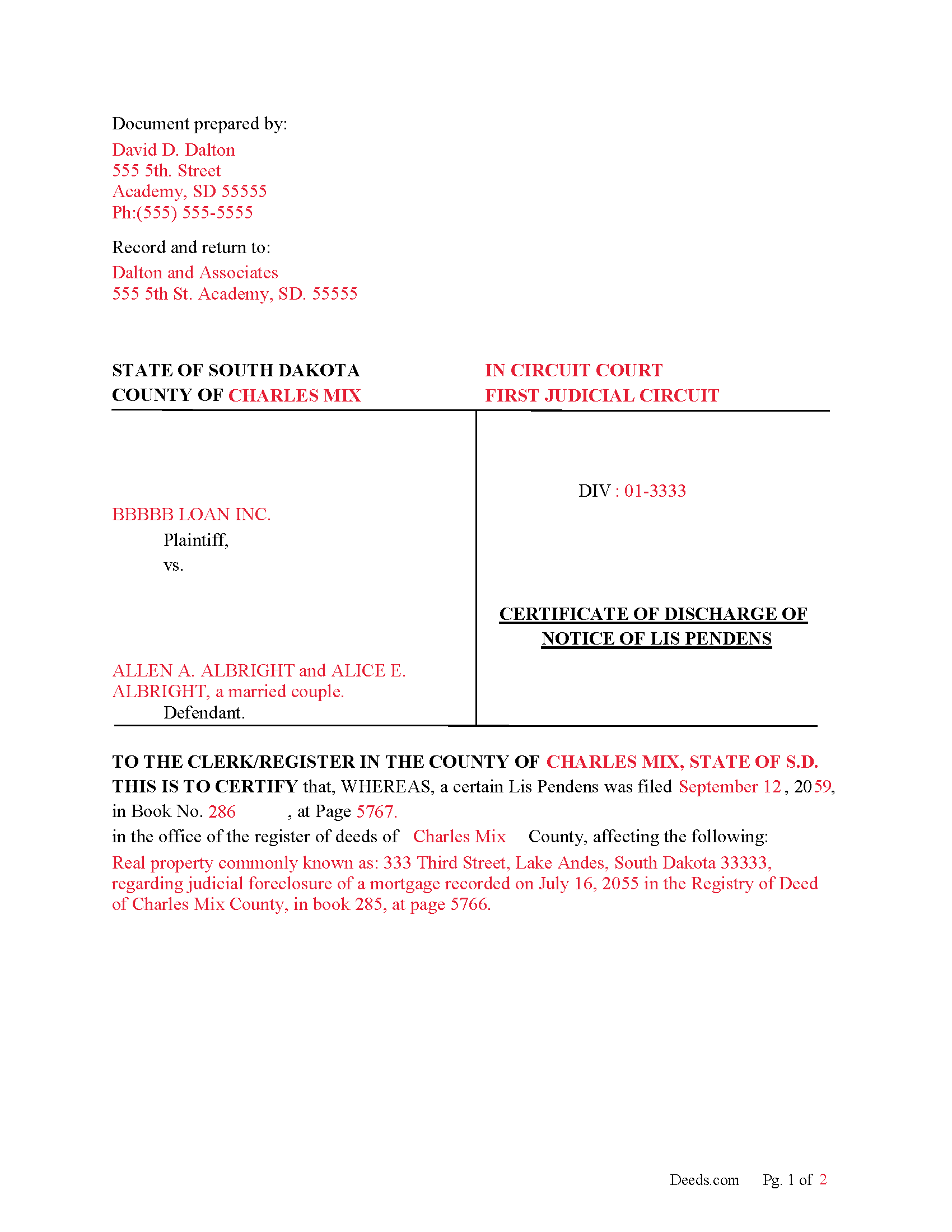
Jones County Completed Example of Discharge of Lis Pendens Document
Example of a properly completed form for reference.
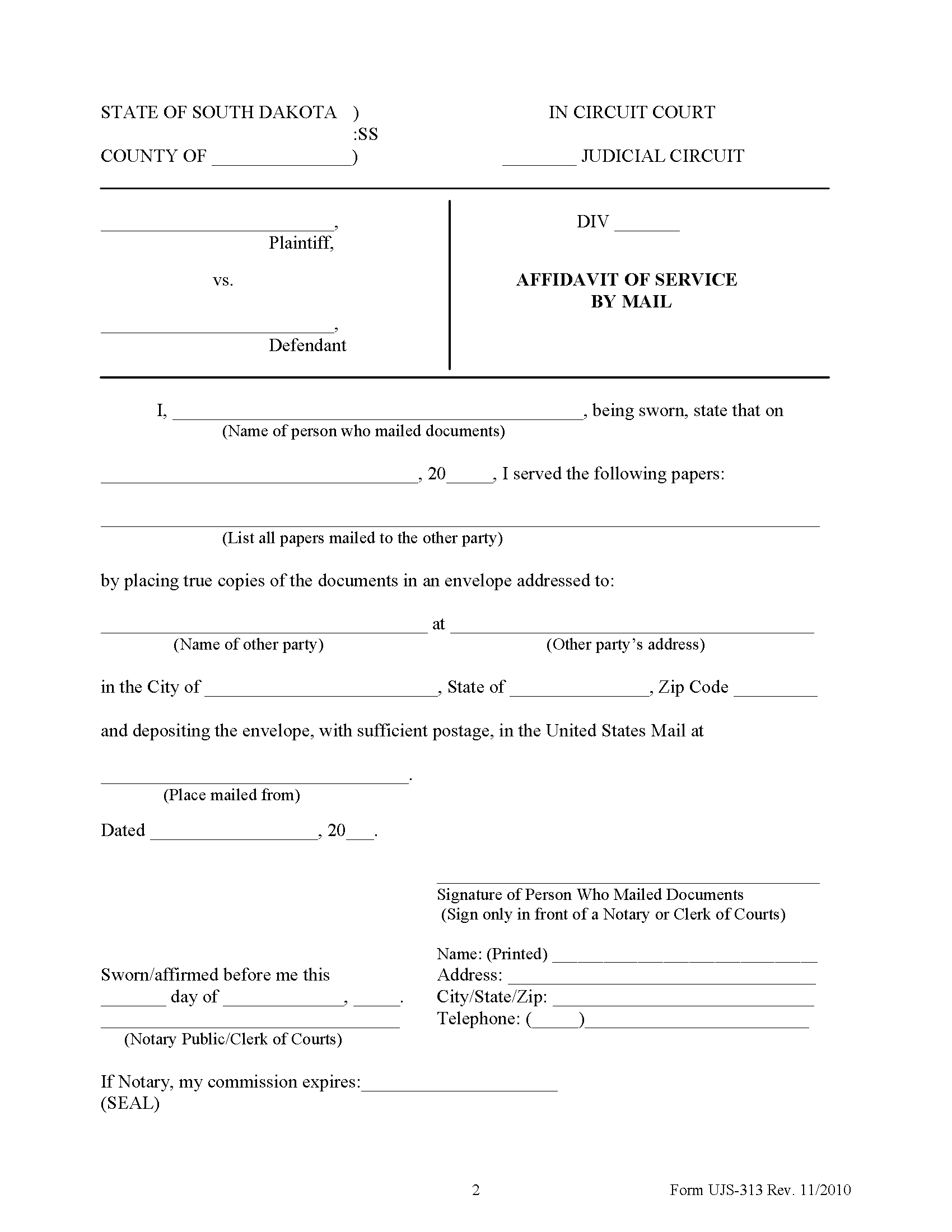
Jones County Affidavit of Service Form
Form notifying interested parties that a Notice of Lis Pendens has been filed.
All 4 documents above included • One-time purchase • No recurring fees
Immediate Download • Secure Checkout
Additional South Dakota and Jones County documents included at no extra charge:
Where to Record Your Documents
Jones County Register of Deeds
Murdo, South Dakota 57559-0446
Hours: Call for hours
Phone: (605) 669-7104
Recording Tips for Jones County:
- Bring your driver's license or state-issued photo ID
- Ensure all signatures are in blue or black ink
- Avoid the last business day of the month when possible
- Both spouses typically need to sign if property is jointly owned
- Bring extra funds - fees can vary by document type and page count
Cities and Jurisdictions in Jones County
Properties in any of these areas use Jones County forms:
- Draper
- Murdo
- Okaton
Hours, fees, requirements, and more for Jones County
How do I get my forms?
Forms are available for immediate download after payment. The Jones County forms will be in your account ready to download to your computer. An account is created for you during checkout if you don't have one. Forms are NOT emailed.
Are these forms guaranteed to be recordable in Jones County?
Yes. Our form blanks are guaranteed to meet or exceed the applicable formatting requirements used for recording in Jones County, including margin requirements, font requirements, and other layout standards. This guarantee applies to formatting, not to the legal sufficiency of information entered by the user or the suitability of a form for a particular transaction.
Can I reuse these forms?
Yes. You can reuse the forms for your personal use. For example, if you have multiple properties in Jones County you only need to order once.
What do I need to use these forms?
The forms are PDFs that you fill out on your computer. The free Adobe Acrobat Reader is recommended, and most PDF apps also work. You do NOT enter your property information online - you download the blank forms and complete them privately on your own computer.
Are there any recurring fees?
No. This is a one-time purchase. Nothing to cancel, no memberships, no recurring fees.
How much does it cost to record in Jones County?
Recording fees in Jones County vary. Contact the recorder's office at (605) 669-7104 for current fees.
Questions answered? Let's get started!
Use this form to Discharge a previously recorded "Notice of Lis Pendens" that was filed in county's registry of deeds office.
15-10-4. Discharge of notice of pendency of action--Contents, acknowledgment and recording.
Whenever notice of the pendency of any action has been filed or recorded in the office of the register of deeds in any county, the party plaintiff or defendant filing the same or at whose instance the same was filed, or his attorney or attorneys, in whose name or names the notice is subscribed, may discharge the same of record by filing with the register of deeds in whose office the notice is filed, a certificate of the discharge of said notice, executed and acknowledged by the same persons as above provided for certificates of discharge thereof. Such certificates of discharge, when filed with the register of deeds shall be acknowledged in the same form as is provided by law for the acknowledgment of conveyances of real estate and may be recorded in like manner.
(South Dakota Discharge of LP Package includes form, guidelines, and completed example) For use in South Dakota only.
Important: Your property must be located in Jones County to use these forms. Documents should be recorded at the county recording office listed above.
This Certificate of Discharge of Notice of Lis Pendens meets all recording requirements specific to Jones County.
Our Promise
The documents you receive here are guaranteed to meet or exceed the applicable Jones County recording format requirements. If there is a rejection caused by our formatting, we will correct the issue or refund your payment. This guarantee applies to document formatting only and does not extend to information entered by the user, the selection of the form, or the legal effect of the completed document.
Save Time and Money
Get your Jones County Certificate of Discharge of Notice of Lis Pendens form done right the first time with Deeds.com Uniform Conveyancing Blanks. At Deeds.com, we understand that your time and money are valuable resources, and we don't want you to face a penalty fee or rejection imposed by a county recorder for submitting nonstandard documents. We constantly review and update our forms to meet rapidly changing state and county recording requirements for roughly 3,500 counties and local jurisdictions.
4.8 out of 5 - ( 4,824 Reviews )
JERRY M. 2 out of 5 stars
Had to modify the document form fill field to accept the information required. Had limited number of characters.
Thank you for your feedback. We really appreciate it. Have a great day!
Carol W. 5 out of 5 stars
The guide and example provided made it so easy to complete the form. All was in order when I took it to the Register of Deeds. No hassles at all! Thanks.
Thank you for your feedback. We really appreciate it. Have a great day!
Devra R. 5 out of 5 stars
A refreshingly easy service to use. They offer auxiliary forms as a courtesy. Theres no "gotcha" capitalism. You pay the reasonable fee and the needed forms are accessible instantly to download. I've used it twice so far and it worked perfectly!
We appreciate your business and value your feedback. Thank you. Have a wonderful day!
Jason B. 5 out of 5 stars
You saved me $275.00 perfect! Thank you!!
We appreciate your business and value your feedback. Thank you. Have a wonderful day!
Clarice O. 5 out of 5 stars
It was very easy plus exactly what I neded.
Thank you!
Brian S. 3 out of 5 stars
PDF fields change font sizes leading to an unprofessional-appearing printed page. The examples for "Convey to" section don't include how to specify just one person instead of a married couple. Maybe that is simple but it would help to spell it out in an example. Haven't submitted to County Recorder yet, so will find out if it is acceptable.
Thank you for the feedback Brian.
The font issue is caused by using a PDF viewer other than Adobe Acrobat Reader. Our form fields are set to a uniform 12-point font, but non-Adobe viewers often render form fields inconsistently. Opening and printing the form with the free Adobe Acrobat Reader will resolve that.
Regarding the examples, that's a fair point, we'll look at expanding them.
Patricia G. 5 out of 5 stars
Very easy to order and download all the promised forms and instructions
We appreciate your business and value your feedback. Thank you. Have a wonderful day!
Robert F. 5 out of 5 stars
This service is excellent. I submitted a Quickclaim Deed so my home would be in the name of a Living Trust I had just created. This was my first attempted at any of this and the staff person, KVH, who reviewed my Deed was extremely helpful and quick to respond to any questions I had and to make sure the Deed had the correct information before submittal to the county for recording. I started the process one afternoon and by the next day, the Deed was submitted to, and recorded in, my county. I will use them again whenever needed.
We appreciate your business and value your feedback. Thank you. Have a wonderful day!
Lindsay B. 4 out of 5 stars
The form was easy to fill out. The only problem I had was on the Notary page I live in a different state than the property and I couldn't change the name of the state or county where the notary had to sign.
Thanks Lindsay, we appreciate your feedback.
Tracey B. 5 out of 5 stars
Has no problems at all, everything was perfect. TB
Thanks Tracey, we appreciate your feedback.
Carol S. 5 out of 5 stars
Was very easy to use with the information and samples supplied.
Thank you for your feedback Carol. We appreciate you.
Shabaz W. 5 out of 5 stars
Very convenient
Thank you!
Karri P. 5 out of 5 stars
Great service and easy to purchase exactly what you want.
We appreciate your business and value your feedback. Thank you. Have a wonderful day!
Gary R. 5 out of 5 stars
Very prompt response to my questions.
Thank you!
John C. 5 out of 5 stars
So far it's OK but have not filed it with the the county so can't say if it will be what they want
Thank you for your feedback. We really appreciate it. Have a great day!