Mccook County Certificate of Trust Form
Last validated September 9, 2026 by our Forms Development TeamFormatted for recording in Mccook County, for property anywhere in the county: rural and unincorporated areas as well as Bridgewater, Canistota, Montrose, Salem, Spencer.
- 3 documents included
- Immediate PDF download
- Formatting guarantee
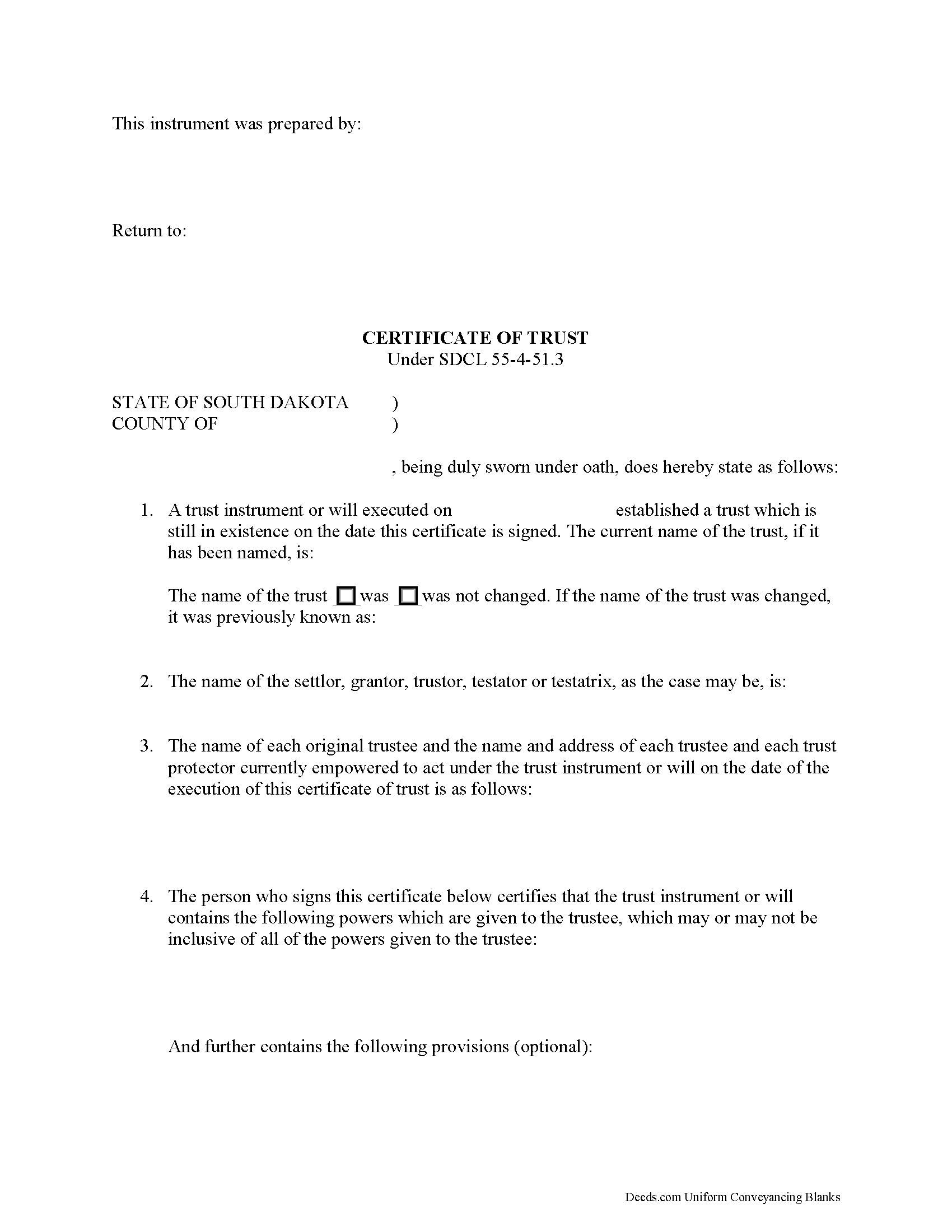
Mccook County Certificate of Trust Form
Fill in the blank form formatted to comply with all recording and content requirements.
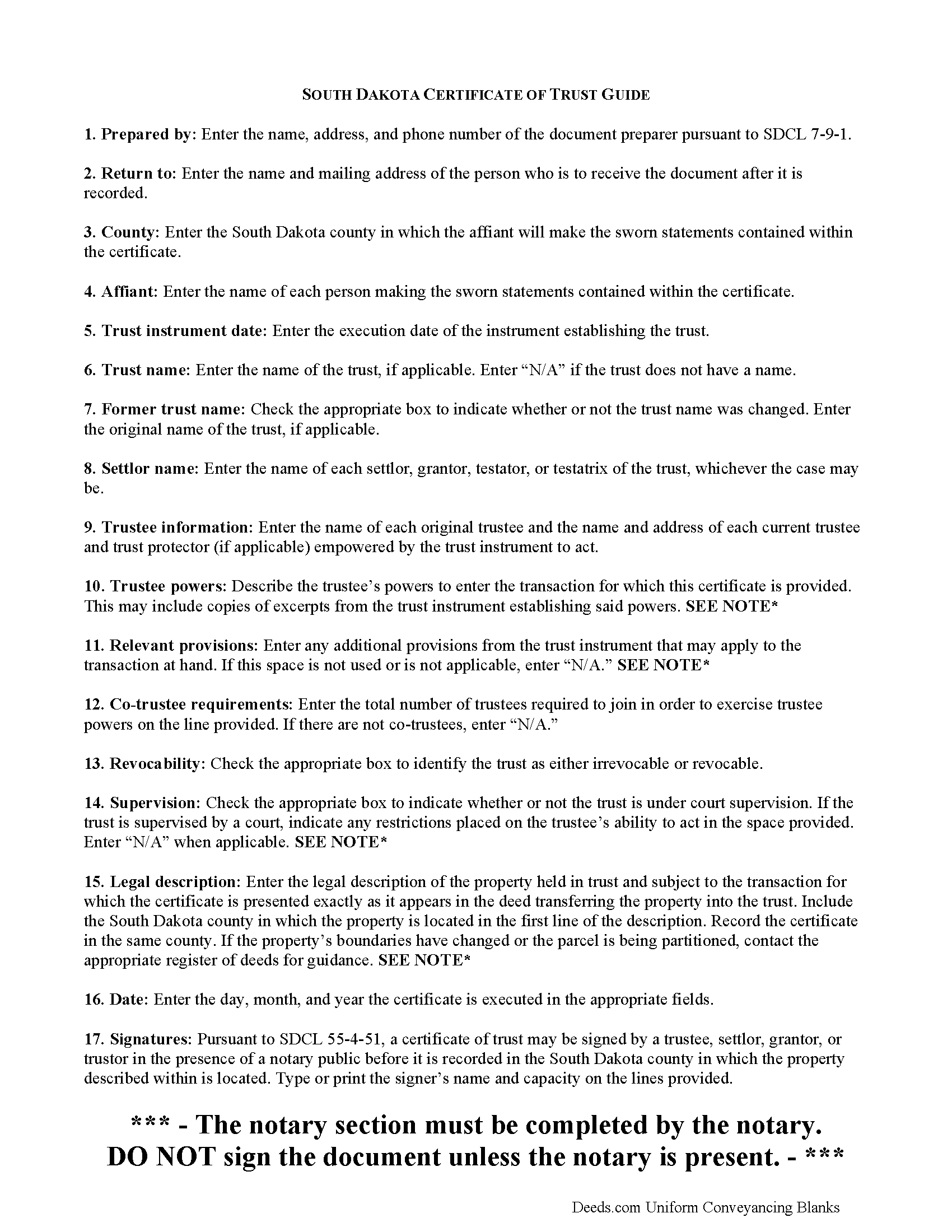
Mccook County Certificate of Trust Guide
Line by line guide explaining every blank on the form.
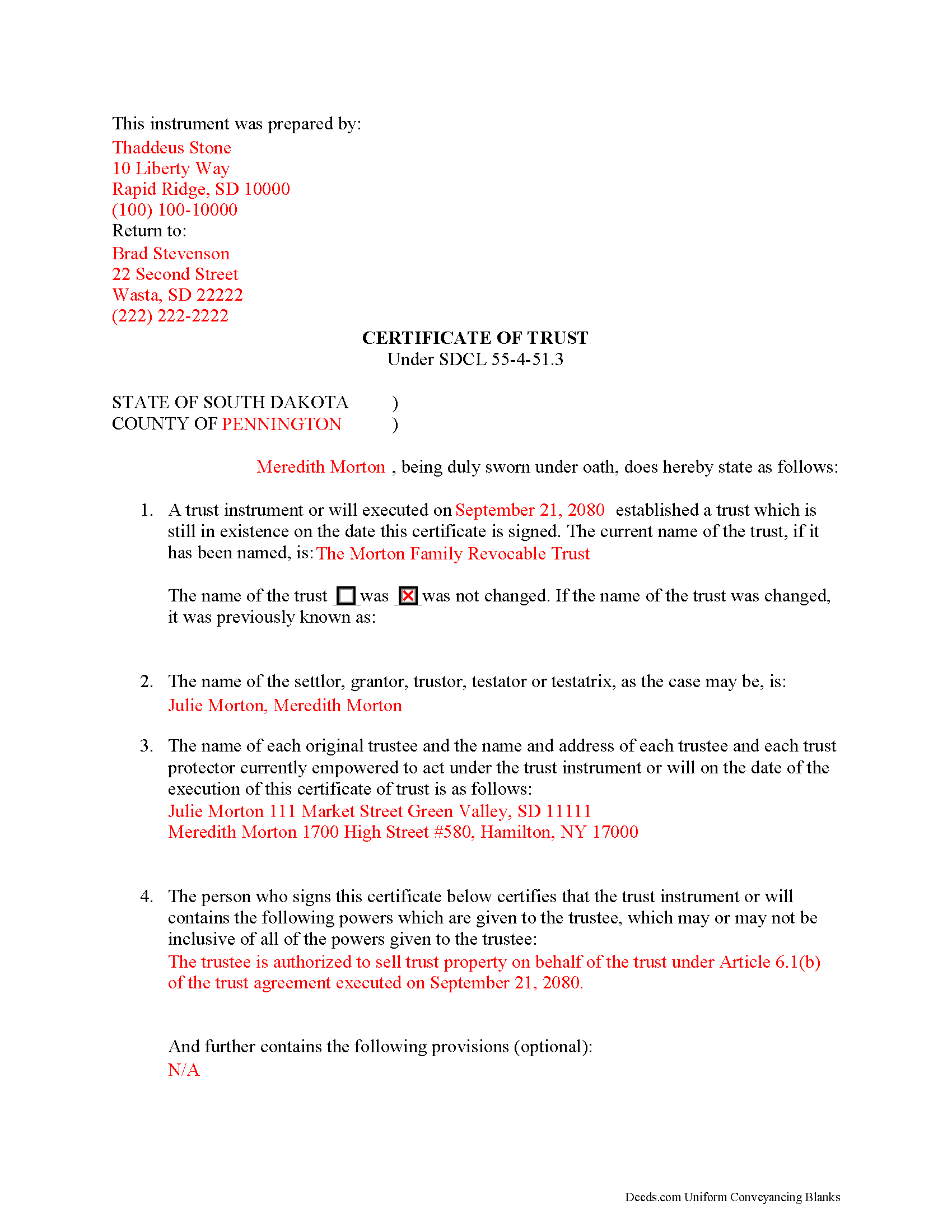
Mccook County Completed Example of the Certificate of Trust Document
Example of a properly completed form for reference.
All 3 documents above included • One-time purchase • No recurring fees
Immediate Download • Secure Checkout
Additional South Dakota and Mccook County documents included at no extra charge:
Where to Record Your Documents
McCook County Register of Deeds
Salem, South Dakota 57058-0338
Hours: 8:30am to 4:30pm.M-F
Phone: (605) 425-2701
Recording Tips for Mccook County:
- Bring your driver's license or state-issued photo ID
- Ensure all signatures are in blue or black ink
- Documents must be on 8.5 x 11 inch white paper
- Double-check legal descriptions match your existing deed
- Verify all names are spelled correctly before recording
Cities and Jurisdictions in Mccook County
Properties in any of these areas use Mccook County forms:
- Bridgewater
- Canistota
- Montrose
- Salem
- Spencer
Hours, fees, requirements, and more for Mccook County
How do I get my forms?
Forms are available for immediate download after payment. The Mccook County forms will be in your account ready to download to your computer. An account is created for you during checkout if you don't have one. Forms are NOT emailed.
Are these forms guaranteed to be recordable in Mccook County?
Yes. Our form blanks are guaranteed to meet or exceed the applicable formatting requirements used for recording in Mccook County, including margin requirements, font requirements, and other layout standards. This guarantee applies to formatting, not to the legal sufficiency of information entered by the user or the suitability of a form for a particular transaction.
Can I reuse these forms?
Yes. You can reuse the forms for your personal use. For example, if you have multiple properties in Mccook County you only need to order once.
What do I need to use these forms?
The forms are PDFs that you fill out on your computer. The free Adobe Acrobat Reader is recommended, and most PDF apps also work. You do NOT enter your property information online - you download the blank forms and complete them privately on your own computer.
Are there any recurring fees?
No. This is a one-time purchase. Nothing to cancel, no memberships, no recurring fees.
How much does it cost to record in Mccook County?
Recording fees in Mccook County vary. Contact the recorder's office at (605) 425-2701 for current fees.
Questions answered? Let's get started!
Codified at SDCL 55-4-51.3 as part of the Uniform Trusts Act, the certificate of trust "in support of a real property transaction" is recorded in the South Dakota county where the subject property is located and "serves to document the existence of the trust...and other matters...as though the full trust instrument had been recorded" (SDCL 55-4-51.3, 55-4-51.1).
In a trust relationship, a settlor transfers property to another person (trustee), who holds it for the benefit of a third (beneficiary). In the course of their fiduciary duties, trustees may present a certificate to parties who are not beneficiaries of the trust in lieu of providing the entire trust instrument. The trust instrument, executed by the settlor, establishes the trust and sets forth directions for its administration, including designating the trustee, the trustee's powers, and identifying a trust beneficiary. The certificate of trust allows the settlor's estate plan to remain off-record by providing only the information about the trust relevant to the transaction at hand.
The document names the trust, its settlor, and each trustee empowered to act for the trust. Aside from certifying the existence of the trust and confirming it has not been revoked or modified in a way that would invalidate the statements contained within, the certificate also confirms the trustee's role and authority to act on behalf of the trust by identifying powers relevant to the transaction, how many trustees are required to carry out those powers (if there are multiple trustees) and any restrictions imposed by a court on those powers (if applicable).
When used in transactions involving real property, the certificate requires a legal description of the subject property. The document must be recorded in the South Dakota county where the subject property is located and in compliance with the recording requirements established at SDCL 43-28-23.
Pursuant to SDCL 55-4-51, the document should be signed by a trustee or settlor (grantor or trustor, as the case may be) in the presence of the notary public witnessing the sworn statements made in the certificate. Recipients may request parts of the trust instrument establishing the trustee and the relevant powers (55-4-52). Persons entering transactions may rely on the statements within the certificate without further inquiry (55-4-53).
Consult a lawyer with questions about South Dakota trusts and certificates of trust, as each situation is unique.
(South Dakota COT Package includes form, guidelines, and completed example)
Important: Your property must be located in Mccook County to use these forms. Documents should be recorded at the county recording office listed above.
This Certificate of Trust meets all recording requirements specific to Mccook County.
Our Promise
The documents you receive here are guaranteed to meet or exceed the applicable Mccook County recording format requirements. If there is a rejection caused by our formatting, we will correct the issue or refund your payment. This guarantee applies to document formatting only and does not extend to information entered by the user, the selection of the form, or the legal effect of the completed document.
Save Time and Money
Get your Mccook County Certificate of Trust form done right the first time with Deeds.com Uniform Conveyancing Blanks. At Deeds.com, we understand that your time and money are valuable resources, and we don't want you to face a penalty fee or rejection imposed by a county recorder for submitting nonstandard documents. We constantly review and update our forms to meet rapidly changing state and county recording requirements for roughly 3,500 counties and local jurisdictions.
4.8 out of 5 - ( 4,839 Reviews )
Scott W. 5 out of 5 stars
World class forms and service! Wish I had known about this site years ago, woulda saved me lots of headaches. Thank you.
Thanks for the kinds words Scott, have an amazing day!
Cecilia C. 5 out of 5 stars
So very easy to follow & the cost of the packet was reasonable.
We appreciate your business and value your feedback. Thank you. Have a wonderful day!
shaun s. 5 out of 5 stars
Pretty quick and accurate, thank you
Thank you for your feedback. We really appreciate it. Have a great day!
janelle s. 5 out of 5 stars
Uncertain about use as I am new to online forms. Through use I am sure it will feel more comfortable. I like the storage of filled in info forms because I might be using I will be using them or the info in the future.
Thank you for your feedback. We really appreciate it. Have a great day!
Burr A. 5 out of 5 stars
So far so good. Prompt and responsive. Thank you.
Thank you!
Maureen M. 5 out of 5 stars
Easy to use and download. Will use in the future, if ever needed.
Thank you for your feedback. We really appreciate it. Have a great day!
Michael G M. 5 out of 5 stars
The download files should have the name of the form included. The present numeric soup is frustrating to navigate.
Thank you for your feedback. We really appreciate it. Have a great day!
James B. 5 out of 5 stars
Was a lot easier than driving to the County Building and faster than expected. Thank you!
We appreciate your business and value your feedback. Thank you. Have a wonderful day!
Dennis S. 5 out of 5 stars
Simple quitclaim form, worked perfectly for my area.
Thank you!
Michelle D. 5 out of 5 stars
Very professional service, they were timely and proficient with answers and sending in the documents that I requested. Will work with them again in the future
We appreciate your business and value your feedback. Thank you. Have a wonderful day!
ziad k. 5 out of 5 stars
FIRST TIME USER EXCELENT SERVICE.
Thank you for your feedback. We really appreciate it. Have a great day!
MARIZON M. 5 out of 5 stars
This site/service is amazing! The response is almost real-time and the fees are super reasonable. I will be using this again in the future should I need to file any other documents with the county and will also recommend it to others! Thank you!
Thank you for your feedback. We really appreciate it. Have a great day!
Vicky M. 5 out of 5 stars
I would give Deeds.com 10 stars if I could!! The staff were super friendly and easy to work with. They kept me constantly updated during the process of uploading and forwarding my deeds for recording. And, the price was extremely reasonable. I look forward to utilizing Deeds.com every time I need to record a deed no matter what U.S. State. I wholeheartedly recommend them!
Thank you for your feedback. We really appreciate it. Have a great day!
Joshua A. 5 out of 5 stars
It was fast, secure, and reliable, and for the cost it saved me time, and driving four hours to the courthouse and back. It really saved me. Thank You.
Thank you Joshua, glad we could help.
Kevin M. 5 out of 5 stars
good so far. will wait to see what happens
Thank you!