Smith County Certificate of Trust Form
Last validated October 27, 2026 by our Forms Development TeamFormatted for recording in Smith County, for property anywhere in the county: rural and unincorporated areas as well as Brush Creek, Carthage, Chestnut Mound, Dixon Springs, Elmwood, Gordonsville, Hickman, Lancaster and 2 more.
- 3 documents included
- Immediate PDF download
- Formatting guarantee
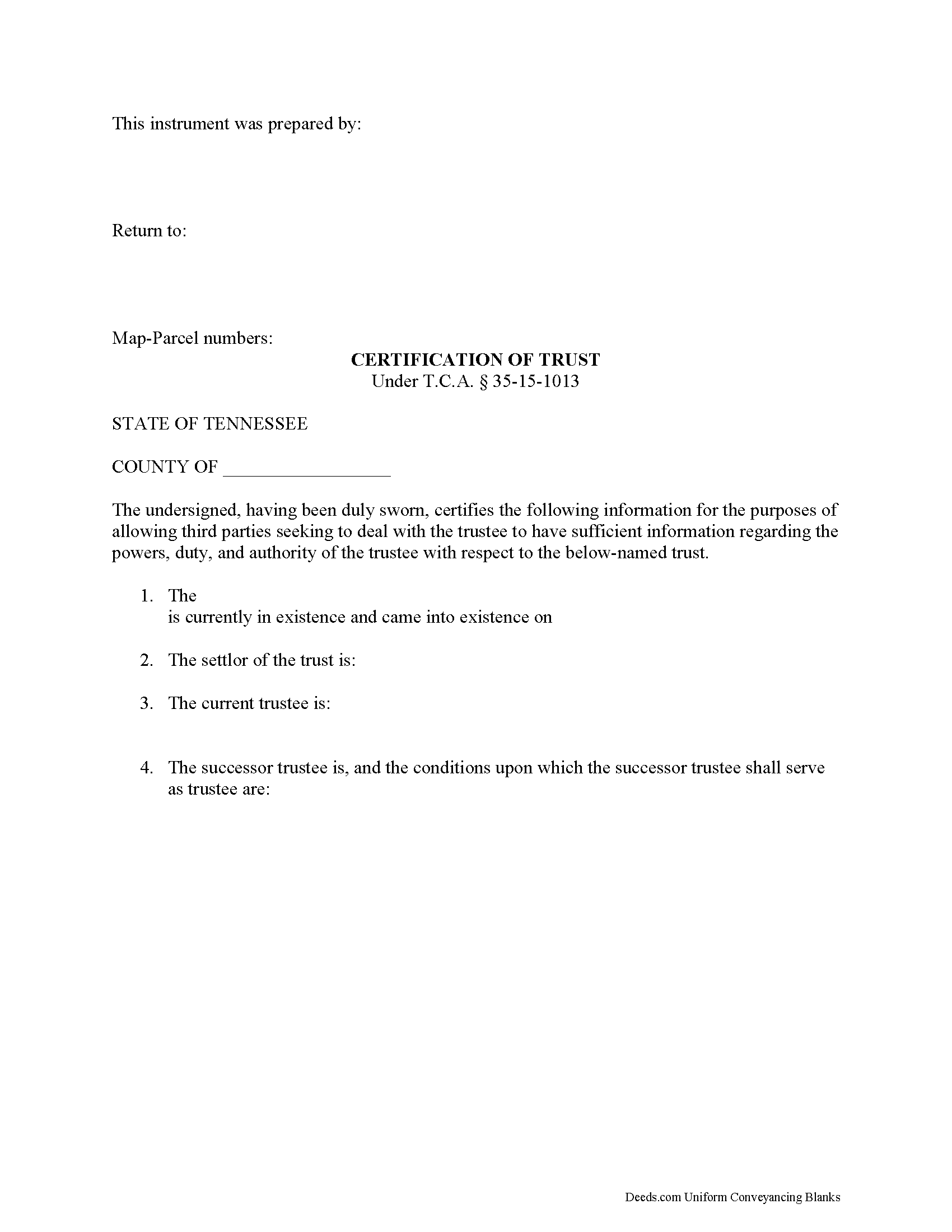
Smith County Certificate of Trust Form
Fill in the blank form formatted to comply with all recording and content requirements.
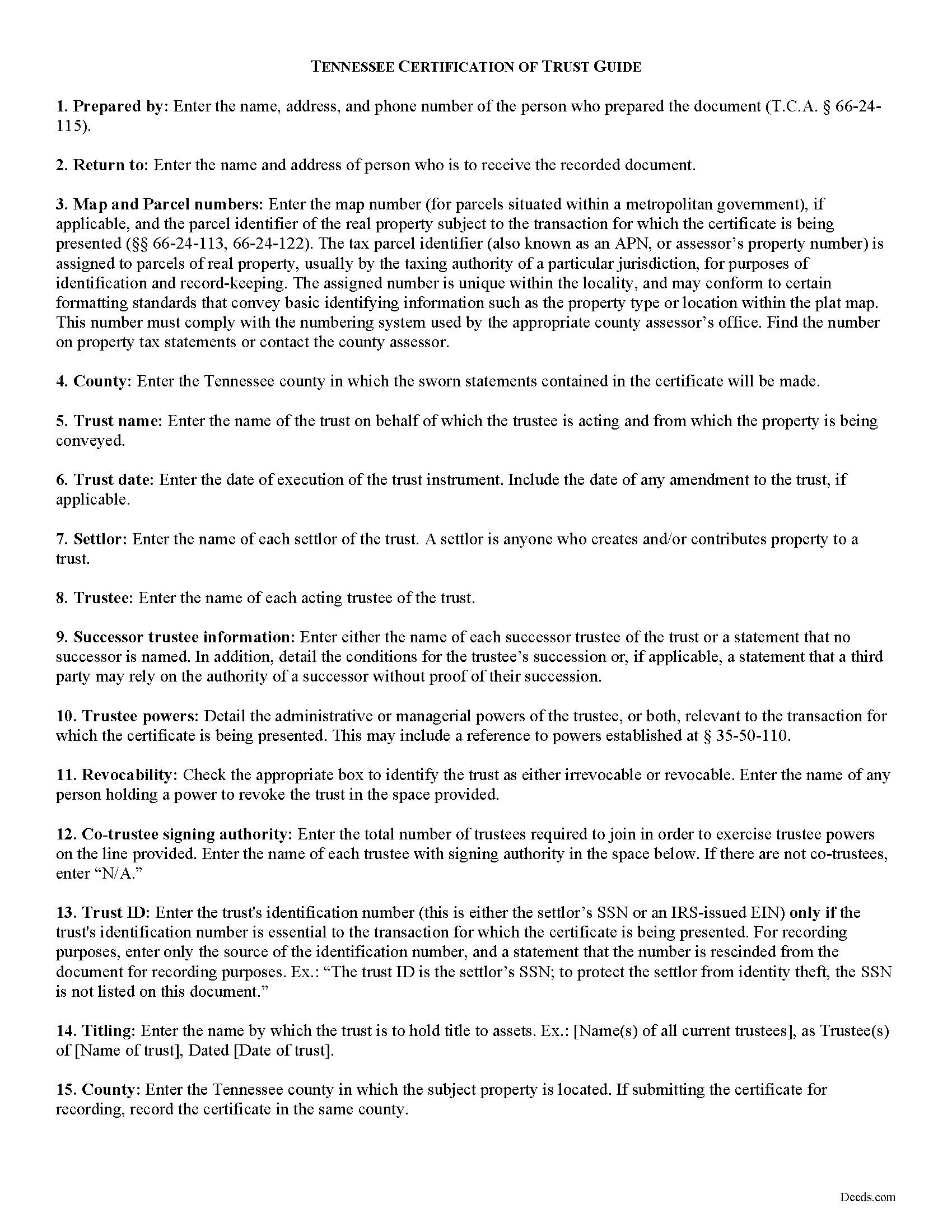
Smith County Certificate of Trust Guide
Line by line guide explaining every blank on the form.
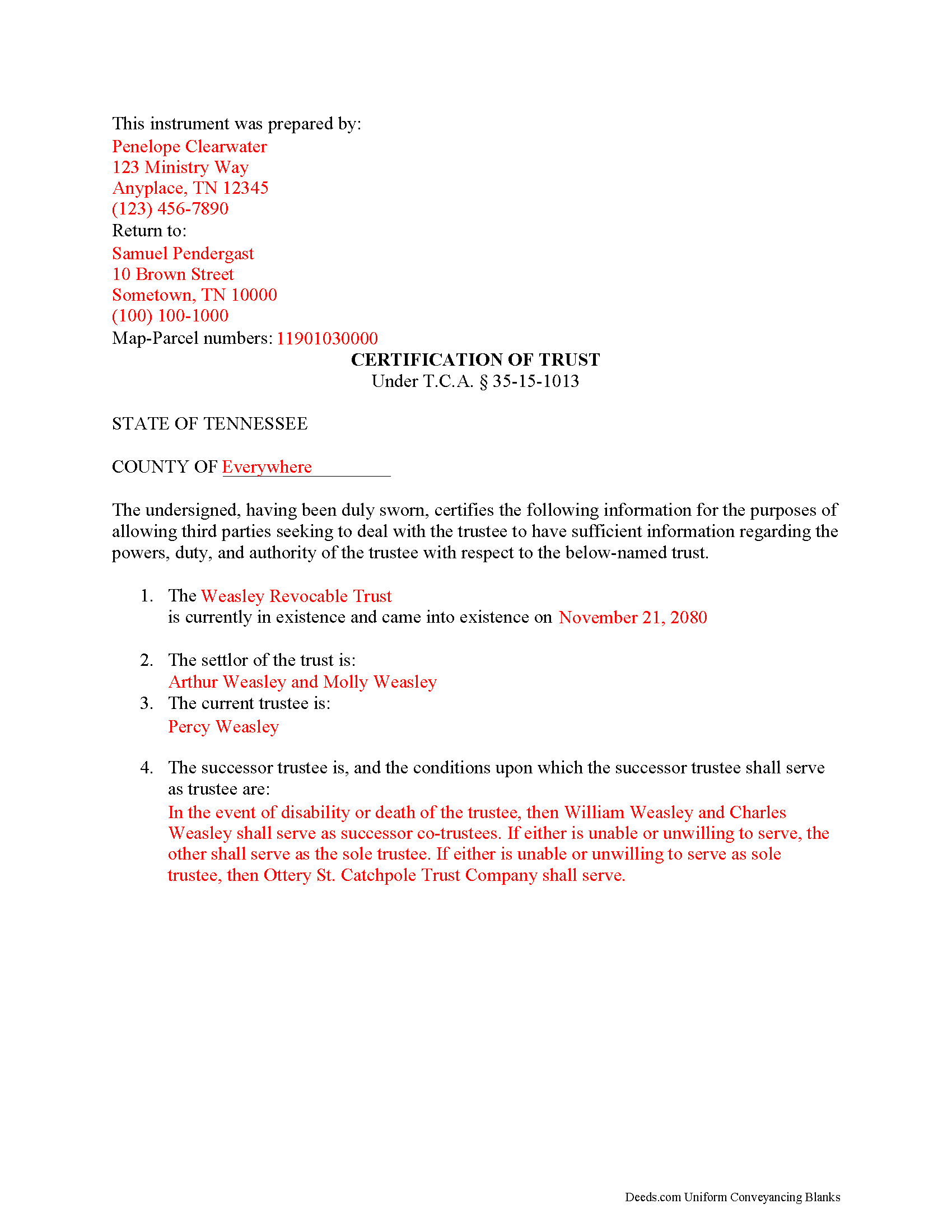
Smith County Completed Example of the Certificate of Trust Document
Example of a properly completed form for reference.
All 3 documents above included • One-time purchase • No recurring fees
Immediate Download • Secure Checkout
Additional Tennessee and Smith County documents included at no extra charge:
Where to Record Your Documents
Smith County Register of Deeds
Carthage, Tennessee 37030
Hours: 8:00 to 4:00 M-F
Phone: (615) 735-1760
Recording Tips for Smith County:
- Bring your driver's license or state-issued photo ID
- Ensure all signatures are in blue or black ink
- White-out or correction fluid may cause rejection
- Ask about their eRecording option for future transactions
- Avoid the last business day of the month when possible
Cities and Jurisdictions in Smith County
Properties in any of these areas use Smith County forms:
- Brush Creek
- Carthage
- Chestnut Mound
- Dixon Springs
- Elmwood
- Gordonsville
- Hickman
- Lancaster
- Pleasant Shade
- Riddleton
Hours, fees, requirements, and more for Smith County
How do I get my forms?
Forms are available for immediate download after payment. The Smith County forms will be in your account ready to download to your computer. An account is created for you during checkout if you don't have one. Forms are NOT emailed.
Are these forms guaranteed to be recordable in Smith County?
Yes. Our form blanks are guaranteed to meet or exceed the applicable formatting requirements used for recording in Smith County, including margin requirements, font requirements, and other layout standards. This guarantee applies to formatting, not to the legal sufficiency of information entered by the user or the suitability of a form for a particular transaction.
Can I reuse these forms?
Yes. You can reuse the forms for your personal use. For example, if you have multiple properties in Smith County you only need to order once.
What do I need to use these forms?
The forms are PDFs that you fill out on your computer. The free Adobe Acrobat Reader is recommended, and most PDF apps also work. You do NOT enter your property information online - you download the blank forms and complete them privately on your own computer.
Are there any recurring fees?
No. This is a one-time purchase. Nothing to cancel, no memberships, no recurring fees.
How much does it cost to record in Smith County?
Recording fees in Smith County vary. Contact the recorder's office at (615) 735-1760 for current fees.
Questions answered? Let's get started!
The certificate of trust is codified at T.C.A. 35-15-1013 as part of the Tennessee Uniform Trust Code. The purpose of the certificate is "to evidence the existence and validity of the trust" (35-15-1013(a)). The document contains sworn statements made "by the trustee or trustees having signatory authority as identified" within the document (35-15-1013(a)). The recipient of a certificate of trust may rely on the statements made within as factual without additional inquiry (35-15-1013(d)).
Instead of furnishing the trust document, a trustee may present a certificate of trust to third parties when doing business on behalf of the trust. The certificate is a condensed summary of the trust and its provisions, and allows the settlor's estate plans, including the identities of trust beneficiaries, to remain private.
A certificate of trust contains statements that the trust exists and that it "has not been revoked, modified or amended in any manner that would cause" the information in the certificate to be incorrect. The document recites the name and date of trust, the settlor, trustee, and relevant powers of the trustee to conduct the business for which the certificate is presented.
If there is a successor trustee, the document details the conditions of their succession. Certificates for trusts with multiple trustees define how many trustees are required to jointly act to conduct trustee powers. If the trust is revocable, the form includes the name of anyone with a power to revoke the trust. Finally, it presents the name by which the trust holds title to assets and, if necessary for the transaction for which the certificate is given, the trust's identification number.
If recorded to facilitate acquisitions or transfers of real property, a certificate of trust should include the legal description of the property subject to the transfer. The document must meet requirements for recording in Tennessee before submitted in the register of deeds in the appropriate county.
The protections under 35-15-1013 for persons dealing with trustees are not dependent on receipt of a certificate.
Contact a lawyer for questions about preparing a certificate of trust or any other matters involving trusts in Tennessee.
(Tennessee COT Package includes form, guidelines, and completed example)
Important: Your property must be located in Smith County to use these forms. Documents should be recorded at the county recording office listed above.
This Certificate of Trust meets all recording requirements specific to Smith County.
Our Promise
The documents you receive here are guaranteed to meet or exceed the applicable Smith County recording format requirements. If there is a rejection caused by our formatting, we will correct the issue or refund your payment. This guarantee applies to document formatting only and does not extend to information entered by the user, the selection of the form, or the legal effect of the completed document.
Save Time and Money
Get your Smith County Certificate of Trust form done right the first time with Deeds.com Uniform Conveyancing Blanks. At Deeds.com, we understand that your time and money are valuable resources, and we don't want you to face a penalty fee or rejection imposed by a county recorder for submitting nonstandard documents. We constantly review and update our forms to meet rapidly changing state and county recording requirements for roughly 3,500 counties and local jurisdictions.
4.8 out of 5 - ( 4,867 Reviews )
Patricia J. 5 out of 5 stars
No word "Download" so had a little trouble figuring out how to download, but finally figured it out.
Thank you for your feedback. We really appreciate it. Have a great day!
Deanna S. 5 out of 5 stars
I loved the fact that the forms came with examples of the required info. That was helpful and made filling out the forms so much easier. Thank you!
We appreciate your business and value your feedback. Thank you. Have a wonderful day!
Jay F. 5 out of 5 stars
Had what I needed
Great to hear — thank you for taking the time to write a review.
Mary S. 5 out of 5 stars
I am so excited to find this site. Thank you
Thank you Mary. We appreciate your enthusiasm, have a great day!
Robert H. 5 out of 5 stars
Just what I needed to file in Orange County. East to use and reasonably priced. Will use again if needed.
We appreciate your business and value your feedback. Thank you. Have a wonderful day!
Dean B. 5 out of 5 stars
I needed to cut and paste my phone number with the dashes in order to use this website with my iPhone
Thank you!
STACIA V. 4 out of 5 stars
I filled out the forms that were somewhat easy. I was surprised that it was recorded by the county recording office. I just hope that it really worked. I think it did. I will find out later this year.
Thank you!
Bakul W. 5 out of 5 stars
You guys did a great job for us yday. With the strim coming and the registry being closed to visitors I didn't know how I was going to get my work done and I found your website and in less than a day everything was done. Thank you.
Thank you!
Jennifer H. 1 out of 5 stars
Price is too expensive.
Thank you for your feedback Jennifer.
Cynthia E. 2 out of 5 stars
Disappointed that you were not able to provide me with the information requested. They did issue a refund but I don’t think it’s come through yet.
We are grateful for your engagement and feedback, which help us to serve you better. Thank you for being an integral part of our community.
WAYNE C. 5 out of 5 stars
Wonderful forms, been coming here for years (since 2012) for my deed forms and they have never failed.
We appreciate your business and value your feedback. Thank you. Have a wonderful day!
Tim T. 5 out of 5 stars
Fast and efficient
We appreciate your business and value your feedback. Thank you. Have a wonderful day!
Royce S. 5 out of 5 stars
Excellent forms! Good guides to completing them!
Your satisfaction is important to us. Thank you for the feedback.
Lynn S. 5 out of 5 stars
Great service. I did not have to put much thought into the process!!! Worth the $15.00 extra!!
Thank you for your feedback. We really appreciate it. Have a great day!
Zachary F. 3 out of 5 stars
I am a lawyer and purchased a specialized type of deed for a special scenario. The product received was functional, but not great. Wording is slightly clunky and the form layout was not convenient for making a professional final product. The wording also didn't contemplate a remote-state probate, which is a common scenario. Something about the PDF prevented me from doing cut and paste, so I had to do OCR to get the relevant text for inserting in my existing draft deed. Finally, while the site claims it is customized for the exact state and county, it does not appear to be well-customized for that purpose and I had to use other language (not sourced from the deeds.com document) to meet local norms.
Thank you for your feedback. We really appreciate it. Have a great day!