Williamson County Certificate of Trust Form
Last validated October 5, 2026 by our Forms Development TeamFormatted for recording in Williamson County, for property anywhere in the county: rural and unincorporated areas as well as Arrington, Brentwood, College Grove, Fairview, Franklin, Nolensville, Primm Springs, Thompsons Station.
- 3 documents included
- Immediate PDF download
- Formatting guarantee
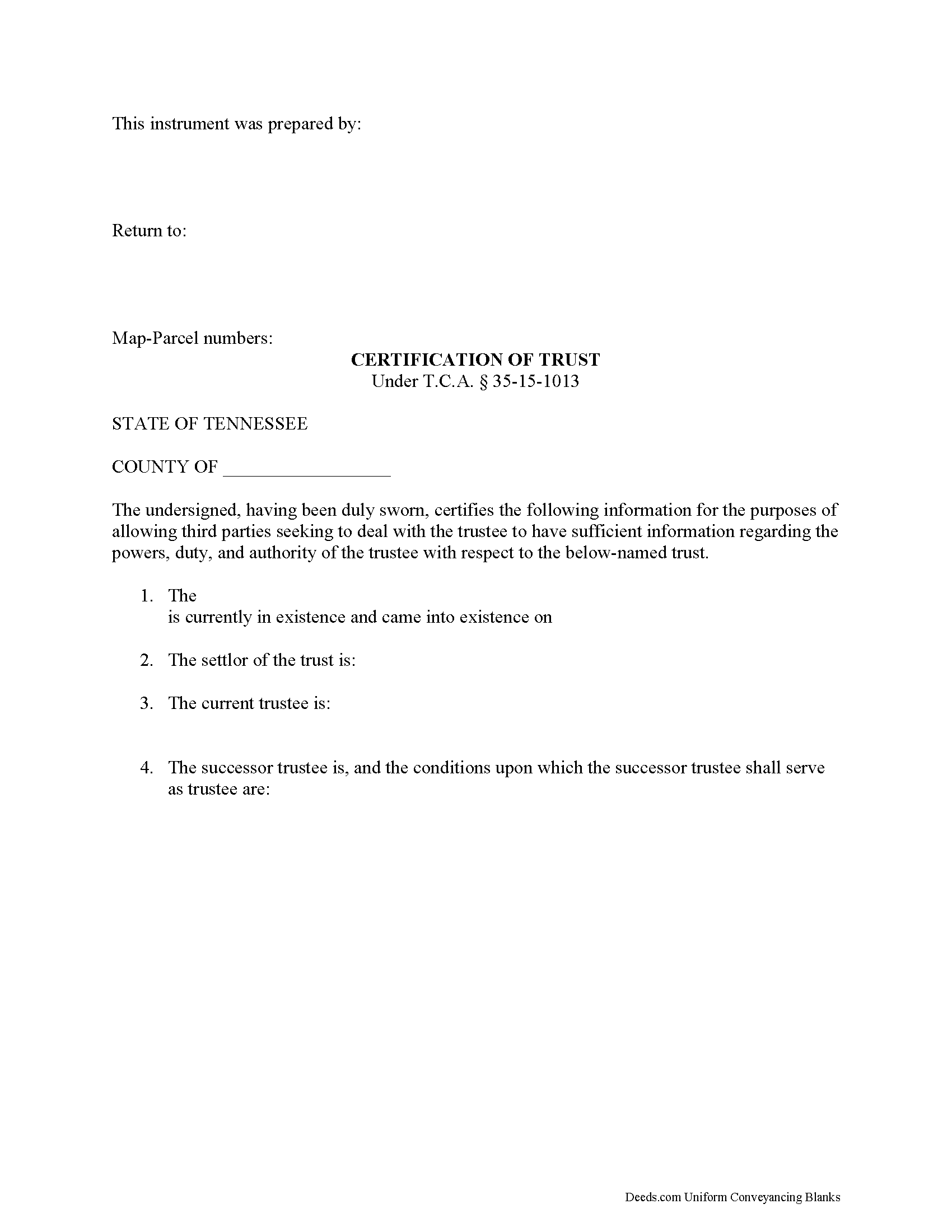
Williamson County Certificate of Trust Form
Fill in the blank form formatted to comply with all recording and content requirements.
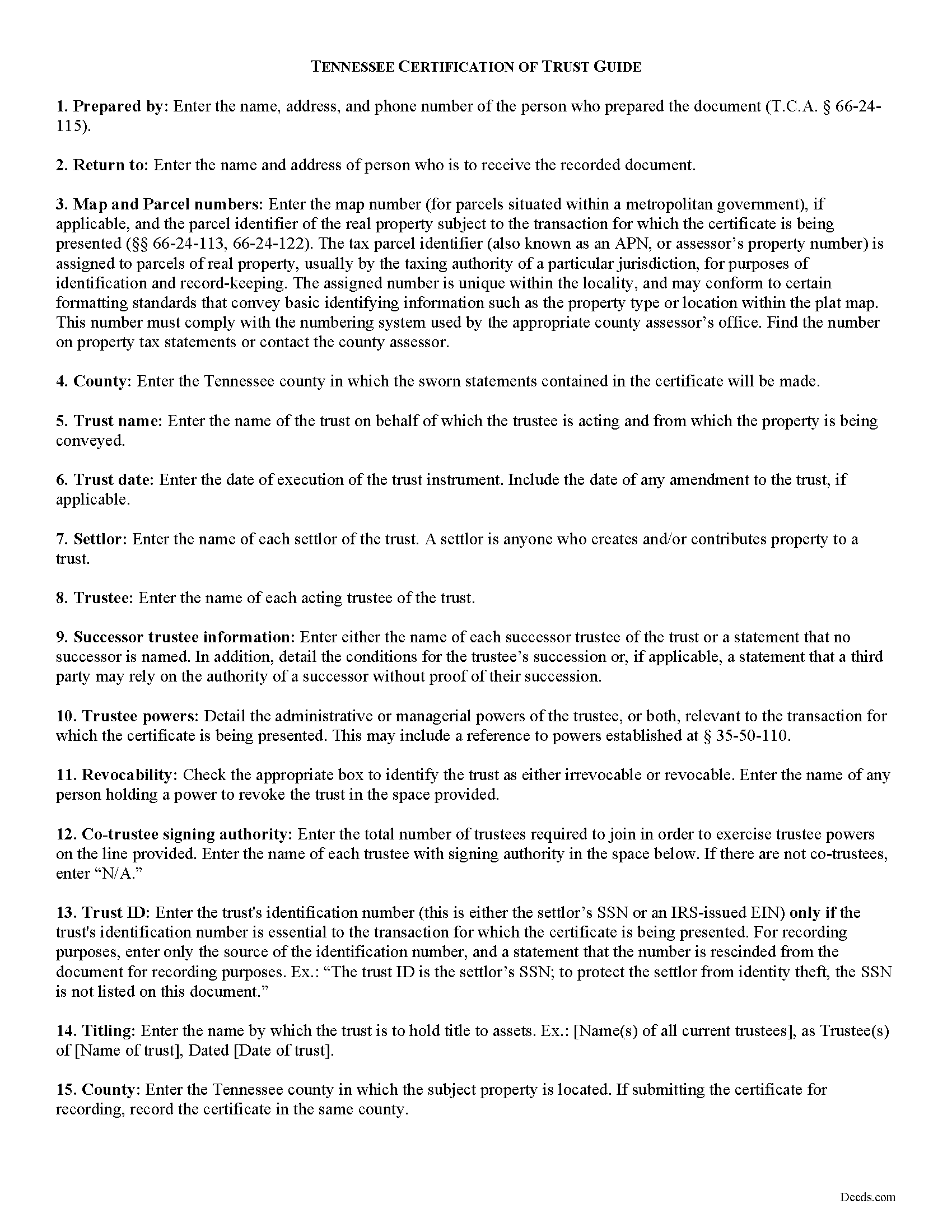
Williamson County Certificate of Trust Guide
Line by line guide explaining every blank on the form.
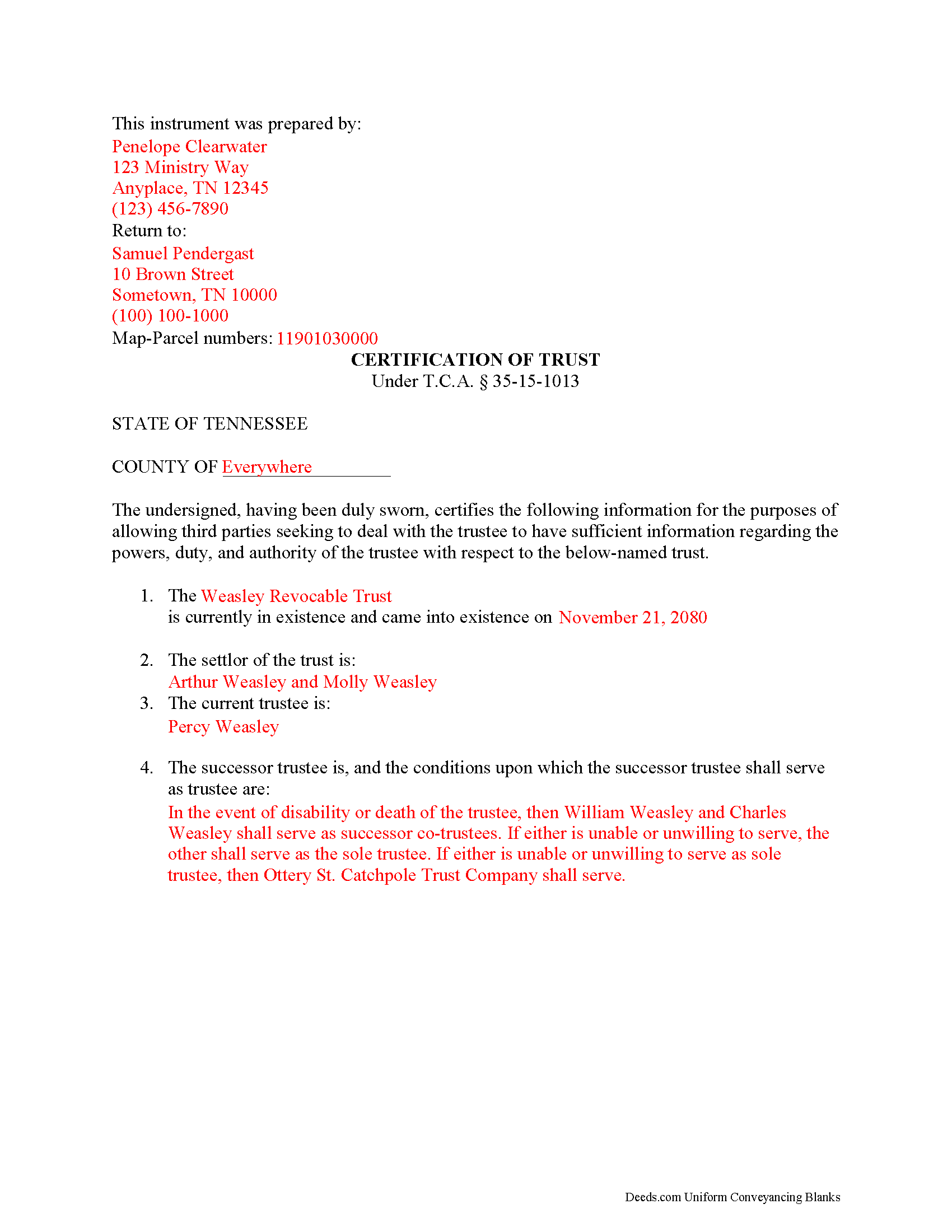
Williamson County Completed Example of the Certificate of Trust Document
Example of a properly completed form for reference.
All 3 documents above included • One-time purchase • No recurring fees
Immediate Download • Secure Checkout
Additional Tennessee and Williamson County documents included at no extra charge:
Where to Record Your Documents
Williamson County Register of Deeds
Franklin, Tennessee 37064
Hours: Monday - Friday 8:00 am - 4:30 pm
Phone: (615) 790-5706
Recording Tips for Williamson County:
- Bring your driver's license or state-issued photo ID
- Ensure all signatures are in blue or black ink
- Check margin requirements - usually 1-2 inches at top
- Leave recording info boxes blank - the office fills these
- Make copies of your documents before recording - keep originals safe
Cities and Jurisdictions in Williamson County
Properties in any of these areas use Williamson County forms:
- Arrington
- Brentwood
- College Grove
- Fairview
- Franklin
- Nolensville
- Primm Springs
- Thompsons Station
Hours, fees, requirements, and more for Williamson County
How do I get my forms?
Forms are available for immediate download after payment. The Williamson County forms will be in your account ready to download to your computer. An account is created for you during checkout if you don't have one. Forms are NOT emailed.
Are these forms guaranteed to be recordable in Williamson County?
Yes. Our form blanks are guaranteed to meet or exceed the applicable formatting requirements used for recording in Williamson County, including margin requirements, font requirements, and other layout standards. This guarantee applies to formatting, not to the legal sufficiency of information entered by the user or the suitability of a form for a particular transaction.
Can I reuse these forms?
Yes. You can reuse the forms for your personal use. For example, if you have multiple properties in Williamson County you only need to order once.
What do I need to use these forms?
The forms are PDFs that you fill out on your computer. The free Adobe Acrobat Reader is recommended, and most PDF apps also work. You do NOT enter your property information online - you download the blank forms and complete them privately on your own computer.
Are there any recurring fees?
No. This is a one-time purchase. Nothing to cancel, no memberships, no recurring fees.
How much does it cost to record in Williamson County?
Recording fees in Williamson County vary. Contact the recorder's office at (615) 790-5706 for current fees.
Questions answered? Let's get started!
The certificate of trust is codified at T.C.A. 35-15-1013 as part of the Tennessee Uniform Trust Code. The purpose of the certificate is "to evidence the existence and validity of the trust" (35-15-1013(a)). The document contains sworn statements made "by the trustee or trustees having signatory authority as identified" within the document (35-15-1013(a)). The recipient of a certificate of trust may rely on the statements made within as factual without additional inquiry (35-15-1013(d)).
Instead of furnishing the trust document, a trustee may present a certificate of trust to third parties when doing business on behalf of the trust. The certificate is a condensed summary of the trust and its provisions, and allows the settlor's estate plans, including the identities of trust beneficiaries, to remain private.
A certificate of trust contains statements that the trust exists and that it "has not been revoked, modified or amended in any manner that would cause" the information in the certificate to be incorrect. The document recites the name and date of trust, the settlor, trustee, and relevant powers of the trustee to conduct the business for which the certificate is presented.
If there is a successor trustee, the document details the conditions of their succession. Certificates for trusts with multiple trustees define how many trustees are required to jointly act to conduct trustee powers. If the trust is revocable, the form includes the name of anyone with a power to revoke the trust. Finally, it presents the name by which the trust holds title to assets and, if necessary for the transaction for which the certificate is given, the trust's identification number.
If recorded to facilitate acquisitions or transfers of real property, a certificate of trust should include the legal description of the property subject to the transfer. The document must meet requirements for recording in Tennessee before submitted in the register of deeds in the appropriate county.
The protections under 35-15-1013 for persons dealing with trustees are not dependent on receipt of a certificate.
Contact a lawyer for questions about preparing a certificate of trust or any other matters involving trusts in Tennessee.
(Tennessee COT Package includes form, guidelines, and completed example)
Important: Your property must be located in Williamson County to use these forms. Documents should be recorded at the county recording office listed above.
This Certificate of Trust meets all recording requirements specific to Williamson County.
Our Promise
The documents you receive here are guaranteed to meet or exceed the applicable Williamson County recording format requirements. If there is a rejection caused by our formatting, we will correct the issue or refund your payment. This guarantee applies to document formatting only and does not extend to information entered by the user, the selection of the form, or the legal effect of the completed document.
Save Time and Money
Get your Williamson County Certificate of Trust form done right the first time with Deeds.com Uniform Conveyancing Blanks. At Deeds.com, we understand that your time and money are valuable resources, and we don't want you to face a penalty fee or rejection imposed by a county recorder for submitting nonstandard documents. We constantly review and update our forms to meet rapidly changing state and county recording requirements for roughly 3,500 counties and local jurisdictions.
4.8 out of 5 - ( 4,823 Reviews )
JAMES D. 5 out of 5 stars
Fast and easy. Sample completed form & guidelines very useful.
We appreciate your business and value your feedback. Thank you. Have a wonderful day!
Jay R. 5 out of 5 stars
First time user. Great service, a little costly though
Thank you!
Raymond M. 5 out of 5 stars
It would be really nice if you had an example of the document full size that can be examined/read before having to pay. I was gambling that it was the exact document that I needed when I paid my fee. Fortunately, it was, and I commend you for that.
Thank you for your feedback. We really appreciate it. Have a great day!
Ardys A. 5 out of 5 stars
Very pleased with all the info I received and not just a blank form.
We appreciate your business and value your feedback. Thank you. Have a wonderful day!
David C. 5 out of 5 stars
I needed to file an affidavit of succession. I downloaded the forms and filled in the blanks. The instructions and example sheet were very helpful. I got the paper recorded with the county today and all went smoothly. Good product.
Thank you for your feedback. We really appreciate it. Have a great day!
Marcus F. 5 out of 5 stars
Great resource! I was in a bind being out of state and deeds.com came through in a pinch for a very good price! If I need esigning again this is where I'll be coming.
Your words of encouragement and feedback are greatly appreciated. They motivate us to maintain high standards in our service.
Bea Lou H. 5 out of 5 stars
easy access and easy to find what I was looking for. Thank you
Thank you for your feedback. We really appreciate it. Have a great day!
Janis H. 5 out of 5 stars
Amazing! Great forms - created the quitclaim fairly easy, recorded with no issues. Thanks!
Thank you for your feedback. We really appreciate it. Have a great day!
Benjamin A. 4 out of 5 stars
This method seems simple for me to complete. Wish me luck.
Thank you for your feedback. We really appreciate it. Have a great day!
Daniel D. 5 out of 5 stars
quick and easy
Thank you Daniel.
Angela T. 5 out of 5 stars
I love this website .. it has been very helpful in so many ways.. thank you so much..
Thank you!
April K. 5 out of 5 stars
Great service & quick response. Thank U.
We appreciate your business and value your feedback. Thank you. Have a wonderful day!
Jo G. 5 out of 5 stars
The form was easy enough to purchase but I ended up not needing it. No fault of Deeds.com, but it was of no value to me.
Thank you for your feedback. We really appreciate it. Have a great day!
Barbara S. 5 out of 5 stars
I found your site easy to use, though I would prefer an option to download to MWords but Adobe works well. The cost is very, very reasonable and provides documents I didn't know were needed. I would recommend this to anyone trying to deal with legal documents.
Thank you!
Billie W. 5 out of 5 stars
Excellent way to do this kind of transaction.
Thank you!