Fayette County Correction Deed Form
Last validated September 17, 2026 by our Forms Development TeamFormatted for recording in Fayette County, for property anywhere in the county: rural and unincorporated areas as well as Braden, Gallaway, La Grange, Laconia, Macon, Moscow, Oakland, Rossville and 2 more.
- 3 documents included
- Immediate PDF download
- Formatting guarantee
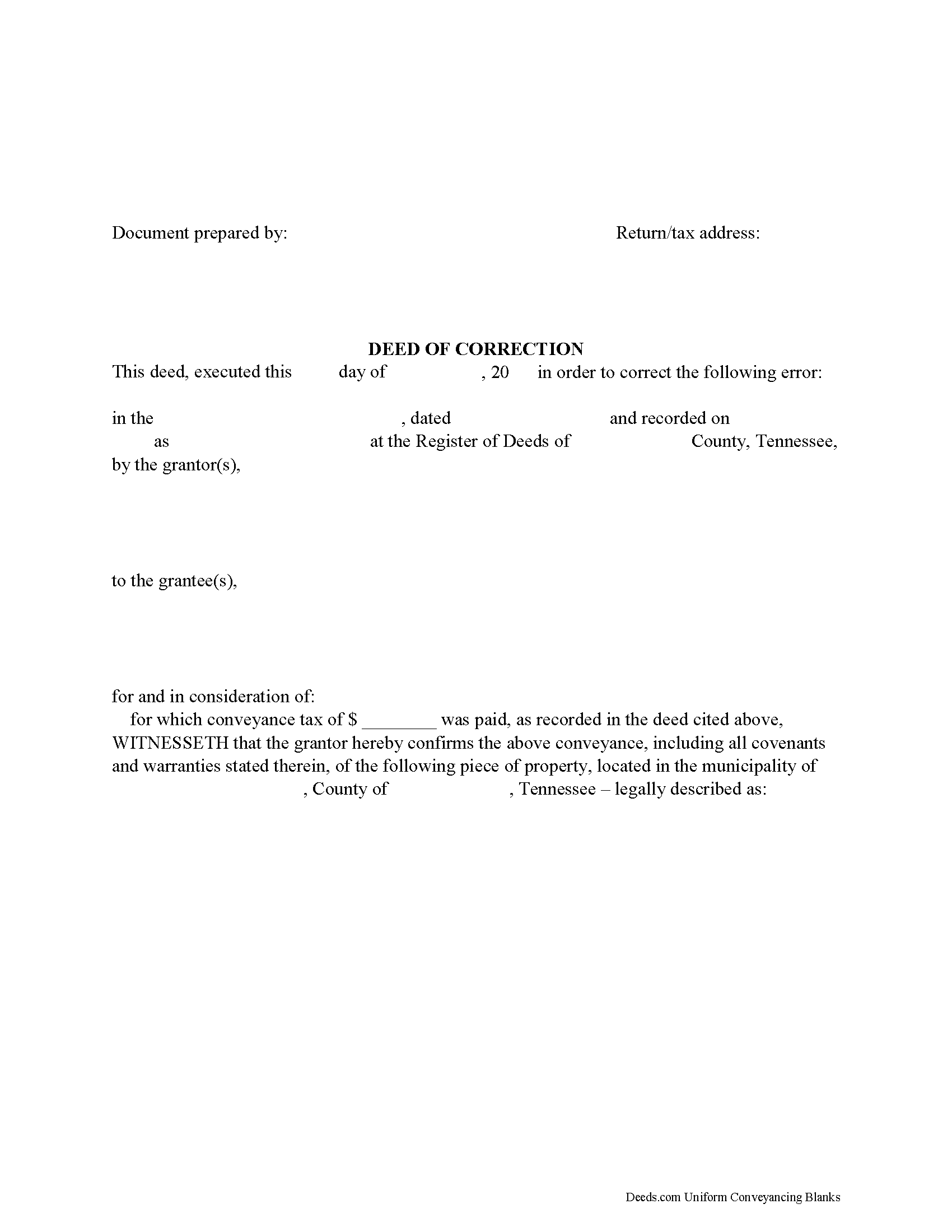
Fayette County Correction Deed Form
Fill in the blank form formatted to comply with all recording and content requirements.
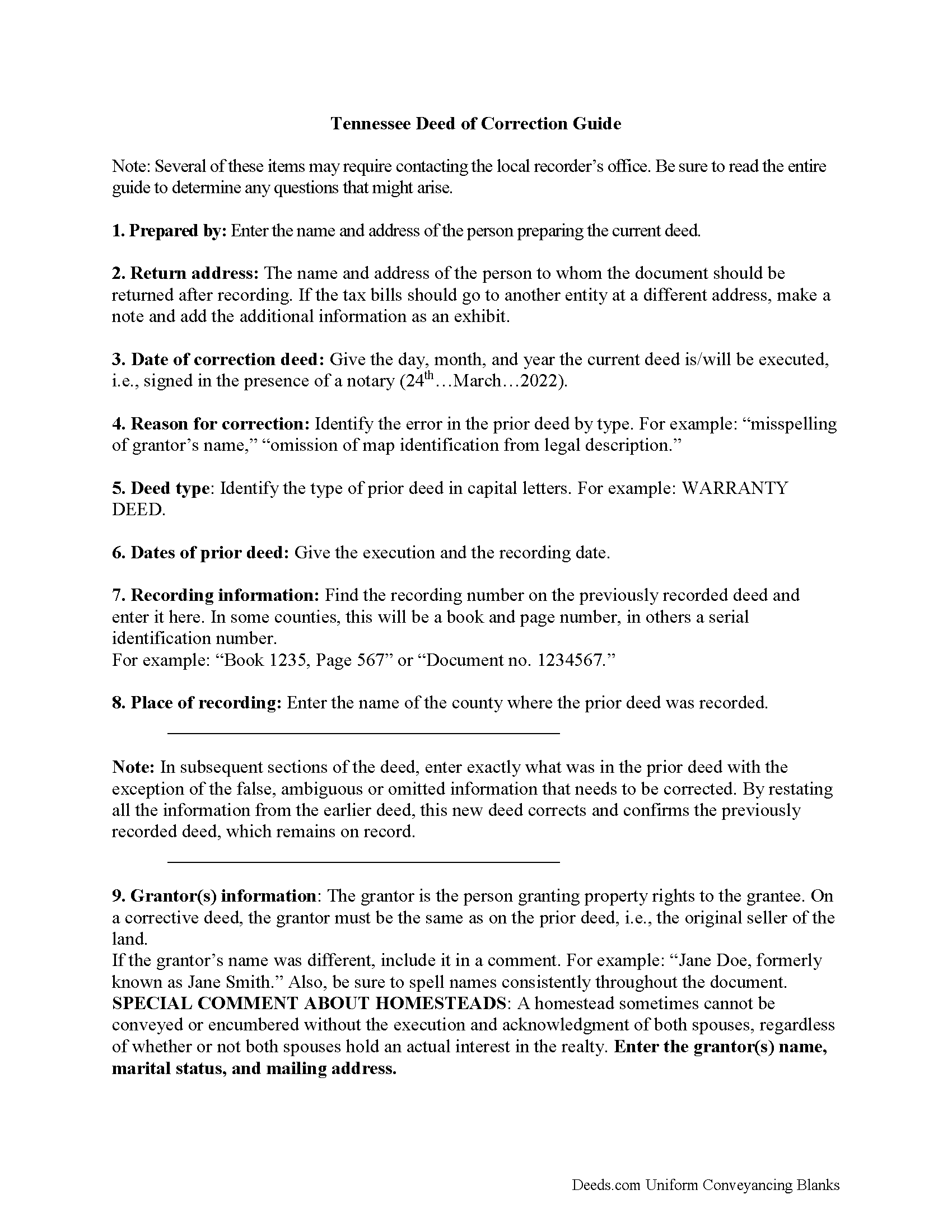
Fayette County Correction Deed Guide
Line by line guide explaining every blank on the form.
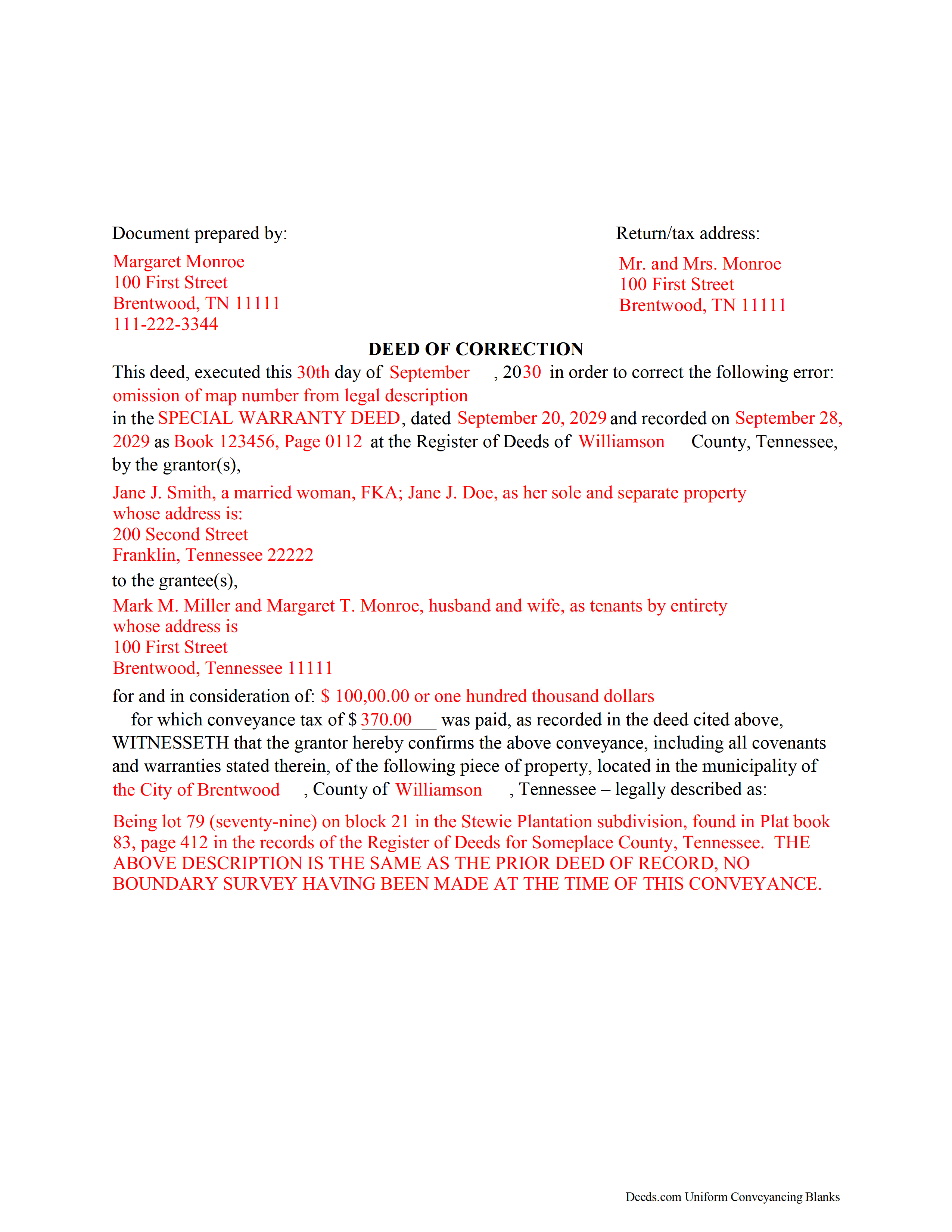
Fayette County Completed Example of a Correction Deed Document
Example of a properly completed form for reference.
All 3 documents above included • One-time purchase • No recurring fees
Immediate Download • Secure Checkout
Additional Tennessee and Fayette County documents included at no extra charge:
Where to Record Your Documents
Fayette County Register of Deeds
Somerville, Tennessee 38068
Hours: 9:00 to 5:00 M-F
Phone: (901) 465-5251
Recording Tips for Fayette County:
- Bring your driver's license or state-issued photo ID
- Ensure all signatures are in blue or black ink
- Leave recording info boxes blank - the office fills these
- Make copies of your documents before recording - keep originals safe
- Recorded documents become public record - avoid including SSNs
Cities and Jurisdictions in Fayette County
Properties in any of these areas use Fayette County forms:
- Braden
- Gallaway
- La Grange
- Laconia
- Macon
- Moscow
- Oakland
- Rossville
- Somerville
- Williston
Hours, fees, requirements, and more for Fayette County
How do I get my forms?
Forms are available for immediate download after payment. The Fayette County forms will be in your account ready to download to your computer. An account is created for you during checkout if you don't have one. Forms are NOT emailed.
Are these forms guaranteed to be recordable in Fayette County?
Yes. Our form blanks are guaranteed to meet or exceed the applicable formatting requirements used for recording in Fayette County, including margin requirements, font requirements, and other layout standards. This guarantee applies to formatting, not to the legal sufficiency of information entered by the user or the suitability of a form for a particular transaction.
Can I reuse these forms?
Yes. You can reuse the forms for your personal use. For example, if you have multiple properties in Fayette County you only need to order once.
What do I need to use these forms?
The forms are PDFs that you fill out on your computer. The free Adobe Acrobat Reader is recommended, and most PDF apps also work. You do NOT enter your property information online - you download the blank forms and complete them privately on your own computer.
Are there any recurring fees?
No. This is a one-time purchase. Nothing to cancel, no memberships, no recurring fees.
How much does it cost to record in Fayette County?
Recording fees in Fayette County vary. Contact the recorder's office at (901) 465-5251 for current fees.
Questions answered? Let's get started!
Use the correction deed to correct errors in a warranty, special warranty, or quitclaim deed in Tennessee.
The best option for correcting a deed in Tennessee is to record a correction deed. Other options, such as a scrivener's affidavit and re-recording the original deed, both have some drawbacks. The scrivener's affidavit can serve as a valid alternative when the original grantor is not available. Tennessee law provides that a corrected copy of the original document may be attached to the affidavit as an exhibit (T.C.A. 66-24-101(a)(27)). Such a copy, however, only carries the weight of an exhibit to an affidavit and not that of a recorded document.
Re-recording the original deed with corrections requires a new execution/signing and notary acknowledgement. The reason for correcting, the actual correction and cross-reference to the prior recording must be made on the existing copy or, depending on county requirements, on a title page. This will not only require fees for the additional page(s) when re-recording, but also creates potential problems during the recording if the added information does not stay within the required document margins.
The easiest and cleanest option for correcting a deed is to record a new correction deed, which makes reference to the original document by date and recording number and gives the reason for the correction by indicating the type of error. Except for the corrected or omitted information, it duplicates the text of the prior deed. The original parties must sign in the presence of a notary, who then acknowledges this new instrument prior to recording. In some Tennessee counties, a corrective deed must have a new oath of value, if the original deed is more than 6 months old.
(Tennessee CD Package includes form, guidelines, and completed example)
Important: Your property must be located in Fayette County to use these forms. Documents should be recorded at the county recording office listed above.
This Correction Deed meets all recording requirements specific to Fayette County.
Our Promise
The documents you receive here are guaranteed to meet or exceed the applicable Fayette County recording format requirements. If there is a rejection caused by our formatting, we will correct the issue or refund your payment. This guarantee applies to document formatting only and does not extend to information entered by the user, the selection of the form, or the legal effect of the completed document.
Save Time and Money
Get your Fayette County Correction Deed form done right the first time with Deeds.com Uniform Conveyancing Blanks. At Deeds.com, we understand that your time and money are valuable resources, and we don't want you to face a penalty fee or rejection imposed by a county recorder for submitting nonstandard documents. We constantly review and update our forms to meet rapidly changing state and county recording requirements for roughly 3,500 counties and local jurisdictions.
4.8 out of 5 - ( 4,832 Reviews )
Ralph O. 5 out of 5 stars
The experience has been excellent. The site gave me exactly what I was looking for. The documentation we easy to understand.
We are grateful for your feedback and looking forward to serving you again. Thank you!
Molly A. 5 out of 5 stars
Super easy to download and Deeds dot com had the documents I was looking for and set up in a manner that the County Government office would accept. Nice! Thank you, Deeds!
Thank you for your feedback. We really appreciate it. Have a great day!
Sonia C. 5 out of 5 stars
Ordered and received the appropriate quitclaim deed docs for my area. Recorded with no questions or issues. All arounds solid product and service.
Thank you for your feedback. We really appreciate it. Have a great day!
Ruthea M. 4 out of 5 stars
It was easy to download, but you need to open an account before doing so. That was not clear.
Your insights are invaluable to us and help us strive for better service. Thank you for taking the time to share your thoughts.
Bryan R. 5 out of 5 stars
Deeds.com was very helpful and user friendly! Their team has been very prompt to respond to my emails. I highly recommend Deeds.com to fulfill deed recording needs!
Thanks so much, Bryan! We appreciate the kind words and your recommendation.
Judie G. 5 out of 5 stars
Review: Forms are on point, to the point, and cover the vast majority of situations. Would not suggest if your deal is overly complicated but most situations are not complicated at all.
Thank you!
John H. 5 out of 5 stars
This was pretty easy especially for a old guy like me.
Thanks John, glad we could help!
Kateri S. 4 out of 5 stars
I had to add a section on the form to accomodate the former Grantor/Grantee informtion before it could be recorded
Your insights are invaluable to us and help us strive for better service. Thank you for taking the time to share your thoughts.
Amanda W. 5 out of 5 stars
Very helpful.
Thank you!
Katherine A R. 5 out of 5 stars
It's very easy to navigate through the website to find the service that you want. Great program.
Thank you!
Reida S. 5 out of 5 stars
Have used two times. Smooth transaction both times. Fast, simple and easy to use system. Would use them again in the future.
Thank you for your feedback. We really appreciate it. Have a great day!
Christine P. 5 out of 5 stars
Great service! Just what I needed and a bunch of informative extras too. Thanks!
We appreciate your business and value your feedback. Thank you. Have a wonderful day!
Carol M. 5 out of 5 stars
Very user friendly. Glad I found your site.
Thank you!
Mary Ann G. 2 out of 5 stars
Couldn't find the deed form that I needed. Needs to have a short summary to determine the correct form.
Sorry to hear that Mary Ann, we appreciate your feedback.
DELORES D. 5 out of 5 stars
SO EASY. love that there is an example to follow and instructions.
Thank you!