Dickson County Deed of Trust Form
Last validated October 30, 2026 by our Forms Development TeamFormatted for recording in Dickson County, for property anywhere in the county: rural and unincorporated areas as well as Burns, Charlotte, Cumberland Furnace, Dickson, Slayden, Vanleer, White Bluff.
- 8 documents included
- Immediate PDF download
- Formatting guarantee
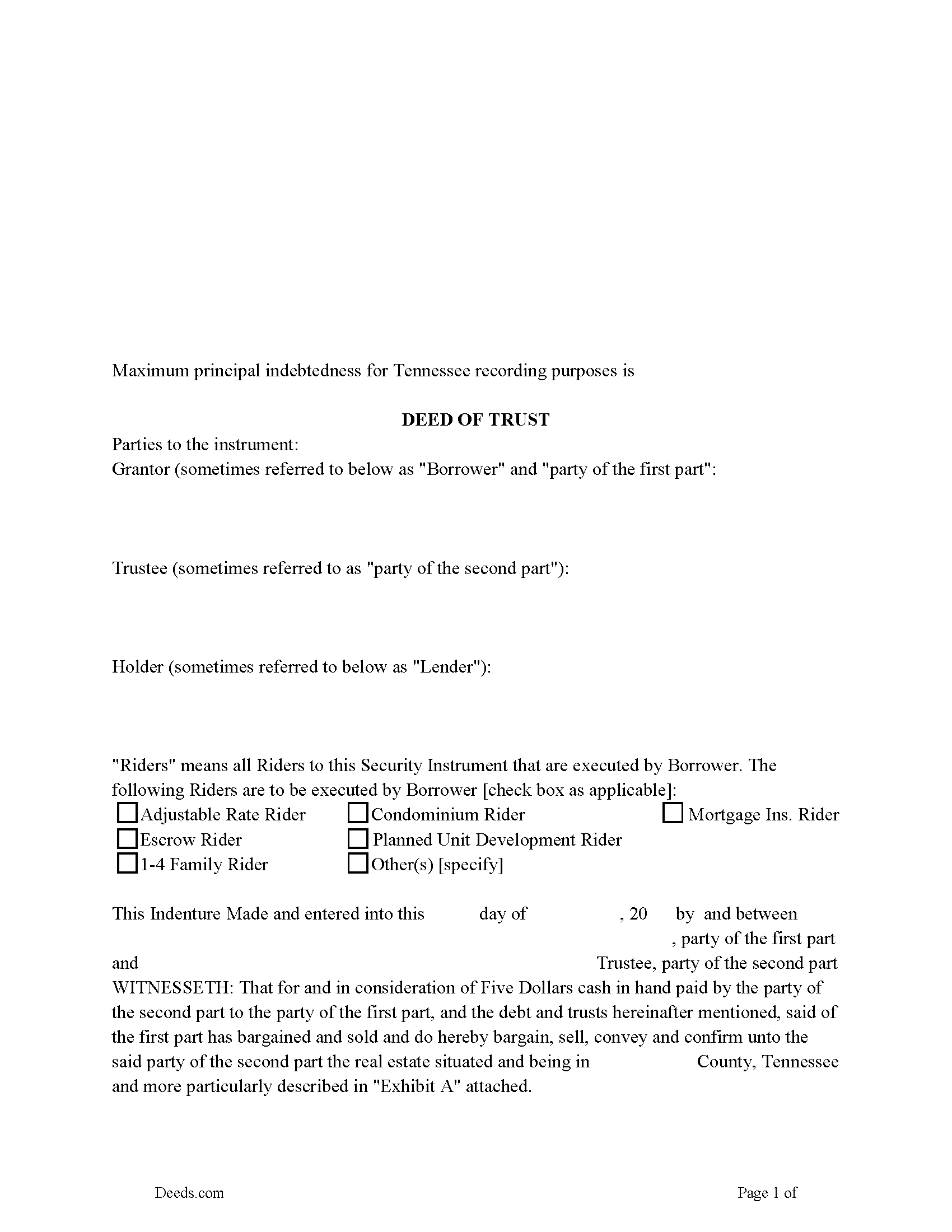
Dickson County Deed of Trust Form
Fill in the blank form formatted to comply with all recording and content requirements.
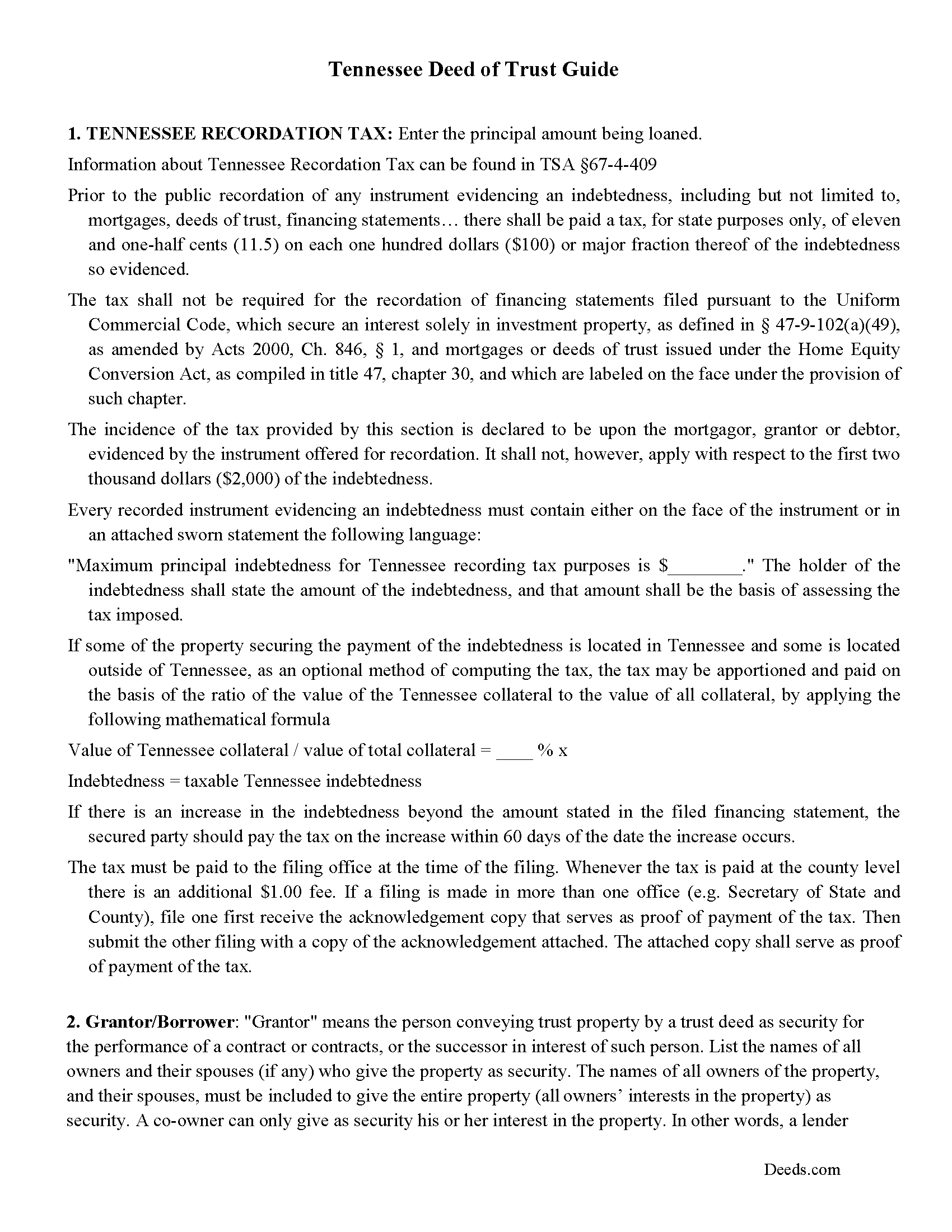
Dickson County Deed of Trust Guidelines
Line by line guide explaining every blank on the form.
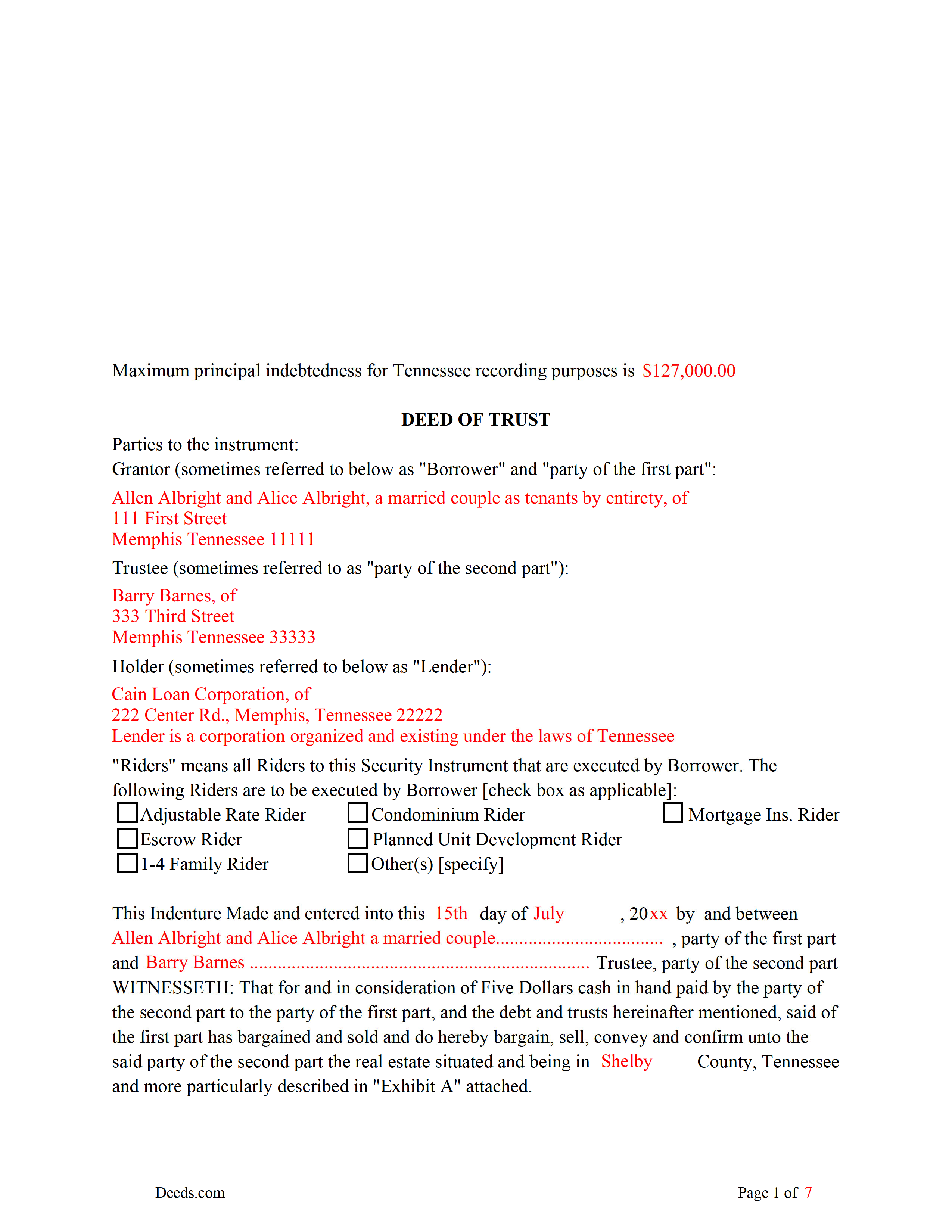
Dickson County Completed Example of the Deed of Trust
Example of a properly completed form for reference.
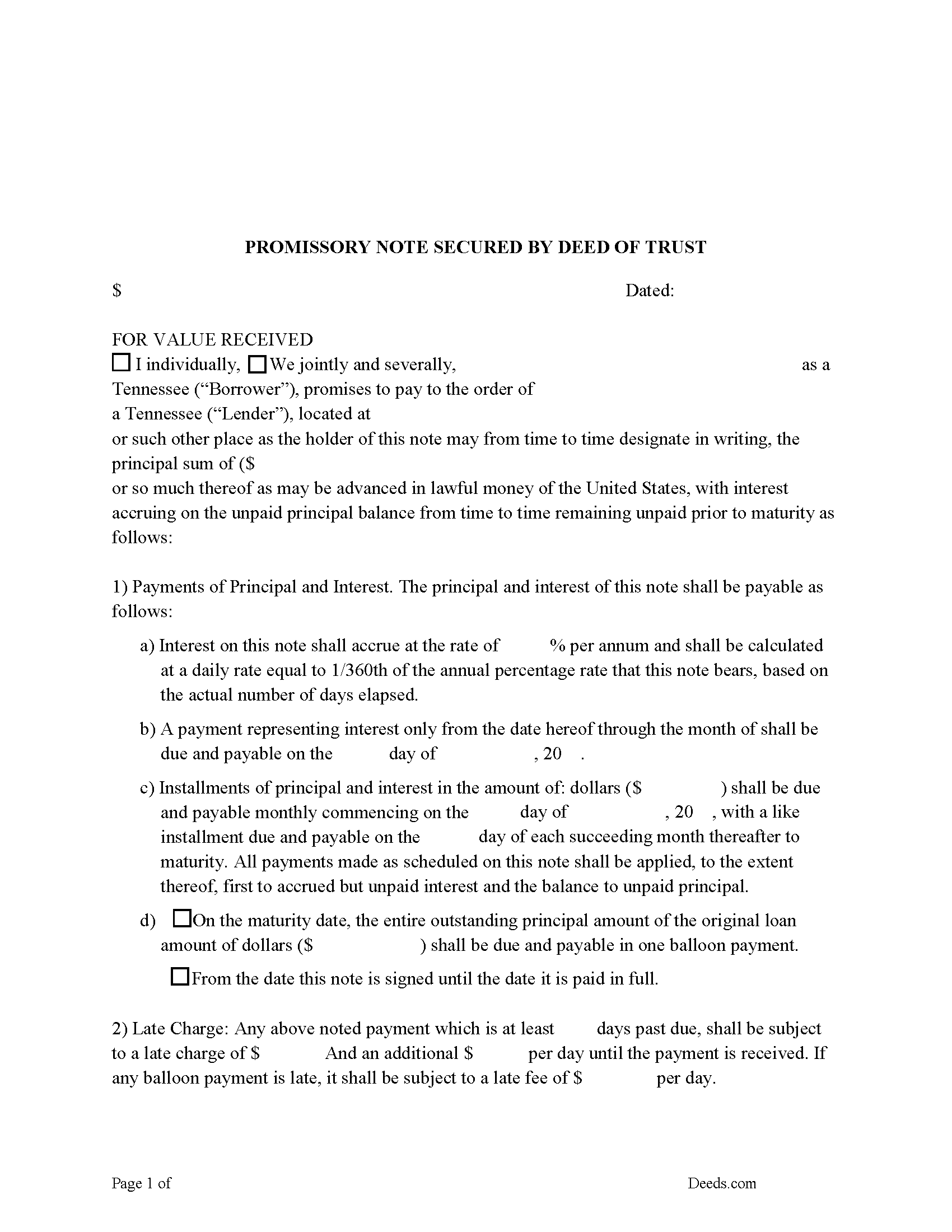
Dickson County Promissory Note Form
Note that is secured by the Deed of Trust. Can be used for traditional installments or balloon payment.
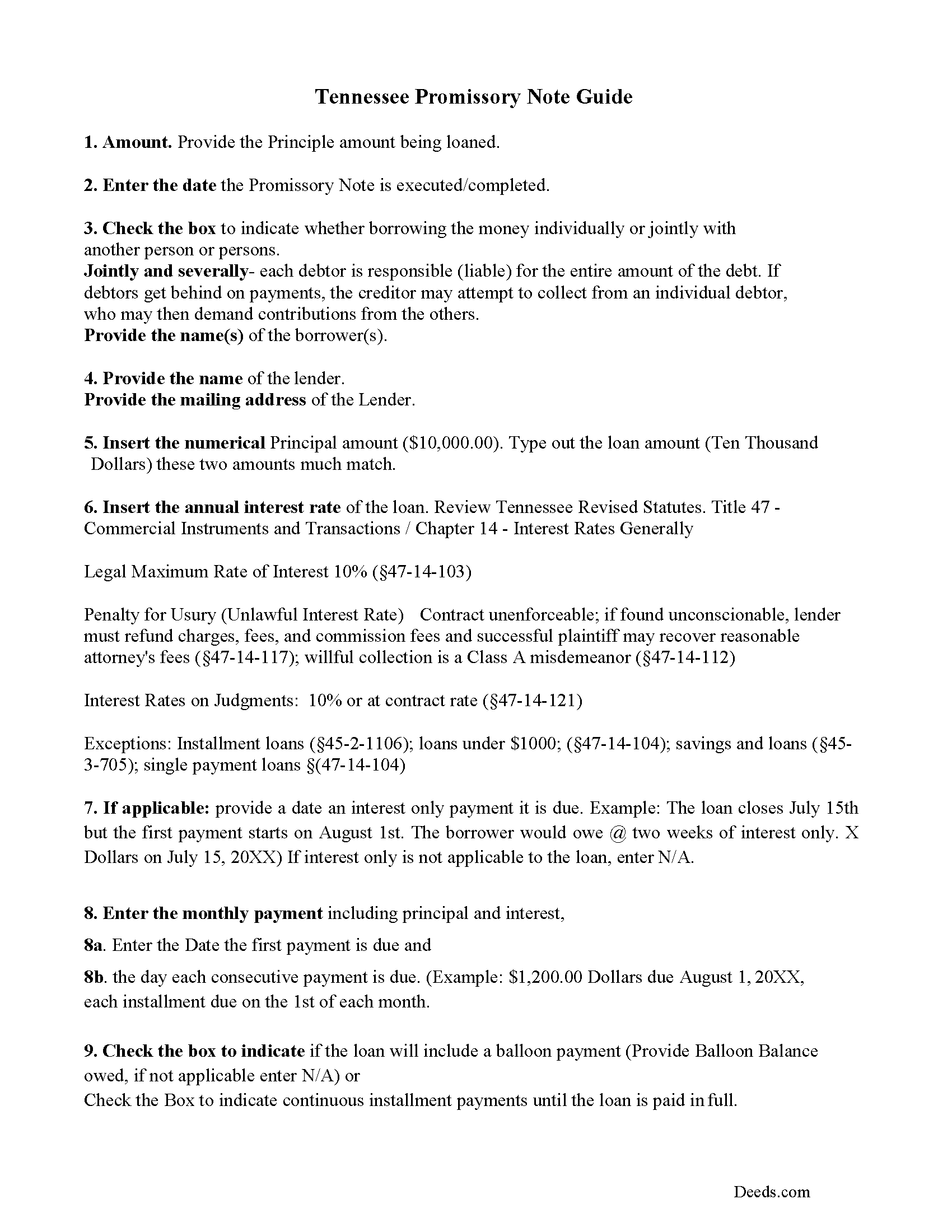
Dickson County Promissory Note Guidelines
Line by line guide explaining every blank on the form.
Dickson County Completed Example of the Promissory Note Document
This Tennessee Promissory Note is filled in and highlighted, showing how the guideline information, can be interpreted into the document
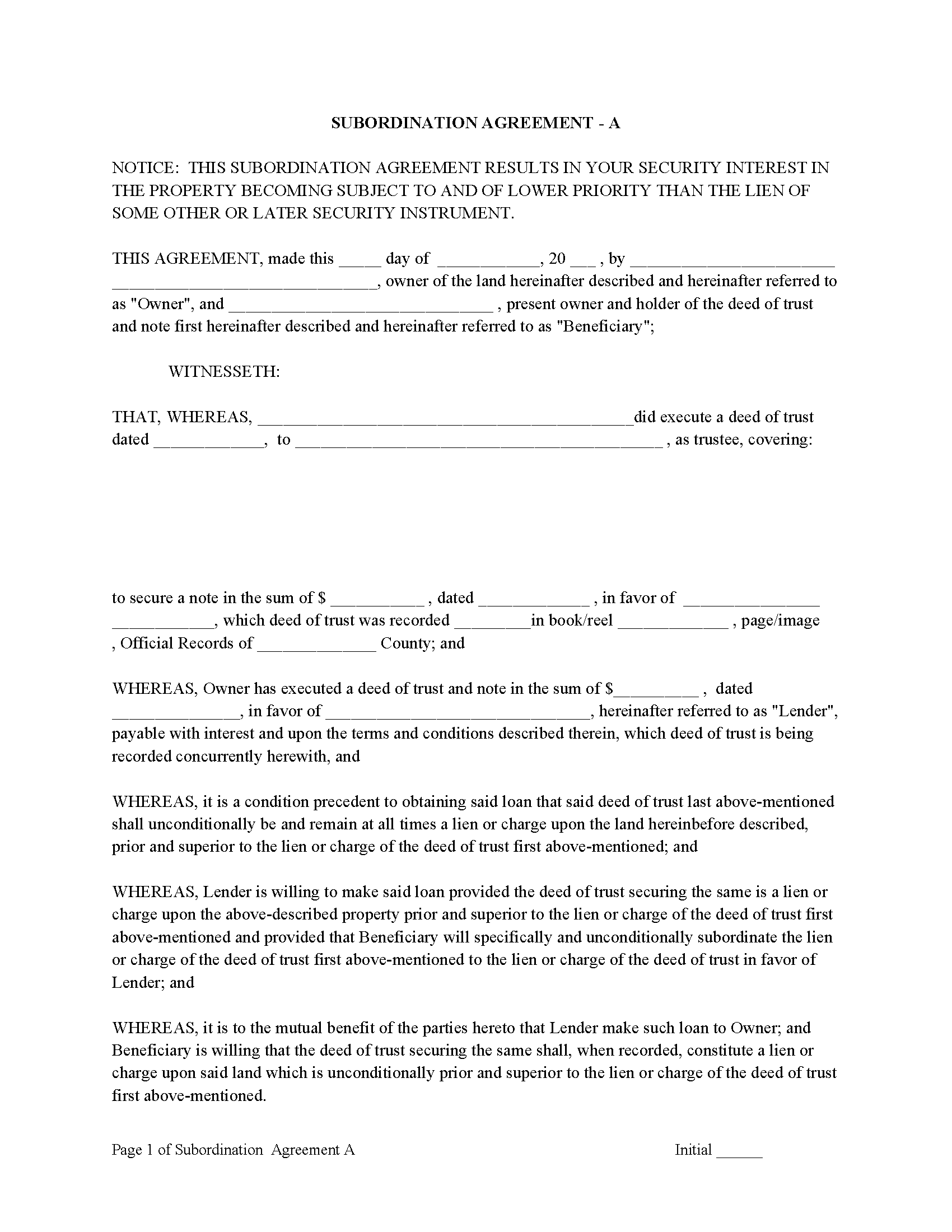
Dickson County Subordination Agreements
Used to place priority on claim of debt. Included are 4 clauses for unique situations. If needed, add to Deed of Trust as an addendum or rider.
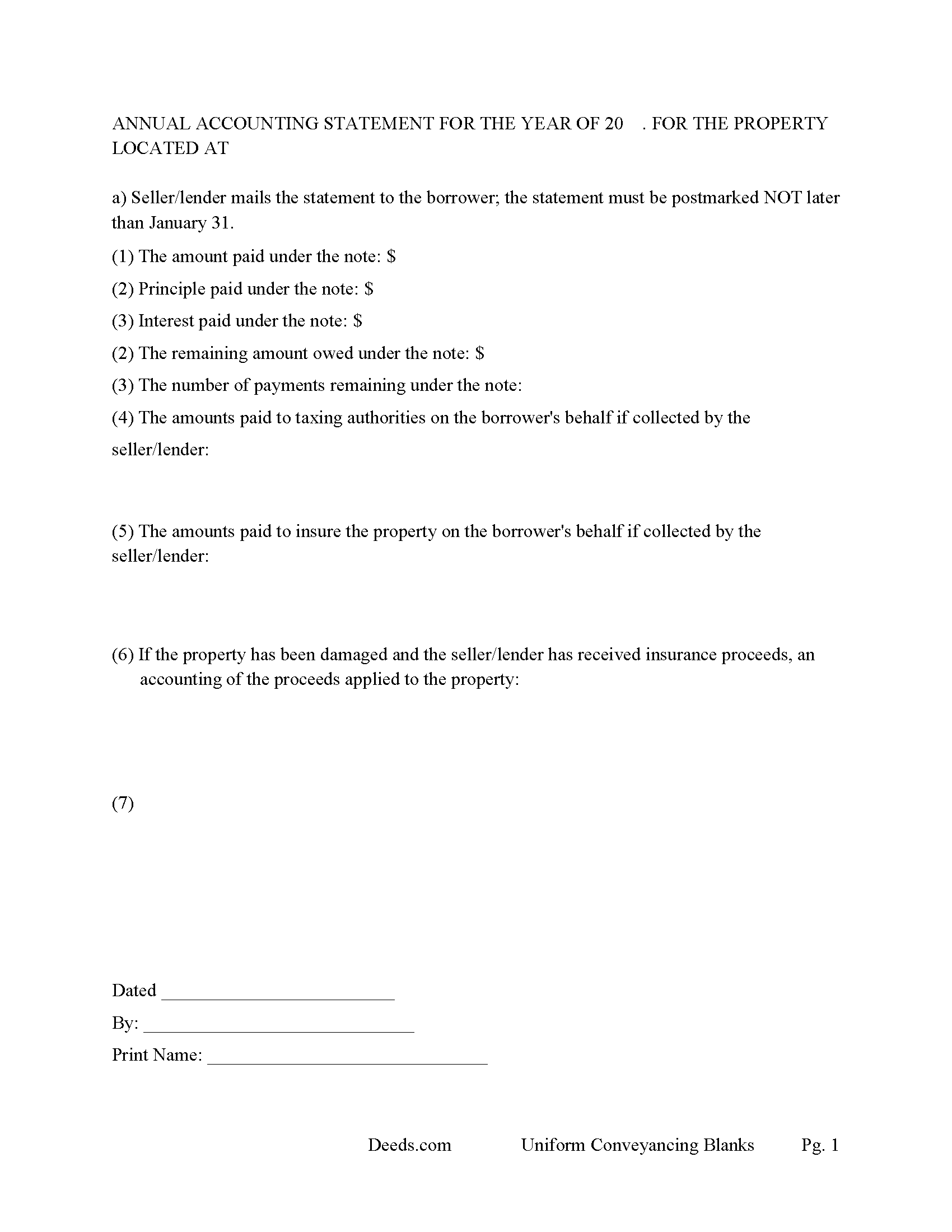
Dickson County Annual Accounting Statement
Mail to borrower for fiscal year reporting.
All 8 documents above included • One-time purchase • No recurring fees
Immediate Download • Secure Checkout
Additional Tennessee and Dickson County documents included at no extra charge:
Where to Record Your Documents
Dickson County Register of Deeds
Charlotte, Tennessee 37036
Hours: 8:00am to 4:00pm M-F
Phone: (615) 789-5123
Recording Tips for Dickson County:
- Bring your driver's license or state-issued photo ID
- Ensure all signatures are in blue or black ink
- Ask about accepted payment methods when you call ahead
- Ask for certified copies if you need them for other transactions
- Ask if they accept credit cards - many offices are cash/check only
Cities and Jurisdictions in Dickson County
Properties in any of these areas use Dickson County forms:
- Burns
- Charlotte
- Cumberland Furnace
- Dickson
- Slayden
- Vanleer
- White Bluff
Hours, fees, requirements, and more for Dickson County
How do I get my forms?
Forms are available for immediate download after payment. The Dickson County forms will be in your account ready to download to your computer. An account is created for you during checkout if you don't have one. Forms are NOT emailed.
Are these forms guaranteed to be recordable in Dickson County?
Yes. Our form blanks are guaranteed to meet or exceed the applicable formatting requirements used for recording in Dickson County, including margin requirements, font requirements, and other layout standards. This guarantee applies to formatting, not to the legal sufficiency of information entered by the user or the suitability of a form for a particular transaction.
Can I reuse these forms?
Yes. You can reuse the forms for your personal use. For example, if you have multiple properties in Dickson County you only need to order once.
What do I need to use these forms?
The forms are PDFs that you fill out on your computer. The free Adobe Acrobat Reader is recommended, and most PDF apps also work. You do NOT enter your property information online - you download the blank forms and complete them privately on your own computer.
Are there any recurring fees?
No. This is a one-time purchase. Nothing to cancel, no memberships, no recurring fees.
How much does it cost to record in Dickson County?
Recording fees in Dickson County vary. Contact the recorder's office at (615) 789-5123 for current fees.
Questions answered? Let's get started!
A deed of trust (DOT), is a document that conveys title to real property to a trustee as security for a loan until the grantor (borrower) repays the lender according to terms defined in an attached promissory note. It's similar to a mortgage, but differs in that mortgages only include two parties (borrower and lender).
In Tennessee, a Deed of Trust is the most commonly used instrument to secure a loan. Foreclosure can be done non-judicially, saving time and expense. This process is called a Trustee Sale.
There are three parties in this Deed of Trust:
1- The Grantor (Borrower)
2- Holder (Lender) and a
3- Trustee (Neutral Third Party)
Basic Concept. The Trustor (Borrower) conveys property title to a Trustee (Neutral Party). A Trustee or beneficiary/Lender can take an action against any person for damages.
This form can be used by a party selling/financing their own house, rental, condominium or small office building. A Promissory Note and Deed of Trust combined with stringent default terms, can be advantageous to the Lender.
(Tennessee DOT Package includes form, guidelines, and completed example)
Important: Your property must be located in Dickson County to use these forms. Documents should be recorded at the county recording office listed above.
This Deed of Trust meets all recording requirements specific to Dickson County.
Our Promise
The documents you receive here are guaranteed to meet or exceed the applicable Dickson County recording format requirements. If there is a rejection caused by our formatting, we will correct the issue or refund your payment. This guarantee applies to document formatting only and does not extend to information entered by the user, the selection of the form, or the legal effect of the completed document.
Save Time and Money
Get your Dickson County Deed of Trust form done right the first time with Deeds.com Uniform Conveyancing Blanks. At Deeds.com, we understand that your time and money are valuable resources, and we don't want you to face a penalty fee or rejection imposed by a county recorder for submitting nonstandard documents. We constantly review and update our forms to meet rapidly changing state and county recording requirements for roughly 3,500 counties and local jurisdictions.
4.8 out of 5 - ( 4,843 Reviews )
Tong B. 5 out of 5 stars
hi, It is very easy to do it. tanks.
Thank you!
Dawna M. 3 out of 5 stars
Easy to use website and immediate documents appropriate for my area. My only complaint is that the forms had an alignment problem where the fields that were filled in by me did not line up with the template text. I tried to correct it to no avail so I ended up having to retype the entire document. I purchased two templates and both had the same issue.
We appreciate your business and value your feedback. Thank you. Have a wonderful day!
Ralph H. 5 out of 5 stars
They must have busy when I applied. The screen said it should be done in under10 mins unless heavier traffic. I was a little nervous because of a time deadline. It was completed in 45 mins and for under $30 it was worth every penny to have my deed details at my fingertips. So I give it a 5 on ease of use and quick handling. You can get it done less expensively, but great in a time crunch.
We appreciate your business and value your feedback. Thank you. Have a wonderful day!
KELLY P. 5 out of 5 stars
That was easy!!
Thank you!
Pegi B. 5 out of 5 stars
This service is fast and easy to use. We will definitely use this service again. Thank you.
We appreciate your business and value your feedback. Thank you. Have a wonderful day!
Joyce S. 5 out of 5 stars
I am very pleased with Deeds.com. I have every form and information I need to meet Legal requirements. Thank You!
Thank you for your feedback. We really appreciate it. Have a great day!
Marilyn C. 5 out of 5 stars
My document got recorded right away. Thank you! Will use again in the future when needed.
We appreciate your business and value your feedback. Thank you. Have a wonderful day!
Debra M. 5 out of 5 stars
Since the recorder's office is closed, due to Covid, this worked well to submit my Quit Claim Deed. I was a bit confused with the direction and download. But, I think I got her done! We'll see if I get recorded and confirmation is received. I may be back
Thank you for your feedback. We really appreciate it. Have a great day!
Stephen M. 5 out of 5 stars
Using the service is very quick and easy. The staff was very attentive, knowledgeable, professional and followed up promptly, and kept me informed regarding the status of my package.
Thank you, Stephen! We appreciate your feedback and are glad our team made the process smooth and efficient for you.
Janet J. 5 out of 5 stars
These forms were very easy to both download and print, as well as fill out on the site and then print. The instructions are clear and concise. We have not yet been to the County to file them, but we are expecting no issues.
We appreciate your business and value your feedback. Thank you. Have a wonderful day!
Meredith B. 5 out of 5 stars
Clean and easy process. Super attentive and helpful.
Thank you!
SHANE P. 5 out of 5 stars
Easy to use.
Thank you!
Billy R. 5 out of 5 stars
Thank you...........easy process........Billy C
Thank you!
Robert D. 5 out of 5 stars
These forms made it so easy to update the property deed and the instructions and sample filled out form were most helpful. You might want to add some brief information on when or why to use the Acknowledgment in Individual Capacity notary form. In my case the notary was required to use it but also filled in the brief notarize section on the Affidavit as well. She said the one on the Affidavit had some value because it showed she had witnessed the my signature. But this was only after I suggested both be filled in as she initially thought to just strike through it and just use the Acknowledgment in Individual Capacity form.
Thank you for your feedback. We really appreciate it. Have a great day!
Bonnie B. 5 out of 5 stars
Very easy process for both quit claim and beneficiary deed forms and explanations.. also gives an example form filled out to ensure you have something to go by when filling out your own for accuracy.. the forms are for your specific county, city, and state so no problems when you go to record at deeds office!
Thank you, Bonnie! County-specific forms, clear instructions, and a filled-in example to guide you — that's exactly the experience we aim for. So glad both deeds went smoothly from form to recording. We appreciate the kind words!