Jefferson County Demand for Enforcement Form
Last validated August 17, 2026 by our Forms Development TeamFormatted for recording in Jefferson County, for property anywhere in the county: rural and unincorporated areas as well as Dandridge, Jefferson City, New Market, Strawberry Plains, White Pine.
- 3 documents included
- Immediate PDF download
- Formatting guarantee
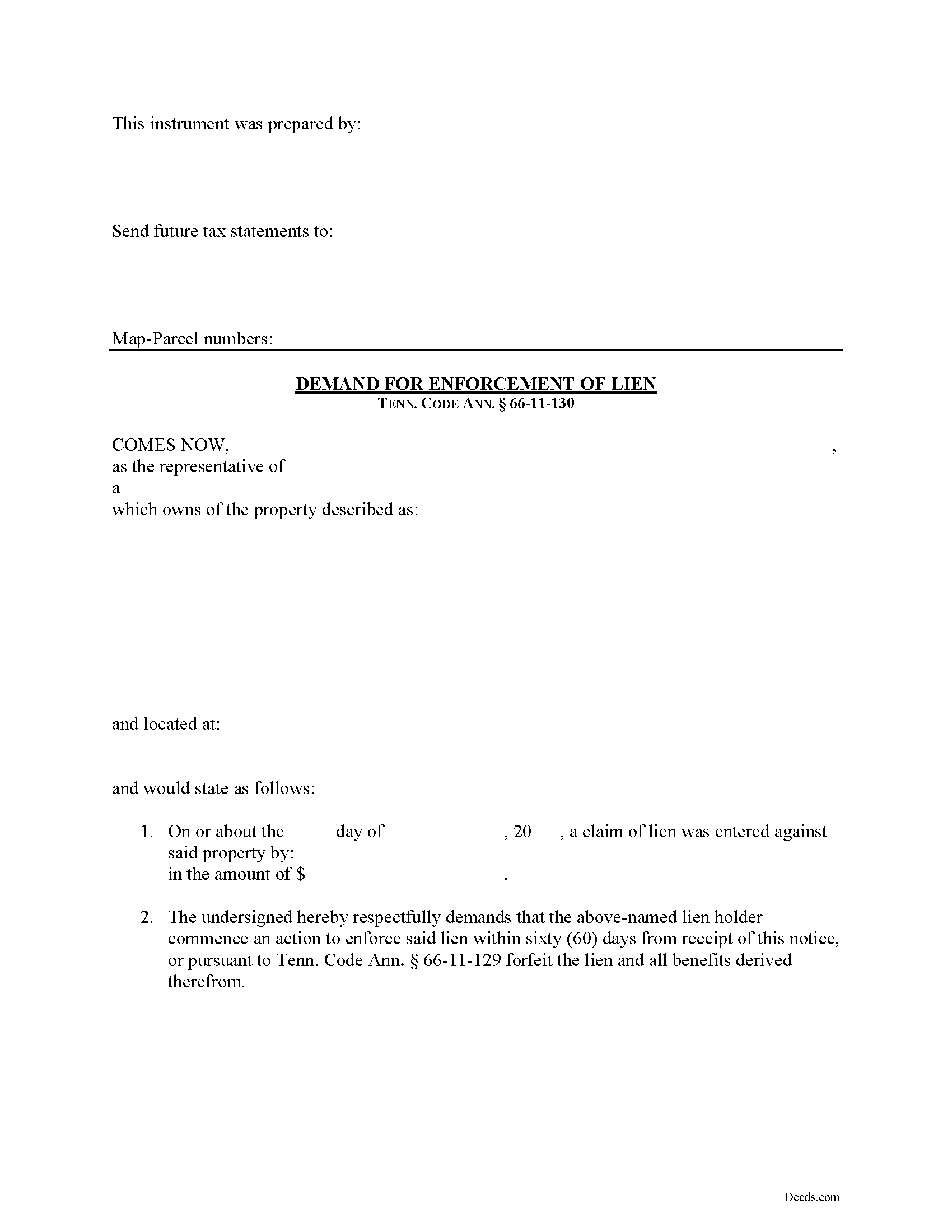
Jefferson County Demand for Enforcement Form
Fill in the blank Demand for Enforcement form formatted to comply with all Tennessee recording and content requirements.
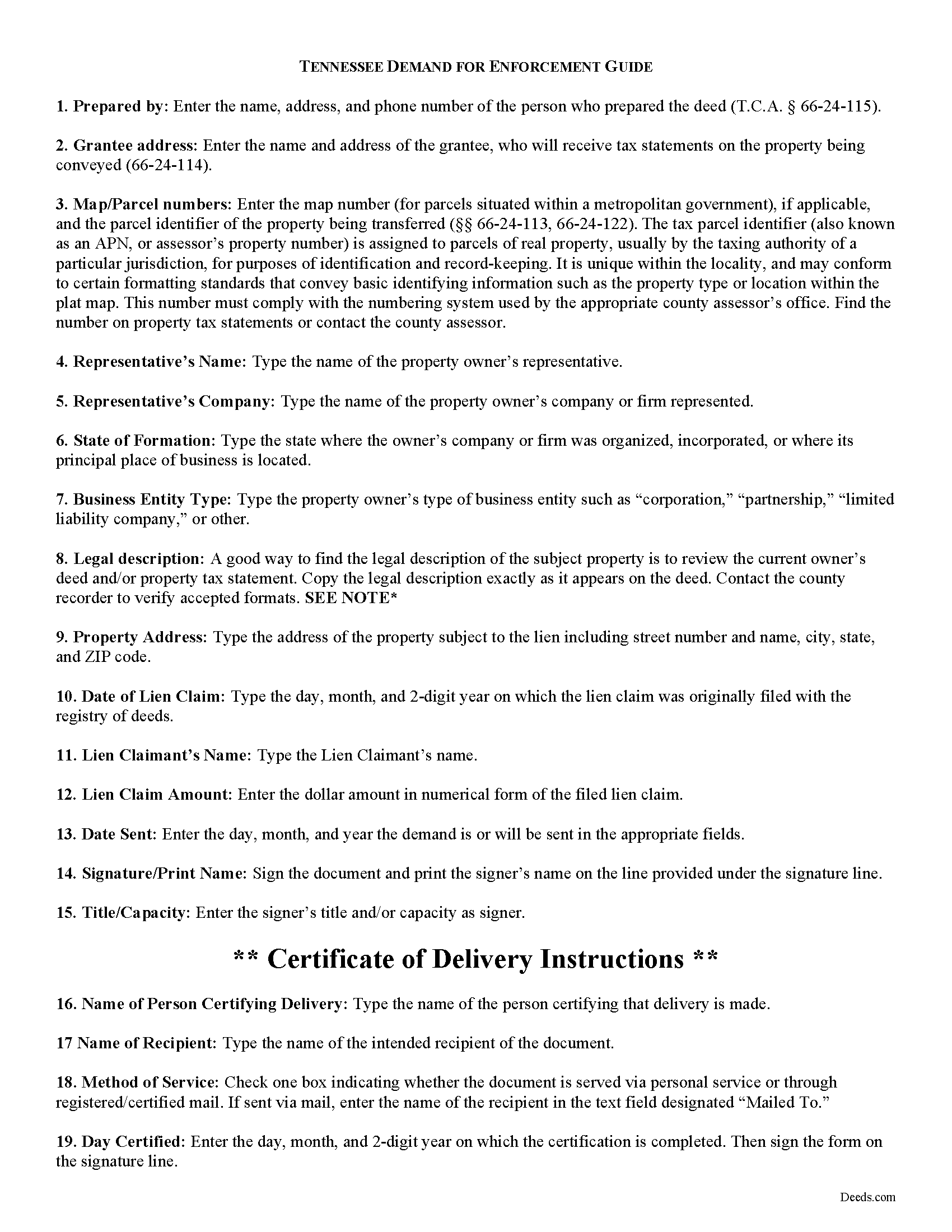
Jefferson County Demand for Enforcement Guide
Line by line guide explaining every blank on the form.
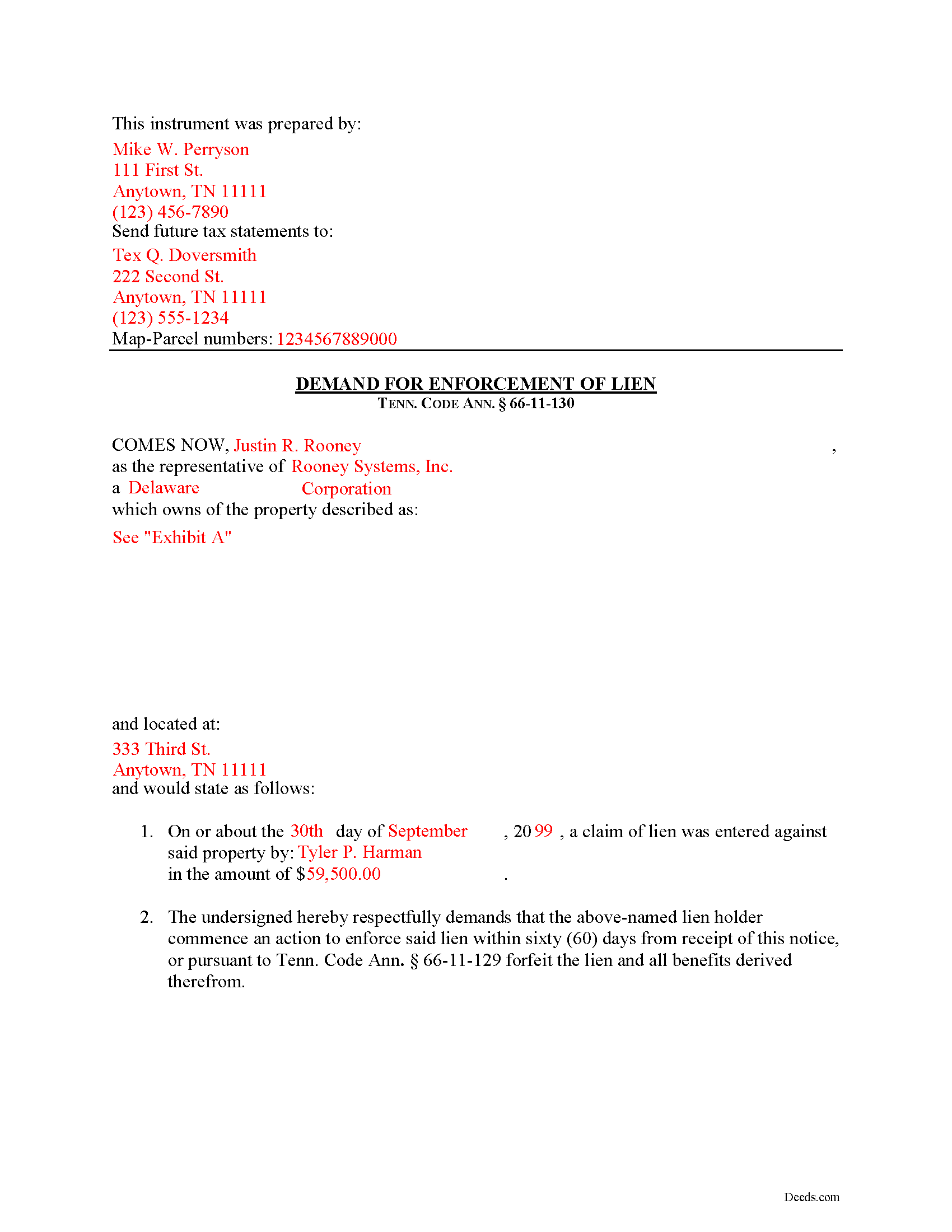
Jefferson County Completed Example of the Demand for Enforcement Document
Example of a properly completed form for reference.
All 3 documents above included • One-time purchase • No recurring fees
Immediate Download • Secure Checkout
Additional Tennessee and Jefferson County documents included at no extra charge:
Where to Record Your Documents
Jefferson County Register of Deeds
Dandridge, Tennessee 37725
Hours: 8:00 to 4:00 M-F
Phone: (865) 397-2918
Recording Tips for Jefferson County:
- Bring your driver's license or state-issued photo ID
- Ensure all signatures are in blue or black ink
- Ask about accepted payment methods when you call ahead
- Ask for certified copies if you need them for other transactions
- Ask if they accept credit cards - many offices are cash/check only
Cities and Jurisdictions in Jefferson County
Properties in any of these areas use Jefferson County forms:
- Dandridge
- Jefferson City
- New Market
- Strawberry Plains
- White Pine
Hours, fees, requirements, and more for Jefferson County
How do I get my forms?
Forms are available for immediate download after payment. The Jefferson County forms will be in your account ready to download to your computer. An account is created for you during checkout if you don't have one. Forms are NOT emailed.
Are these forms guaranteed to be recordable in Jefferson County?
Yes. Our form blanks are guaranteed to meet or exceed the applicable formatting requirements used for recording in Jefferson County, including margin requirements, font requirements, and other layout standards. This guarantee applies to formatting, not to the legal sufficiency of information entered by the user or the suitability of a form for a particular transaction.
Can I reuse these forms?
Yes. You can reuse the forms for your personal use. For example, if you have multiple properties in Jefferson County you only need to order once.
What do I need to use these forms?
The forms are PDFs that you fill out on your computer. The free Adobe Acrobat Reader is recommended, and most PDF apps also work. You do NOT enter your property information online - you download the blank forms and complete them privately on your own computer.
Are there any recurring fees?
No. This is a one-time purchase. Nothing to cancel, no memberships, no recurring fees.
How much does it cost to record in Jefferson County?
Recording fees in Jefferson County vary. Contact the recorder's office at (865) 397-2918 for current fees.
Questions answered? Let's get started!
Demand for Enforcement of a Mechanic's Lien in Tennessee
Liens can be trouble when placed on your property, especially if you're trying to sell or refinance. Regardless of the reason for the lien, there are steps an owner can take to speed up the time that the lien can be effective. In Tennessee, filing a Demand for Enforcement of a filed lien will accelerate the lien action, requiring the lien claimant to enforce the lien or forfeit it.
Upon written demand of the owner, the owner's agent, or prime contractor, served on the lienor, requiring the lienor to commence action to enforce the lienor's lien, and describing the real property in the demand, the action shall be commenced, or the claim filed in a creditors' or foreclosure proceeding, within sixty (60) days after service, or the lien shall be forfeited. Tenn. Prop. Code 66-11-130.
The Demand for Enforcement contains the following: 1) the lien claimant's name (including business name and entity type), 2) a description of the property bound under the lien, 3) date of the lien claim, and 4) amount of the claim. The person sending the document must complete a certificate of delivery that specifies the method of service and to whom it is directed. Serving the document to the lien claimant is effective to demand he or she enforce the lien within 60 days.
This article is provided for informational purposes only and should not be considered legal advice or relied upon as any substitute for speaking with an attorney. Please consult a Tennessee attorney familiar with construction law for any questions about the Demand for Enforcement or for any other issues regarding mechanic's liens.
Important: Your property must be located in Jefferson County to use these forms. Documents should be recorded at the county recording office listed above.
This Demand for Enforcement meets all recording requirements specific to Jefferson County.
Our Promise
The documents you receive here are guaranteed to meet or exceed the applicable Jefferson County recording format requirements. If there is a rejection caused by our formatting, we will correct the issue or refund your payment. This guarantee applies to document formatting only and does not extend to information entered by the user, the selection of the form, or the legal effect of the completed document.
Save Time and Money
Get your Jefferson County Demand for Enforcement form done right the first time with Deeds.com Uniform Conveyancing Blanks. At Deeds.com, we understand that your time and money are valuable resources, and we don't want you to face a penalty fee or rejection imposed by a county recorder for submitting nonstandard documents. We constantly review and update our forms to meet rapidly changing state and county recording requirements for roughly 3,500 counties and local jurisdictions.
4.8 out of 5 - ( 4,832 Reviews )
Susan G. 5 out of 5 stars
This is very helpful.
Thank you!
Richard W. 5 out of 5 stars
Very happy I tried your service/product. The quit deed forms were excepted by the register of deeds with no issue. Thank You
We appreciate your business and value your feedback. Thank you. Have a wonderful day!
WALTER L. 5 out of 5 stars
GREAT SITE, HAD ALL THE FORMS I NEEDED AND INSTRUCTIONS WITH ILLUSTRATIONS.
Thank you!
Lauren W. 4 out of 5 stars
I took a chance and downloaded the Beneficiary Deed form -- would have liked to have been able to see the form before I paid, but I took a chance as everywhere else I looked online wanted me to fill out form online and then pay $30+ for each deed. I'm doing several, so I was glad to be able to just download the blank form that appears to be one I can directly type into on my computer. Yay! Would use your site again if needed. Thanks!
We appreciate your business and value your feedback. Thank you. Have a wonderful day!
Dr. Rev. Cheryl T. 5 out of 5 stars
five stars thanks so m,uch so easy to use and save. Good Job... Peace & many Blessings Sincerely, dr. Rev. Cheryl israel tibbrine
Thank you for your feedback. We really appreciate it. Have a great day!
Rebecca C. 5 out of 5 stars
I actually like this site, Its quick and user friendly.
We appreciate your business and value your feedback. Thank you. Have a wonderful day!
Angelique A. 5 out of 5 stars
Very helpful and quick customer service. Highly recommended
Thank you for your feedback Angelique, we appreciate you. Have a great day!
James B. 5 out of 5 stars
All required forms readily available at fair price. Easy to create account. Immediately acquired documents upon order.
We appreciate your business and value your feedback. Thank you. Have a wonderful day!
Jeanette S. 5 out of 5 stars
Your site was easy to figure out after a few mistakes on my part. Messages were returned quickly. Very convenient for our recording of documents. I will recommend using this method for recording in future. Thank you for working fast in our recording.
Thank you for your feedback. We really appreciate it. Have a great day!
Tracy A. 5 out of 5 stars
Thanks, it was a big help!!!
Thank you!
Rhonda D. 3 out of 5 stars
The boxes do not allow you to add the entire information. The after recording return to box would not let me add a zipcode.
Thanks for the feedback Rhonda, we’ll take a look at that input field.
Carol T. 5 out of 5 stars
Very east process. Good job!
Thank you for your feedback. We really appreciate it. Have a great day!
Lynn W. 5 out of 5 stars
Very fast and easy
We appreciate your review and your business. Thank you.
Leo H. 5 out of 5 stars
The deed was very easy to use and the material provided were helpful in completing the form. We haven't filed it yet, but I assume that all will go well.
We appreciate your business and value your feedback. Thank you. Have a wonderful day!
Karen F. 3 out of 5 stars
Form needs to be gender neutral. Also, while the format prompts for the correct information to be included, more of the form needs to be open for editing and to eliminate unnecessary spacing.
Karen, thank you for your helpful feedback. We appreciate you pointing this out and are reviewing the form to make the language gender neutral, improve editability, and reduce unnecessary spacing so it is easier to complete.