Hardin County Partial Release of Deed of Trust Form
Last validated November 16, 2026 by our Forms Development TeamFormatted for recording in Hardin County, for property anywhere in the county: rural and unincorporated areas as well as Counce, Crump, Morris Chapel, Olivehill, Pickwick Dam, Saltillo, Savannah, Shiloh.
- 3 documents included
- Immediate PDF download
- Formatting guarantee
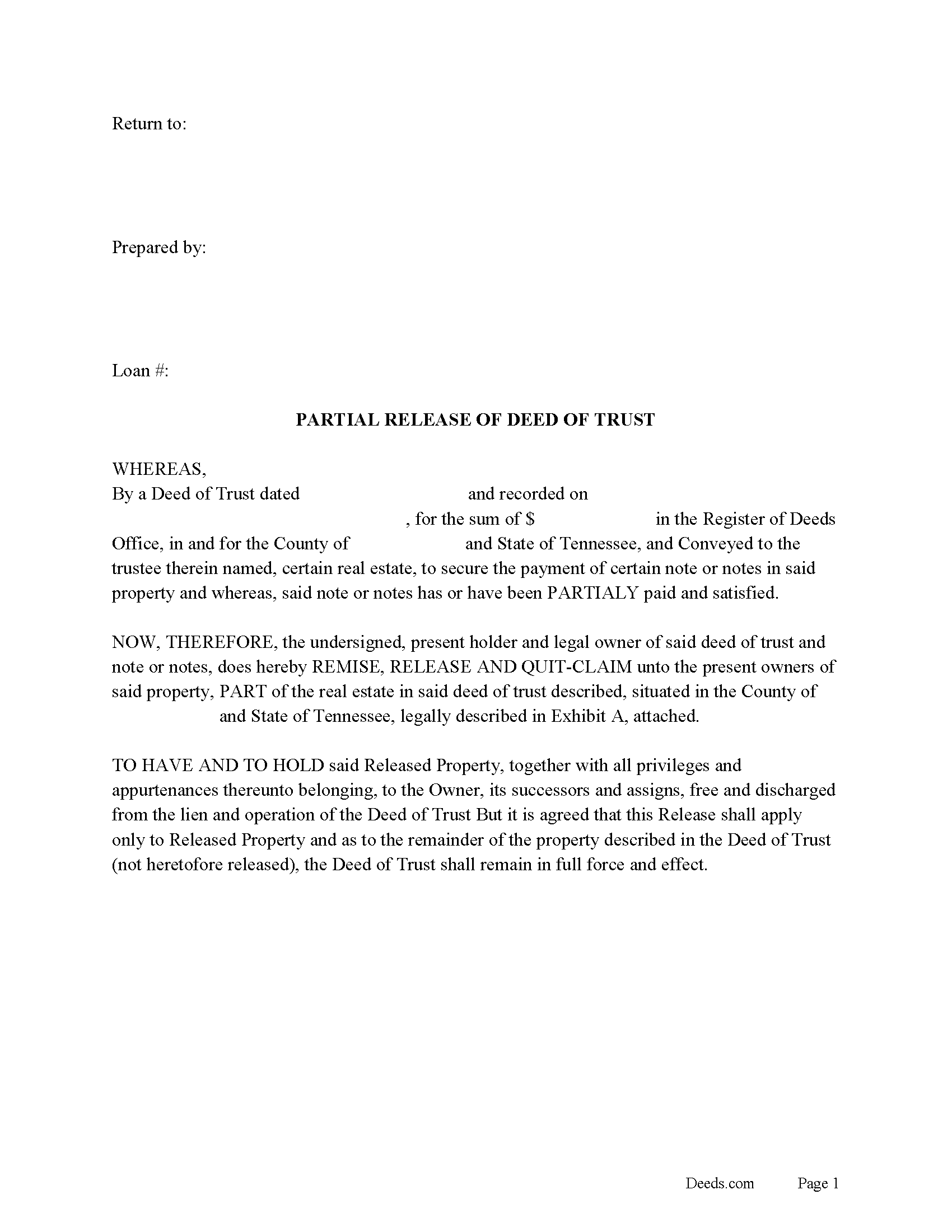
Hardin County Partial Release of Deed of Trust Form
Fill in the blank form formatted to comply with all recording and content requirements.
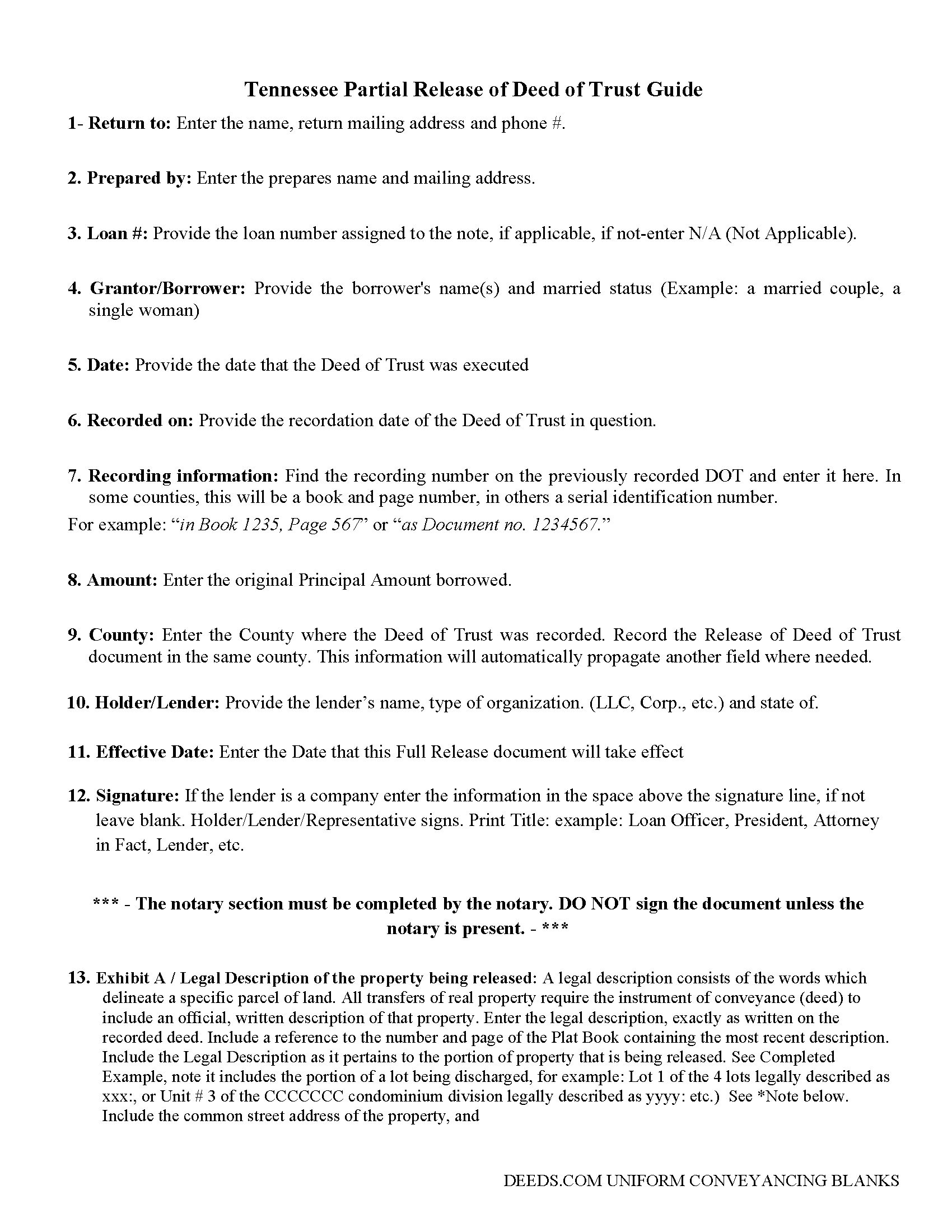
Hardin County Partial Release of Deed of Trust Guide
Line by line guide explaining every blank on the form.
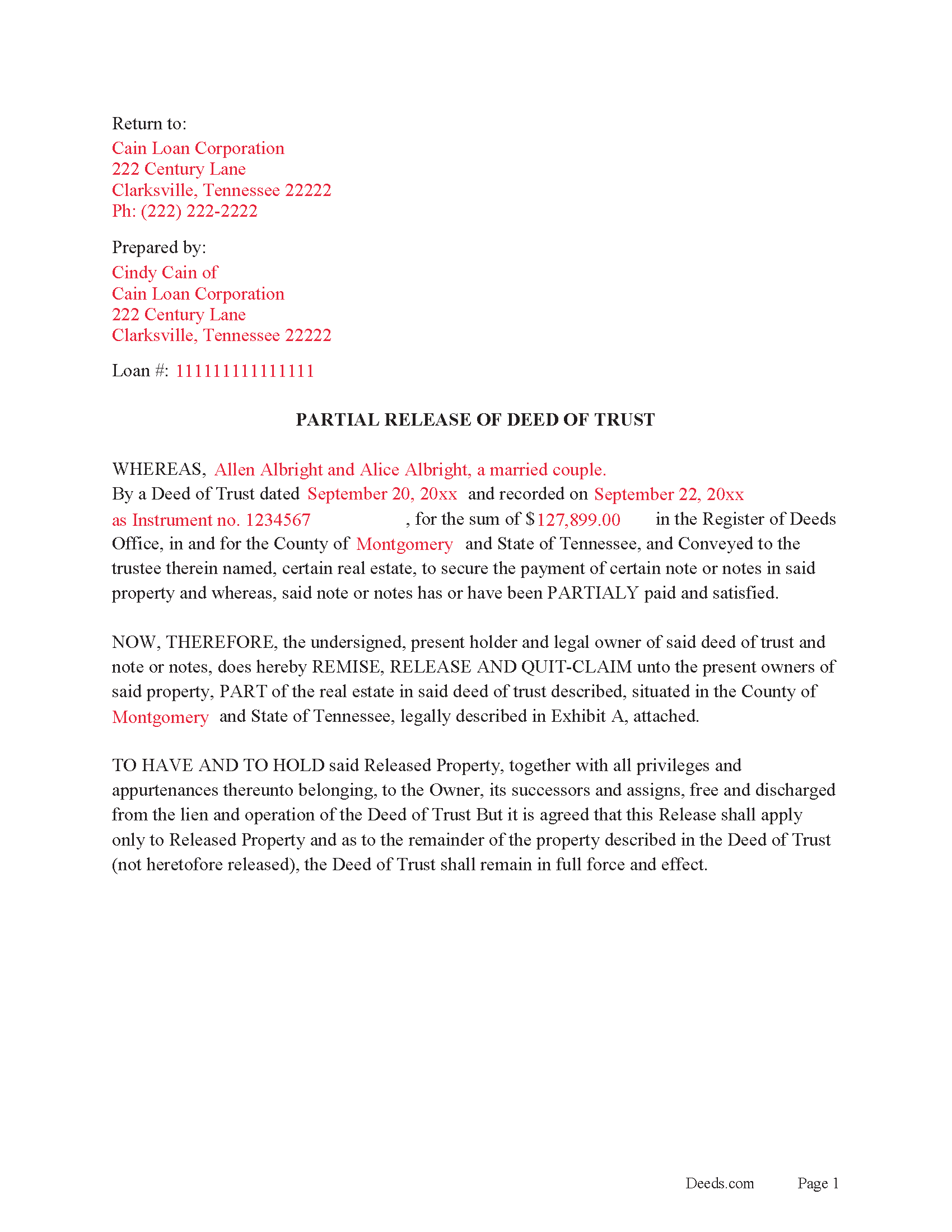
Hardin County Completed Example of a Partial Release of DOT Document
Example of a properly completed form for reference.
All 3 documents above included • One-time purchase • No recurring fees
Immediate Download • Secure Checkout
Additional Tennessee and Hardin County documents included at no extra charge:
Where to Record Your Documents
Hardin County Register Of Deeds
Savannah, Tennessee 38372
Hours: 8:30 to 4:30 M-F
Phone: (731) 925-4936
Recording Tips for Hardin County:
- Bring your driver's license or state-issued photo ID
- Ensure all signatures are in blue or black ink
- Request a receipt showing your recording numbers
- Ask about accepted payment methods when you call ahead
- Ask for certified copies if you need them for other transactions
Cities and Jurisdictions in Hardin County
Properties in any of these areas use Hardin County forms:
- Counce
- Crump
- Morris Chapel
- Olivehill
- Pickwick Dam
- Saltillo
- Savannah
- Shiloh
Hours, fees, requirements, and more for Hardin County
How do I get my forms?
Forms are available for immediate download after payment. The Hardin County forms will be in your account ready to download to your computer. An account is created for you during checkout if you don't have one. Forms are NOT emailed.
Are these forms guaranteed to be recordable in Hardin County?
Yes. Our form blanks are guaranteed to meet or exceed the applicable formatting requirements used for recording in Hardin County, including margin requirements, font requirements, and other layout standards. This guarantee applies to formatting, not to the legal sufficiency of information entered by the user or the suitability of a form for a particular transaction.
Can I reuse these forms?
Yes. You can reuse the forms for your personal use. For example, if you have multiple properties in Hardin County you only need to order once.
What do I need to use these forms?
The forms are PDFs that you fill out on your computer. The free Adobe Acrobat Reader is recommended, and most PDF apps also work. You do NOT enter your property information online - you download the blank forms and complete them privately on your own computer.
Are there any recurring fees?
No. This is a one-time purchase. Nothing to cancel, no memberships, no recurring fees.
How much does it cost to record in Hardin County?
Recording fees in Hardin County vary. Contact the recorder's office at (731) 925-4936 for current fees.
Questions answered? Let's get started!
This form is executed by the lender to release only a portion of the real property from a Deed of Trust. This form states: That this Release shall apply only to Released Property and as to the remainder of the property described in the Deed of Trust (not heretofore released), the Deed of Trust shall remain in full force and effect.
(Tennessee Partial Release of DOT Package includes form, guidelines, and completed example)
Important: Your property must be located in Hardin County to use these forms. Documents should be recorded at the county recording office listed above.
This Partial Release of Deed of Trust meets all recording requirements specific to Hardin County.
Our Promise
The documents you receive here are guaranteed to meet or exceed the applicable Hardin County recording format requirements. If there is a rejection caused by our formatting, we will correct the issue or refund your payment. This guarantee applies to document formatting only and does not extend to information entered by the user, the selection of the form, or the legal effect of the completed document.
Save Time and Money
Get your Hardin County Partial Release of Deed of Trust form done right the first time with Deeds.com Uniform Conveyancing Blanks. At Deeds.com, we understand that your time and money are valuable resources, and we don't want you to face a penalty fee or rejection imposed by a county recorder for submitting nonstandard documents. We constantly review and update our forms to meet rapidly changing state and county recording requirements for roughly 3,500 counties and local jurisdictions.
4.8 out of 5 - ( 4,862 Reviews )
Deirdre M. 5 out of 5 stars
Thank for you guidance to amend & correct & recover my home with evidence you provide in Dead Fraud. I'll keep you updated.
Thank you!
Rich R. 5 out of 5 stars
Forms are always a prob but this was best experience locating a needed form I’ve had. So easy. Latest forms. Really appreciate the intuitive site. Thnx much!!
We appreciate your comments and your trust in us. Thank you.
Alicia S. 5 out of 5 stars
It's been a difficult time during my divorce. Glad I was able to get the house related documents easily here.
Thank you!
john m. 5 out of 5 stars
its a bit confusing for a novice computer user. I would prefer to print out the forms, fill them out on paper, then attach them to an email to discuss the accuracy of the forms with a friend, and then take the completed forms to the County office to be recorded
Thank you for your feedback. We really appreciate it. Have a great day!
Helen M. 1 out of 5 stars
The forms are very confusing when there is so much to download! Trying to keep track and make sure you have everything needed is terrible! I think I have everything but I was under the impression I would be filling it out online and with instructions... I am very disappointed to say the least!
Sorry to hear of your disappointment Helen. We have gone ahead and canceled your order and payment. We do hope that you are able to find something more suitable to your needs elsewhere. Have a wonderful day.
Scott A. 2 out of 5 stars
The information and instructions provided is thorough and great. But, the fill-in-the-blanks form does not work well and is very frustrating. The font size of the information I was adding on each individual line varies and is determined by the number of characters entered on that individual line. So the font size is different on each line. And the number of lines is fixed making it impossible to fill in the full legal name of the trust I needed to fill out the form for. My needs are somewhat unusual, but the form should have been designed to be flexible enough to handle it. A blank paper form would have been more useful.
Thank you for your feedback. We really appreciate it. Have a great day!
Natalie F. 5 out of 5 stars
So convenient and easy to use! Will definitely recommend to anyone.
We appreciate your business and value your feedback. Thank you. Have a wonderful day!
Alana G. 5 out of 5 stars
I was very pleased. It was the form I needed. I was getting discouraged by companies that wanted me to sign up for monthly payments just to get the one form I needed. I prefer your system of paying for what I get. Thank you so much!
Thank you for your feedback. We really appreciate it. Have a great day!
Raad A. 3 out of 5 stars
Not easy to navigate
Thank you for your feedback.
Lorna D. 4 out of 5 stars
Haven't used the form yet. But hopefully it's the correct one.
Thank you!
Joyce D. 5 out of 5 stars
Good after I figured out the form process. Hopefully I won't be charged for two as I redid the request thinking I might have made a mistake in the first request.
Thank you for your feedback Joyce. We have reviewed your account and there have been no duplicate orders submitted. Have a great day!
Neira S. 5 out of 5 stars
No problem with Recorders Office using your document. It is now completed and recorded.
Thank you Neira, have a wonderful day!
Rachel C. 5 out of 5 stars
Excellent information, and form source.
Thank you!
Karen G. 5 out of 5 stars
Not difficult at all! Which is great for me...
Thank you for your feedback. We really appreciate it. Have a great day!
Marcia H. 5 out of 5 stars
This was so easy and fast! Plus it had all the information I needed in one place. The example was right on point too!
Thank you for your feedback. We really appreciate it. Have a great day!