Winkler County Assignment of Deed of Trust Form
Last validated October 16, 2026 by our Forms Development TeamFormatted for recording in Winkler County, for property anywhere in the county: rural and unincorporated areas as well as Kermit, Wink.
- 3 documents included
- Immediate PDF download
- Formatting guarantee
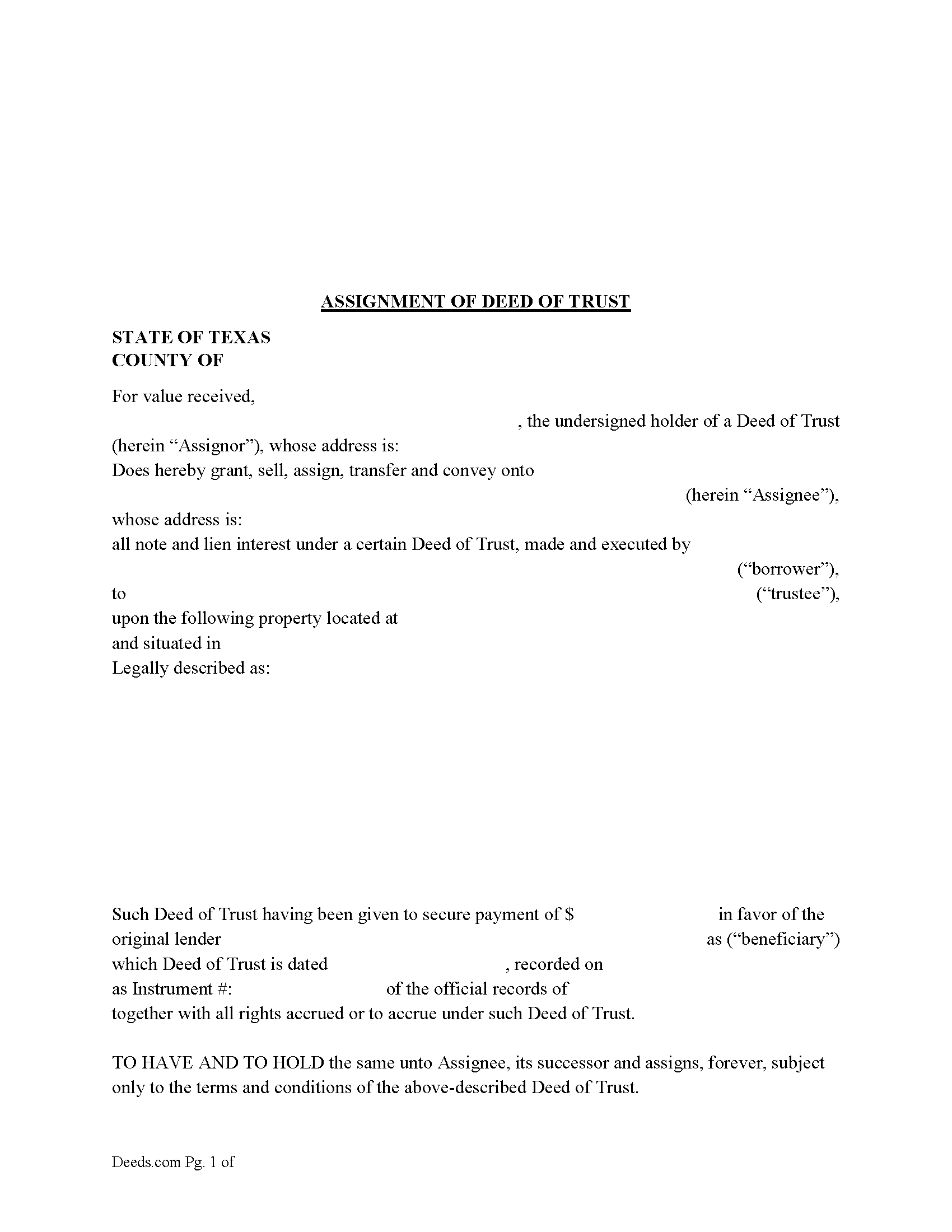
Winkler County Assignment of Deed of Trust Form
Fill in the blank form formatted to comply with all recording and content requirements.
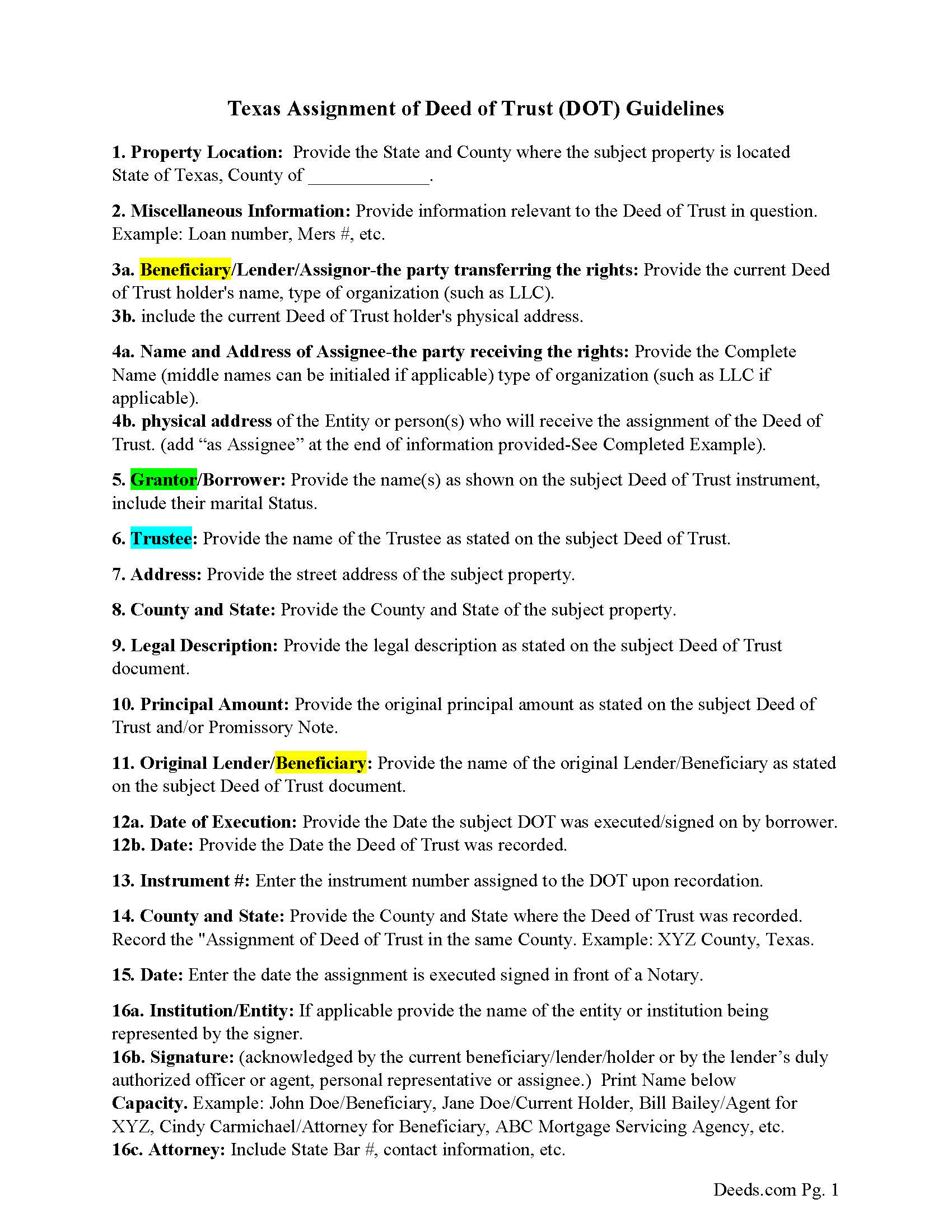
Winkler County Guidelines-Assignment of Deed of Trust
Line by line guide explaining every blank on the form.
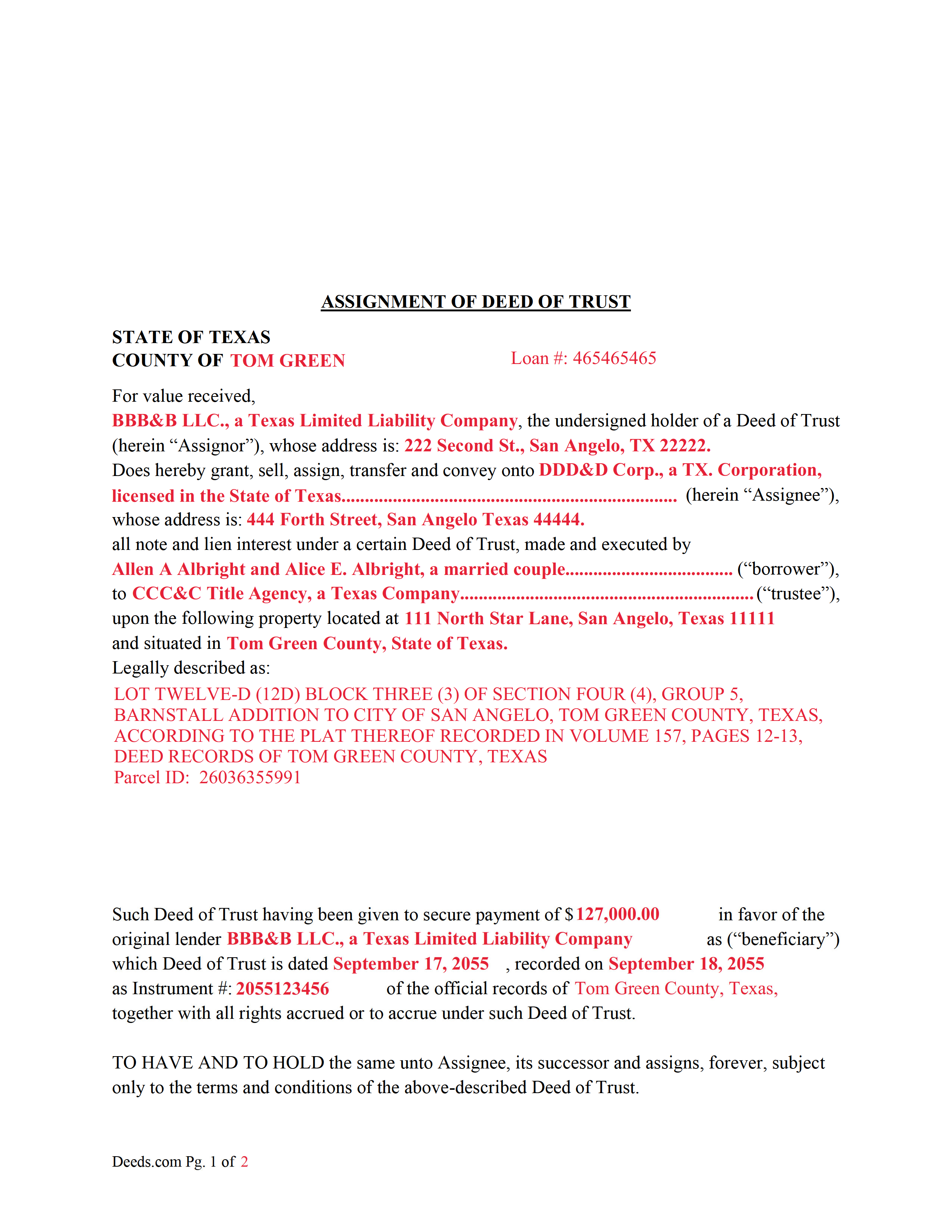
Winkler County Completed Example of an Assignment of Deed of Trust Document
Example of a properly completed form for reference.
All 3 documents above included • One-time purchase • No recurring fees
Immediate Download • Secure Checkout
Additional Texas and Winkler County documents included at no extra charge:
Where to Record Your Documents
Winkler County Clerk
Kermit, Texas 79745
Hours: 8:00 to 5:00 M-F
Phone: (432) 586-3401
Recording Tips for Winkler County:
- Bring your driver's license or state-issued photo ID
- Ensure all signatures are in blue or black ink
- White-out or correction fluid may cause rejection
- Ask about their eRecording option for future transactions
- Avoid the last business day of the month when possible
Cities and Jurisdictions in Winkler County
Properties in any of these areas use Winkler County forms:
- Kermit
- Wink
Hours, fees, requirements, and more for Winkler County
How do I get my forms?
Forms are available for immediate download after payment. The Winkler County forms will be in your account ready to download to your computer. An account is created for you during checkout if you don't have one. Forms are NOT emailed.
Are these forms guaranteed to be recordable in Winkler County?
Yes. Our form blanks are guaranteed to meet or exceed the applicable formatting requirements used for recording in Winkler County, including margin requirements, font requirements, and other layout standards. This guarantee applies to formatting, not to the legal sufficiency of information entered by the user or the suitability of a form for a particular transaction.
Can I reuse these forms?
Yes. You can reuse the forms for your personal use. For example, if you have multiple properties in Winkler County you only need to order once.
What do I need to use these forms?
The forms are PDFs that you fill out on your computer. The free Adobe Acrobat Reader is recommended, and most PDF apps also work. You do NOT enter your property information online - you download the blank forms and complete them privately on your own computer.
Are there any recurring fees?
No. This is a one-time purchase. Nothing to cancel, no memberships, no recurring fees.
How much does it cost to record in Winkler County?
Recording fees in Winkler County vary. Contact the recorder's office at (432) 586-3401 for current fees.
Questions answered? Let's get started!
This form is used by the current holder/lender or representative to assign a recorded Deed of Trust and Promissory Note to another entity. This is common when a Deed of Trust has been sold.
(Texas Assignment of Deed of Trust Package includes form, guidelines, and completed example) For use in Texas only.
Important: Your property must be located in Winkler County to use these forms. Documents should be recorded at the county recording office listed above.
This Assignment of Deed of Trust meets all recording requirements specific to Winkler County.
Our Promise
The documents you receive here are guaranteed to meet or exceed the applicable Winkler County recording format requirements. If there is a rejection caused by our formatting, we will correct the issue or refund your payment. This guarantee applies to document formatting only and does not extend to information entered by the user, the selection of the form, or the legal effect of the completed document.
Save Time and Money
Get your Winkler County Assignment of Deed of Trust form done right the first time with Deeds.com Uniform Conveyancing Blanks. At Deeds.com, we understand that your time and money are valuable resources, and we don't want you to face a penalty fee or rejection imposed by a county recorder for submitting nonstandard documents. We constantly review and update our forms to meet rapidly changing state and county recording requirements for roughly 3,500 counties and local jurisdictions.
4.8 out of 5 - ( 4,832 Reviews )
Samuel J M. 5 out of 5 stars
I needed to prepare a Correction Warranty Deed and have not done so in years. I ordered your form and modified it to fit my situation. Saved me a lot of time. Thanks.
Thank you for your feedback. We really appreciate it. Have a great day!
Deborah B. 5 out of 5 stars
I was skeptical after experiencing other websites. However not only did we get the form we needed for a fraction of the cost vs going to an attorney, the additional resources (guides and samples) made the completion of the Enhanced Life Quitclaim deed quite simple, quick, and painless. We were having difficulty getting my mom to agree to meeting with an attorney or even considering a Lady Bird deed. Deeds.com gave us the ability to move forward with necessary actions with family members walking my mom through the steps, explaining the process and giving her plenty of time to find the needed information. She became part of the process which made it easy for her at a time when decision making was hard. We did everything in the comfort of her own home. I can't think of a better experience or service and I would consider Deeds.com for future needs.
Thank you for the kinds words Deborah. We appreciate you taking the time to share your experience.
Jonathan F. 5 out of 5 stars
An excellent service. Makes filing deeds so much easier than having to go to the courthouse or use FedEx. I will be a customer for the rest of my legal career.
Thank you!
Troy D. 5 out of 5 stars
Excellent Service. Great time savings over having to send someone to the recording office. Am planning on utilizing this service for our recording needs.
We appreciate your business and value your feedback. Thank you. Have a wonderful day!
Dorothy R. 5 out of 5 stars
Actually, it was user friendly once I figured out where to go to get the forms. Thank you.
Thank you for your feedback. We really appreciate it. Have a great day!
Patrick P. 5 out of 5 stars
Great service! I found out how easy it was for me to record a deed. I saved about $200 using deeds.com. The sample form really helped. Thanks!
Thank you!
John T. 5 out of 5 stars
I have not completed the submission of documents yet but the initial sign up and documents were easily done and trouble free. Will update with results soon
Thank you!
Carl T. 5 out of 5 stars
Very simple to download and manage. very Impressed!
We appreciate your business and value your feedback. Thank you. Have a wonderful day!
THOMAS C. 5 out of 5 stars
Thank you for the fine, easy to implement service.
Thank you for your feedback. We really appreciate it. Have a great day!
Susan K. 5 out of 5 stars
They were unable to complete the task and my money was immediately refunded.
Thank you for your feedback Susan, sorry we were unable to assist.
Esther R. 5 out of 5 stars
Very easy to follow and complete.
Thank you for your feedback. We really appreciate it. Have a great day!
Zennell W. 5 out of 5 stars
Quick fast and easy transaction.
We are grateful for your feedback and looking forward to serving you again. Thank you!
Todd J. 5 out of 5 stars
Super Easy!
Thank you!
Nancy R. 5 out of 5 stars
Deeds.com is very precise, helpful and friendly. I found the form I needed without any effort and everything worked perfect and smooth. I recommend it 100%. Thank you.
We are delighted to have been of service. Thank you for the positive review!
Steve D. 5 out of 5 stars
I requested a property detail report on two houses that I own. The requests were easy to make. After submitting the requests, each report was available for my review within 15 minutes. The reports contained all the information I needed. I am very satisfied with this service.
We appreciate your business and value your feedback. Thank you. Have a wonderful day!