Zapata County Certification of Trust (Sworn Certification) Form
Last validated September 29, 2026 by our Forms Development TeamFormatted for recording in Zapata County, for property anywhere in the county: rural and unincorporated areas as well as Lopeno, San Ygnacio, Zapata.
- 3 documents included
- Immediate PDF download
- Formatting guarantee
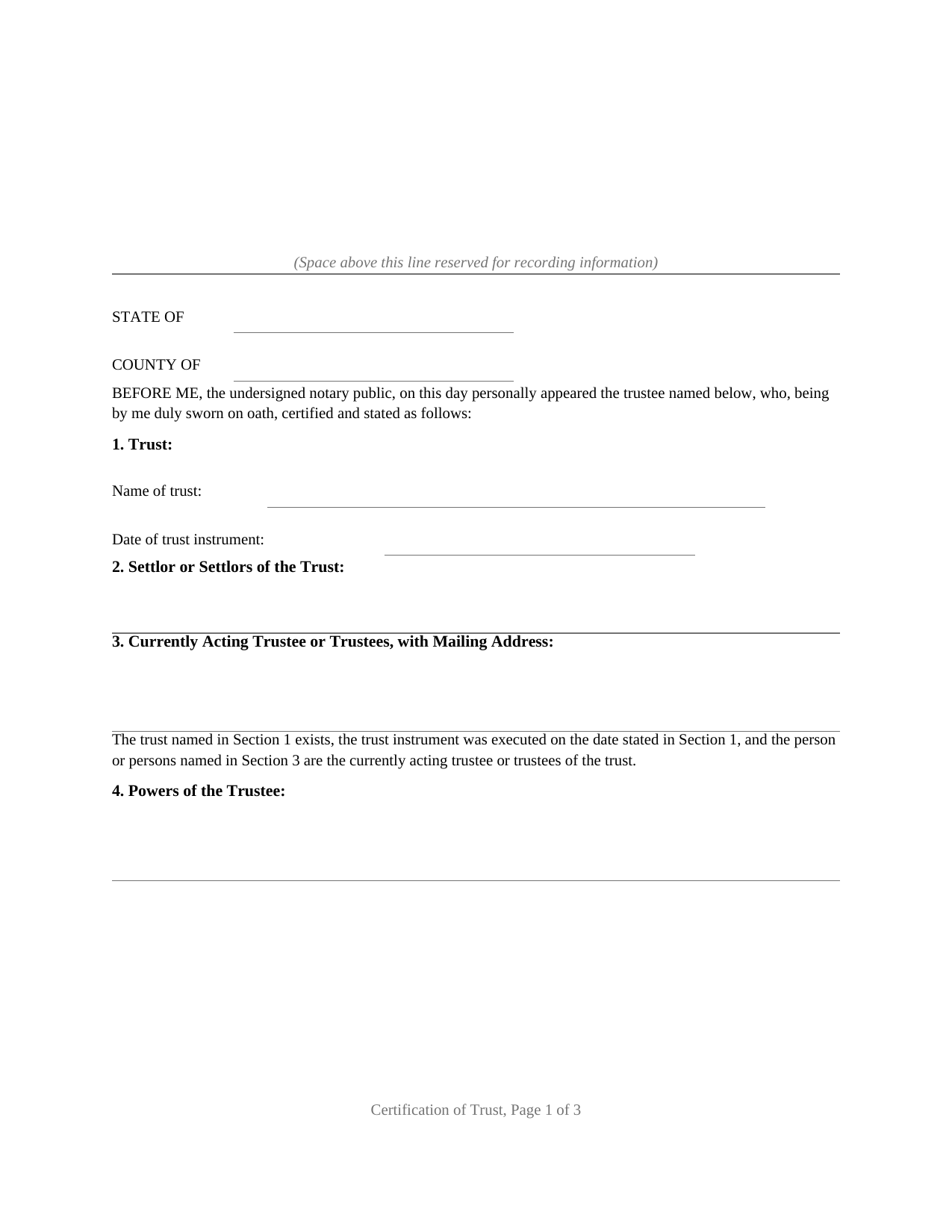
Zapata County Certification of Trust (Sworn Certification) Form
Fill in the blank Certification of Trust (Sworn Certification) form formatted to comply with all Texas recording and content requirements.
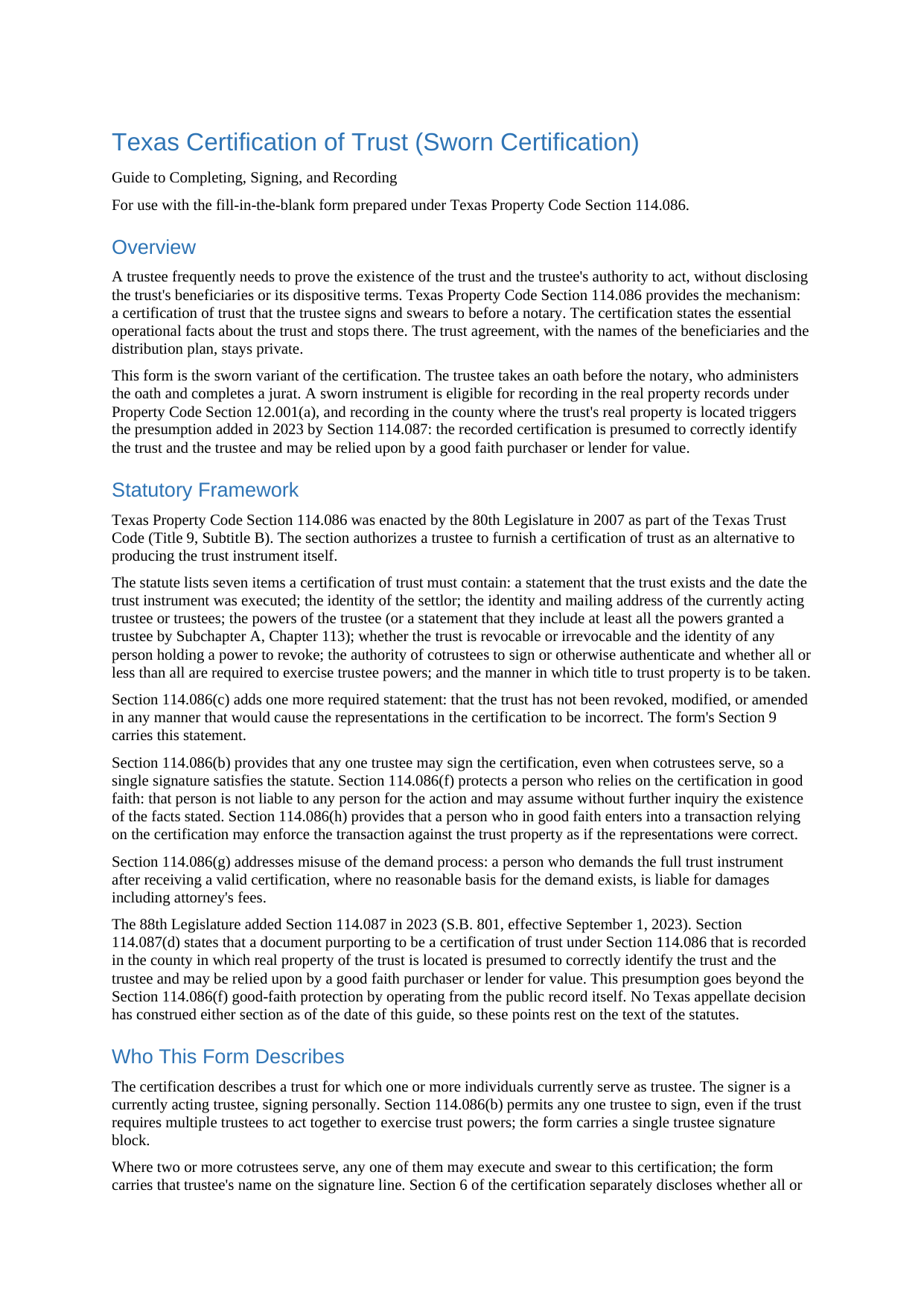
Zapata County Certification of Trust (Sworn Certification) Guide
Line by line guide explaining every blank on the Certification of Trust (Sworn Certification) form.
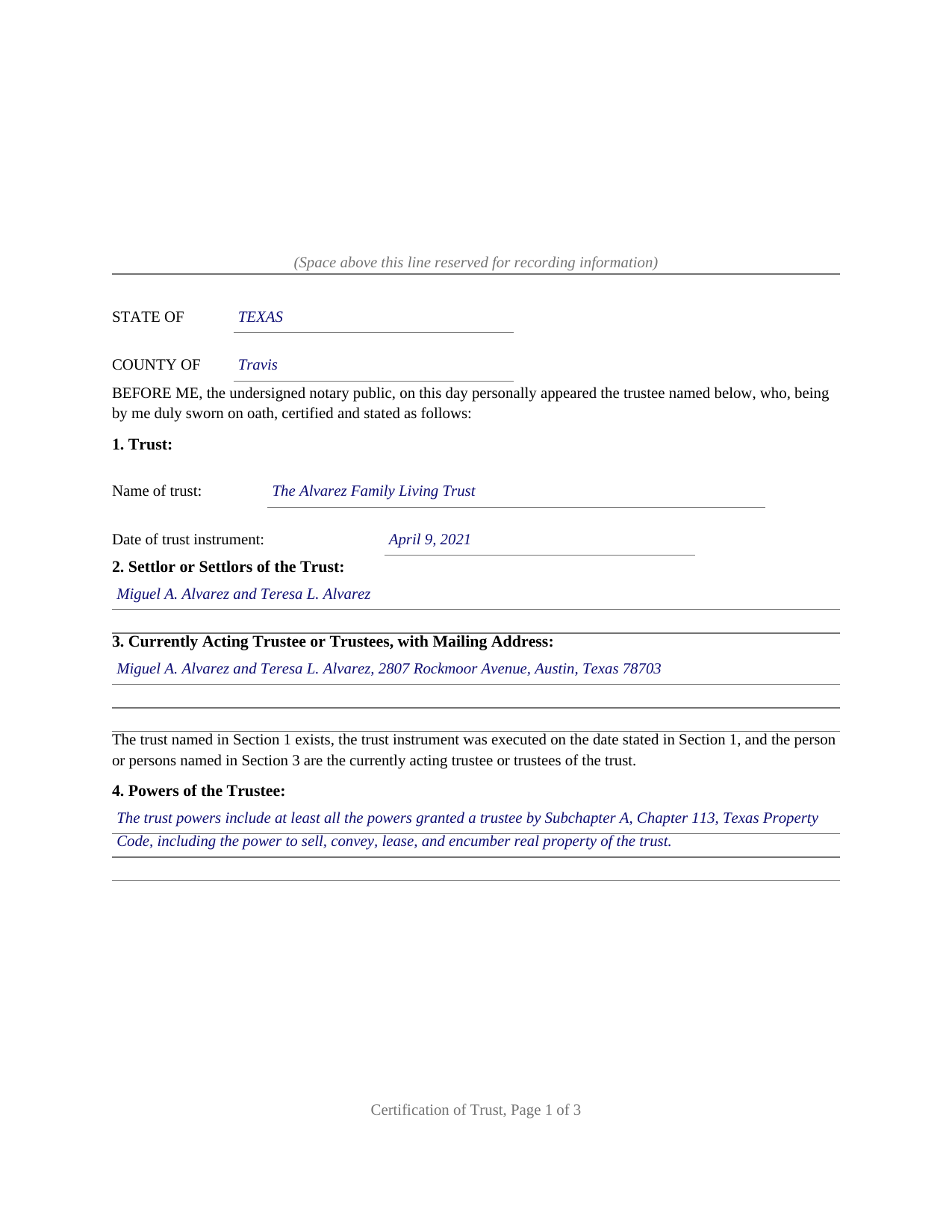
Zapata County Completed Example of the Certification of Trust (Sworn Certification) Document
Example of a properly completed Texas Certification of Trust (Sworn Certification) document for reference.
All 3 documents above included • One-time purchase • No recurring fees
Immediate Download • Secure Checkout
Additional Texas and Zapata County documents included at no extra charge:
Where to Record Your Documents
Zapata County Clerk
Zapata, Texas 78076
Hours: 8:00 to 5:00 M-F
Phone: (956) 765-9915
Recording Tips for Zapata County:
- Bring your driver's license or state-issued photo ID
- Ensure all signatures are in blue or black ink
- Bring extra funds - fees can vary by document type and page count
- Check margin requirements - usually 1-2 inches at top
- Leave recording info boxes blank - the office fills these
Cities and Jurisdictions in Zapata County
Properties in any of these areas use Zapata County forms:
- Lopeno
- San Ygnacio
- Zapata
Hours, fees, requirements, and more for Zapata County
How do I get my forms?
Forms are available for immediate download after payment. The Zapata County forms will be in your account ready to download to your computer. An account is created for you during checkout if you don't have one. Forms are NOT emailed.
Are these forms guaranteed to be recordable in Zapata County?
Yes. Our form blanks are guaranteed to meet or exceed the applicable formatting requirements used for recording in Zapata County, including margin requirements, font requirements, and other layout standards. This guarantee applies to formatting, not to the legal sufficiency of information entered by the user or the suitability of a form for a particular transaction.
Can I reuse these forms?
Yes. You can reuse the forms for your personal use. For example, if you have multiple properties in Zapata County you only need to order once.
What do I need to use these forms?
The forms are PDFs that you fill out on your computer. The free Adobe Acrobat Reader is recommended, and most PDF apps also work. You do NOT enter your property information online - you download the blank forms and complete them privately on your own computer.
Are there any recurring fees?
No. This is a one-time purchase. Nothing to cancel, no memberships, no recurring fees.
How much does it cost to record in Zapata County?
Recording fees in Zapata County vary. Contact the recorder's office at (956) 765-9915 for current fees.
Questions answered? Let's get started!
A Texas trustee is regularly asked to prove the trust: a title company examining a sale of trust real property, a bank retitling an account, a lender confirming who holds the power to sign. Handing over the trust instrument answers the question at the cost of privacy, because the trust agreement carries the dispositive terms, the beneficiaries, and the family arrangements. Texas Property Code Section 114.086 supplies the alternative this form prepares: a certification of trust, the trustee's own statement of the operational facts, sworn before a notary so it is ready for the county real property records.
Proof of the trust without the trust agreement
The certification carries the seven items the statute lists: that the trust exists and the date its instrument was executed, the settlors, the currently acting trustees with a mailing address, the trustee's powers, whether the trust is revocable and who holds a power to revoke it, the authority of cotrustees, and the manner in which title to trust property is taken. Section 114.086(c) requires one more statement, and the form's certification section carries it verbatim: that the trust has not been revoked, modified, or amended in any manner that would cause the representations contained in the certification to be incorrect. The dispositive terms of the trust are expressly not required, so the trust agreement itself stays private.
The statute then makes the certification worth accepting. A person who relies on it without knowledge that its representations are incorrect may assume the stated facts without inquiry, a good faith transaction made in reliance on it is enforceable against the trust property, and a person who demands the entire trust instrument anyway risks damages where a court finds the demand was not made in good faith. Any one trustee may sign, even where cotrustees serve.
Sworn with a jurat, presumed correct when recorded
This variant of the form is sworn rather than acknowledged: the trustee takes an oath before the notary, who completes a jurat. An instrument sworn to with a proper jurat is eligible for recording under Property Code Section 12.001(a), and recording is where a 2023 addition to the Trust Code does its work. Under Section 114.087, a certification of trust recorded in the county in which real property of the trust is located is presumed to correctly identify the trust and the trustee, and a good faith purchaser or lender for value may rely on it. The form's optional property section identifies that county and the legal description, so the recorded certification sits in the chain of title where later examiners look.
What the package prepares
The download includes the blank certification as a fillable PDF with a removable instructions page, a completed example showing the entire document filled in for a realistic Texas trust, and a plain language guide that walks through every numbered section, the oath and jurat, and the recording step, including the photo identification requirement at the recording counter for instruments filed in person on or after December 4, 2025. The certification is formatted to Texas recording standards, with space reserved on page one for the clerk's stamp. The materials are informational and are not legal advice; a Texas attorney can address how the statute operates on a particular trust or transaction.
Important: Your property must be located in Zapata County to use these forms. Documents should be recorded at the county recording office listed above.
This Certification of Trust (Sworn Certification) meets all recording requirements specific to Zapata County.
Our Promise
The documents you receive here are guaranteed to meet or exceed the applicable Zapata County recording format requirements. If there is a rejection caused by our formatting, we will correct the issue or refund your payment. This guarantee applies to document formatting only and does not extend to information entered by the user, the selection of the form, or the legal effect of the completed document.
Save Time and Money
Get your Zapata County Certification of Trust (Sworn Certification) form done right the first time with Deeds.com Uniform Conveyancing Blanks. At Deeds.com, we understand that your time and money are valuable resources, and we don't want you to face a penalty fee or rejection imposed by a county recorder for submitting nonstandard documents. We constantly review and update our forms to meet rapidly changing state and county recording requirements for roughly 3,500 counties and local jurisdictions.
4.8 out of 5 - ( 4,842 Reviews )
Sylvia S. 5 out of 5 stars
Thank you for making my life easier!!
Thank you for your feedback. We really appreciate it. Have a great day!
Lori A. 5 out of 5 stars
My county accessors office recommended this site. My Uncle passed away and did not leave a will and I needed to have his deed transferred into my name. I was able to do it using the sample Deeds.com provided. I used it as a guide to fill out the paperwork that I printed off of the Deeds.com site. I had no problem when I went to the county and turned in the paperwork and the clerk said everything looked great.
Thank you so much for taking the time to share your experience Lori. We are deeply sorry for your loss and understand how challenging managing affairs can be during such a difficult time. It's heartening to hear that our resources were helpful to you in transferring your uncle's deed into your name.
We strive to make complex processes more accessible and manageable, and your feedback affirms the value of our work. Knowing that the county assessor's office recommended us and that the clerk found everything in order with your paperwork is incredibly gratifying.
Nancy O. 5 out of 5 stars
Outstanding forms and service. Liked that the main deed forms were PDF so I could fill them out on my laptop, in my own time, instead of some online Q/A auto populate system. Guide was helpful, as was the completed sample. Used the erecording service to file the deed, amazing.
Thank you for your wonderful review Nancy! Our team takes pride in providing helpful resources, and we are pleased that the guide and completed sample were beneficial to you throughout the process. Making the deed filing journey smoother for our users is always our top priority.
Vita L. 5 out of 5 stars
A coworker recommended this service to me and I was hesitant to try it. Turned out to be a life saver, they filed my document in 24 hours. No standing in line and no confusing government websites to navigate.
Thank you!
Duane R. 5 out of 5 stars
Your site was very easy to use and provided all the information needed.
Thank you for your feedback. We really appreciate it. Have a great day!
Debra M. 5 out of 5 stars
Since the recorder's office is closed, due to Covid, this worked well to submit my Quit Claim Deed. I was a bit confused with the direction and download. But, I think I got her done! We'll see if I get recorded and confirmation is received. I may be back
Thank you for your feedback. We really appreciate it. Have a great day!
Kathryn C. 5 out of 5 stars
I truly appreciate you and you service for all you do to help me ThankYou kathrynchertock
Thank you for your feedback. We really appreciate it. Have a great day!
Gertrude H. 5 out of 5 stars
I used this form and guide a couple years ago and found it helpful and easy to fill out. Had good results at the Recorder's Office. Would recommend Deeds.com.
Thank you for your feedback. We really appreciate it. Have a great day!
Christine K. 5 out of 5 stars
This site was fast and easy to use. I would highly recommend using them. Thank you Deeds.com!!!!
We appreciate your business and value your feedback. Thank you. Have a wonderful day!
Kristen H. 5 out of 5 stars
This was such a money saver. I was told by someone at the courthouse that I had to have a lawyer prepare the paper work for my mom. They stated that family members couldn't prepare the papers. I was hopeful when I found that I could prepare the survivorship affidavit on Deeds. I was able to prepare everything myself and had no issues today when at the courthouse for all the changes. Thank you!
We appreciate your business and value your feedback. Thank you. Have a wonderful day!
Patrick S. 5 out of 5 stars
Excellent!
Thank you!
Leticia A. 5 out of 5 stars
Down to the point,covers every angle with great tips:Don't forget Probate.
Thank you!
Patricia H. 5 out of 5 stars
I really like this site and it's actually recommended by many County Recorders. I especially like that there's not join up/monthly fee. It's easy to use and the customer support is outstanding. They're very helpful and patient.
Thank you for your feedback. We really appreciate it. Have a great day!
Scott P. 5 out of 5 stars
The site was easy to use and find what I needed. The purchase and download were very easy.
Thank you!
Renee K. 5 out of 5 stars
So very easy to upload documents to the site and communication is very quick. It made our transactions so effortless.
Thank you!