Hunt County Collateral Assignment of Leases, Rents and Rights Form
Last validated November 4, 2026 by our Forms Development TeamFormatted for recording in Hunt County, for property anywhere in the county: rural and unincorporated areas as well as Caddo Mills, Campbell, Celeste, Commerce, Greenville, Lone Oak, Merit, Quinlan and 1 more.
- 4 documents included
- Immediate PDF download
- Formatting guarantee
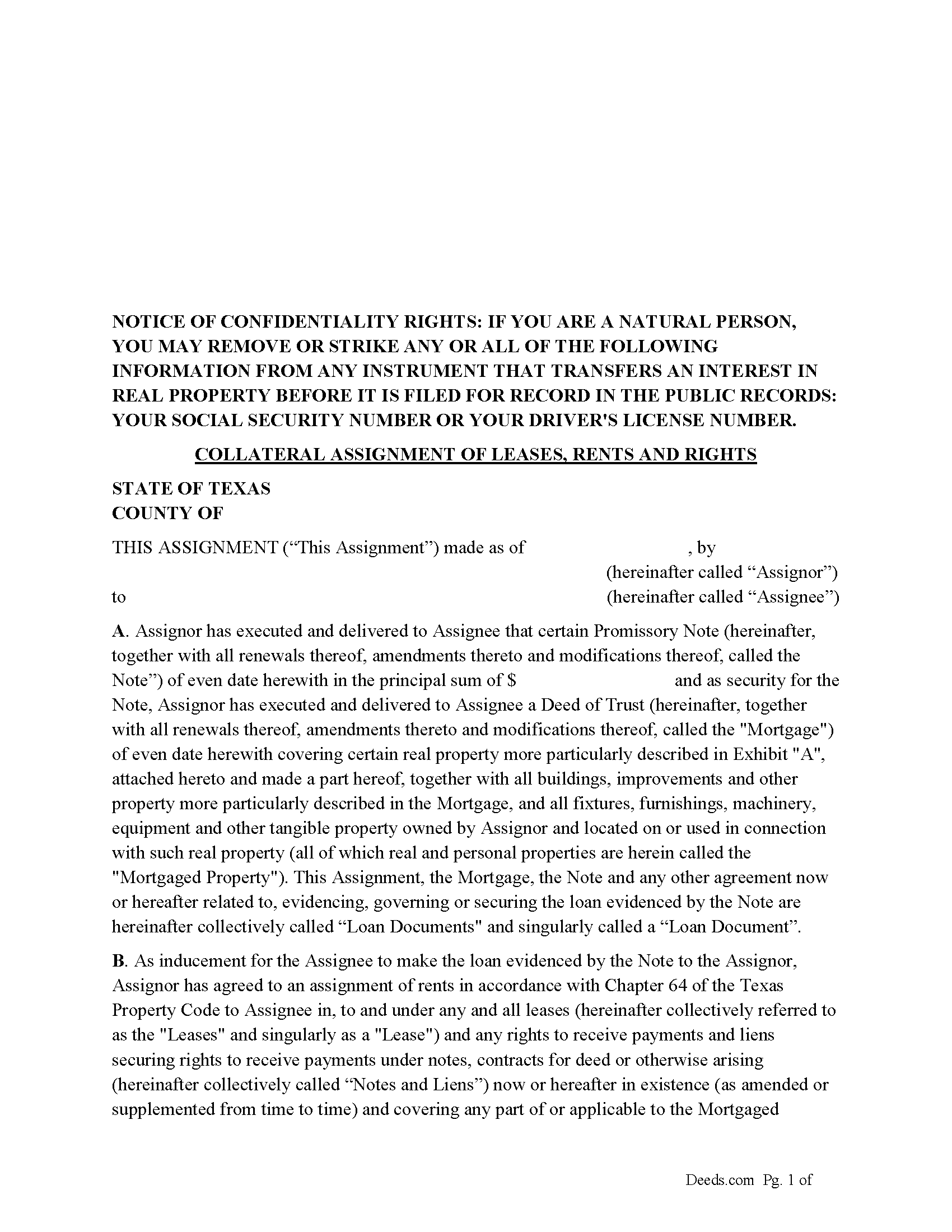
Hunt County Collateral Assignment of Leases, Rents and Rights Form
Fill in the blank form formatted to comply with all recording and content requirements.
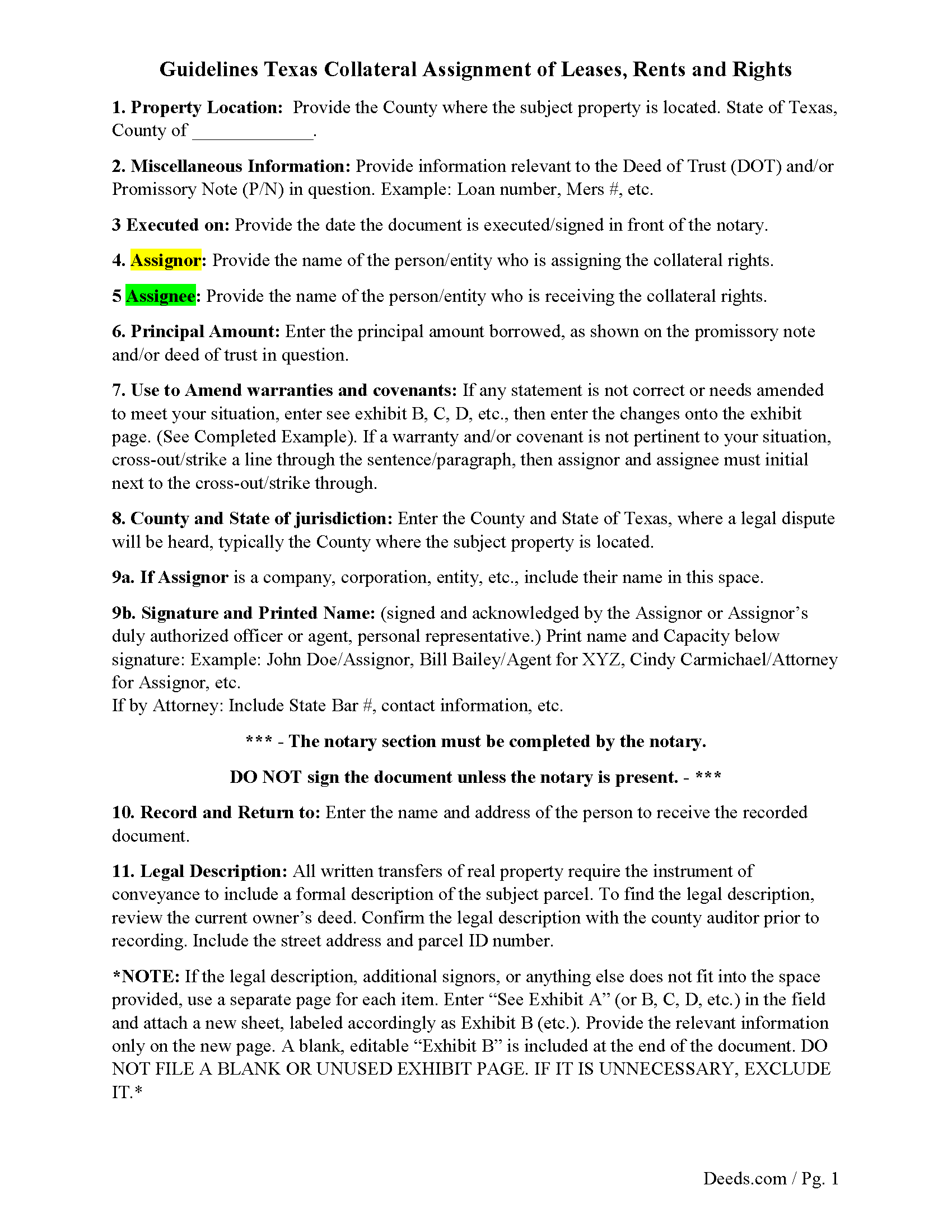
Hunt County Guidelines for Collateral Assignment
Line by line guide explaining every blank on the form.
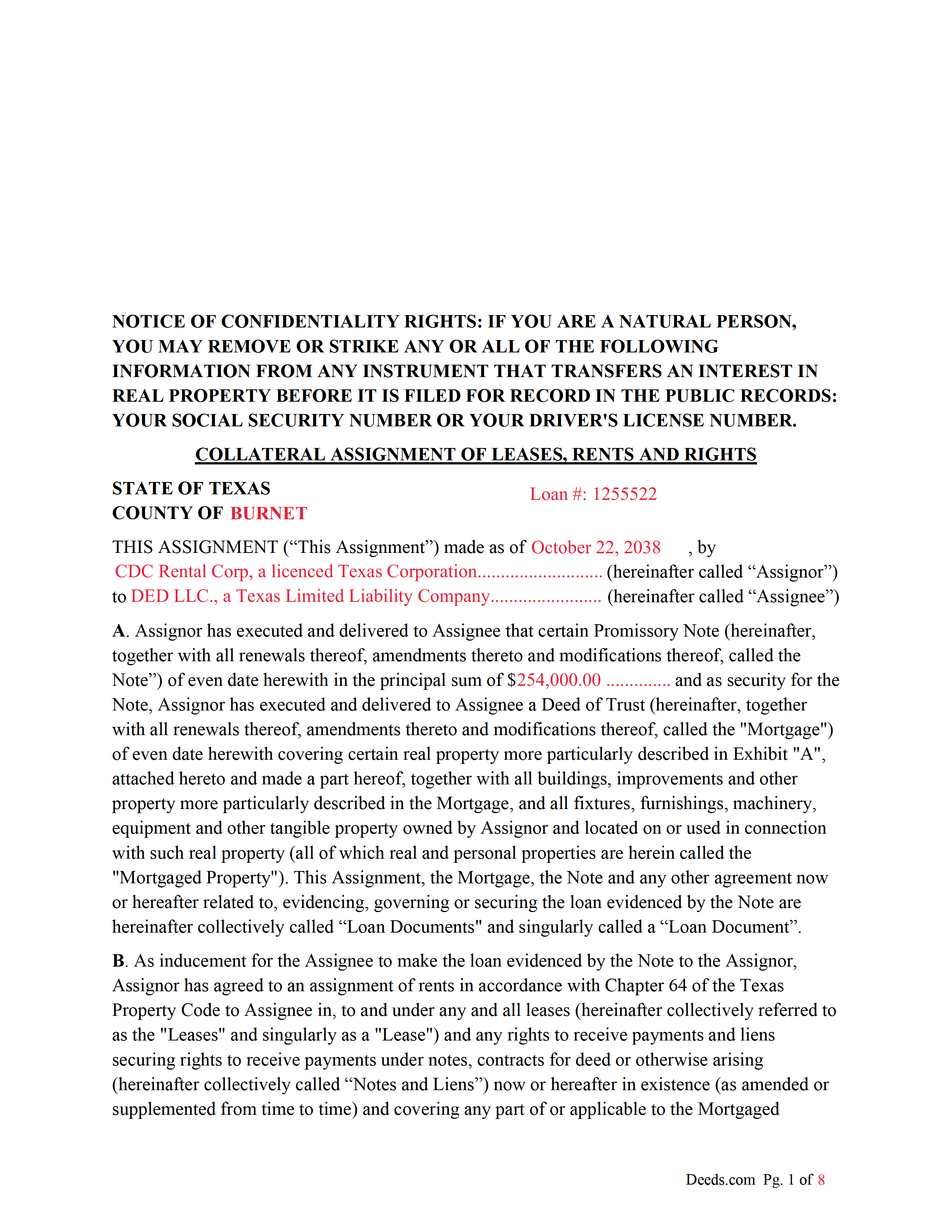
Hunt County Completed Example of the Collateral Assignment Document
Example of a properly completed form for reference.
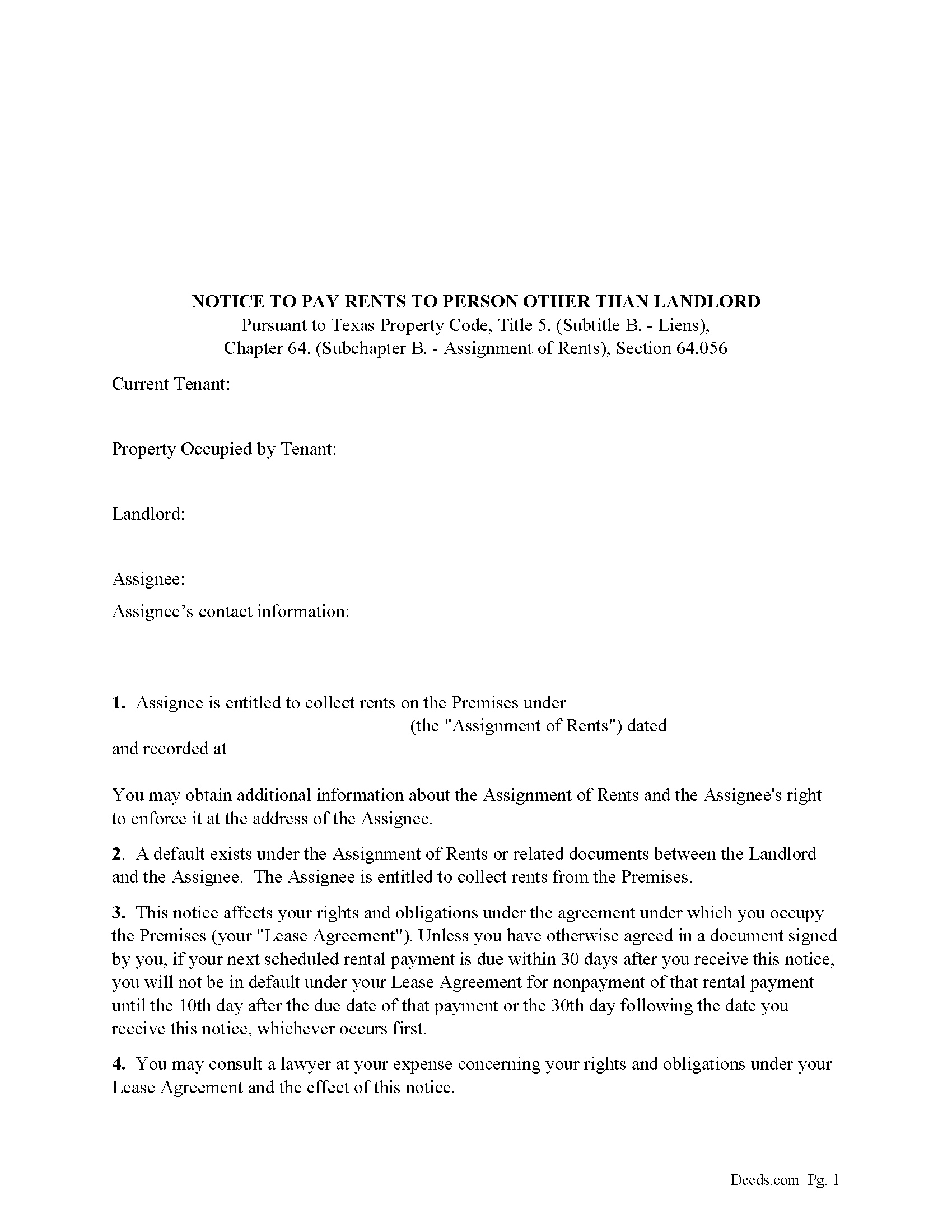
Hunt County Notice to Pay Rents to Person Other than Landlord Form
Correct form used by lender upon default to notify tenants of Lenders rights to collect rents.
All 4 documents above included • One-time purchase • No recurring fees
Immediate Download • Secure Checkout
Additional Texas and Hunt County documents included at no extra charge:
Where to Record Your Documents
Hunt County Clerk
Greenville, Texas 75401
Hours: Monday - Friday 8:00am - 4:30pm
Phone: (903) 408-4130
Recording Tips for Hunt County:
- Bring your driver's license or state-issued photo ID
- Ensure all signatures are in blue or black ink
- Avoid the last business day of the month when possible
- Both spouses typically need to sign if property is jointly owned
- Bring extra funds - fees can vary by document type and page count
Cities and Jurisdictions in Hunt County
Properties in any of these areas use Hunt County forms:
- Caddo Mills
- Campbell
- Celeste
- Commerce
- Greenville
- Lone Oak
- Merit
- Quinlan
- Wolfe City
Hours, fees, requirements, and more for Hunt County
How do I get my forms?
Forms are available for immediate download after payment. The Hunt County forms will be in your account ready to download to your computer. An account is created for you during checkout if you don't have one. Forms are NOT emailed.
Are these forms guaranteed to be recordable in Hunt County?
Yes. Our form blanks are guaranteed to meet or exceed the applicable formatting requirements used for recording in Hunt County, including margin requirements, font requirements, and other layout standards. This guarantee applies to formatting, not to the legal sufficiency of information entered by the user or the suitability of a form for a particular transaction.
Can I reuse these forms?
Yes. You can reuse the forms for your personal use. For example, if you have multiple properties in Hunt County you only need to order once.
What do I need to use these forms?
The forms are PDFs that you fill out on your computer. The free Adobe Acrobat Reader is recommended, and most PDF apps also work. You do NOT enter your property information online - you download the blank forms and complete them privately on your own computer.
Are there any recurring fees?
No. This is a one-time purchase. Nothing to cancel, no memberships, no recurring fees.
How much does it cost to record in Hunt County?
Recording fees in Hunt County vary. Contact the recorder's office at (903) 408-4130 for current fees.
Questions answered? Let's get started!
This form is executed/signed by the borrower/Assignor as inducement for the Lender/Assignee to make the loan evidenced by a Note secured by a Deed of Trust, borrower/Assignor has agreed to an assignment of rents in accordance with Chapter 64 of the Texas Property Code to Lender/Assignee in, to and under any and all leases (hereinafter collectively referred to as the "Leases" and singularly as a "Lease") and any rights to receive payments and liens securing rights to receive payments under notes, contracts for deed or otherwise arising (hereinafter collectively called "Notes and Liens")
Sec. 64.053. ENFORCEMENT OF SECURITY INTEREST IN RENTS GENERALLY.
(a) An assignee may enforce an assignment of rents using one or more of the methods provided by Section 64.054 or 64.055 or any other method sufficient to enforce an assignment of rents under a law of this state other than this chapter.
(b) On and after the date on which an assignee begins to enforce an assignment of rents, the assignee is entitled to collect all rents that:
(1) have accrued but remain unpaid on that date; and
(2) accrue on or after that date.
For use in Texas only.
Important: Your property must be located in Hunt County to use these forms. Documents should be recorded at the county recording office listed above.
This Collateral Assignment of Leases, Rents and Rights meets all recording requirements specific to Hunt County.
Our Promise
The documents you receive here are guaranteed to meet or exceed the applicable Hunt County recording format requirements. If there is a rejection caused by our formatting, we will correct the issue or refund your payment. This guarantee applies to document formatting only and does not extend to information entered by the user, the selection of the form, or the legal effect of the completed document.
Save Time and Money
Get your Hunt County Collateral Assignment of Leases, Rents and Rights form done right the first time with Deeds.com Uniform Conveyancing Blanks. At Deeds.com, we understand that your time and money are valuable resources, and we don't want you to face a penalty fee or rejection imposed by a county recorder for submitting nonstandard documents. We constantly review and update our forms to meet rapidly changing state and county recording requirements for roughly 3,500 counties and local jurisdictions.
4.8 out of 5 - ( 4,855 Reviews )
Kevin C. 5 out of 5 stars
Easy to use but the quit claim deep looked old and dated. The example of how to fill out should have asterisks stating what is need and what can be skipped
Thank you for your feedback. We really appreciate it. Have a great day!
Timothy B. 5 out of 5 stars
Information was very helpful and straight forward, Thankyou!
Thank you!
JAMES D. 5 out of 5 stars
Slick as can be and so convenient. Worked like a charm
Thank you for your feedback. We really appreciate it. Have a great day!
Kevin M. 5 out of 5 stars
Maricopa County Recorders office directed to use Deeds.com for all forms, etc. Easily found the Warranty Deed form, instructions & sample form I was looking for.
Thank you!
William L. 5 out of 5 stars
This is an initial review of Deeds.Com and the ordering process for their Quit Claim package for Virginia. The ordering process was very easy and the price seems reasonable for what you get. I have reviewed and downloaded all my forms, but have not used them yet. Thus far I am pleased with the product and the process. E-Recording service is also offered, but I have not used that yet either. At this writing, I can whole-heartedly recommend Deeds.Com.
Thank you for your feedback. We really appreciate it. Have a great day!
Barbara M. 5 out of 5 stars
Easy to do.
We appreciate your business and value your feedback. Thank you. Have a wonderful day!
Burr A. 5 out of 5 stars
So far so good. Prompt and responsive. Thank you.
Thank you!
Susan T. 5 out of 5 stars
This was perfect for my county I will be recommending your forms to all my clients thank you.
Thank you Susan, have a great day!
Brian H. 2 out of 5 stars
Forms are good. But need to be able to fill in information and blanks so these can be filed. Disappointed.
Thank you for your feedback. The forms are fill in the blank, Adobe PDFs. As is noted on the site, make sure you download the documents to your computer and open them with Adobe. Sounds like you may be trying to complete them online in your browser.
LINDA C. 5 out of 5 stars
EASY, FAST, AND CONVENIENT.
Thank you!
Susan M. 5 out of 5 stars
Loved my experience with deeds.com! Easy and simple to fill in the form, plus the extra instructions were helpful! I will use them again!
Thank you for your feedback. We really appreciate it. Have a great day!
Lew B. 3 out of 5 stars
The forms look great, but I received an Error message when downloading.
We are sincerely grateful for your feedback and are committed to providing the highest quality service. Thank you for your trust in us.
ROBERT J. 5 out of 5 stars
Easy to order!
Thank you!
James M. 5 out of 5 stars
Awesome product. Quick and easy. Thanks
Happy we could assist. Thank you for sharing your experience.
Katherine A R. 5 out of 5 stars
It's very easy to navigate through the website to find the service that you want. Great program.
Thank you!