Walker County Collateral Assignment of Leases, Rents and Rights Form
Last validated November 4, 2026 by our Forms Development TeamFormatted for recording in Walker County, for property anywhere in the county: rural and unincorporated areas as well as Dodge, Huntsville, New Waverly, Riverside.
- 4 documents included
- Immediate PDF download
- Formatting guarantee
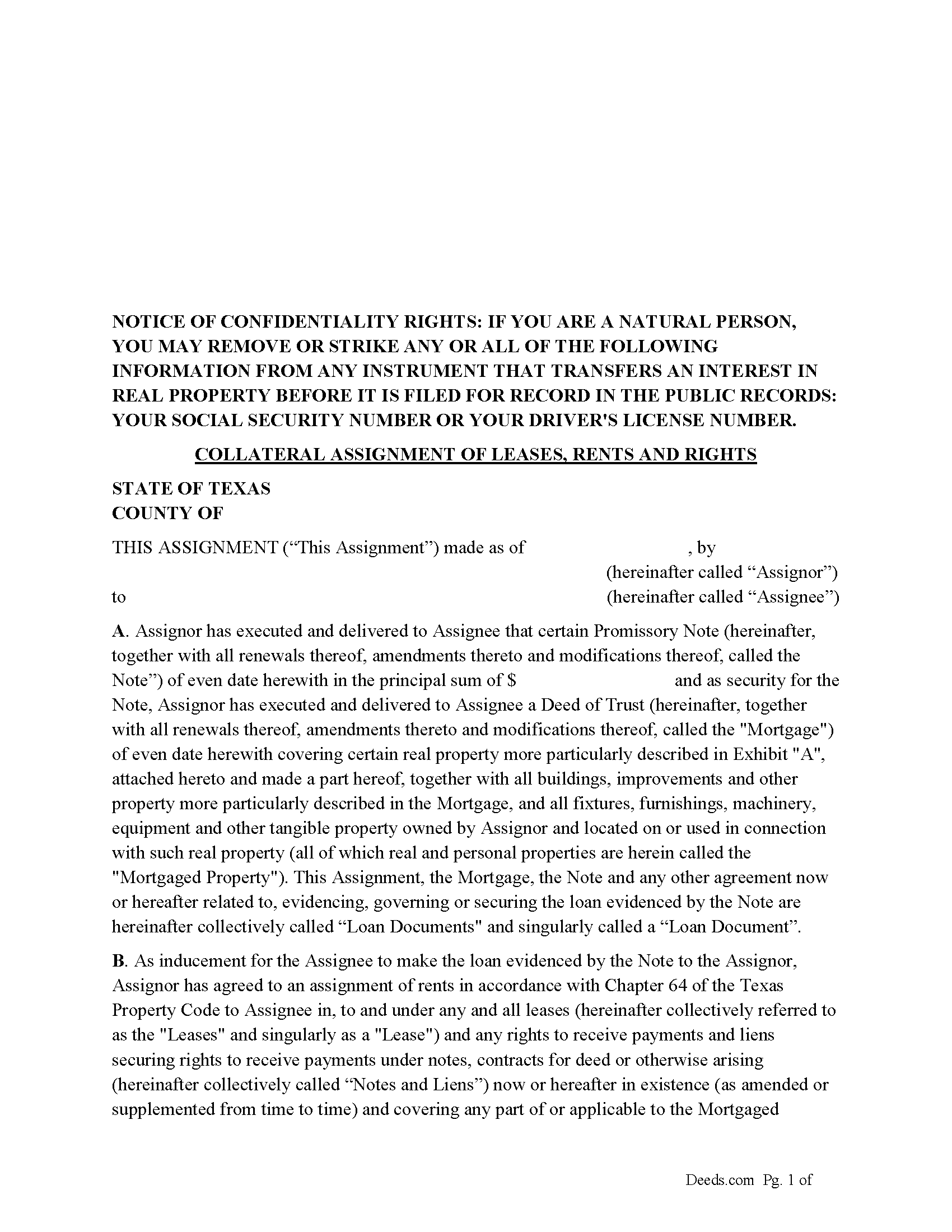
Walker County Collateral Assignment of Leases, Rents and Rights Form
Fill in the blank form formatted to comply with all recording and content requirements.
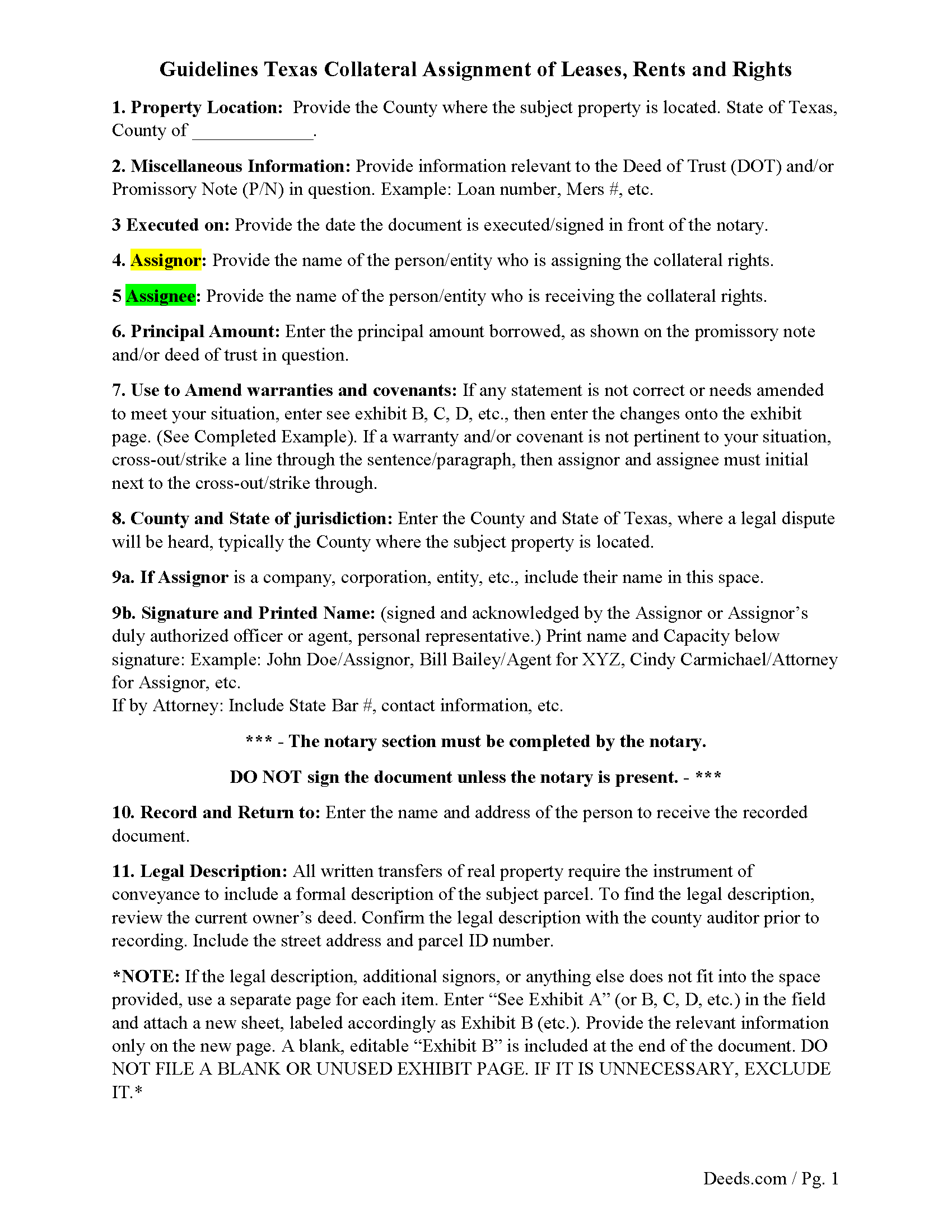
Walker County Guidelines for Collateral Assignment
Line by line guide explaining every blank on the form.
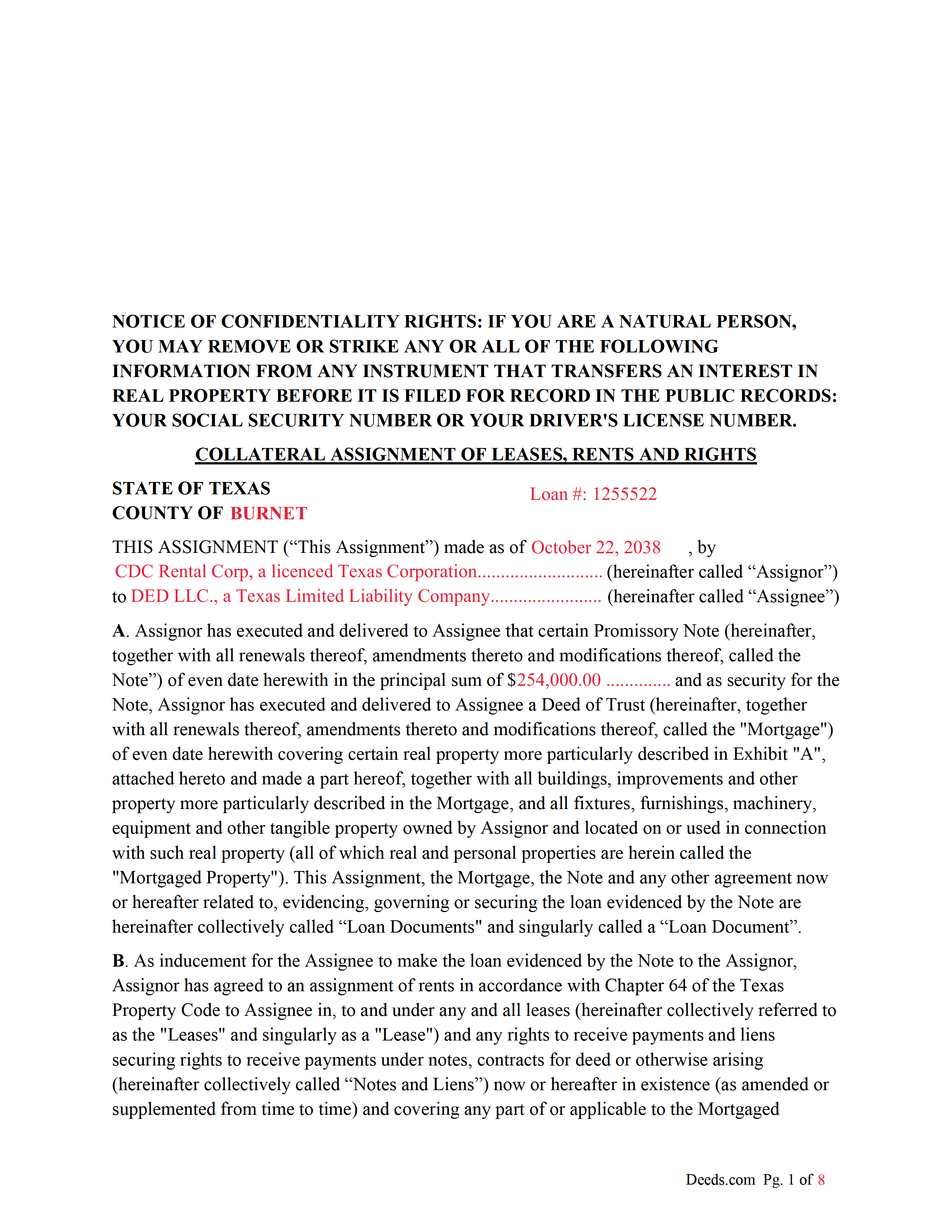
Walker County Completed Example of the Collateral Assignment Document
Example of a properly completed form for reference.
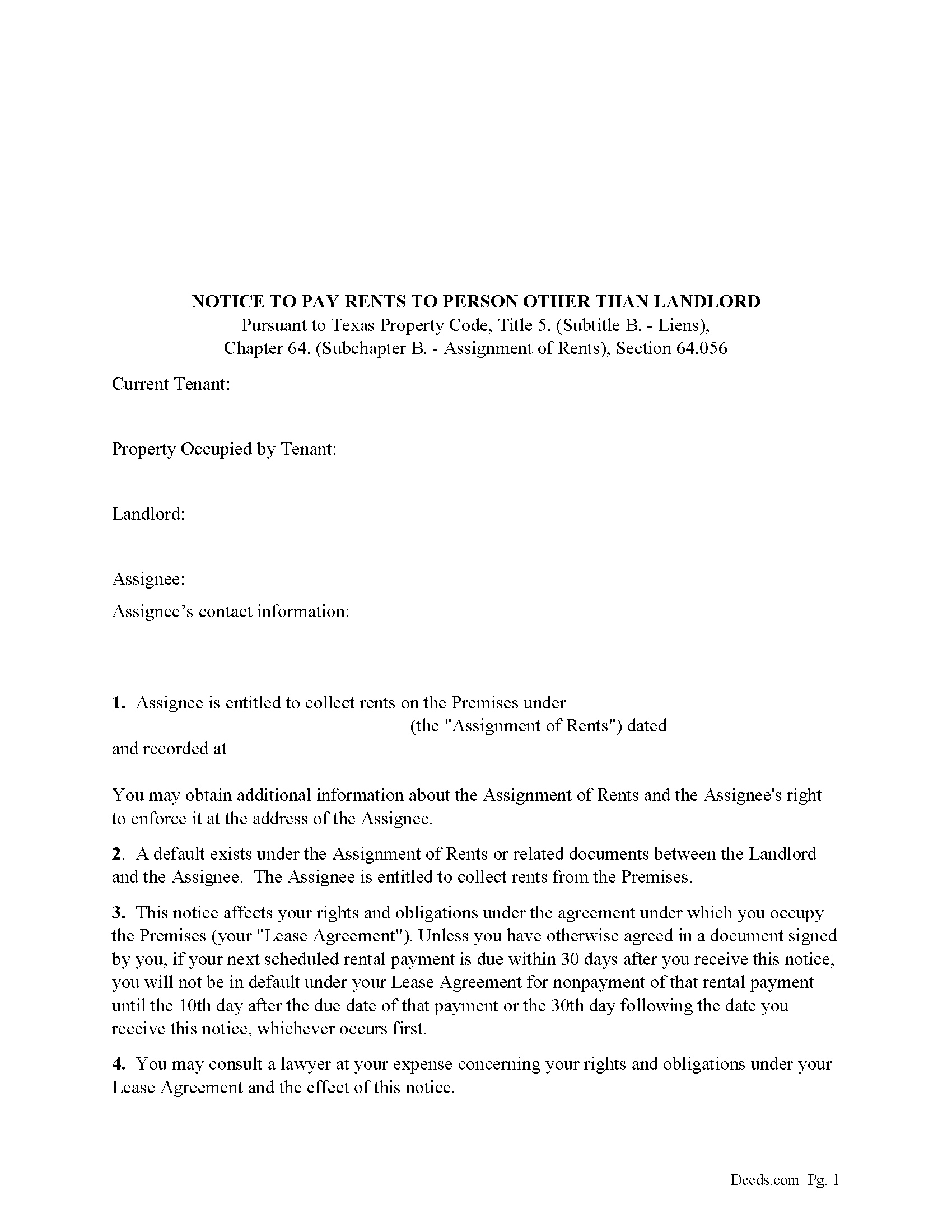
Walker County Notice to Pay Rents to Person Other than Landlord Form
Correct form used by lender upon default to notify tenants of Lenders rights to collect rents.
All 4 documents above included • One-time purchase • No recurring fees
Immediate Download • Secure Checkout
Additional Texas and Walker County documents included at no extra charge:
Where to Record Your Documents
County Clerk: Recording Division
Huntsville, Texas 77320
Hours: Monday - Friday 8:00am - 12:00 & 1:00 - 4:30pm
Phone: (936) 436-4903
Recording Tips for Walker County:
- Bring your driver's license or state-issued photo ID
- Ensure all signatures are in blue or black ink
- White-out or correction fluid may cause rejection
- Ask about their eRecording option for future transactions
- Avoid the last business day of the month when possible
Cities and Jurisdictions in Walker County
Properties in any of these areas use Walker County forms:
- Dodge
- Huntsville
- New Waverly
- Riverside
Hours, fees, requirements, and more for Walker County
How do I get my forms?
Forms are available for immediate download after payment. The Walker County forms will be in your account ready to download to your computer. An account is created for you during checkout if you don't have one. Forms are NOT emailed.
Are these forms guaranteed to be recordable in Walker County?
Yes. Our form blanks are guaranteed to meet or exceed the applicable formatting requirements used for recording in Walker County, including margin requirements, font requirements, and other layout standards. This guarantee applies to formatting, not to the legal sufficiency of information entered by the user or the suitability of a form for a particular transaction.
Can I reuse these forms?
Yes. You can reuse the forms for your personal use. For example, if you have multiple properties in Walker County you only need to order once.
What do I need to use these forms?
The forms are PDFs that you fill out on your computer. The free Adobe Acrobat Reader is recommended, and most PDF apps also work. You do NOT enter your property information online - you download the blank forms and complete them privately on your own computer.
Are there any recurring fees?
No. This is a one-time purchase. Nothing to cancel, no memberships, no recurring fees.
How much does it cost to record in Walker County?
Recording fees in Walker County vary. Contact the recorder's office at (936) 436-4903 for current fees.
Questions answered? Let's get started!
This form is executed/signed by the borrower/Assignor as inducement for the Lender/Assignee to make the loan evidenced by a Note secured by a Deed of Trust, borrower/Assignor has agreed to an assignment of rents in accordance with Chapter 64 of the Texas Property Code to Lender/Assignee in, to and under any and all leases (hereinafter collectively referred to as the "Leases" and singularly as a "Lease") and any rights to receive payments and liens securing rights to receive payments under notes, contracts for deed or otherwise arising (hereinafter collectively called "Notes and Liens")
Sec. 64.053. ENFORCEMENT OF SECURITY INTEREST IN RENTS GENERALLY.
(a) An assignee may enforce an assignment of rents using one or more of the methods provided by Section 64.054 or 64.055 or any other method sufficient to enforce an assignment of rents under a law of this state other than this chapter.
(b) On and after the date on which an assignee begins to enforce an assignment of rents, the assignee is entitled to collect all rents that:
(1) have accrued but remain unpaid on that date; and
(2) accrue on or after that date.
For use in Texas only.
Important: Your property must be located in Walker County to use these forms. Documents should be recorded at the county recording office listed above.
This Collateral Assignment of Leases, Rents and Rights meets all recording requirements specific to Walker County.
Our Promise
The documents you receive here are guaranteed to meet or exceed the applicable Walker County recording format requirements. If there is a rejection caused by our formatting, we will correct the issue or refund your payment. This guarantee applies to document formatting only and does not extend to information entered by the user, the selection of the form, or the legal effect of the completed document.
Save Time and Money
Get your Walker County Collateral Assignment of Leases, Rents and Rights form done right the first time with Deeds.com Uniform Conveyancing Blanks. At Deeds.com, we understand that your time and money are valuable resources, and we don't want you to face a penalty fee or rejection imposed by a county recorder for submitting nonstandard documents. We constantly review and update our forms to meet rapidly changing state and county recording requirements for roughly 3,500 counties and local jurisdictions.
4.8 out of 5 - ( 4,853 Reviews )
ROSALYN L. 5 out of 5 stars
I just now downloaded the forms. So far, so good.
Thank you for your feedback. We really appreciate it. Have a great day!
Michael O. 5 out of 5 stars
Received everything that was promised.
We appreciate your business and value your feedback. Thank you. Have a wonderful day!
Giustino C. 5 out of 5 stars
I am pleased with this electronic service in making a time sensitive deed transfer since very few options exist currently with the Covid 19 Crisis. This was the only rapid and available option to record the deed transfer and the fee was reasonable. I was able to upload my notarized and executed document and had a record number as well as the official document within 24 hours. It was simple and easy to use. Thank you deeds.com!!
Thank you Giustino, glad we could help.
Richard G. 5 out of 5 stars
Easy to use. I was able to find out what I needed quickly and was able to download the information necessary.
Thank you!
Kimberly R. 5 out of 5 stars
Love this site. Very informative and helpful!
Thank you for your feedback. We really appreciate it. Have a great day!
David N. 5 out of 5 stars
It worked well for me. Now I need the actual lien form
Thank you!
James I. 5 out of 5 stars
It worked out very well. Got the form(s) with clear instructions.
We appreciate your business and value your feedback. Thank you. Have a wonderful day!
Dawn Y. 1 out of 5 stars
Obtaining a copy of a deed is FAR too expensive.
Thank you for your feedback Dawn. Have a wonderful day.
Timothy M. 5 out of 5 stars
I like what I see so far!
Thank you!
Richard L. 5 out of 5 stars
very useful
Thank you!
Jerri S. 5 out of 5 stars
Very helpful. Print out go to court house spent less then 15 minutes there and done! Thanks will use again.
Thank you Jerri, we appreciate your feedback.
Ken S. 5 out of 5 stars
Easy to downloand. Instructions were helpful and easy to follow. Made the process a lot easier for me.
Thanks Ken.
John P. 4 out of 5 stars
Working with one document at a time every thing was great, but the program will not let multiple documents save independently. When I saved a document and created another document the changes I made on the second document were on the 1st document. No big deal if your printing, but if your saving to email later, its an issue.
Thank you for your feedback. We really appreciate it. Have a great day!
Evone A. 5 out of 5 stars
So thankful that I could just find the form and complete the estate I am working on for my parents. The forms and instructions were very helpful.
We truly value your business and appreciate your review.
Jo Anne M. 5 out of 5 stars
good I think
Thank you!