Wichita County Collateral Assignment of Leases, Rents and Rights Form
Last validated October 23, 2026 by our Forms Development TeamFormatted for recording in Wichita County, for property anywhere in the county: rural and unincorporated areas as well as Burkburnett, Electra, Iowa Park, Kamay, Sheppard Afb, Wichita Falls.
- 4 documents included
- Immediate PDF download
- Formatting guarantee
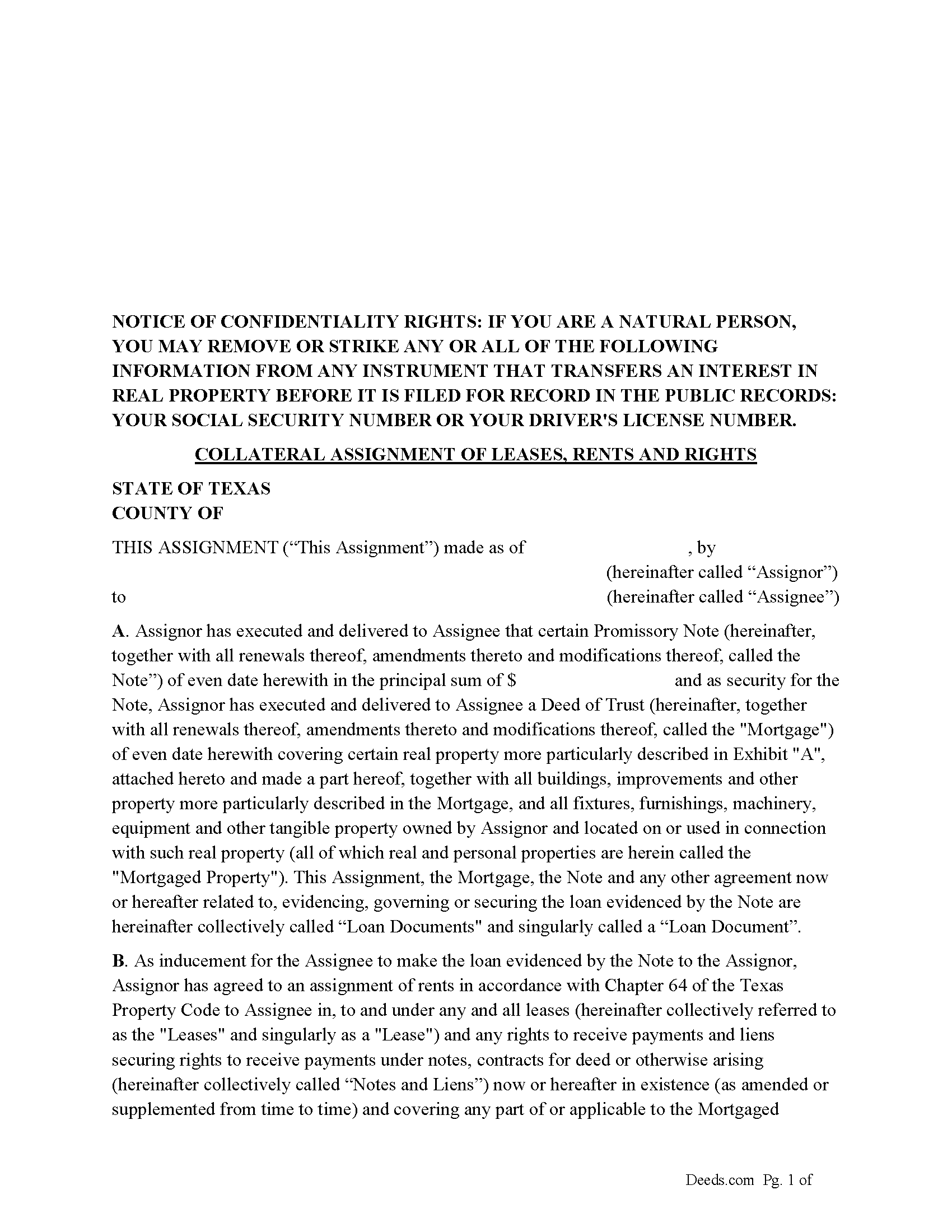
Wichita County Collateral Assignment of Leases, Rents and Rights Form
Fill in the blank form formatted to comply with all recording and content requirements.
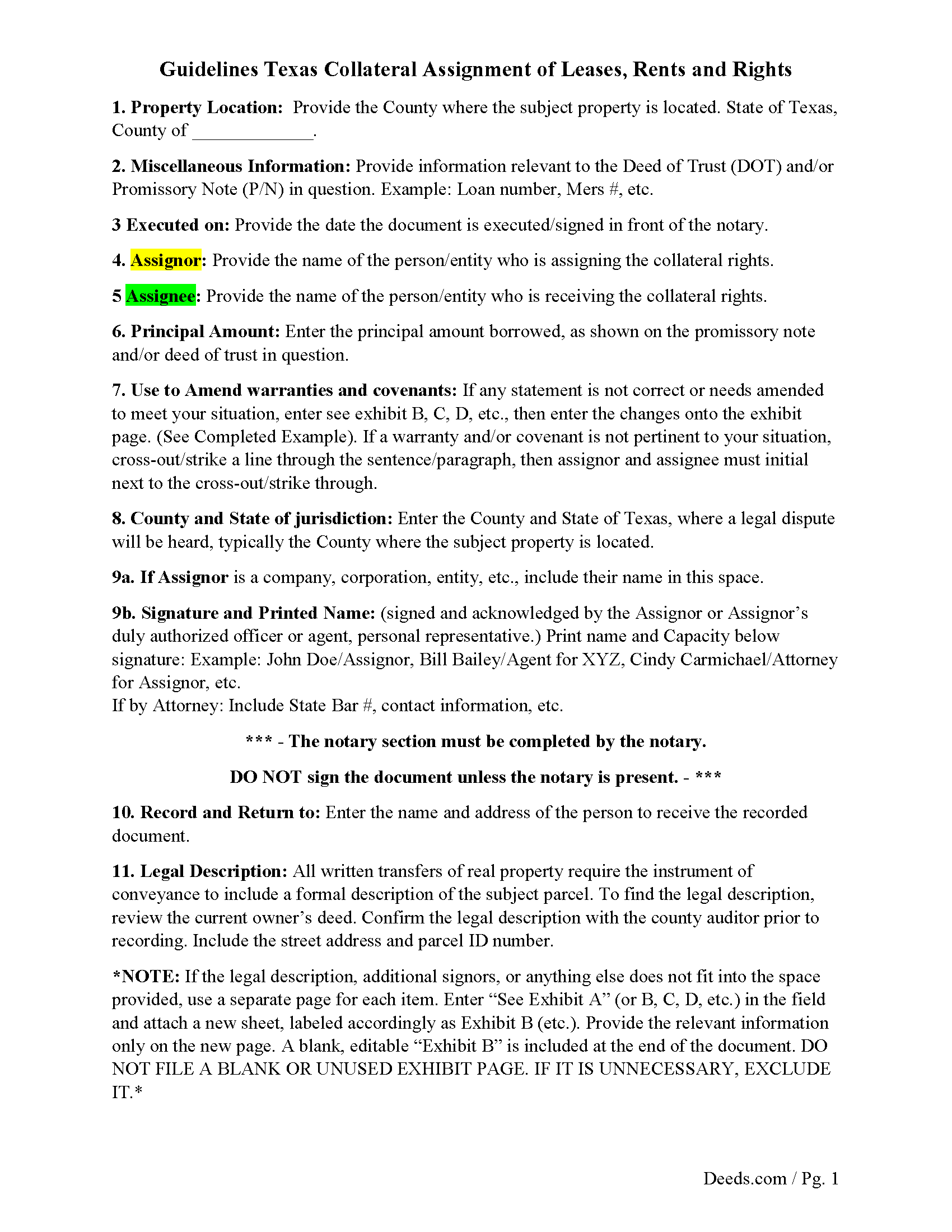
Wichita County Guidelines for Collateral Assignment
Line by line guide explaining every blank on the form.
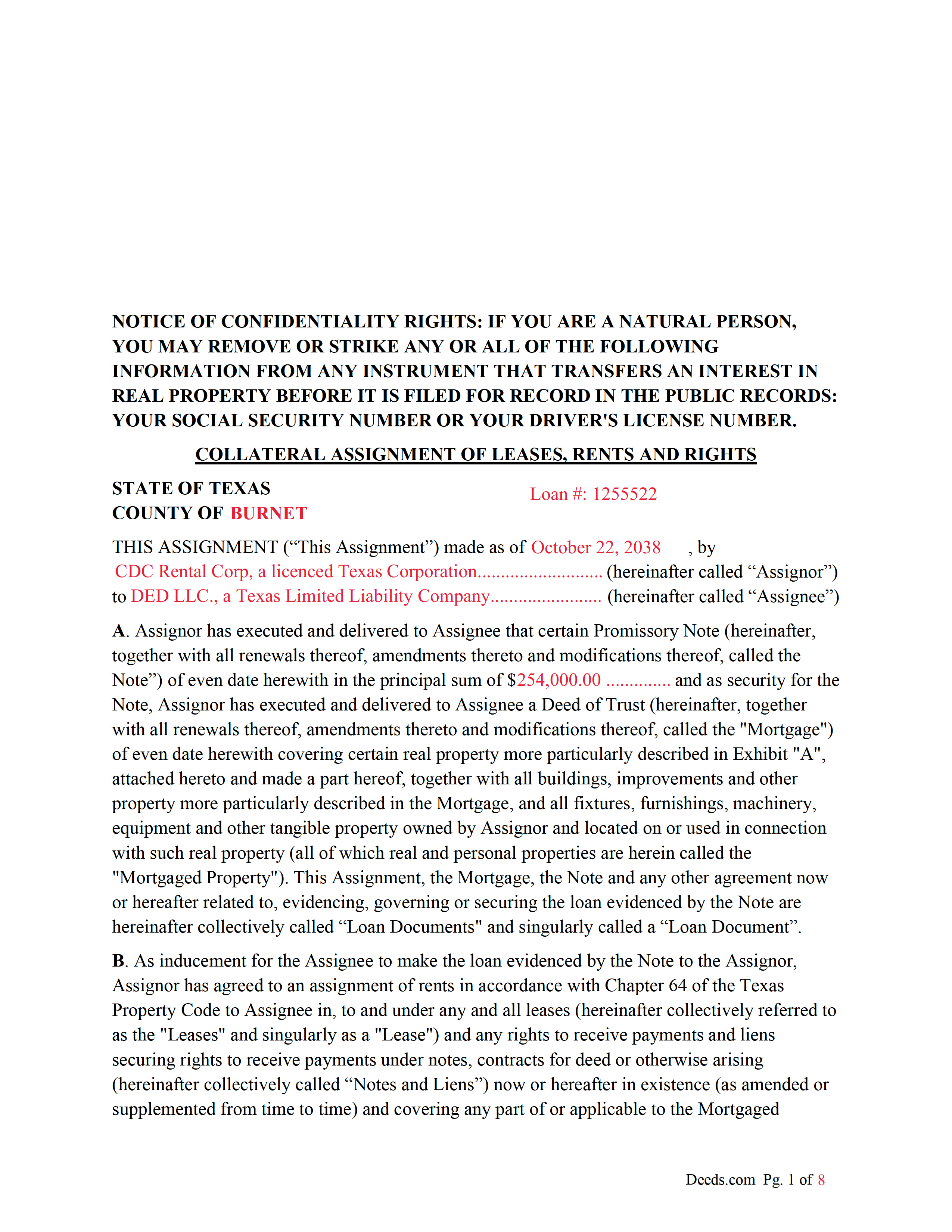
Wichita County Completed Example of the Collateral Assignment Document
Example of a properly completed form for reference.
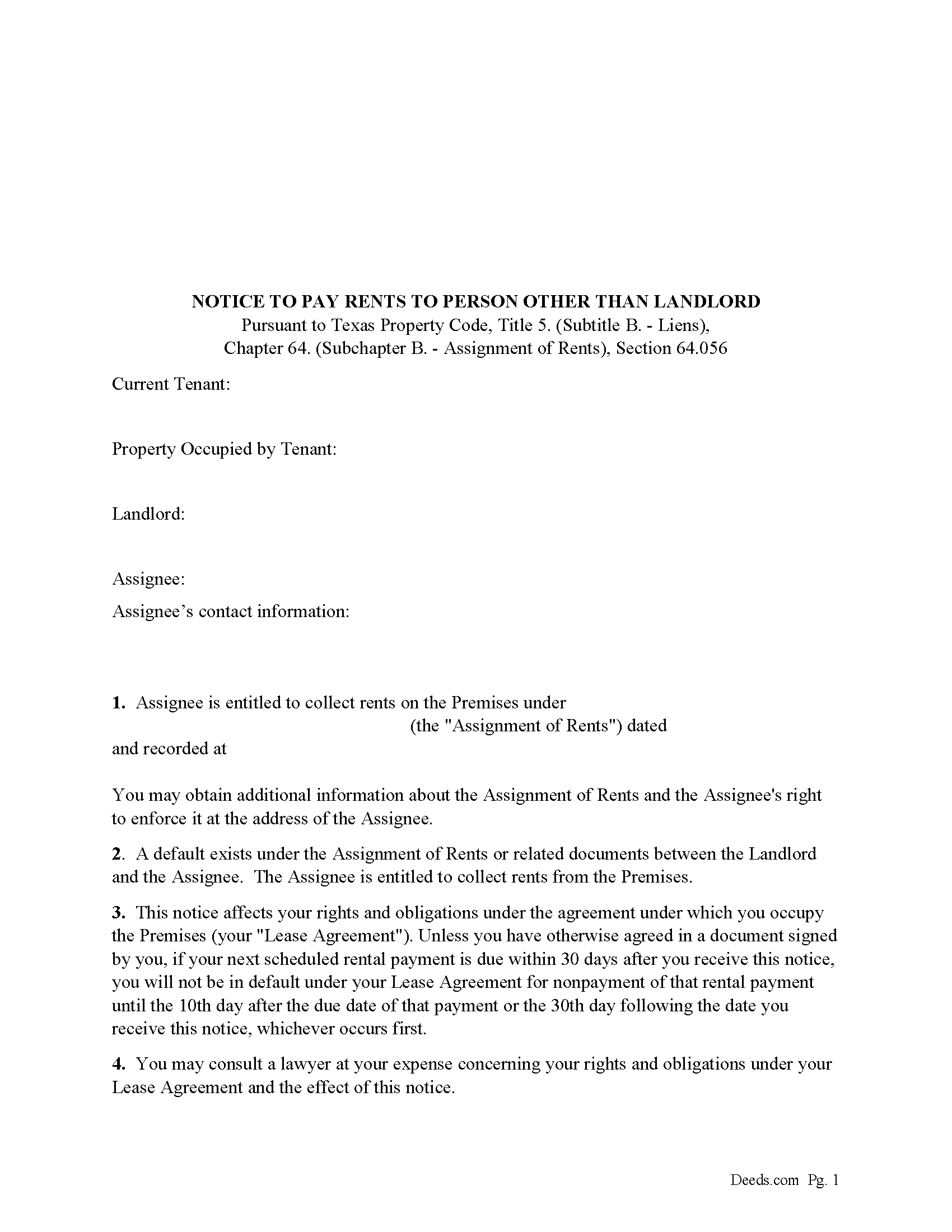
Wichita County Notice to Pay Rents to Person Other than Landlord Form
Correct form used by lender upon default to notify tenants of Lenders rights to collect rents.
All 4 documents above included • One-time purchase • No recurring fees
Immediate Download • Secure Checkout
Additional Texas and Wichita County documents included at no extra charge:
Where to Record Your Documents
Wichita County Clerk
Wichita Falls, Texas 76301
Hours: Monday-Wednesday, Friday 8:00 AM to 5:00 PM, Thursday 7:30 AM to 5:30 PM
Phone: (940) 766-8195
Recording Tips for Wichita County:
- Bring your driver's license or state-issued photo ID
- Ensure all signatures are in blue or black ink
- Leave recording info boxes blank - the office fills these
- Make copies of your documents before recording - keep originals safe
- Recorded documents become public record - avoid including SSNs
Cities and Jurisdictions in Wichita County
Properties in any of these areas use Wichita County forms:
- Burkburnett
- Electra
- Iowa Park
- Kamay
- Sheppard Afb
- Wichita Falls
Hours, fees, requirements, and more for Wichita County
How do I get my forms?
Forms are available for immediate download after payment. The Wichita County forms will be in your account ready to download to your computer. An account is created for you during checkout if you don't have one. Forms are NOT emailed.
Are these forms guaranteed to be recordable in Wichita County?
Yes. Our form blanks are guaranteed to meet or exceed the applicable formatting requirements used for recording in Wichita County, including margin requirements, font requirements, and other layout standards. This guarantee applies to formatting, not to the legal sufficiency of information entered by the user or the suitability of a form for a particular transaction.
Can I reuse these forms?
Yes. You can reuse the forms for your personal use. For example, if you have multiple properties in Wichita County you only need to order once.
What do I need to use these forms?
The forms are PDFs that you fill out on your computer. The free Adobe Acrobat Reader is recommended, and most PDF apps also work. You do NOT enter your property information online - you download the blank forms and complete them privately on your own computer.
Are there any recurring fees?
No. This is a one-time purchase. Nothing to cancel, no memberships, no recurring fees.
How much does it cost to record in Wichita County?
Recording fees in Wichita County vary. Contact the recorder's office at (940) 766-8195 for current fees.
Questions answered? Let's get started!
This form is executed/signed by the borrower/Assignor as inducement for the Lender/Assignee to make the loan evidenced by a Note secured by a Deed of Trust, borrower/Assignor has agreed to an assignment of rents in accordance with Chapter 64 of the Texas Property Code to Lender/Assignee in, to and under any and all leases (hereinafter collectively referred to as the "Leases" and singularly as a "Lease") and any rights to receive payments and liens securing rights to receive payments under notes, contracts for deed or otherwise arising (hereinafter collectively called "Notes and Liens")
Sec. 64.053. ENFORCEMENT OF SECURITY INTEREST IN RENTS GENERALLY.
(a) An assignee may enforce an assignment of rents using one or more of the methods provided by Section 64.054 or 64.055 or any other method sufficient to enforce an assignment of rents under a law of this state other than this chapter.
(b) On and after the date on which an assignee begins to enforce an assignment of rents, the assignee is entitled to collect all rents that:
(1) have accrued but remain unpaid on that date; and
(2) accrue on or after that date.
For use in Texas only.
Important: Your property must be located in Wichita County to use these forms. Documents should be recorded at the county recording office listed above.
This Collateral Assignment of Leases, Rents and Rights meets all recording requirements specific to Wichita County.
Our Promise
The documents you receive here are guaranteed to meet or exceed the applicable Wichita County recording format requirements. If there is a rejection caused by our formatting, we will correct the issue or refund your payment. This guarantee applies to document formatting only and does not extend to information entered by the user, the selection of the form, or the legal effect of the completed document.
Save Time and Money
Get your Wichita County Collateral Assignment of Leases, Rents and Rights form done right the first time with Deeds.com Uniform Conveyancing Blanks. At Deeds.com, we understand that your time and money are valuable resources, and we don't want you to face a penalty fee or rejection imposed by a county recorder for submitting nonstandard documents. We constantly review and update our forms to meet rapidly changing state and county recording requirements for roughly 3,500 counties and local jurisdictions.
4.8 out of 5 - ( 4,833 Reviews )
Alicia S. 5 out of 5 stars
It's been a difficult time during my divorce. Glad I was able to get the house related documents easily here.
Thank you!
Blaine G. 3 out of 5 stars
Pretty good promissory note...but unable to delete some of the not needed stuff. Fill in blanks are fine but not all the template language is appropriate in my situation
Thank you for your feedback. We really appreciate it. Have a great day!
Bridgett A S. 5 out of 5 stars
It was actually very easy to use and not very expensive. I'm glad I tried it out
We truly value your business and appreciate your review.
Heather M. 5 out of 5 stars
Great service, convenient, fast and easy to use. Thumbs Up!!!!w
We appreciate your business and value your feedback. Thank you. Have a wonderful day!
Hyacinth A. 5 out of 5 stars
It was easy and helpful to use Deed.com
We appreciate your comments and your trust in us. Thank you.
Lawrence N. 5 out of 5 stars
Very easy and convenient to use. Low cost and saves a trip to the courthouse and/or having to do mailing(s)
We appreciate your business and value your feedback. Thank you. Have a wonderful day!
Thomas D. 2 out of 5 stars
The documents themselves are fine and the information provided with them is helpful. I find the actual processing of the documents, however, to be difficult particularly once the document has been saved. First, I note that the box for the date only allows entry of the last 2 digits of the year. Unfortunately, my download only allows me to enter one of the 2 digits required. When I delete it repeatedly, it eventually allows both digits to be entered but puts them in extremely small text and in superscrypt. I have not found a solution to this problem and am not sure the deed can even be recorded with this problem. Another problem is that if you try to revise the document after you have saved it the curser goes to the end of the line after each key entry. This means that there basically is no way to efficiently save the document for reworking later since you will have to delete everything you have entered in the text box unless you only need to make a single keystroke change or are willing to replace the curser after each entry. Try that with a long property description! Please note that I am using a Mac to prepare my documents and perhaps this is part of an "incompatibility problem". However, I didn't see a disclaimer regarding Mac use and so would expect the documents to perform correctly. Overall, I give the program a "2 star" rating because I am experiencing significant difficulties in entering dates in the documents even before saving them and because saving your work for later revision appears to be basically unworkable.
Thank you for your feedback Thomas, we appreciate you being specific about the issues you encountered. Adobe and Mac have a fairly long history of issues working together.
Debra K. 5 out of 5 stars
Very happy with forms downloaded. Well worth the price. Could not find them anywhere else on the web. Also had easy to understand instructions and a demo form as a guide
Thank you Debra, we appreciate your feedback. Have a wonderful day!
Richard W. 5 out of 5 stars
Very happy I tried your service/product. The quit deed forms were excepted by the register of deeds with no issue. Thank You
We appreciate your business and value your feedback. Thank you. Have a wonderful day!
Julie P. 5 out of 5 stars
Easy to use service. Thank you.
Thank you for your feedback. We really appreciate it. Have a great day!
Kathleen H. 5 out of 5 stars
EASY!!
Thank you!
Richard H. 5 out of 5 stars
Thank You! Very informative and helpful!
We appreciate your business and value your feedback. Thank you. Have a wonderful day!
Dexter Lamar H. 5 out of 5 stars
Quick service!
Thank you!
Wendy C. 3 out of 5 stars
I purchased a Warranty Deed "package" on Friday and found that the Main download was a working document, but the secondary document (which is required) was not. In other words, I was able to use the fill-in feature on the main document, but not on the second document. I used the portal on the website to report my issue the same day. That was Friday. This is Wednesday. I have not heard a word from them and I have to use my documents in 2 days. I will probably have to resort to pen and ink for that document, but I have already tried filling it out twice and have to keep reprinting and starting over. You can't white out or cross out. I would really prefer to have the complete service that I paid for.
Thank you for your feedback. As is noted on the site, supplemental forms are provided as a courtesy with your order. They are not our forms, we did not create them. They are created and provided by the jurisdiction/agency that requires them. Have a wonderful day.
Bethany F. 5 out of 5 stars
quick and easy to use
Thank you!