Dawson County Deed of Trust and Promissory Note Form
Last validated November 23, 2026 by our Forms Development TeamFormatted for recording in Dawson County, for property anywhere in the county: rural and unincorporated areas as well as Lamesa, Welch.
- 7 documents included
- Immediate PDF download
- Formatting guarantee
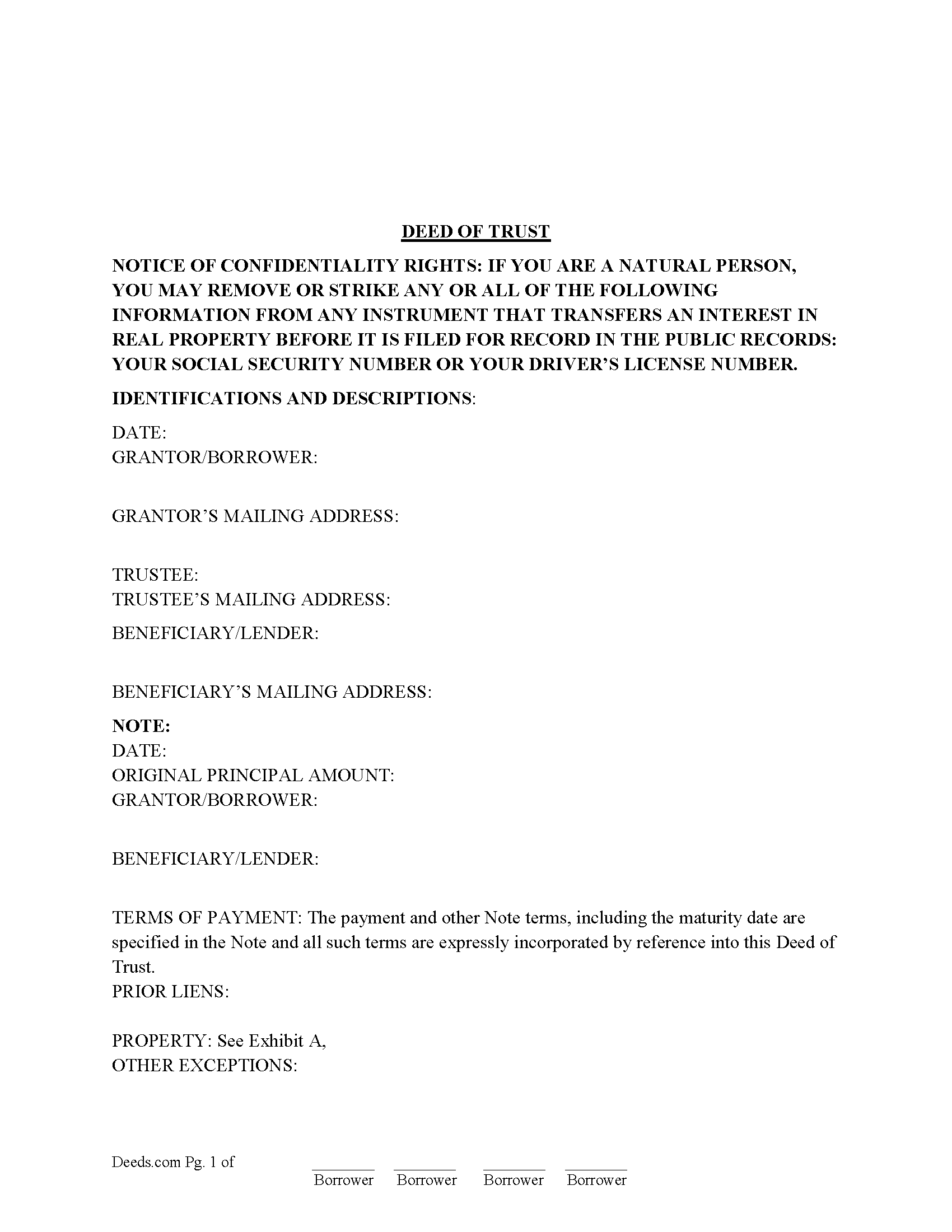
Dawson County Deed of Trust Form
Fill in the blank form formatted to comply with all recording and content requirements.
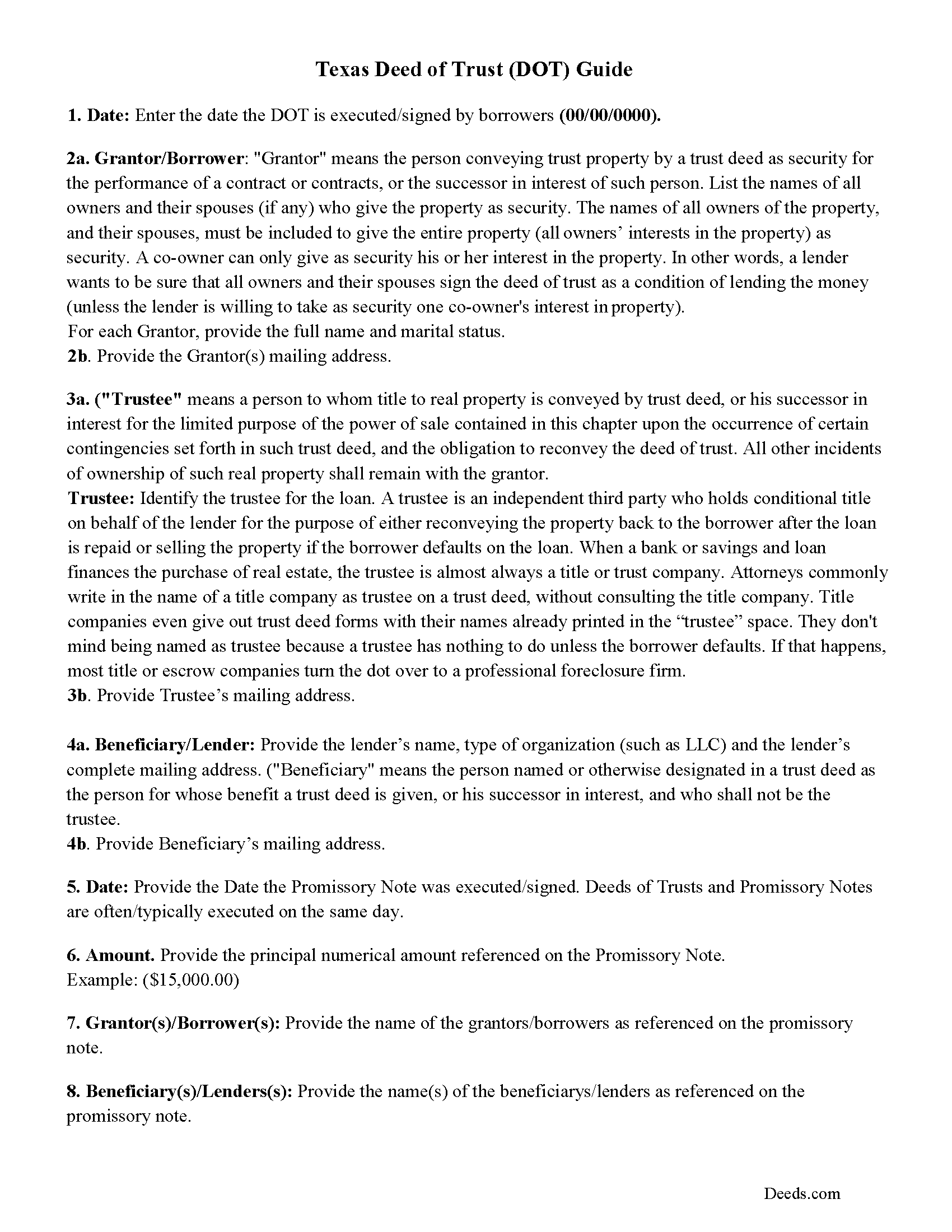
Dawson County Texas Deed of Trust Guidelines
Line by line guide explaining every blank on the form.
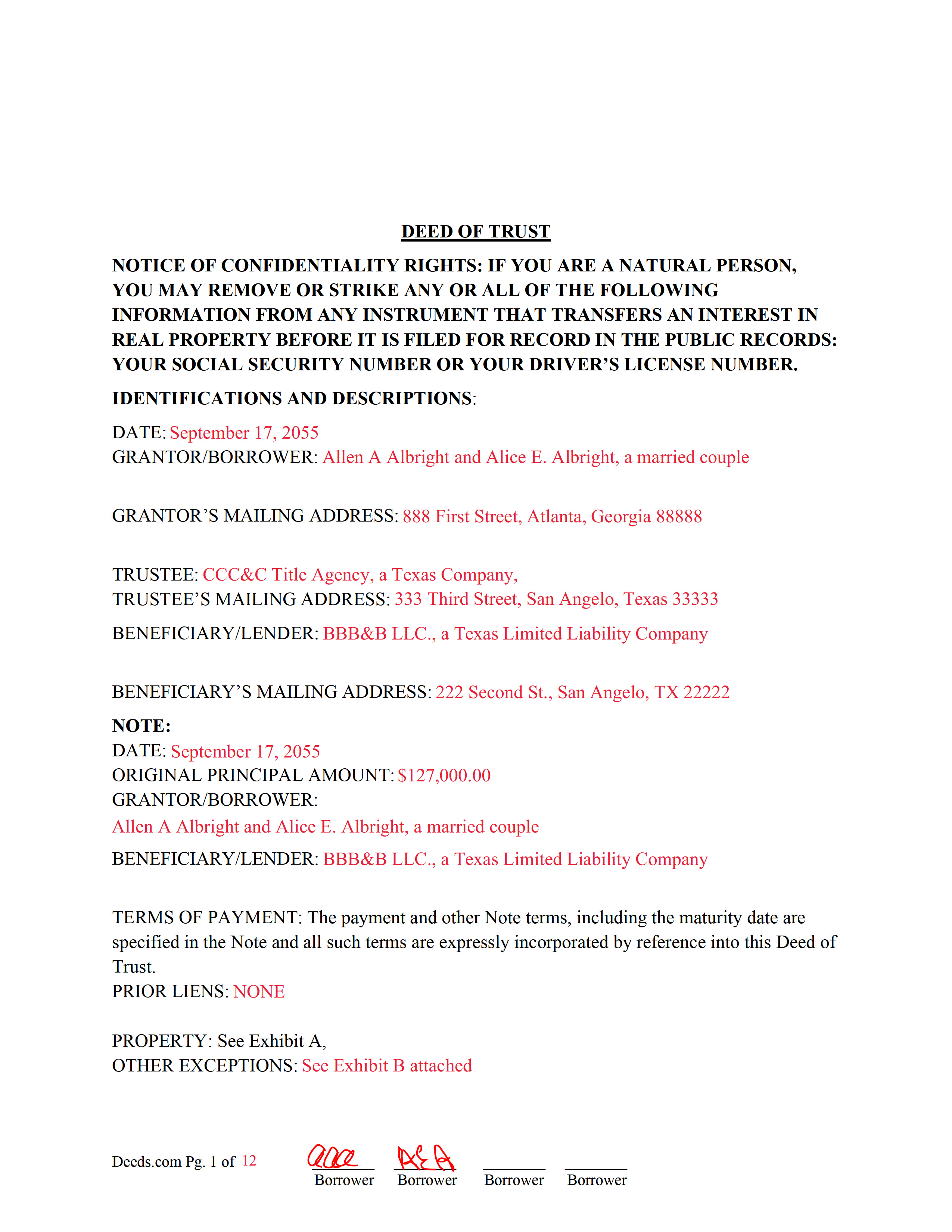
Dawson County Completed Example of the Deed of Trust Document
Example of a properly completed form for reference.
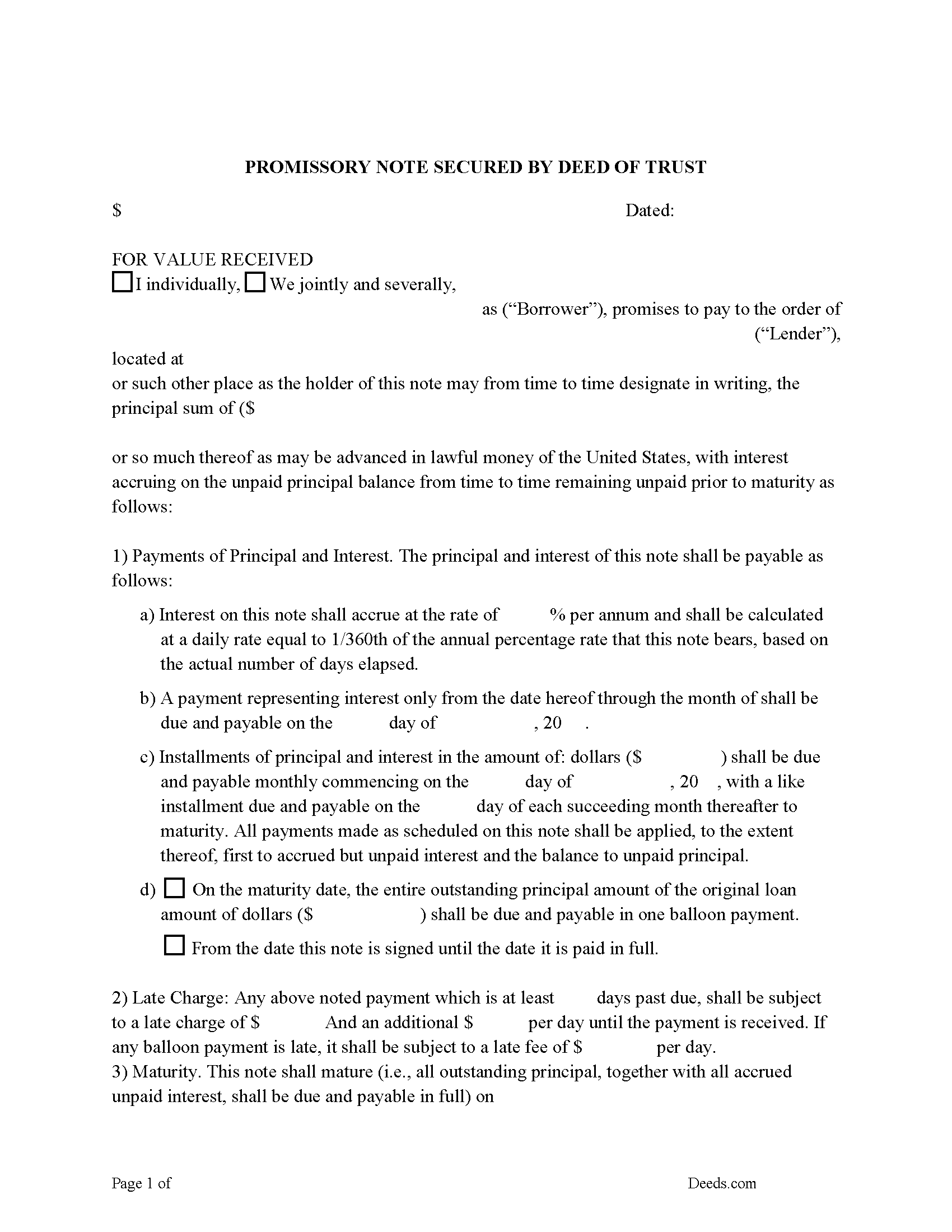
Dawson County Promissory Note Form
Note secured by Deed of Trust, fill in the blank.
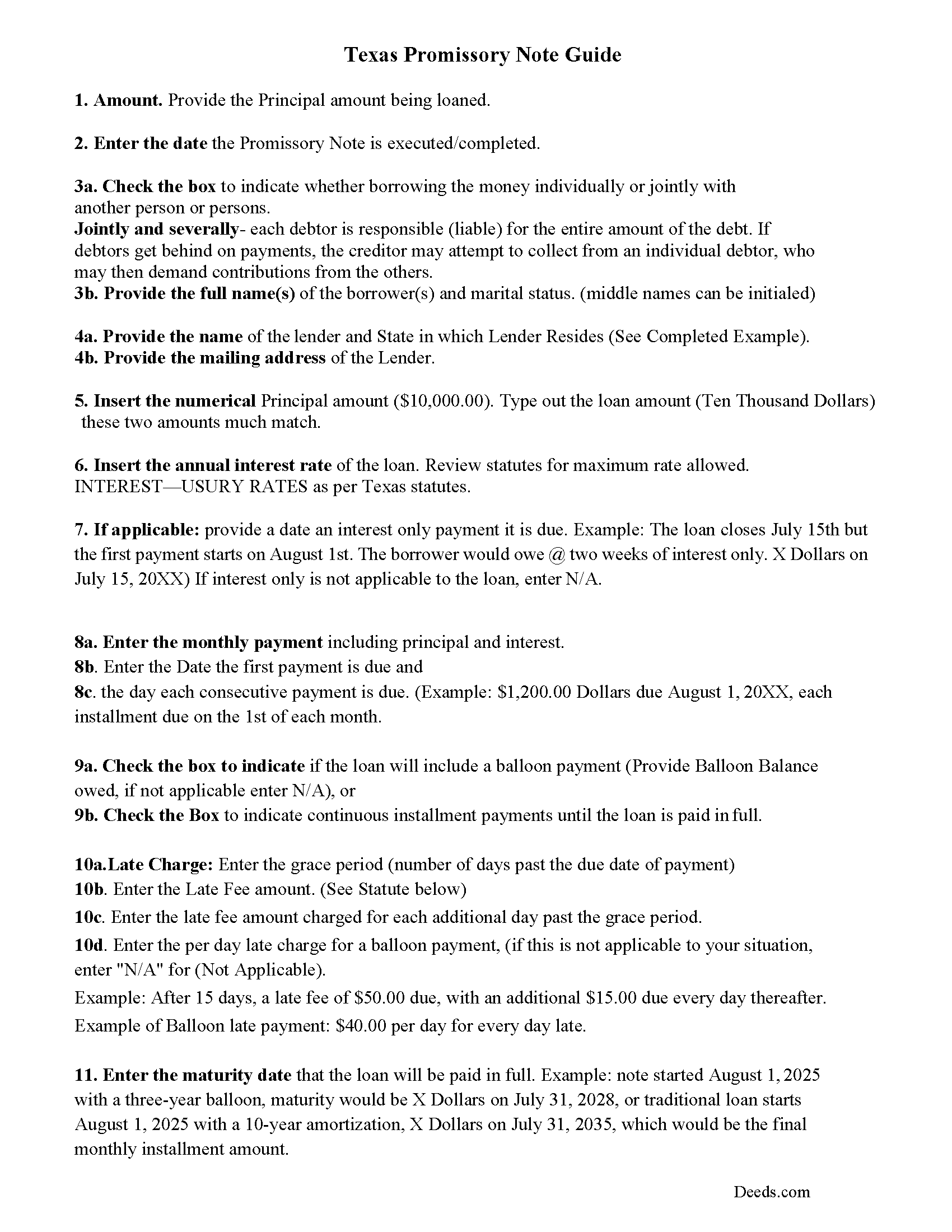
Dawson County Promissory Note Guidelines
Line by line guide explaining every blank on the form.
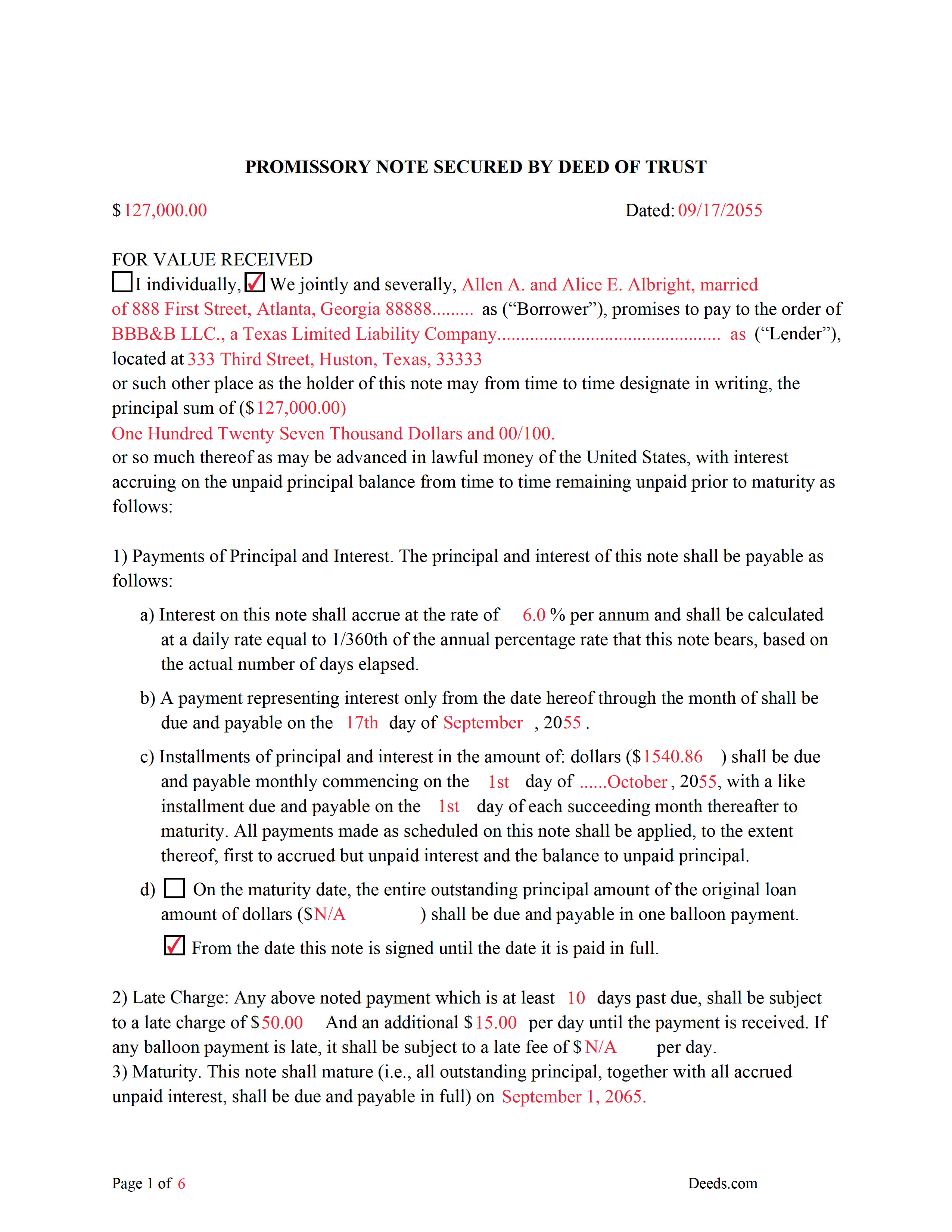
Dawson County Completed Example of the Promissory Note Document
This Promissory Note is filled in and highlighted, showing how the guideline information, can be interpreted into the document.
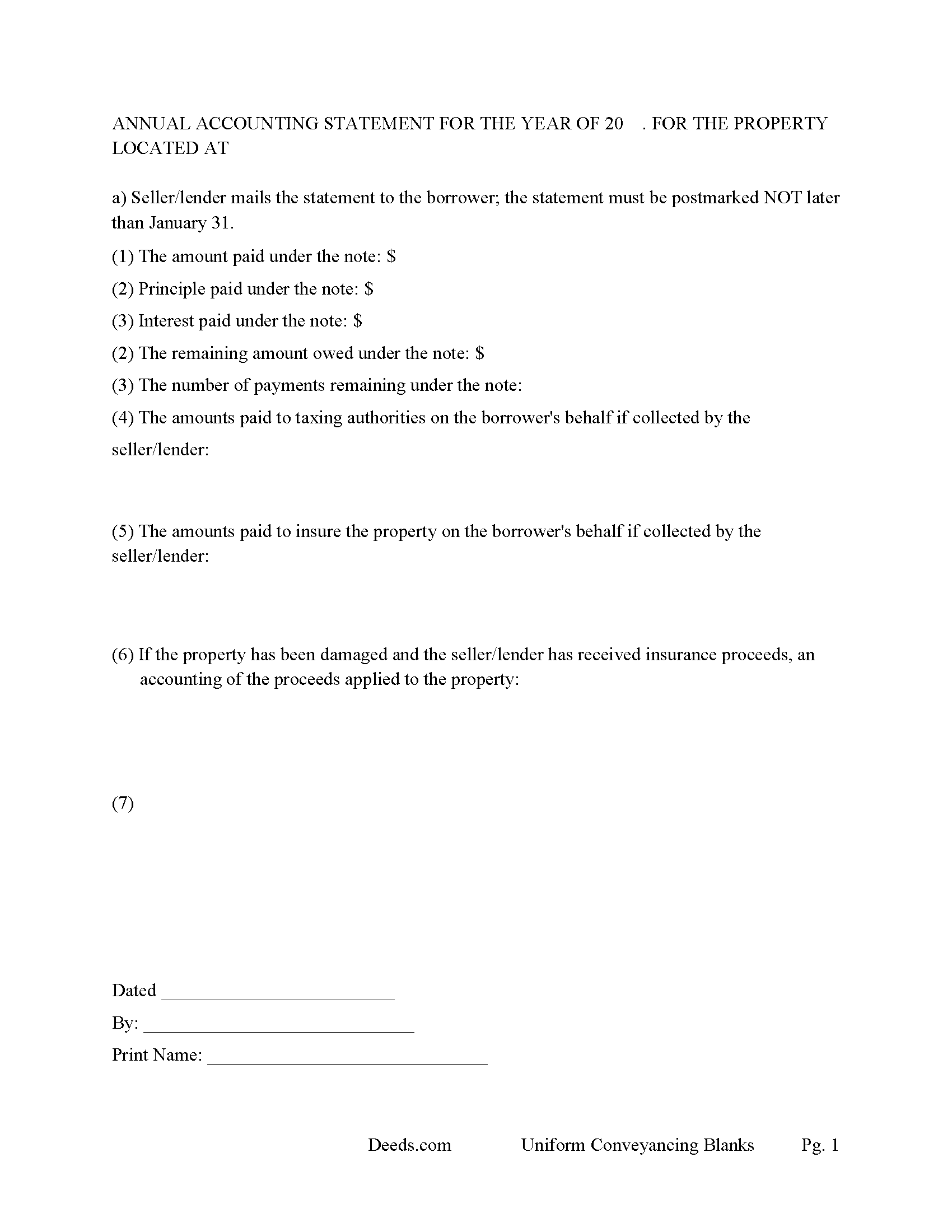
Dawson County Annual Accounting Statement Form
Mail to borrower for fiscal year reporting.
All 7 documents above included • One-time purchase • No recurring fees
Immediate Download • Secure Checkout
Additional Texas and Dawson County documents included at no extra charge:
Where to Record Your Documents
Dawson County Clerk's Office
Lamesa, Texas 79331
Hours: Monday - Friday 8:30am - 5:00pm
Phone: (806) 872-3778
Recording Tips for Dawson County:
- Bring your driver's license or state-issued photo ID
- Ensure all signatures are in blue or black ink
- Leave recording info boxes blank - the office fills these
- Make copies of your documents before recording - keep originals safe
- Recorded documents become public record - avoid including SSNs
Cities and Jurisdictions in Dawson County
Properties in any of these areas use Dawson County forms:
- Lamesa
- Welch
Hours, fees, requirements, and more for Dawson County
How do I get my forms?
Forms are available for immediate download after payment. The Dawson County forms will be in your account ready to download to your computer. An account is created for you during checkout if you don't have one. Forms are NOT emailed.
Are these forms guaranteed to be recordable in Dawson County?
Yes. Our form blanks are guaranteed to meet or exceed the applicable formatting requirements used for recording in Dawson County, including margin requirements, font requirements, and other layout standards. This guarantee applies to formatting, not to the legal sufficiency of information entered by the user or the suitability of a form for a particular transaction.
Can I reuse these forms?
Yes. You can reuse the forms for your personal use. For example, if you have multiple properties in Dawson County you only need to order once.
What do I need to use these forms?
The forms are PDFs that you fill out on your computer. The free Adobe Acrobat Reader is recommended, and most PDF apps also work. You do NOT enter your property information online - you download the blank forms and complete them privately on your own computer.
Are there any recurring fees?
No. This is a one-time purchase. Nothing to cancel, no memberships, no recurring fees.
How much does it cost to record in Dawson County?
Recording fees in Dawson County vary. Contact the recorder's office at (806) 872-3778 for current fees.
Questions answered? Let's get started!
A deed of trust (DOT) is a document that conveys title to real property to a trustee as security for a loan until the grantor (borrower) repays the lender according to terms defined in a promissory note. It's similar to a mortgage but differs - mortgages only include two parties (borrower and lender). In Texas a Deed of Trust is the preferred lending instrument.
There are three parties to a deed of trust: the borrower (grantor), the lender (beneficiary), and the trustee. The trustee, typically a title agency or other disinterested party, serves two purposes: to initiate the foreclosure process for the lender if the borrower defaults on the loan, and to transfer (reconvey) the property back to the borrower after the debt is paid in full.
This DOT includes a power of sale clause, this can be beneficial to the lender, saving time and expense in the case of a foreclosure. Sec.51.0074. DUTIES OF TRUSTEE.
(a) One or more persons may be authorized to exercise the power of sale under a security instrument.
(b) A trustee may not be:
(1) assigned a duty under a security instrument other than to exercise the power of sale in accordance with the terms of the security instrument; or
(2) held to the obligations of a fiduciary of the mortgagor or mortgagee.
Use these forms to finance real property; residential, rental, condominiums, vacant land, and planned unit developments. A promissory note secured by a deed of trust, that include stringent default terms can be beneficial to the lender, typical of owner financing, investor financing, etc.
(Texas Deed of Trust Package includes forms, guidelines, and completed example)
For use in Texas only.
Important: Your property must be located in Dawson County to use these forms. Documents should be recorded at the county recording office listed above.
This Deed of Trust and Promissory Note meets all recording requirements specific to Dawson County.
Our Promise
The documents you receive here are guaranteed to meet or exceed the applicable Dawson County recording format requirements. If there is a rejection caused by our formatting, we will correct the issue or refund your payment. This guarantee applies to document formatting only and does not extend to information entered by the user, the selection of the form, or the legal effect of the completed document.
Save Time and Money
Get your Dawson County Deed of Trust and Promissory Note form done right the first time with Deeds.com Uniform Conveyancing Blanks. At Deeds.com, we understand that your time and money are valuable resources, and we don't want you to face a penalty fee or rejection imposed by a county recorder for submitting nonstandard documents. We constantly review and update our forms to meet rapidly changing state and county recording requirements for roughly 3,500 counties and local jurisdictions.
4.8 out of 5 - ( 4,867 Reviews )
Isabel M. 5 out of 5 stars
Easy and quick...I highly recommend this site:)
We appreciate your business and value your feedback. Thank you. Have a wonderful day!
Shawn S. 5 out of 5 stars
Seems to be exactly whst j needed. Great job!
Thank you!
Linda K C. 5 out of 5 stars
I wanted to do an Enhancement Life Quitclaim deed and the county government lady didn’t know what I was even talking about. I ordered the deed from Deeds.com and filled it all in,submitted to the county clerk who took 10 minutes to study it before she accepted the deed. This was the easiest transaction I’ve ever made! I actually felt smarter than the clerk who worked at the count office over 20 years.
Thank you, Linda! We’re glad the process went smoothly and that our forms helped you complete your recording with confidence. We appreciate you taking the time to share your experience!
Russell F. 5 out of 5 stars
Thanks for the prompt response to my inquiry. I appreciate the extra effort provided by Tom and Melbra. Great job!
Thank you!
Samy K. 5 out of 5 stars
I searched on line for the blank forms I needed, everyone that said it's free was a part m they wanted to sign me up for a monthly membership, deeds.com had the forms that I can download and fill in, I paid $24 and got more than I needed, very easy company to deal with, I highly recommend them.
Thank you for your feedback. We really appreciate it. Have a great day!
David J. 5 out of 5 stars
Excellent documents, downloaded quick, completed and printed with no problems. Thank you
Thank you!
Lana B. 5 out of 5 stars
Was very helpful!
Thank you!
Priscilla Z. 5 out of 5 stars
Very user friendly and easy. I appreciated the sample deed that was provided. Definitely recommend!
Thank you!
A. S. 3 out of 5 stars
First, I am glad that you gave a blank copy, an example copy, and a 'guide'. It made it much easier to do. Overall I was very happy with your products and organization... however, things got pretty confusing and I have a pretty 'serious' law background in Real Estate and Civil law. With that said, I spent about 10+ hours getting my work done, using the Deed of Trust and Promissory note from you and there were a few problems: First, it would be FANTASTIC if you actually aligned your guide to actually match the Deed or Promissory Note. What I mean is that if the Deed says 'section (E)' then your guide shouldn't be 'randomly' numbered as 1,2,3, for advice/instructions, but should EXACTLY match 'section (E)'. Some places you have to 'hunt' for what you are looking for, and if you did it based on my suggestion, you wouldn't need to 'hunt' and it would avoid confusion. 2nd: This one really 'hurt'... you had something called the 'Deed of Trust Master Form' yet you had basically no information on what it was or how to use it. The only information you had was a small section at the top of the 'Short Form Deed of Trust Guide'. Holy Cow, was that 'section' super confusing. I still don't know if I did it correctly, but your guide says only put a return address on it and leave the rest of the 16 or so page Deed of Trust beneath it blank... and then include your 'Deed of Trust' (I had to assume the short form deed that I had just created) as part of it. I had to assume that I had to print off the entire 17 page or so title page and blank deed. I also had to assume that the promissory note was supposed to be EXHIBIT A or B on the Short Form Deed. It would be great if someone would take a serious look at that short section in your 'Short Form Deed of Trust Guide' and realize that those of us using your products are seriously turning this into a county clerk to file and that most of us, probably already have a property that has an existing Deed... or at least can find one in the county records if necessary... and make sure that you make a distinction between the Deed for the property that already exists, versus the Deed of Trust and Promissory note that we are trying to file. Thanks.
Thank you for your feedback. We'll have staff review the document for clarity. Have a great day!
Wanda L. 5 out of 5 stars
Really nice and helped with more information.
Thank you for your feedback. We really appreciate it. Have a great day!
NATALIE A. 5 out of 5 stars
The form was very easy to use and the sample tool you had was very helpful. the only problem i had was saving the document and then trying to find it later. I finally was able to figure out how to save it. but i still cannot find the saved document on my computer. Luckily i printed it before i closed it and did not need to make any changes.
Thank you for your feedback. We really appreciate it. Have a great day!
Donald C. 5 out of 5 stars
No review provided.
Thank you!
Rich R. 5 out of 5 stars
Forms are always a prob but this was best experience locating a needed form I’ve had. So easy. Latest forms. Really appreciate the intuitive site. Thnx much!!
We appreciate your comments and your trust in us. Thank you.
Angela B. 5 out of 5 stars
The site made everything very easy to understand and access. I was able to get everything I needed and the cost was reasonable.
We appreciate your business and value your feedback. Thank you. Have a wonderful day!
Robert B. 5 out of 5 stars
The forms were easy to download and fill.
Thank you!