Kimble County Deed of Trust to Secure Owelty Form
Last validated October 28, 2026 by our Forms Development TeamFormatted for recording in Kimble County, for property anywhere in the county: rural and unincorporated areas as well as Junction, London, Roosevelt.
- 3 documents included
- Immediate PDF download
- Formatting guarantee
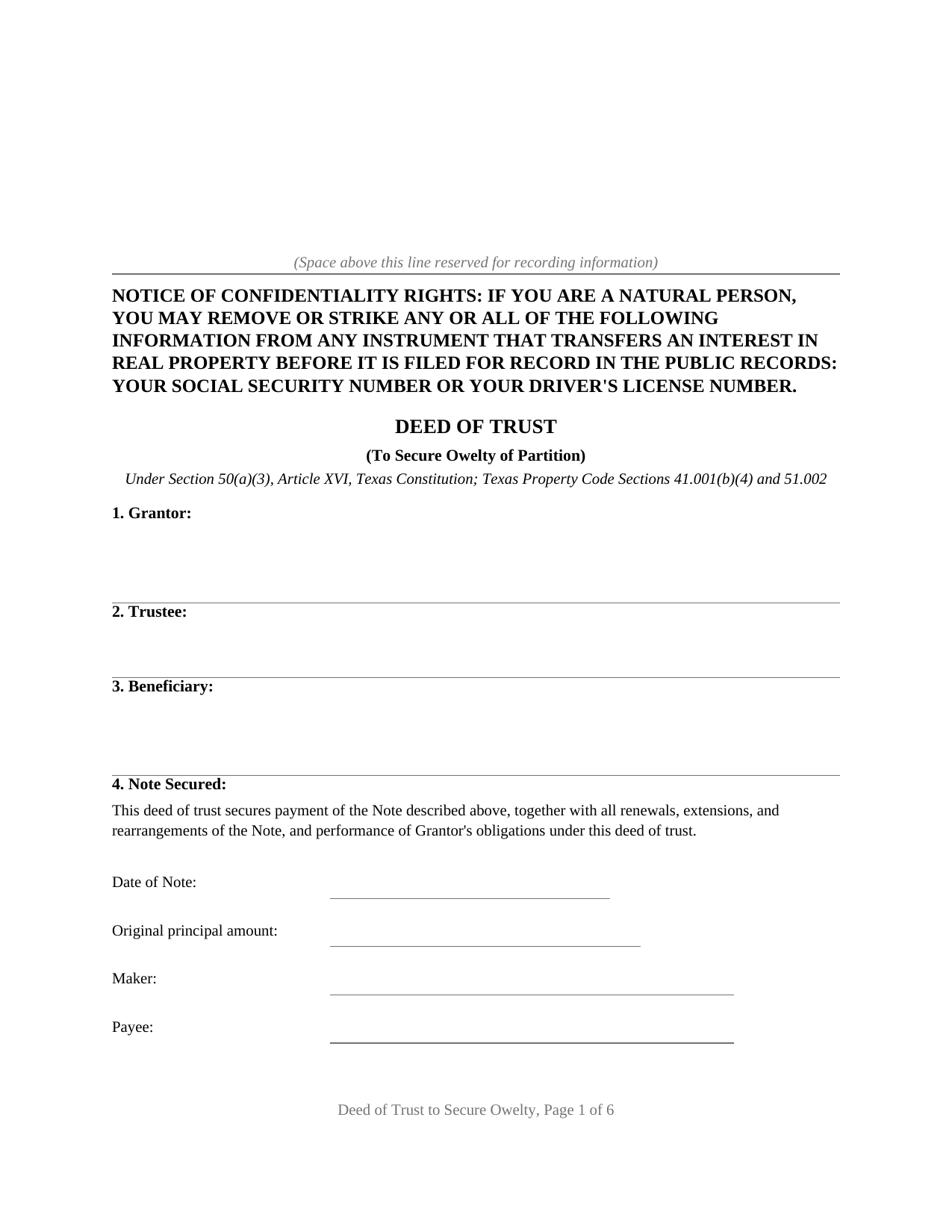
Kimble County Deed of Trust to Secure Owelty Form
Fill in the blank Deed of Trust to Secure Owelty form formatted to comply with all Texas recording and content requirements.
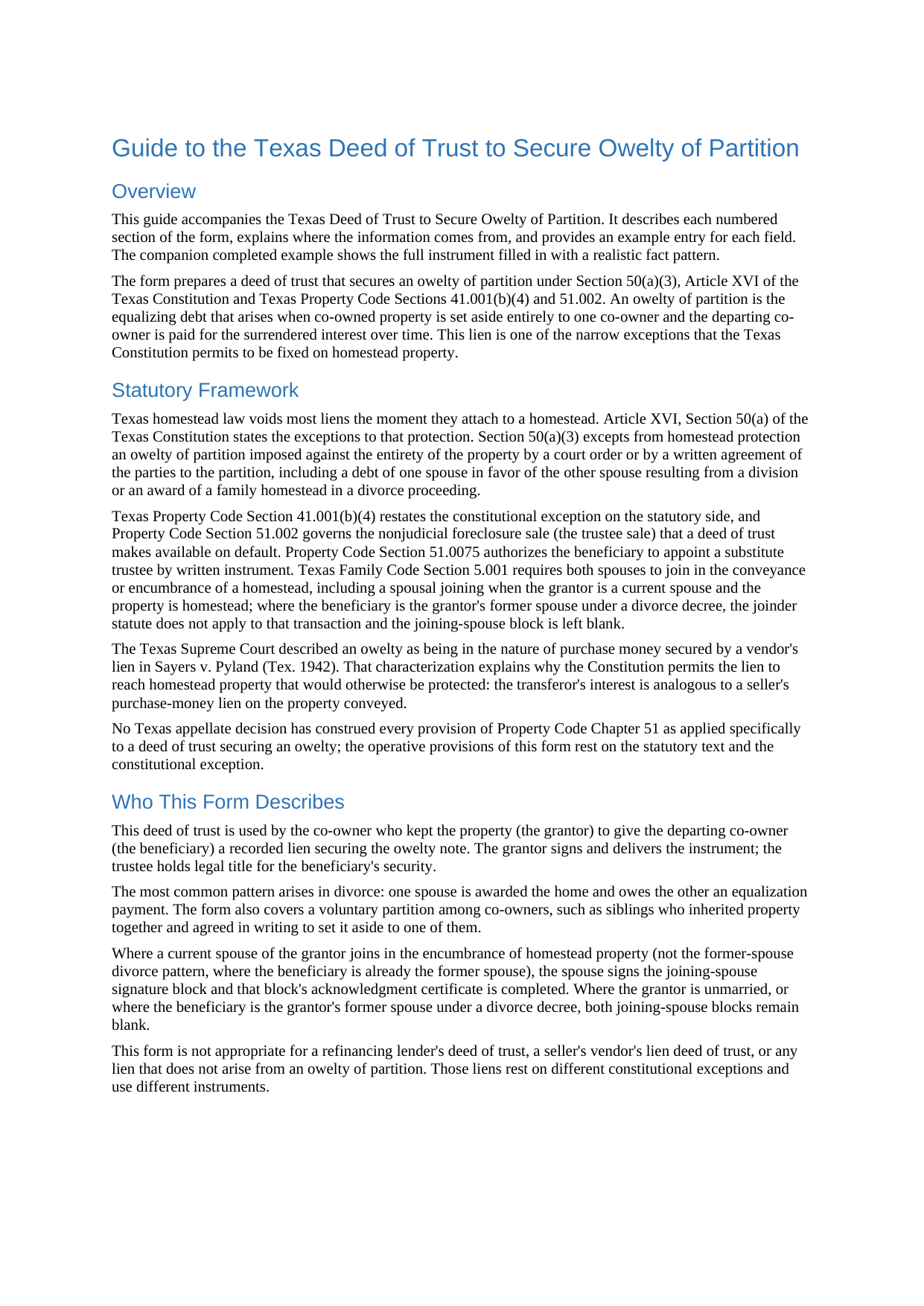
Kimble County Deed of Trust to Secure Owelty Guide
Line by line guide explaining every blank on the Deed of Trust to Secure Owelty form.
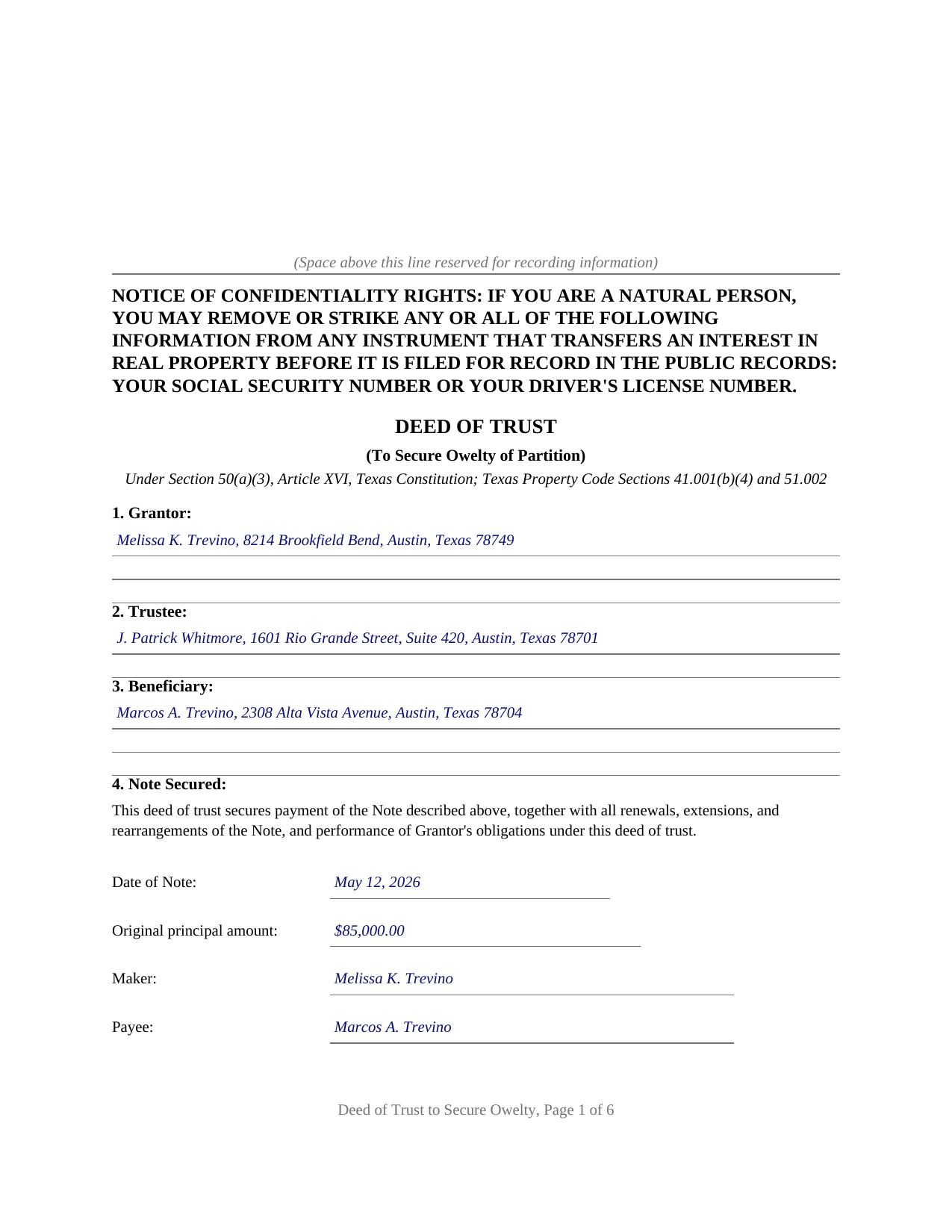
Kimble County Completed Example of the Deed of Trust to Secure Owelty Document
Example of a properly completed Texas Deed of Trust to Secure Owelty document for reference.
All 3 documents above included • One-time purchase • No recurring fees
Immediate Download • Secure Checkout
Additional Texas and Kimble County documents included at no extra charge:
Where to Record Your Documents
Kimble County Clerk
Junction, Texas 76849
Hours: Monday - Friday 8:00am - 12:00 & 1:00 - 5:00pm / Until 3:00pm day before holiday
Phone: (325) 446-3353
Recording Tips for Kimble County:
- Bring your driver's license or state-issued photo ID
- Ensure all signatures are in blue or black ink
- White-out or correction fluid may cause rejection
- Ask about their eRecording option for future transactions
- Avoid the last business day of the month when possible
Cities and Jurisdictions in Kimble County
Properties in any of these areas use Kimble County forms:
- Junction
- London
- Roosevelt
Hours, fees, requirements, and more for Kimble County
How do I get my forms?
Forms are available for immediate download after payment. The Kimble County forms will be in your account ready to download to your computer. An account is created for you during checkout if you don't have one. Forms are NOT emailed.
Are these forms guaranteed to be recordable in Kimble County?
Yes. Our form blanks are guaranteed to meet or exceed the applicable formatting requirements used for recording in Kimble County, including margin requirements, font requirements, and other layout standards. This guarantee applies to formatting, not to the legal sufficiency of information entered by the user or the suitability of a form for a particular transaction.
Can I reuse these forms?
Yes. You can reuse the forms for your personal use. For example, if you have multiple properties in Kimble County you only need to order once.
What do I need to use these forms?
The forms are PDFs that you fill out on your computer. The free Adobe Acrobat Reader is recommended, and most PDF apps also work. You do NOT enter your property information online - you download the blank forms and complete them privately on your own computer.
Are there any recurring fees?
No. This is a one-time purchase. Nothing to cancel, no memberships, no recurring fees.
How much does it cost to record in Kimble County?
Recording fees in Kimble County vary. Contact the recorder's office at (325) 446-3353 for current fees.
Questions answered? Let's get started!
Texas homestead law voids most liens the moment they touch a homestead, and the short list of exceptions in Article XVI, Section 50 of the Texas Constitution is famously hard to get onto. An owelty of partition is on that list. When co-owned property is divided unequally, so that one co-owner keeps the whole property and owes the other for the surrendered share, the constitution permits that equalizing debt to be secured against the entirety of the property, homestead included. This deed of trust is the security instrument for exactly that debt.
A Lien That Reaches the Whole Property
Section 50(a)(3) excepts from homestead protection an owelty of partition imposed against the entirety of the property by a court order or by a written agreement of the parties to the partition, including a debt of one spouse in favor of the other spouse resulting from a division or an award of a family homestead in a divorce proceeding. Property Code Section 41.001(b)(4) repeats the rule on the statutory side. The doctrine is older still: in Sayers v. Pyland (Tex. 1942), the Texas Supreme Court described an owelty as being in the nature of purchase money secured by a vendor's lien and enforced one against a homestead fixed by voluntary agreement. The form recites the constitutional and statutory provisions, states that the lien attaches to the entirety of the property including any homestead interest, and identifies the specific decree or partition agreement that imposed the owelty, the connection on which the exception depends.
Divorce Buyouts and Co-Owner Partitions
The most common owelty arises in divorce: the decree awards the home to one spouse and imposes an owelty in favor of the other, payable over time or at a refinance or sale. The same structure carries a voluntary partition among co-owners, such as siblings who inherited a property and signed a written agreement setting it aside to one of them. In either setting, the co-owner keeping the property signs a promissory note and this deed of trust; the departing co-owner holds a recorded lien on the whole property rather than an unsecured promise. Where a married grantor encumbers homestead property in a co-owner partition, the form carries a joining spouse signature block and separate acknowledgment for the joinder Family Code Section 5.001 describes.
The Note, the Source Instrument, and the Power of Sale
The form identifies the note by date, amount, maker, payee, interest, and maturity, conveys the property to a trustee in trust with power of sale, and states the remedy path on default: acceleration after any required notice and cure period, then a trustee sale conducted under the notice, timing, and place requirements of Property Code Section 51.002, with substitute trustees appointed under Section 51.0075. The notice of confidentiality rights required by Property Code Section 11.008 appears at the top of the first page, and the instrument is formatted for Texas recording standards with space reserved for the clerk's stamp.
What Comes With the Form
The download includes the fillable deed of trust, a guide that walks through all fourteen sections with the statutes and cases behind them, and a completed example documenting a realistic divorce owelty from decree to acknowledgment. The materials are informational and are not legal advice.
Important: Your property must be located in Kimble County to use these forms. Documents should be recorded at the county recording office listed above.
This Deed of Trust to Secure Owelty meets all recording requirements specific to Kimble County.
Our Promise
The documents you receive here are guaranteed to meet or exceed the applicable Kimble County recording format requirements. If there is a rejection caused by our formatting, we will correct the issue or refund your payment. This guarantee applies to document formatting only and does not extend to information entered by the user, the selection of the form, or the legal effect of the completed document.
Save Time and Money
Get your Kimble County Deed of Trust to Secure Owelty form done right the first time with Deeds.com Uniform Conveyancing Blanks. At Deeds.com, we understand that your time and money are valuable resources, and we don't want you to face a penalty fee or rejection imposed by a county recorder for submitting nonstandard documents. We constantly review and update our forms to meet rapidly changing state and county recording requirements for roughly 3,500 counties and local jurisdictions.
4.8 out of 5 - ( 4,845 Reviews )
JAMES D. 5 out of 5 stars
Fast and easy. Sample completed form & guidelines very useful.
We appreciate your business and value your feedback. Thank you. Have a wonderful day!
David G. 5 out of 5 stars
Very easy to fill out and understand. Thank You!!
We appreciate your business and value your feedback. Thank you. Have a wonderful day!
Chuck M. 5 out of 5 stars
Easy to use service. However, the product that I purchased did not meet my needs. No fault of the company.
Thank you for your feedback Chuck. We certainly don't want you to purchase something you can not use. We have canceled your order and payment. Have a wonderful day.
Rob F. 5 out of 5 stars
They are fantastic. I am a little technically challenged, but very helpful and respectful. Highly recommended. Thank you
We appreciate your business and value your feedback. Thank you. Have a wonderful day!
Bette B. 5 out of 5 stars
Got Form I needed with detailed instructions and it was inexpensive
Thank you for your feedback. We really appreciate it. Have a great day!
Nora P. 2 out of 5 stars
I'm typing along and suddenly I can't fit anything more into the page and there's plenty of room. This is my 2nd time using this site. No problem the first time years ago. Now it's an issue, looks like I'll need a typewriter to finish the form. Where do I find a typewriter?!! I can't complete the legal description!
Thanks for your feedback Nora. If you are unable to find a typewriter you can always do as the guide suggests and use the included exhibit page.
Theresa M. 5 out of 5 stars
Deeds.com was simple to use and had a quick turnaround. Saved me so much time hunting around on the internet and recorder's office website to try and figure out the process. would definitely use again!
Thank you!
HELEN F. 5 out of 5 stars
Process was easy... paperwork was on point... process took less then one day...
We appreciate your business and value your feedback. Thank you. Have a wonderful day!
Kathy-Louise A. 5 out of 5 stars
I found the process of downloading and completing the documents very user friendly. Thank you for the Declare Value instructions. It was easy to follow, though a sample of the declaration form would be very useful. I didn't know how to list my "capacity" so I left it blank so the recorder could advise me. Otherwise, thank you so much for being available for people who are capable of completing simple legal tasks without the expense of a lawyer. Thank you, thank you, thank you!!!
Your appreciative words mean the world to us. Thank you.
George S. 4 out of 5 stars
Very good, very expensive. I hope that this is what my lawyer needed for us to finish our wills. George
Thank you!
Randall M. 5 out of 5 stars
These forms worked fantastic!
We appreciate your business and value your feedback. Thank you. Have a wonderful day!
Thomas G. 1 out of 5 stars
Wasn’t what I expected
Sorry to hear that your expectations were missed. Your order has been canceled. We do hope that you find something more suitable to your expectations elsewhere. Do keep in mind that purchasing legal forms should not be an exploratory endeavor.
Robyn R. 5 out of 5 stars
Deeds.com was so simple and easy to use! My local recorders office is closed due to COVID-19 and their recording said to use Deeds.com. I thought it was going to either be very complicated or very expensive and it was neither!!! The site walked me through step by step and the price of their service was very fair and affordable. They were very timely and efficient and my documents were recorded almost immediately! Thank you Deeds.com!!!
Thank you Robyn, glad we could help.
William S. 5 out of 5 stars
The forms worked well for entering information. I have finished without much trouble. Since the forms are Adobe PDF files you need the free app to use them but you can't edit unless you have the paid Adobe program. And, it was a reasonable price.
Thank you for your feedback. We really appreciate it. Have a great day!
CYNTHIA W. 5 out of 5 stars
My deed has now been recorded. Thank you so very much. I saved about $120.00 by doing this with your document service. Thankfully, I heard about you from a friend and did not go with my Title Company that wanted a fee that seems outrageous because of how simple it was to do. I will definitely "advertise" this service to others.
We appreciate your business and value your feedback. Thank you. Have a wonderful day!