Collingsworth County Deed Without Warranty (Corrective) Form
Last validated October 30, 2026 by our Forms Development TeamFormatted for recording in Collingsworth County, for property anywhere in the county: rural and unincorporated areas as well as Dodson, Quail, Sam Norwood, Wellington.
- 3 documents included
- Immediate PDF download
- Formatting guarantee
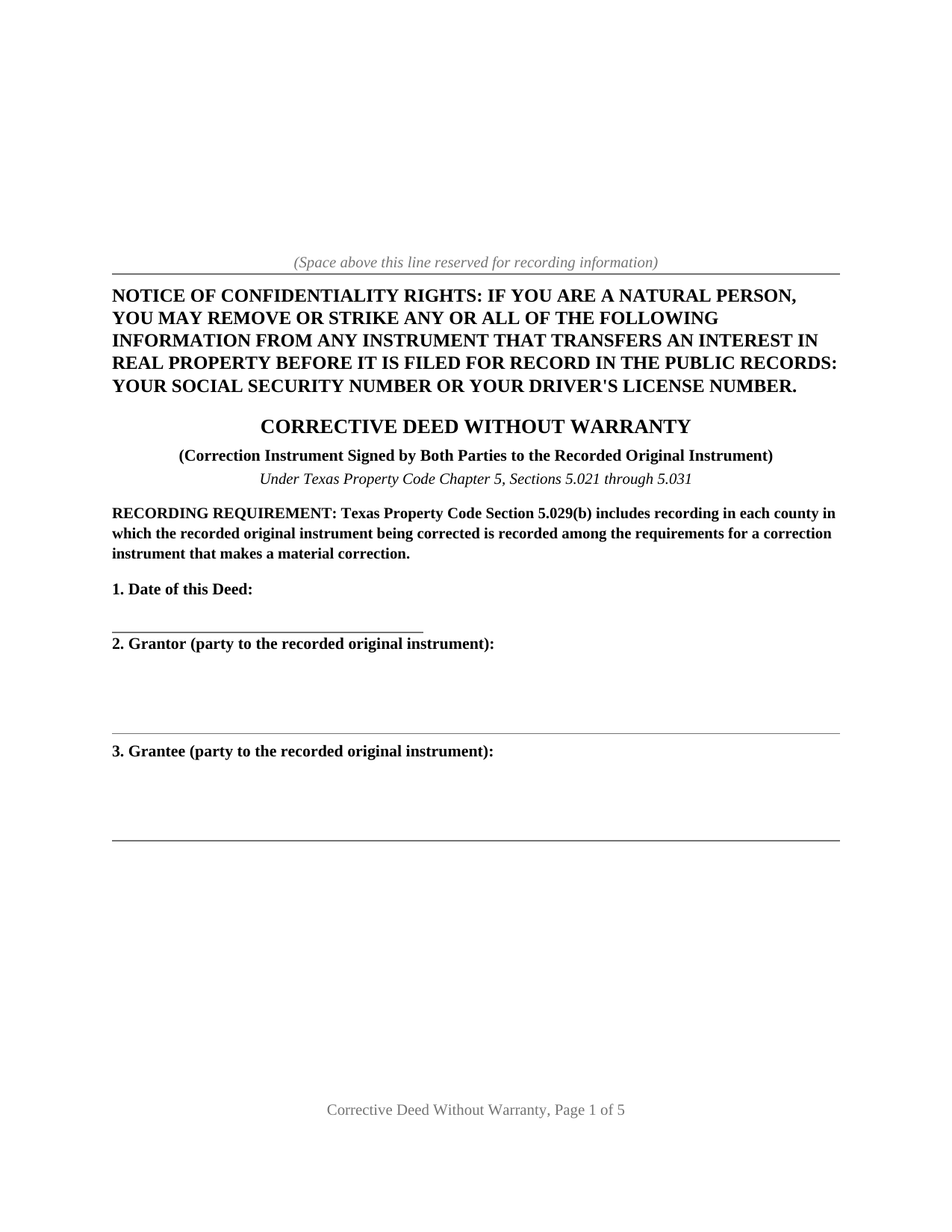
Collingsworth County Deed Without Warranty (Corrective) Form
Fill in the blank Deed Without Warranty (Corrective) form formatted to comply with all Texas recording and content requirements.
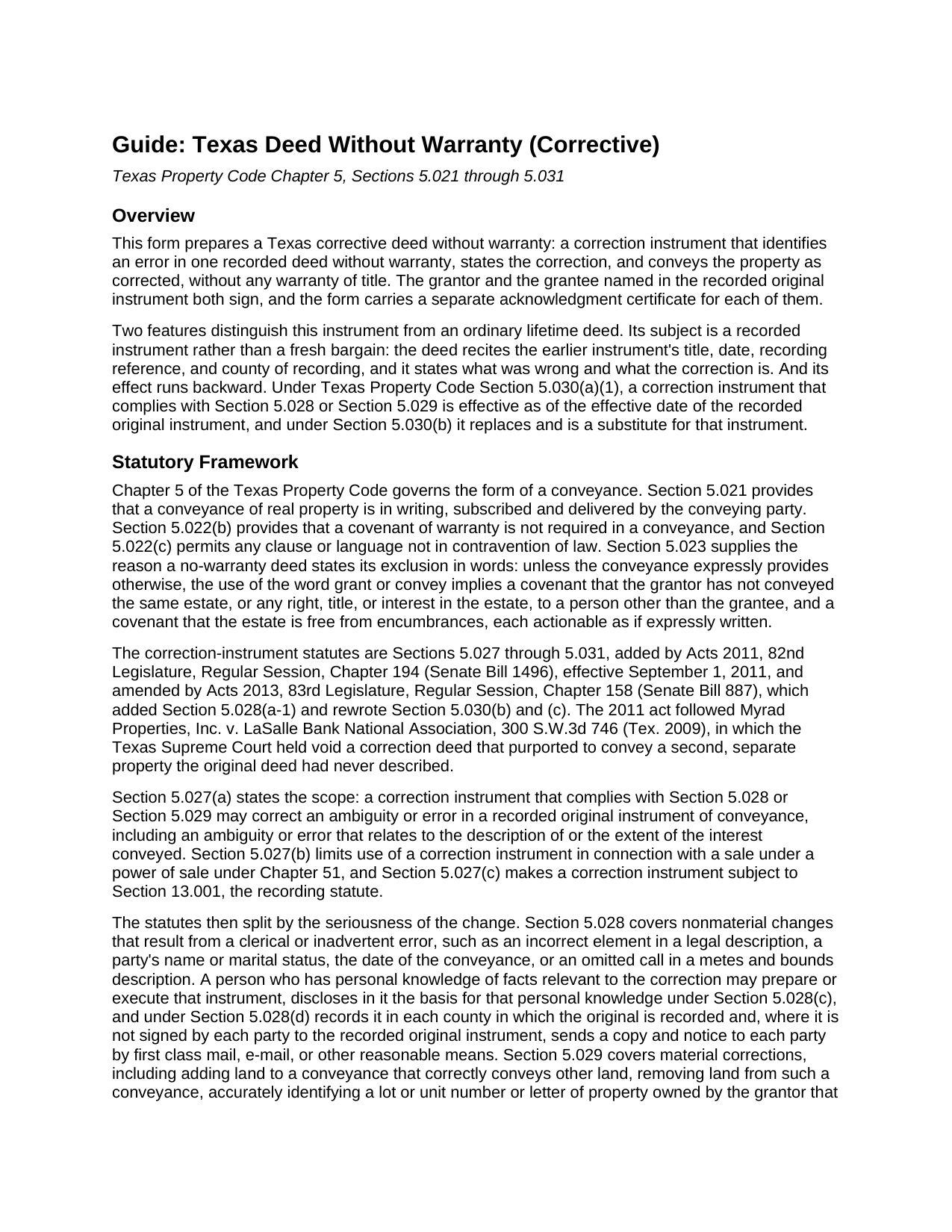
Collingsworth County Deed Without Warranty (Corrective) Guide
Line by line guide explaining every blank on the Deed Without Warranty (Corrective) form.
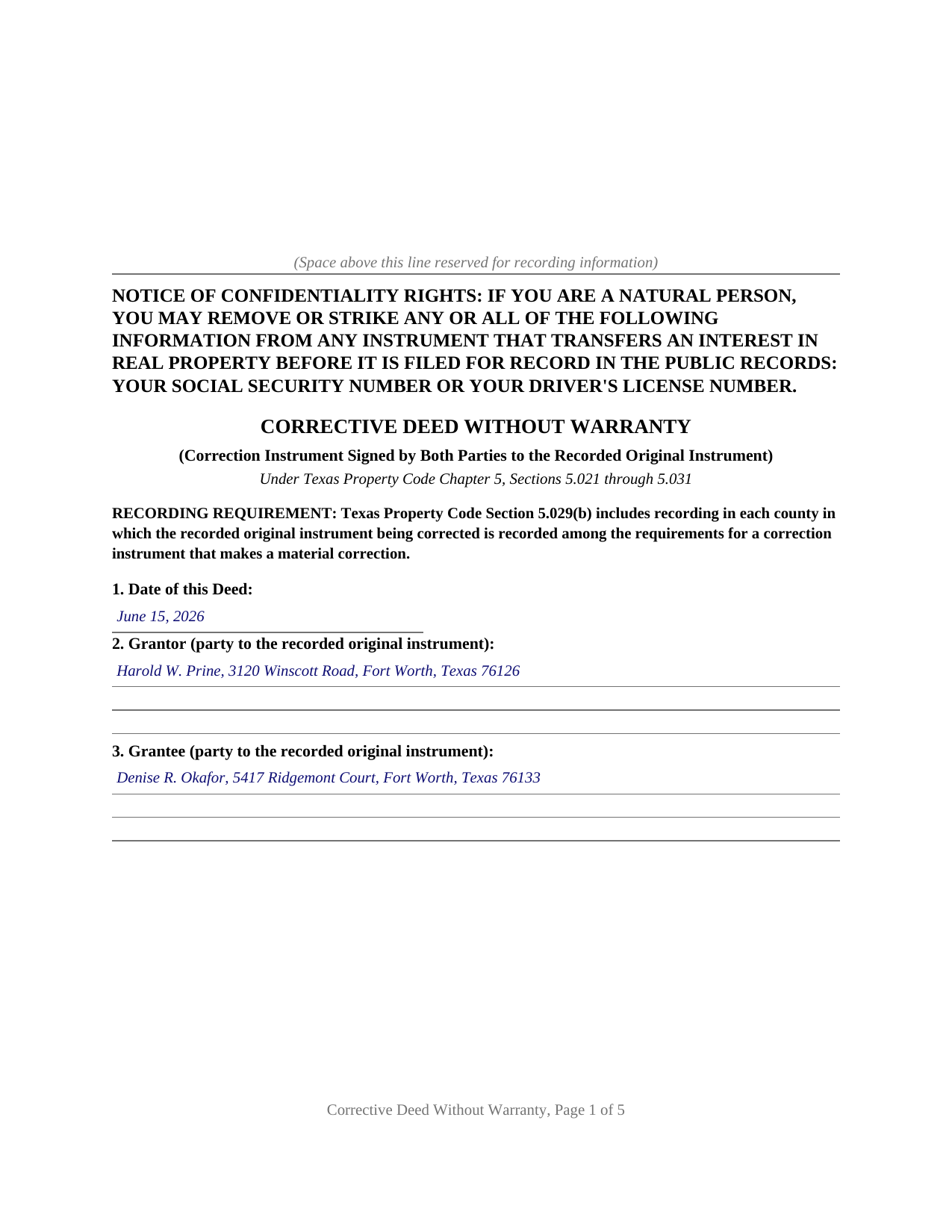
Collingsworth County Completed Example of the Deed Without Warranty (Corrective) Document
Example of a properly completed Texas Deed Without Warranty (Corrective) document for reference.
All 3 documents above included • One-time purchase • No recurring fees
Immediate Download • Secure Checkout
Additional Texas and Collingsworth County documents included at no extra charge:
Where to Record Your Documents
County Clerk
Wellington, Texas 79095-3039
Hours: Monday - Friday 9:00am - 12:00 & 1:00 - 5:00pm
Phone: (806) 447-2408
Recording Tips for Collingsworth County:
- Bring your driver's license or state-issued photo ID
- Ensure all signatures are in blue or black ink
- Ask if they accept credit cards - many offices are cash/check only
- Check that your notary's commission hasn't expired
- Documents must be on 8.5 x 11 inch white paper
Cities and Jurisdictions in Collingsworth County
Properties in any of these areas use Collingsworth County forms:
- Dodson
- Quail
- Sam Norwood
- Wellington
Hours, fees, requirements, and more for Collingsworth County
How do I get my forms?
Forms are available for immediate download after payment. The Collingsworth County forms will be in your account ready to download to your computer. An account is created for you during checkout if you don't have one. Forms are NOT emailed.
Are these forms guaranteed to be recordable in Collingsworth County?
Yes. Our form blanks are guaranteed to meet or exceed the applicable formatting requirements used for recording in Collingsworth County, including margin requirements, font requirements, and other layout standards. This guarantee applies to formatting, not to the legal sufficiency of information entered by the user or the suitability of a form for a particular transaction.
Can I reuse these forms?
Yes. You can reuse the forms for your personal use. For example, if you have multiple properties in Collingsworth County you only need to order once.
What do I need to use these forms?
The forms are PDFs that you fill out on your computer. The free Adobe Acrobat Reader is recommended, and most PDF apps also work. You do NOT enter your property information online - you download the blank forms and complete them privately on your own computer.
Are there any recurring fees?
No. This is a one-time purchase. Nothing to cancel, no memberships, no recurring fees.
How much does it cost to record in Collingsworth County?
Recording fees in Collingsworth County vary. Contact the recorder's office at (806) 447-2408 for current fees.
Questions answered? Let's get started!
A recorded deed keeps the error it was signed with until another recorded instrument corrects it. This form prepares a Texas corrective deed without warranty, also called a correction deed: an instrument that names the recorded deed being corrected, states the error and the correction, and conveys the property as corrected with no warranty of title. The grantor and the grantee of the earlier deed both sign it, which is the execution pattern Texas Property Code Section 5.029 sets for a material correction.
A deed that reaches backward
Section 5.030 gives a correction instrument an effect an ordinary deed does not have. One that complies with Section 5.028 or Section 5.029 is effective as of the effective date of the recorded original instrument, replaces and is a substitute for that instrument, and stands as prima facie evidence of the facts stated in it, presumed true and subject to rebuttal. The relation back has a boundary: Section 5.030(c) subjects the correction instrument to the interest of a creditor or a purchaser for value without notice acquired on or after the date the original was filed for record and before the correction is filed.
Both signatures on one instrument
The form recites exactly two parties, the grantor and the grantee named in the recorded original instrument, and carries a signature block and a separate acknowledgment certificate for each of them, so the two may acknowledge on different dates and before different notaries. Section 5.029(b)(1) states that a material correction instrument must be executed by each party to the recorded original instrument or, if applicable, that party's heirs, successors, or assigns, which the Texas Supreme Court read in Broadway National Bank v. Yates Energy Corp. as substitutes available when an original party is unavailable. Because execution by both parties also satisfies the lighter standard Section 5.028 sets for a clerical slip, the two-signature configuration covers a nonmaterial correction as well. A lot number transposed in the property description, a suffix or middle initial wrong in a party's name, an interest described as the whole where the parties conveyed a half: those are the errors that bring a corrective deed to the recording counter. A recorded deed signed by two grantors, or joined by a non-owner spouse, has more parties than the two this form recites, and a Section 5.028 correction prepared by a nonparty with personal knowledge carries that section's own disclosure and notice steps.
The correction, and nothing past it
Section 5.027(a) reaches an ambiguity or error in the recorded instrument, including one that relates to the description of or the extent of the interest conveyed, and in Myrad Properties, Inc. v. LaSalle Bank National Association the Texas Supreme Court held void a correction deed that purported to convey a second, separate property the original had never described. The operative section is drafted to stay inside that line: it corrects the earlier instrument only as the error-and-correction section states and conveys no property that instrument did not describe as corrected here.
No warranty, said in words
Section 5.022 confirms that a covenant of warranty is not required in a Texas conveyance, while Section 5.023 implies two covenants from the words grant and convey unless the deed expressly provides otherwise: that the grantor has not already conveyed the estate to another person, and that the estate is free from encumbrances. This deed provides otherwise in plain terms, excluding both implied covenants along with any warranty of title arising at common law or by statute, so fixing a description does not quietly add promises the corrected deed never made.
Filed in each county of the original
Section 5.029(b)(2) directs that the correction instrument be recorded in each county in which the instrument being corrected is recorded, so a tract described across a county line takes a filing in both. The document is letter size, sets every line of type at 10 point or larger under Local Government Code Section 191.007, reserves space at the top of its first page for the clerk's stamp, and carries the notice of confidentiality rights described in Property Code Section 11.008.
The package includes the blank deed as a fillable PDF, a completed example built on a Tarrant County fact pattern where a 2024 deed described Lot 15 and the parties had conveyed Lot 14, and a plain-language guide covering the correction statutes, every numbered section, signing, and recording. The materials are informational and are not legal advice.
Important: Your property must be located in Collingsworth County to use these forms. Documents should be recorded at the county recording office listed above.
This Deed Without Warranty (Corrective) meets all recording requirements specific to Collingsworth County.
Our Promise
The documents you receive here are guaranteed to meet or exceed the applicable Collingsworth County recording format requirements. If there is a rejection caused by our formatting, we will correct the issue or refund your payment. This guarantee applies to document formatting only and does not extend to information entered by the user, the selection of the form, or the legal effect of the completed document.
Save Time and Money
Get your Collingsworth County Deed Without Warranty (Corrective) form done right the first time with Deeds.com Uniform Conveyancing Blanks. At Deeds.com, we understand that your time and money are valuable resources, and we don't want you to face a penalty fee or rejection imposed by a county recorder for submitting nonstandard documents. We constantly review and update our forms to meet rapidly changing state and county recording requirements for roughly 3,500 counties and local jurisdictions.
4.8 out of 5 - ( 4,844 Reviews )
LINDA J M. 5 out of 5 stars
NO PROBLEMS. I LIKE THE DEED DOCUMENT AND INSTRUCTIONS. MADE IT EASY.
We appreciate your business and value your feedback. Thank you. Have a wonderful day!
Buster T. 5 out of 5 stars
Very comprehensive - lots of additional forms and instructions. Top-notch!
Thank you!
Daisy R. 5 out of 5 stars
I did my Lady Bird Deed in a way the instruction indicated to do. The example you provided make it easy to understand. Thank you
Happy we could assist. Thank you for sharing your experience.
Thoreson P. 5 out of 5 stars
Top notch service.
Thank you!
Teresa R. 5 out of 5 stars
FANTASTIC. Sometimes we think know something, glad I found out I was wrong before it was too late.
Thank you!
Nancy W. 5 out of 5 stars
This was very easy to use to record my NOC. With the new COVID restrictions, I can't record my NOC in person and I'm working from home. This was a huge convenience and easy to use. I submitted the NOC late in the day and had the recorded NOC the next day.
Thank you!
Priscilla M. 5 out of 5 stars
Instructions are easy to follow which make filling out the forms easy and simple. I would definitely recommend Deeds.com.
Thank you!
Michael S. 5 out of 5 stars
Recording a Warranty Deed with Mohave County AZ was easy and efficient by using Deeds.com. I will be using their service for all of my e-filing going forward. Thank you Deeds.com!!!!
We are delighted to have been of service. Thank you for the positive review!
Jim A. 5 out of 5 stars
Your website is user friendly and when I brought up issues they were quickly addressed. thank you so much! jim atkinson
Thank you!
Dean P. 5 out of 5 stars
Very fast, efficient, and convenient - thanks Deeds.com! I would recommend this service to everyone needing to record documents, especially out-of-state customers such as myself.
Thank you for your feedback. We really appreciate it. Have a great day!
D F. 5 out of 5 stars
Find what i was looking for, and got the answers to my questions!! Thank you
Thank you!
Carl T. 5 out of 5 stars
Great site with good information and pricing. Let me know when you are able to record documents in California.
Thank you for your feedback. We really appreciate it. Have a great day!
Janalee T. 5 out of 5 stars
Fast, easy. quickly accepted by county recorder.
Thank you!
Sandra M. 5 out of 5 stars
The forms were easy to use but there was a software issue that made it impossible to get the county name to appear on the form in the correct place. It made the deed look a little sloppy
Thank you!
Tamara H. 5 out of 5 stars
Absolutely awesome, all the information and forms I needed Thanks Tamie Hamilton
We appreciate your business and value your feedback. Thank you. Have a wonderful day!