Colorado County Demand for Payment Form
Last validated November 10, 2026 by our Forms Development TeamFormatted for recording in Colorado County, for property anywhere in the county: rural and unincorporated areas as well as Alleyton, Altair, Columbus, Eagle Lake, Garwood, Glidden, Nada, Oakland and 3 more.
- 3 documents included
- Immediate PDF download
- Formatting guarantee
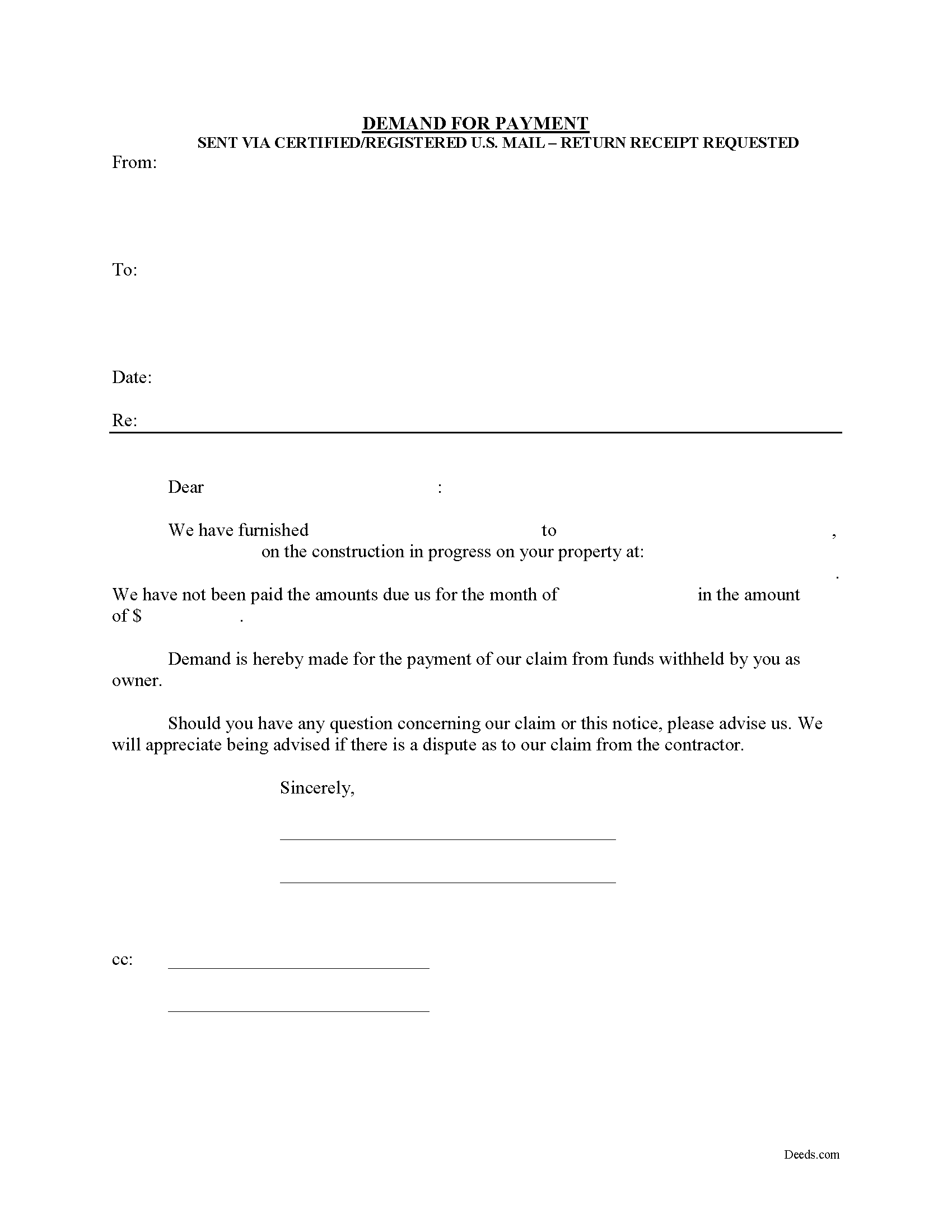
Colorado County Demand for Payment Form
Fill in the blank Demand for Payment form formatted to comply with all Texas recording and content requirements.
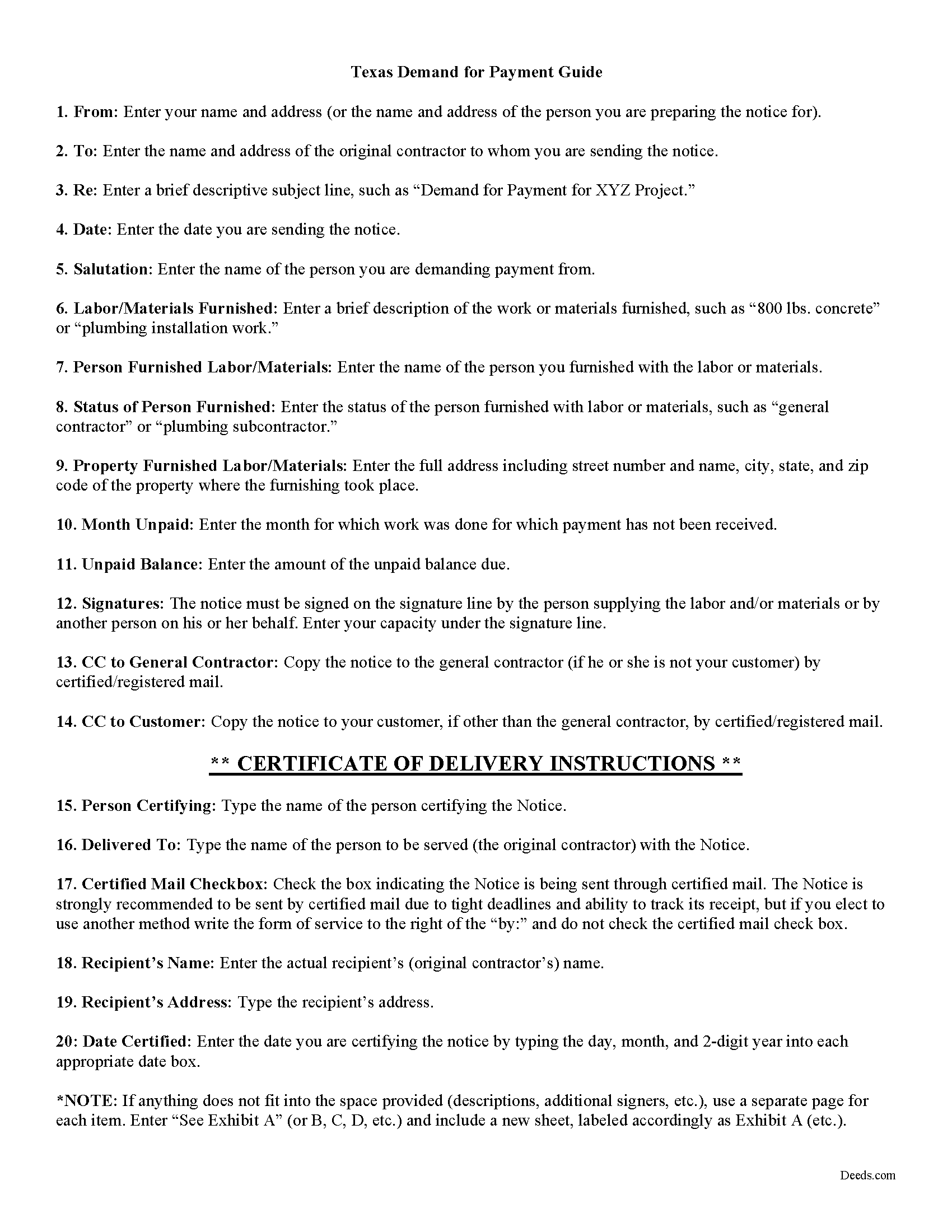
Colorado County Demand for Payment Guide
Line by line guide explaining every blank on the form.
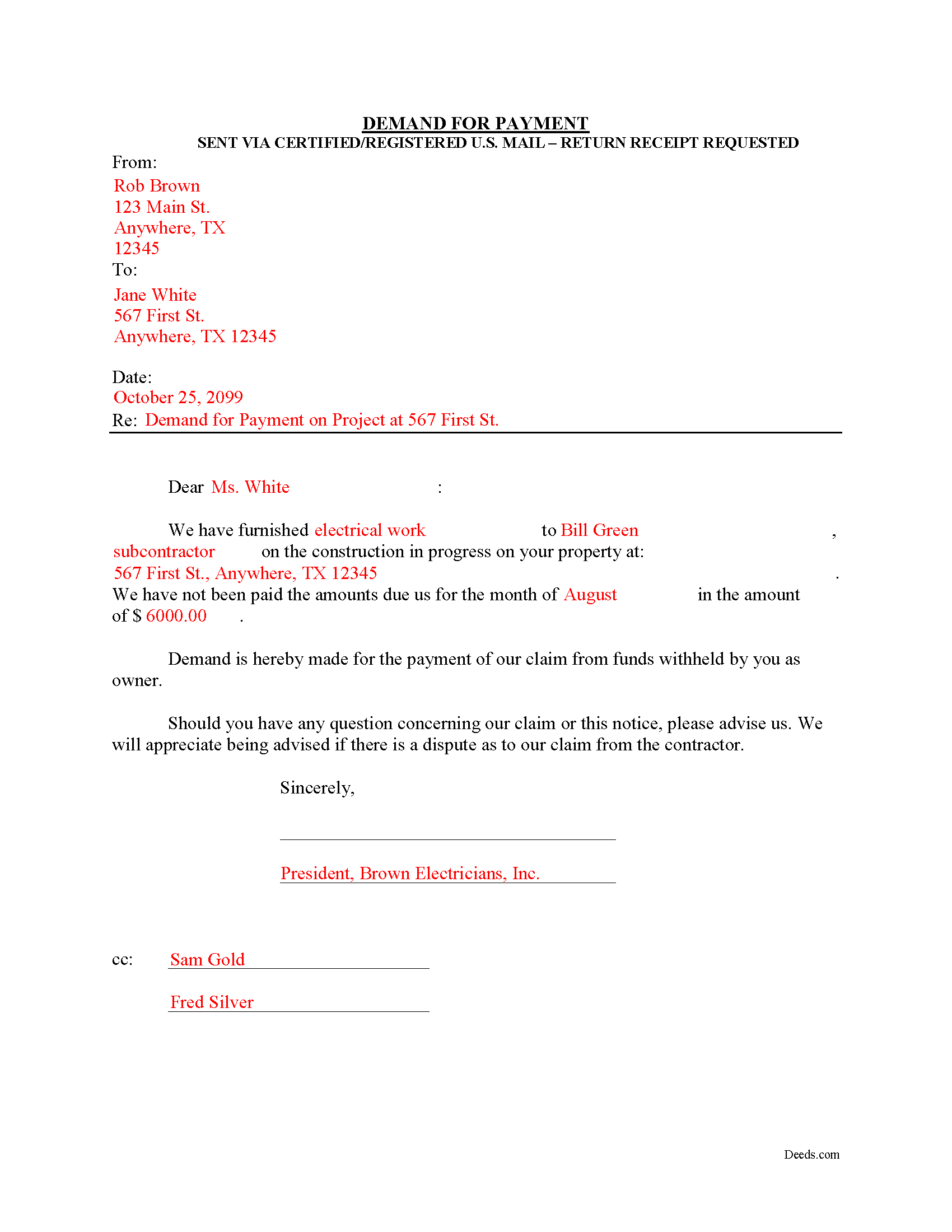
Colorado County Completed Example of the Demand for Payment Document
Example of a properly completed form for reference.
All 3 documents above included • One-time purchase • No recurring fees
Immediate Download • Secure Checkout
Additional Texas and Colorado County documents included at no extra charge:
Where to Record Your Documents
Colorado County Clerk - Courthouse Annex
Columbus, Texas 78934
Hours: Monday - Friday 8:00am - 5:00pm
Phone: 979-732-2155
Recording Tips for Colorado County:
- Bring your driver's license or state-issued photo ID
- Ensure all signatures are in blue or black ink
- Check margin requirements - usually 1-2 inches at top
- Leave recording info boxes blank - the office fills these
- Make copies of your documents before recording - keep originals safe
Cities and Jurisdictions in Colorado County
Properties in any of these areas use Colorado County forms:
- Alleyton
- Altair
- Columbus
- Eagle Lake
- Garwood
- Glidden
- Nada
- Oakland
- Rock Island
- Sheridan
- Weimar
Hours, fees, requirements, and more for Colorado County
How do I get my forms?
Forms are available for immediate download after payment. The Colorado County forms will be in your account ready to download to your computer. An account is created for you during checkout if you don't have one. Forms are NOT emailed.
Are these forms guaranteed to be recordable in Colorado County?
Yes. Our form blanks are guaranteed to meet or exceed the applicable formatting requirements used for recording in Colorado County, including margin requirements, font requirements, and other layout standards. This guarantee applies to formatting, not to the legal sufficiency of information entered by the user or the suitability of a form for a particular transaction.
Can I reuse these forms?
Yes. You can reuse the forms for your personal use. For example, if you have multiple properties in Colorado County you only need to order once.
What do I need to use these forms?
The forms are PDFs that you fill out on your computer. The free Adobe Acrobat Reader is recommended, and most PDF apps also work. You do NOT enter your property information online - you download the blank forms and complete them privately on your own computer.
Are there any recurring fees?
No. This is a one-time purchase. Nothing to cancel, no memberships, no recurring fees.
How much does it cost to record in Colorado County?
Recording fees in Colorado County vary. Contact the recorder's office at 979-732-2155 for current fees.
Questions answered? Let's get started!
The Demand for Payment form is used by unpaid individual claimants to demand payment of their claim on an owner who is authorized to withhold funds under 53.083(a) of the Texas Property Code. The demand form also provides notice to the owner that all or part of the claim has accrued under Texas Code 53.053 or is past due under the agreement between the parties.
The claimant must also send a copy of the demand to the original contractor. If the original contractor intends to dispute the claim, he must give the owner written notice no later than the 30th day after the day he receives the copy of the demand. Failure to respond in a timely fashion implies approval of the demand and the owner must then pay the claim.
The Demand for Payment identifies the parties, the project, and relevant dates, services/materials, and fees. It is a required step in securing an eventual mechanic's lien on the owner's property if the claim remains unpaid after demand is sent.
The form does not require a notary seal or other verification, nor is it filed in the local land records. Instead, deliver the demand for payment via certified or registered mail, with a return receipt requested.
Each case is unique, and the mechanic's lien law in Texas can be complicated. Contact an attorney for complex situations, with specific questions about sending a demand for payment, or any other issue related to mechanic's liens.
Important: Your property must be located in Colorado County to use these forms. Documents should be recorded at the county recording office listed above.
This Demand for Payment meets all recording requirements specific to Colorado County.
Our Promise
The documents you receive here are guaranteed to meet or exceed the applicable Colorado County recording format requirements. If there is a rejection caused by our formatting, we will correct the issue or refund your payment. This guarantee applies to document formatting only and does not extend to information entered by the user, the selection of the form, or the legal effect of the completed document.
Save Time and Money
Get your Colorado County Demand for Payment form done right the first time with Deeds.com Uniform Conveyancing Blanks. At Deeds.com, we understand that your time and money are valuable resources, and we don't want you to face a penalty fee or rejection imposed by a county recorder for submitting nonstandard documents. We constantly review and update our forms to meet rapidly changing state and county recording requirements for roughly 3,500 counties and local jurisdictions.
4.8 out of 5 - ( 4,853 Reviews )
David D. 5 out of 5 stars
Forms were quick to receive and appear to be what I need to complete our task.
Thank you for your feedback. We really appreciate it. Have a great day!
Victor L. 5 out of 5 stars
In a subject that is overbearing, this site made it simple and understandable, all was explained well. Thank you.
Thank you!
steven L. 5 out of 5 stars
download was fast and easy. if no problems with county recorder i will give 5 stars
We appreciate your business and value your feedback. Thank you. Have a wonderful day!
Bridgit L. 5 out of 5 stars
I must admit I was a bit hesitant to record a document online, but I am impressed by how quickly the process took from the initial sign-on, uploading and recording! I will definitely use your services again.
We appreciate your business and value your feedback. Thank you. Have a wonderful day!
Michael L. 5 out of 5 stars
I accidentally ordered the wrong deed package. Was looking for a quit claim deed and got a trustee deed. I immediately emailed the company, nothing back from them. I would like to exchange my purchase.
Thank you for your feedback. We replied to your message on December 20th at 2:05 pm, the reply was as follows: As a one time courtesy we have canceled your order/payment for the Trustee Deed document.
Steve W. 5 out of 5 stars
Perfect
Thank you!
Ken S. 5 out of 5 stars
Easy to downloand. Instructions were helpful and easy to follow. Made the process a lot easier for me.
Thanks Ken.
Esther R. 5 out of 5 stars
Very easy to follow and complete.
Thank you for your feedback. We really appreciate it. Have a great day!
Thomas S. 1 out of 5 stars
Not good. The blanks on the form, supposedly especially tailored for the specific county, didn't have enough space for a document name or the doc #. I had to retype the whole doc myself.
Thank you for your feedback. We’re sorry the form did not provide enough room for the prior document information you needed to enter. We have canceled the order and reversed the payment. We are also reviewing the field spacing for the prior document title and recording number so we can improve the form. No further action is needed from you.
Michael G. 5 out of 5 stars
Very helpful and easy to use
Your appreciative words mean the world to us. Thank you.
Gary K. 5 out of 5 stars
Easy to use site. Good job, it works with no stress.
Thank you!
Roman F. 5 out of 5 stars
You form was good the only thing that did not work was the download to fill it out !!! I use a Mac system and maybe that's what the issue was. I filled it out by hand and it worked for the purpose .
Thanks for the kind words, Roman. Glad the form worked for you. For the fillable fields, the PDF opens best in a dedicated reader like Preview or Adobe Acrobat rather than inside a browser window, which can sometimes flatten them out. We appreciate your business.
Susan M. 5 out of 5 stars
It was easy to use and clear directions.
Thank you!
Richard B. 4 out of 5 stars
Had trouble filling in the forms not very user friendly. The text always had to be manipulated to look in the best place. Could not easily move existing text to look more professional with the text being inserted.
Thank you for your feedback. We really appreciate it. Have a great day!
Donald H. 5 out of 5 stars
EXCELLENT,,super good. Quick & easy
Thank you!