Hockley County Grant Deed (Individual Grantor) Form
Last validated October 13, 2026 by our Forms Development TeamFormatted for recording in Hockley County, for property anywhere in the county: rural and unincorporated areas as well as Anton, Levelland, Pep, Ropesville, Smyer, Sundown, Whitharral.
- 3 documents included
- Immediate PDF download
- Formatting guarantee
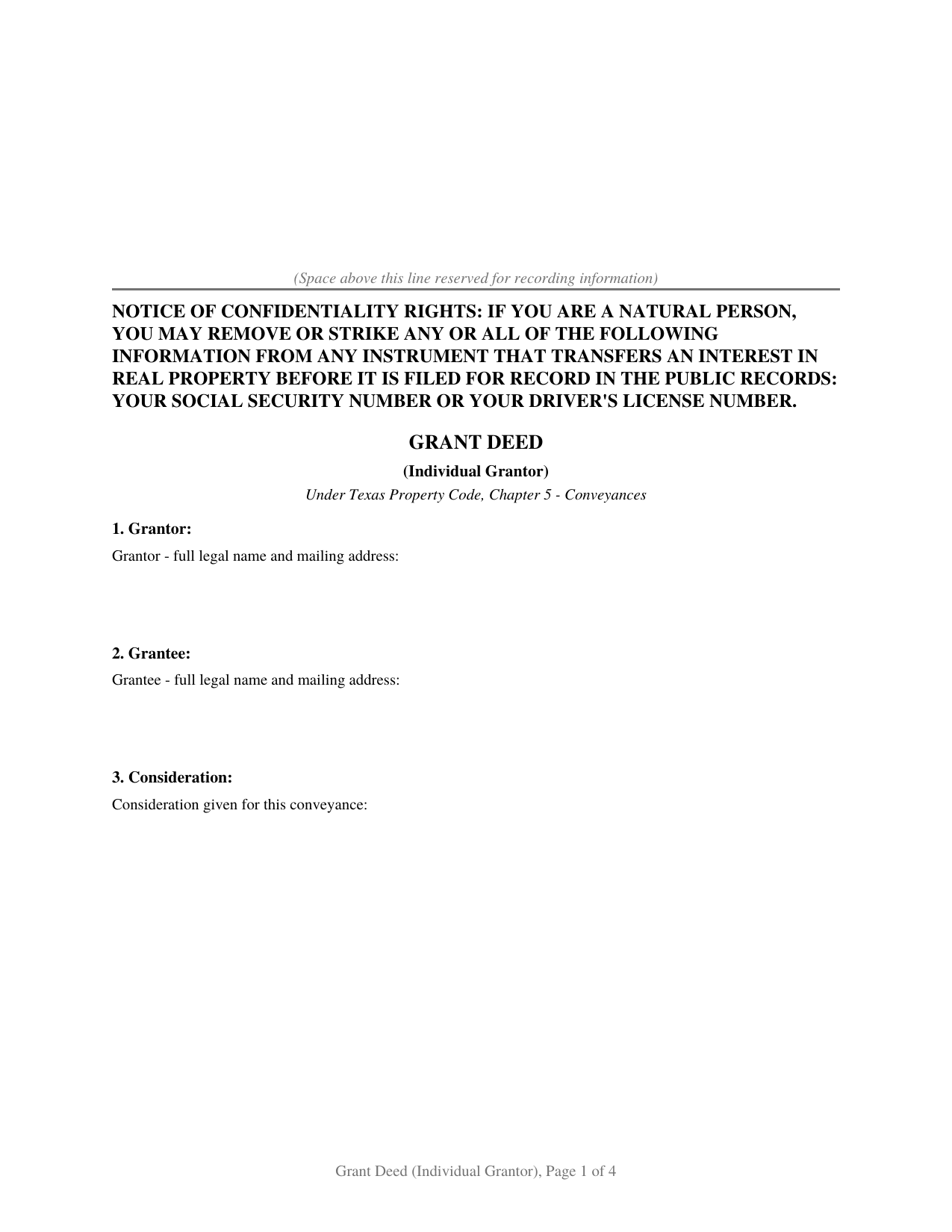
Hockley County Grant Deed (Individual Grantor) Form
Fill in the blank Grant Deed (Individual Grantor) form formatted to comply with all Texas recording and content requirements.
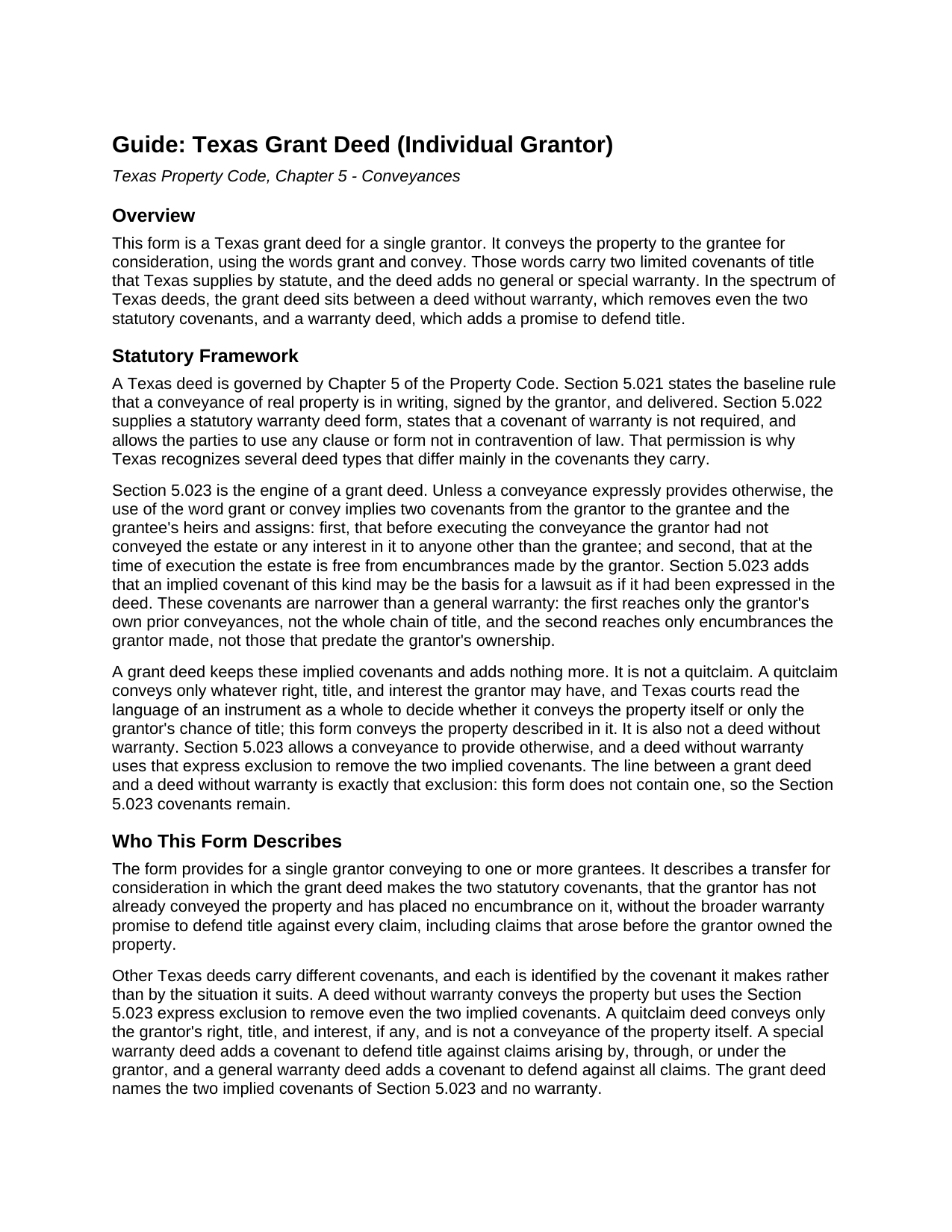
Hockley County Grant Deed (Individual Grantor) Guide
Line by line guide explaining every blank on the Grant Deed (Individual Grantor) form.
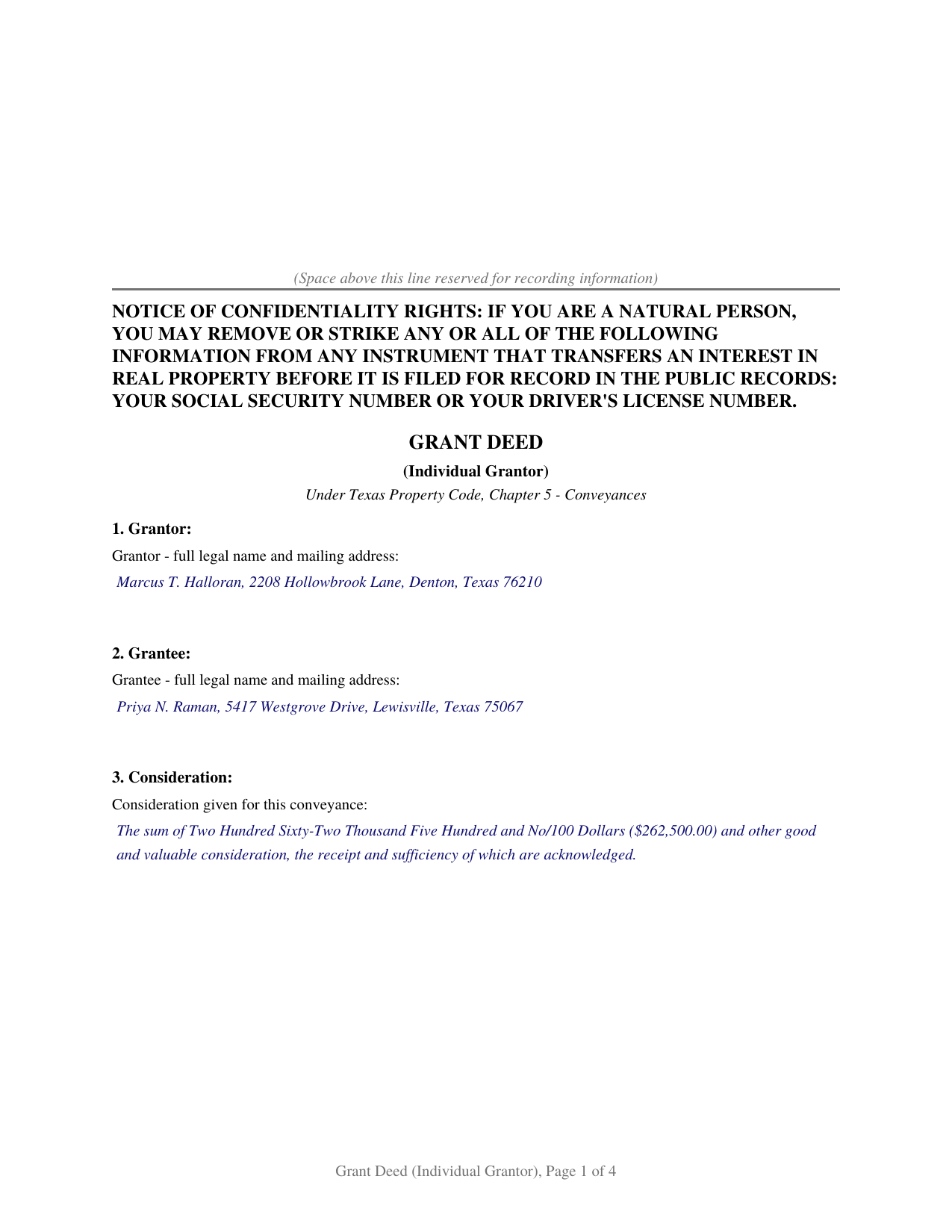
Hockley County Completed Example of the Grant Deed (Individual Grantor) Document
Example of a properly completed Texas Grant Deed (Individual Grantor) document for reference.
All 3 documents above included • One-time purchase • No recurring fees
Immediate Download • Secure Checkout
Additional Texas and Hockley County documents included at no extra charge:
Where to Record Your Documents
Hockley County Clerk
Levelland, Texas 79336
Hours: Monday - Friday 9:00 am - 5:00 pm
Phone: (806) 894-3185
Recording Tips for Hockley County:
- Bring your driver's license or state-issued photo ID
- Ensure all signatures are in blue or black ink
- Ask for certified copies if you need them for other transactions
- Ask if they accept credit cards - many offices are cash/check only
- Check that your notary's commission hasn't expired
Cities and Jurisdictions in Hockley County
Properties in any of these areas use Hockley County forms:
- Anton
- Levelland
- Pep
- Ropesville
- Smyer
- Sundown
- Whitharral
Hours, fees, requirements, and more for Hockley County
How do I get my forms?
Forms are available for immediate download after payment. The Hockley County forms will be in your account ready to download to your computer. An account is created for you during checkout if you don't have one. Forms are NOT emailed.
Are these forms guaranteed to be recordable in Hockley County?
Yes. Our form blanks are guaranteed to meet or exceed the applicable formatting requirements used for recording in Hockley County, including margin requirements, font requirements, and other layout standards. This guarantee applies to formatting, not to the legal sufficiency of information entered by the user or the suitability of a form for a particular transaction.
Can I reuse these forms?
Yes. You can reuse the forms for your personal use. For example, if you have multiple properties in Hockley County you only need to order once.
What do I need to use these forms?
The forms are PDFs that you fill out on your computer. The free Adobe Acrobat Reader is recommended, and most PDF apps also work. You do NOT enter your property information online - you download the blank forms and complete them privately on your own computer.
Are there any recurring fees?
No. This is a one-time purchase. Nothing to cancel, no memberships, no recurring fees.
How much does it cost to record in Hockley County?
Recording fees in Hockley County vary. Contact the recorder's office at (806) 894-3185 for current fees.
Questions answered? Let's get started!
A Texas grant deed carries something a quitclaim does not and a warranty deed does more of: two covenants of title that the words grant and convey supply by statute. This form prepares a grant deed for a single grantor under Chapter 5 of the Texas Property Code, conveying the property itself with those two covenants and no broader warranty.
The Two Covenants a Grant Deed Carries
Texas Property Code Section 5.023 is what makes a grant deed a grant deed. Unless the deed provides otherwise, the words grant and convey imply two promises from the grantor: that the grantor has not already conveyed the property or any interest in it to someone else, and that the property is free of encumbrances the grantor made. Section 5.023 lets a grantee sue on either covenant as if the deed had spelled it out. The covenants are deliberately narrow. They reach only the grantor's own acts, not the entire chain of title, so they do not promise that title is otherwise clear and do not answer for a defect that existed before the grantor owned the property.
Where the Grant Deed Sits Among Texas Deeds
The covenant a deed makes, not the label it wears, is what separates the Texas deed forms. A general warranty deed defends title against all claims. A special warranty deed defends only against claims arising by, through, or under the grantor. A grant deed makes neither warranty; it makes only the two Section 5.023 covenants. A deed without warranty goes one step further and uses the express exclusion that Section 5.023 allows to remove even those two covenants. A quitclaim deed makes no covenant and conveys only whatever interest the grantor may happen to hold.
The Line Between a Grant Deed and a Deed Without Warranty
These two forms look almost identical: both convey the property, and neither adds a warranty. The difference is a single clause. A deed without warranty contains the Section 5.023 express exclusion, which strips out the two implied covenants. A grant deed leaves that exclusion out, so the covenants stay. This form is drafted to keep them: it states that the deed does not provide otherwise as to the covenants the words grant and convey imply, and it disclaims only the broader general and special warranties.
Who This Form Describes
The form recites a single grantor conveying to one or more grantees for consideration. When the property is a homestead and the grantor is married, Texas Family Code Section 5.001 calls for the grantor's spouse to join in the conveyance, and the form carries a joinder block and a separate notary certificate for that spouse; the joining spouse conveys nothing and warrants nothing. When the grantor is unmarried or the property is not homestead, the joinder block stays blank.
What Is Included
- The blank form as a fillable PDF, completed on screen or printed and completed by hand
- A plain language guide that walks through every numbered section: what each blank asks, where the information comes from, and what a correct entry looks like
- A completed example showing the entire document filled in for a realistic Texas fact pattern
The document is formatted for Texas recording standards: letter size pages within the dimensions of Local Government Code Section 191.007, body text well above the 8 point minimum, the notice of confidentiality rights required by Property Code Section 11.008 in 12 point boldfaced capitals at the top of the first page, and reserved space on page one for the county clerk's recording stamp. The instructions page included with the form describes how an entry that outgrows its space continues on a recorded exhibit page, so the printed document stays free of worksheet style captions.
Related Texas Forms
The Texas Deed Without Warranty conveys the property with no covenant of title, using the express exclusion this form leaves out. The Texas Quitclaim Deed conveys only the grantor's right, title, and interest, if any. The Texas Gift Deed records a transfer made without consideration. A conveyance by two or more co-owners is described by a joint grantor form.
Important: Your property must be located in Hockley County to use these forms. Documents should be recorded at the county recording office listed above.
This Grant Deed (Individual Grantor) meets all recording requirements specific to Hockley County.
Our Promise
The documents you receive here are guaranteed to meet or exceed the applicable Hockley County recording format requirements. If there is a rejection caused by our formatting, we will correct the issue or refund your payment. This guarantee applies to document formatting only and does not extend to information entered by the user, the selection of the form, or the legal effect of the completed document.
Save Time and Money
Get your Hockley County Grant Deed (Individual Grantor) form done right the first time with Deeds.com Uniform Conveyancing Blanks. At Deeds.com, we understand that your time and money are valuable resources, and we don't want you to face a penalty fee or rejection imposed by a county recorder for submitting nonstandard documents. We constantly review and update our forms to meet rapidly changing state and county recording requirements for roughly 3,500 counties and local jurisdictions.
4.8 out of 5 - ( 4,832 Reviews )
Lana B. 5 out of 5 stars
Website is easy to use. I ordered the form, filled it out and uploaded it for recording. My only critique is that you can't preview the form before ordering and paying for it. I ordered a Deed of Full Reconveyance form only to find out I needed the Substitution of Trustee and Deedn of Reconveyance form instead. So I wasted $22 on the wrong form.
Thank you for your feedback. Order and payment for the incorrect order has been canceled. Have a wonderful day.
John G. 5 out of 5 stars
Very straightforward ordering process to obtain the forms I needed. Thank you.
Thank you!
Peter M. 5 out of 5 stars
GREAT! site, had everything we needed to complete our estate planning for our children
Thank you for your feedback. We really appreciate it. Have a great day!
Charlie T. 5 out of 5 stars
I really like the service and will be definitely be using it again to submit future deeds.
Thank you!
Joan B. 5 out of 5 stars
So quick and easy! No searching for a parking place or waiting in line. Thank you!
We appreciate your business and value your feedback. Thank you. Have a wonderful day!
Diane D. 5 out of 5 stars
. I purchased 3 different items yesterday. Truthfully, it was a bit annoying, I could not figure out how to put them in a cart and had to do 3 transactions. I'm in the process of reviewing my purchases. Thank you! .
Thank you for your feedback. We really appreciate it. Have a great day!
Elango R. 5 out of 5 stars
It was so easy to use the site and got recording done in a day. Very happy with experience.
Thank you!
Robert B. 5 out of 5 stars
Excellent service. Very efficient. Electronic filing was far faster and less stress than doing it in person.
We appreciate your business and value your feedback. Thank you. Have a wonderful day!
Robert L. 5 out of 5 stars
It was easy for me to open an account and upload a document for recording.
Thank you for your feedback. We really appreciate it. Have a great day!
Sara M. 5 out of 5 stars
Efficient, well written documents
Thank you for your feedback. We really appreciate it. Have a great day!
Jeffrey G. 5 out of 5 stars
Transaction went smoothly. The forms in the package were just what was needed.
Thank you for your feedback. We really appreciate it. Have a great day!
Brenda K R. 5 out of 5 stars
Hello, I like how easy the form is to follow. I'm unsure however of how to proceed as what I am trying to do is have my name added to the deed so in event of death I have ownership.
Thank you for your feedback. We really appreciate it. Have a great day!
Daniel F. 5 out of 5 stars
We have been very happy with all that Deeds have done very timely and helpful
Thank you!
Nancy N. 5 out of 5 stars
Very easy to use. Appreicate the sample filled out forms and the guide book. Thank you!
Thank you for your feedback. We really appreciate it. Have a great day!
James P. 5 out of 5 stars
I wish I used this site more often. The format is pretty easy but the messages were invaluable and the staff were great. I was able to complete my transaction in a Covid environment from the security of my own home. Great service and tools!
Thank you for your feedback. We really appreciate it. Have a great day!