Bexar County Lis Pendens Form
Last validated October 21, 2026 by our Forms Development TeamFormatted for recording in Bexar County, for property anywhere in the county: rural and unincorporated areas as well as Adkins, Atascosa, Converse, Elmendorf, Helotes, Macdona, Saint Hedwig, San Antonio and 3 more.
- 5 documents included
- Immediate PDF download
- Formatting guarantee
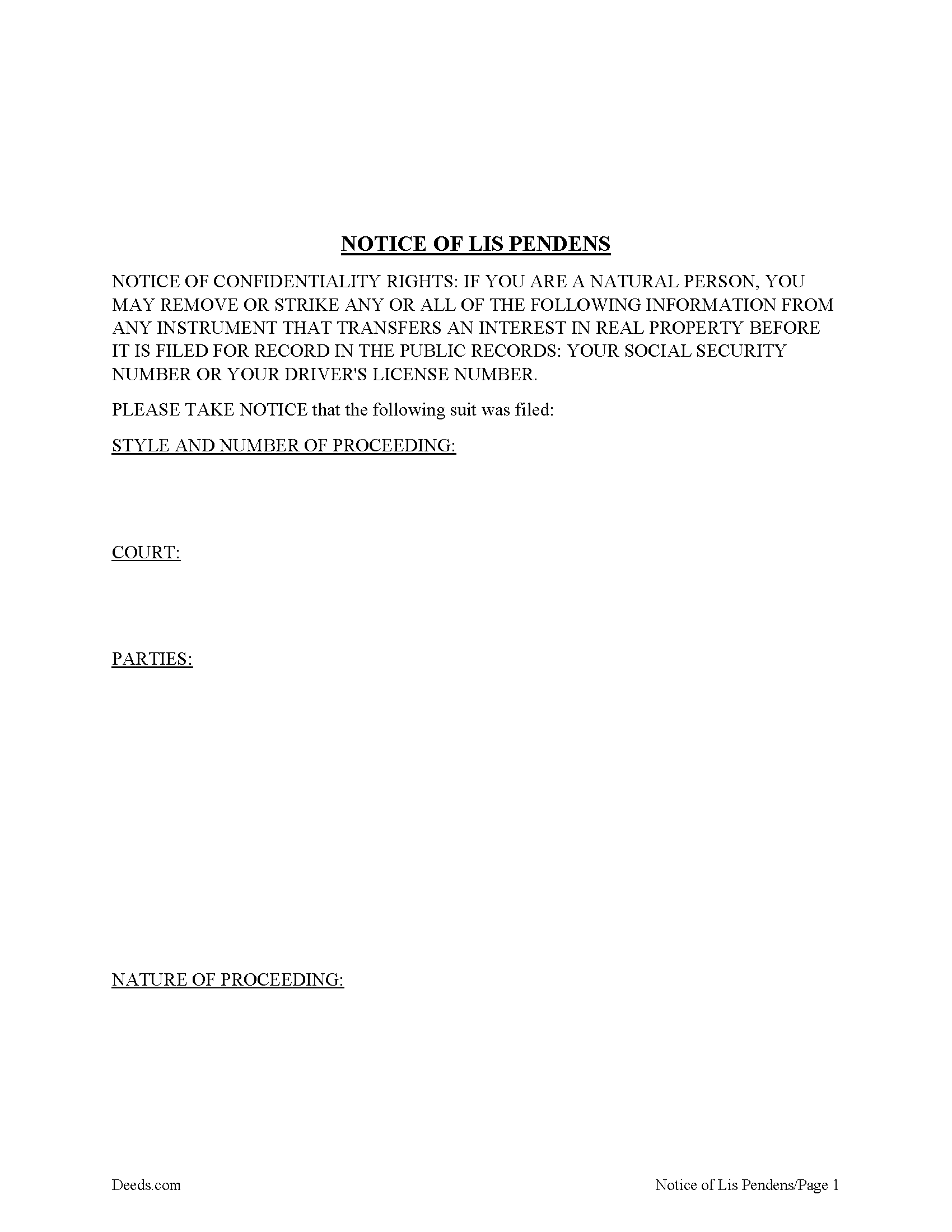
Bexar County Lis Pendens Form
Fill in the blank form formatted to comply with all recording and content requirements.
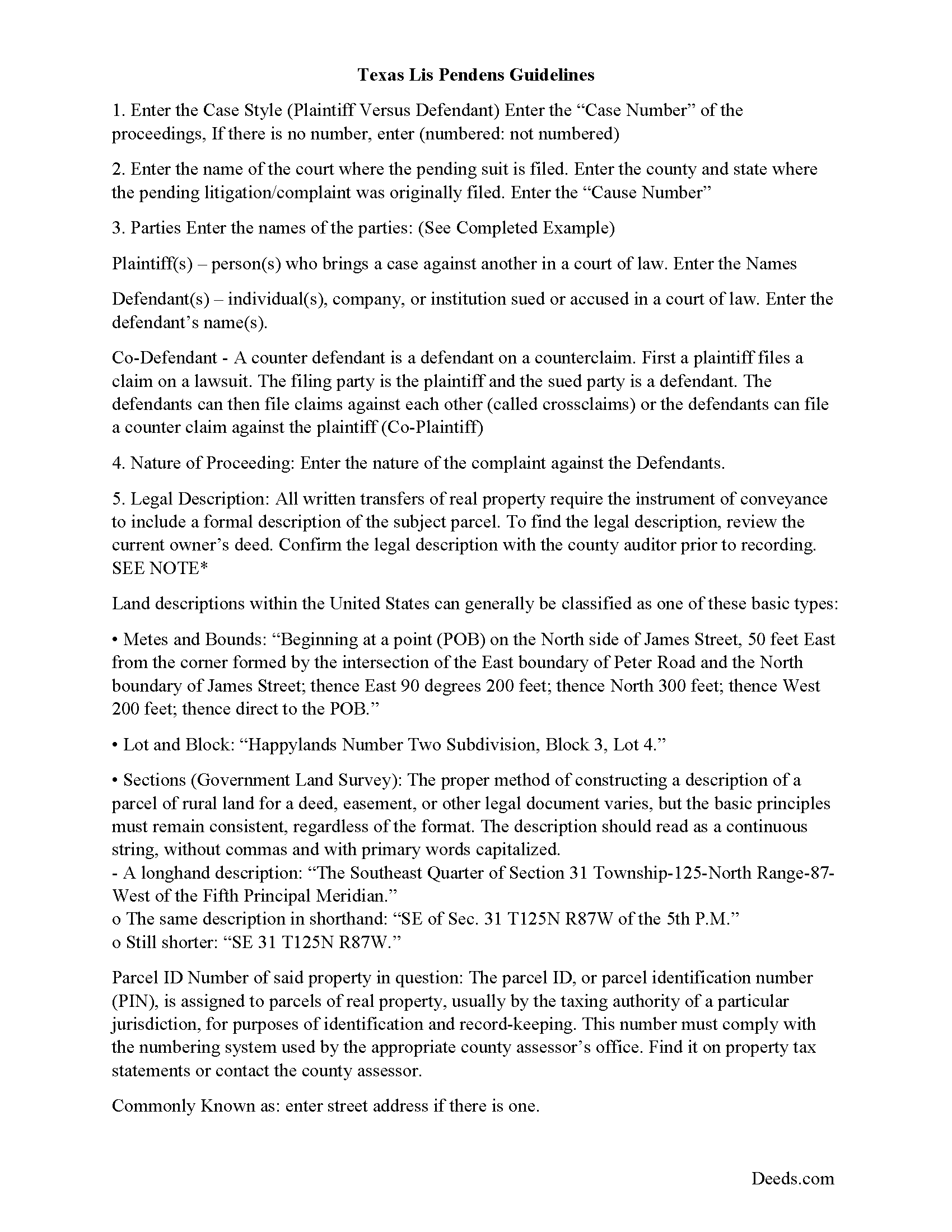
Bexar County Lis Pendens Guide
Line by line guide explaining every blank on the form.
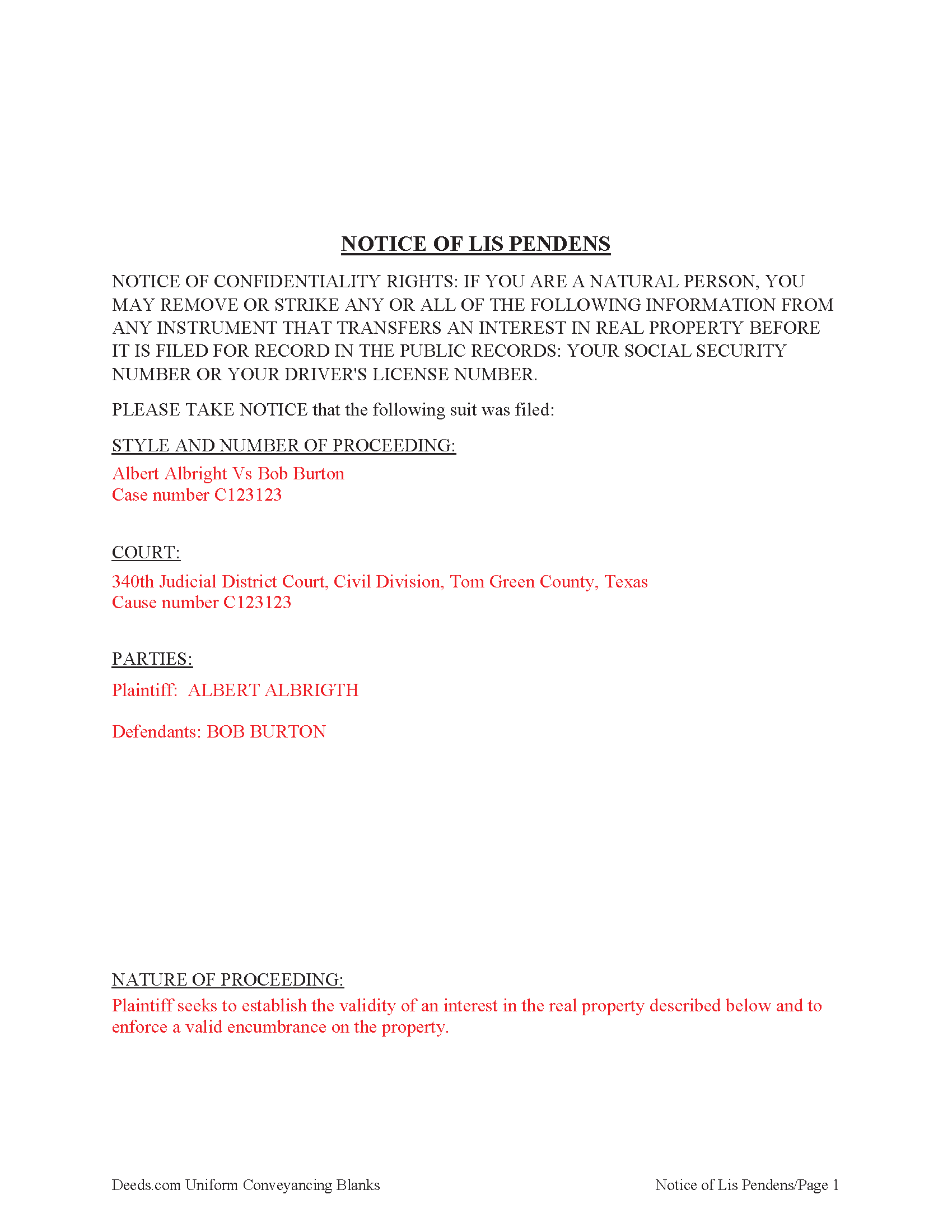
Bexar County Completed Example of the Lis Pendens Document
Example of a properly completed form for reference.
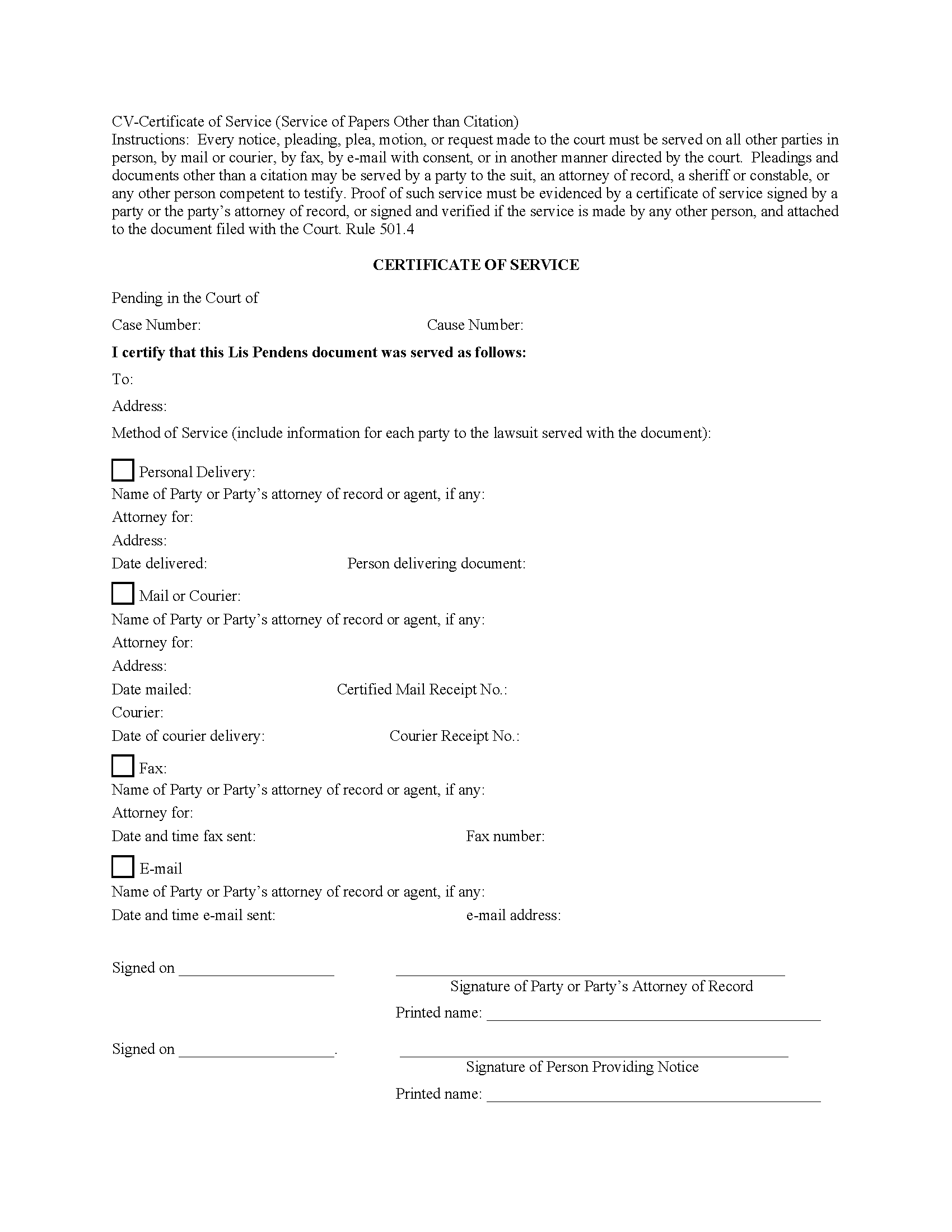
Bexar County Certificate of Service Form
Fill in the blank form formatted to comply with all recording and content requirements.
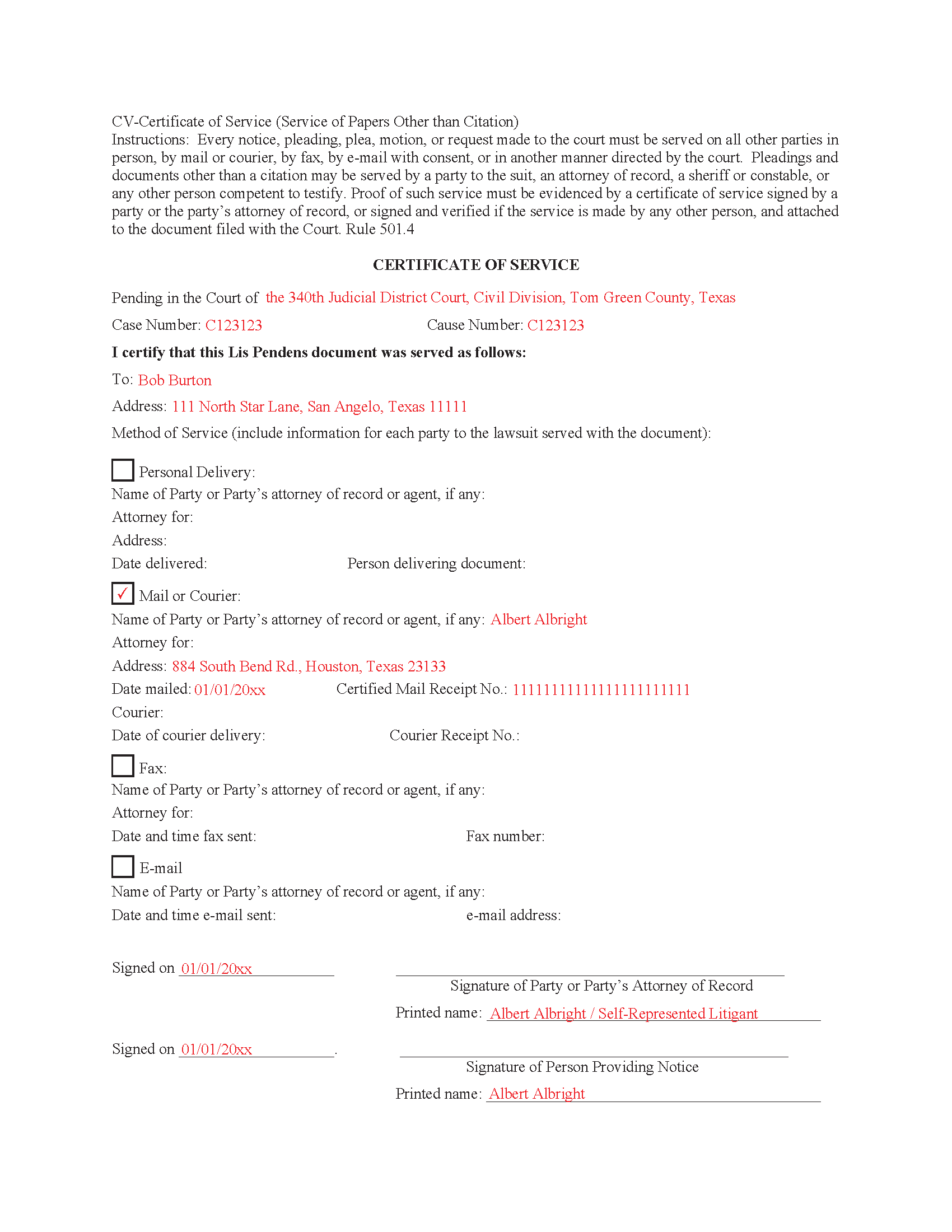
Bexar County Completed Example of the Certificate of Service Document
Example of a properly completed form for reference.
All 5 documents above included • One-time purchase • No recurring fees
Immediate Download • Secure Checkout
Additional Texas and Bexar County documents included at no extra charge:
Where to Record Your Documents
Bexar County Clerk
San Antonio, Texas 78205
Hours: 8:00 to 5:00 M-F
Phone: (210) 335-2581
Recording Tips for Bexar County:
- Bring your driver's license or state-issued photo ID
- Ensure all signatures are in blue or black ink
- Ask for certified copies if you need them for other transactions
- Ask if they accept credit cards - many offices are cash/check only
- Check that your notary's commission hasn't expired
Cities and Jurisdictions in Bexar County
Properties in any of these areas use Bexar County forms:
- Adkins
- Atascosa
- Converse
- Elmendorf
- Helotes
- Macdona
- Saint Hedwig
- San Antonio
- Somerset
- Universal City
- Von Ormy
Hours, fees, requirements, and more for Bexar County
How do I get my forms?
Forms are available for immediate download after payment. The Bexar County forms will be in your account ready to download to your computer. An account is created for you during checkout if you don't have one. Forms are NOT emailed.
Are these forms guaranteed to be recordable in Bexar County?
Yes. Our form blanks are guaranteed to meet or exceed the applicable formatting requirements used for recording in Bexar County, including margin requirements, font requirements, and other layout standards. This guarantee applies to formatting, not to the legal sufficiency of information entered by the user or the suitability of a form for a particular transaction.
Can I reuse these forms?
Yes. You can reuse the forms for your personal use. For example, if you have multiple properties in Bexar County you only need to order once.
What do I need to use these forms?
The forms are PDFs that you fill out on your computer. The free Adobe Acrobat Reader is recommended, and most PDF apps also work. You do NOT enter your property information online - you download the blank forms and complete them privately on your own computer.
Are there any recurring fees?
No. This is a one-time purchase. Nothing to cancel, no memberships, no recurring fees.
How much does it cost to record in Bexar County?
Recording fees in Bexar County vary. Contact the recorder's office at (210) 335-2581 for current fees.
Questions answered? Let's get started!
A lis pendens is filed in the county where the property is located. This is done after litigation affecting title to real property is taken. Requirement for filing a lis pendens in Texas are codified in Tex. Prop. Code 12.007. Texas court cases have laid the foundation, that the person filing the lis pendens must have a direct interest in the ownership of the real property and not simply a collateral interest to recover monetary damages. Although a lis pendens is not a lien, it is often viewed in a similar light and can therefore have the effect of stopping a sale. Why? Because constructive notice of litigation has now been given to potential buyers.
When a Lis Pendens document is filed it must contain a proof of service which is an acknowledgment of service by the person served or a certificate of service. In some cases, the clerk will permit a document to be filed but will require the proof of service to be filed promptly thereafter. 9.5(d)
9.5(e) Certificate Requirements. A certificate of service must be signed by the person who made the service and must state:
(1) the date and manner of service;
(2) the name and address of each person served; and
(3) if the person served is a party's attorney, the name of the party represented by that attorney.
This Document includes a "Certificate of Service" form that can be used by an attorney or party to the case.
Important: Your property must be located in Bexar County to use these forms. Documents should be recorded at the county recording office listed above.
This Lis Pendens meets all recording requirements specific to Bexar County.
Our Promise
The documents you receive here are guaranteed to meet or exceed the applicable Bexar County recording format requirements. If there is a rejection caused by our formatting, we will correct the issue or refund your payment. This guarantee applies to document formatting only and does not extend to information entered by the user, the selection of the form, or the legal effect of the completed document.
Save Time and Money
Get your Bexar County Lis Pendens form done right the first time with Deeds.com Uniform Conveyancing Blanks. At Deeds.com, we understand that your time and money are valuable resources, and we don't want you to face a penalty fee or rejection imposed by a county recorder for submitting nonstandard documents. We constantly review and update our forms to meet rapidly changing state and county recording requirements for roughly 3,500 counties and local jurisdictions.
4.8 out of 5 - ( 4,833 Reviews )
Stephanie B. 5 out of 5 stars
Site is SO easy to use. Thank you for such a valuable resource.
Thank you for your feedback. We really appreciate it. Have a great day!
Christina P. 5 out of 5 stars
Fantastic!! The gals at Deeds really seem to have their stuff together! Great Forms, easy, exhaustive, and most importantly... accepted at the recorder the FIRST TIME!
Thank you so much for your review! Your feedback is highly appreciated, and we look forward to assisting you again in the future!
Lara C. 5 out of 5 stars
Love it! It was super easy. Will be back!
Thank you for your feedback. We really appreciate it. Have a great day!
Paul V. 5 out of 5 stars
Easy to use , so far
Thank you!
Christine L. 5 out of 5 stars
User friendly!
Thank you!
Rajashree S. 5 out of 5 stars
Deed was easy to download and complete. Will use again if needed.
We appreciate your business and value your feedback. Thank you. Have a wonderful day!
Deborah Anne C. 5 out of 5 stars
Easy, Comprehensive and most importantly Easy!
We appreciate your business and value your feedback. Thank you. Have a wonderful day!
Garrison T. 5 out of 5 stars
Excellent service & very easy to use.
Thank you!
Ronald B. 5 out of 5 stars
Simple to use, download, fill-in and print.
We appreciate your business and value your feedback. Thank you. Have a wonderful day!
David C. 5 out of 5 stars
I was very impressed. Your program makes it very user friendly which is a must for most of the public . I have recommended this site to various clients for estate planning documents with simple estates.
Thank you!
Margaret A. 5 out of 5 stars
Thank for the help. Needed that disclaimer to avoid filing a full ITR tax return to get an L-9
We appreciate your business and value your feedback. Thank you. Have a wonderful day!
JAVIER B. 5 out of 5 stars
EXCELLENT JOB DEEDS.COM I AM SO PROUD I WAS ABLE TO RECEIVE A COPY OF THE REAL ESTATE DEED FROM MY OLD HOME OUT OF TOWN. HIGHLY RECOMMEND!!!
Thank you for your feedback. We really appreciate it. Have a great day!
JOHN M. 5 out of 5 stars
THANKS FROM A 92 YEAR OLD LADY
Thank you!
angela t. 4 out of 5 stars
good forms for what i needed.
We appreciate your business and value your feedback. Thank you. Have a wonderful day!
Deabra A. 4 out of 5 stars
Your Quitdeed form was easy to understand with the guidelines provided and an example of an already completed form to see how you should complete your form. The price is reasonable for a do it yourself.
Thank you, Deabra. We’re glad the form and examples made the process clear and that you found it a good value for a do-it-yourself option.