Uvalde County Lis Pendens Form
Last validated October 21, 2026 by our Forms Development TeamFormatted for recording in Uvalde County, for property anywhere in the county: rural and unincorporated areas as well as Concan, Knippa, Sabinal, Utopia, Uvalde.
- 5 documents included
- Immediate PDF download
- Formatting guarantee
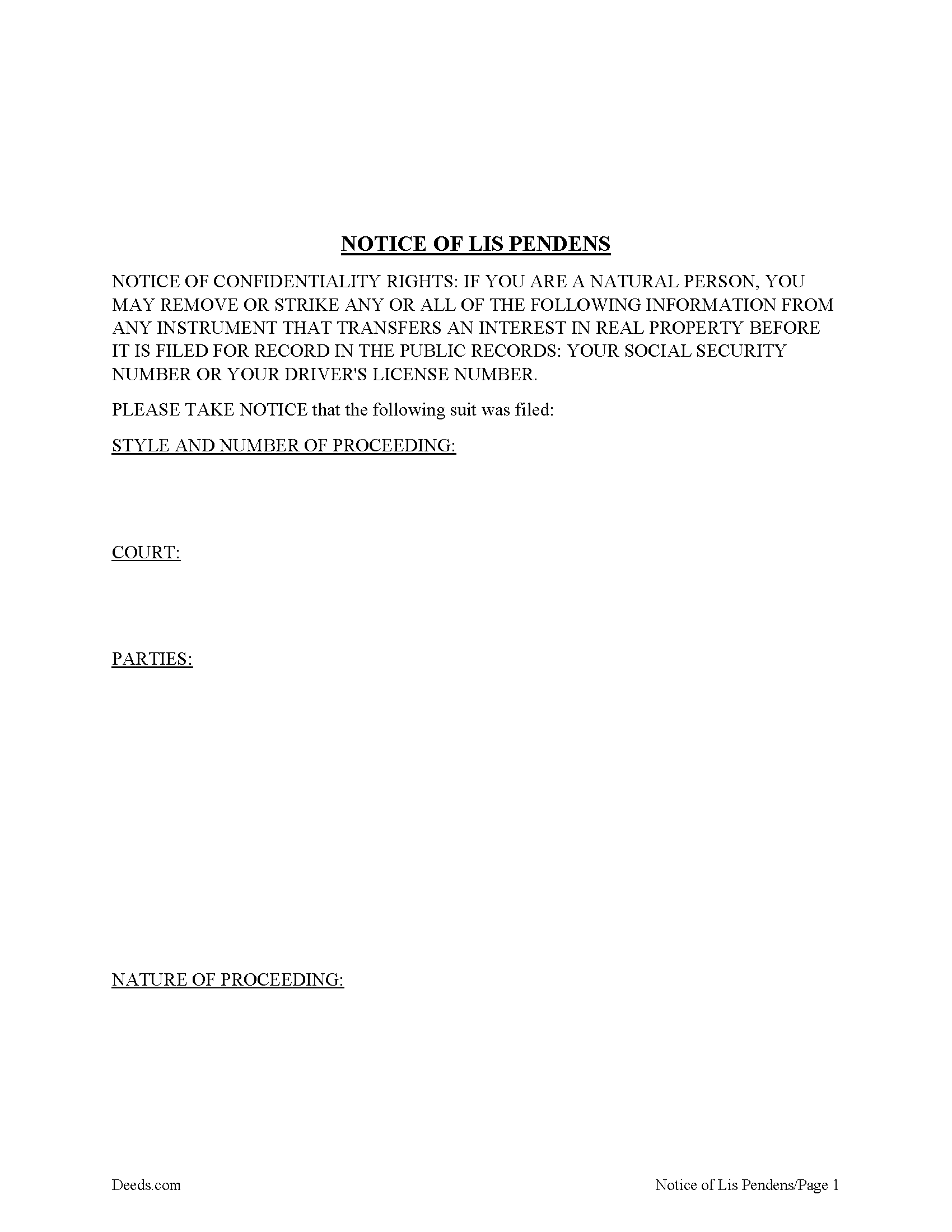
Uvalde County Lis Pendens Form
Fill in the blank form formatted to comply with all recording and content requirements.
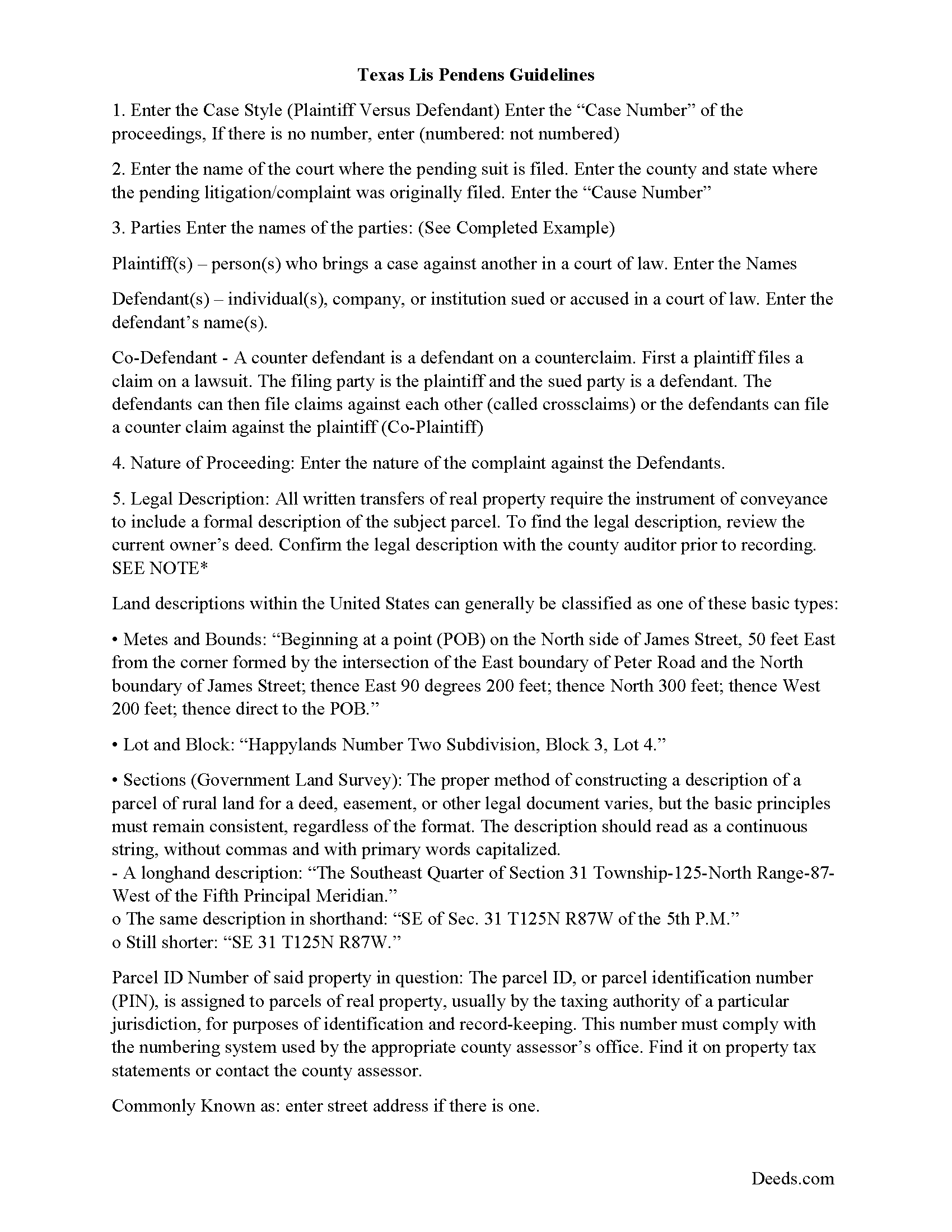
Uvalde County Lis Pendens Guide
Line by line guide explaining every blank on the form.
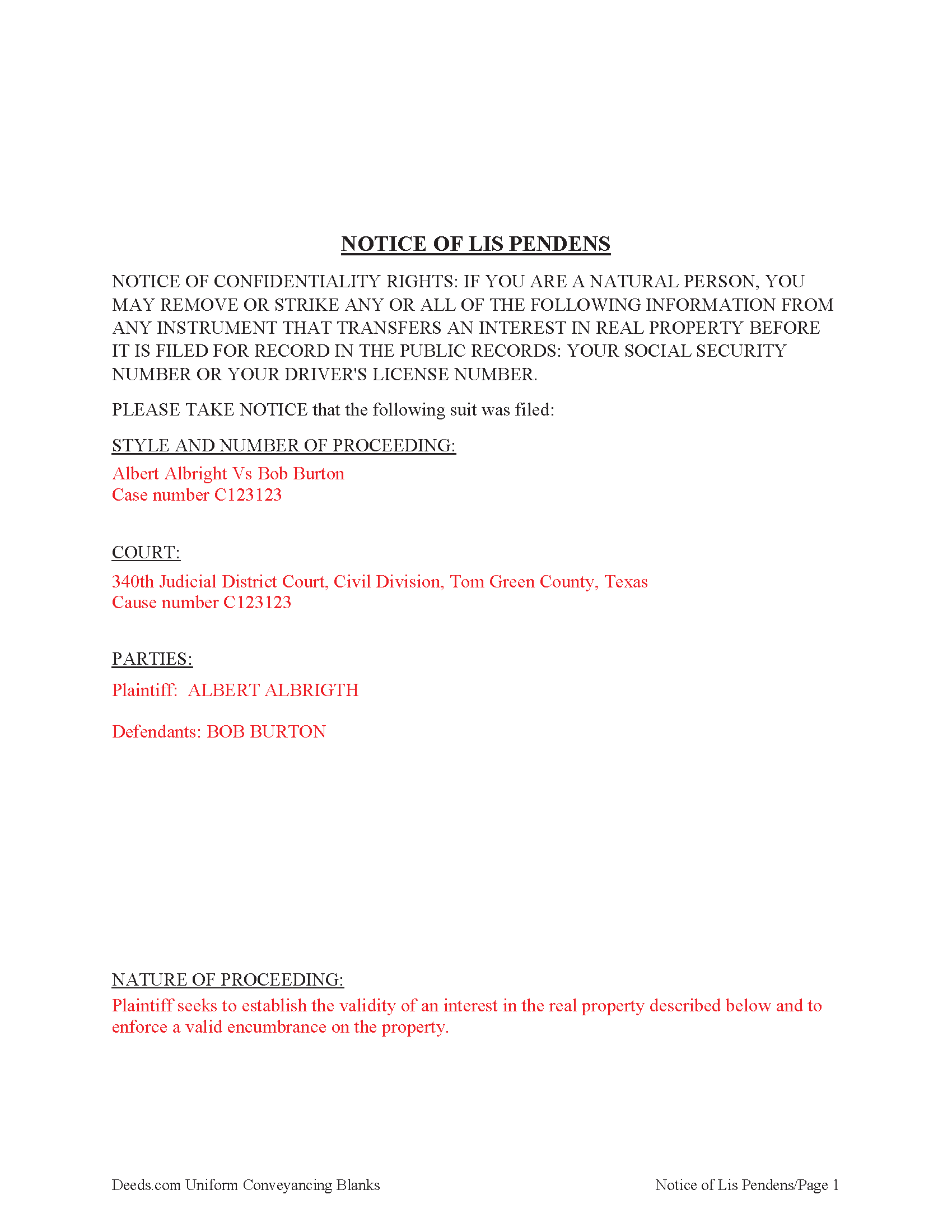
Uvalde County Completed Example of the Lis Pendens Document
Example of a properly completed form for reference.
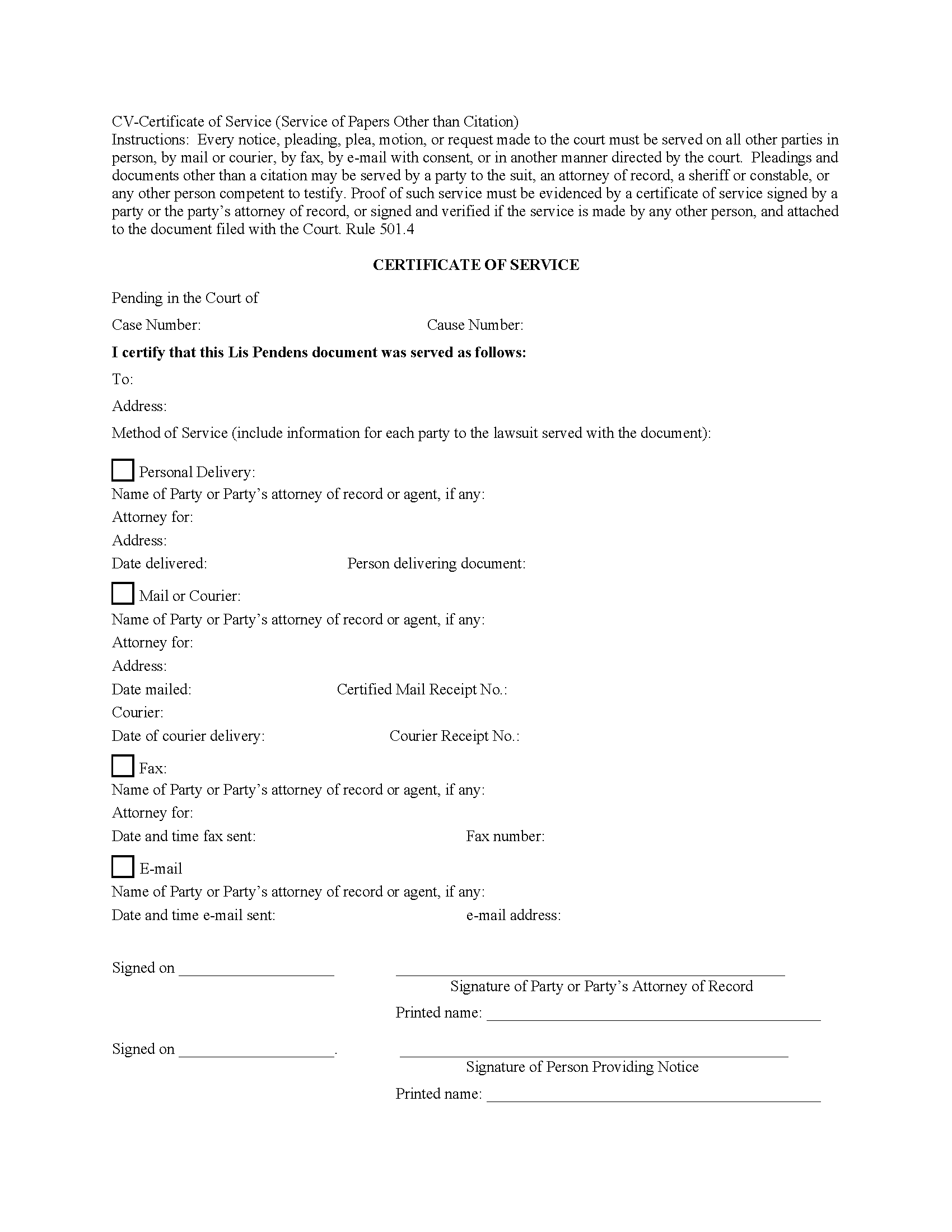
Uvalde County Certificate of Service Form
Fill in the blank form formatted to comply with all recording and content requirements.
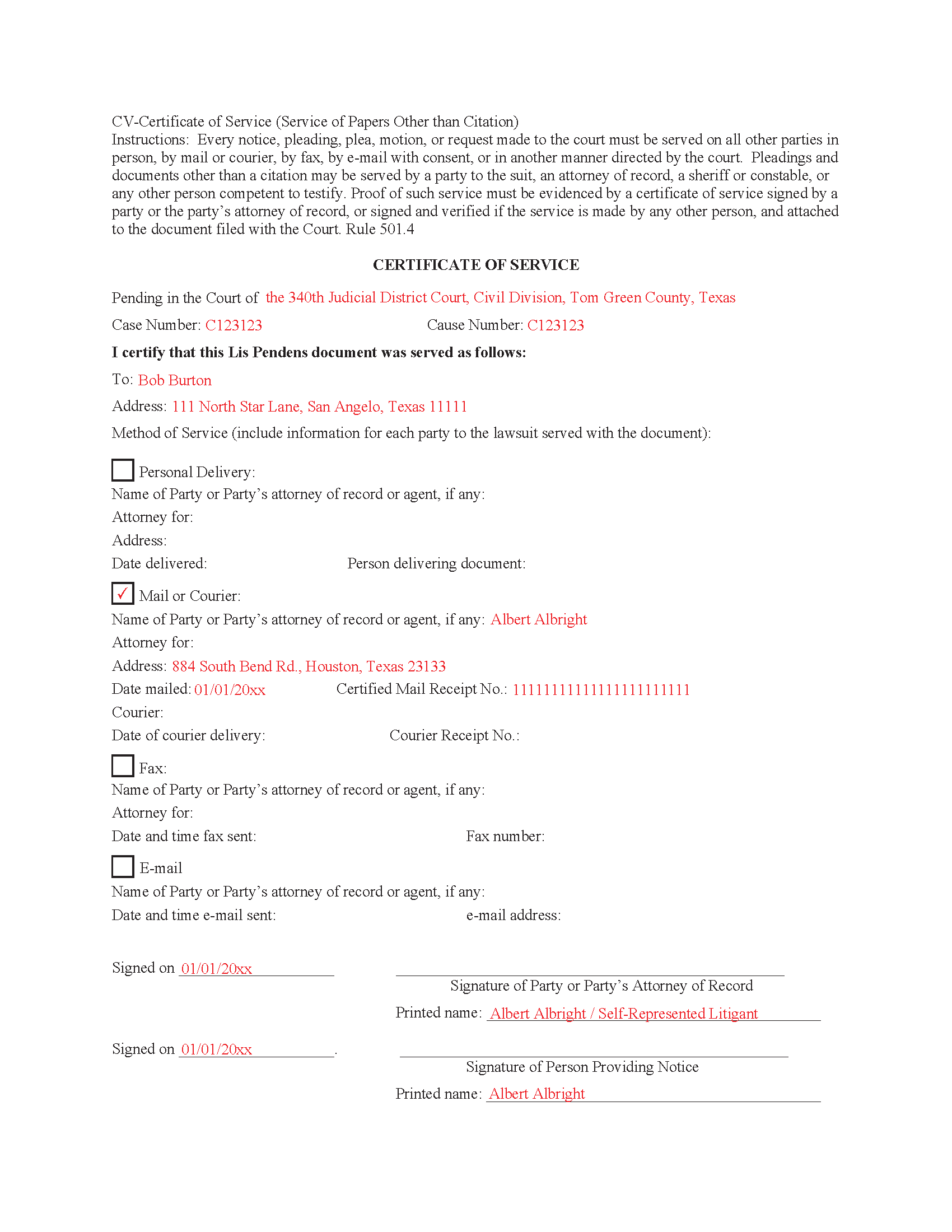
Uvalde County Completed Example of the Certificate of Service Document
Example of a properly completed form for reference.
All 5 documents above included • One-time purchase • No recurring fees
Immediate Download • Secure Checkout
Additional Texas and Uvalde County documents included at no extra charge:
Where to Record Your Documents
Uvalde County Clerk - Courthouse Plaza
Uvalde, Texas 78801
Hours: 8:00am to 4:30pm M-F
Phone: (830) 278-6614
Recording Tips for Uvalde County:
- Bring your driver's license or state-issued photo ID
- Ensure all signatures are in blue or black ink
- Documents must be on 8.5 x 11 inch white paper
- Double-check legal descriptions match your existing deed
- Verify all names are spelled correctly before recording
Cities and Jurisdictions in Uvalde County
Properties in any of these areas use Uvalde County forms:
- Concan
- Knippa
- Sabinal
- Utopia
- Uvalde
Hours, fees, requirements, and more for Uvalde County
How do I get my forms?
Forms are available for immediate download after payment. The Uvalde County forms will be in your account ready to download to your computer. An account is created for you during checkout if you don't have one. Forms are NOT emailed.
Are these forms guaranteed to be recordable in Uvalde County?
Yes. Our form blanks are guaranteed to meet or exceed the applicable formatting requirements used for recording in Uvalde County, including margin requirements, font requirements, and other layout standards. This guarantee applies to formatting, not to the legal sufficiency of information entered by the user or the suitability of a form for a particular transaction.
Can I reuse these forms?
Yes. You can reuse the forms for your personal use. For example, if you have multiple properties in Uvalde County you only need to order once.
What do I need to use these forms?
The forms are PDFs that you fill out on your computer. The free Adobe Acrobat Reader is recommended, and most PDF apps also work. You do NOT enter your property information online - you download the blank forms and complete them privately on your own computer.
Are there any recurring fees?
No. This is a one-time purchase. Nothing to cancel, no memberships, no recurring fees.
How much does it cost to record in Uvalde County?
Recording fees in Uvalde County vary. Contact the recorder's office at (830) 278-6614 for current fees.
Questions answered? Let's get started!
A lis pendens is filed in the county where the property is located. This is done after litigation affecting title to real property is taken. Requirement for filing a lis pendens in Texas are codified in Tex. Prop. Code 12.007. Texas court cases have laid the foundation, that the person filing the lis pendens must have a direct interest in the ownership of the real property and not simply a collateral interest to recover monetary damages. Although a lis pendens is not a lien, it is often viewed in a similar light and can therefore have the effect of stopping a sale. Why? Because constructive notice of litigation has now been given to potential buyers.
When a Lis Pendens document is filed it must contain a proof of service which is an acknowledgment of service by the person served or a certificate of service. In some cases, the clerk will permit a document to be filed but will require the proof of service to be filed promptly thereafter. 9.5(d)
9.5(e) Certificate Requirements. A certificate of service must be signed by the person who made the service and must state:
(1) the date and manner of service;
(2) the name and address of each person served; and
(3) if the person served is a party's attorney, the name of the party represented by that attorney.
This Document includes a "Certificate of Service" form that can be used by an attorney or party to the case.
Important: Your property must be located in Uvalde County to use these forms. Documents should be recorded at the county recording office listed above.
This Lis Pendens meets all recording requirements specific to Uvalde County.
Our Promise
The documents you receive here are guaranteed to meet or exceed the applicable Uvalde County recording format requirements. If there is a rejection caused by our formatting, we will correct the issue or refund your payment. This guarantee applies to document formatting only and does not extend to information entered by the user, the selection of the form, or the legal effect of the completed document.
Save Time and Money
Get your Uvalde County Lis Pendens form done right the first time with Deeds.com Uniform Conveyancing Blanks. At Deeds.com, we understand that your time and money are valuable resources, and we don't want you to face a penalty fee or rejection imposed by a county recorder for submitting nonstandard documents. We constantly review and update our forms to meet rapidly changing state and county recording requirements for roughly 3,500 counties and local jurisdictions.
4.8 out of 5 - ( 4,837 Reviews )
Walter T. 5 out of 5 stars
Awesome thanks
Thank you for your feedback. We really appreciate it. Have a great day!
Thomas W. 5 out of 5 stars
easy to use, no problems except in beneficiary box. Need to make the box bigger because I have 4 beneficiaries to list. how do I enlarge the box.
Thanks for reaching out. All available space on the document is being used. As is noted in the guide, if you have information that does not fit in the available space the included exhibit page should be used.
Robert B. 5 out of 5 stars
Excellent service. Unbelievably rapid and detailed responses. Was not happy to have to pay the fee but totally worth it.
Thank you for your feedback. We really appreciate it. Have a great day!
Carl T. 5 out of 5 stars
Awesome! Quick service and well worth the very minimal fee for the convenience of being able to quickly record my mothers will without having to leave the house. Also, our court is currently closed due to Covid. So happy to have found Deeds.com
We appreciate your business and value your feedback. Thank you. Have a wonderful day!
Terri B. 4 out of 5 stars
It's worth the money. I would like to have seen a variety of examples showing different scenarios for completing a quitclaim deed.
Thank you!
Lindsey W. 3 out of 5 stars
The service was great but after I did all my work and uploaded the documents they canceled my stuff because the county they had on the list doesnt take/or have set up e-recording yet. It was a bit disappointing because thats the only reason I was on here is because it brought me here from that countys sight.
Thank you for your feedback, sorry we were not able to provide the service for you. Hope you have a great day.
Theresa T. 5 out of 5 stars
Great source easy to use.
We appreciate your business and value your feedback. Thank you. Have a wonderful day!
John H. 5 out of 5 stars
works nice
Thank you!
Jamal . 5 out of 5 stars
So far so good!
Thank you!
Marisela S. 5 out of 5 stars
This is my first time and your service appears to be very user-friendly; however, since I am new to this service, I'm not sure if my e-filings were received as I've not heard anything back nor have I received any type of confirmation of receipt.
Thank you for your feedback. We really appreciate it. Have a great day!
Bill S. 5 out of 5 stars
Very convenient and reasonably priced service. Excellent. A++
Thank you for your feedback. We really appreciate it. Have a great day!
HEATHER M. 5 out of 5 stars
The guide I needed was very easy to understand and the template was easy to complete. I had a property attorney review the deed before I had it registered and she was impressed. She said she couldn't have written it better herself! Definitely worth the money instead of paying high dollar attorney fees for a simple task.
Your feedback is greatly appreciated. Thank you for taking the time to share your experience!
Eldridge S. 5 out of 5 stars
very pleased to attain this important document
We appreciate your business and value your feedback. Thank you. Have a wonderful day!
Deborah D. 5 out of 5 stars
What I thought was gonna be a long drawn out tedious process was literally 10min tops... The help was quick and a load off. Thanks y'all.
We appreciate your business and value your feedback. Thank you. Have a wonderful day!
Renee K. 5 out of 5 stars
So very easy to upload documents to the site and communication is very quick. It made our transactions so effortless.
Thank you!