Fayette County Owelty of Partition Agreement Form
Last validated October 19, 2026 by our Forms Development TeamFormatted for recording in Fayette County, for property anywhere in the county: rural and unincorporated areas as well as Carmine, Ellinger, Fayetteville, Flatonia, La Grange, Ledbetter, Muldoon, Plum and 5 more.
- 3 documents included
- Immediate PDF download
- Formatting guarantee
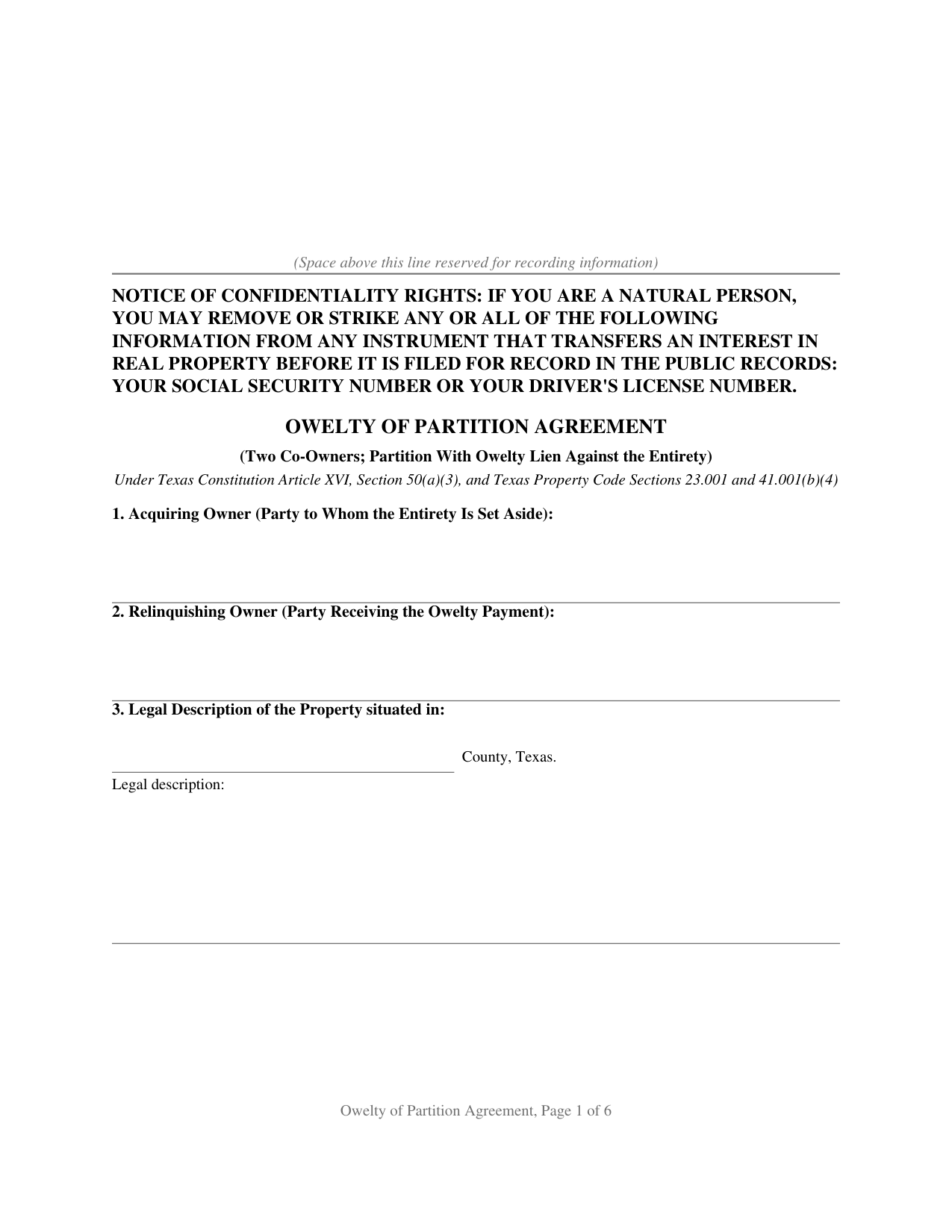
Fayette County Owelty of Partition Agreement Form
Fill in the blank Owelty of Partition Agreement form formatted to comply with all Texas recording and content requirements.
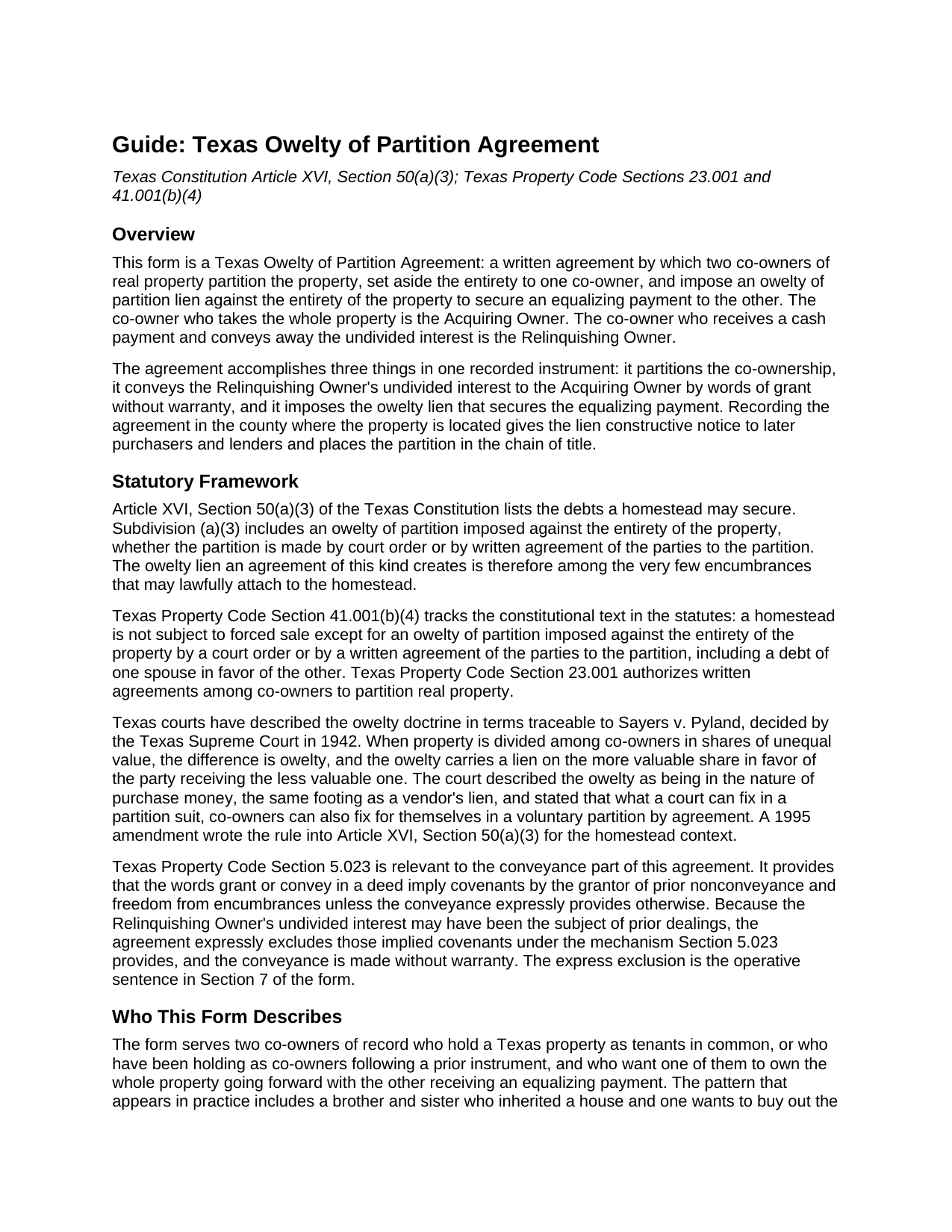
Fayette County Owelty of Partition Agreement Guide
Line by line guide explaining every blank on the Owelty of Partition Agreement form.
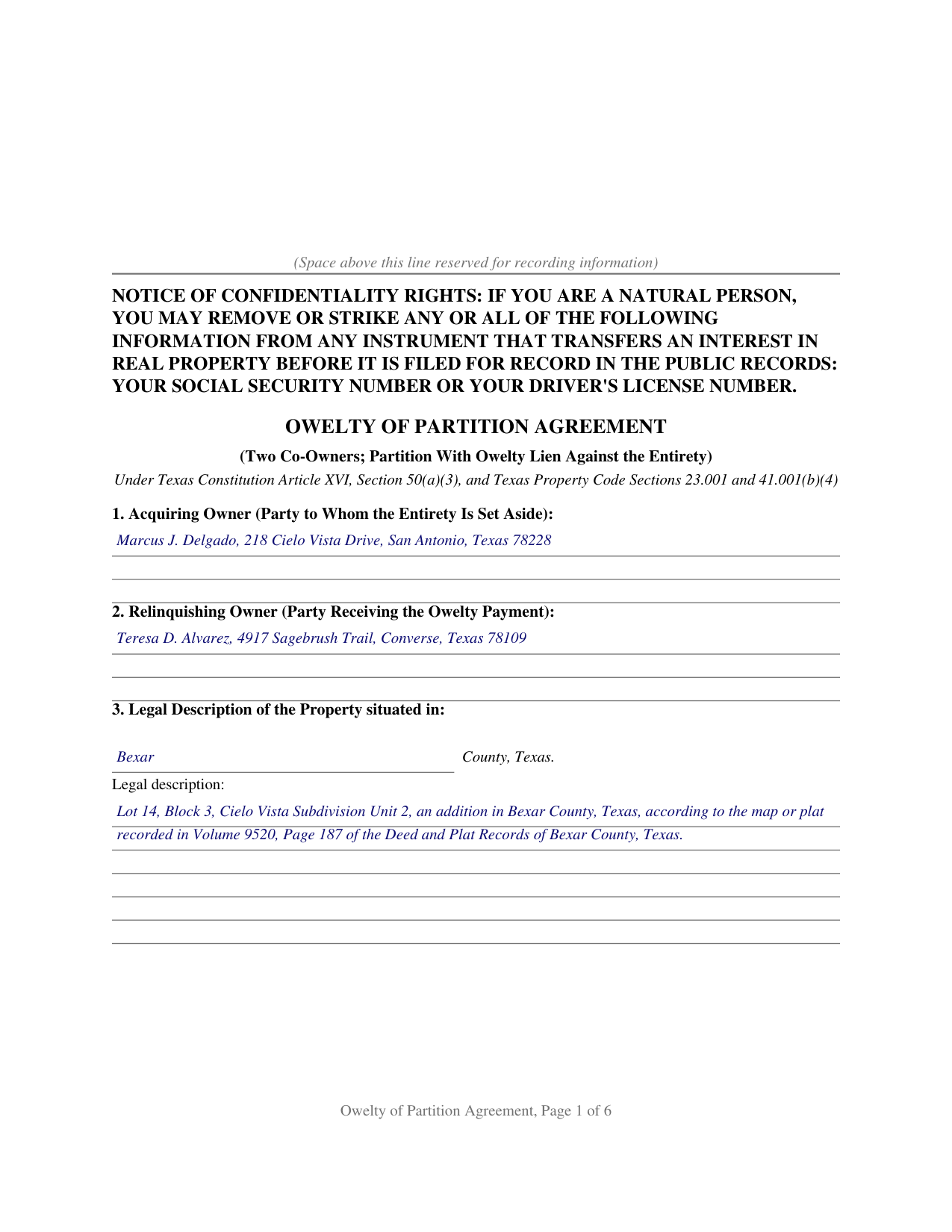
Fayette County Completed Example of the Owelty of Partition Agreement Document
Example of a properly completed Texas Owelty of Partition Agreement document for reference.
All 3 documents above included • One-time purchase • No recurring fees
Immediate Download • Secure Checkout
Additional Texas and Fayette County documents included at no extra charge:
Where to Record Your Documents
Fayette County Clerk
La Grange, Texas 78945-2206
Hours: Monday-Friday 8am-5pm
Phone: (979) 968-3251
Recording Tips for Fayette County:
- Bring your driver's license or state-issued photo ID
- Ensure all signatures are in blue or black ink
- Check that your notary's commission hasn't expired
- Documents must be on 8.5 x 11 inch white paper
- Double-check legal descriptions match your existing deed
Cities and Jurisdictions in Fayette County
Properties in any of these areas use Fayette County forms:
- Carmine
- Ellinger
- Fayetteville
- Flatonia
- La Grange
- Ledbetter
- Muldoon
- Plum
- Round Top
- Schulenburg
- Warda
- Warrenton
- West Point
Hours, fees, requirements, and more for Fayette County
How do I get my forms?
Forms are available for immediate download after payment. The Fayette County forms will be in your account ready to download to your computer. An account is created for you during checkout if you don't have one. Forms are NOT emailed.
Are these forms guaranteed to be recordable in Fayette County?
Yes. Our form blanks are guaranteed to meet or exceed the applicable formatting requirements used for recording in Fayette County, including margin requirements, font requirements, and other layout standards. This guarantee applies to formatting, not to the legal sufficiency of information entered by the user or the suitability of a form for a particular transaction.
Can I reuse these forms?
Yes. You can reuse the forms for your personal use. For example, if you have multiple properties in Fayette County you only need to order once.
What do I need to use these forms?
The forms are PDFs that you fill out on your computer. The free Adobe Acrobat Reader is recommended, and most PDF apps also work. You do NOT enter your property information online - you download the blank forms and complete them privately on your own computer.
Are there any recurring fees?
No. This is a one-time purchase. Nothing to cancel, no memberships, no recurring fees.
How much does it cost to record in Fayette County?
Recording fees in Fayette County vary. Contact the recorder's office at (979) 968-3251 for current fees.
Questions answered? Let's get started!
Texas homestead law keeps nearly every voluntary lien off a home. Article XVI, Section 50 of the Texas Constitution lists the only debts a homestead can secure, and Section 50(c) makes any other lien on the homestead invalid. An owelty of partition sits on that short constitutional list. When two co-owners of Texas real property end their co-ownership by setting the entire property aside to one of them, the equalizing payment owed to the other, called the owelty, can be secured by a lien imposed against the entirety of the property by a court order or by a written agreement of the parties to the partition. The Texas Owelty of Partition Agreement is that written agreement.
A lien the homestead admits
The Texas Supreme Court described the doctrine in Sayers v. Pyland (1942): when property is divided into shares of unequal value, the difference is owelty, secured by a lien on the more valuable share in favor of the party receiving the less valuable one, and the owelty is in the nature of purchase money, the same footing as a vendor's lien. The court added that what a court can fix in a partition suit, co-owners can fix for themselves in a voluntary partition by agreement. A 1995 constitutional amendment wrote the rule into Article XVI, Section 50(a)(3), and Property Code Section 41.001(b)(4) repeats it in the statutes: an owelty of partition imposed against the entirety of the property is among the encumbrances that may properly attach to homestead property.
One instrument, three moving parts
The form works in a single recorded instrument. The entirety of the property is set aside and awarded to one co-owner, the Acquiring Owner. The other co-owner, the Relinquishing Owner, conveys the undivided interest with words of grant and without warranty. And the parties impose an owelty of partition in a stated amount against the entirety, expressly reserving a lien in favor of the Relinquishing Owner until the owelty is paid. Because the lien reaches the whole property rather than a half interest, and because it carries purchase-money character, it fits the way title companies and refinance lenders handle a buyout: a lender advancing funds to pay the owelty at closing can take the note and lien by transfer, and the recorded agreement is what the title examiner finds in the chain of title.
Decrees, sibling buyouts, and the two constitutional routes
The constitution recognizes two routes to an owelty lien: a court order, which includes a divorce decree dividing or awarding the family homestead, and a written agreement of the parties to the partition. This form documents the agreement route between two co-owners of record: siblings who inherited a house together, partners who bought together, or former spouses who hold as tenants in common after a divorce. The form carries a joining-spouse signature block for homestead joinder under Family Code Section 5.001, a separate notary certificate for each signer, and the confidentiality notice required by Property Code Section 11.008 at the top of the first page, ready for the county clerk of the county where the property is located.
The download includes the agreement as a fillable PDF, a completed example documenting a Bexar County buyout, and a plain-language guide that walks through every numbered section, the signing formalities, and the recording steps. The materials describe Texas law in general terms and are not legal advice.
Important: Your property must be located in Fayette County to use these forms. Documents should be recorded at the county recording office listed above.
This Owelty of Partition Agreement meets all recording requirements specific to Fayette County.
Our Promise
The documents you receive here are guaranteed to meet or exceed the applicable Fayette County recording format requirements. If there is a rejection caused by our formatting, we will correct the issue or refund your payment. This guarantee applies to document formatting only and does not extend to information entered by the user, the selection of the form, or the legal effect of the completed document.
Save Time and Money
Get your Fayette County Owelty of Partition Agreement form done right the first time with Deeds.com Uniform Conveyancing Blanks. At Deeds.com, we understand that your time and money are valuable resources, and we don't want you to face a penalty fee or rejection imposed by a county recorder for submitting nonstandard documents. We constantly review and update our forms to meet rapidly changing state and county recording requirements for roughly 3,500 counties and local jurisdictions.
4.8 out of 5 - ( 4,828 Reviews )
Jon W. 1 out of 5 stars
Useless for me. My deed could not be pulled. After investigation, I got a copy online directly from WV for $3. No one but editors of this will ever see this. Shame.
Thank you for your feedback. We really appreciate it. Have a great day!
Roy C. 5 out of 5 stars
Great Product no problems filing
Thank you for your feedback. We really appreciate it. Have a great day!
Kris D. 5 out of 5 stars
The Executor's Guide needs more info about what to put for grantee (estate of deceased or my name as executor?) and the price (something nominal like $10?) before there is a buyer. The guide seems to use only one example.
Thank you for your feedback. We really appreciate it. Have a great day!
Martin B. 5 out of 5 stars
Excellent Detailed and clear Easy to use
We appreciate your business and value your feedback. Thank you. Have a wonderful day!
lee s. 4 out of 5 stars
Over all quality of document was good. The issue I had was where it states claimant did not have a contract with the owner or their agent. I did have a contract with their agent, and there was no option for both. So had improvise.
Thank you for your feedback. We really appreciate it. Have a great day!
Kenneth-Wayne L. 5 out of 5 stars
1) I was very pleased when the staff mentioned your service since the three referenced on the Recorder's website all wanted HUGE Account set-up and maintenance fees AND BIG fees per recording, and yours has no set-up fee AND nominal per-recording fee; 2) My (few) recordings will be NON-LAND Related, summary or entire record(s) of Administrative (Procedures Act) records, Other than the Border width and Cover Sheet, do you anticipate any other special requirements for such recording(s)? NOTE: I just sent one by Snail Mail, and they just informed me that due to the GERMIPHOBIA 'Pandemic' the ONLY open and record Snail Mail ONCE A MONTH On the first of each chmonth!
Thank you!
ROBERET D. 5 out of 5 stars
after a poor start was able to get to the forms page and find what I was looking for and every thing worked good. Just getting to the right area was a struggle but we made thanks Bob
Thank you for your feedback. We really appreciate it. Have a great day!
William L. 5 out of 5 stars
Deeds.com provide a great service!!!
We truly value your business and appreciate your review.
James B. 5 out of 5 stars
This was very easy to do. Great experience. These are the forms I needed. I would recommend these to anyone.
Thank you!
Sophia G. 5 out of 5 stars
Hassle free service , and don't have to wait in line
Thank you for your feedback. We really appreciate it. Have a great day!
Dianne J. 5 out of 5 stars
Thought we would just do a quit claim to remove a name on a deed but after read your instruction and all that is needed we decided to meet with a lawyer. Appreciate all the info that you supplied.
Glad to hear that Dianne. We always recommend seeking the advice of a professional if you are not completely sure of what you are doing. Have a great day!
Shonda S. 5 out of 5 stars
This is the best thing I have ever done with this being my first time doing a quick claim. This has save me and my family money instead of paying a lawyer. Thanks again.
We appreciate your business and value your feedback. Thank you. Have a wonderful day!
Richard C. 5 out of 5 stars
Amazing from start to finish!
Thank you for your feedback. We really appreciate it. Have a great day!
Susan B. 4 out of 5 stars
I guess I got what I paid for. The site said I would be able to download blank PDF forms that I could fill out on my computer. I expected fillable forms, like I download for taxes. Instead the forms I got could only be completed by using Adobe Sign and Fill tools. These are much harder to use than fillable forms.
Thank you for your feedback. We really appreciate it. Have a great day!
Bethany F. 5 out of 5 stars
quick and easy to use
Thank you!