Hopkins County Owelty of Partition Agreement Form
Last validated November 11, 2026 by our Forms Development TeamFormatted for recording in Hopkins County, for property anywhere in the county: rural and unincorporated areas as well as Brashear, Como, Cumby, Dike, Pickton, Saltillo, Sulphur Bluff, Sulphur Springs.
- 3 documents included
- Immediate PDF download
- Formatting guarantee
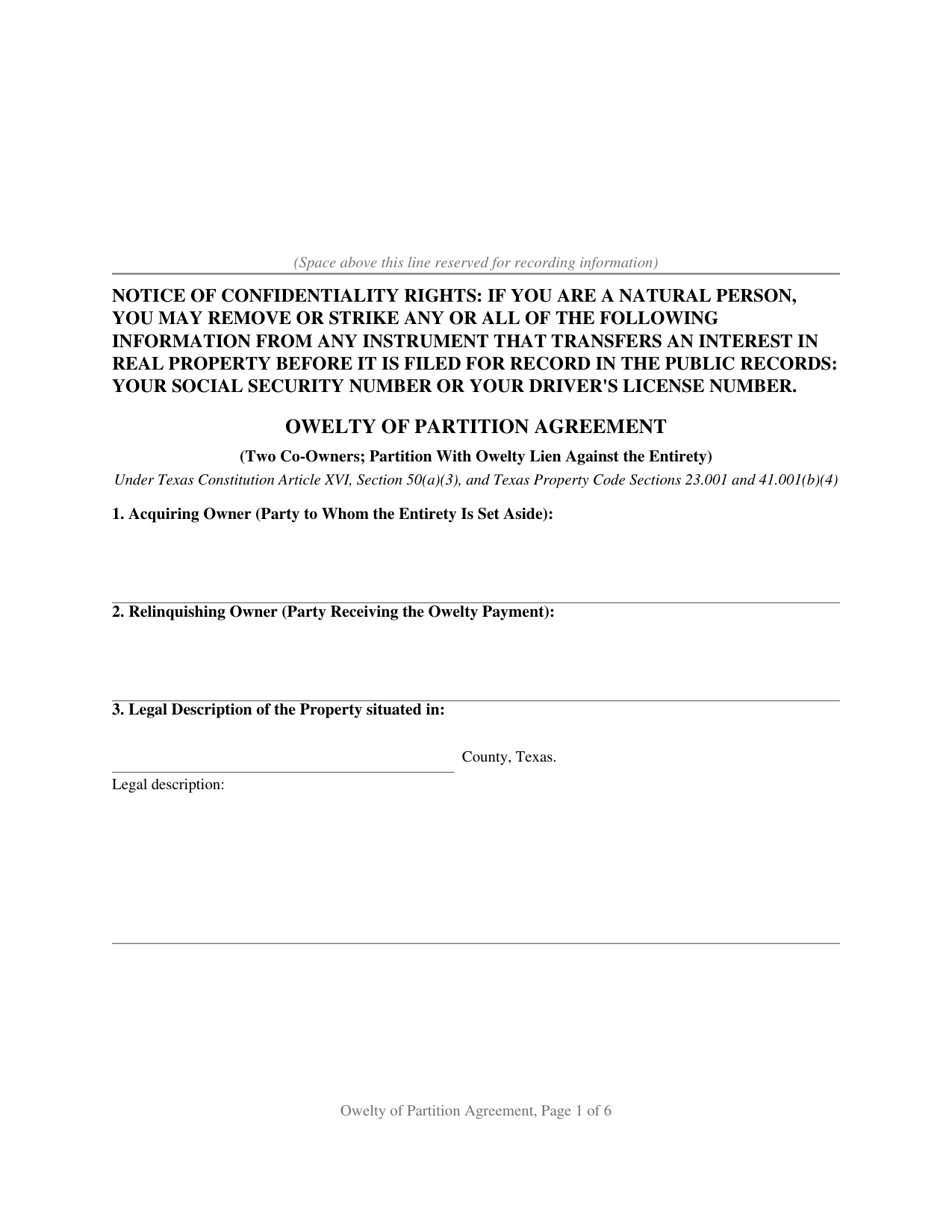
Hopkins County Owelty of Partition Agreement Form
Fill in the blank Owelty of Partition Agreement form formatted to comply with all Texas recording and content requirements.
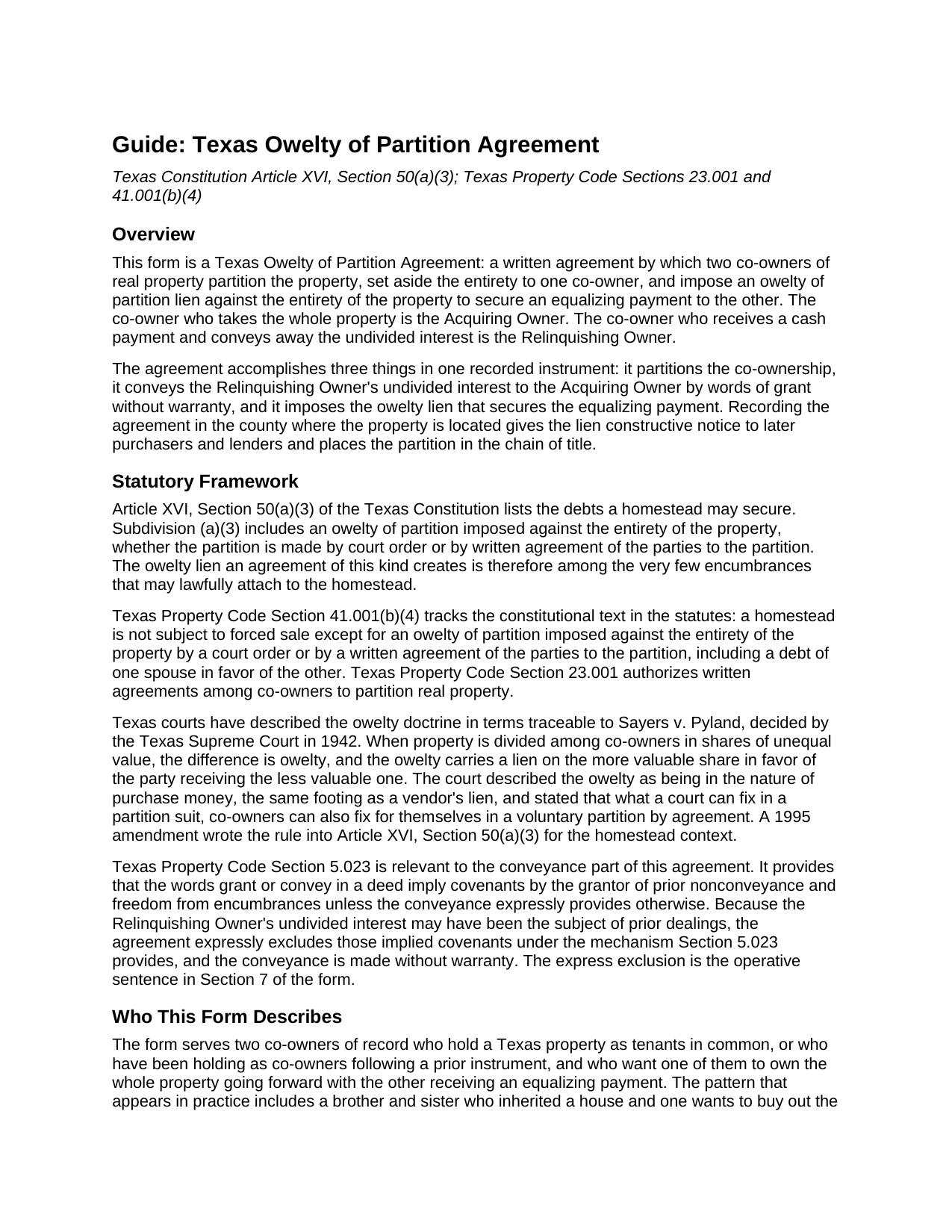
Hopkins County Owelty of Partition Agreement Guide
Line by line guide explaining every blank on the Owelty of Partition Agreement form.
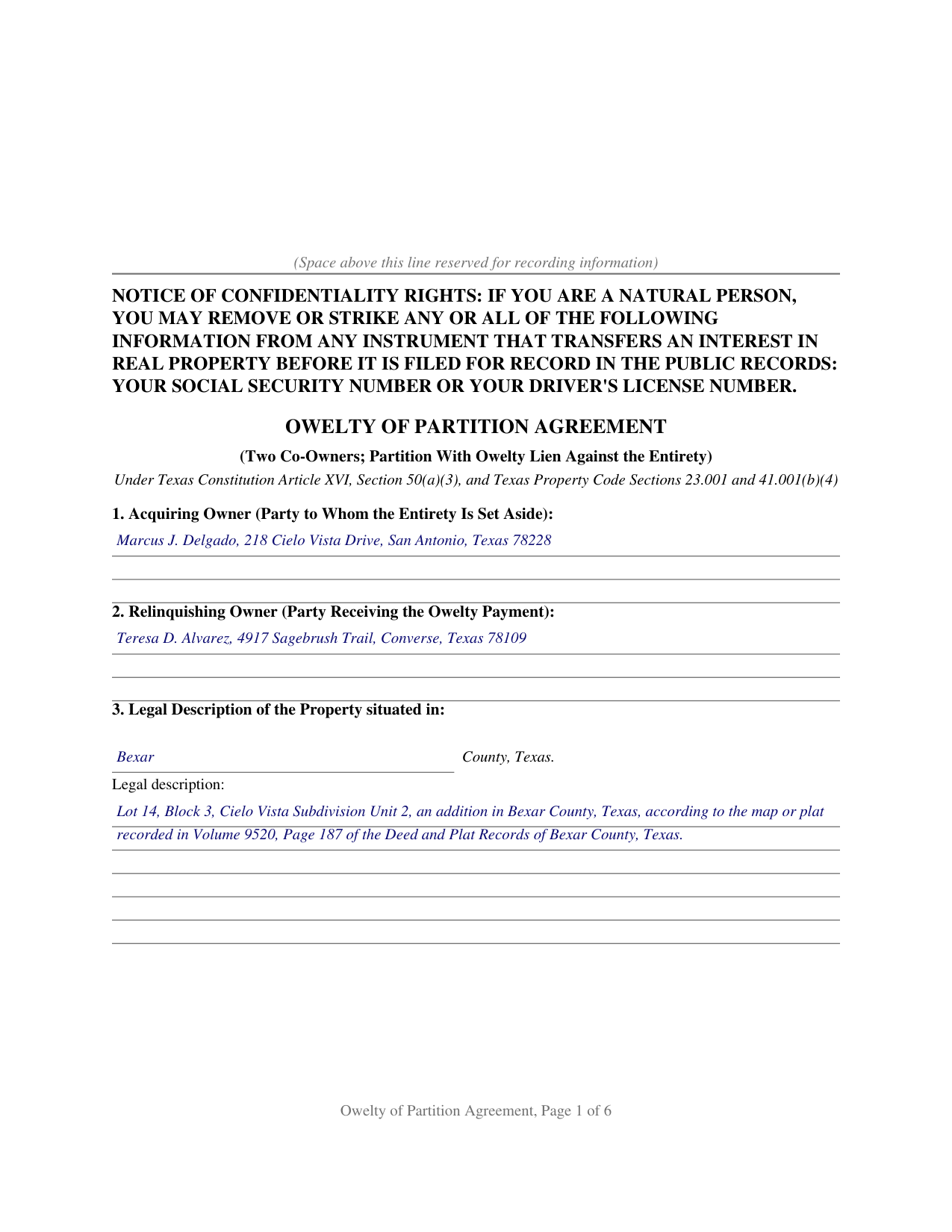
Hopkins County Completed Example of the Owelty of Partition Agreement Document
Example of a properly completed Texas Owelty of Partition Agreement document for reference.
All 3 documents above included • One-time purchase • No recurring fees
Immediate Download • Secure Checkout
Additional Texas and Hopkins County documents included at no extra charge:
Where to Record Your Documents
Hopkins County
Sulphur Springs, Texas 75482
Hours: Monday - Friday 8:00 am - 5:00 pm
Phone: (903) 438-4074
Recording Tips for Hopkins County:
- Bring your driver's license or state-issued photo ID
- Ensure all signatures are in blue or black ink
- Ask for certified copies if you need them for other transactions
- Ask if they accept credit cards - many offices are cash/check only
- Check that your notary's commission hasn't expired
Cities and Jurisdictions in Hopkins County
Properties in any of these areas use Hopkins County forms:
- Brashear
- Como
- Cumby
- Dike
- Pickton
- Saltillo
- Sulphur Bluff
- Sulphur Springs
Hours, fees, requirements, and more for Hopkins County
How do I get my forms?
Forms are available for immediate download after payment. The Hopkins County forms will be in your account ready to download to your computer. An account is created for you during checkout if you don't have one. Forms are NOT emailed.
Are these forms guaranteed to be recordable in Hopkins County?
Yes. Our form blanks are guaranteed to meet or exceed the applicable formatting requirements used for recording in Hopkins County, including margin requirements, font requirements, and other layout standards. This guarantee applies to formatting, not to the legal sufficiency of information entered by the user or the suitability of a form for a particular transaction.
Can I reuse these forms?
Yes. You can reuse the forms for your personal use. For example, if you have multiple properties in Hopkins County you only need to order once.
What do I need to use these forms?
The forms are PDFs that you fill out on your computer. The free Adobe Acrobat Reader is recommended, and most PDF apps also work. You do NOT enter your property information online - you download the blank forms and complete them privately on your own computer.
Are there any recurring fees?
No. This is a one-time purchase. Nothing to cancel, no memberships, no recurring fees.
How much does it cost to record in Hopkins County?
Recording fees in Hopkins County vary. Contact the recorder's office at (903) 438-4074 for current fees.
Questions answered? Let's get started!
Texas homestead law keeps nearly every voluntary lien off a home. Article XVI, Section 50 of the Texas Constitution lists the only debts a homestead can secure, and Section 50(c) makes any other lien on the homestead invalid. An owelty of partition sits on that short constitutional list. When two co-owners of Texas real property end their co-ownership by setting the entire property aside to one of them, the equalizing payment owed to the other, called the owelty, can be secured by a lien imposed against the entirety of the property by a court order or by a written agreement of the parties to the partition. The Texas Owelty of Partition Agreement is that written agreement.
A lien the homestead admits
The Texas Supreme Court described the doctrine in Sayers v. Pyland (1942): when property is divided into shares of unequal value, the difference is owelty, secured by a lien on the more valuable share in favor of the party receiving the less valuable one, and the owelty is in the nature of purchase money, the same footing as a vendor's lien. The court added that what a court can fix in a partition suit, co-owners can fix for themselves in a voluntary partition by agreement. A 1995 constitutional amendment wrote the rule into Article XVI, Section 50(a)(3), and Property Code Section 41.001(b)(4) repeats it in the statutes: an owelty of partition imposed against the entirety of the property is among the encumbrances that may properly attach to homestead property.
One instrument, three moving parts
The form works in a single recorded instrument. The entirety of the property is set aside and awarded to one co-owner, the Acquiring Owner. The other co-owner, the Relinquishing Owner, conveys the undivided interest with words of grant and without warranty. And the parties impose an owelty of partition in a stated amount against the entirety, expressly reserving a lien in favor of the Relinquishing Owner until the owelty is paid. Because the lien reaches the whole property rather than a half interest, and because it carries purchase-money character, it fits the way title companies and refinance lenders handle a buyout: a lender advancing funds to pay the owelty at closing can take the note and lien by transfer, and the recorded agreement is what the title examiner finds in the chain of title.
Decrees, sibling buyouts, and the two constitutional routes
The constitution recognizes two routes to an owelty lien: a court order, which includes a divorce decree dividing or awarding the family homestead, and a written agreement of the parties to the partition. This form documents the agreement route between two co-owners of record: siblings who inherited a house together, partners who bought together, or former spouses who hold as tenants in common after a divorce. The form carries a joining-spouse signature block for homestead joinder under Family Code Section 5.001, a separate notary certificate for each signer, and the confidentiality notice required by Property Code Section 11.008 at the top of the first page, ready for the county clerk of the county where the property is located.
The download includes the agreement as a fillable PDF, a completed example documenting a Bexar County buyout, and a plain-language guide that walks through every numbered section, the signing formalities, and the recording steps. The materials describe Texas law in general terms and are not legal advice.
Important: Your property must be located in Hopkins County to use these forms. Documents should be recorded at the county recording office listed above.
This Owelty of Partition Agreement meets all recording requirements specific to Hopkins County.
Our Promise
The documents you receive here are guaranteed to meet or exceed the applicable Hopkins County recording format requirements. If there is a rejection caused by our formatting, we will correct the issue or refund your payment. This guarantee applies to document formatting only and does not extend to information entered by the user, the selection of the form, or the legal effect of the completed document.
Save Time and Money
Get your Hopkins County Owelty of Partition Agreement form done right the first time with Deeds.com Uniform Conveyancing Blanks. At Deeds.com, we understand that your time and money are valuable resources, and we don't want you to face a penalty fee or rejection imposed by a county recorder for submitting nonstandard documents. We constantly review and update our forms to meet rapidly changing state and county recording requirements for roughly 3,500 counties and local jurisdictions.
4.8 out of 5 - ( 4,856 Reviews )
David H. 5 out of 5 stars
So So
Thank you!
Barbara C. 5 out of 5 stars
Excellent site; easy to use
Thank you!
Amy R. 5 out of 5 stars
Forms I was looking for were easy to find, easy to download and accessible at any time in my account.
We are grateful for your feedback and looking forward to serving you again. Thank you!
Kathyren O. 5 out of 5 stars
Very helpful and I will be using your services in the near future. Thank you Kathyren Oleary
Thanks Kathyren, we really appreciate your feedback.
Anthony C. 4 out of 5 stars
Good information for solving my issue...
Thank you!
Thomas V. 4 out of 5 stars
Easy to use. Accomplished my goal
We appreciate your business and value your feedback. Thank you. Have a wonderful day!
Carmen R. 5 out of 5 stars
I was able to get the form I needed but it would not adjust properly on the page.
Thank you!
L. Candace H. 5 out of 5 stars
So far it's been good & informative. I have not chosen forms for download but I like the site. Thanks
Thank you!
Zachary F. 3 out of 5 stars
I am a lawyer and purchased a specialized type of deed for a special scenario. The product received was functional, but not great. Wording is slightly clunky and the form layout was not convenient for making a professional final product. The wording also didn't contemplate a remote-state probate, which is a common scenario. Something about the PDF prevented me from doing cut and paste, so I had to do OCR to get the relevant text for inserting in my existing draft deed. Finally, while the site claims it is customized for the exact state and county, it does not appear to be well-customized for that purpose and I had to use other language (not sourced from the deeds.com document) to meet local norms.
Thank you for your feedback. We really appreciate it. Have a great day!
Norman J. 5 out of 5 stars
I really enjoyed your service. It was great.
Thank you!
Christopher H. 5 out of 5 stars
So far, everything we have needed was easy to find, fill out and understand. If it all works out as it should, this site will have a customer for life.
Thank you for your feedback. We really appreciate it. Have a great day!
Craig L. 5 out of 5 stars
Fast and easy and saved me $240. What's not to like? Five stars.
We appreciate your business and value your feedback. Thank you. Have a wonderful day!
Roderick S. 2 out of 5 stars
It all started out well, then I was abruptly told that I would have to submit the documents directly to the recording office. No explanation was offered and I wasted a lot of time on your website for nothing. Very disappointing, as the concept of e-recording is what is needed in 2026.
We reviewed your order and our support messages. The document uploaded for recording was a very low-quality scan that did not meet the county’s eRecording image requirements. Our staff asked that a clearer scan be uploaded, but the same image was submitted again.
Because the document could not be processed electronically, we advised recording it directly with the county recorder’s office.
E-recording systems require clear, legible document images that meet county standards. When those requirements cannot be met, recording directly with the recorder is often the fastest option.
Robert R. 5 out of 5 stars
I found the form I needed. I ordered the wrong ones the first time. I didn't know if I could get refund or not. The information with the forms is very helpful Thank you
Thank you for your feedback. We’re pleased to hear you found the forms and supporting information helpful. Your initial order has been canceled and refunded, and we’re glad you now have the correct forms in hand. We appreciate your business and are here if you need further assistance.
Maureen M. 5 out of 5 stars
Easy to use and download. Will use in the future, if ever needed.
Thank you for your feedback. We really appreciate it. Have a great day!