Hudspeth County Quitclaim Deed (Trustee Grantee) Form
Last validated October 16, 2026 by our Forms Development TeamFormatted for recording in Hudspeth County, for property anywhere in the county: rural and unincorporated areas as well as Dell City, Fort Hancock, Salt Flat, Sierra Blanca.
- 3 documents included
- Immediate PDF download
- Formatting guarantee
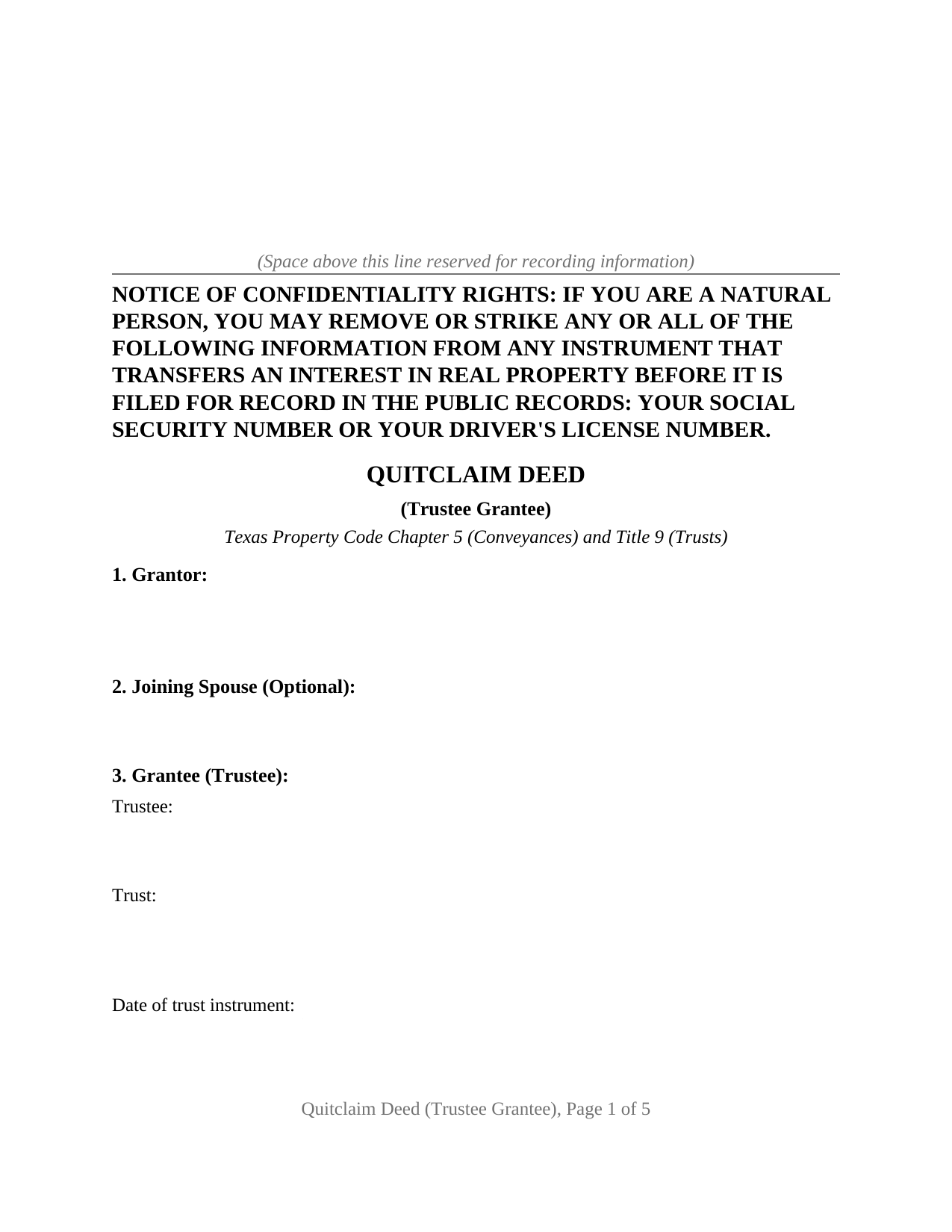
Hudspeth County Quitclaim Deed (Trustee Grantee) Form
Fill in the blank Quitclaim Deed (Trustee Grantee) form formatted to comply with all Texas recording and content requirements.
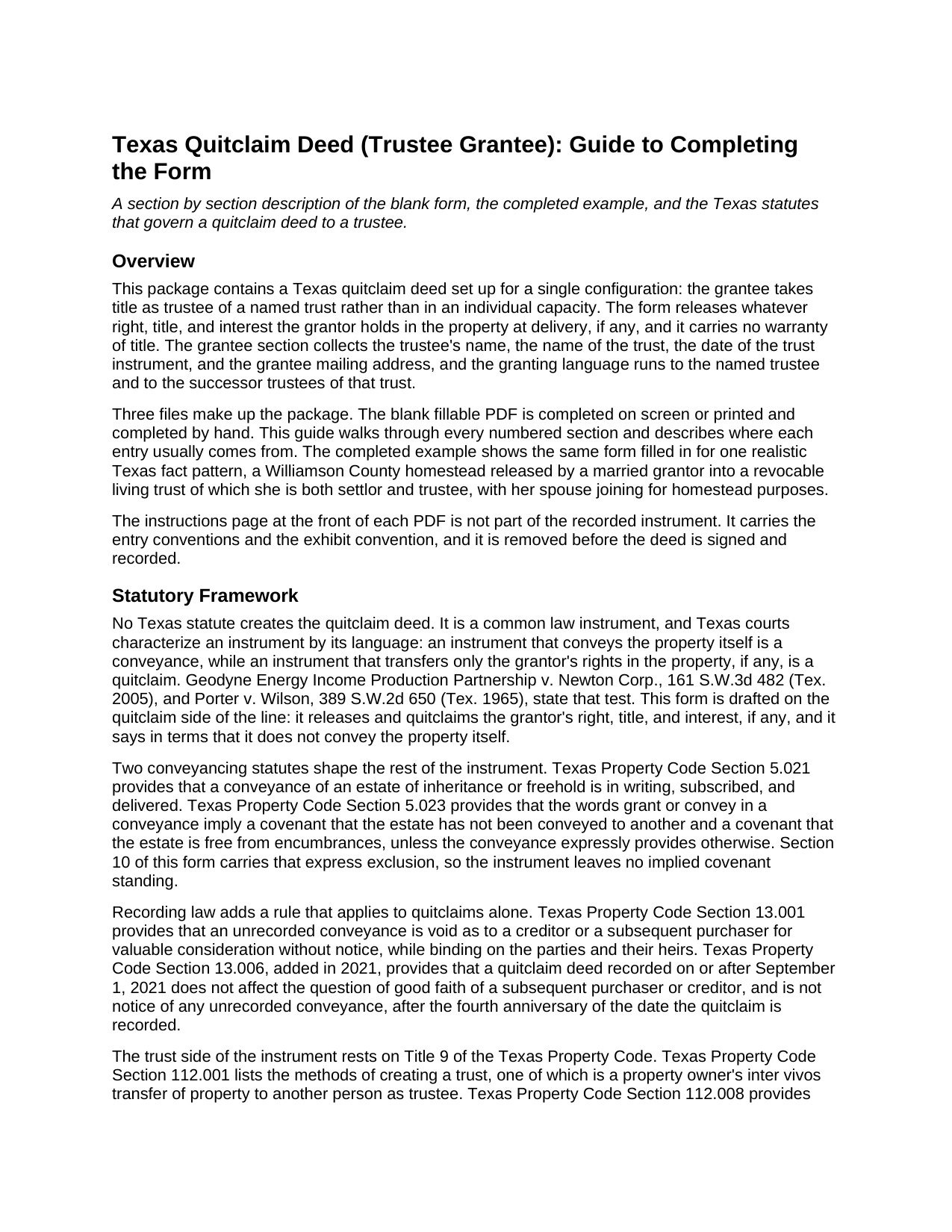
Hudspeth County Quitclaim Deed (Trustee Grantee) Guide
Line by line guide explaining every blank on the Quitclaim Deed (Trustee Grantee) form.
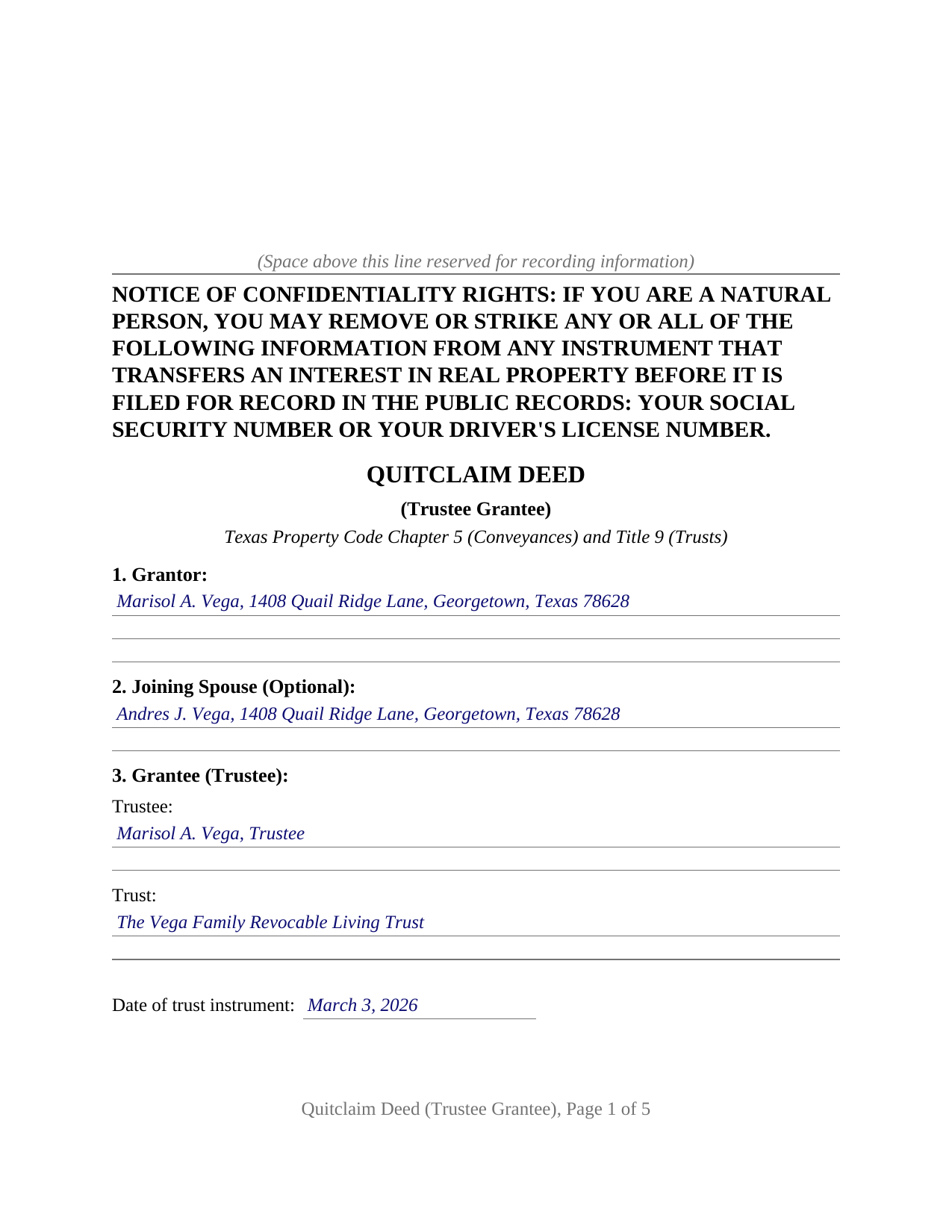
Hudspeth County Completed Example of the Quitclaim Deed (Trustee Grantee) Document
Example of a properly completed Texas Quitclaim Deed (Trustee Grantee) document for reference.
All 3 documents above included • One-time purchase • No recurring fees
Immediate Download • Secure Checkout
Additional Texas and Hudspeth County documents included at no extra charge:
Where to Record Your Documents
Hudspeth County Clerk
Sierra Blanca, Texas 79851
Hours: Monday - Friday 8:00 am - 5:00 pm
Phone: (915) 369-2301
Recording Tips for Hudspeth County:
- Bring your driver's license or state-issued photo ID
- Ensure all signatures are in blue or black ink
- Double-check legal descriptions match your existing deed
- Verify all names are spelled correctly before recording
- White-out or correction fluid may cause rejection
Cities and Jurisdictions in Hudspeth County
Properties in any of these areas use Hudspeth County forms:
- Dell City
- Fort Hancock
- Salt Flat
- Sierra Blanca
Hours, fees, requirements, and more for Hudspeth County
How do I get my forms?
Forms are available for immediate download after payment. The Hudspeth County forms will be in your account ready to download to your computer. An account is created for you during checkout if you don't have one. Forms are NOT emailed.
Are these forms guaranteed to be recordable in Hudspeth County?
Yes. Our form blanks are guaranteed to meet or exceed the applicable formatting requirements used for recording in Hudspeth County, including margin requirements, font requirements, and other layout standards. This guarantee applies to formatting, not to the legal sufficiency of information entered by the user or the suitability of a form for a particular transaction.
Can I reuse these forms?
Yes. You can reuse the forms for your personal use. For example, if you have multiple properties in Hudspeth County you only need to order once.
What do I need to use these forms?
The forms are PDFs that you fill out on your computer. The free Adobe Acrobat Reader is recommended, and most PDF apps also work. You do NOT enter your property information online - you download the blank forms and complete them privately on your own computer.
Are there any recurring fees?
No. This is a one-time purchase. Nothing to cancel, no memberships, no recurring fees.
How much does it cost to record in Hudspeth County?
Recording fees in Hudspeth County vary. Contact the recorder's office at (915) 369-2301 for current fees.
Questions answered? Let's get started!
On this Texas quitclaim deed the receiving party signs on as trustee. The grantee section collects the trustee's name and capacity, the name of the trust, the date of the trust instrument, and a mailing address, and the granting language then runs to that trustee and to the successor trustees who follow. The release carries no warranty of title, and it reaches only the interest the grantor actually holds at delivery, if any.
Why the deed names a trustee rather than a trust
A trust holds nothing in its own name in Texas. Property Code Section 114.087, effective September 1, 2023, provides that the trustee is considered for all purposes to be the named party to an instrument naming the trust as a party in any capacity, unless the trust is a legal entity under state law, and that this treatment reaches back to the effective date of the original instrument. A trustee left unnamed in a recorded instrument may be identified later by a correction instrument, though that section requires none.
This form works from the front end instead, naming the trustee, stating the capacity, and identifying the trust by name and by the date of its trust instrument, so the recorded document shows the fiduciary character of the title on its face. That matters later: Property Code Section 114.081 protects a person who deals with the trustee in good faith holding a certification of trust or a copy of the trust instrument, and a certification recorded in the county where the property sits is presumed to identify the trust and the trustee correctly. A certification of trust is a separate document, prepared and recorded on its own, and it is not part of this package.
A release of an interest, not a conveyance of the property
Texas has no quitclaim deed statute. Courts read the instrument's own words, asking whether the language conveys the property itself or only the grantor's rights in it, the distinction drawn in Geodyne Energy Income Production Partnership v. Newton Corp. This deed sits on the release side and says so: it quitclaims the grantor's right, title, and interest, states that it reaches no greater interest, and expressly excludes the covenants Property Code Section 5.023 would otherwise imply from the words grant or convey. Nothing in it assures the trustee that the grantor owned anything.
What the trustee grantee configuration recites
The form recites one grantor releasing party, one trustee grantee, and an optional joining spouse. Because a quitclaim is a present conveyance rather than a future designation, Family Code Section 5.001 reaches a homestead transfer, and the form carries a dedicated joining spouse block with its own signature line and its own acknowledgment certificate rather than a second grantor slot. The trustee capacity travels through the instrument: the habendum runs to the trustee and the successor trustees of the named trust, and the operative section states that the grantee takes and holds in that capacity and not individually.
A settlor moving an uncertain or fractional interest into a living trust that already holds the rest of the parcel, and a trustee accepting the release of a claimed interest in property the trust is holding, present the pattern this deed recites. The form identifies one trust and one trustee line; a grantee taking title in an individual name follows a different pattern, and so does an instrument that warrants the title it passes.
Recording in Texas
The deed is recorded with the clerk of the county where the land lies. Local Government Code Section 191.007 governs page size, type size, legibility, and the first page heading, and a nonconforming page generally draws a doubled fee rather than a refusal. The confidentiality notice described in Property Code Section 11.008 sits at the top of page one in bold capitals, and the grantee mailing address blank answers the address rule in Property Code Section 11.003. Since December 2025 a person filing across the counter shows photo identification, which the clerk records at no charge and keeps confidential. One quitclaim specific rule follows: under Property Code Section 13.006, the notice consequences Texas law attaches to a recorded quitclaim run out four years after recording.
The package holds the blank quitclaim deed as a fillable PDF, a completed example filled in for a Williamson County transfer into a family living trust, and a plain language guide covering each numbered section, the trust identification blanks, and recording. The materials are informational and are not legal advice.
Important: Your property must be located in Hudspeth County to use these forms. Documents should be recorded at the county recording office listed above.
This Quitclaim Deed (Trustee Grantee) meets all recording requirements specific to Hudspeth County.
Our Promise
The documents you receive here are guaranteed to meet or exceed the applicable Hudspeth County recording format requirements. If there is a rejection caused by our formatting, we will correct the issue or refund your payment. This guarantee applies to document formatting only and does not extend to information entered by the user, the selection of the form, or the legal effect of the completed document.
Save Time and Money
Get your Hudspeth County Quitclaim Deed (Trustee Grantee) form done right the first time with Deeds.com Uniform Conveyancing Blanks. At Deeds.com, we understand that your time and money are valuable resources, and we don't want you to face a penalty fee or rejection imposed by a county recorder for submitting nonstandard documents. We constantly review and update our forms to meet rapidly changing state and county recording requirements for roughly 3,500 counties and local jurisdictions.
4.8 out of 5 - ( 4,837 Reviews )
Renee M. 5 out of 5 stars
My sister in law is in a hospital ICU with Covid, so we were trying to get her affairs in order. Deeds.com made this difficult situation so much better by making this process very easy to understand and do.
Glad we could help Renee, hoping the very best for you and your family.
Pamela W. 5 out of 5 stars
Signing up was easy and the form was amazing. The ability to type on it (I am on a MAC) was beyond my expectations, the ability to save a blank, save my two documents, save the instructions and sample was excellent. The documents are in the mail and we are hopefully they will be approved. Blessings,
Thank you for your feedback. We really appreciate it. Have a great day!
April K. 5 out of 5 stars
Great service & quick response. Thank U.
We appreciate your business and value your feedback. Thank you. Have a wonderful day!
Sherry C. 5 out of 5 stars
The experience was great. It was so easy to get my document recorded and it was done the same day!
Thank you!
Roberta H. 5 out of 5 stars
Awesome service, amazing speed Thanks
We appreciate your business and value your feedback. Thank you. Have a wonderful day!
THOMAS C. 5 out of 5 stars
Very fast service
We appreciate your business and value your feedback. Thank you. Have a wonderful day!
Darlo M. 5 out of 5 stars
The process for getting the forms I needed was easy through Deeds.com I would use them again!
We appreciate your business and value your feedback. Thank you. Have a wonderful day!
Rafael R. 5 out of 5 stars
This was my first time using Deed.com. It was easier than I expected. The service is more convenient than filing documents in person or by mail. The response from Deeds.com upon the submission of my order was almost instantaneous.
We appreciate your business and value your feedback. Thank you. Have a wonderful day!
George A. 5 out of 5 stars
Excellent Service.
Thank you for your feedback. We really appreciate it. Have a great day!
Kimberly S. 5 out of 5 stars
Worked very well. Seamless process with helpful directions.
Thank you for your feedback. We really appreciate it. Have a great day!
Brenda D. 5 out of 5 stars
Very easy to use once I found it.
Thank you!
Mary D. B. 5 out of 5 stars
BIG THANK YOU EXCELLENT WEBSITE
Thank you!
Lori W. 5 out of 5 stars
Disclaimer letter was just what I needed. Download worked without a hitch.
Thank you for your feedback Lori, we really appreciate it. Have a fantastic day!
Lenore H. 5 out of 5 stars
I was very pleased with the service I received yesterday at the recorders office. no complaints at all. Served promptly and efficiently.
Thank you!
john c. 1 out of 5 stars
Not impressed
Thank you!