Lamar County Release of Collateral Assignment of Leases and Rents Form
Last validated September 28, 2026 by our Forms Development TeamFormatted for recording in Lamar County, for property anywhere in the county: rural and unincorporated areas as well as Arthur City, Blossom, Brookston, Chicota, Cunningham, Deport, Paris, Pattonville and 4 more.
- 3 documents included
- Immediate PDF download
- Formatting guarantee
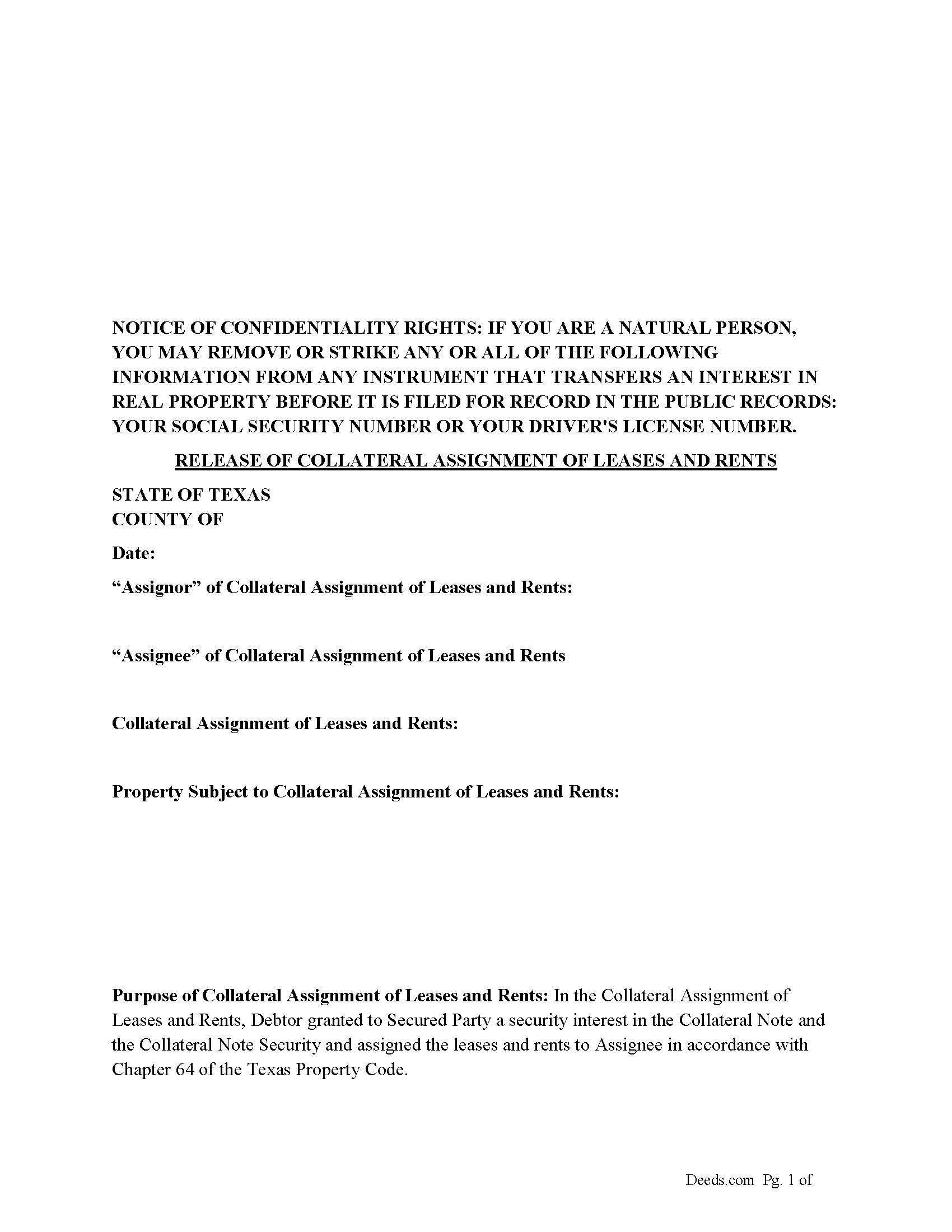
Lamar County Release of Collateral Assignment of Leases and Rents Form
Fill in the blank form formatted to comply with all recording and content requirements.
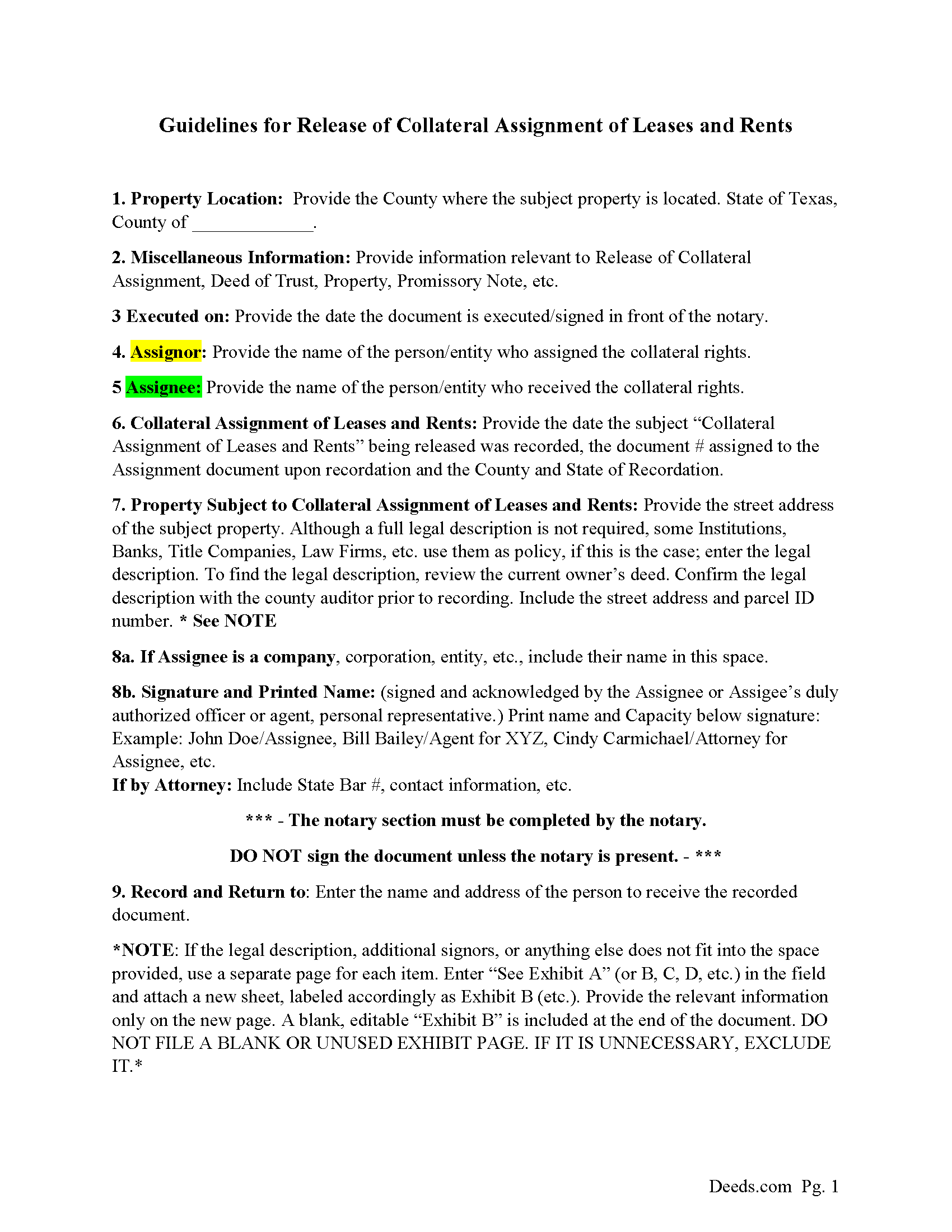
Lamar County Release Guidelines
Line by line guide explaining every blank on the form.
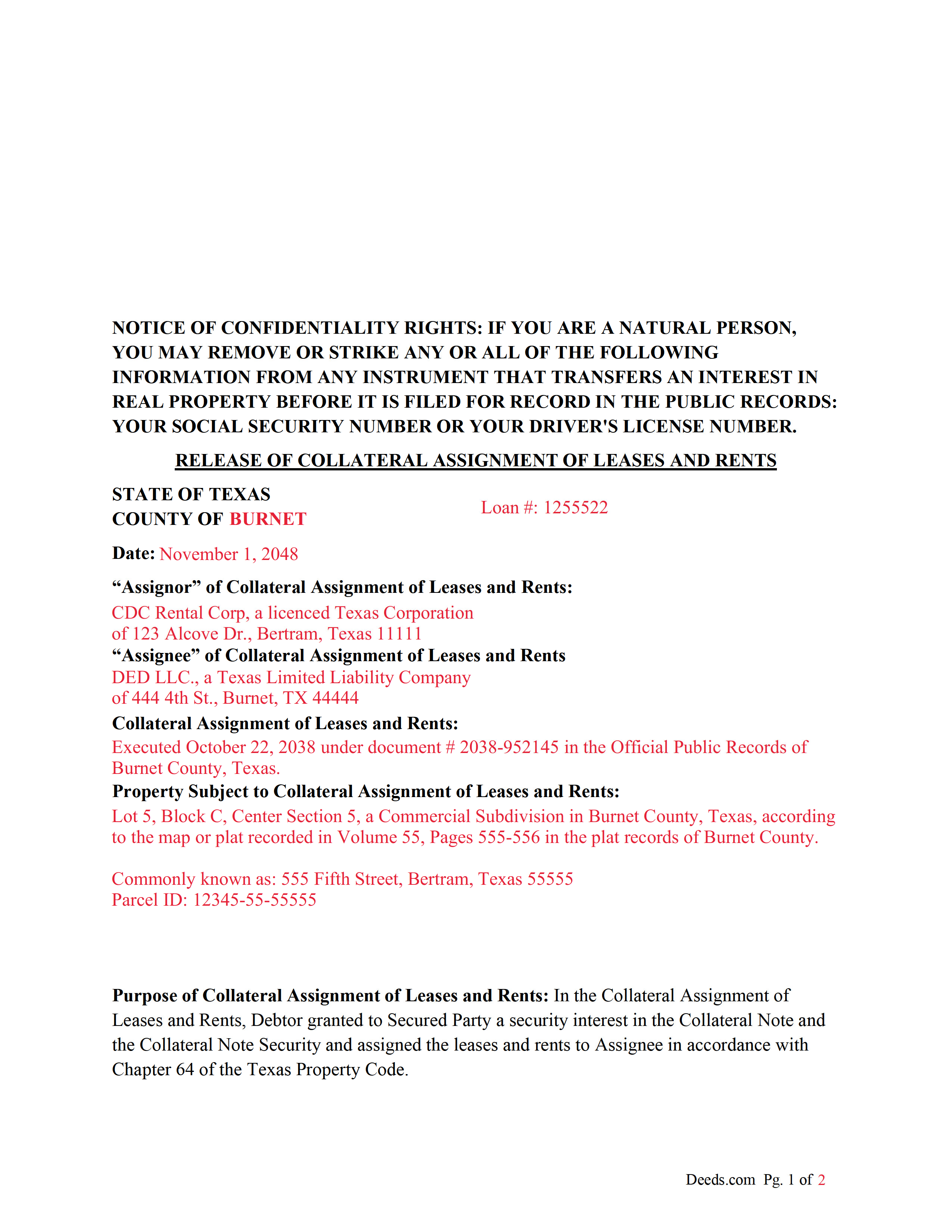
Lamar County Completed Example of a Release of Collateral Assignment of Leases and Rents Document
Example of a properly completed form for reference.
All 3 documents above included • One-time purchase • No recurring fees
Immediate Download • Secure Checkout
Additional Texas and Lamar County documents included at no extra charge:
Where to Record Your Documents
Lamar County Clerk
Paris, Texas 75460
Hours: Monday-Friday 8am-12 & 1-5pm
Phone: (903) 737-2420
Recording Tips for Lamar County:
- Bring your driver's license or state-issued photo ID
- Ensure all signatures are in blue or black ink
- Avoid the last business day of the month when possible
- Both spouses typically need to sign if property is jointly owned
- Bring extra funds - fees can vary by document type and page count
Cities and Jurisdictions in Lamar County
Properties in any of these areas use Lamar County forms:
- Arthur City
- Blossom
- Brookston
- Chicota
- Cunningham
- Deport
- Paris
- Pattonville
- Petty
- Powderly
- Roxton
- Sumner
Hours, fees, requirements, and more for Lamar County
How do I get my forms?
Forms are available for immediate download after payment. The Lamar County forms will be in your account ready to download to your computer. An account is created for you during checkout if you don't have one. Forms are NOT emailed.
Are these forms guaranteed to be recordable in Lamar County?
Yes. Our form blanks are guaranteed to meet or exceed the applicable formatting requirements used for recording in Lamar County, including margin requirements, font requirements, and other layout standards. This guarantee applies to formatting, not to the legal sufficiency of information entered by the user or the suitability of a form for a particular transaction.
Can I reuse these forms?
Yes. You can reuse the forms for your personal use. For example, if you have multiple properties in Lamar County you only need to order once.
What do I need to use these forms?
The forms are PDFs that you fill out on your computer. The free Adobe Acrobat Reader is recommended, and most PDF apps also work. You do NOT enter your property information online - you download the blank forms and complete them privately on your own computer.
Are there any recurring fees?
No. This is a one-time purchase. Nothing to cancel, no memberships, no recurring fees.
How much does it cost to record in Lamar County?
Recording fees in Lamar County vary. Contact the recorder's office at (903) 737-2420 for current fees.
Questions answered? Let's get started!
Use this form to release a previously recorded "Collateral Assignment of Leases and Rents", when the debt secured by the "Collateral Assignment of Lease and Rents" is satisfied.
For use in Texas only.
Important: Your property must be located in Lamar County to use these forms. Documents should be recorded at the county recording office listed above.
This Release of Collateral Assignment of Leases and Rents meets all recording requirements specific to Lamar County.
Our Promise
The documents you receive here are guaranteed to meet or exceed the applicable Lamar County recording format requirements. If there is a rejection caused by our formatting, we will correct the issue or refund your payment. This guarantee applies to document formatting only and does not extend to information entered by the user, the selection of the form, or the legal effect of the completed document.
Save Time and Money
Get your Lamar County Release of Collateral Assignment of Leases and Rents form done right the first time with Deeds.com Uniform Conveyancing Blanks. At Deeds.com, we understand that your time and money are valuable resources, and we don't want you to face a penalty fee or rejection imposed by a county recorder for submitting nonstandard documents. We constantly review and update our forms to meet rapidly changing state and county recording requirements for roughly 3,500 counties and local jurisdictions.
4.8 out of 5 - ( 4,858 Reviews )
Bonnie C. 5 out of 5 stars
Easy and convenient. Was nice to have just a one time charge without a so-called anual fee/membership. Will use again if needed. May update review after "all is said and done."
Thank you!
Mark & Linda W. 4 out of 5 stars
Quite simple and easy. Only one critique: It would be easier if the names of the PDF would reflect the name of the deed/form such as 'Controlling tax return' rather than '1579101185SF56863.pdf'. However I love downloading forms rather than mail.
Thank you for your feedback. We really appreciate it. Have a great day!
Maria M. 5 out of 5 stars
The requested documents I needed were provided and also complete instructions on how to fill them out. I definitely will you this service again.
We appreciate your business and value your feedback. Thank you. Have a wonderful day!
Kevin H. 5 out of 5 stars
I was able to find the forms I needed and questions answered
Thank you for your feedback. We really appreciate it. Have a great day!
Barbara A. 5 out of 5 stars
Much easier than going to the courthouse!
Thank you for your feedback. We really appreciate it. Have a great day!
Michael L. G. 5 out of 5 stars
Thank you, Deed.com provided the needed forms to change county and state information after the passing of my father, saved me a trip to law office, especially after the lawyers would not return my calls, so I would recommend you check Deed.com for information, saved my family money for lawyer fees, would use Deed.com again. Mike
Thank you for your feedback. We really appreciate it. Have a great day!
Carolyn S. 5 out of 5 stars
This website was very helpful in explaining what a "gift" deed is and how to execute it. I didn't want to incur legal fees for a simple transaction and this website helped me avoid that.
Thank you for your feedback. We really appreciate it. Have a great day!
Timothy C. 5 out of 5 stars
Excellent service. Pay your fee, download the form and fill out according to specific instructions. Then, again according to instructions, take it to the county clerk's office and have it recorded. It could not be easier.
Thank you!
Santo W. 5 out of 5 stars
Quality platform! Five Stars for sure and easy to navigate!
We appreciate your comments and your trust in us. Thank you.
Jeramy A. 5 out of 5 stars
Excellent source of information and forms. Deeds.com had exactly what I've been looking for and even had guides to filling out the forms.
We appreciate your business and value your feedback. Thank you. Have a wonderful day!
Robert D. 5 out of 5 stars
These forms made it so easy to update the property deed and the instructions and sample filled out form were most helpful. You might want to add some brief information on when or why to use the Acknowledgment in Individual Capacity notary form. In my case the notary was required to use it but also filled in the brief notarize section on the Affidavit as well. She said the one on the Affidavit had some value because it showed she had witnessed the my signature. But this was only after I suggested both be filled in as she initially thought to just strike through it and just use the Acknowledgment in Individual Capacity form.
Thank you for your feedback. We really appreciate it. Have a great day!
Daniel S. 5 out of 5 stars
Great way of getting the right documents for each state and county.
We appreciate your business and value your feedback. Thank you. Have a wonderful day!
Joy M. 5 out of 5 stars
Great down load.
Thank you for your kind words and for choosing us.
Marjorie K. 5 out of 5 stars
This was super easy to use, especially if you remember to look for a downloaded PDF file, not a Word file. Found the files right away after the light bulb went on! Thank you!!
We appreciate your business and value your feedback. Thank you. Have a wonderful day!
Richard A. 5 out of 5 stars
Great product. It would be better if the document files were not embedded within other files. It made downloading a little confusing. The titles of the forms did not match exactly word for word, which required a lot of back and forth to make sure I had downloaded the proper document. What would be great is if once you download a document, the hyperlink changed color, or somehow denoted the document had been downloaded. Just a suggestion. You have my email address if you have questions. STILL! Five stars for you guys. I would not let that hiccup dissuade me from buying any form package from you guys. Thanks!
Thank you for your feedback. We really appreciate it. Have a great day!