Travis County Release of Collateral Transfer of Note and Lien Form
Last validated October 6, 2026 by our Forms Development TeamFormatted for recording in Travis County, for property anywhere in the county: rural and unincorporated areas as well as Austin, Del Valle, Leander, Manchaca, Manor, Mc Neil, Pflugerville, Spicewood.
- 3 documents included
- Immediate PDF download
- Formatting guarantee
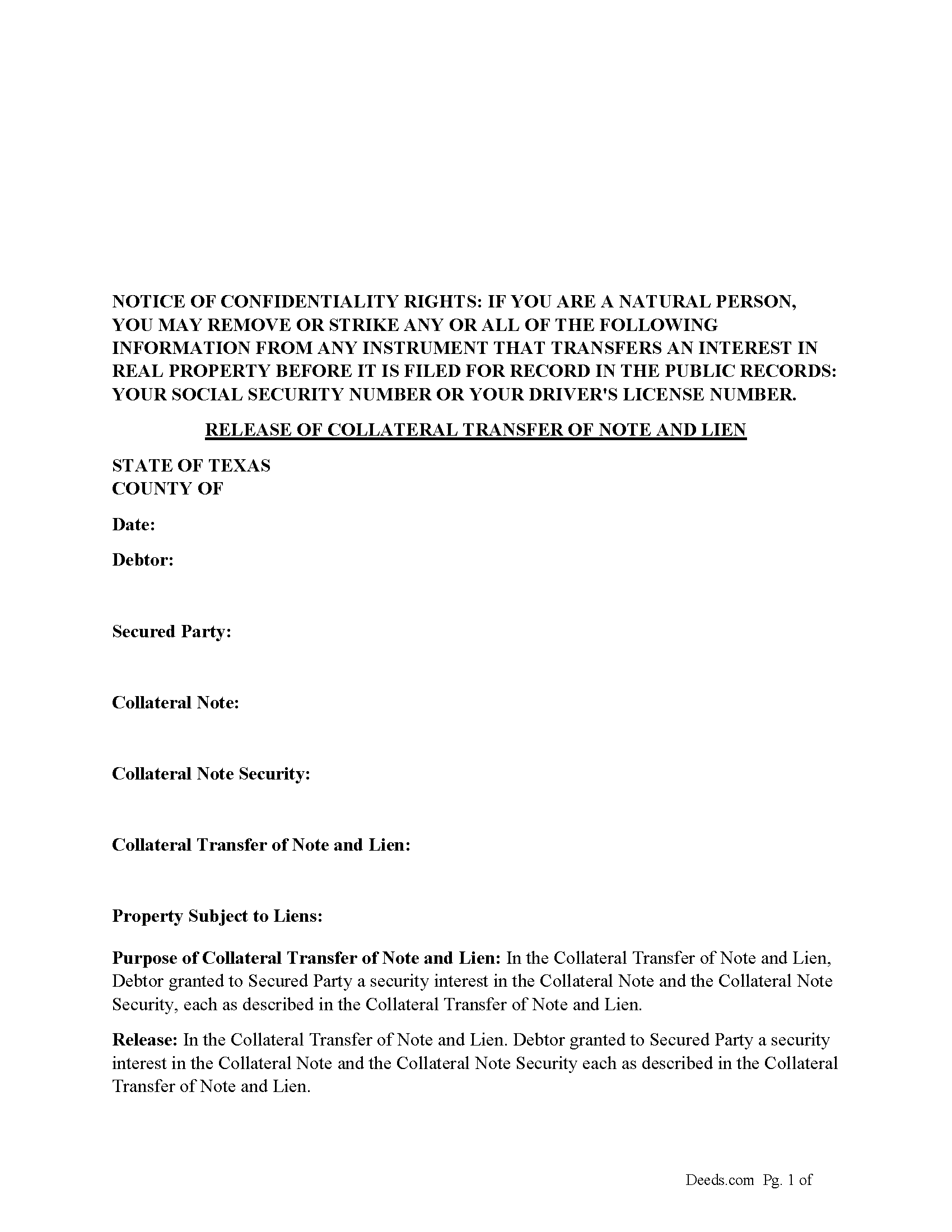
Travis County Release of Collateral Transfer of Note and Lien Form
Fill in the blank form formatted to comply with all recording and content requirements.
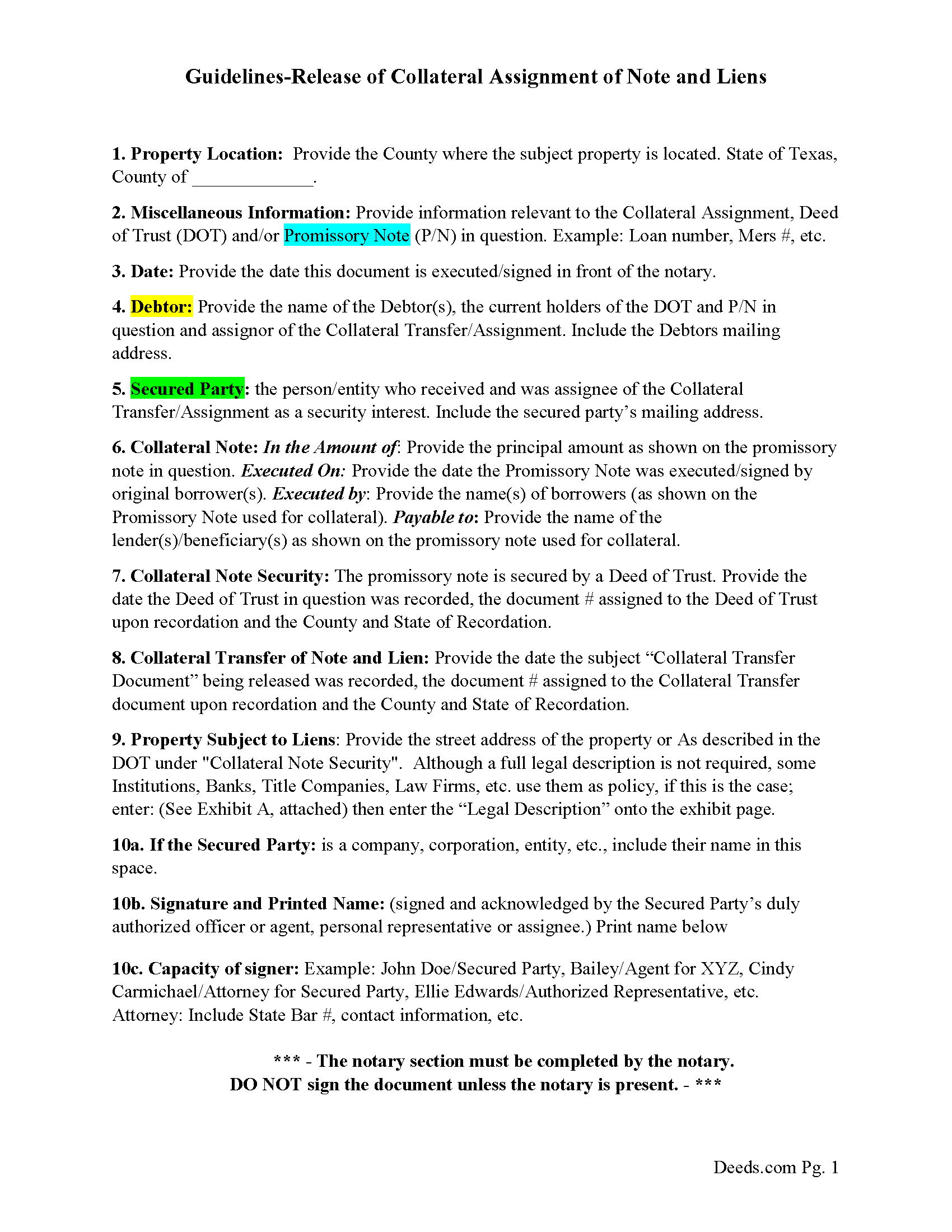
Travis County Guidelines for Release of Collateral Transfer of Note and Lien
Line by line guide explaining every blank on the form.
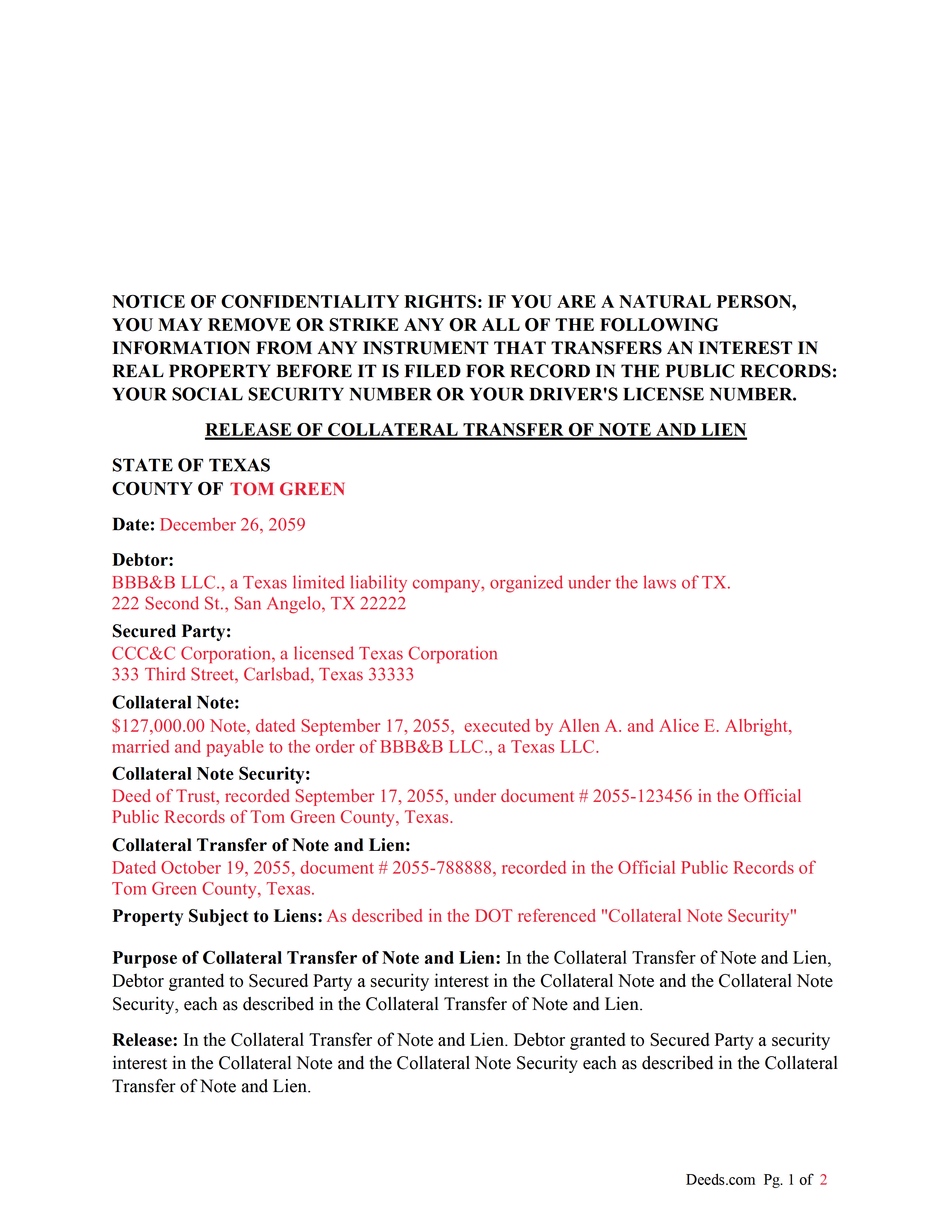
Travis County Completed Example of the Release of Collateral Transfer of Note and Lien Document
Example of a properly completed form for reference.
All 3 documents above included • One-time purchase • No recurring fees
Immediate Download • Secure Checkout
Additional Texas and Travis County documents included at no extra charge:
Where to Record Your Documents
Travis County Clerk - Recording
Austin, Texas 78714-9325
Hours: 8:00am-5:00pm M-F
Phone: (512) 854-9188
Recording Tips for Travis County:
- Bring your driver's license or state-issued photo ID
- Ensure all signatures are in blue or black ink
- Ask about accepted payment methods when you call ahead
- Ask for certified copies if you need them for other transactions
- Ask if they accept credit cards - many offices are cash/check only
Cities and Jurisdictions in Travis County
Properties in any of these areas use Travis County forms:
- Austin
- Del Valle
- Leander
- Manchaca
- Manor
- Mc Neil
- Pflugerville
- Spicewood
Hours, fees, requirements, and more for Travis County
How do I get my forms?
Forms are available for immediate download after payment. The Travis County forms will be in your account ready to download to your computer. An account is created for you during checkout if you don't have one. Forms are NOT emailed.
Are these forms guaranteed to be recordable in Travis County?
Yes. Our form blanks are guaranteed to meet or exceed the applicable formatting requirements used for recording in Travis County, including margin requirements, font requirements, and other layout standards. This guarantee applies to formatting, not to the legal sufficiency of information entered by the user or the suitability of a form for a particular transaction.
Can I reuse these forms?
Yes. You can reuse the forms for your personal use. For example, if you have multiple properties in Travis County you only need to order once.
What do I need to use these forms?
The forms are PDFs that you fill out on your computer. The free Adobe Acrobat Reader is recommended, and most PDF apps also work. You do NOT enter your property information online - you download the blank forms and complete them privately on your own computer.
Are there any recurring fees?
No. This is a one-time purchase. Nothing to cancel, no memberships, no recurring fees.
How much does it cost to record in Travis County?
Recording fees in Travis County vary. Contact the recorder's office at (512) 854-9188 for current fees.
Questions answered? Let's get started!
This form is used by the secured party to release a collateral interest in a property, that was previously assigned and recorded with a "Collateral Transfer of Note and Lien" document, in which Debtor granted to Secured Party a security interest in the Collateral Note and the Collateral Note Security (typically a Deed of Trust), each as described in the Collateral Transfer of Note and Lien.
For use in Texas only.
Important: Your property must be located in Travis County to use these forms. Documents should be recorded at the county recording office listed above.
This Release of Collateral Transfer of Note and Lien meets all recording requirements specific to Travis County.
Our Promise
The documents you receive here are guaranteed to meet or exceed the applicable Travis County recording format requirements. If there is a rejection caused by our formatting, we will correct the issue or refund your payment. This guarantee applies to document formatting only and does not extend to information entered by the user, the selection of the form, or the legal effect of the completed document.
Save Time and Money
Get your Travis County Release of Collateral Transfer of Note and Lien form done right the first time with Deeds.com Uniform Conveyancing Blanks. At Deeds.com, we understand that your time and money are valuable resources, and we don't want you to face a penalty fee or rejection imposed by a county recorder for submitting nonstandard documents. We constantly review and update our forms to meet rapidly changing state and county recording requirements for roughly 3,500 counties and local jurisdictions.
4.8 out of 5 - ( 4,815 Reviews )
Terry K. 1 out of 5 stars
Thought from the reviews and claims, it would be able to do our quit claim deed. Maybe for simple situations it works but ours required more room for the description and parcel numbers. Ended up being a total waste of $40.00. Wouldn't buy again. It is no better than the free forms you can find online.
Hi Terry, thanks for the feedback. Your order was canceled and fully refunded. To clarify for other customers: our quitclaim deed package includes an exhibit/attachment page for legal descriptions and parcel numbers that run long, with instructions on when and how to use it, this is a standard approach for multi-page legal descriptions and is accepted by recorders.
Linda W. 4 out of 5 stars
Got the forms, very straight forward. No problems completing them.
Thanks Linda!
Catherine V. 5 out of 5 stars
I love simple and easy! This is the model that many businesses should use!
Thank you!
John W. 5 out of 5 stars
I wish that I had known about Deed.com years ago! Very easy and time saving!
Thank you!
carrie m. 5 out of 5 stars
I was excited because I really wanted to see and get a copy of the Deed to my property. The personal/Staff responsible for setting up that plan did an excellent/outstanding job. Thanks so much and keep up the great work. Carrie
Thank you for your feedback. We really appreciate it. Have a great day!
Christine A. 5 out of 5 stars
So far do good. Don't understand the billing procedure yet and have just sent a request for information. Awaiting reply. Thank you, Christine Alvarez
Thanks for the feedback. Looks like your E-recording invoice is available. It takes a few minutes for our staff to prepare documents for recording and generate the invoice.
Aron H. 5 out of 5 stars
Impressed with how quick the process was to e-record our documents. Will recommend this service to anyone needing to record a document.
Thank you!
Christine L. 5 out of 5 stars
User friendly!
Thank you!
Dennis M. 3 out of 5 stars
Deeds was responsive and got back to me right away suggesting I go to the county and retrieve copies of the deed there. It's a couple of hundred miles away so was hoping I could do it online. A pretty good website though. Sorry we couldn't do business.
Thank you for your feedback. We really appreciate it. Have a great day!
Junior S. 5 out of 5 stars
Good
Thank you!
Sara R. 5 out of 5 stars
Worked well for me to create a deed for a house I inherited. It was very thorough and easy to use. I have no experience with the law so I just googled terms I didn't understand and was fine. I also called land records a lot and ended up not needing a lot of the material included, but it was still good to have it.
We appreciate your business and value your feedback. Thank you. Have a wonderful day!
Nikie U. 5 out of 5 stars
This was my first time using this service and it worked smoothly and efficiently and I will definitely use them again.
Thank you for your feedback. We really appreciate it. Have a great day!
Gary S. 5 out of 5 stars
Thank you! Quick, timely and excellent quality document!
Thank you for your feedback. We really appreciate it. Have a great day!
Laura B. 5 out of 5 stars
Quick and easy! Took the hassle out of trying to locate information during this quarantine.
We appreciate your business and value your feedback. Thank you. Have a wonderful day!
Emily P. 5 out of 5 stars
Amazing service, thanks for all your help!
Thank you for your feedback. We really appreciate it. Have a great day!