Ochiltree County Release of Lien (Deed of Trust) Form
Last validated October 9, 2026 by our Forms Development TeamFormatted for recording in Ochiltree County, for property anywhere in the county: rural and unincorporated areas as well as Farnsworth, Perryton, Waka.
- 3 documents included
- Immediate PDF download
- Formatting guarantee
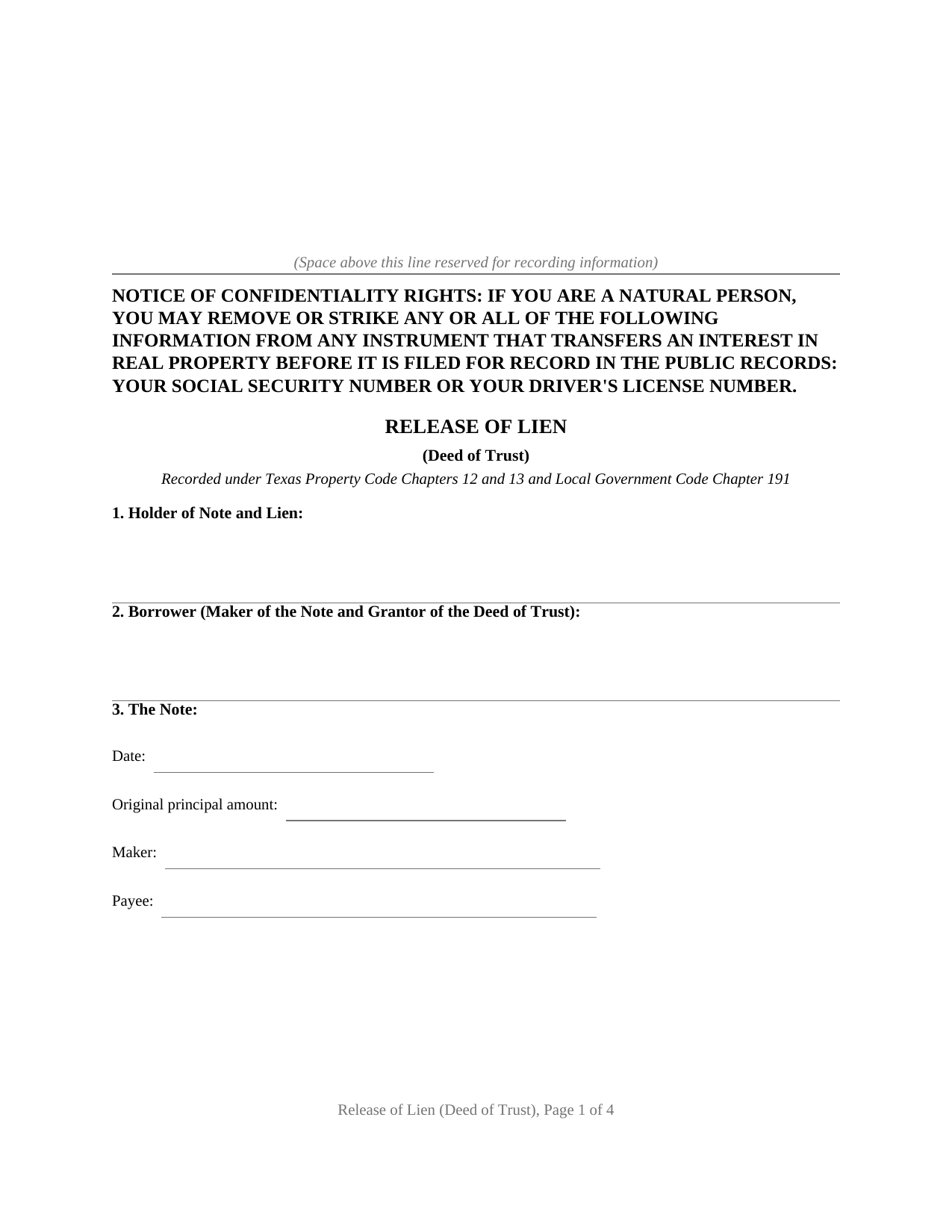
Ochiltree County Release of Lien (Deed of Trust) Form
Fill in the blank Release of Lien (Deed of Trust) form formatted to comply with all Texas recording and content requirements.
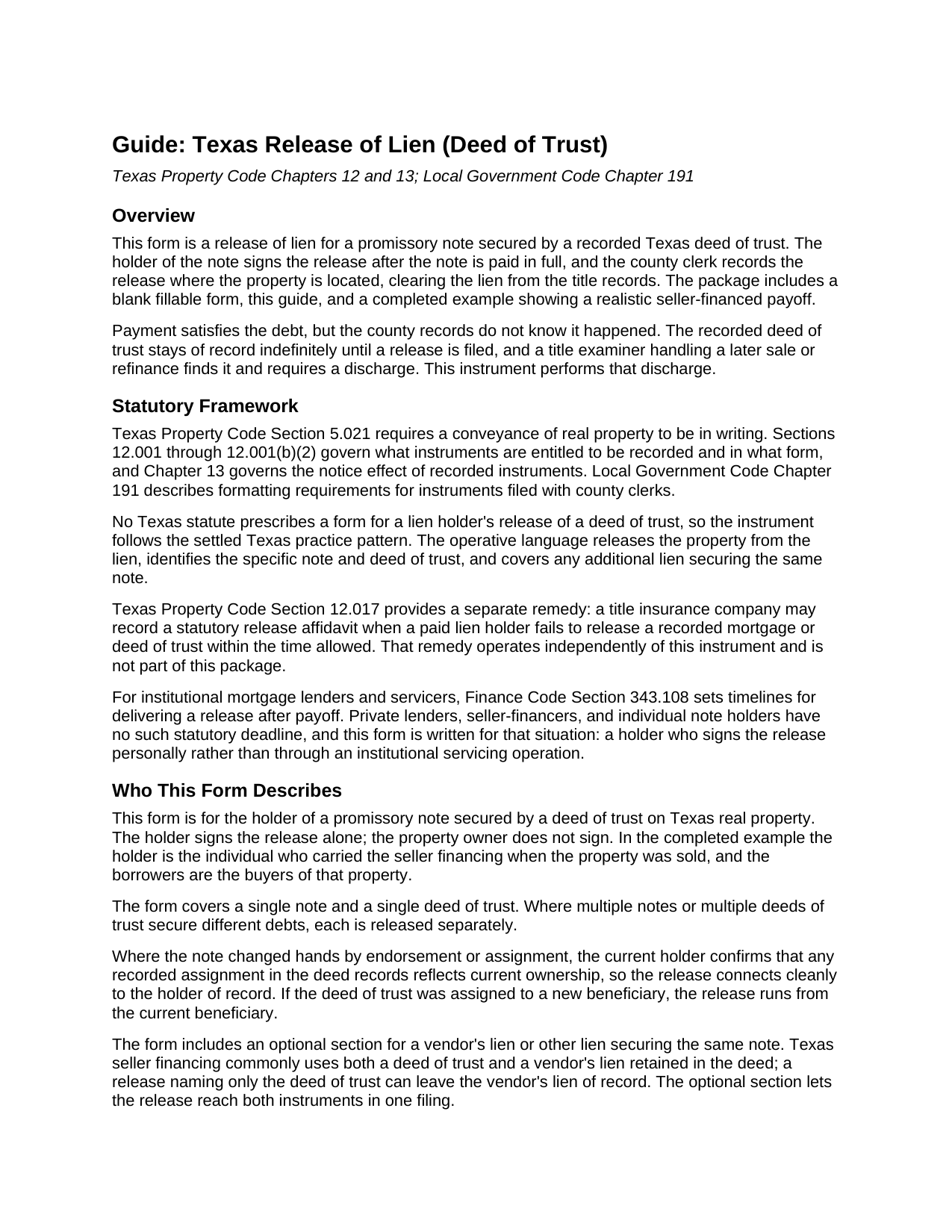
Ochiltree County Release of Lien (Deed of Trust) Guide
Line by line guide explaining every blank on the Release of Lien (Deed of Trust) form.
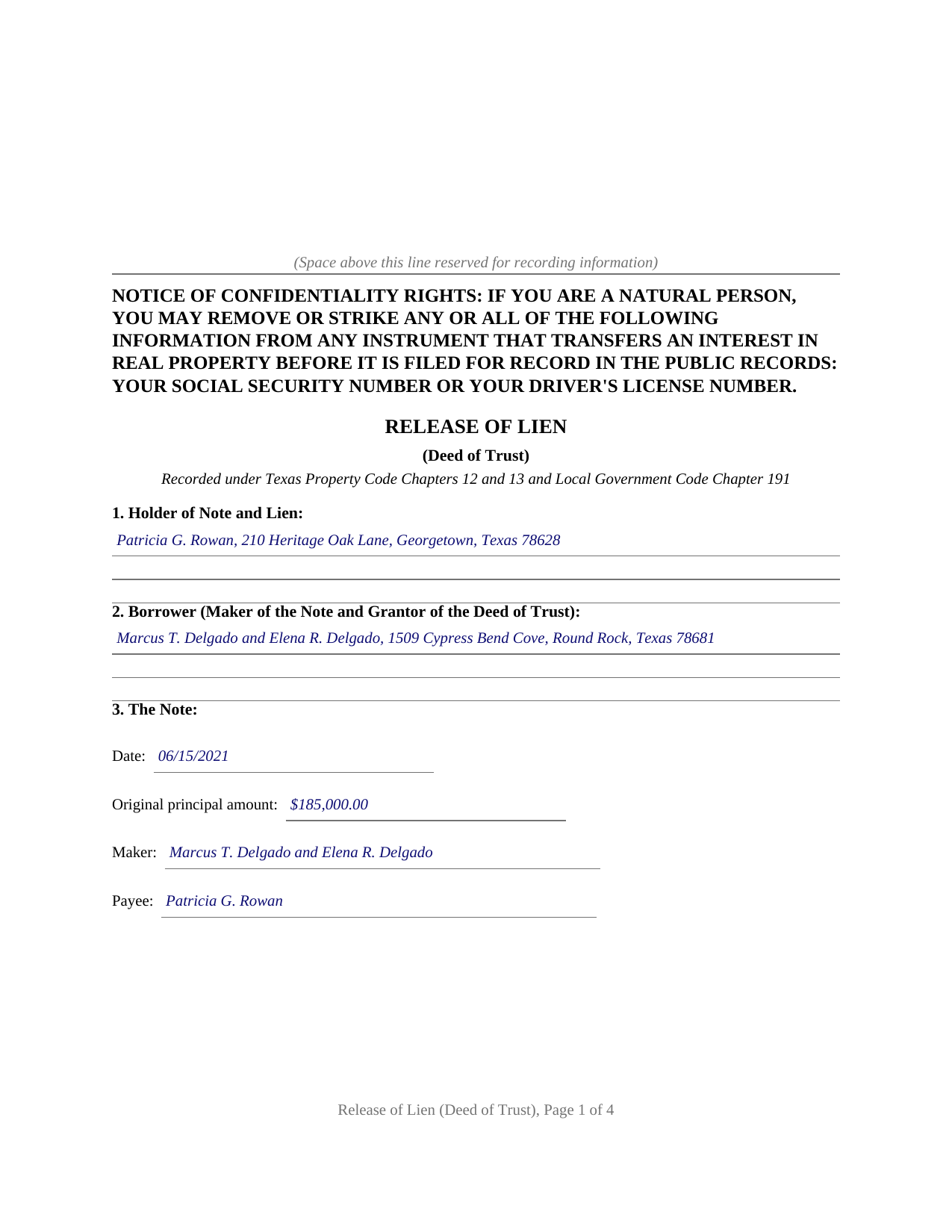
Ochiltree County Completed Example of the Release of Lien (Deed of Trust) Document
Example of a properly completed Texas Release of Lien (Deed of Trust) document for reference.
All 3 documents above included • One-time purchase • No recurring fees
Immediate Download • Secure Checkout
Additional Texas and Ochiltree County documents included at no extra charge:
Where to Record Your Documents
Ochiltree County Clerk
Perryton, Texas 79070
Hours: Monday - Friday 8:30am - 12:00 & 1:00 - 5:00pm
Phone: (806) 435-8039
Recording Tips for Ochiltree County:
- Bring your driver's license or state-issued photo ID
- Ensure all signatures are in blue or black ink
- Double-check legal descriptions match your existing deed
- Verify all names are spelled correctly before recording
- White-out or correction fluid may cause rejection
Cities and Jurisdictions in Ochiltree County
Properties in any of these areas use Ochiltree County forms:
- Farnsworth
- Perryton
- Waka
Hours, fees, requirements, and more for Ochiltree County
How do I get my forms?
Forms are available for immediate download after payment. The Ochiltree County forms will be in your account ready to download to your computer. An account is created for you during checkout if you don't have one. Forms are NOT emailed.
Are these forms guaranteed to be recordable in Ochiltree County?
Yes. Our form blanks are guaranteed to meet or exceed the applicable formatting requirements used for recording in Ochiltree County, including margin requirements, font requirements, and other layout standards. This guarantee applies to formatting, not to the legal sufficiency of information entered by the user or the suitability of a form for a particular transaction.
Can I reuse these forms?
Yes. You can reuse the forms for your personal use. For example, if you have multiple properties in Ochiltree County you only need to order once.
What do I need to use these forms?
The forms are PDFs that you fill out on your computer. The free Adobe Acrobat Reader is recommended, and most PDF apps also work. You do NOT enter your property information online - you download the blank forms and complete them privately on your own computer.
Are there any recurring fees?
No. This is a one-time purchase. Nothing to cancel, no memberships, no recurring fees.
How much does it cost to record in Ochiltree County?
Recording fees in Ochiltree County vary. Contact the recorder's office at (806) 435-8039 for current fees.
Questions answered? Let's get started!
In Texas, paying off a note secured by real estate finishes the debt but not the paperwork. The deed of trust recorded when the loan was made stays in the county records until the lien holder signs and records a release, and until then every title search on the property shows an apparently live lien. This form prepares that release: the instrument the holder of a paid note records to clear a Texas deed of trust lien, with a plain language guide and a completed example included.
A lien does not clear itself
No Texas statute releases a paid deed of trust automatically, and no statute prescribes a form for the holder's release, so the instrument follows the settled Texas practice pattern. It identifies the holder of the note and lien, the borrower, the note by date, amount, maker, and payee, the deed of trust by trustee, document number, recording date, and county, and the property by its formal legal description. It then performs the act the records are waiting for: the holder acknowledges that the note has been paid in full and releases and forever discharges the property from the deed of trust lien and from every other lien or security interest the holder holds for the same note. Recorded with the county clerk of the county where the property is located, that language closes the loop the deed of trust opened.
Written for the private and seller financed note
Institutional mortgage servicing has its own machinery and its own clock: Finance Code Section 343.108, added in 2023, gives a home loan mortgagee or servicer 60 days after receiving the correct payoff amount to deliver or file a release, and 30 days where the borrower delivers a written request soon after payoff. Private lending has no such machinery. A seller who carried the financing on a sale, a family member who funded a purchase, or a small entity holding a note secured by Texas real estate signs the release personally, and this form recites that direct release, signed and acknowledged before a notary. The guide also describes the backstop for the opposite problem, a lien holder who never acts: Property Code Section 12.017 lets a title insurance company record a statutory affidavit that operates as a release when a paid mortgage sits unreleased.
The vendor's lien rides along
Texas seller financing typically secures one note twice. The deed from seller to buyer retains a vendor's lien, and the buyer signs a deed of trust on top of it. A release naming only the deed of trust can leave the vendor's lien sitting of record. The form carries an optional section identifying the deed that retained the vendor's lien, and the operative release language expressly reaches it, along with any other lien securing the same note, so one recorded instrument discharges the whole arrangement.
The package includes the blank release as a fillable PDF, a guide that walks through each numbered section with an example entry for every blank, and a completed example showing a realistic seller financed payoff. The confidentiality notice of Property Code Section 11.008 appears at the top of the first page, and the layout follows the recording standards of Local Government Code Section 191.007. The materials are informational and are not legal advice.
Important: Your property must be located in Ochiltree County to use these forms. Documents should be recorded at the county recording office listed above.
This Release of Lien (Deed of Trust) meets all recording requirements specific to Ochiltree County.
Our Promise
The documents you receive here are guaranteed to meet or exceed the applicable Ochiltree County recording format requirements. If there is a rejection caused by our formatting, we will correct the issue or refund your payment. This guarantee applies to document formatting only and does not extend to information entered by the user, the selection of the form, or the legal effect of the completed document.
Save Time and Money
Get your Ochiltree County Release of Lien (Deed of Trust) form done right the first time with Deeds.com Uniform Conveyancing Blanks. At Deeds.com, we understand that your time and money are valuable resources, and we don't want you to face a penalty fee or rejection imposed by a county recorder for submitting nonstandard documents. We constantly review and update our forms to meet rapidly changing state and county recording requirements for roughly 3,500 counties and local jurisdictions.
4.8 out of 5 - ( 4,845 Reviews )
Nancy N. 5 out of 5 stars
Very easy to use. Appreicate the sample filled out forms and the guide book. Thank you!
Thank you for your feedback. We really appreciate it. Have a great day!
Felincia L. 5 out of 5 stars
The process was fast and efficient. I did get a bit confused after entering info for my package but soon realized I had completed this part of the process and only needed to leave the page and wait for review of the document and then the invoice. It was pretty simple. After payment of the invoice I was notified that the document had been submitted. A few hours later I received notice that the document was recorded by the city. It was fast!
We are motivated by your feedback to continue delivering excellence. Thank you!
Pamela S. 5 out of 5 stars
Very good thanks.
Thank you!
Bernadette W. 5 out of 5 stars
It was very easy to use the website. I wish there was an option to pay for multiple documents at once instead of having to pay for each one individually.
We appreciate your business and value your feedback. Thank you. Have a wonderful day!
Brenda K R. 5 out of 5 stars
Hello, I like how easy the form is to follow. I'm unsure however of how to proceed as what I am trying to do is have my name added to the deed so in event of death I have ownership.
Thank you for your feedback. We really appreciate it. Have a great day!
George A. 5 out of 5 stars
Excellent Service.
Thank you for your feedback. We really appreciate it. Have a great day!
Joseph R. 5 out of 5 stars
So easy to use. I like the way they kept me informed to the progress being made on my filing. If the occasion occurs I'll definitely use them again.
We appreciate your business and value your feedback. Thank you. Have a wonderful day!
Jan C. 5 out of 5 stars
Wow - finding your service was a lifesaver! I know my forms, but I don't have the time right now to draft them from "scratch". So once I found this site it was a couple of quick clicks and VOILA!! almost a done deal. Thanks for the assistance.
Thank you for your feedback. We really appreciate it. Have a great day!
Kathleen H. 5 out of 5 stars
EASY!!
Thank you!
Glenda M. 5 out of 5 stars
I am very pleased with my purchase of the Affidavit Death of Joint Tenant form. I previously purchased this form from the leading providing of DIY legal forms and it was rejected by the Registrar in my state. I then had to start over. Plus I needed a form that would show me a completed example and give me line-by-line instructions. Deeds.com filled the bill perfectly. Their website also let me know the last date the form was updated.
We appreciate your business and value your feedback. Thank you. Have a wonderful day!
Therese L. 5 out of 5 stars
Good instructions and example
Thank you!
Djala C. 5 out of 5 stars
my experience was excellent.
Thank you!
Susan S. 4 out of 5 stars
Great forms, easy to understand and use (the guide helped a lot). Recorded with no issues. Will be back when needed.
We appreciate your business and value your feedback. Thank you. Have a wonderful day!
Justine John S. 5 out of 5 stars
Splendid! I will definitely and absolutely recommend you guys and this company to my co-investors !
Thank you!
Carol C. 5 out of 5 stars
Thanks. So easy to navigate. Also very useful. I recommend.
We appreciate your business and value your feedback. Thank you. Have a wonderful day!