Lipscomb County Release of Lien (Owelty of Partition) Form
Last validated October 5, 2026 by our Forms Development TeamFormatted for recording in Lipscomb County, for property anywhere in the county: rural and unincorporated areas as well as Booker, Darrouzett, Follett, Higgins, Lipscomb.
- 3 documents included
- Immediate PDF download
- Formatting guarantee
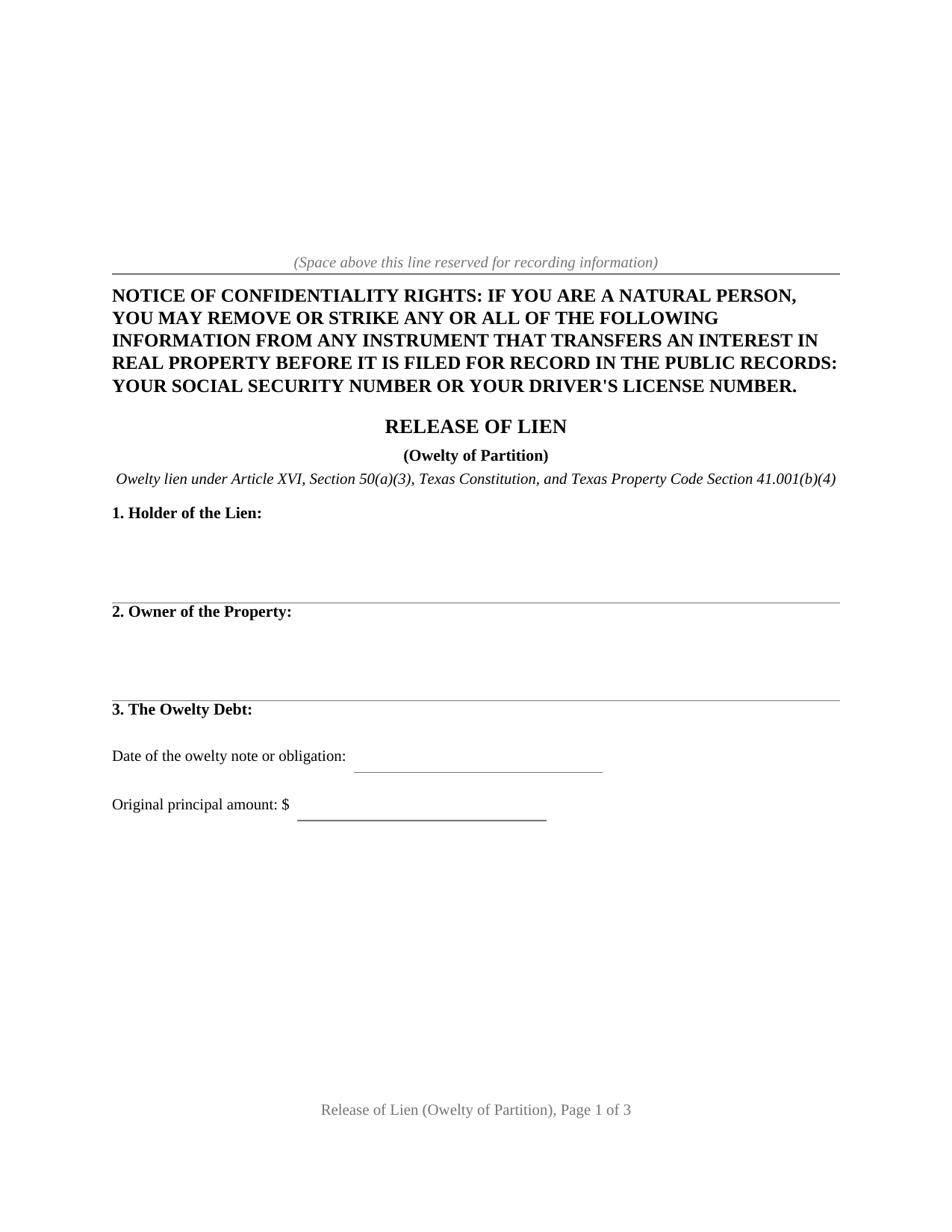
Lipscomb County Release of Lien (Owelty of Partition) Form
Fill in the blank Release of Lien (Owelty of Partition) form formatted to comply with all Texas recording and content requirements.
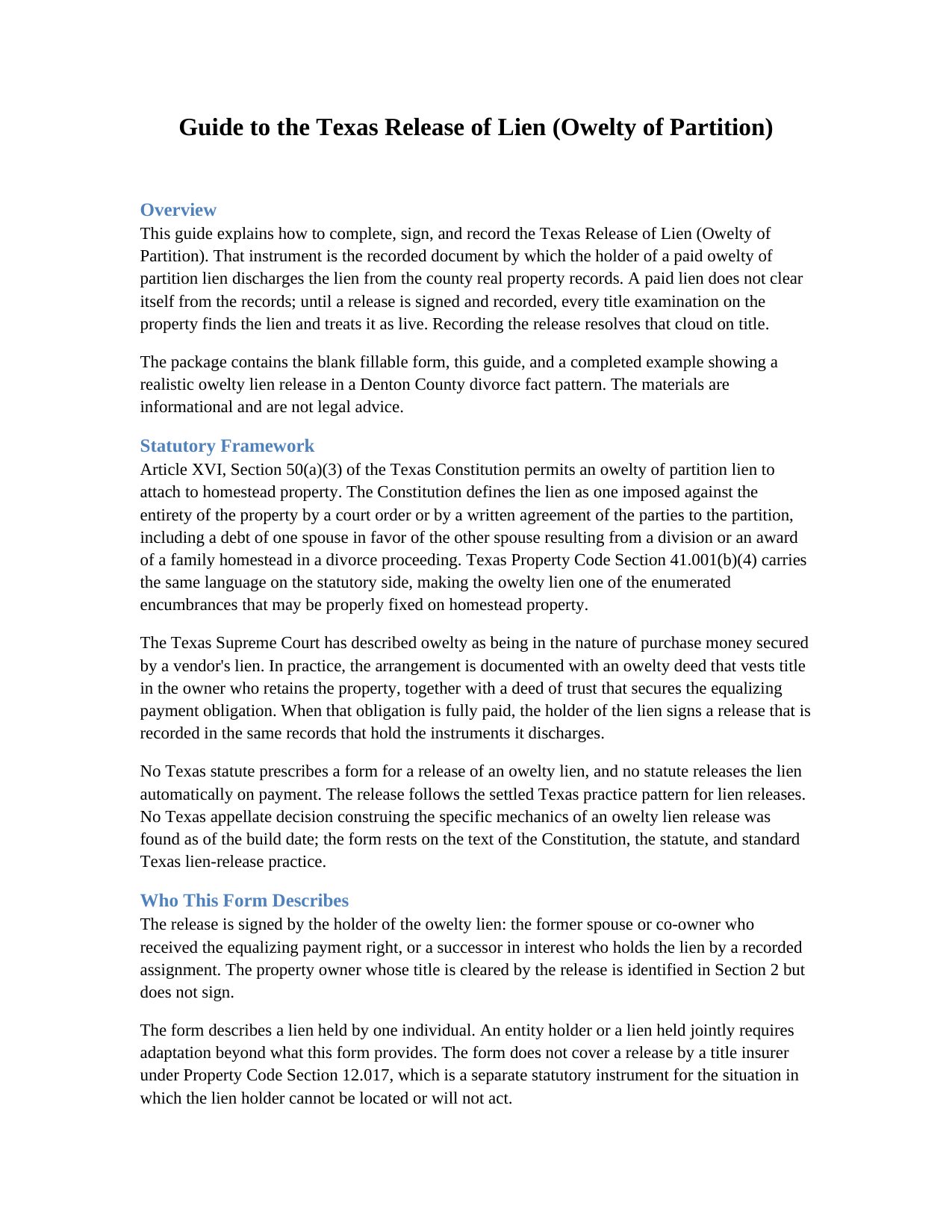
Lipscomb County Release of Lien (Owelty of Partition) Guide
Line by line guide explaining every blank on the Release of Lien (Owelty of Partition) form.
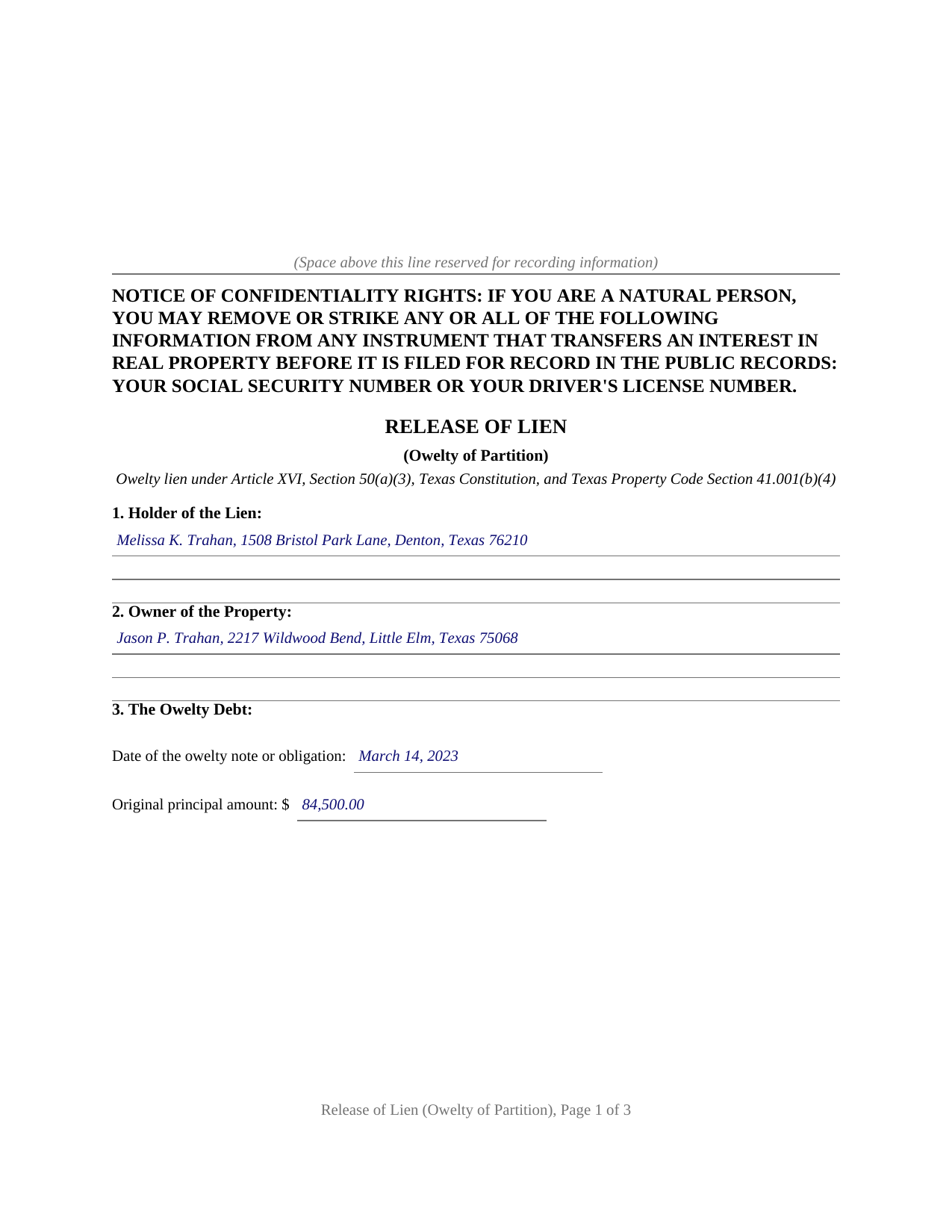
Lipscomb County Completed Example of the Release of Lien (Owelty of Partition) Document
Example of a properly completed Texas Release of Lien (Owelty of Partition) document for reference.
All 3 documents above included • One-time purchase • No recurring fees
Immediate Download • Secure Checkout
Additional Texas and Lipscomb County documents included at no extra charge:
Where to Record Your Documents
Lipscomb County Clerk
Lipscomb, Texas 79056
Hours: Monday - Friday 8:30am - 5:00pm
Phone: 806-862-3091
Recording Tips for Lipscomb County:
- Bring your driver's license or state-issued photo ID
- Ensure all signatures are in blue or black ink
- Ask about accepted payment methods when you call ahead
- Ask for certified copies if you need them for other transactions
- Ask if they accept credit cards - many offices are cash/check only
Cities and Jurisdictions in Lipscomb County
Properties in any of these areas use Lipscomb County forms:
- Booker
- Darrouzett
- Follett
- Higgins
- Lipscomb
Hours, fees, requirements, and more for Lipscomb County
How do I get my forms?
Forms are available for immediate download after payment. The Lipscomb County forms will be in your account ready to download to your computer. An account is created for you during checkout if you don't have one. Forms are NOT emailed.
Are these forms guaranteed to be recordable in Lipscomb County?
Yes. Our form blanks are guaranteed to meet or exceed the applicable formatting requirements used for recording in Lipscomb County, including margin requirements, font requirements, and other layout standards. This guarantee applies to formatting, not to the legal sufficiency of information entered by the user or the suitability of a form for a particular transaction.
Can I reuse these forms?
Yes. You can reuse the forms for your personal use. For example, if you have multiple properties in Lipscomb County you only need to order once.
What do I need to use these forms?
The forms are PDFs that you fill out on your computer. The free Adobe Acrobat Reader is recommended, and most PDF apps also work. You do NOT enter your property information online - you download the blank forms and complete them privately on your own computer.
Are there any recurring fees?
No. This is a one-time purchase. Nothing to cancel, no memberships, no recurring fees.
How much does it cost to record in Lipscomb County?
Recording fees in Lipscomb County vary. Contact the recorder's office at 806-862-3091 for current fees.
Questions answered? Let's get started!
Texas homestead law turns away almost every lien a creditor can devise, and the short constitutional list of exceptions makes the ones it admits distinctive. The owelty of partition lien is on that list: the lien that secures an equalizing payment when co-owned property is divided unevenly, most often when a divorce decree awards the home to one spouse and a buyout sum to the other. This form prepares the instrument that ends that arrangement, a release of lien signed by the holder after the owelty debt is paid and recorded with the county clerk.
The lien Texas homestead law lets through
Article XVI, Section 50(a)(3) of the Texas Constitution permits an owelty of partition imposed against the entirety of the property by a court order or by a written agreement of the parties to the partition, including a debt of one spouse in favor of the other resulting from a division or an award of a family homestead in a divorce proceeding. Property Code Section 41.001(b)(4) carries the same language on the statutory side. The Texas Supreme Court has long treated owelty as being in the nature of purchase money secured by a vendor's lien, which is why the arrangement is documented like a financing: an owelty deed, an owelty deed of trust against the whole property, and, when the debt is paid, a release.
Paid off is not the same as released
Payment satisfies the debt, but the county records do not know it happened. The recorded owelty deed of trust stays of record indefinitely, and a title examiner handling a later sale or refinance finds it and looks for a discharge. Until a release is recorded, the records show a live lien against the property. The release closes that gap: it identifies the owelty note, the deed of trust by its recording information, and the decree or partition agreement that created the equalization, then states that the debt is paid in full and that the holder releases, satisfies, and discharges every lien securing it, including any vendor's lien and any constitutional owelty lien.
Who signs, and who does not
The release runs from the holder of the lien alone: the former spouse or co-owner named in the owelty instruments, or a lender that took the lien by a recorded transfer at refinance. The property owner is identified in the instrument but does not sign it, and no joinder of the holder's spouse applies, since releasing a lien on another person's property is not a conveyance of the holder's homestead. The holder signs once, before a notary, and the form carries a complete acknowledgment certificate ready for recording.
Recording with the county clerk
The release is recorded in the county where the property is located, the same records that hold the lien it discharges, and the confidentiality notice required by Property Code Section 11.008 appears at the top of the first page. The package includes the blank release as a fillable PDF, a plain language guide that walks through each numbered section and the recording step, and a completed example showing the entire instrument filled in for a realistic Denton County divorce fact pattern. The materials are informational and are not legal advice; a Texas attorney can apply the law to a particular decree or title.
Important: Your property must be located in Lipscomb County to use these forms. Documents should be recorded at the county recording office listed above.
This Release of Lien (Owelty of Partition) meets all recording requirements specific to Lipscomb County.
Our Promise
The documents you receive here are guaranteed to meet or exceed the applicable Lipscomb County recording format requirements. If there is a rejection caused by our formatting, we will correct the issue or refund your payment. This guarantee applies to document formatting only and does not extend to information entered by the user, the selection of the form, or the legal effect of the completed document.
Save Time and Money
Get your Lipscomb County Release of Lien (Owelty of Partition) form done right the first time with Deeds.com Uniform Conveyancing Blanks. At Deeds.com, we understand that your time and money are valuable resources, and we don't want you to face a penalty fee or rejection imposed by a county recorder for submitting nonstandard documents. We constantly review and update our forms to meet rapidly changing state and county recording requirements for roughly 3,500 counties and local jurisdictions.
4.8 out of 5 - ( 4,837 Reviews )
brian p. 4 out of 5 stars
Good, easy to use, quit claim form worked as expected.
We appreciate your business and value your feedback. Thank you. Have a wonderful day!
Victoria L. 5 out of 5 stars
This is a fantastic website and financial savings to many. Being able to download and complete the document I needed vs having my attorney complete saved me $800. I would highly recommend this website.
Thank you for the kind words Victoria. Have a great day!
Keith L. 5 out of 5 stars
Great to have a downloadable form, rather than a cloud solution that gives no guarantee of privacy. Appreciated the sample.......but all of that still left me with open issues about how to tweak the form to serve my particular needs......for example: how to ensure that survivor rights were properly characterized; how far back I should go with the "Source" section + how I should layer my own additions to the chain of ownership, etc. Nonetheless, an overall happy experience. Thank you for your help
Thank you for your feedback. We really appreciate it. Have a great day!
Cathy S. 5 out of 5 stars
Great forms! Repeat customer here, wouldn't go anywhere else.
We appreciate your business and value your feedback. Thank you. Have a wonderful day!
Katherine H. 5 out of 5 stars
extremely thorough by covering all bases, easy to understand, direct access, fair price with no strings attached. I recommend the service to everyone.
We appreciate your business and value your feedback. Thank you. Have a wonderful day!
Robert G. 5 out of 5 stars
Excellent. I needed a NOC recorded immediately and you guys made it happen when all other avenues looked like they were not going to be possible. Thank you very much.
Thank you for your feedback. We really appreciate it. Have a great day!
Karen G. 5 out of 5 stars
easy to complete. directions and forms where great!!
Thank you for your feedback. We really appreciate it. Have a great day!
David W. 5 out of 5 stars
Outstanding. I will definitely recommend your company.
We appreciate your business and value your feedback. Thank you. Have a wonderful day!
Katherine N. 5 out of 5 stars
Very easy to understand and complete.
We appreciate your business and value your feedback. Thank you. Have a wonderful day!
Michelle H. 5 out of 5 stars
Fast, easy and helpful. Highly recommend, my document was recorded within 24 hours.
Thank you!
Vera O. 5 out of 5 stars
I love how quick and easy everything was. I'll definitely be using deeds.com again.
We appreciate your business and value your feedback. Thank you. Have a wonderful day!
Lee C. 5 out of 5 stars
Quick, easy and reasonably priced.
Thank you!
Deb F. 5 out of 5 stars
The county clerk accepted your mineral deed. It was a blessing finding your deed and instructions for filling it out online. Thank you
Thank you for your feedback. We really appreciate it. Have a great day!
Joyce D. 5 out of 5 stars
Good after I figured out the form process. Hopefully I won't be charged for two as I redid the request thinking I might have made a mistake in the first request.
Thank you for your feedback Joyce. We have reviewed your account and there have been no duplicate orders submitted. Have a great day!
Mark M. 5 out of 5 stars
This Service Provider is amazing!! Needed Notice of Commencement recorded in Broward County, FL.. They got it done..super fast. High;y recommend.
Thank you for your feedback. We really appreciate it. Have a great day!