Borden County Special Warranty Deed (Trustee Grantor) Form
Last validated November 2, 2026 by our Forms Development TeamFormatted for recording in Borden County, for property anywhere in the county: rural and unincorporated areas as well as Gail.
- 3 documents included
- Immediate PDF download
- Formatting guarantee
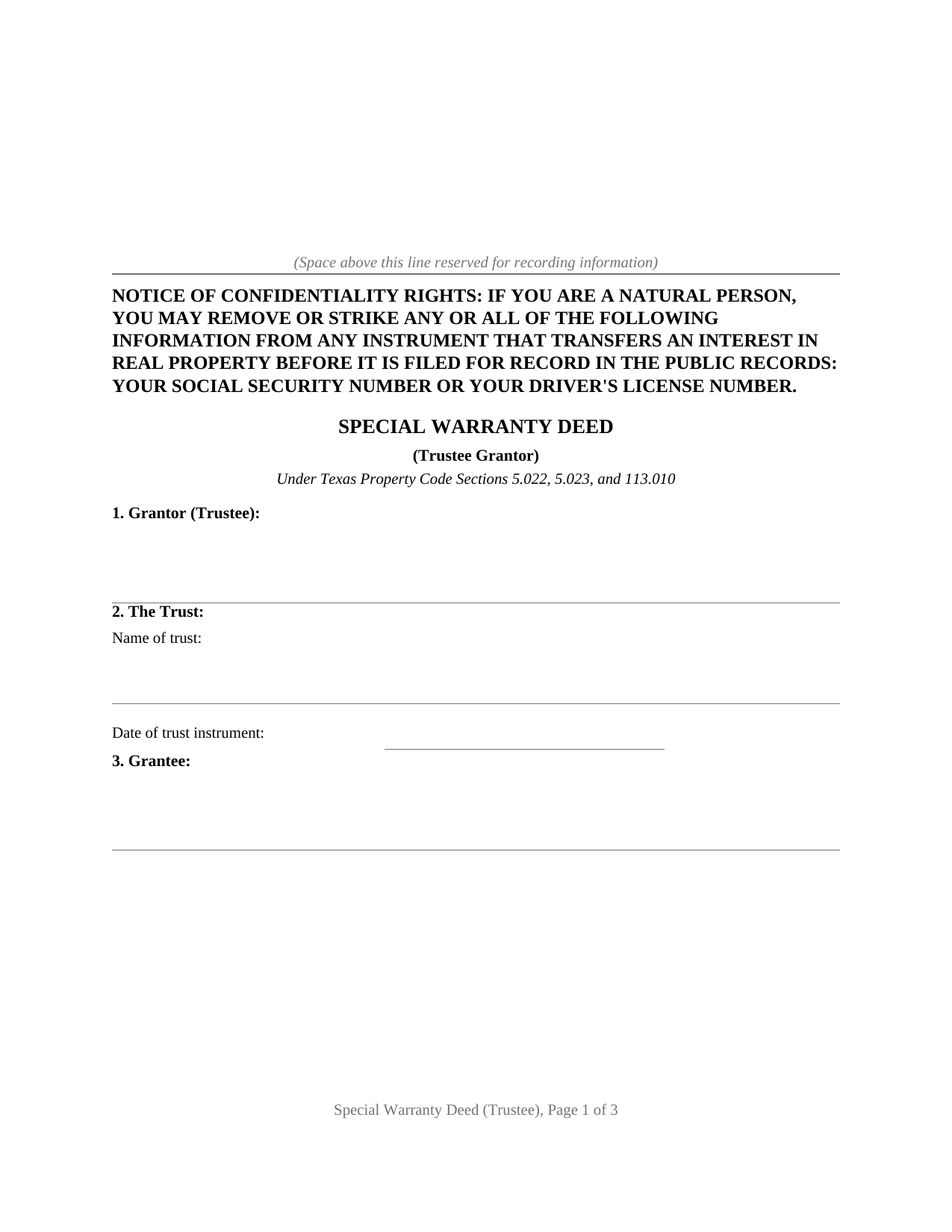
Borden County Special Warranty Deed (Trustee Grantor) Form
Fill in the blank Special Warranty Deed (Trustee Grantor) form formatted to comply with all Texas recording and content requirements.
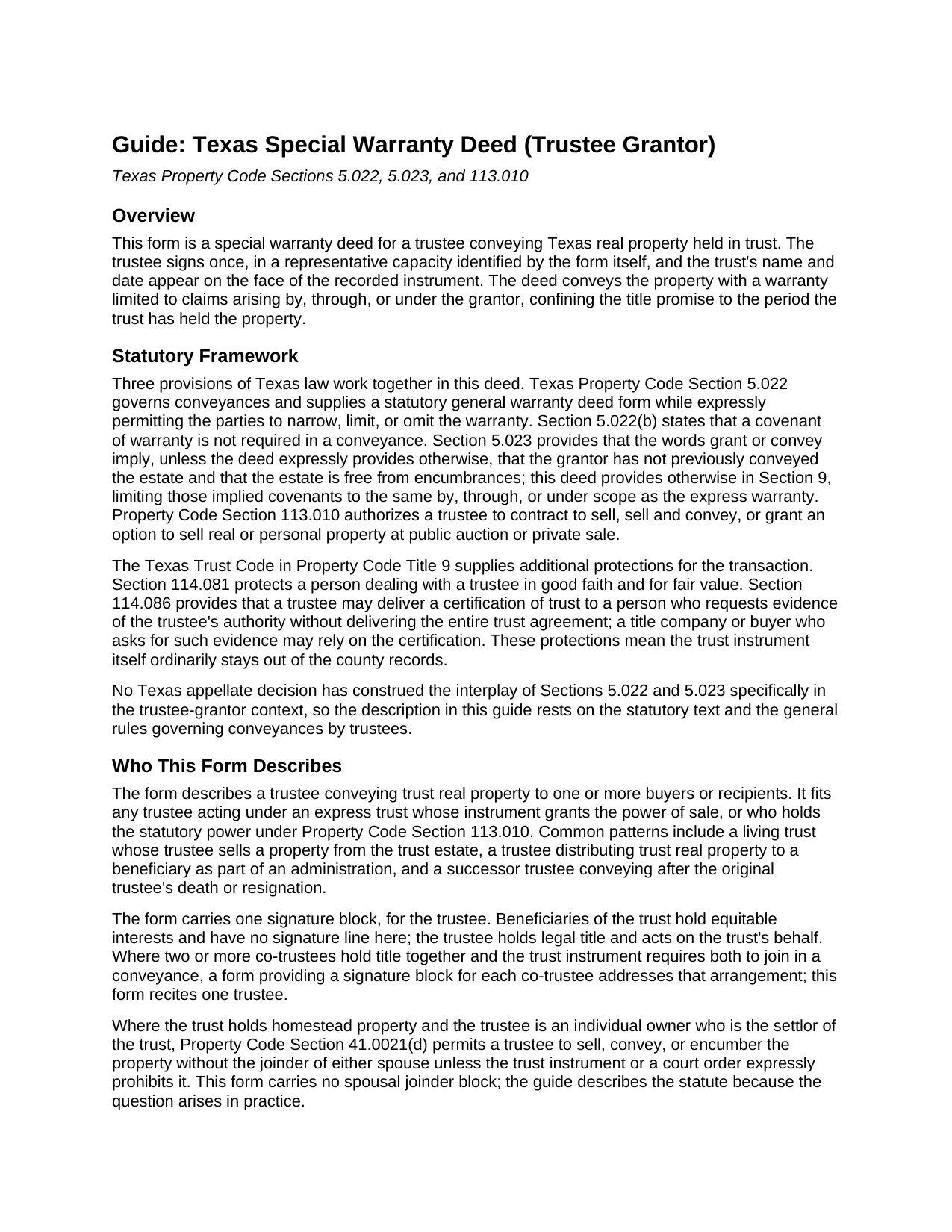
Borden County Special Warranty Deed (Trustee Grantor) Guide
Line by line guide explaining every blank on the Special Warranty Deed (Trustee Grantor) form.
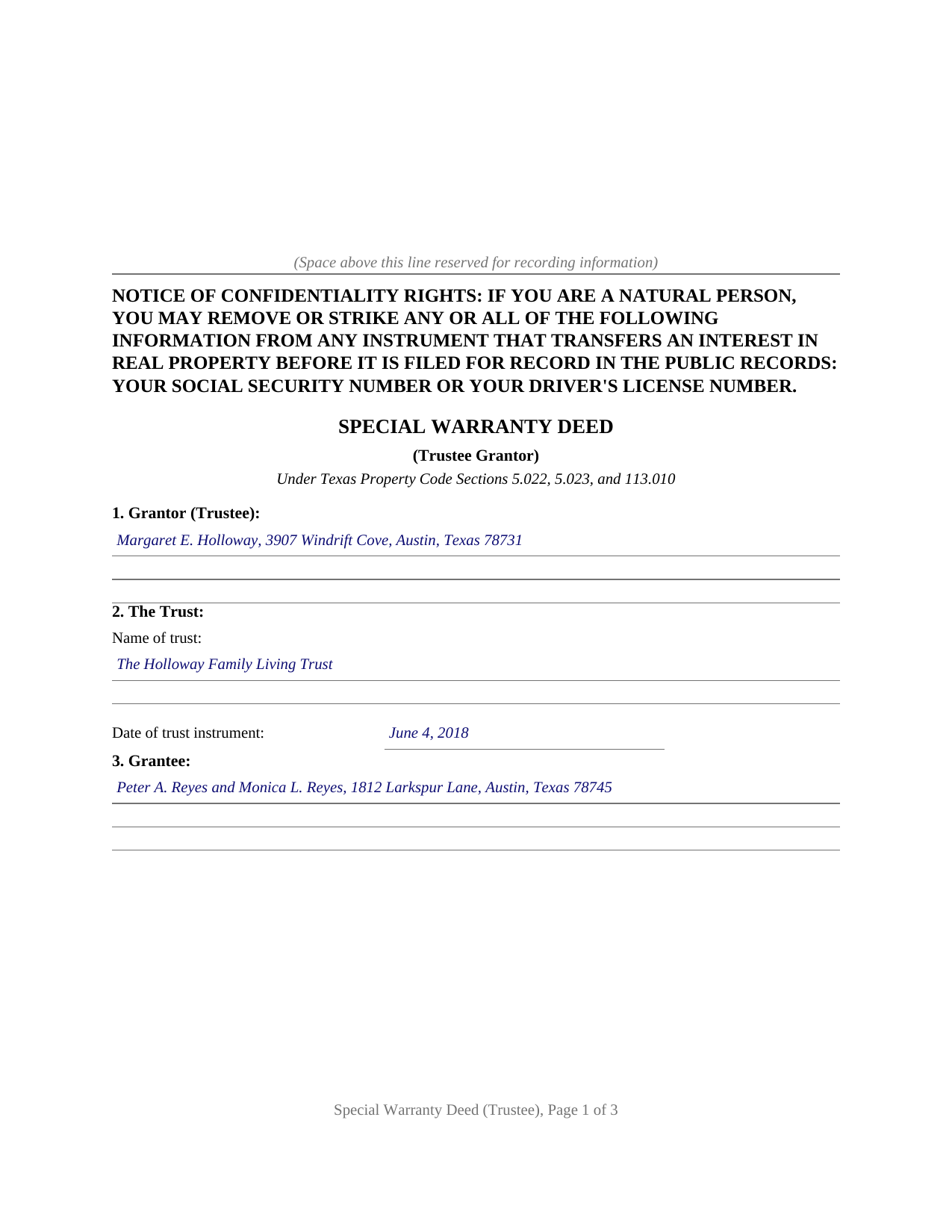
Borden County Completed Example of the Special Warranty Deed (Trustee Grantor) Document
Example of a properly completed Texas Special Warranty Deed (Trustee Grantor) document for reference.
All 3 documents above included • One-time purchase • No recurring fees
Immediate Download • Secure Checkout
Additional Texas and Borden County documents included at no extra charge:
Where to Record Your Documents
Borden County Clerk
Gail, Texas 79738
Hours: Monday - Friday 8:00am - 12:00 & 1:00 - 5:00pm
Phone: (806) 756-4312
Recording Tips for Borden County:
- Bring your driver's license or state-issued photo ID
- Ensure all signatures are in blue or black ink
- Documents must be on 8.5 x 11 inch white paper
- Double-check legal descriptions match your existing deed
- Verify all names are spelled correctly before recording
Cities and Jurisdictions in Borden County
Properties in any of these areas use Borden County forms:
- Gail
Hours, fees, requirements, and more for Borden County
How do I get my forms?
Forms are available for immediate download after payment. The Borden County forms will be in your account ready to download to your computer. An account is created for you during checkout if you don't have one. Forms are NOT emailed.
Are these forms guaranteed to be recordable in Borden County?
Yes. Our form blanks are guaranteed to meet or exceed the applicable formatting requirements used for recording in Borden County, including margin requirements, font requirements, and other layout standards. This guarantee applies to formatting, not to the legal sufficiency of information entered by the user or the suitability of a form for a particular transaction.
Can I reuse these forms?
Yes. You can reuse the forms for your personal use. For example, if you have multiple properties in Borden County you only need to order once.
What do I need to use these forms?
The forms are PDFs that you fill out on your computer. The free Adobe Acrobat Reader is recommended, and most PDF apps also work. You do NOT enter your property information online - you download the blank forms and complete them privately on your own computer.
Are there any recurring fees?
No. This is a one-time purchase. Nothing to cancel, no memberships, no recurring fees.
How much does it cost to record in Borden County?
Recording fees in Borden County vary. Contact the recorder's office at (806) 756-4312 for current fees.
Questions answered? Let's get started!
A deed out of a Texas trust is signed by a grantor acting in a capacity: the trustee, who holds legal title to the trust's real property and conveys it under the Texas Trust Code. This special warranty deed prepares that conveyance, with the trustee identified in a representative capacity, the trust named and dated on the face of the deed, and a warranty calibrated to the period the trustee can answer for.
A warranty measured by the trust's own ownership
The deed conveys with the statutory words grants, sells, and conveys from Property Code Section 5.022, then binds the grantor to warrant and defend title only against claims arising by, through, or under the grantor, but not otherwise. Defects that predate the trust's ownership fall outside the warranty and are left to the state of the record and to title insurance, while anything arising during the trustee's ownership, a lien granted by the trustee or a second conveyance of the same land, stays covered. Because the deed conveys the property itself rather than releasing bare right, title, and interest, it operates as a true conveyance under the Texas Supreme Court's characterization cases, not a quitclaim.
Authority recited, trust kept private
The operative section recites the trustee's power of sale under the trust instrument and Property Code Section 113.010, which authorizes a trustee to sell and convey real property at public auction or private sale. The trust agreement itself never enters the county records: the deed names the trust and its date, and Texas supplies the certification of trust under Section 114.086 for a title company or purchaser who asks for evidence of the trustee's powers. The Trust Code rounds out the picture on the other side of the closing table: Section 114.081 protects a person dealing with a trustee in good faith and for fair value, and the covenants in this deed bind the trust estate rather than the trustee personally.
One trustee, signing alone
The form carries one signature block and one notary certificate, completed in representative capacity style: the trustee's name followed by the trust, on behalf of the trust. Beneficiaries hold equitable interests and have no signature line. For homestead property held in a qualifying trust under Property Code Section 41.0021, the spousal joinder question was addressed when the property entered the trust; the statute permits the trustee to convey without the joinder of either spouse unless the trust instrument expressly prohibits it, and the guide walks through that provision.
What arrives in the package
The download includes the blank deed as a fillable PDF formatted for Texas recording standards, with the confidentiality notice required by Property Code Section 11.008 at the top of the first page and space reserved for the clerk's stamp; a completed example showing a trustee conveyance from a living trust filled in start to finish; and a plain language guide covering every numbered section, the signing formalities, and recording with the county clerk of the county where the property is located. The materials are informational and are not legal advice; a Texas attorney can apply these statutes to a particular trust and title.
Important: Your property must be located in Borden County to use these forms. Documents should be recorded at the county recording office listed above.
This Special Warranty Deed (Trustee Grantor) meets all recording requirements specific to Borden County.
Our Promise
The documents you receive here are guaranteed to meet or exceed the applicable Borden County recording format requirements. If there is a rejection caused by our formatting, we will correct the issue or refund your payment. This guarantee applies to document formatting only and does not extend to information entered by the user, the selection of the form, or the legal effect of the completed document.
Save Time and Money
Get your Borden County Special Warranty Deed (Trustee Grantor) form done right the first time with Deeds.com Uniform Conveyancing Blanks. At Deeds.com, we understand that your time and money are valuable resources, and we don't want you to face a penalty fee or rejection imposed by a county recorder for submitting nonstandard documents. We constantly review and update our forms to meet rapidly changing state and county recording requirements for roughly 3,500 counties and local jurisdictions.
4.8 out of 5 - ( 4,864 Reviews )
Barbara B. 5 out of 5 stars
A great help! Thank you.
Thank you!
Lois B. 5 out of 5 stars
It works pretty well, had trouble with the word December. It printed out Decedmber with weird spacing but I think it will be ok.
Thank you for the feedback. We will take a look at the date field to see if there are any issues. Have a great day!
Judith S. 4 out of 5 stars
Very prompt and good resource. Unfortunately, I am unable to find a form for the Quitclaim Deed for an individual to a UNA, so I do not know how to proceed.
Thank you for the kind words, Judith — we’re glad you found the site helpful. Quitclaim deed forms are offered for common ownership scenarios, and some arrangements are not available as pre-made templates. If you have questions about the forms currently offered on the site, our support team can help clarify what is and isn’t available.
JoAnn L. 5 out of 5 stars
The process was easy, and efficient. There was a person available to help if needed. Very pleased, would use this again.
Thank you!
Sandra B. 5 out of 5 stars
Easy to navigate through. Documents were in orderly fashion. Highly recommend. Step by step instructions
We appreciate your business and value your feedback. Thank you. Have a wonderful day!
Janette C. 5 out of 5 stars
Love the service !!
Your appreciative words mean the world to us. Thank you.
James B. 5 out of 5 stars
Reliable and fast. A great assest.
Thank you!
Melvin F. 5 out of 5 stars
Was a little frustrated first using your site, but due to my mental state, I expected that! Got what I needed, thank you very much.
Thank you for your feedback. We really appreciate it. Have a great day!
Michael M. 5 out of 5 stars
THE PROCESS WENT VERY SMOOTH AND EASY
Thank you for your feedback. We really appreciate it. Have a great day!
Rico J. 5 out of 5 stars
Plenty of great information.
Thank you!
Michael P. 5 out of 5 stars
WOW!! Thank you for making the availability and access to these forms an unpainful experience at a competitive price. Well done!
We appreciate your business and value your feedback. Thank you. Have a wonderful day!
John S. 5 out of 5 stars
Easy to use website and reasonably priced forms. I recommend it.
Thank you for the kind words John.
Nancy E. 3 out of 5 stars
Took me awhile to figure out and get the information printed so I can use it later. Thank you.
Your insights are invaluable to us and help us strive for better service. Thank you for taking the time to share your thoughts.
Ken J. 5 out of 5 stars
I liked the software, it's very easy to use. Once it's saved as a .pdf document on your computer, the source document is lost when you log out. I wish it could be saved and then edited on their site later instead of having to create a new document from scratch each time.
Thank you for your feedback. We really appreciate it. Have a great day!
Ruthea M. 4 out of 5 stars
It was easy to download, but you need to open an account before doing so. That was not clear.
Your insights are invaluable to us and help us strive for better service. Thank you for taking the time to share your thoughts.