Falls County Special Warranty Deed (Trustee Grantor) Form
Last validated October 14, 2026 by our Forms Development TeamFormatted for recording in Falls County, for property anywhere in the county: rural and unincorporated areas as well as Chilton, Lott, Marlin, Reagan, Rosebud, Satin.
- 3 documents included
- Immediate PDF download
- Formatting guarantee
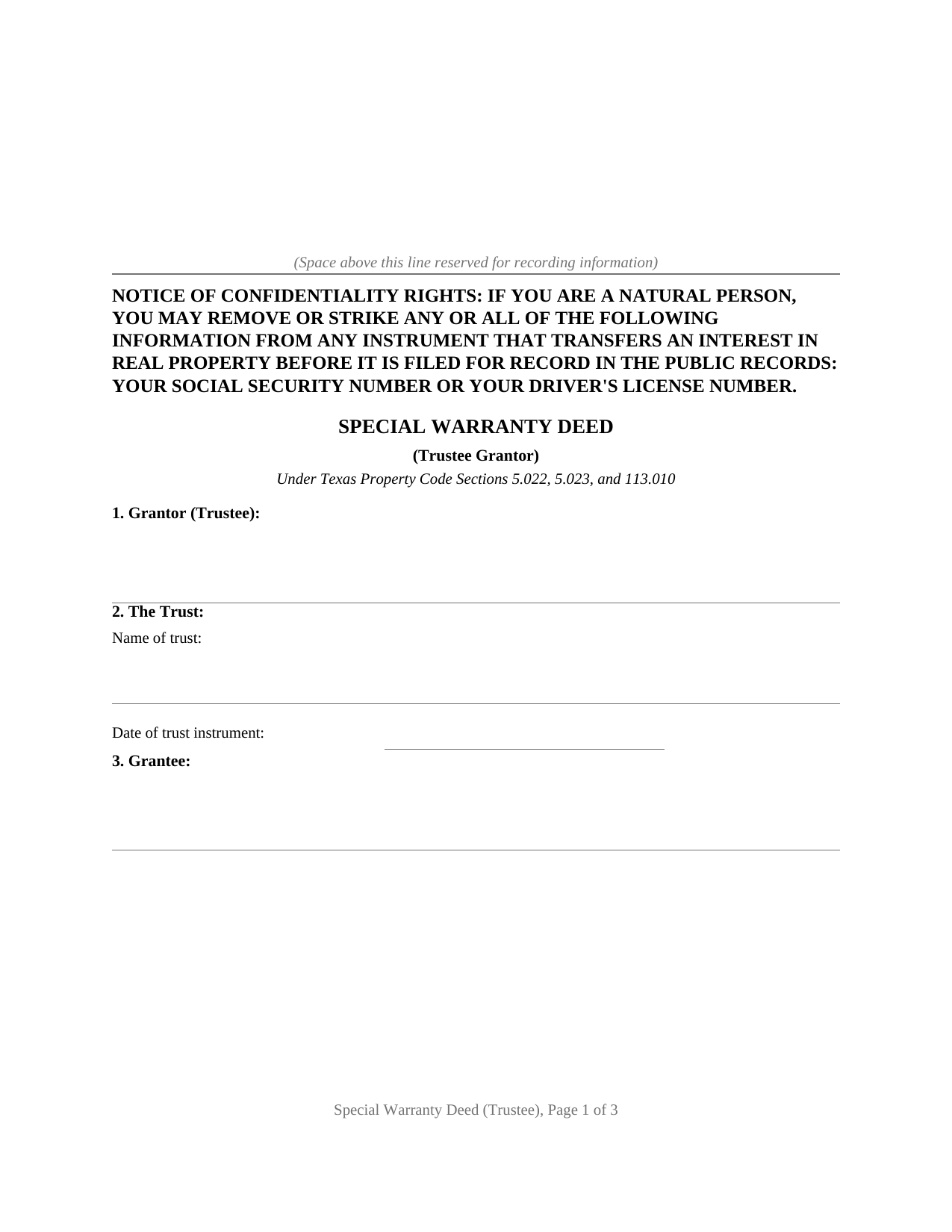
Falls County Special Warranty Deed (Trustee Grantor) Form
Fill in the blank Special Warranty Deed (Trustee Grantor) form formatted to comply with all Texas recording and content requirements.
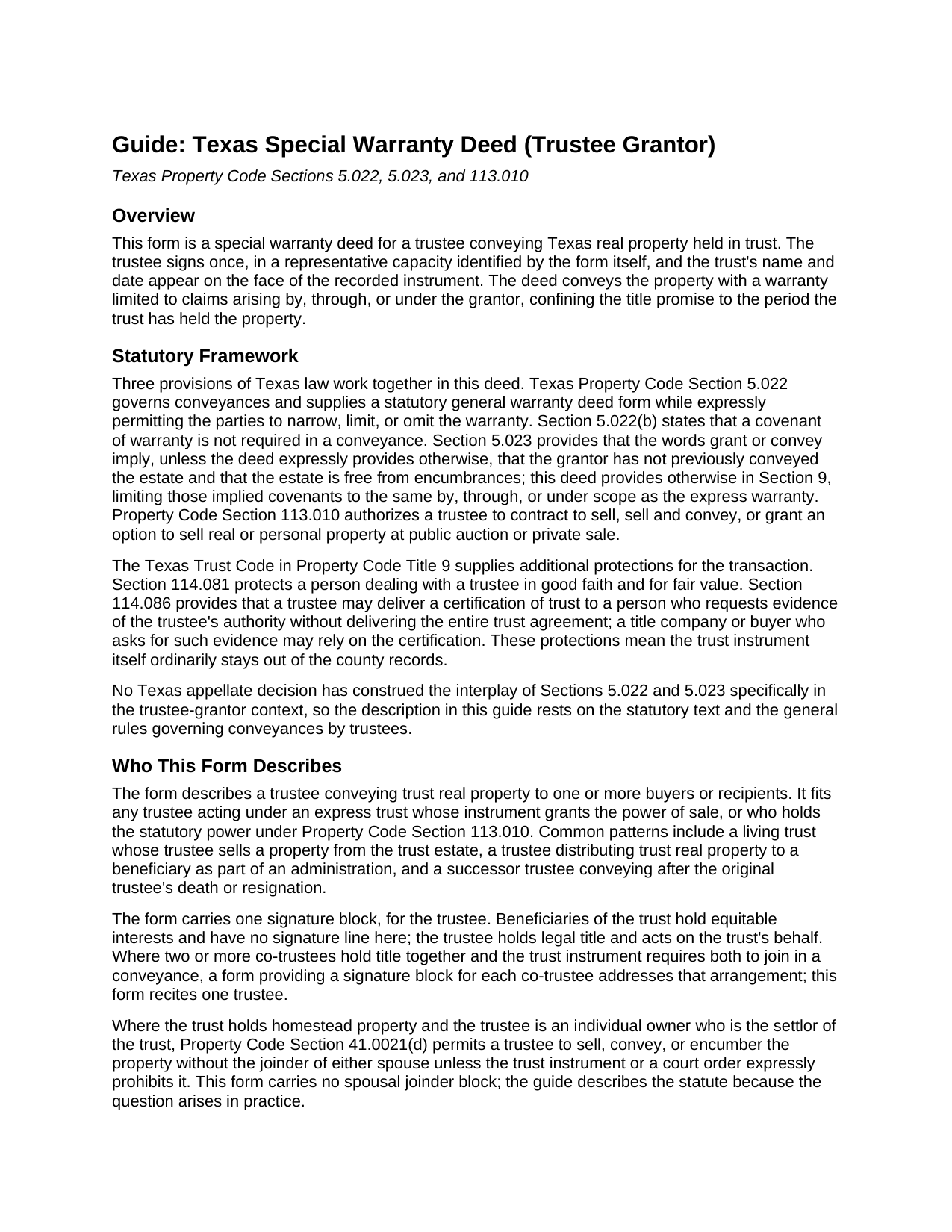
Falls County Special Warranty Deed (Trustee Grantor) Guide
Line by line guide explaining every blank on the Special Warranty Deed (Trustee Grantor) form.
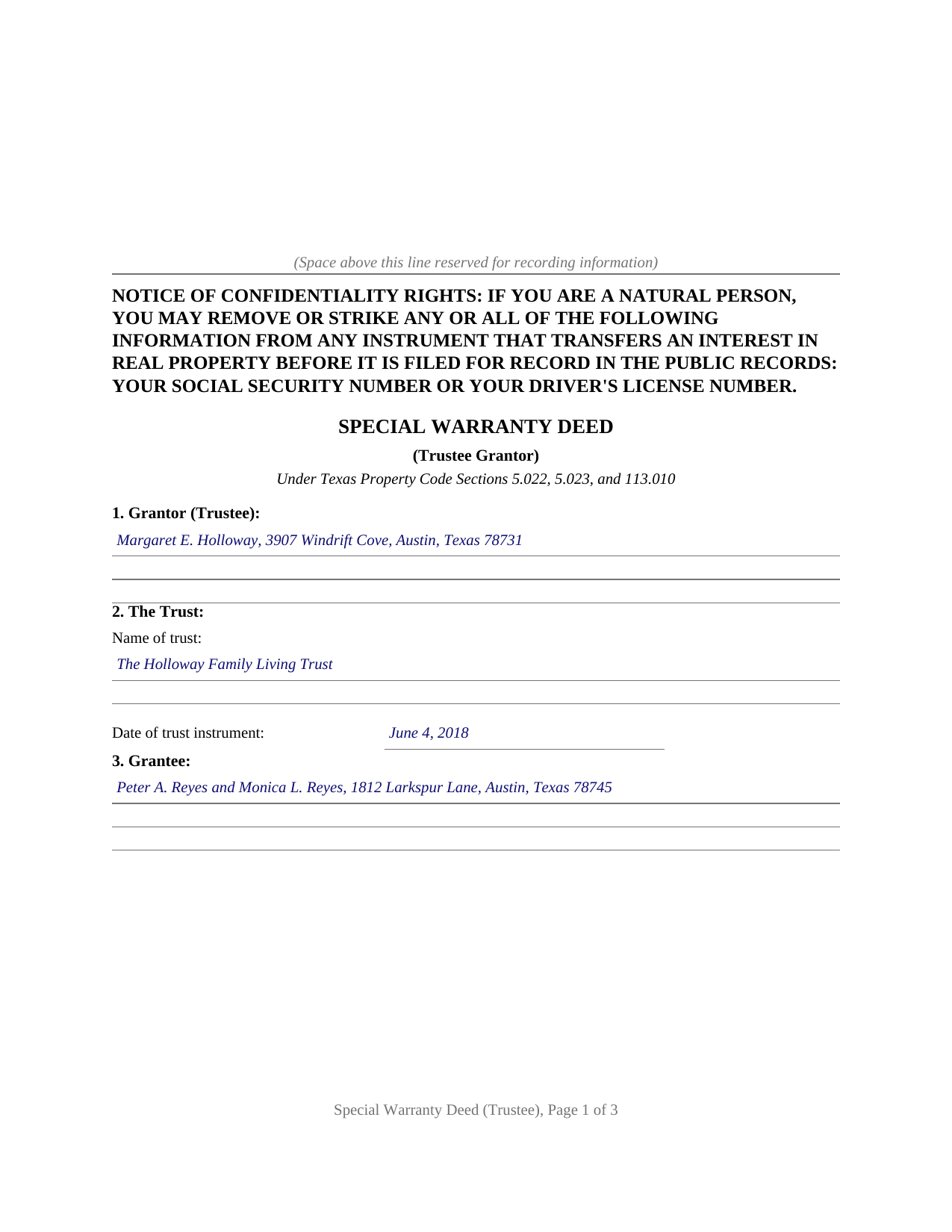
Falls County Completed Example of the Special Warranty Deed (Trustee Grantor) Document
Example of a properly completed Texas Special Warranty Deed (Trustee Grantor) document for reference.
All 3 documents above included • One-time purchase • No recurring fees
Immediate Download • Secure Checkout
Additional Texas and Falls County documents included at no extra charge:
Where to Record Your Documents
Falls County Clerk
Marlin, Texas 76661
Hours: 7:30-12:00 & 1:00-4:30 Mon thru Fri
Phone: (254) 883-1408
Recording Tips for Falls County:
- Bring your driver's license or state-issued photo ID
- Ensure all signatures are in blue or black ink
- Avoid the last business day of the month when possible
- Both spouses typically need to sign if property is jointly owned
- Bring extra funds - fees can vary by document type and page count
Cities and Jurisdictions in Falls County
Properties in any of these areas use Falls County forms:
- Chilton
- Lott
- Marlin
- Reagan
- Rosebud
- Satin
Hours, fees, requirements, and more for Falls County
How do I get my forms?
Forms are available for immediate download after payment. The Falls County forms will be in your account ready to download to your computer. An account is created for you during checkout if you don't have one. Forms are NOT emailed.
Are these forms guaranteed to be recordable in Falls County?
Yes. Our form blanks are guaranteed to meet or exceed the applicable formatting requirements used for recording in Falls County, including margin requirements, font requirements, and other layout standards. This guarantee applies to formatting, not to the legal sufficiency of information entered by the user or the suitability of a form for a particular transaction.
Can I reuse these forms?
Yes. You can reuse the forms for your personal use. For example, if you have multiple properties in Falls County you only need to order once.
What do I need to use these forms?
The forms are PDFs that you fill out on your computer. The free Adobe Acrobat Reader is recommended, and most PDF apps also work. You do NOT enter your property information online - you download the blank forms and complete them privately on your own computer.
Are there any recurring fees?
No. This is a one-time purchase. Nothing to cancel, no memberships, no recurring fees.
How much does it cost to record in Falls County?
Recording fees in Falls County vary. Contact the recorder's office at (254) 883-1408 for current fees.
Questions answered? Let's get started!
A deed out of a Texas trust is signed by a grantor acting in a capacity: the trustee, who holds legal title to the trust's real property and conveys it under the Texas Trust Code. This special warranty deed prepares that conveyance, with the trustee identified in a representative capacity, the trust named and dated on the face of the deed, and a warranty calibrated to the period the trustee can answer for.
A warranty measured by the trust's own ownership
The deed conveys with the statutory words grants, sells, and conveys from Property Code Section 5.022, then binds the grantor to warrant and defend title only against claims arising by, through, or under the grantor, but not otherwise. Defects that predate the trust's ownership fall outside the warranty and are left to the state of the record and to title insurance, while anything arising during the trustee's ownership, a lien granted by the trustee or a second conveyance of the same land, stays covered. Because the deed conveys the property itself rather than releasing bare right, title, and interest, it operates as a true conveyance under the Texas Supreme Court's characterization cases, not a quitclaim.
Authority recited, trust kept private
The operative section recites the trustee's power of sale under the trust instrument and Property Code Section 113.010, which authorizes a trustee to sell and convey real property at public auction or private sale. The trust agreement itself never enters the county records: the deed names the trust and its date, and Texas supplies the certification of trust under Section 114.086 for a title company or purchaser who asks for evidence of the trustee's powers. The Trust Code rounds out the picture on the other side of the closing table: Section 114.081 protects a person dealing with a trustee in good faith and for fair value, and the covenants in this deed bind the trust estate rather than the trustee personally.
One trustee, signing alone
The form carries one signature block and one notary certificate, completed in representative capacity style: the trustee's name followed by the trust, on behalf of the trust. Beneficiaries hold equitable interests and have no signature line. For homestead property held in a qualifying trust under Property Code Section 41.0021, the spousal joinder question was addressed when the property entered the trust; the statute permits the trustee to convey without the joinder of either spouse unless the trust instrument expressly prohibits it, and the guide walks through that provision.
What arrives in the package
The download includes the blank deed as a fillable PDF formatted for Texas recording standards, with the confidentiality notice required by Property Code Section 11.008 at the top of the first page and space reserved for the clerk's stamp; a completed example showing a trustee conveyance from a living trust filled in start to finish; and a plain language guide covering every numbered section, the signing formalities, and recording with the county clerk of the county where the property is located. The materials are informational and are not legal advice; a Texas attorney can apply these statutes to a particular trust and title.
Important: Your property must be located in Falls County to use these forms. Documents should be recorded at the county recording office listed above.
This Special Warranty Deed (Trustee Grantor) meets all recording requirements specific to Falls County.
Our Promise
The documents you receive here are guaranteed to meet or exceed the applicable Falls County recording format requirements. If there is a rejection caused by our formatting, we will correct the issue or refund your payment. This guarantee applies to document formatting only and does not extend to information entered by the user, the selection of the form, or the legal effect of the completed document.
Save Time and Money
Get your Falls County Special Warranty Deed (Trustee Grantor) form done right the first time with Deeds.com Uniform Conveyancing Blanks. At Deeds.com, we understand that your time and money are valuable resources, and we don't want you to face a penalty fee or rejection imposed by a county recorder for submitting nonstandard documents. We constantly review and update our forms to meet rapidly changing state and county recording requirements for roughly 3,500 counties and local jurisdictions.
4.8 out of 5 - ( 4,836 Reviews )
Deidre E. 5 out of 5 stars
Best thing since sliced bread. Do your homework. Find the documents with Deeds.com and bypass expensive and unnecessary lawyers fees.
We deeply appreciate the trust you have placed in our services. Thank you for your valuable feedback and for choosing us.
James R. 5 out of 5 stars
Really Easy site to navigate!
Thank you James, have a great day!
Marc Z. 5 out of 5 stars
Thank you for having an easy to navigate website with updated documents! Had everything I needed, took care of business and on to the next transaction.- Aloha
Thank you Marc. Have a fantastic day!
Frank G B. 5 out of 5 stars
site is very helpful and easy to use.
We appreciate your business and value your feedback. Thank you. Have a wonderful day!
Lisa M. 5 out of 5 stars
This is super convenient however, I wish I knew which forms I needed for my Affidavit Death of Joint Tenant situation. That would help. Thank you
Thank you for your feedback. We really appreciate it. Have a great day!
Robert H. 5 out of 5 stars
I am very pleased with your service.
Thank you!
Joseph H. 5 out of 5 stars
Form needed was accessed easily and printed for use
We appreciate your business and value your feedback. Thank you. Have a wonderful day!
Michael W. 5 out of 5 stars
Wonderful service.
Thank you!
Ginger M. 5 out of 5 stars
Deeds.com shares alot of useful information for home owners home buyers and investors i give it a thumbs up
We appreciate your business and value your feedback. Thank you. Have a wonderful day!
Sara R. 5 out of 5 stars
The deed is presently at the auditors office and will be recorded after approval from zoning board. As far as I know, everything is going along well. A self addressed envelope was left at recorder's office for return after recording is complete.
Thank you!
Deb D. 5 out of 5 stars
Excellent website - easy to use, and found exactly the form I needed right away. Highly recommend.
Thank you for your feedback. We really appreciate it. Have a great day!
Rebecca V. 5 out of 5 stars
The staff is Great to work with, Thank You
Thank you!
Karin G. 5 out of 5 stars
All went well. Forms easy to download and instructions were super. Very pleased with the service.
Thank you!
Ted D. 5 out of 5 stars
Very good/user friendly
Thank you!
OLGA R. 5 out of 5 stars
Excellent Service for E-Recording. They work with you and guide you on every aspect.
We appreciate your business and value your feedback. Thank you. Have a wonderful day!