Hutchinson County Special Warranty Deed (with Owelty Lien) Form
Last validated September 29, 2026 by our Forms Development TeamFormatted for recording in Hutchinson County, for property anywhere in the county: rural and unincorporated areas as well as Borger, Fritch, Sanford, Stinnett.
- 3 documents included
- Immediate PDF download
- Formatting guarantee
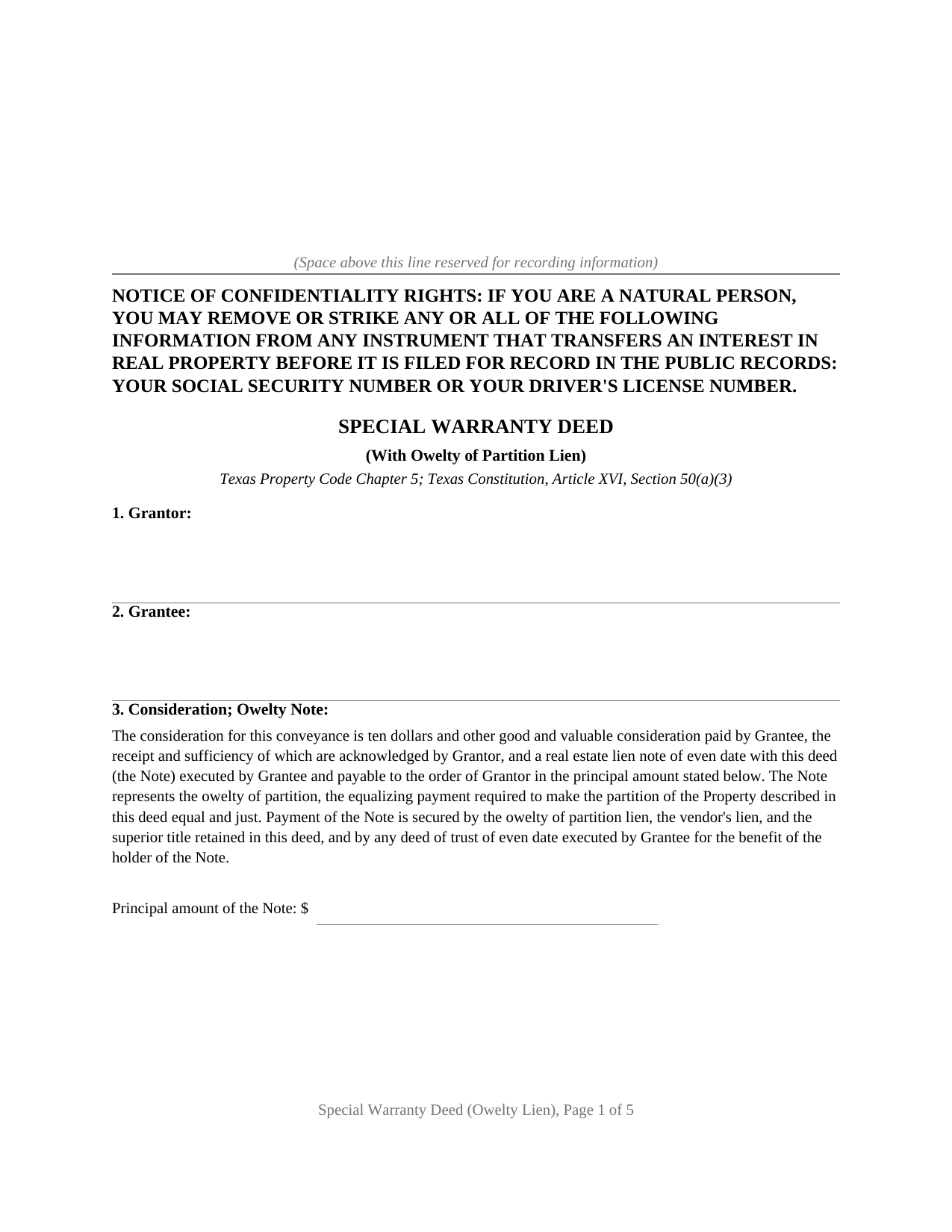
Hutchinson County Special Warranty Deed (with Owelty Lien) Form
Fill in the blank Special Warranty Deed (with Owelty Lien) form formatted to comply with all Texas recording and content requirements.
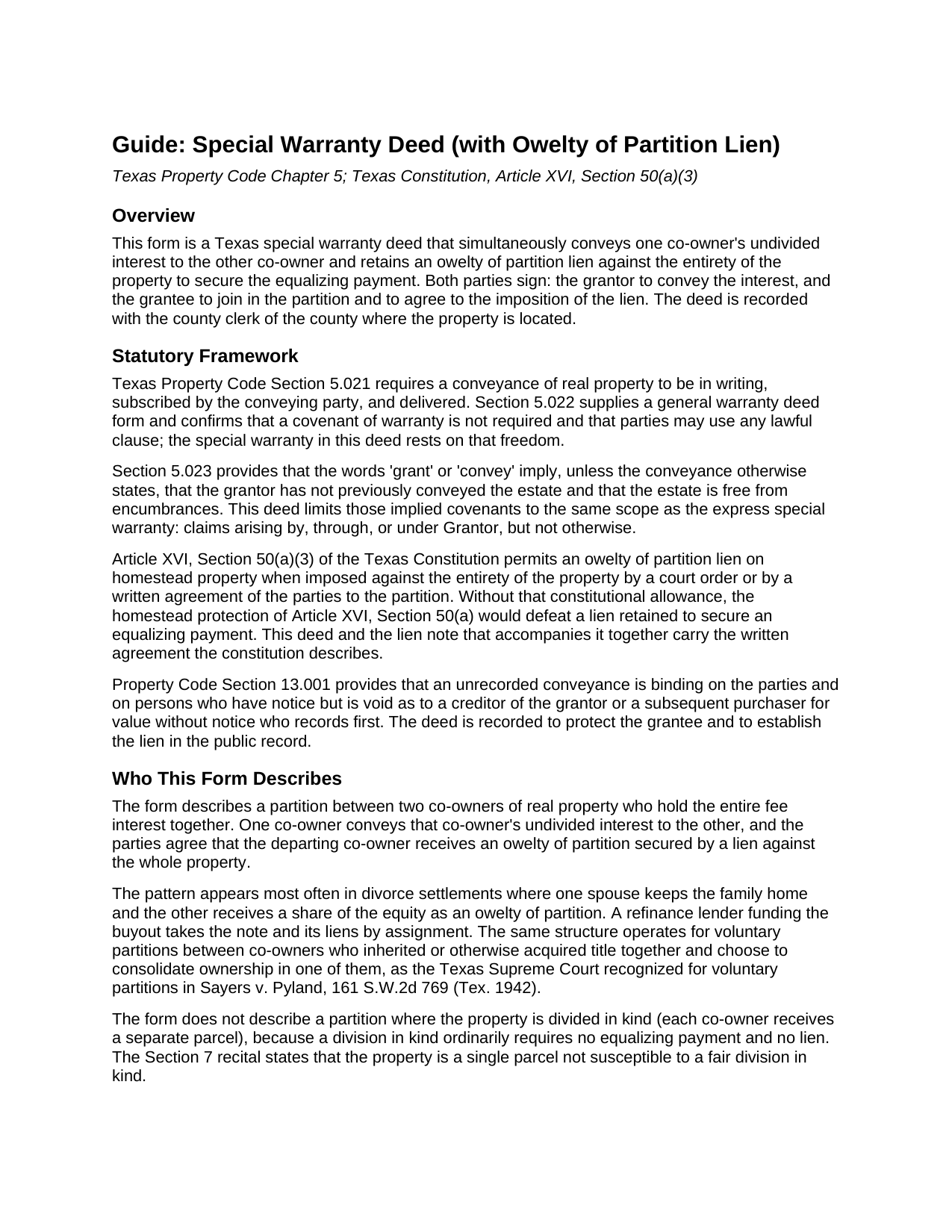
Hutchinson County Special Warranty Deed (with Owelty Lien) Guide
Line by line guide explaining every blank on the Special Warranty Deed (with Owelty Lien) form.
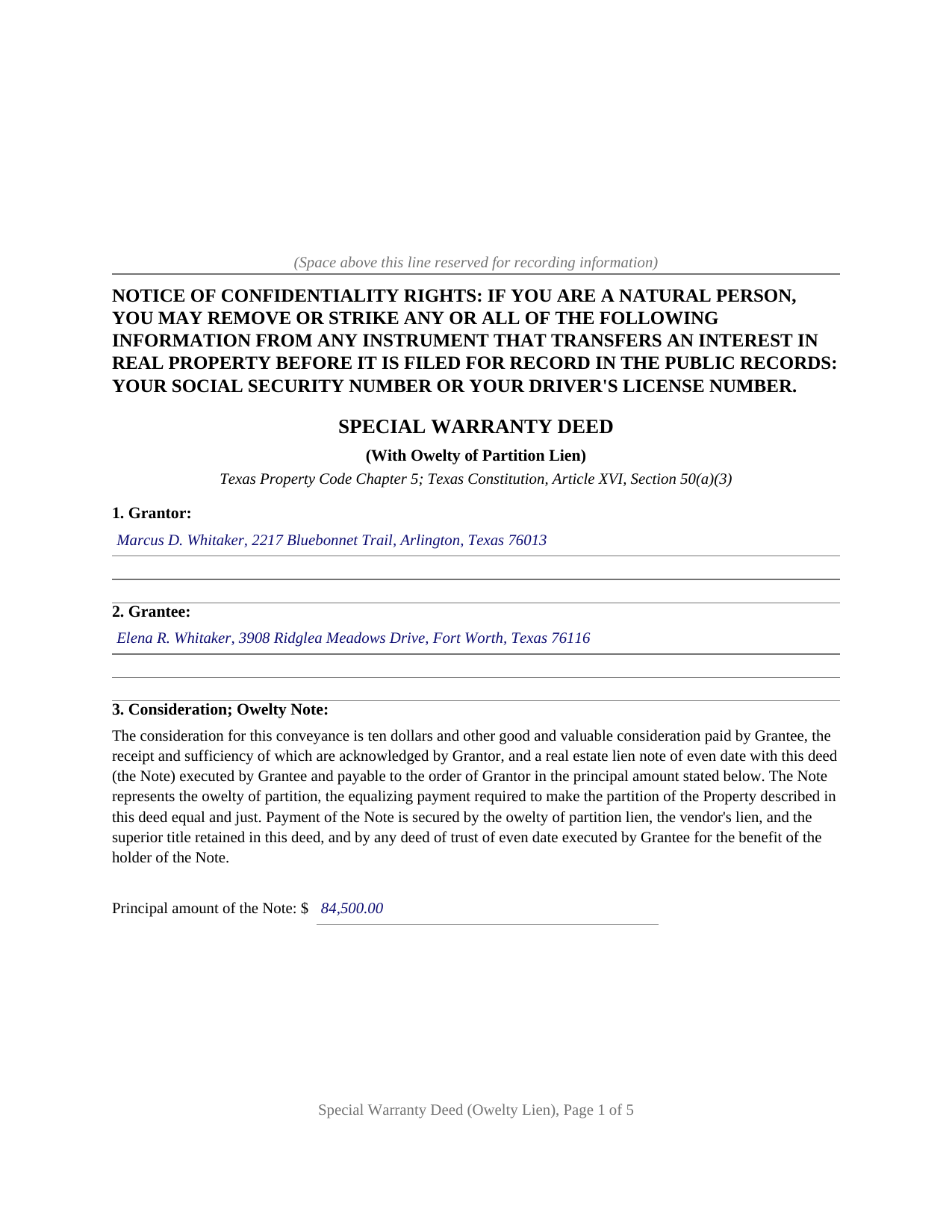
Hutchinson County Completed Example of the Special Warranty Deed (with Owelty Lien) Document
Example of a properly completed Texas Special Warranty Deed (with Owelty Lien) document for reference.
All 3 documents above included • One-time purchase • No recurring fees
Immediate Download • Secure Checkout
Additional Texas and Hutchinson County documents included at no extra charge:
Where to Record Your Documents
Hutchinson County Clerk
Stinnett, Texas 79083
Hours: Monday - Thursday 8:00am - 6:00pm
Phone: (806) 878-4002 or 4003
Recording Tips for Hutchinson County:
- Bring your driver's license or state-issued photo ID
- Ensure all signatures are in blue or black ink
- Recorded documents become public record - avoid including SSNs
- Recording fees may differ from what's posted online - verify current rates
- Request a receipt showing your recording numbers
Cities and Jurisdictions in Hutchinson County
Properties in any of these areas use Hutchinson County forms:
- Borger
- Fritch
- Sanford
- Stinnett
Hours, fees, requirements, and more for Hutchinson County
How do I get my forms?
Forms are available for immediate download after payment. The Hutchinson County forms will be in your account ready to download to your computer. An account is created for you during checkout if you don't have one. Forms are NOT emailed.
Are these forms guaranteed to be recordable in Hutchinson County?
Yes. Our form blanks are guaranteed to meet or exceed the applicable formatting requirements used for recording in Hutchinson County, including margin requirements, font requirements, and other layout standards. This guarantee applies to formatting, not to the legal sufficiency of information entered by the user or the suitability of a form for a particular transaction.
Can I reuse these forms?
Yes. You can reuse the forms for your personal use. For example, if you have multiple properties in Hutchinson County you only need to order once.
What do I need to use these forms?
The forms are PDFs that you fill out on your computer. The free Adobe Acrobat Reader is recommended, and most PDF apps also work. You do NOT enter your property information online - you download the blank forms and complete them privately on your own computer.
Are there any recurring fees?
No. This is a one-time purchase. Nothing to cancel, no memberships, no recurring fees.
How much does it cost to record in Hutchinson County?
Recording fees in Hutchinson County vary. Contact the recorder's office at (806) 878-4002 or 4003 for current fees.
Questions answered? Let's get started!
Texas homestead law defeats nearly every lien a creditor can record. Article XVI, Section 50(a)(3) of the Texas Constitution names one of the few exceptions: an owelty of partition imposed against the entirety of the property by a court order or by a written agreement of the parties to the partition, including the debt one spouse owes the other after a divorce court awards the family home. This form prepares the Texas instrument built around that exception, a special warranty deed that conveys a co-owner's interest and retains an owelty of partition lien securing the buyout.
One deed, two jobs
The deed does two things in a single recorded instrument. First it conveys: the departing co-owner grants, sells, and conveys that owner's undivided interest to the co-owner keeping the property, with a special warranty covering claims that arise by, through, or under the grantor, but not otherwise. Then it secures: an owelty of partition lien is imposed and retained against the entirety of the property, together with a vendor's lien and superior title, until the note for the equalizing payment is fully paid, at which point the deed becomes absolute. Because the lien reaches the whole property rather than only the interest conveyed, it holds even where the property is the remaining owner's homestead, standing on the constitutional exception rather than on ordinary contract lien law.
Divorce buyouts and other partitions
The most familiar setting is a Texas divorce in which one spouse keeps the house and the other receives a share of the equity. The decree orders a partition with an owelty award; this deed, a real estate lien note, and a deed of trust to secure owelty of partition then carry the award into the county records, where a refinance lender can fund the buyout and take the note and its liens by assignment. The Supreme Court of Texas recognized the same device for voluntary partitions in Sayers v. Pyland (1942), so the same structure operates for inherited co-owners and other cotenants who divide by written agreement.
Why both parties sign
The grantor signs to convey. The grantee signs to join in the partition, because the constitution permits the owelty lien against a homestead when a court order or a written agreement of the parties imposes it, and the deed recites that the parties sign it as that written agreement. The form carries a separate acknowledgment certificate for each signer, so the two can appear before different notaries on different dates.
Prepared for the recording counter
The deed carries the confidentiality notice Property Code Section 11.008 places at the top of the first page, letter size pages within the county formatting standards, and reserved space for the clerk's recording stamp. It records with the county clerk of the county where the property is located. The package includes the blank deed as a fillable PDF, a completed example documenting a Fort Worth divorce buyout from decree to notary blocks, and a plain language guide that walks through every numbered section and the recording steps. The materials are informational and are not legal advice.
Important: Your property must be located in Hutchinson County to use these forms. Documents should be recorded at the county recording office listed above.
This Special Warranty Deed (with Owelty Lien) meets all recording requirements specific to Hutchinson County.
Our Promise
The documents you receive here are guaranteed to meet or exceed the applicable Hutchinson County recording format requirements. If there is a rejection caused by our formatting, we will correct the issue or refund your payment. This guarantee applies to document formatting only and does not extend to information entered by the user, the selection of the form, or the legal effect of the completed document.
Save Time and Money
Get your Hutchinson County Special Warranty Deed (with Owelty Lien) form done right the first time with Deeds.com Uniform Conveyancing Blanks. At Deeds.com, we understand that your time and money are valuable resources, and we don't want you to face a penalty fee or rejection imposed by a county recorder for submitting nonstandard documents. We constantly review and update our forms to meet rapidly changing state and county recording requirements for roughly 3,500 counties and local jurisdictions.
4.8 out of 5 - ( 4,836 Reviews )
Laurie R. 5 out of 5 stars
FIVE STARS !!! Clear instructions Easy to navigate Thanks for making this easy for those of us who are not tech savvy
We appreciate your business and value your feedback. Thank you. Have a wonderful day!
Thomas C. 5 out of 5 stars
I got the right form but I waited too long to use it and Oregon changed the formatting. I should have checked and made sure the form was still good. Deeds responded quickly.
Thank you!
Jayne S. 5 out of 5 stars
Very prompt and excellent service!
Thank you for your feedback. We really appreciate it. Have a great day!
Raymond C. 5 out of 5 stars
Very convenient
We appreciate your business and value your feedback. Thank you. Have a wonderful day!
John L. 5 out of 5 stars
First time user but very pleased with user friendly service and reasonable cost.
Thank you!
Robyn R. 5 out of 5 stars
Deeds.com was so simple and easy to use! My local recorders office is closed due to COVID-19 and their recording said to use Deeds.com. I thought it was going to either be very complicated or very expensive and it was neither!!! The site walked me through step by step and the price of their service was very fair and affordable. They were very timely and efficient and my documents were recorded almost immediately! Thank you Deeds.com!!!
Thank you Robyn, glad we could help.
Rhonda H. 5 out of 5 stars
Love the names on the example! thanks for the smiles!
Thank you for your feedback. We really appreciate it. Have a great day!
Joe H. 5 out of 5 stars
Very pleased with the service provided. Will use again if the need arises. Thank you
We appreciate your business and value your feedback. Thank you. Have a wonderful day!
Josephine A. 5 out of 5 stars
Being a first timer, I was hesitant at first to use the service. I was genuinely surprised at how easy it is to set up an account, upload my document, and pay the invoice. The next day I downloaded my document duly recorded. Good work, guys!
Thank you for your feedback. We really appreciate it. Have a great day!
Thomas D. 2 out of 5 stars
The documents themselves are fine and the information provided with them is helpful. I find the actual processing of the documents, however, to be difficult particularly once the document has been saved. First, I note that the box for the date only allows entry of the last 2 digits of the year. Unfortunately, my download only allows me to enter one of the 2 digits required. When I delete it repeatedly, it eventually allows both digits to be entered but puts them in extremely small text and in superscrypt. I have not found a solution to this problem and am not sure the deed can even be recorded with this problem. Another problem is that if you try to revise the document after you have saved it the curser goes to the end of the line after each key entry. This means that there basically is no way to efficiently save the document for reworking later since you will have to delete everything you have entered in the text box unless you only need to make a single keystroke change or are willing to replace the curser after each entry. Try that with a long property description! Please note that I am using a Mac to prepare my documents and perhaps this is part of an "incompatibility problem". However, I didn't see a disclaimer regarding Mac use and so would expect the documents to perform correctly. Overall, I give the program a "2 star" rating because I am experiencing significant difficulties in entering dates in the documents even before saving them and because saving your work for later revision appears to be basically unworkable.
Thank you for your feedback Thomas, we appreciate you being specific about the issues you encountered. Adobe and Mac have a fairly long history of issues working together.
sandra f. 5 out of 5 stars
excellent transaction...very informative prior to purchase..
We appreciate your business and value your feedback. Thank you. Have a wonderful day!
Judith C. 5 out of 5 stars
very happy so far. Haven't gone to record deeds yet so am in good hopes everything will be in good order. Time saver!!!
Thank you!
Bobbie N. 5 out of 5 stars
Thank you so much for making the site so easy to use.
Thank you for your feedback. We really appreciate it. Have a great day!
linda l. 4 out of 5 stars
I was very impressed with the Mineral Deed form, especially with the instructions to fill it out AND a copy of a completed for to compare against. This definitely saved me money for an attorney. The one thing I don't understand, though, is why I could not save the completed Deed to my hard drive. I did have to change a few things after the fact and I had to re-type the entire page to make the corrections. If not for this, I would definitely rate the forms and instructions as a 5 star.
Thank you for your feedback. We really appreciate it. Have a great day!
DELORES D. 5 out of 5 stars
SO EASY. love that there is an example to follow and instructions.
Thank you!