Falls County Trustees Deed (Corporate Trustee) Form
Last validated November 3, 2026 by our Forms Development TeamFormatted for recording in Falls County, for property anywhere in the county: rural and unincorporated areas as well as Chilton, Lott, Marlin, Reagan, Rosebud, Satin.
- 3 documents included
- Immediate PDF download
- Formatting guarantee
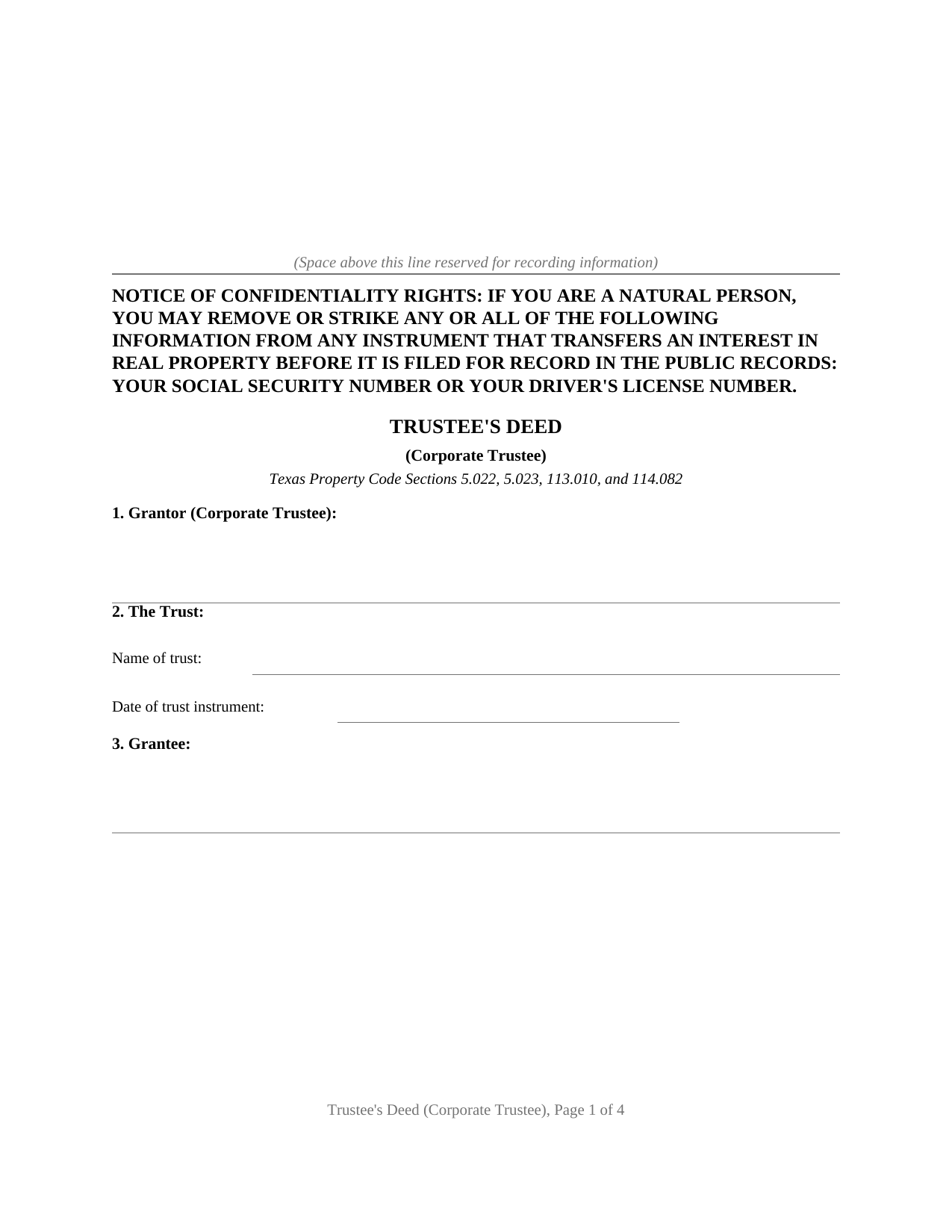
Falls County Trustees Deed (Corporate Trustee) Form
Fill in the blank Trustees Deed (Corporate Trustee) form formatted to comply with all Texas recording and content requirements.
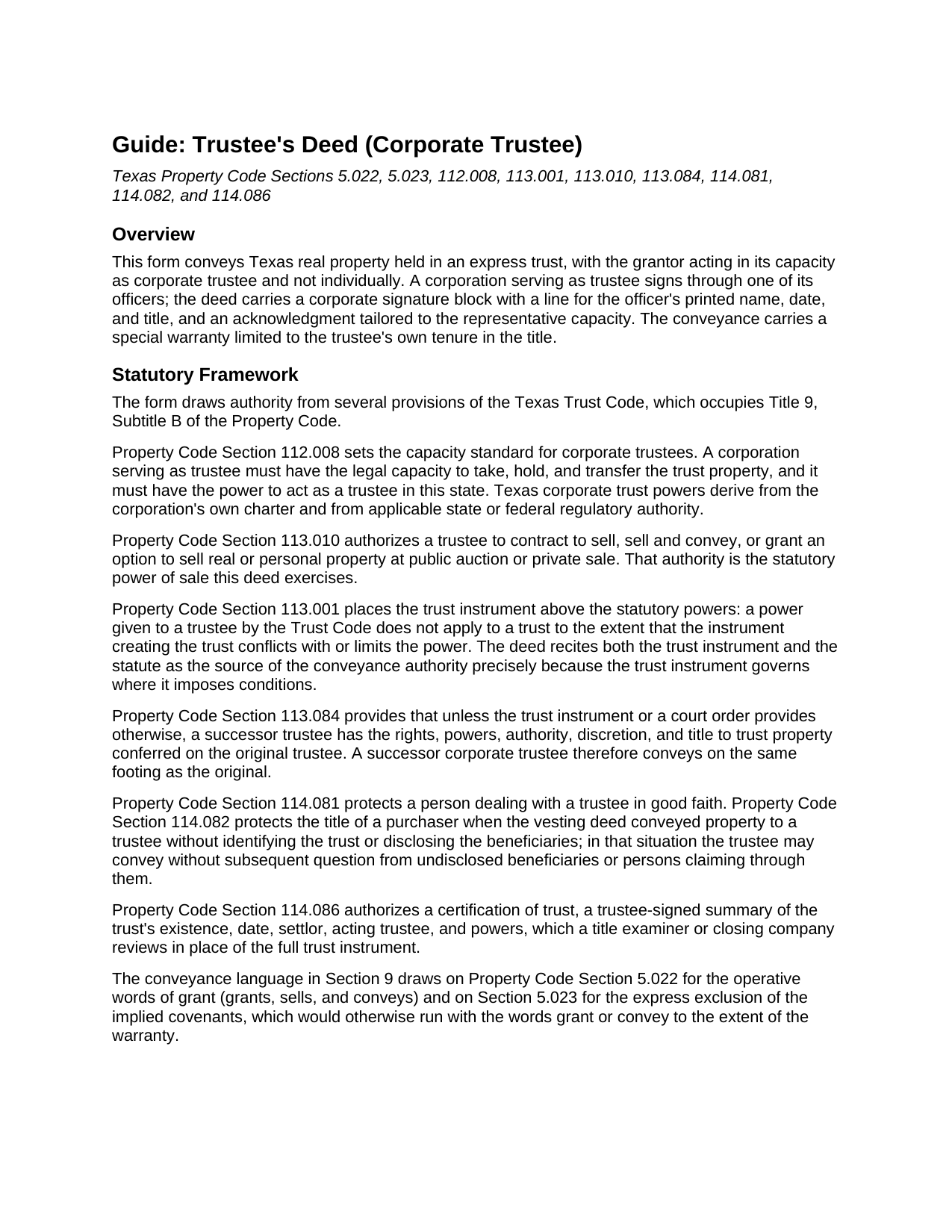
Falls County Trustees Deed (Corporate Trustee) Guide
Line by line guide explaining every blank on the Trustees Deed (Corporate Trustee) form.
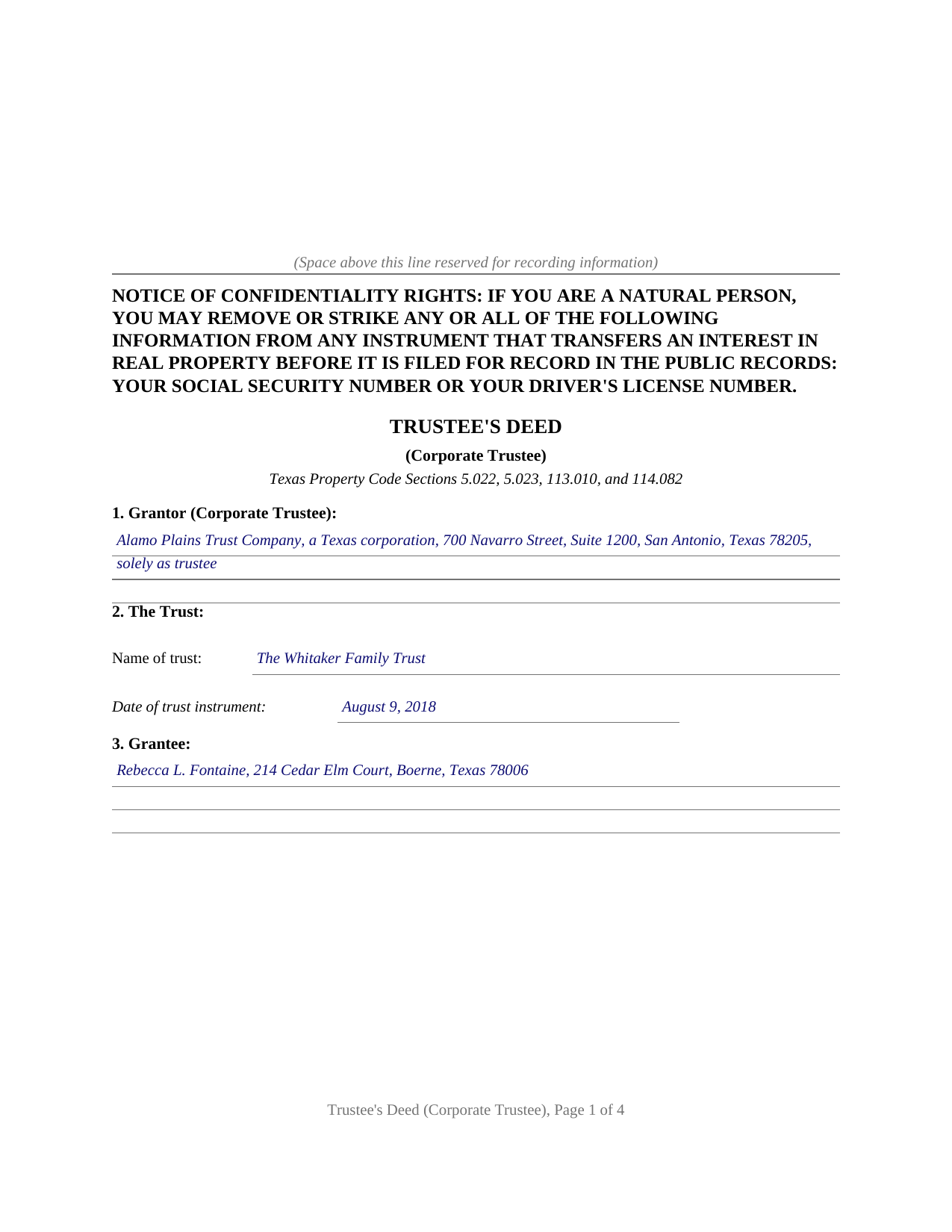
Falls County Completed Example of the Trustees Deed (Corporate Trustee) Document
Example of a properly completed Texas Trustees Deed (Corporate Trustee) document for reference.
All 3 documents above included • One-time purchase • No recurring fees
Immediate Download • Secure Checkout
Additional Texas and Falls County documents included at no extra charge:
Where to Record Your Documents
Falls County Clerk
Marlin, Texas 76661
Hours: 7:30-12:00 & 1:00-4:30 Mon thru Fri
Phone: (254) 883-1408
Recording Tips for Falls County:
- Bring your driver's license or state-issued photo ID
- Ensure all signatures are in blue or black ink
- Bring extra funds - fees can vary by document type and page count
- Check margin requirements - usually 1-2 inches at top
- Leave recording info boxes blank - the office fills these
Cities and Jurisdictions in Falls County
Properties in any of these areas use Falls County forms:
- Chilton
- Lott
- Marlin
- Reagan
- Rosebud
- Satin
Hours, fees, requirements, and more for Falls County
How do I get my forms?
Forms are available for immediate download after payment. The Falls County forms will be in your account ready to download to your computer. An account is created for you during checkout if you don't have one. Forms are NOT emailed.
Are these forms guaranteed to be recordable in Falls County?
Yes. Our form blanks are guaranteed to meet or exceed the applicable formatting requirements used for recording in Falls County, including margin requirements, font requirements, and other layout standards. This guarantee applies to formatting, not to the legal sufficiency of information entered by the user or the suitability of a form for a particular transaction.
Can I reuse these forms?
Yes. You can reuse the forms for your personal use. For example, if you have multiple properties in Falls County you only need to order once.
What do I need to use these forms?
The forms are PDFs that you fill out on your computer. The free Adobe Acrobat Reader is recommended, and most PDF apps also work. You do NOT enter your property information online - you download the blank forms and complete them privately on your own computer.
Are there any recurring fees?
No. This is a one-time purchase. Nothing to cancel, no memberships, no recurring fees.
How much does it cost to record in Falls County?
Recording fees in Falls County vary. Contact the recorder's office at (254) 883-1408 for current fees.
Questions answered? Let's get started!
When Texas real estate leaves a trust, the deed comes from the trustee, because legal title to trust property stands in the trustee rather than in the trust itself. This trustee's deed is drafted for a corporate trustee: a trust company, bank, or other corporation with the power to act as a trustee in Texas under Property Code Section 112.008, conveying trust real property to a purchaser or distributing it to a beneficiary through the signature of one of its officers.
A conveyance built on the power of sale
A Texas trustee sells real property under Property Code Section 113.010, which authorizes a trustee to contract to sell, sell and convey, or grant an option to sell, at public auction or private sale. That statutory power always operates subject to Section 113.001, under which the trust instrument controls where it limits or conditions a power, so the deed opens by reciting the capacity in which the corporation acts, identifying the trust by name and date, and stating that the conveyance exercises the power of sale in the trust instrument or the statute. A successor corporate trustee conveys on the same footing: Section 113.084 confers on a successor the title and powers of the original trustee.
A warranty scoped to the fiduciary capacity
The deed conveys the property itself with the words grants, sells, and conveys, the drafting that keeps a Texas instrument on the conveyance side of the line the Texas Supreme Court drew between deeds and quitclaims. Its warranty is special: the trust estate stands behind claims arising by, through, or under the grantor in the trustee capacity, but not otherwise, and an express provision under Property Code Section 5.023 holds the covenants implied from words of grant to that same scope. The result is the warranty posture Texas fiduciary practice expects, in which no covenant in the deed becomes an obligation of the corporation's own assets.
What reaches the county records
The trust agreement itself stays private. The recorded picture is the deed into the trustee, this deed out, and, where the transaction uses one, a certification of trust under Property Code Section 114.086, the signed summary of the trust's existence, date, settlor, acting trustee, and powers that a title examiner reviews in place of the full agreement. The Trust Code backs that structure with protections for the other side of the transaction: a person dealing with a trustee in good faith and for fair value is protected under Section 114.081, and Section 114.082 lets a trustee convey without subsequent question from undisclosed beneficiaries where the vesting deed never identified the trust. The completed deed is recorded with the county clerk of the county where the property is located and carries the confidentiality notice of Property Code Section 11.008 at the top of its first page.
Inside the package
The download prepares one recordable instrument: a fillable PDF deed with a corporate signature block and a representative acknowledgment matching the short form of Civil Practice and Remedies Code Section 121.008, a completed example showing the deed filled in for a realistic Bexar County fact pattern, and a plain language guide that walks through every numbered section, from the capacity recital to the recording steps. The materials are informational and are not legal advice; a Texas attorney can apply these statutes to a specific trust or transaction.
Important: Your property must be located in Falls County to use these forms. Documents should be recorded at the county recording office listed above.
This Trustees Deed (Corporate Trustee) meets all recording requirements specific to Falls County.
Our Promise
The documents you receive here are guaranteed to meet or exceed the applicable Falls County recording format requirements. If there is a rejection caused by our formatting, we will correct the issue or refund your payment. This guarantee applies to document formatting only and does not extend to information entered by the user, the selection of the form, or the legal effect of the completed document.
Save Time and Money
Get your Falls County Trustees Deed (Corporate Trustee) form done right the first time with Deeds.com Uniform Conveyancing Blanks. At Deeds.com, we understand that your time and money are valuable resources, and we don't want you to face a penalty fee or rejection imposed by a county recorder for submitting nonstandard documents. We constantly review and update our forms to meet rapidly changing state and county recording requirements for roughly 3,500 counties and local jurisdictions.
4.8 out of 5 - ( 4,864 Reviews )
Edward O. 5 out of 5 stars
east too do.. hope it works thanks
Thank you!
Gina B. 5 out of 5 stars
Super easy to use! Thanks!
We appreciate your business and value your feedback. Thank you. Have a wonderful day!
ROSA C. 5 out of 5 stars
Very happy with the service. Easy to use.
Thank you for your feedback. We really appreciate it. Have a great day!
Sean M. 5 out of 5 stars
This was exactly what I needed. For $25-$30 it gave me the formatted document I needed and made it so easy to input the info. I wouldn't recommend it to someone who has no clue what they're doing, but for somebody who knows all the info and just needs a formatted page to input it onto, this is perfect.
We appreciate your business and value your feedback. Thank you. Have a wonderful day!
wendell s. 5 out of 5 stars
The forms were everything promised. The guide was very helpful and made the process painless.
We appreciate your business and value your feedback. Thank you. Have a wonderful day!
luisana w. 5 out of 5 stars
Super easy, excellente
Thank you!
Ted D. 5 out of 5 stars
Very good/user friendly
Thank you!
Bobette B. 5 out of 5 stars
Worked well with clear guide!
Thank you!
LAWRENCE P. 4 out of 5 stars
How about a single button zip download of the files displayed instead of downloading them one at a time?
Thank you for your feedback. We really appreciate it. Have a great day!
Phillip S. 4 out of 5 stars
I used the Oklahoma Gift Deed transferring property intra-family, and found it easy to complete. I could not find an Oklahoma Affidavit for the new law re citizenship verification, 60 O.S. Sec 121 and found it at another site that was not a fill in online. Oh well. Site was easy to navigate.
We are motivated by your feedback to continue delivering excellence. Thank you!
Nola B. 4 out of 5 stars
I like the form except the title should be ENHANCED LIFE ESTATE DEED and not Quit Claim Deed
Thank you for your feedback. We really appreciate it. Have a great day!
Darrell S. 5 out of 5 stars
Easy to follow forms, and the attached go-by and instructions made it easy to complete.
We appreciate your business and value your feedback. Thank you. Have a wonderful day!
Alex J. 5 out of 5 stars
Very simple to use. I am a private homeowner with no experience in such things and it was very easy to do which was quite a relief. Thank you.
We appreciate your business and value your feedback. Thank you. Have a wonderful day!
Kay Y. 5 out of 5 stars
Fast and easy service.
Your words of encouragement and feedback are greatly appreciated. They motivate us to maintain high standards in our service.
Susan B. 4 out of 5 stars
I guess I got what I paid for. The site said I would be able to download blank PDF forms that I could fill out on my computer. I expected fillable forms, like I download for taxes. Instead the forms I got could only be completed by using Adobe Sign and Fill tools. These are much harder to use than fillable forms.
Thank you for your feedback. We really appreciate it. Have a great day!